
 View on Asset Store (opens in new tab)
Package details
- Latest version
- 1.2.0
- Last updated
- First released
- Unity version
- 6000.3.10 or later
- Package size
- 59.2 MB
- Files
- 1,024
- Favorites
- 6
- Views in the past week
- 58
Price tracking
- Last checked
- Tracked since
- Lowest recorded
- $49.99 on
Keywords

Gameplay Ability Toolkit
- Price drop
A data-driven ability system for Unity. Abilities, effects, attributes and tags as reusable assets, plus a montage editor, targeting, combat UI and optional Netcode for GameObjects.
Lowest recorded price
Get 50% off on Asset Store (opens in new tab)Affiliate link · Purchases support this site
Price history
Last 6 months
USDAsset preview
1 / 6
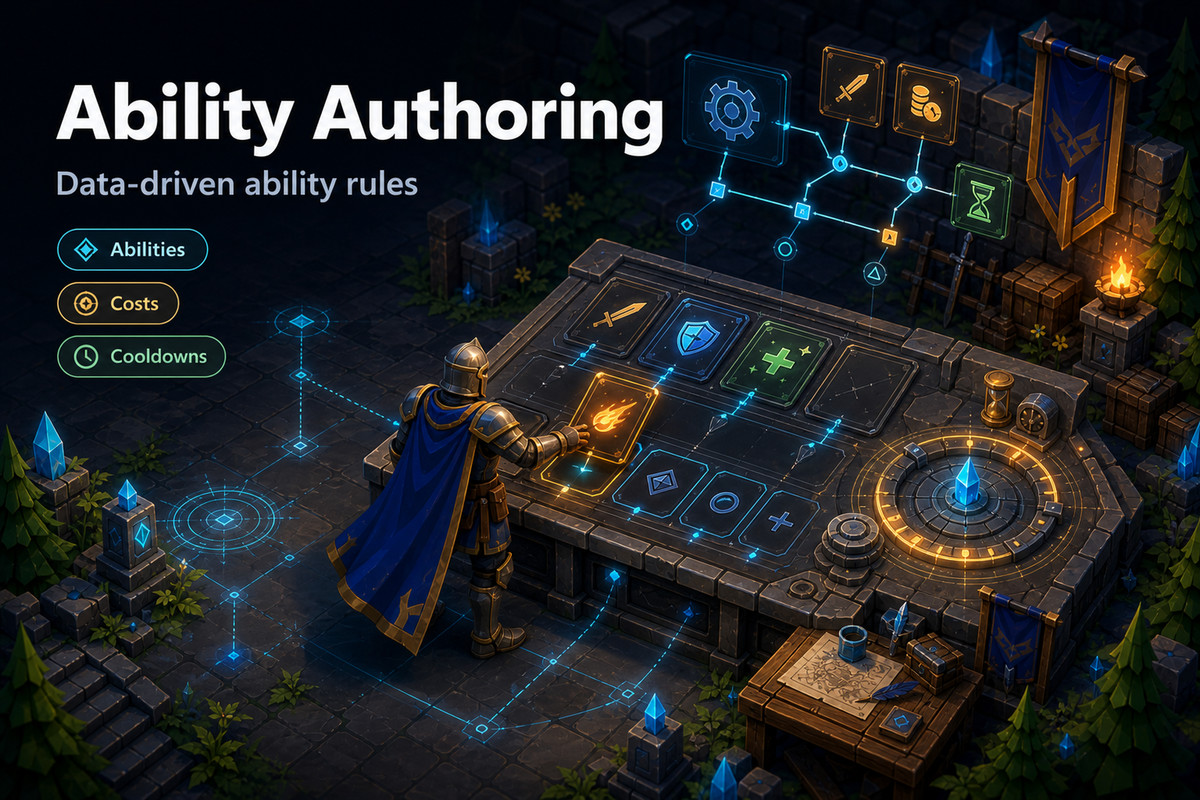
Gameplay Ability Toolkit screenshot 1
About this asset
A data-driven ability system for Unity. Build attacks, spells, buffs, cooldowns and status effects as assets, then reuse them across players, enemies, items and AI.
A fireball that costs mana, goes on cooldown, plays its cast animation and burns everything it hits is assembled from assets you tune in the Inspector. Change the burn once, and every fireball, trap and enemy that applies it follows.
Documentation Discord
Core systems
- Abilities for attacks, spells, item uses and AI actions, with costs, cooldowns and activation rules.
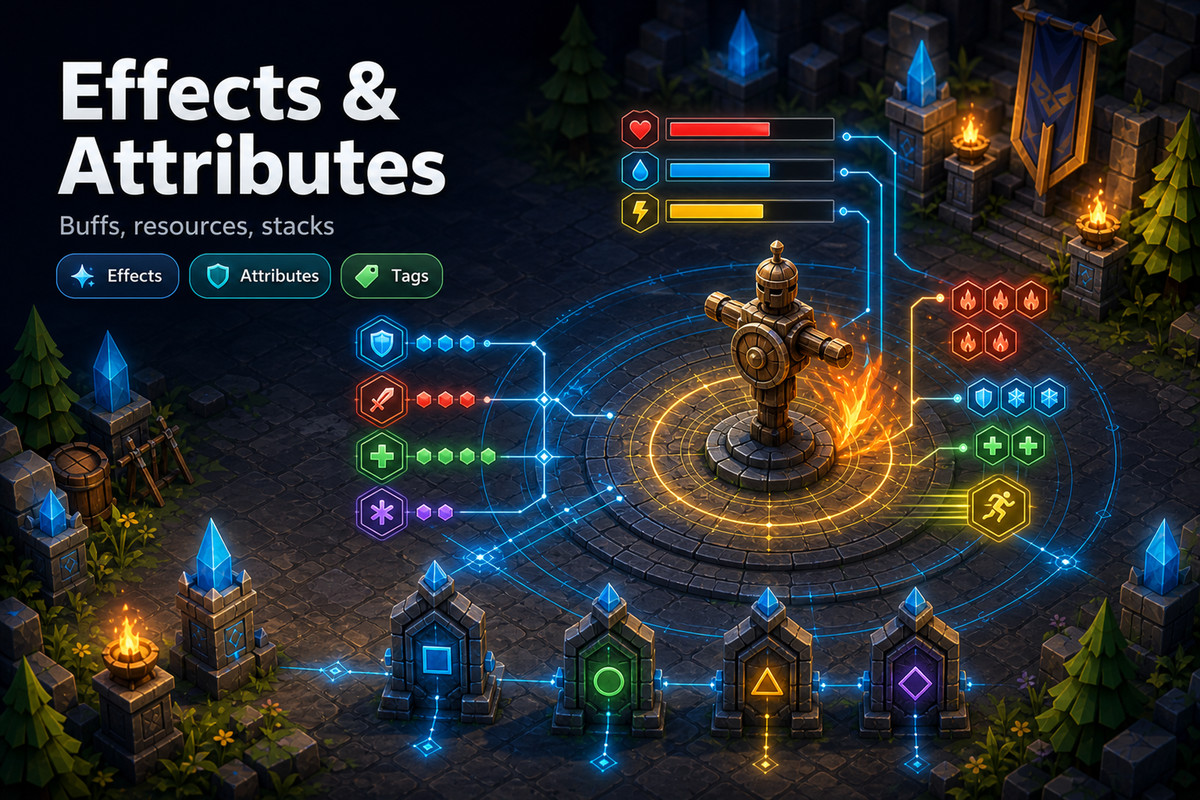
- Effects for damage, healing, buffs, debuffs and damage over time: instant, timed, infinite or periodic, with stacking.
- Attributes such as Health, Mana and Stamina, with clamping, derived values and change events.
- Gameplay tags for states like Stunned, Silenced or Invulnerable that block or allow abilities without if-chains.
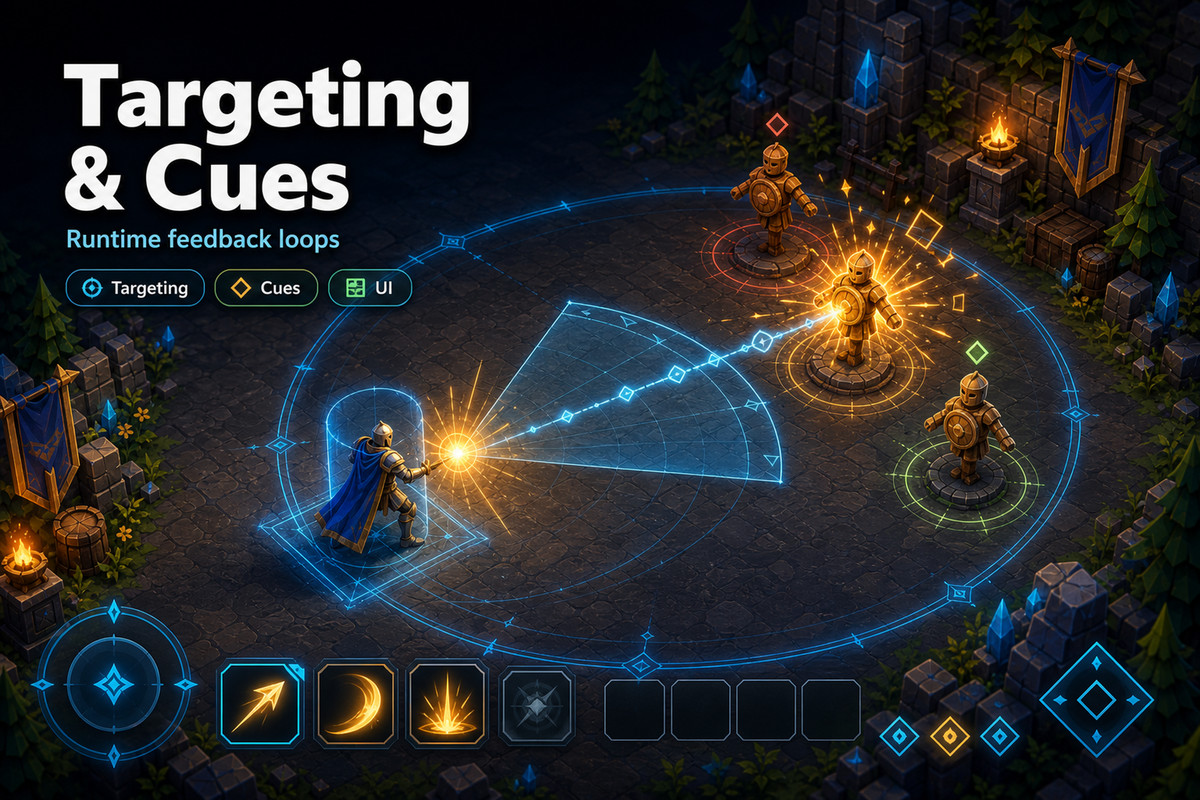
- Gameplay cues that keep VFX, SFX and UI feedback out of ability code.
- Targeting with collectors, shape traces, ground-area indicators and multi-target flows.
- Input buffering so a press made just before a cooldown ends still goes through.
Montages: abilities driven by animation
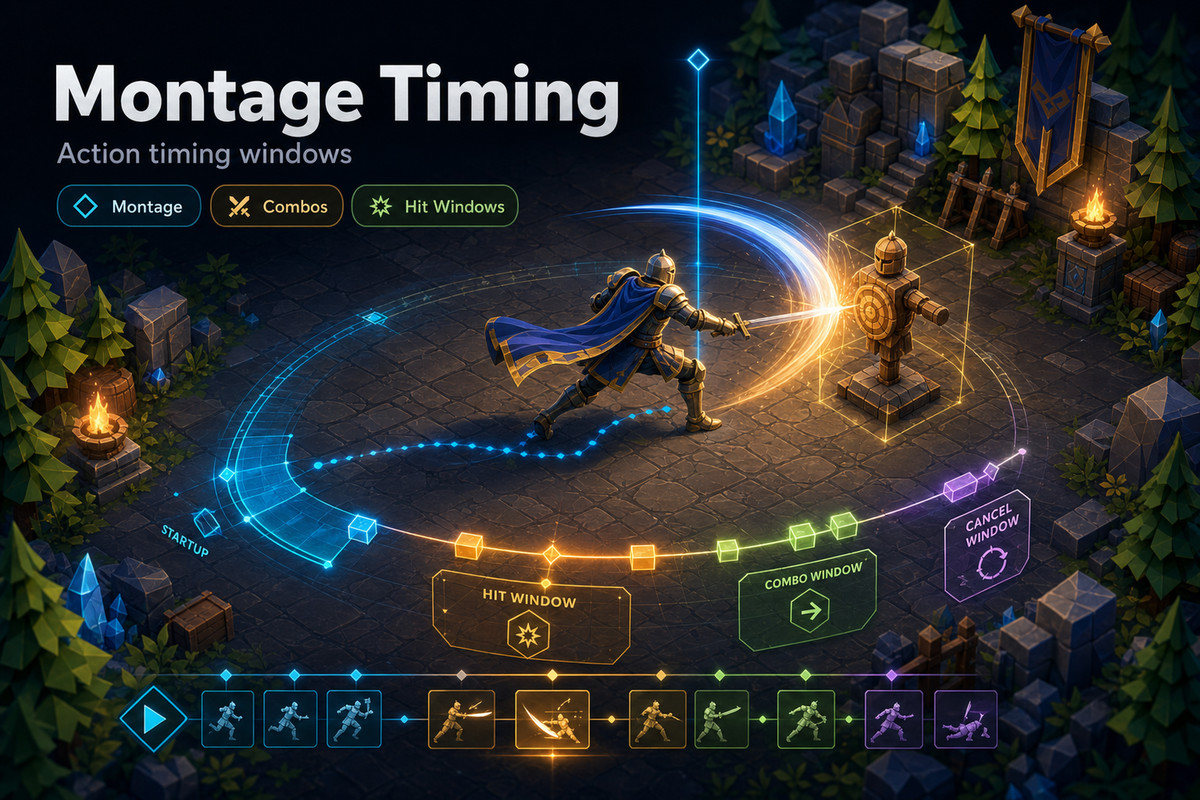
- Lay out clips, notifies and sections in the Track Montage Editor and watch the result in its preview viewport.
- Section links and loops for combos and channelled casts, notify states for hit windows, slot groups, blending and root-motion scaling.
- Game code can jump between sections, change links, seek and pause.
- The editor flags broken links, endless loops, missing clips and unknown slots before you press Play.
Why developers choose it
- Designer-friendly: tune numbers, tags and timing in the Inspector without recompiling.
- Extensible: create menus scaffold ability, effect and cue scripts, and you can write your own targeting and ability types in C#.
- Combat UI included: ability slots, effect lists, attribute bars, world-space status bars, floating combat text and an event log.
- Learn from working scenes: a step-by-step tutorial, a training sandbox and a full Arena with projectiles, buffs, pickups, bosses and a HUD.
- Full C# source, a setup Dashboard and complete documentation.
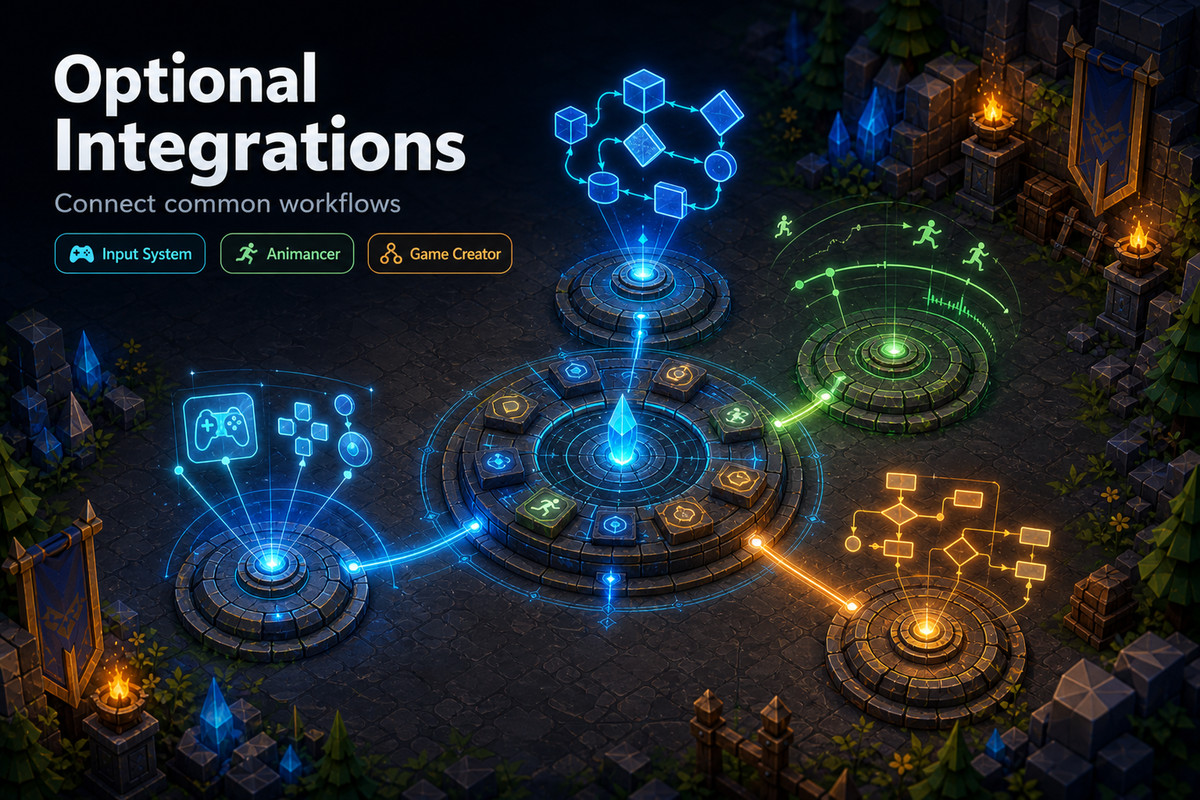
Optional integrations
- Animancer, or the built-in animation driver.
- Game Creator: visual scripting instructions and conditions for abilities, effects, tags and targeting, plus a Game Creator Arena.
- Unity Input System bindings.
- Netcode for GameObjects: server-authoritative abilities, client prediction, replicated actor state and cues, and a host/client Arena.
If you have used Unreal Engine's Gameplay Ability System, the concepts will feel familiar.
Need huge crowds? Gameplay Ability Toolkit ECS is a separate add-on that runs supported definitions on Unity Entities. It is not included in this package.
From the publisher's Asset Store listing.
Technical details
- Abilities, effects, attributes, gameplay tags, cues and targeting
- ScriptableObject authoring with C# extension points for abilities, effects and cues
- Track Montage Editor with preview: sections, links, loops, notify states, slot groups, root motion
- Montage validation for broken links, endless loops, missing clips and unknown slots
- Input buffering for responsive action controls
- Runtime UI: ability slots, effect lists, attribute bars, status bars, combat text, event log
- Optional: Input System, Animancer, Game Creator, Netcode for GameObjects
- Samples: Basic Tutorial, Arena, Arena Training, Game Creator Arena, Netcode Arena (URP)
- Full C# source with online documentation
- Unity 6000.3 LTS or newer; requires Cysharp UniTask 2.5.11+
Compatibility
| Unity version | Built-in | URP | HDRP |
|---|---|---|---|
| 6000.3.10f1 | Compatible | Compatible | Compatible |
Unity 6000.3 LTS or newer (tested on 6000.3 and 6000.6) and Cysharp UniTask 2.5.11 or newer. The runtime works with any render pipeline; the sample scenes use URP.
As listed on the Asset Store.