
 View on Asset Store (opens in new tab)
Package details
- Latest version
- 1.0
- Last updated
- First released
- Unity version
- 6000.3.9 or later
- Package size
- 2.0 MB
- Files
- 13
- Favorites
- 12
- Views in the past week
- 17
Price tracking
- Last checked
- Tracked since
- Lowest recorded
- Free on
Keywords

Confine UI
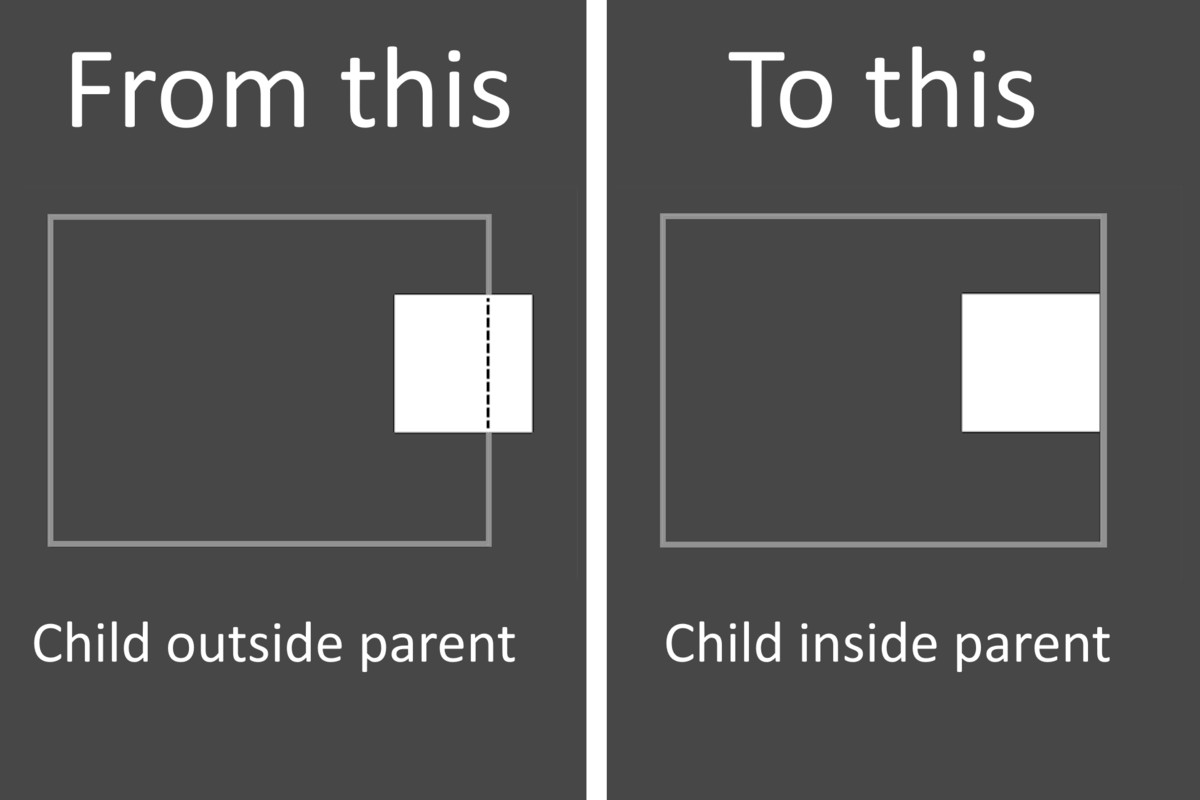
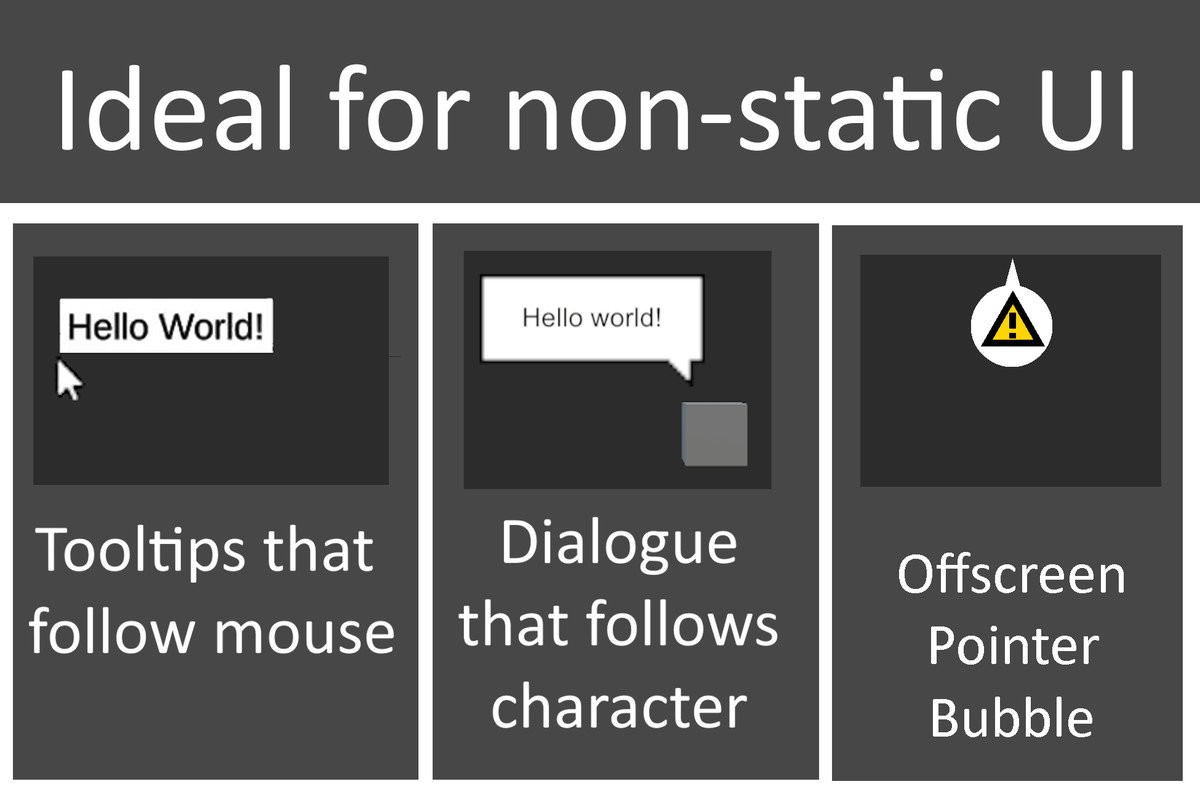
Confine UI keeps a UI element clamped inside its parent. It is designed for UI elements that move. It's great for tooltips, speech bubbles, and offscreen indicators.
Affiliate link · Purchases support this site
Price history
Last 6 months
USDAsset preview
1 / 4
Confine UI screenshot 1

About this asset
Confine UI is perfect for when you have non-static UI that follows an object. It ensures that no part of the element goes beyond its parent. It can be used in many different projects.
Possible use cases:
Showing the position of an off-screen character
Warning the player about the position of an off-screen projectile
Speech-bubble that follows character but should not go off-screen
Tooltips that follows mouse-cursor
Confine UI is a single script that can be placed on a UI element. Once placed, you just have to call ConfinePosition to clamp that UI element inside its parent.
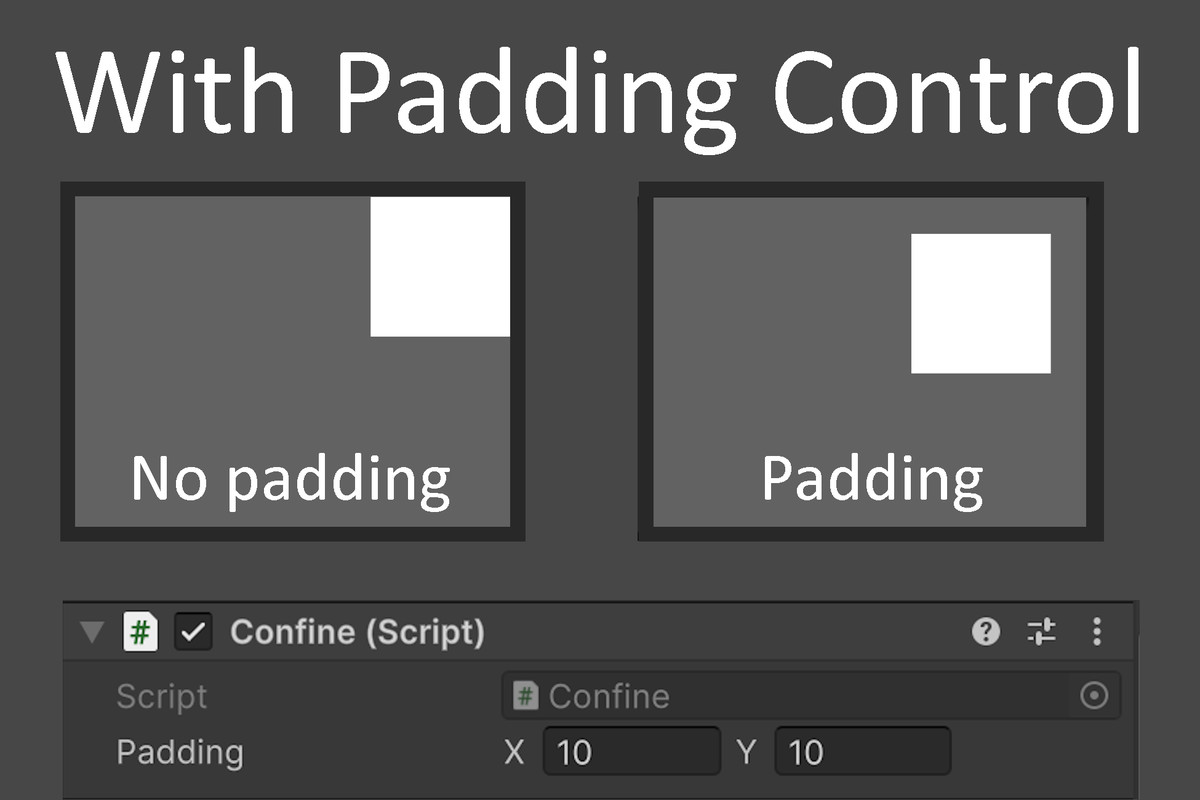
Additionally, you can customize how much padding the confined element should have between itself and its parent.
From the publisher's Asset Store listing.
Technical details
Features
ConfinePosition() method for clamping a child UI element inside its parent
Ability to set x and y padding between child and its parent
Three example scenes
Easy setup
Compatibility
| Unity version | Built-in | URP | HDRP | Custom |
|---|---|---|---|---|
| 6000.3.9f1 | Compatible | Compatible | Compatible | Compatible |
As listed on the Asset Store.