
 View on Asset Store (opens in new tab)
Package details
- Latest version
- 1.0.1
- Last updated
- First released
- Unity version
- 2022.3.62 or later
- Package size
- 2.2 MB
- Files
- 82
- Views in the past week
- 12
Price tracking
- Last checked
- Tracked since
- Lowest recorded
- $34.99 on
Keywords
- Search for Heatmap
- Search for Developer Tools
- Search for productivity
- Search for Productivity tracker
- Search for Activity Tracker
- Search for analytics
- Search for Coding Analytics
- Search for Developer Productivity
- Search for Development Metrics
- Search for editor tool
- Search for dashboard
- Search for Unity Editor

Workflow Pulse - Productivity analytics for developers
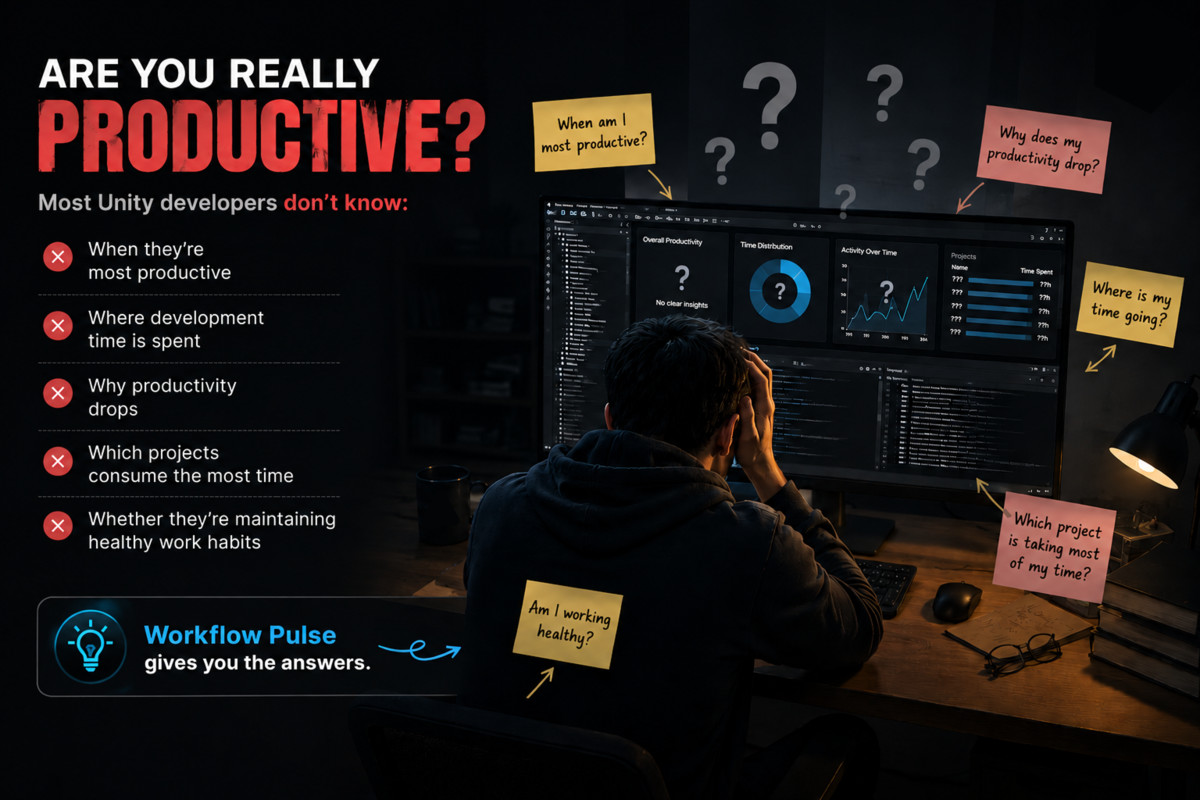
Workflow Pulse helps Unity developers track coding activity, visualize productivity trends, discover work patterns, and improve focus with powerful Editor analytics.
Affiliate link · Purchases support this site
Price history
Last 6 months
USDAsset preview
1 / 11
Workflow Pulse - Productivity analytics for developers screenshot 1


About this asset
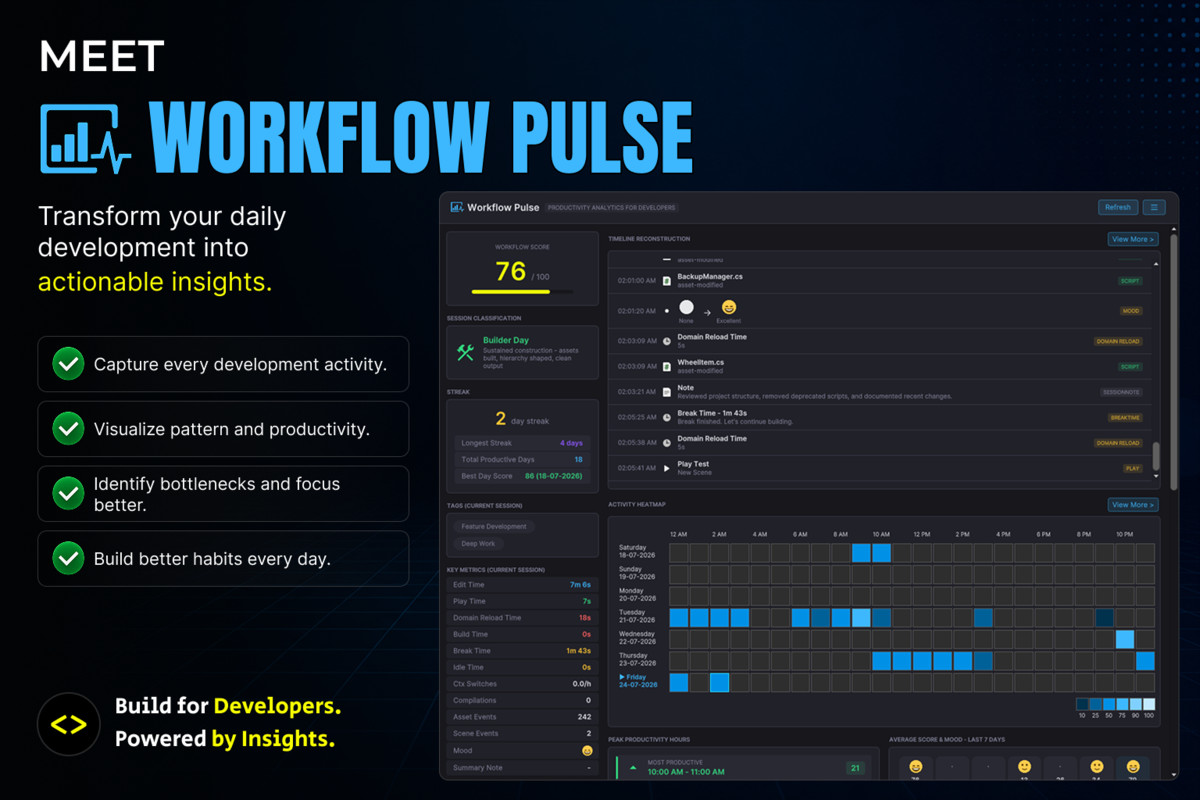
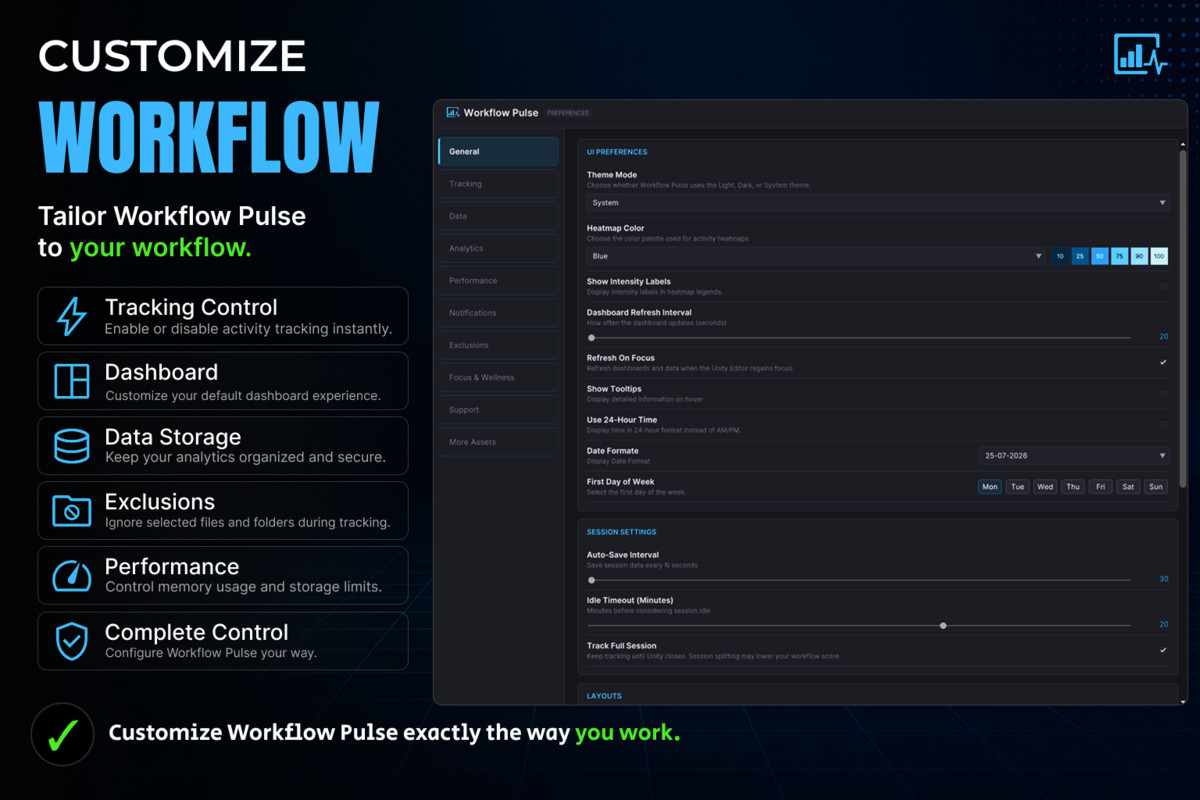
Workflow Pulse is a comprehensive Unity Editor productivity analytics tool that helps developers understand their coding habits, improve focus, and build healthier development workflows through real-time insights and visual analytics.
Rather than simply tracking coding time, Workflow Pulse analyzes your entire development workflow to reveal productivity trends, peak performance hours, bottlenecks, focus sessions, and overall work patterns all without leaving the Unity Editor.
Key Features
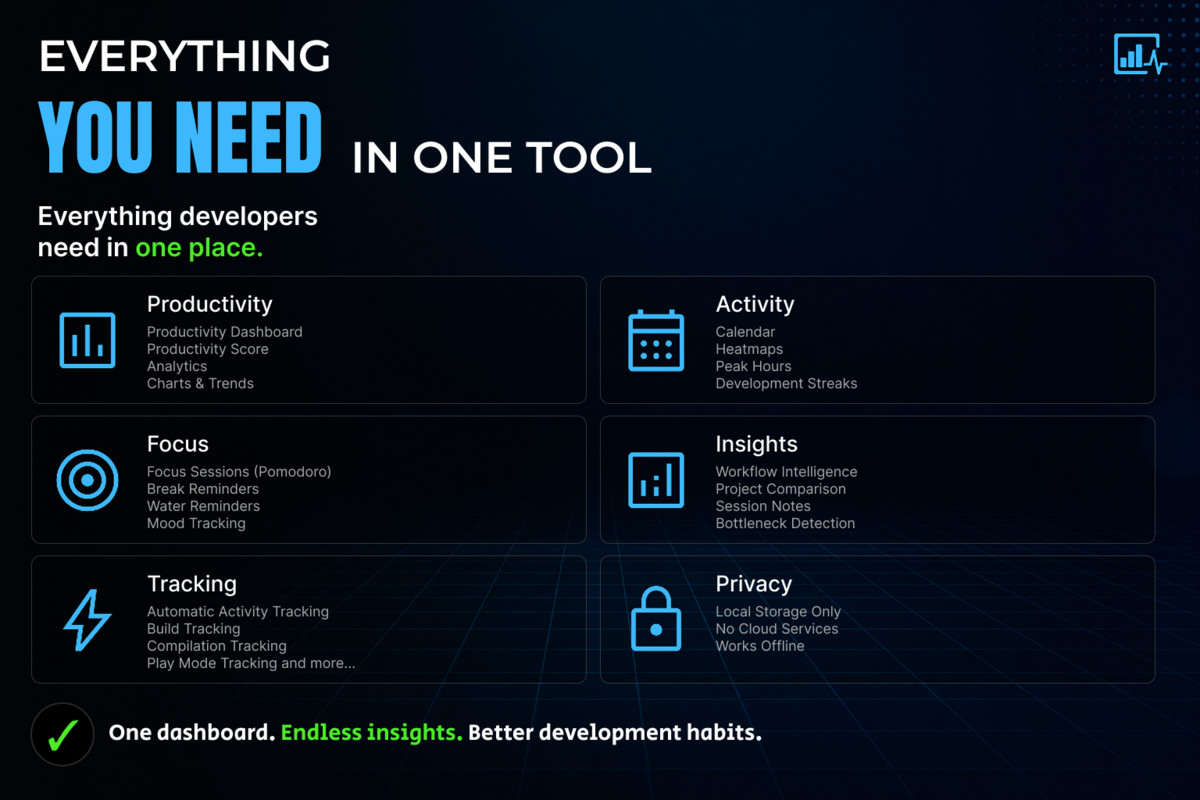
📊 Productivity Analytics
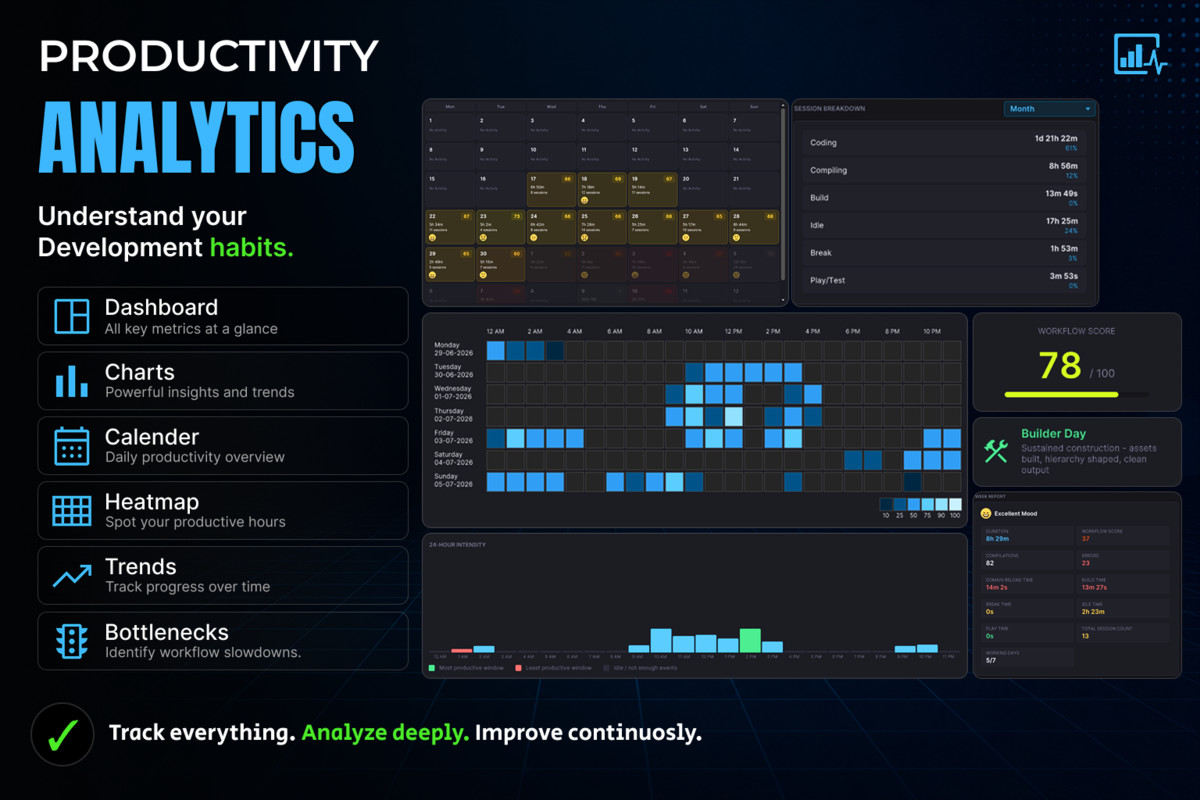
- Interactive productivity dashboard
- Daily, weekly and monthly analytics
- Productivity calendar
- Coding heatmaps
- Peak productivity hour analysis
- Development streak tracking
- Dashboard productivity score
- Project Comparison Score to compare productivity and activity across multiple Unity projects
- Long-term trend analysis
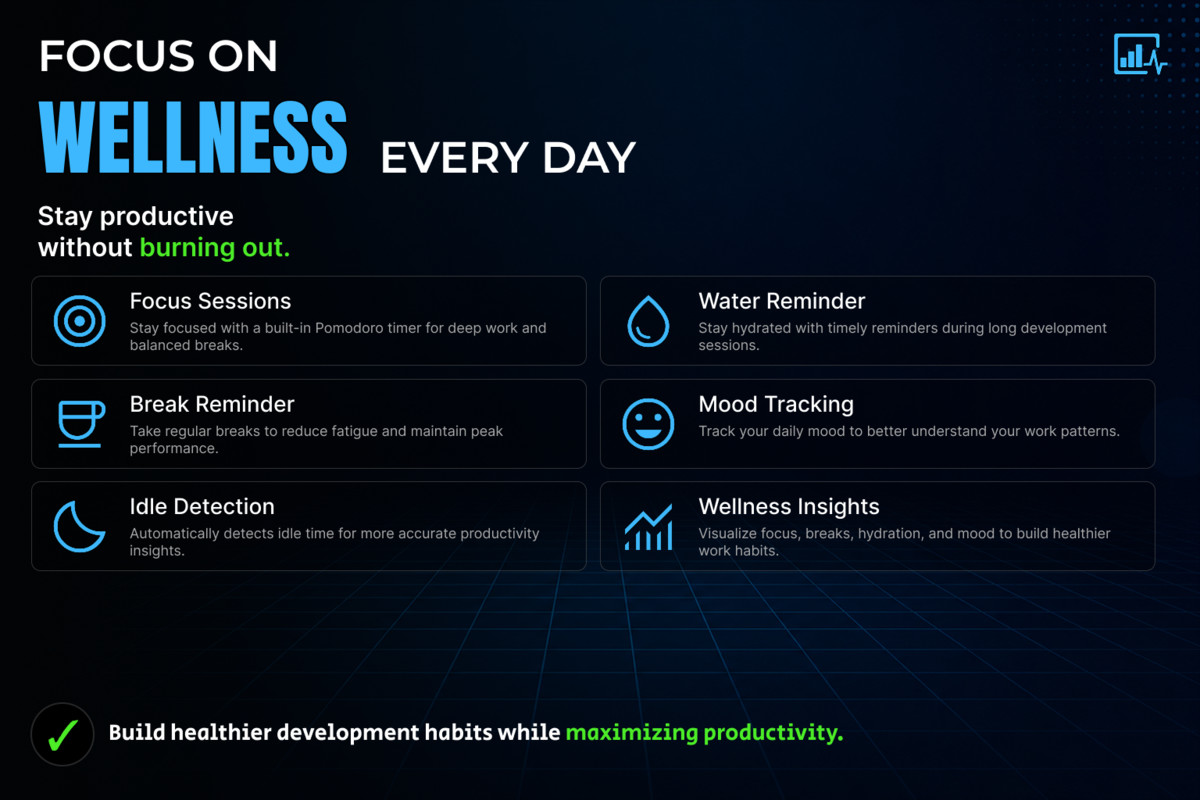
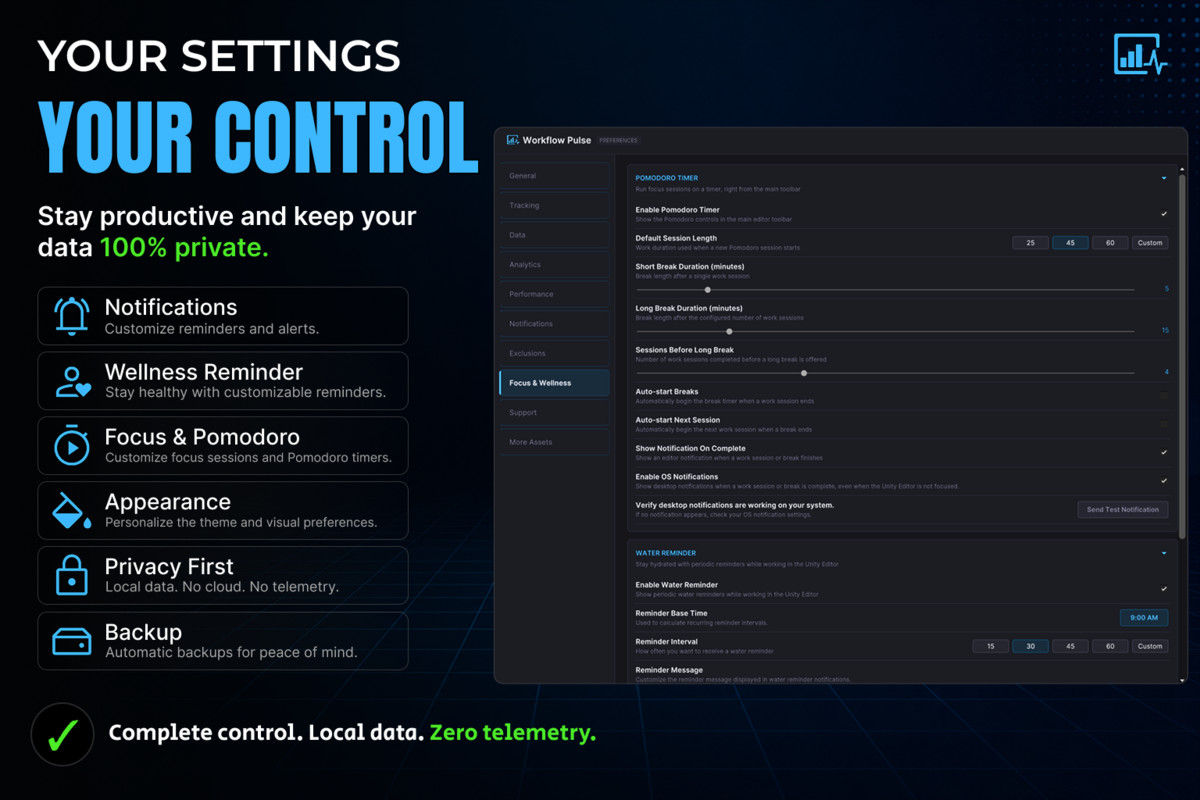
🎯 Focus & Wellness
- Focus session tracking
- Break reminders
- Water reminders
- Mood tracking
- Idle session detection
- Wellness-focused productivity insights
- Notifications to help maintain healthy work habits
📈 Workflow Intelligence
- Bottleneck detection
- Productive day analysis
- Session summaries
- Session notes
- Tag-based session organization
- Peak performance analysis
🔍 Automatic Activity Tracking
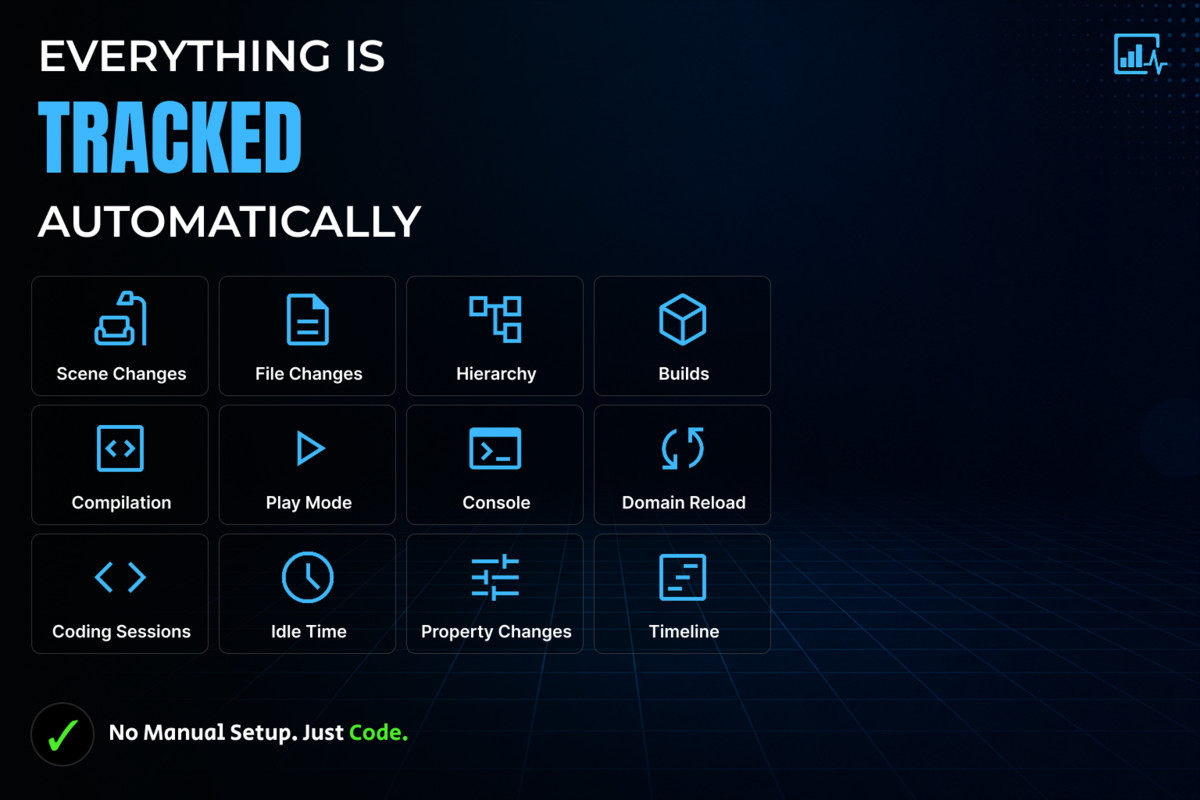
Workflow Pulse automatically tracks development activities including:
- Coding sessions
- File changes
- Scene modifications
- Hierarchy changes
- Property changes
- Console activity
- Build events
- Script compilation
- Play Mode sessions
- Domain reloads
Everything is tracked automatically while you work, providing meaningful insights without interrupting your workflow.
Benefits
- Discover your most productive hours
- Improve focus and reduce distractions
- Build healthier development habits
- Track long-term productivity growth
- Compare productivity between Unity projects
- Identify workflow bottlenecks
- Stay motivated with streaks
- Visualize your development progress
- Make data-driven improvements to your workflow
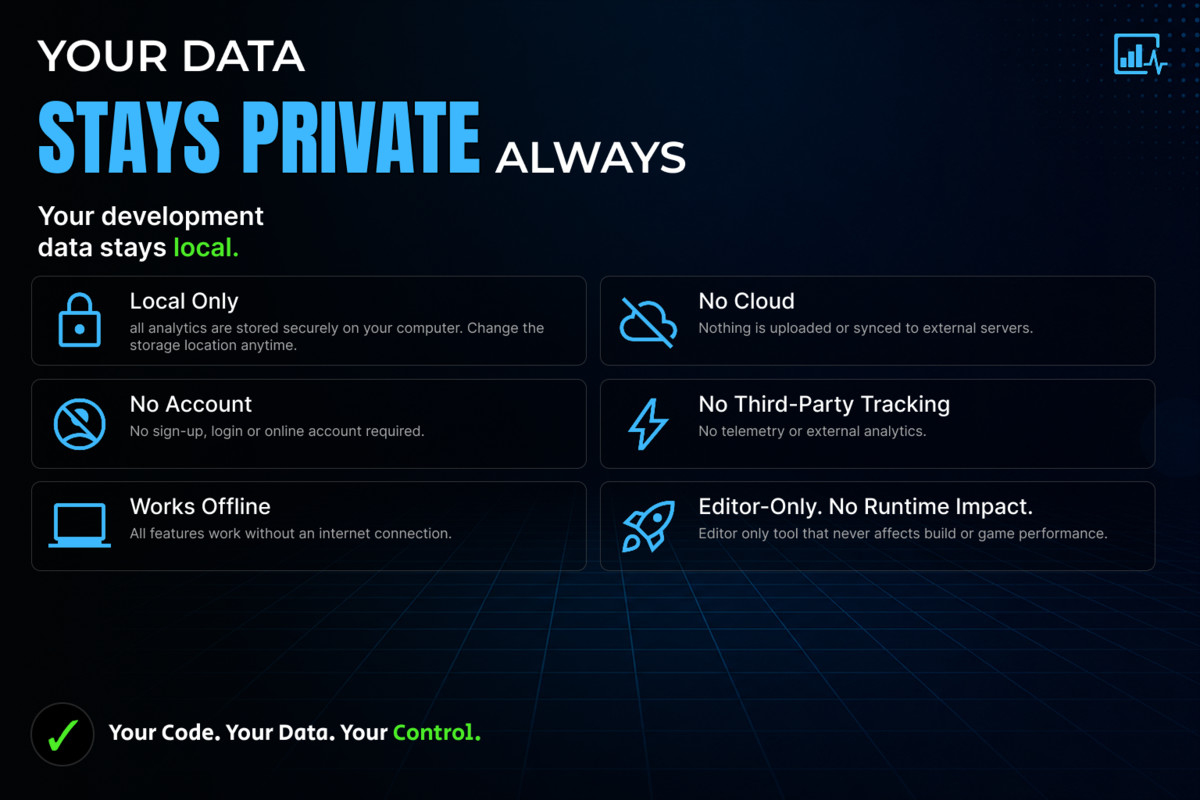
Privacy First
Workflow Pulse works entirely inside the Unity Editor.
- No cloud services
- No external accounts
- All analytics remain on your local machine
Easy Setup
- Import the package.
- Open the Workflow Pulse window.
- Start developing.
- Workflow Pulse automatically begins tracking your activity and generating productivity insights.
Documentation
Complete installation guide, user manual, and feature documentation:
Workflow Pulse is designed to become your personal development companion, helping you code smarter, stay focused, maintain healthy work habits, and continuously improve your productivity inside Unity Editor.
From the publisher's Asset Store listing.
Technical details
- Unity Version: Unity 2022.3 LTS or newer
- Render Pipelines: Built-in, URP, HDRP (Editor tool – render pipeline independent)
- Editor Extension: Yes
- Internet Connection Required: No
- Data Storage: Local machine only (no cloud services)
- Analytics: Local productivity tracking only
- Performance: Lightweight background tracking with minimal Editor overhead.
Compatibility
| Unity version | Built-in | URP | HDRP | Custom |
|---|---|---|---|---|
| 2022.3.62f3 | Compatible | Compatible | Compatible | Compatible |
As listed on the Asset Store.