
 View on Asset Store (opens in new tab)
Package details
- Latest version
- 1.0.0
- Last updated
- First released
- Unity version
- 6000.4.2 or later
- Package size
- 868 KB
- Files
- 38
- Favorites
- 4
- Views in the past week
- 7
Price tracking
- Last checked
- Tracked since
- Lowest recorded
- Free on
Keywords

Cephable Adaptive Controls
Add adaptive controls to your game to let players use voice, facial expressions, head tracking and custom buttons via the Cephable app. No redesign required to enhance your game's accessibility.
Affiliate link · Purchases support this site
Price history
Last 6 months
USDAsset preview
1 / 3
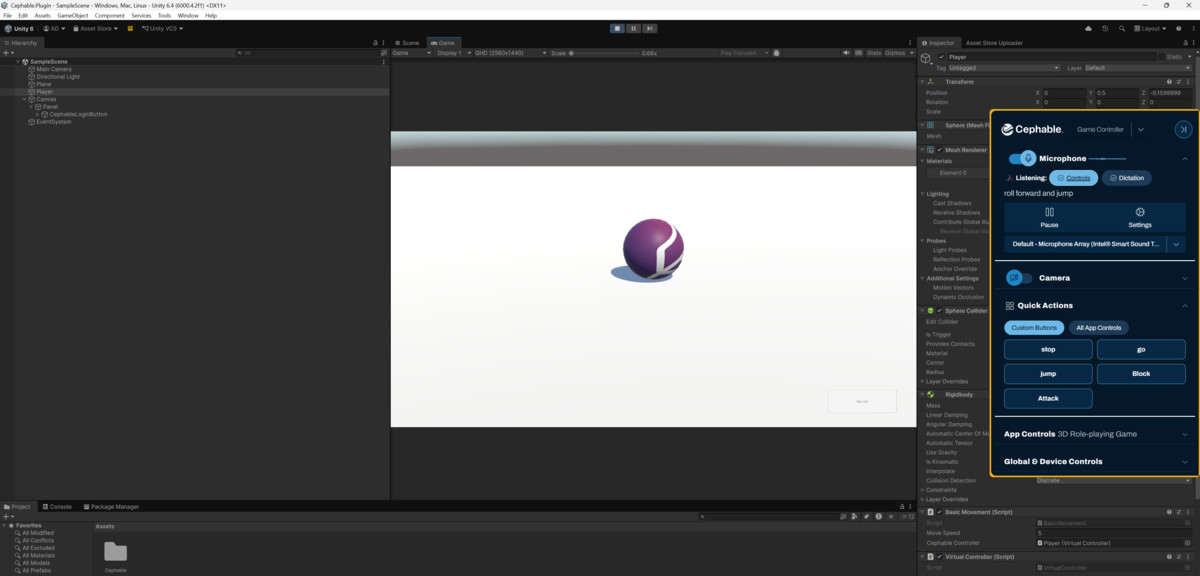
Cephable Adaptive Controls screenshot 1
About this asset
Cephable lets players with motor, mobility, and dexterity differences play your game their way by using voice commands, facial expressions, head tracking, gestures, and custom switches instead of (or alongside) standard controllers.
Used in titles like Call of Duty: Black Ops 7 (https://cephable.com/bo7), the Cephable plugin is the standard for adaptive input in games.
──────────────────────────────────────
HOW IT WORKS
──────────────────────────────────────
Players sign in with their Cephable account from inside your game. The plugin registers a virtual device linked to their profile. In the Cephable app, they map their preferred adaptive inputs to your game's existing actions. Commands stream into your game in real time over a websocket with no mid-session restarts needed.
You keep your existing input system. Cephable maps on top of it.
──────────────────────────────────────
THREE WAYS TO HANDLE INPUT
──────────────────────────────────────
▸ Inspector Events: Wire OnCommandReceived, OnKeyStateChanged, OnJoystickChanged, and OnCustomActionTriggered directly in the Unity Inspector. Zero scripting required for simple mappings.
▸ C# Event Subscription: Subscribe to typed MacroCommandReceived and CustomActionReceived events from any MonoBehaviour for full programmatic control.
▸ Simulated Input Polling: Call GetKey() and GetAxis() in Update() alongside Unity's own Input API. Blend standard controller input with adaptive input in a single line.
──────────────────────────────────────
PLAYER EXPERIENCE
──────────────────────────────────────
1. Player clicks "Sign In with Cephable" in your game
2. Browser opens the Cephable sign-in page
3. Plugin registers a virtual device on their profile
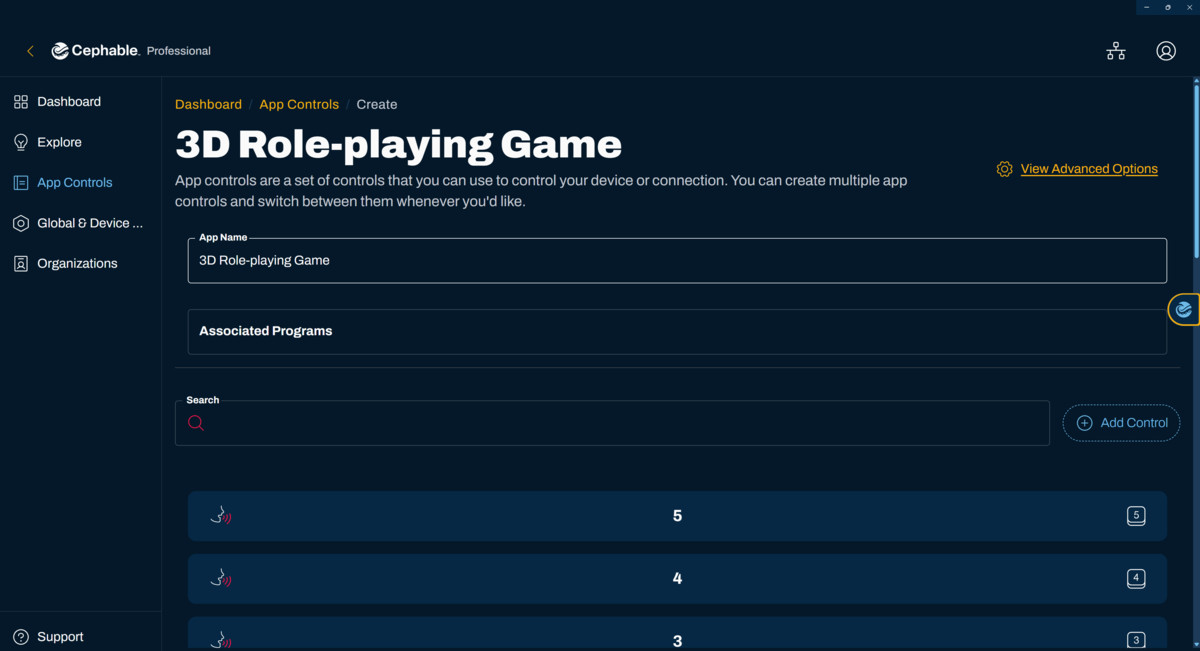
4. Player assigns adaptive inputs in the Cephable app
5. Inputs arrive in real time and the session stays live
──────────────────────────────────────
CEPHABLE COMMUNITY VISIBILITY
──────────────────────────────────────
Games with native Cephable support are featured to the Cephable community of players who are actively searching for accessible titles to play.
Get started at https://developers.cephable.com to create your application, register a Device Type, and have a working integration in minutes.
From the publisher's Asset Store listing.
Technical details
Features: Customized controls, voice controls, face expression and head guestures, custom action buttons, accessible controls
Supported OS: Windows, MacOS, Linux, Android, iOS, Xbox, PlayStation, Nintendo Switch
Compatibility
| Unity version | Built-in | URP | HDRP | Custom |
|---|---|---|---|---|
| 6000.4.2f1 | Compatible | Compatible | Compatible | Compatible |
As listed on the Asset Store.