
 View on Asset Store (opens in new tab)
Package details
- Latest version
- 1.0.0
- Last updated
- First released
- Unity version
- 6000.3.13 or later
- Package size
- 1.0 MB
- Files
- 78
- Views in the past week
- 4
Price tracking
- Last checked
- Tracked since
- Lowest recorded
- $5.00 on
Keywords
Sliding Puzzle Kit
A plug-and-play sliding puzzle for Unity 6. Generate a puzzle from any texture in one call. Shuffle, animations, hints, and piece feedback are all swappable via ScriptableObject without writing code.
Affiliate link · Purchases support this site
Price history
Last 6 months
USDAsset preview
1 / 4
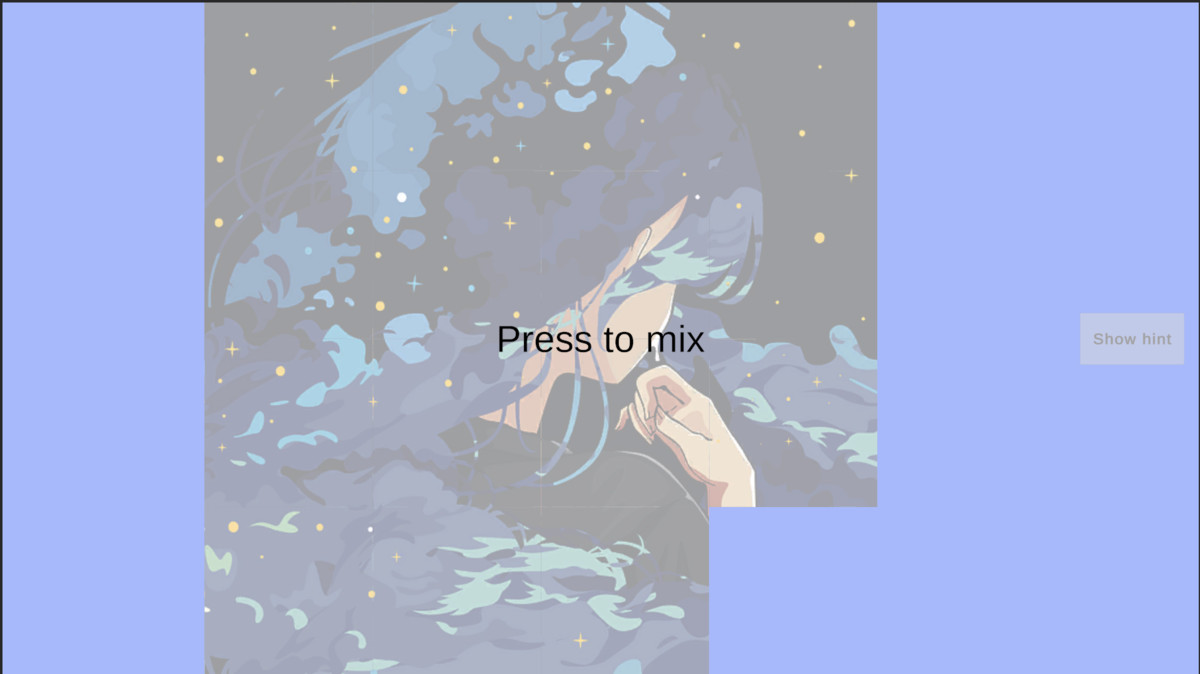
Sliding Puzzle Kit screenshot 1

About this asset
Get a sliding puzzle into your scene in seconds. Drop in any image and you have a playable puzzle: pieces that respond to hover and click, a built-in shuffle with animation, a hint overlay, and a callback when the puzzle is solved.
Want a different behaviour for something? No problem. Every part of this toolkit is very easily extensible; just extend an existing ScriptableObject or create your own custom behaviours in seconds.
- Shuffle algorithm — control how moves are chosen on shuffle
- Shuffle animation — control how the shuffle plays out on screen
- Solve celebration — replace the built-in wave bounce with any animation
- Hint overlay — customise how the hint fades in and out
- Per-piece feedback — swap hover highlight and slide animation independently per piece
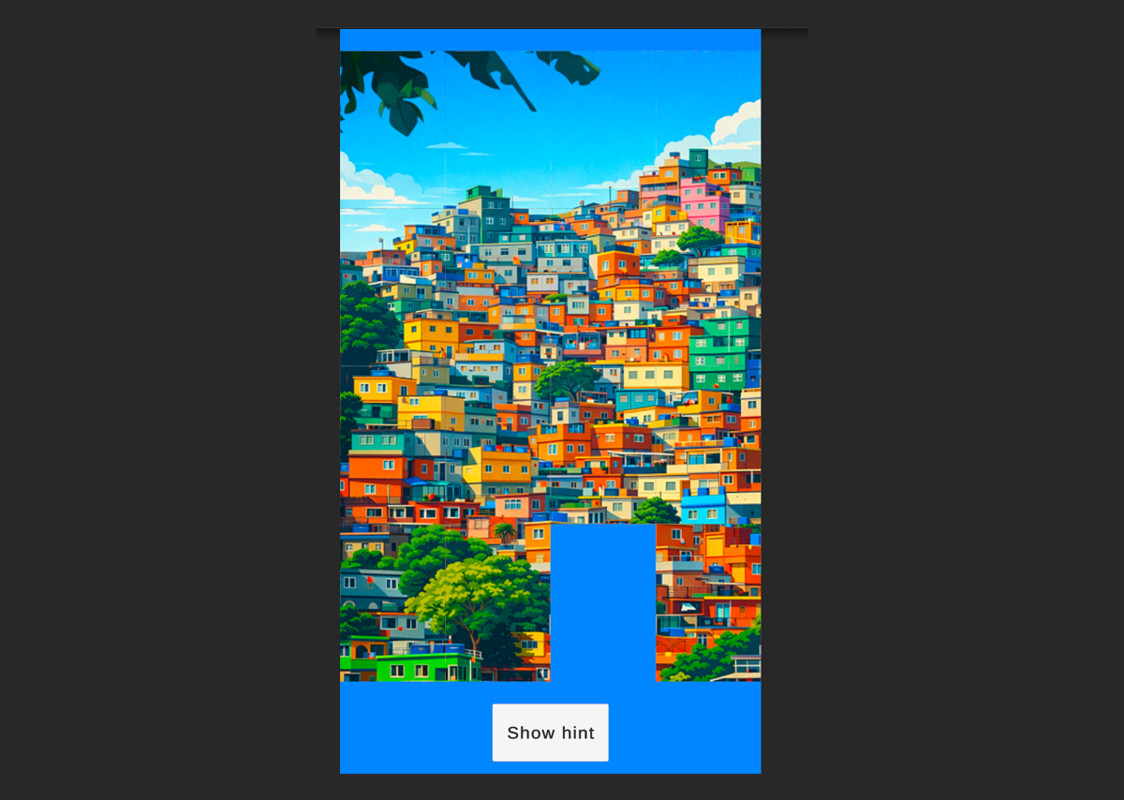
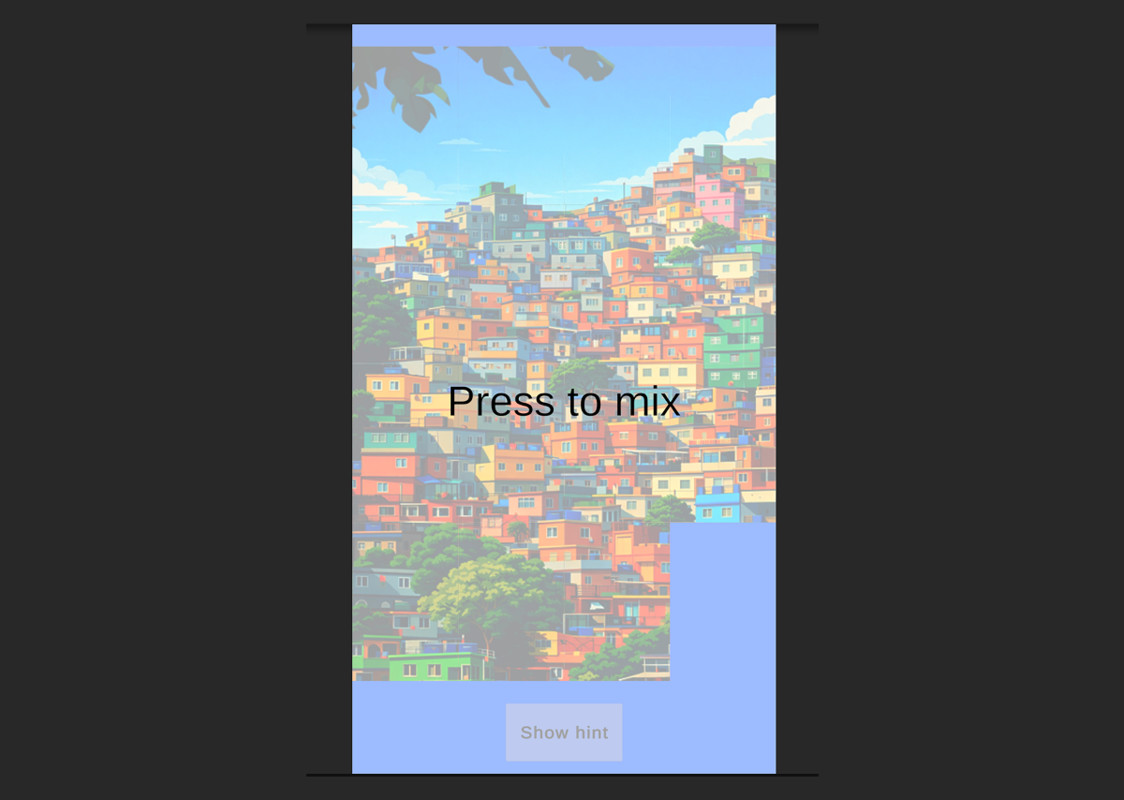
Sample scene sets you up nicely with a system that supports both Mobile (portrait) and PC (landscape) formats, and automatically tailors to the need of the moment.
Every behaviour is a swappable slot in the Inspector. Change the shuffle algorithm, the shuffle animation, the solve celebration, the hint transition, or the per-piece feedback — each one independently, without touching any existing code. All built-in behaviours expose their settings directly in the Inspector, so timing, speed, and colour can be tuned without writing a single line.
For teams that need something custom, each behaviour is a single class to subclass with one method to implement. The rest is handled for you.
Includes a complete sample scene demonstrating the full pipeline, and full documentation covering setup, configuration, and a step-by-step extension guide for every system.
Requires Unity 6 (6000.3 or later). Compatible with Universal Render Pipeline and Built-In Render Pipeline. No additional packages required.
From the publisher's Asset Store listing.
Compatibility
| Unity version | Built-in | URP | HDRP | Custom |
|---|---|---|---|---|
| 6000.3.13f1 | Compatible | Compatible | Compatible | Compatible |
As listed on the Asset Store.