
 View on Asset Store (opens in new tab)
Package details
- Latest version
- 1.4.0
- Last updated
- First released
- Unity version
- 6000.6.0 or later
- Package size
- 197 KB
- Files
- 248
- Favorites
- 1
- Views in the past week
- 12
Price tracking
- Last checked
- Tracked since
- Lowest recorded
- $20.30 on
Keywords

UIFlow - Graph Navigation for UI Toolkit
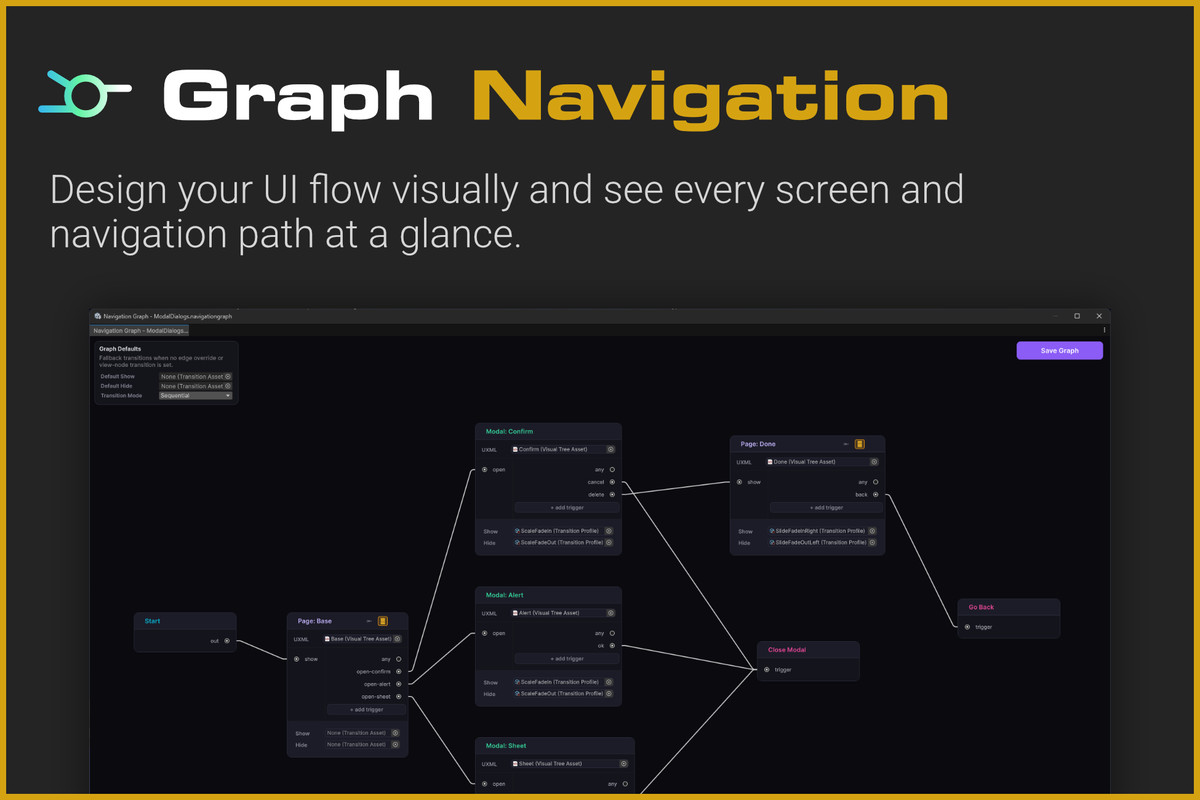
UIFlow is a Unity UI Toolkit navigation tool with a visual node graph and automatic button wiring, helping you build and maintain pages, modals, and UI flows faster.
Affiliate link · Purchases support this site
Price history
Last 6 months
USDAsset preview
1 / 8
UIFlow - Graph Navigation for UI Toolkit screenshot 1

About this asset
UIFlow is a navigation tool for Unity UI Toolkit that helps you structure, connect, and maintain your interface flows through a clear visual node graph.
Instead of managing screen navigation entirely through code, create readable navigation graphs that show how your UI is connected. UIFlow also provides automatic button wiring, helping you connect user interactions to the correct navigation actions faster.
✨ Highlights
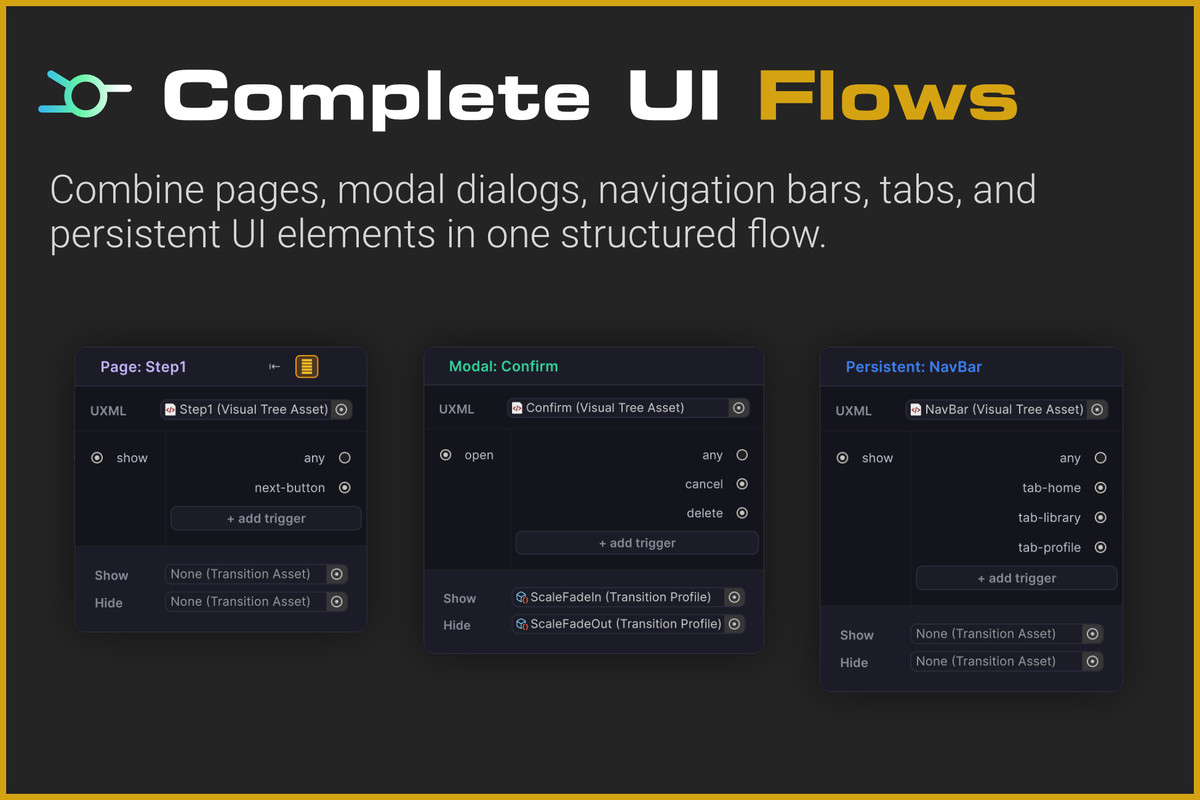
- Visual node graph for designing UI navigation
- Automatic button wiring
- Page-to-page navigation
- Modal dialog workflows
- Persistent UI elements such as navigation bars, tabs, HUDs, and toolbars
- Back and home navigation
- Data and payloads between pages
- Custom triggers
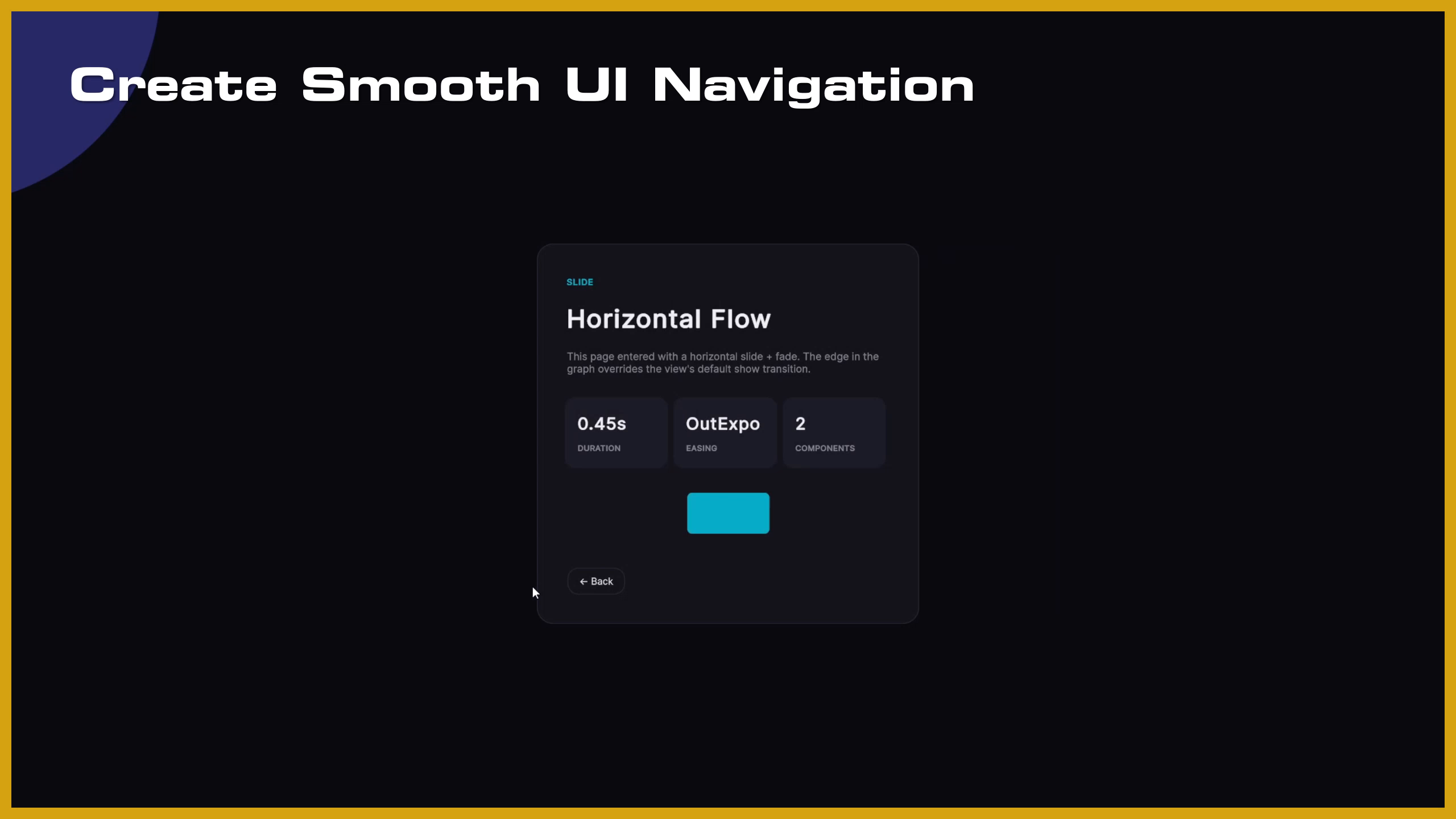
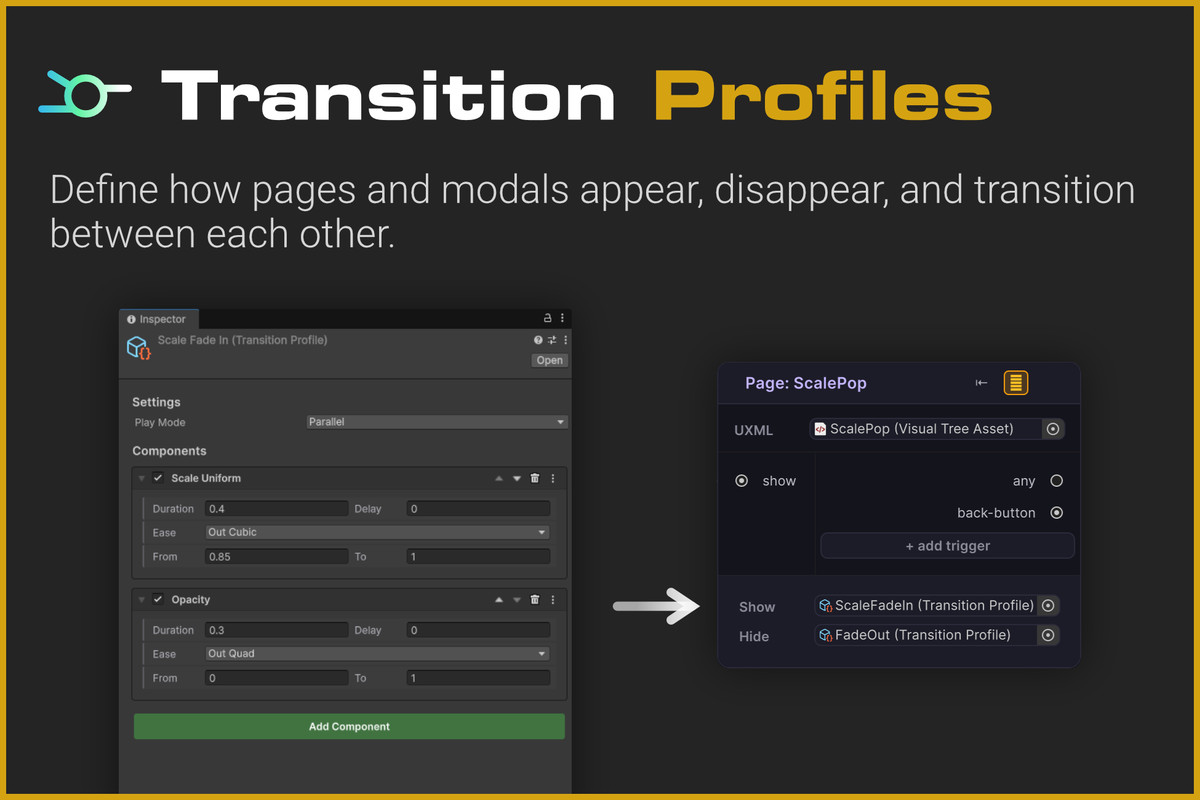
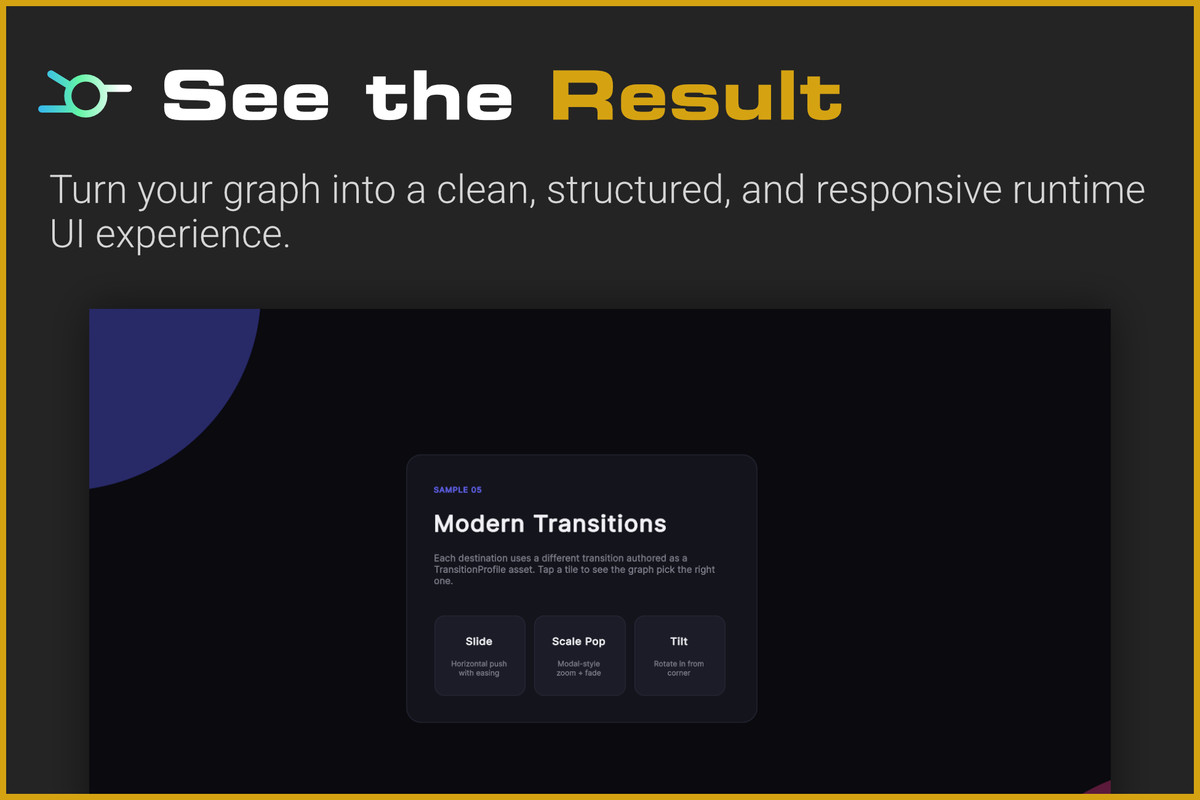
- Reusable transition profiles
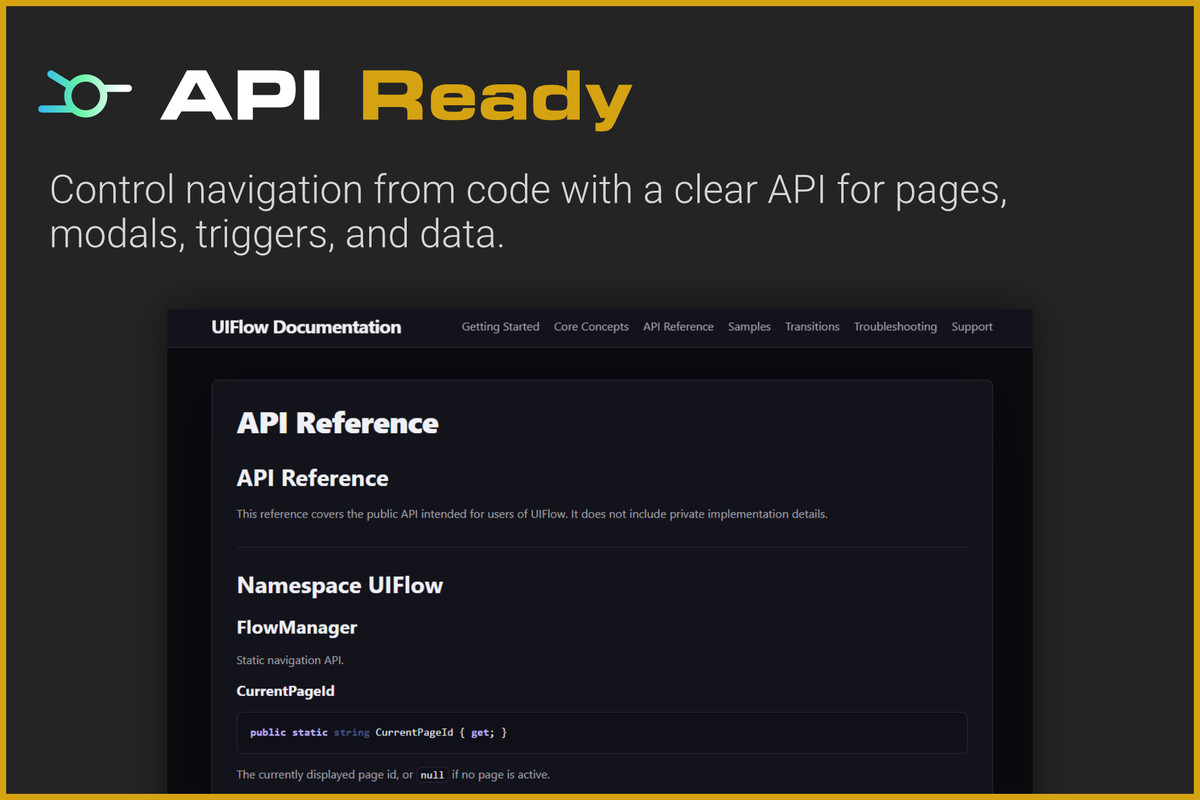
- Simple API for controlling navigation from code
- Built-in samples to help you get started
🎨 Fully Customizable UI
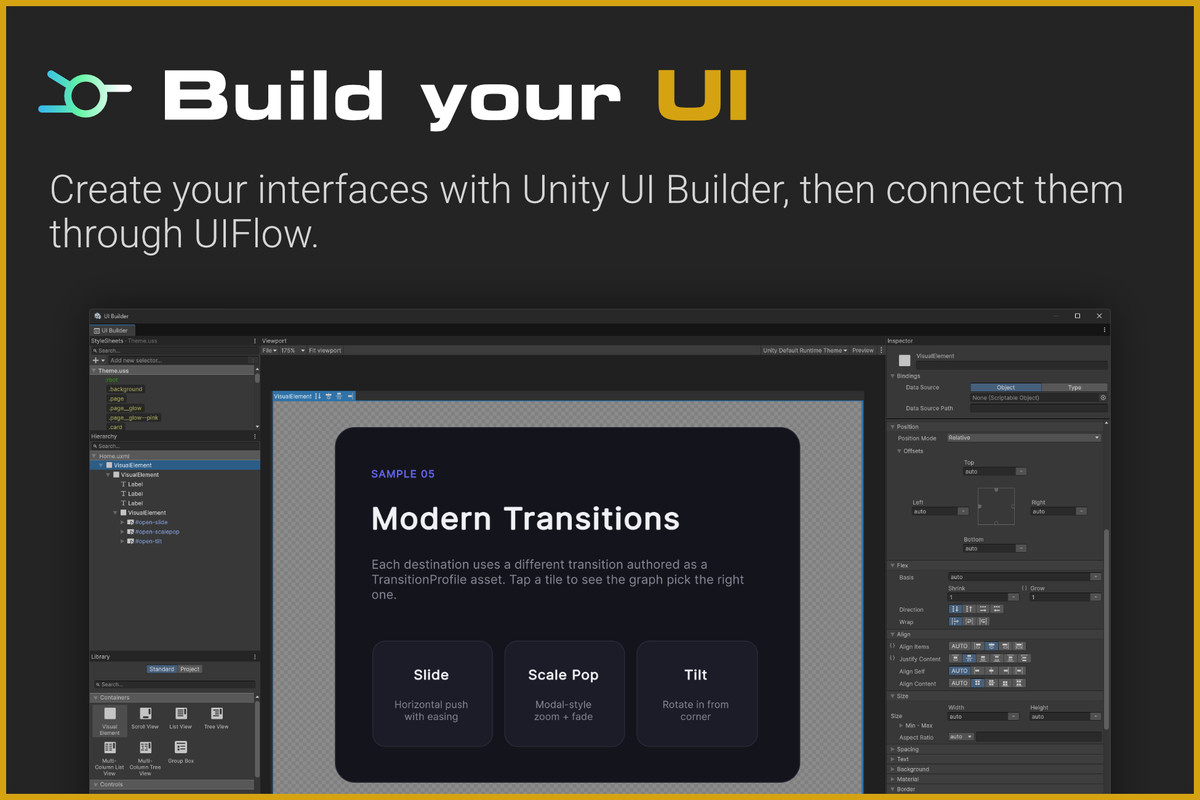
UIFlow works with Unity UI Toolkit and your existing UI Builder workflow. You remain free to customize your layouts, styles, themes, animations, and visual assets using the standard UI Toolkit tools.
UIFlow focuses on navigation and flow management, allowing you to keep full control over the visual design of your interface.
🧩 Suitable for Many Project Types
UIFlow is not tied to a specific genre or visual style. It can be used for:
- Main menus and settings
- Onboarding flows
- Inventory and shop interfaces
- Mobile-style applications
- Tabbed interfaces
- In-game HUDs
- Dialog and confirmation windows
- Tools, editors, and application-style interfaces
⚡ Designed for Faster Iteration
As your project grows, navigation logic can become difficult to follow and maintain. UIFlow keeps your UI structure visible, organized, and easier to update.
Whether you are creating a small menu or a complete application-style interface, UIFlow helps you build and iterate on UI flows with less navigation boilerplate.
📦 Samples Included
The package includes practical samples demonstrating common UI Toolkit navigation patterns, including pages, modal dialogs, and persistent UI elements.
🔌 Extend It with Code
Use the API whenever you need additional control from scripts. Open pages, display modals, pass data, trigger navigation, and integrate UIFlow into your existing systems.
From the publisher's Asset Store listing.
Technical details
- 🧩 Built for Unity UI Toolkit
- 🗺️ Visual node-based navigation graph
- 🔗 Automatic button wiring
- 📄 Page, modal, and persistent UI nodes
- 🎮 Runtime navigation through the FlowManager API
- ↩️ Back and Home navigation
- 📦 Data and payload passing between pages
- ⚡ Custom triggers for script-driven navigation
- 🎞️ Reusable transition profiles
- 🛠️ Compatible with Unity UI Builder
- 🎨 Customizable layouts, styles, themes, and assets
- 🖥️ Editor tools for creating and managing navigation graphs
- 📚 Built-in samples for common UI workflows
- 📖 Documentation and API reference included
Compatibility
| Unity version | Built-in | URP | HDRP | Custom |
|---|---|---|---|---|
| 6000.6.0f1 | Compatible | Compatible | Compatible | Compatible |
As listed on the Asset Store.