
 View on Asset Store (opens in new tab)
Package details
- Latest version
- 1.0.0
- Last updated
- First released
- Unity version
- 2022.3.62 or later
- Package size
- 8.7 MB
- Files
- 142
- Views in the past week
- 5
Price tracking
- Last checked
- Tracked since
- Lowest recorded
- $4.99 on
Keywords
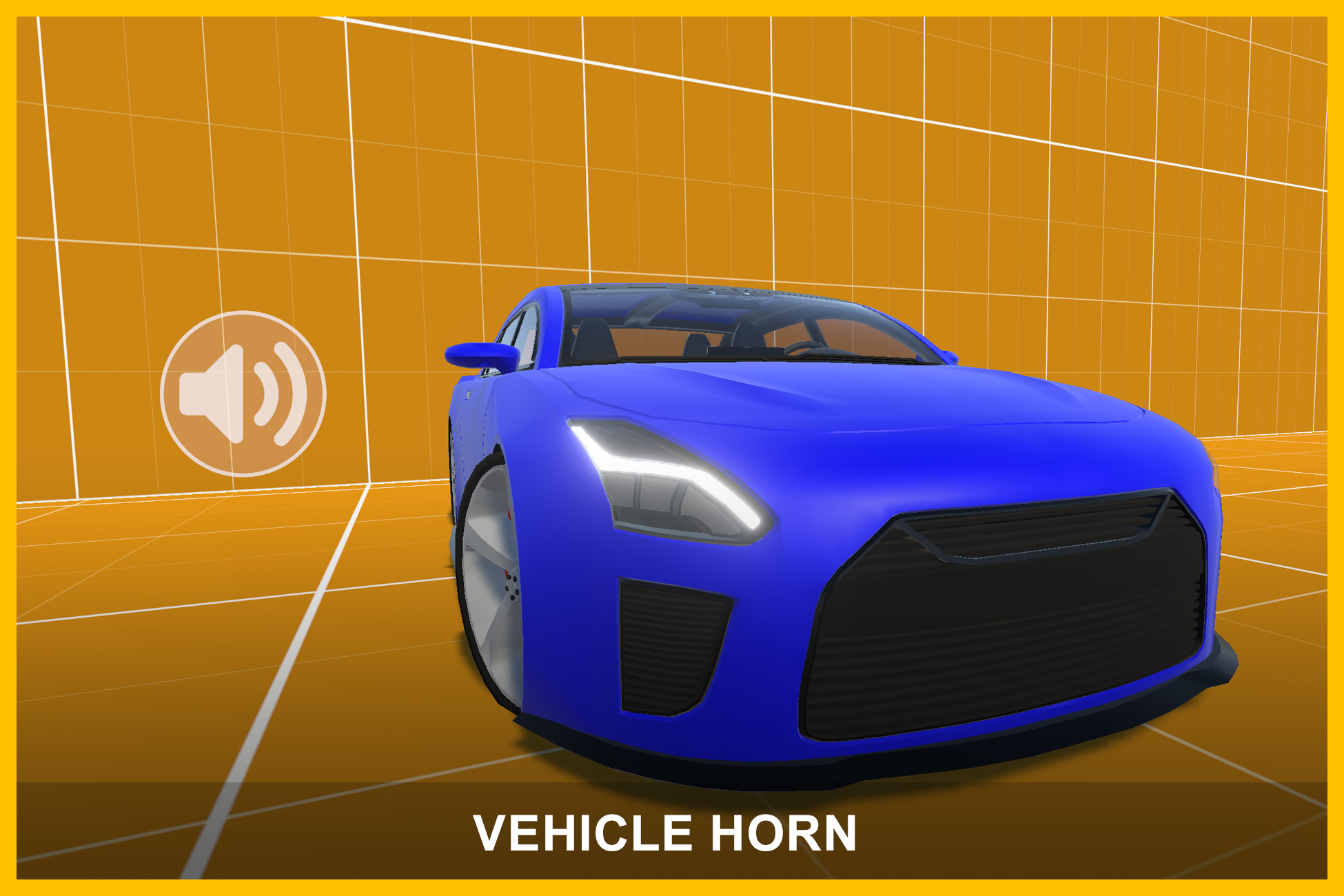
Vehicle Horn - Modular Horn Audio System
Flexible vehicle horn system for Unity featuring clean audio playback, configurable horn timing, demo scenes, and modular reusable architecture.
Affiliate link · Purchases support this site
Price history
Last 6 months
USDAsset preview
1 / 2
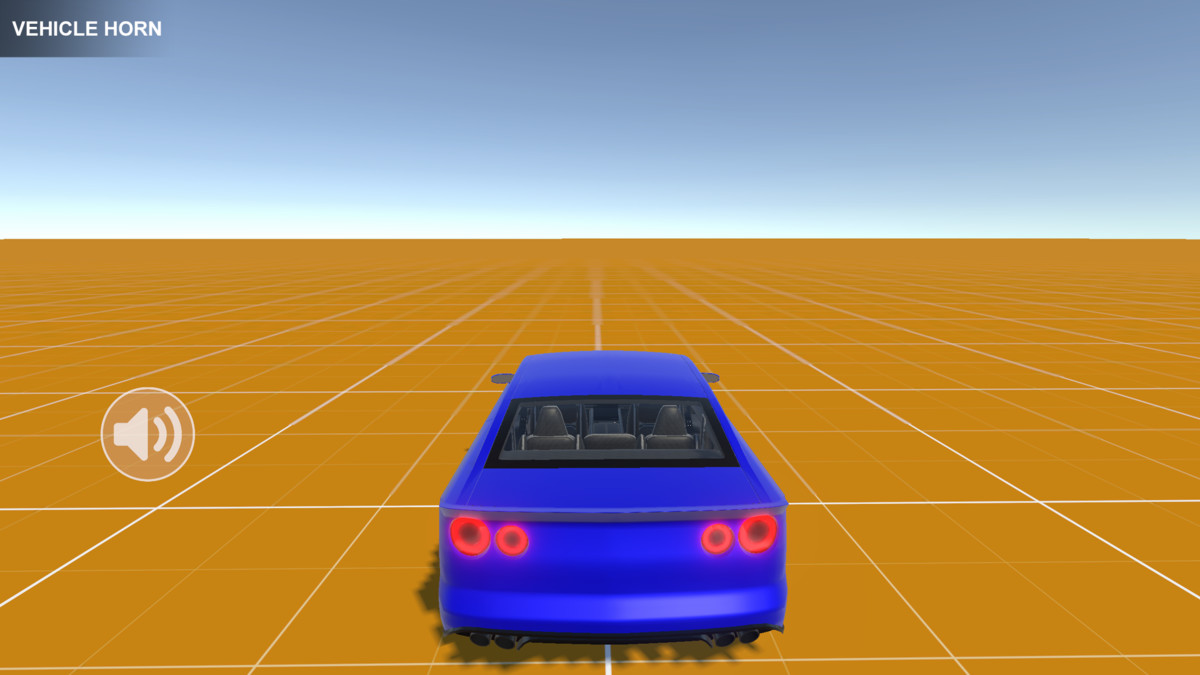
Vehicle Horn - Modular Horn Audio System screenshot 1

About this asset
Test the demo here:
https://transylvanian-tales.itch.io/vehicle-horn-demo
🔊 Vehicle Horn – Modular Horn Audio System for Unity
Vehicle Horn is a lightweight and reusable horn playback system designed primarily for vehicle-based games and simulations.
It provides a clean and modular way to handle horn audio playback with configurable minimum horn duration, helping prevent short audio flickers and unnatural playback behavior.
Built with a reusable package-based architecture, Vehicle Horn is easy to integrate into existing gameplay systems while remaining fully independent from vehicle physics or controller implementations.
🚀 Key Features
🔊 Controlled Horn Playback
- Configurable horn audio clips
- Minimum horn playback duration
- Prevents rapid horn flickering
- Stable start/stop behavior
⚡ Lightweight & Efficient
- Minimal runtime overhead
- Coroutine-based timing system
- Cached WaitForSeconds usage
- No unnecessary update loops
🧩 Modular Architecture
- Reusable package-based structure
- Independent from vehicle controllers
- Easy to integrate into existing systems
- Clean separation between runtime logic and demo content
🎯 Simple Runtime API
- Play and stop horns through a dedicated system
- Centralized horn management
- Safe runtime state handling
🚗 Vehicle & Non-Vehicle Usage
Designed for:
- Cars
- Trucks
- Traffic systems
- AI vehicles
- Driving simulators
- Arcade games
- Any gameplay system requiring horn audio
The horn system can also be used completely independently from vehicles.
🎨 Configurable Horn Presets
Create reusable horn configurations with:
- Custom horn audio clips
- Adjustable minimum playback duration
📦 What’s Included
- Vehicle Horn runtime system
- HornConfiguration asset system
- Ready-to-use demo scenes
- Standalone horn demo
- Car presentation demo
- Documentation and setup guides
- Video tutorials
🚗 Car Demo Included
A vehicle presentation demo is included to showcase horn usage in a driving environment.
The horn system itself is fully independent from the vehicle controller and can be used separately without any car setup.
The car demo is built using the SMVC (Simple Modular Vehicle Controller) framework.
🧠 Designed for Flexibility
The system is intentionally decoupled from gameplay logic.
It does NOT implement:
- Vehicle physics
- Engine simulation
- Traffic AI
- Input systems
Instead, it focuses entirely on:
- Horn playback
- Playback timing
- Runtime horn state management
This makes integration simple and flexible across many project types.
🎨 Render Pipeline Support
- Built-In Render Pipeline (BRP) – ready to use
- Universal Render Pipeline (URP) – supported via included package
- High Definition Render Pipeline (HDRP) – supported via included package
⚙️ Easy Setup
- Create a HornConfiguration asset
- Assign an AudioSource
- Add the Horn component
- Call Play/Stop through the API
The system is designed to be simple to integrate while remaining extensible.
📚 Documentation & Learning
Included:
- Clean and structured documentation
- Architecture and runtime breakdown
- Setup instructions
- Video tutorials
📺 Tutorials playlist:
https://www.youtube.com/playlist?list=PL2ESxGsWSBc4BB9vDf1Qo18QmbnXn3Ein
🔒 No External Dependencies
- No external APIs used
- No third-party services required
- No API keys needed
- Fully self-contained within the package
💡 Perfect For
- Driving games
- Vehicle simulators
- Traffic systems
- AI vehicle behaviors
- Arcade racing games
- Gameplay audio systems
- Modular game architectures
From the publisher's Asset Store listing.
Technical details
Core Features
- Configurable horn audio playback
- Minimum horn playback duration support
- Prevents rapid horn flickering
- Centralized runtime horn management
- Coroutine-based timing system
- Lightweight runtime implementation
- Independent from gameplay and vehicle systems
Horn System
- HornConfiguration asset system
- Configurable horn clips
- Adjustable minimum horn duration
- Safe runtime playback handling
- Delayed stop requests until minimum duration elapses
Included Content
- Vehicle Horn runtime system
- HornConfiguration assets
- Demo scenes
- Standalone horn demo
- Car presentation demo
- Documentation and setup guides
- Video tutorials
Architecture
Core logic located in:
/Assets/TransylvanianTales/_Common/
Asset-specific content located in:
/Assets/TransylvanianTales/VehicleHorn/
Render Pipeline Support
- Built-in Render Pipeline (BRP) – ready to use
- Universal Render Pipeline (URP) – supported via included .unitypackage
- High Definition Render Pipeline (HDRP) – supported via included .unitypackage
Dependencies
Included internal packages (no external downloads required)
Internal packages:
- TT.VehicleHorn.V1
- TT.Core.ReadOnlyAttribute.V1
- TT.Core.MonoBehaviourComponentSystem.V1
Car demo also uses:
- TT.SMVC.V2
Unity Requirements (for demos)
- TextMeshPro
- Input System
Compatibility
- Works on mobile and desktop platforms
- Compatible with any gameplay or vehicle system
- Can be used independently from vehicles
External Dependencies / API Disclaimer
- No external APIs used
- No third-party services required
- No API keys needed
- Fully self-contained within the package
Compatibility
| Unity version | Built-in | URP | HDRP |
|---|---|---|---|
| 2022.3.62f2 | Compatible | Compatible | Compatible |
1. Navigate to:
/Assets/TransylvanianTales/VehicleHorn/
2. Import the correct package:
- URP.unitypackage or HDRP.unitypackage
(BRP requires no import)
3. After importing, open:
/CarDemo/RenderPipelines/[Your RP]/
4. Open the Demo scene and press Play
As listed on the Asset Store.