
 View on Asset Store (opens in new tab)
Package details
- Latest version
- 1.0.0
- Last updated
- First released
- Unity version
- 2022.3.62 or later
- Package size
- 277 KB
- Files
- 60
- Favorites
- 5
- Views in the past week
- 13
Price tracking
- Last checked
- Tracked since
- Lowest recorded
- $4.99 on
Keywords
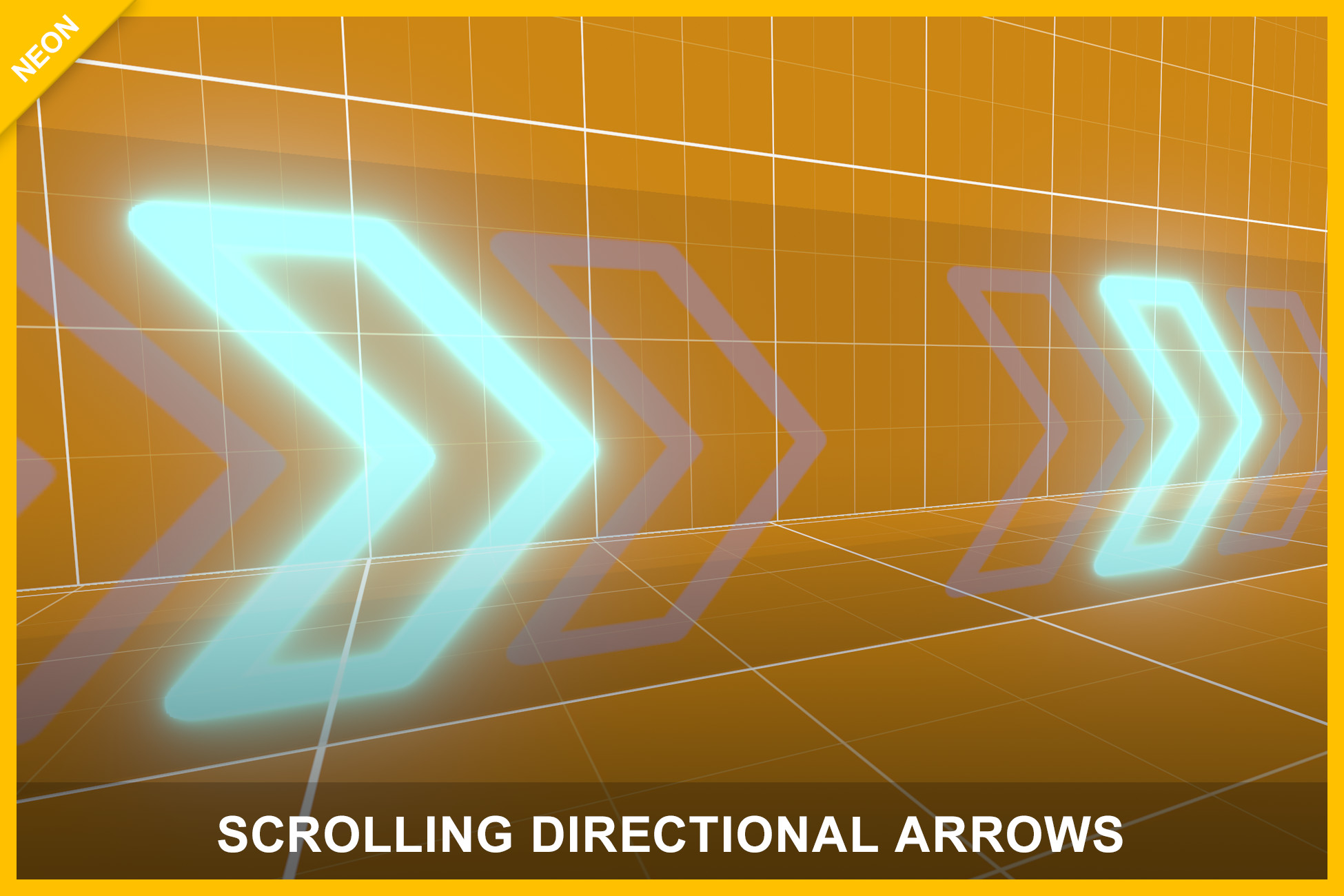
Scrolling Directional Arrows: Neon Racing Guidance Arrows
Create glowing animated directional arrows inspired by arcade racing games. Includes scalable prefabs, automatic tiling, material scrolling, and Built-in/URP/HDRP support.
Affiliate link · Purchases support this site
Price history
Last 6 months
USDAsset preview
1 / 7
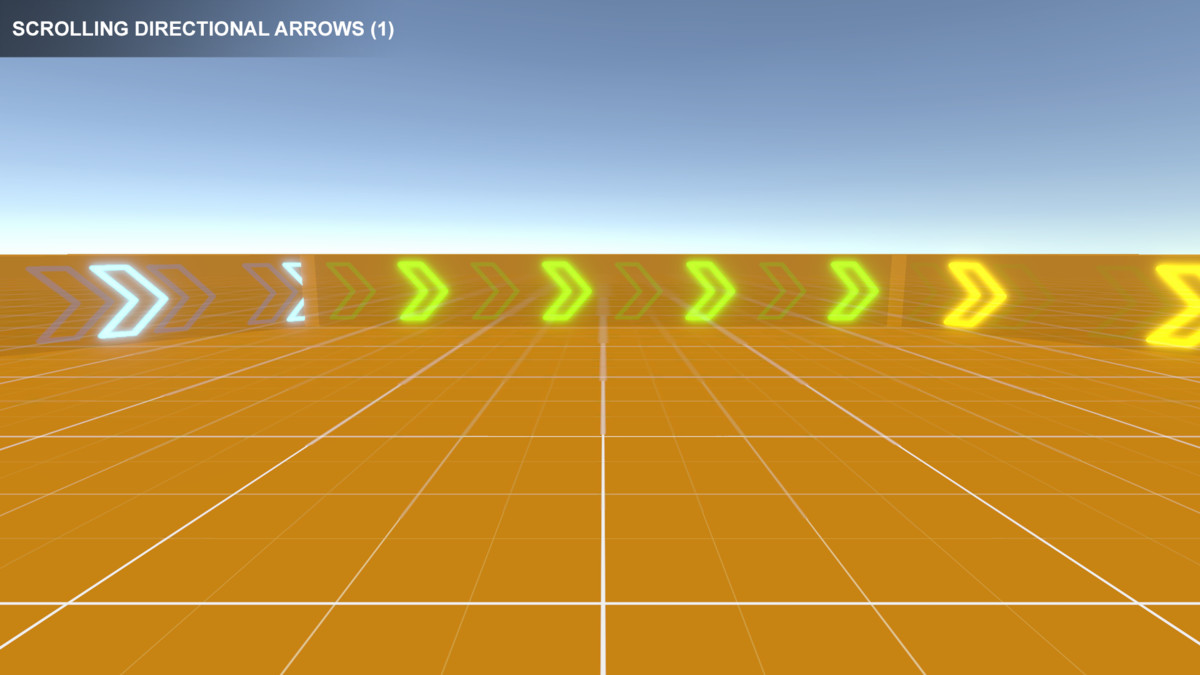
Scrolling Directional Arrows: Neon Racing Guidance Arrows screenshot 1

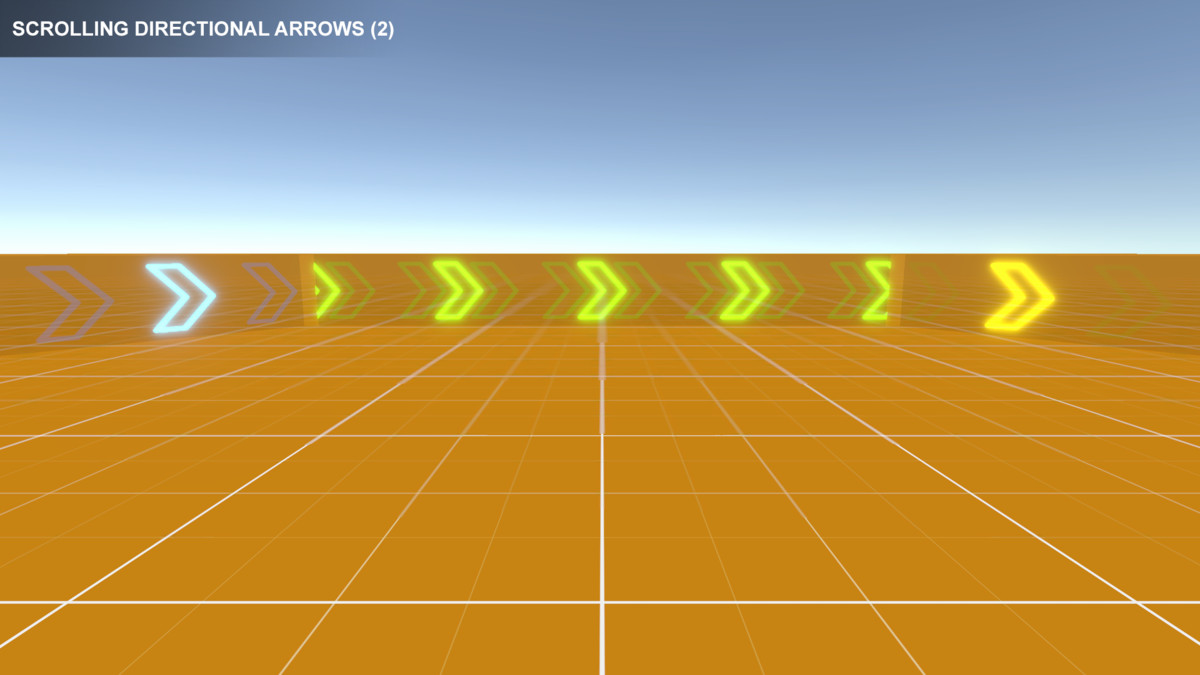
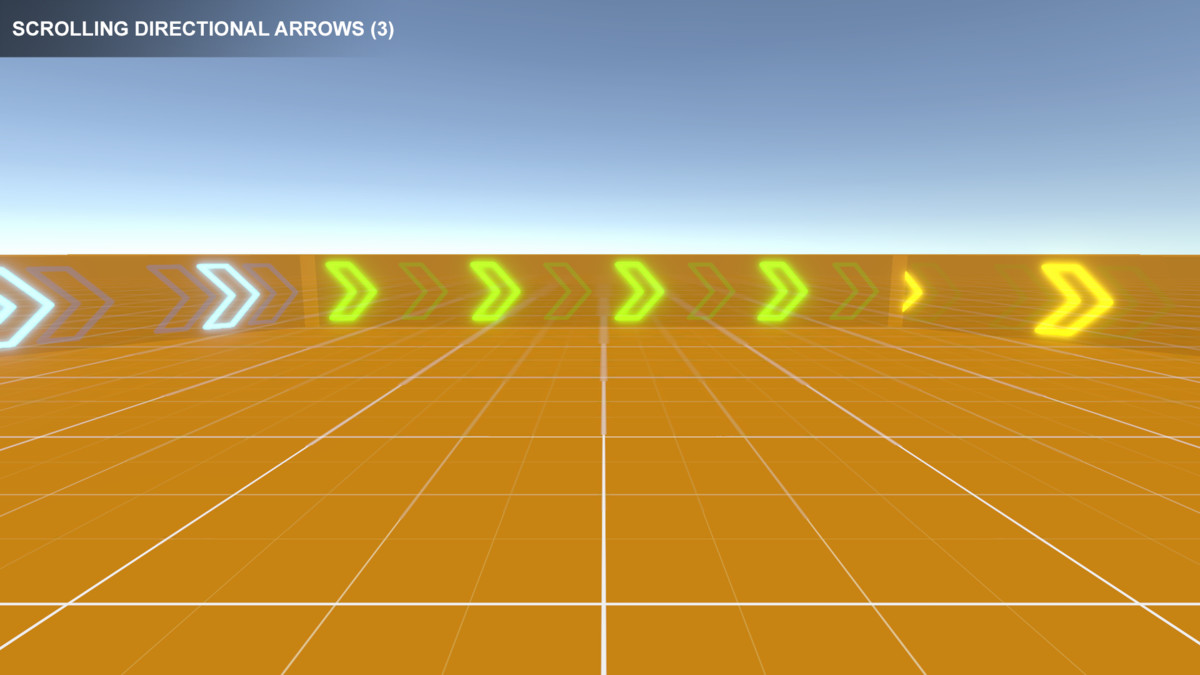
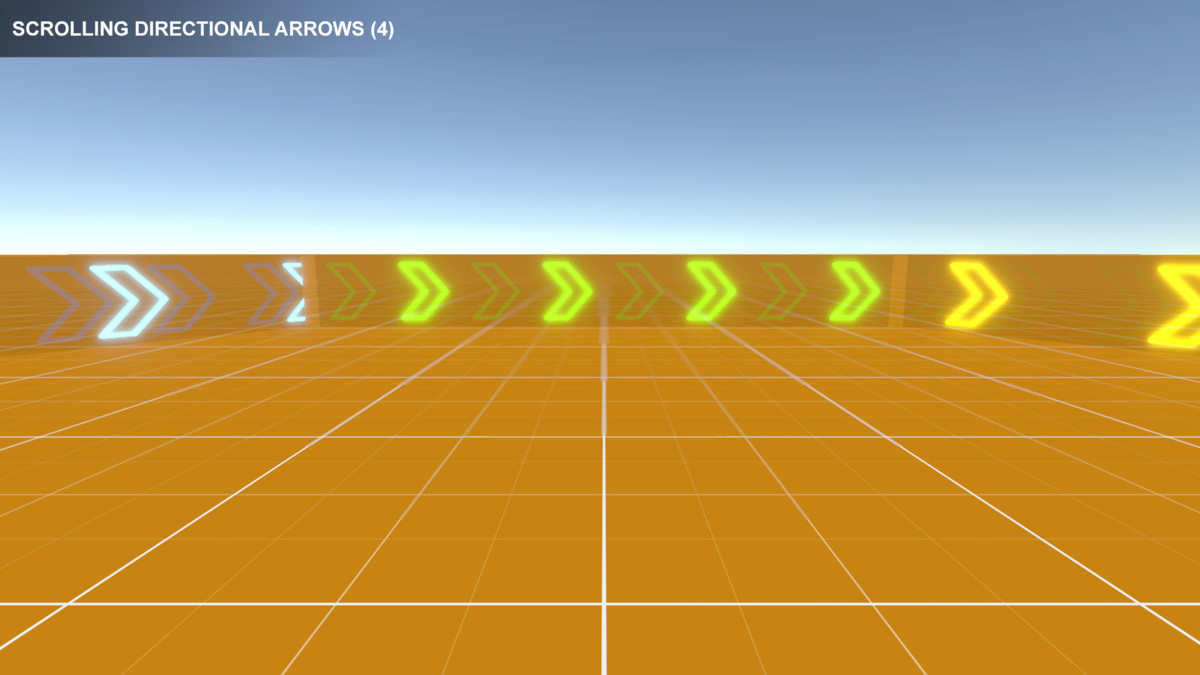
About this asset
🎮 Try the WebGL demo here:
https://transylvanian-tales.itch.io/scrolling-directional-arrows-demo
Create glowing animated directional arrows inspired by arcade and street racing games.
Scrolling Directional Arrows is a lightweight drag-and-drop solution for building stylish navigation indicators using scrolling emissive materials, automatic tiling, and scalable prefabs.
Designed for racing games, cyberpunk environments, futuristic tracks, and arcade-style worlds, the system provides smooth animated guidance visuals with minimal setup and excellent performance.
📺 Video tutorials:
https://www.youtube.com/playlist?list=PL2ESxGsWSBc5BVN52i_FqqpEybxg1bJsJ
🚀 Key Features
➡️ Animated Scrolling Arrows
Create dynamic directional guidance using scrolling emissive materials.
- Arcade racing-inspired visuals
- Smooth scrolling glow effect
- Lightweight material-based animation
- Ideal for roads, tracks, checkpoints, and guidance systems
✨ Glowing Neon Visuals
Designed to work beautifully with Bloom and post-processing.
- Emissive glowing arrows
- Neon/cyberpunk-friendly aesthetic
- Multiple included color variants
- Strong visibility in dark environments
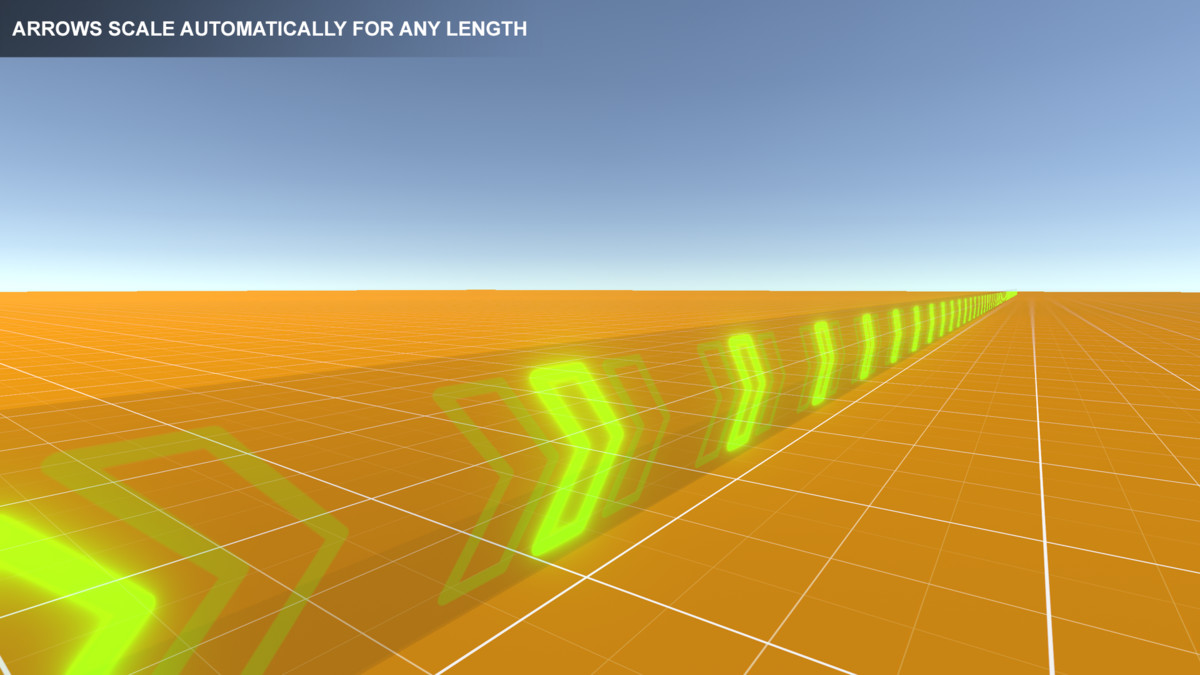
📏 Automatic Material Tiling
Arrow density automatically adjusts based on object scale.
- Scale objects freely
- Maintain consistent arrow density
- No manual UV adjustments required
- Great for long roads and large environments
⚡ Lightweight & Efficient
Built using MaterialPropertyBlock for efficient rendering behavior.
- No unnecessary material instancing
- Runtime and editor-compatible behavior
- Minimal overhead
- Suitable for large scenes
🧩 Drag-and-Drop Workflow
Simple setup designed for rapid integration.
- Drop a prefab into your scene
- Scale and rotate as needed
- Scrolling and tiling work automatically
- Demo scene included
🎨 Easy Customization
Customize visuals and behavior to fit your project.
- Included Blue, Green, and Yellow variants
- Modify emission color
- Adjust scrolling speed
- Adjust tiling density
- Create prefab variants easily
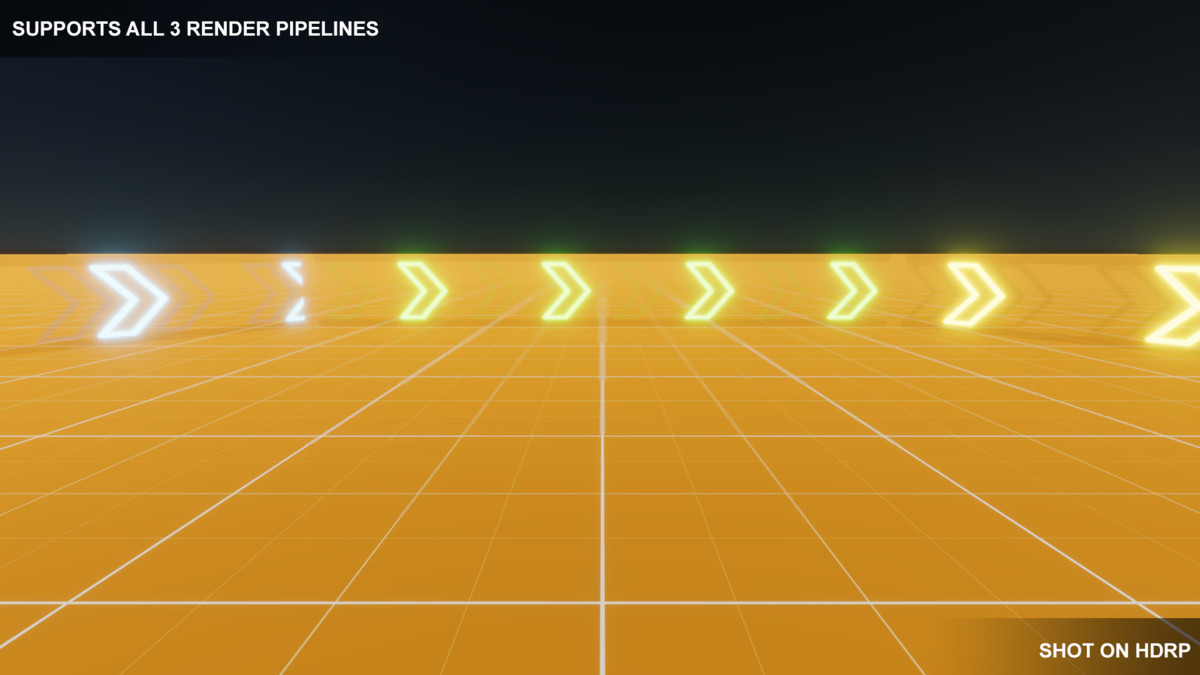
🌐 Multi Render Pipeline Support
Supports all major Unity render pipelines.
Built-in Render Pipeline:
- Included by default
Universal Render Pipeline (URP):
- Supported via included .unitypackage
High Definition Render Pipeline (HDRP):
- Supported via included .unitypackage
📦 What’s Included
- Scrolling Directional Arrow prefabs
- Multiple color variants
- Demo scene
- Materials and textures
- Material scrolling system
- Material tiling system
- Documentation
- Tutorial videos
- Built-in RP support
- URP support package
- HDRP support package
🎮 Perfect For
- Racing games
- Arcade games
- Cyberpunk environments
- Futuristic roads
- Track indicators
- Navigation systems
- Checkpoints and guidance paths
- Stylized world-space UI
⚙️ Easy Setup
- Drag a prefab into your scene
- Scale and rotate freely
- Press Play
The system automatically:
- Scrolls glowing arrows
- Updates tiling based on scale
- Maintains visual consistency
🧠 Modular Architecture
The asset uses reusable internal systems organized inside:
/Assets/TransylvanianTales/_Common/
Asset-specific content is located inside:
/Assets/TransylvanianTales/ScrollingDirectionalArrows/
This structure allows reusable systems across multiple TT assets while keeping project organization clean and scalable.
📚 Documentation & Tutorials
Includes:
- Structured documentation
- Setup instructions
- Demo scene
- Video tutorials
🔒 No External Dependencies
- No external APIs used
- No third-party services required
- No API keys needed
- Fully self-contained within the package
From the publisher's Asset Store listing.
Technical details
Core Features
- Animated scrolling emissive arrows
- Automatic material tiling based on object scale
- MaterialPropertyBlock-based rendering behavior
- Runtime and editor-compatible visuals
- Lightweight and efficient architecture
- Drag-and-drop workflow
- Multiple included color variants
- Demo scene included
Included Content
- Scrolling Directional Arrow prefabs
- Blue, Green, and Yellow variants
- Demo scene
- Materials and textures
- MaterialScroller system
- MaterialTiler system
- Documentation
- Tutorial videos
Architecture
Core reusable systems located in:
/Assets/TransylvanianTales/_Common/
Asset-specific content located in:
/Assets/TransylvanianTales/ScrollingDirectionalArrows/
Included internal systems:
- TT.MaterialScroller.V1
- TT.MaterialTiler.V1
- TT.Core.ReadOnlyAttribute.V1
- TT.Core.MonoBehaviourComponentSystem.V1
Render Pipeline Support
Built-in Render Pipeline (BRP)
- Included by default
Universal Render Pipeline (URP)
- Supported via included .unitypackage
High Definition Render Pipeline (HDRP)
- Supported via included .unitypackage
Post Processing Requirements
Built-in Render Pipeline:
- Requires Post Processing Stack v2 for Bloom glow effect
URP and HDRP:
- Post-processing already configured in included scenes
Performance Notes
- Uses MaterialPropertyBlock to avoid material instancing
- Suitable for multiple simultaneous arrow surfaces
- Minimal runtime overhead
- Designed for scalability and editor/runtime consistency
Customization
Supports:
- Custom scaling
- Rotation and positioning
- Custom emission colors
- Adjustable scroll speed
- Adjustable tiling density
- Prefab variants
Compatibility
- Compatible with Built-in RP, URP, and HDRP
- Works in editor and runtime
- Compatible with desktop and mobile projects
- Suitable for both 3D environments and stylized gameplay visuals
External Dependencies / API Disclaimer
- No external APIs used
- No third-party services required
- No API keys needed
- Fully self-contained within the package
Compatibility
| Unity version | Built-in | URP | HDRP |
|---|---|---|---|
| 2022.3.62f2 | Compatible | Compatible | Compatible |
1. Navigate to:
/Assets/TransylvanianTales/ScrollingDirectionalArrows/
2. Import the correct package:
- URP.unitypackage or HDRP.unitypackage
(BRP requires no import)
3. After importing, open:
/RenderPipelines/[Your RP]/
4. Open the Demo scene and press Play
As listed on the Asset Store.