
 View on Asset Store (opens in new tab)
Package details
- Latest version
- 2026.9.22
- Last updated
- First released
- Unity version
- 6000.6.2 or later
- Package size
- 109 KB
- Files
- 23
- Favorites
- 1
- Views in the past week
- 3
Price tracking
- Last checked
- Tracked since
- Lowest recorded
- $11.11 on
Keywords

Missing Script Reassigner
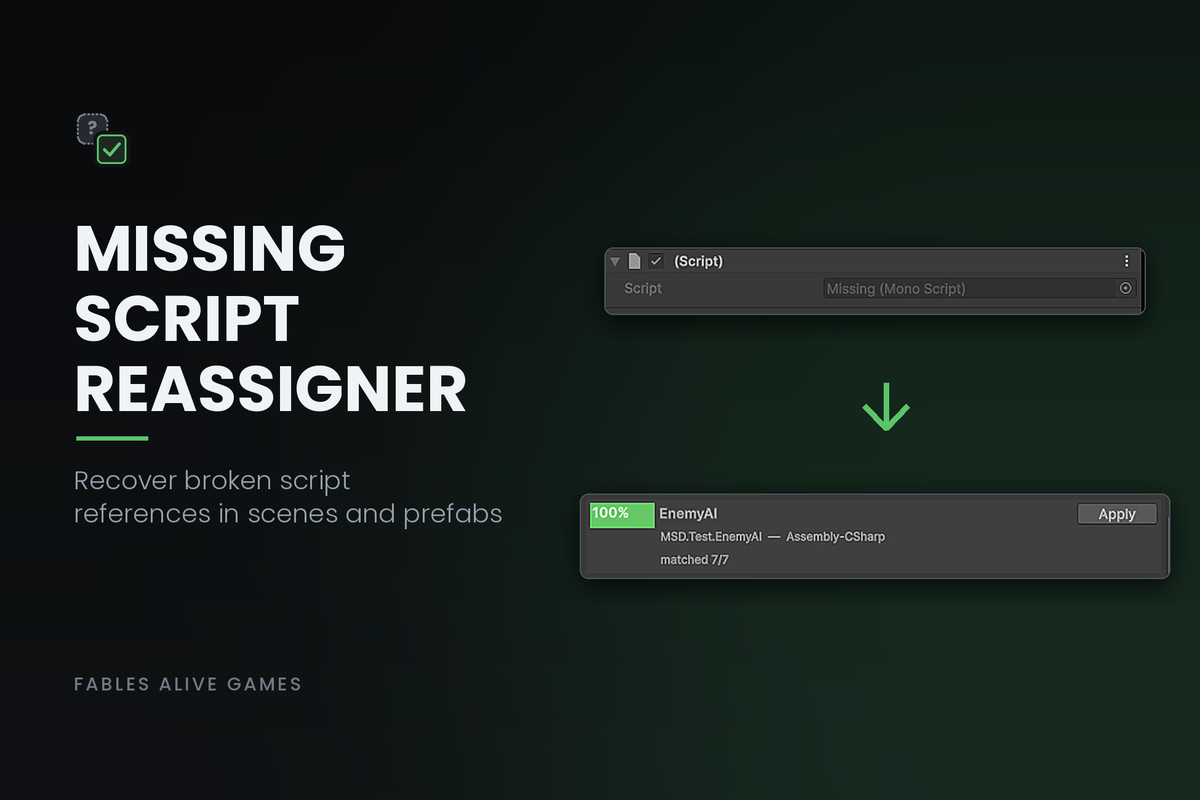
Recover missing script references in your scenes and prefabs. Works on broken projects even if the tool was never installed before the loss happened.
Affiliate link · Purchases support this site
Price history
Last 6 months
USDAsset preview
1 / 1
Missing Script Reassigner screenshot 1
About this asset
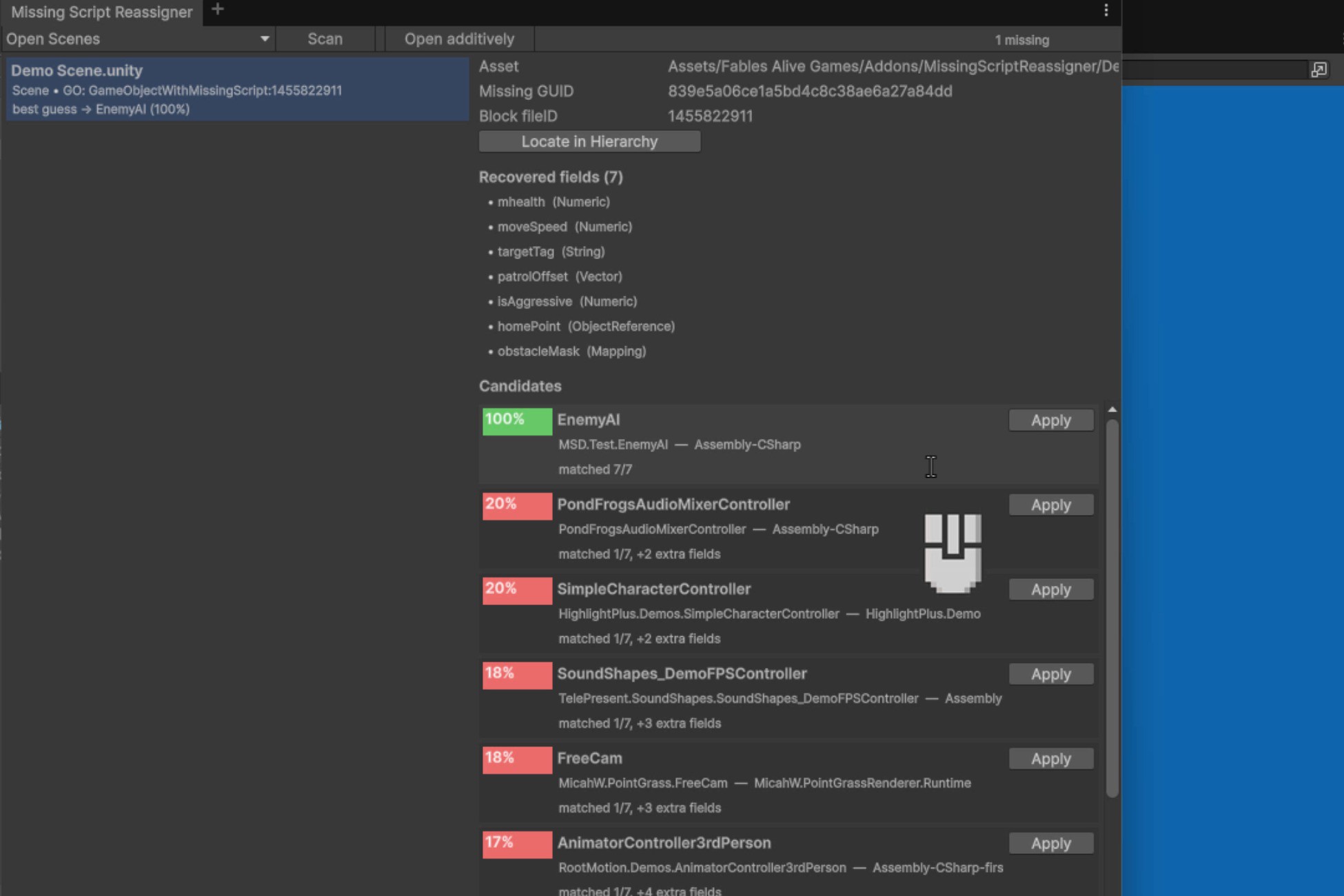
When a script disappears from your project, Unity shows "Missing (Mono Script)" on every component that used it. The data underneath is still there, but the reference is broken.
Missing Script Reassigner figures out which script each missing reference originally pointed to, and reattaches it for you. It does this by looking at the field data that was left behind and comparing it to the scripts in your project. The closest match wins.
You see a list of every broken reference, with a ranked guess for each one and a confidence percentage. Apply guesses one by one, or batch-fix all the high-confidence matches in a single click. Every change creates a backup file so you can undo any reassignment.
Unlike most tools that require you to install them in advance so they can record GUIDs in the background, this one works after the damage is done. No setup required before the loss happens.
Use it for:
Reattaching scripts you deleted by accident
Fixing scenes after moving scripts between folders or namespaces
Cleaning up broken prefabs after a refactor
Repairing references after upgrading or replacing third-party assets
From the publisher's Asset Store listing.
Technical details
Tested through Unity 6 LTS.
Editor-only. Adds nothing to your runtime or build.
Works with any render pipeline.
Requires Asset Serialization set to Force Text (the default).
Full C# source included.
Compatibility
| Unity version | Built-in | URP | HDRP | Custom |
|---|---|---|---|---|
| 6000.6.2f1 | Compatible | Compatible | Compatible | Compatible |
As listed on the Asset Store.