
 View on Asset Store (opens in new tab)
Package details
- Latest version
- 1.0
- Last updated
- First released
- Unity version
- 6000.3.9 or later
- Package size
- 6.9 MB
- Files
- 42
- Views in the past week
- 10
Price tracking
- Last checked
- Tracked since
- Lowest recorded
- $29.99 on
Keywords
Dynamic Mesh Painting
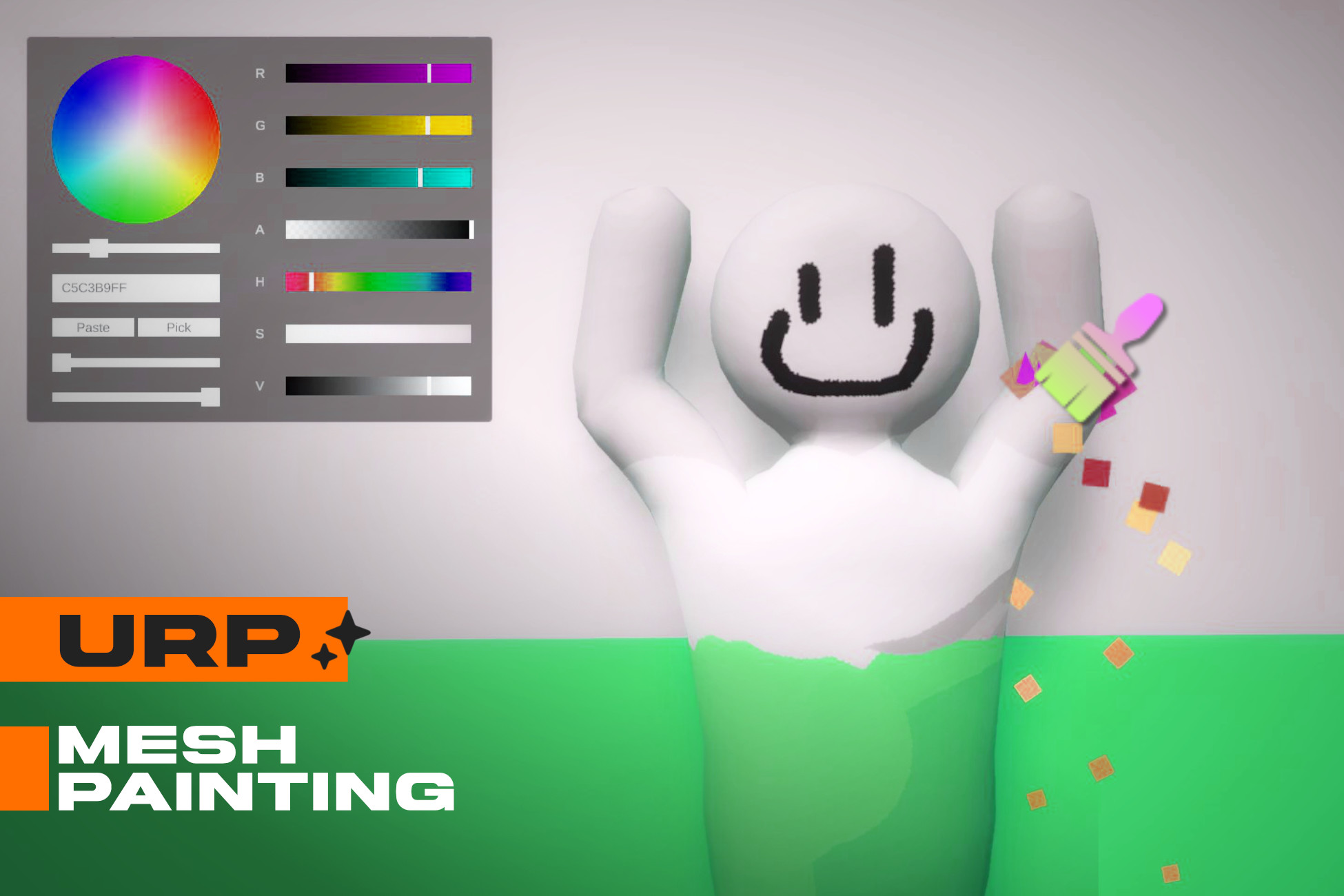
Perfect your hide-and-seek mechanics with the Dynamic Mesh Painting System! Paint your 3D character in real-time to flawlessly camouflage and seamlessly blend into any environment.
Affiliate link · Purchases support this site
Price history
Last 6 months
USDAsset preview
1 / 7
Dynamic Mesh Painting screenshot 1

About this asset
Dynamic Mesh Painting System:
Welcome to the Dynamic Mesh Painting System. This complete template provides everything you need to build engaging camouflage and stealth mechanics in your single player games. You can paint your 3D character directly during gameplay to match the environment perfectly and create a unique hide and seek experience.
Core Features
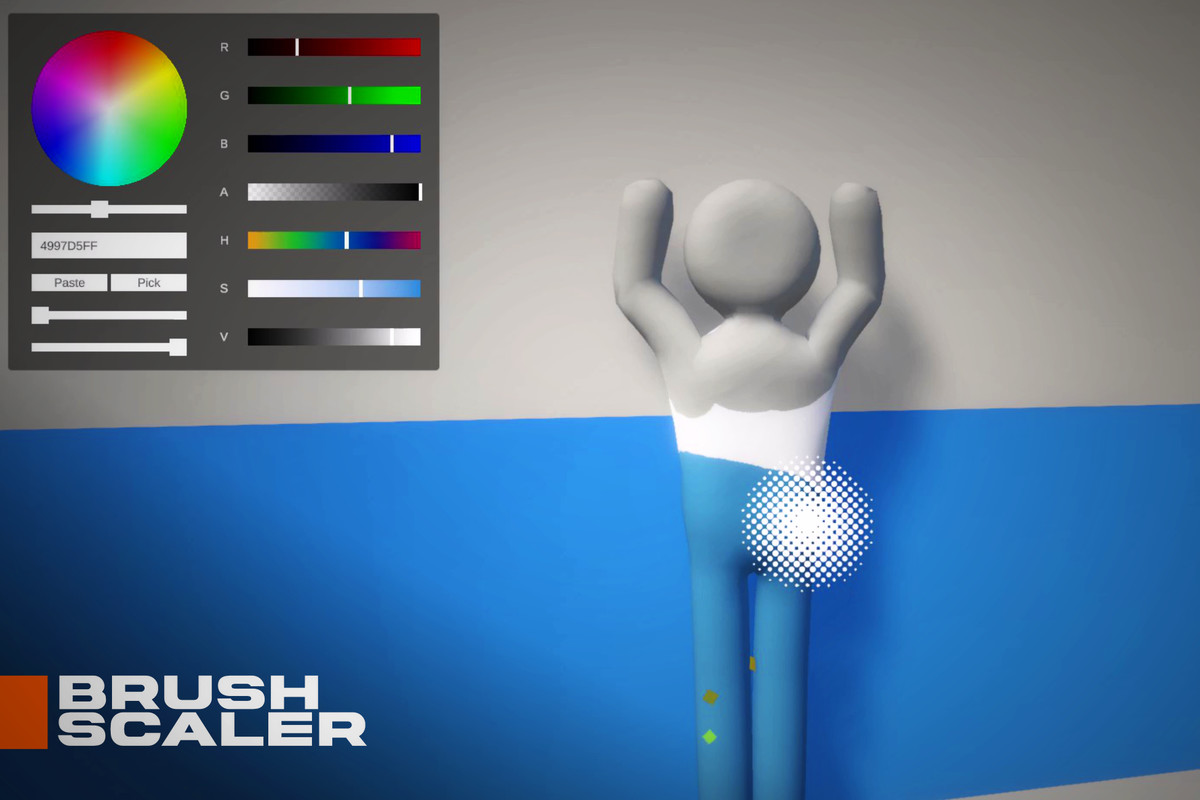
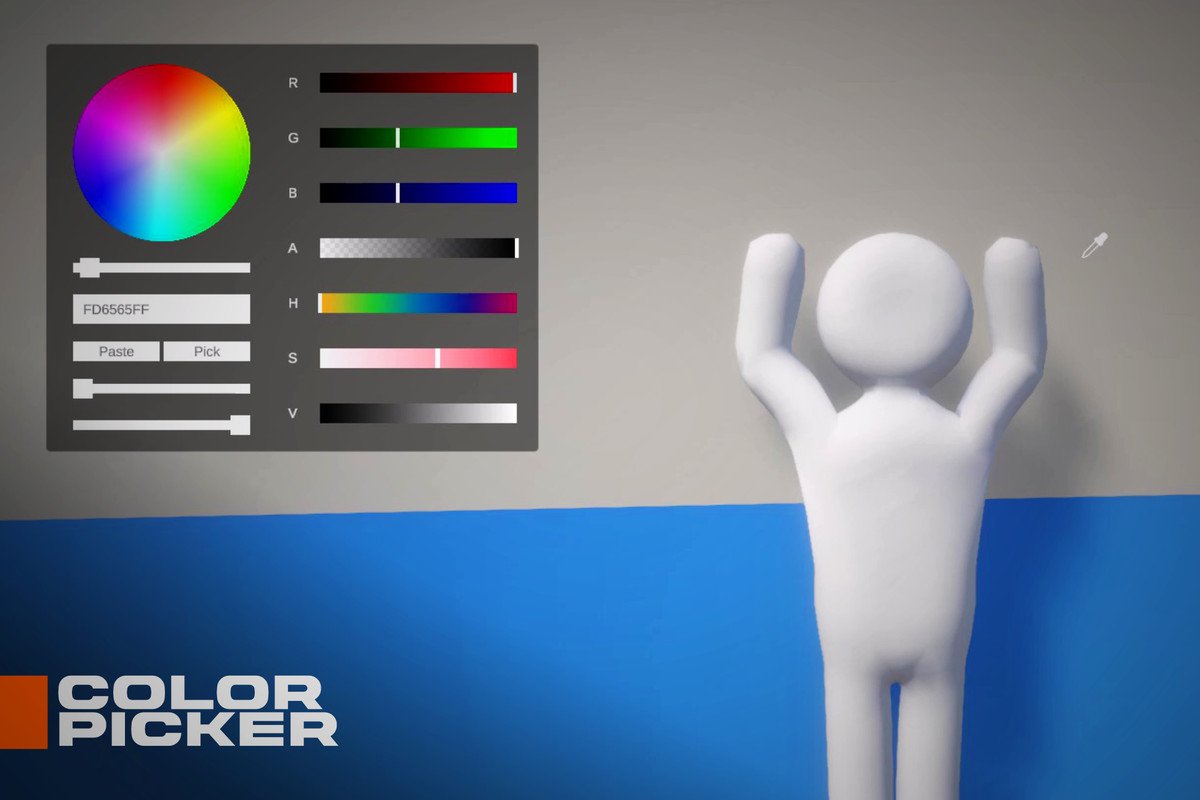
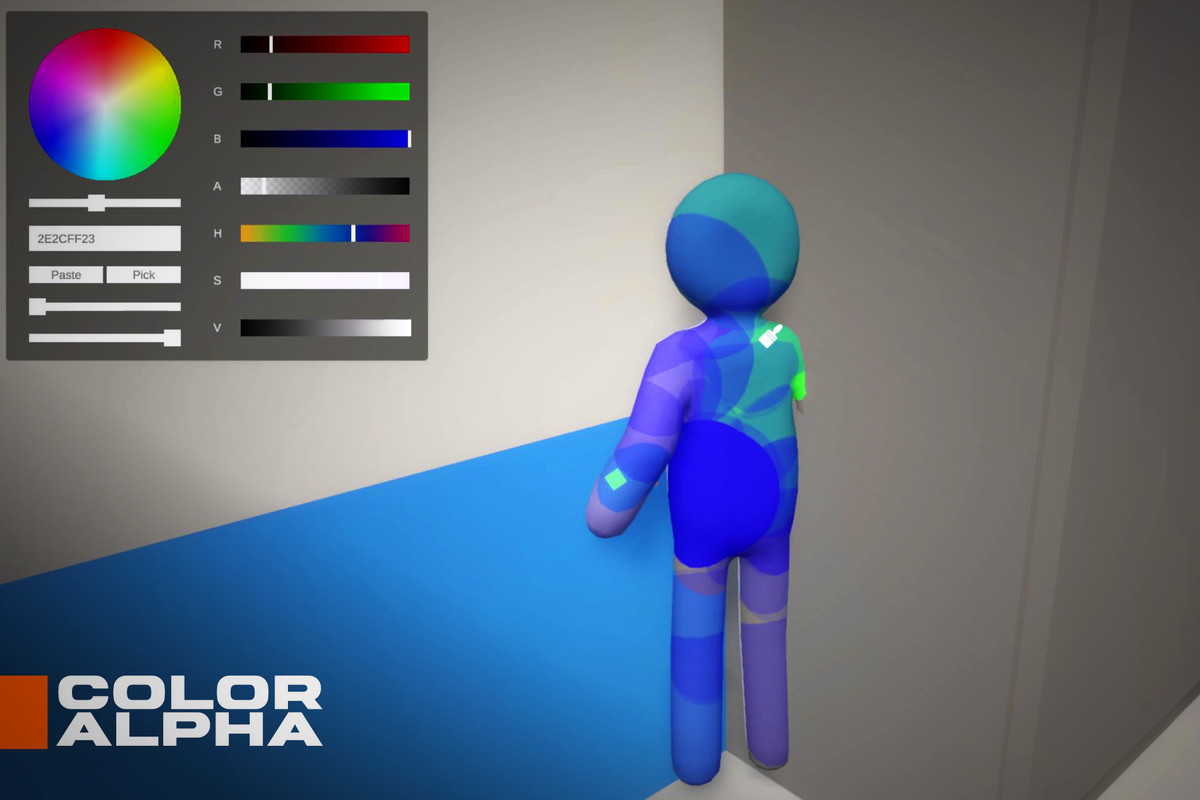
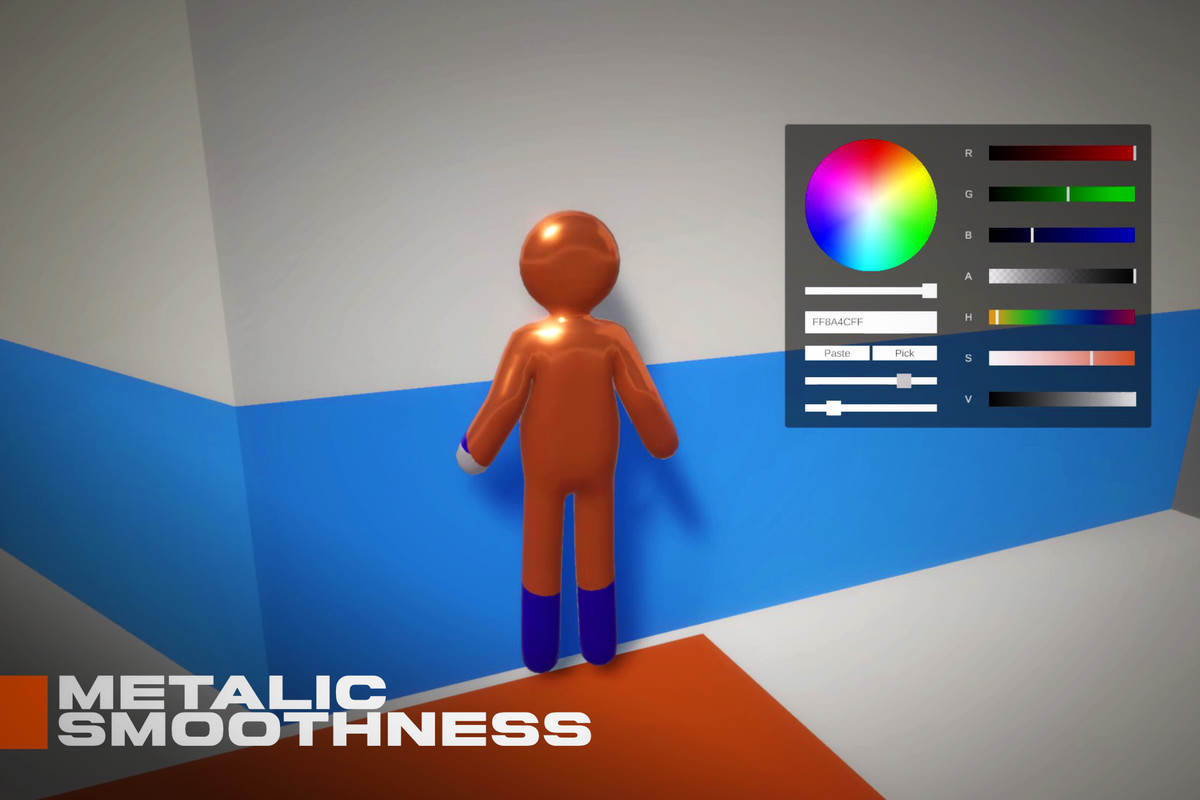
- Real Time Mesh Painting: Draw directly onto your character skinned mesh. The system includes a full suite of color tools. Players can use a color wheel, RGB and HSV sliders, hex code inputs, and an eyedropper tool to copy colors directly from the screen. You can also adjust brush sizes dynamically and tweak material properties like metallic and roughness.
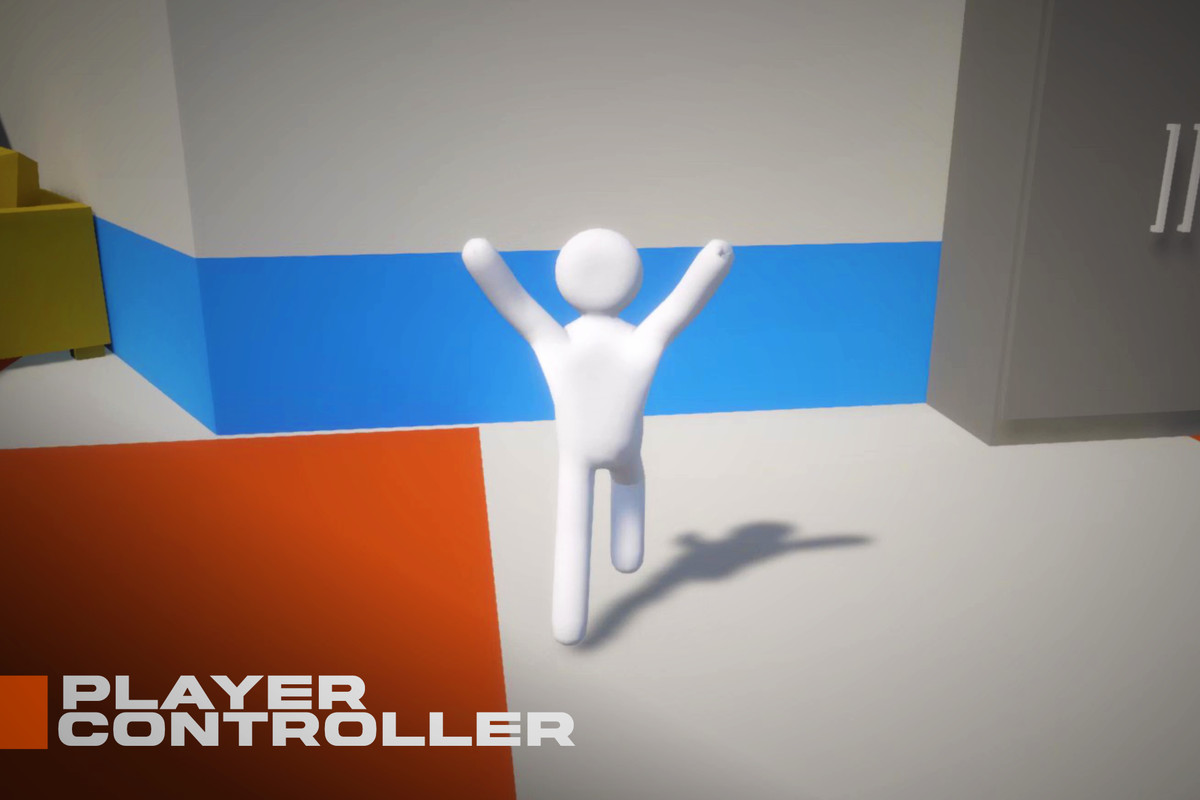
- Third Person Character Controller: A fully integrated movement and camera system. It features smooth player rotation, adjustable camera zoom ranges, and pitch constraints. The camera script automatically detects when you open the painting menu or emote menu, instantly freeing the mouse cursor for easy interaction.
- Customizable UI Layouts: Give players control over their workspace. The painting window can be toggled with a quick tap or relocated by holding the action key. The system automatically calculates screen boundaries so the menu never gets lost off screen.
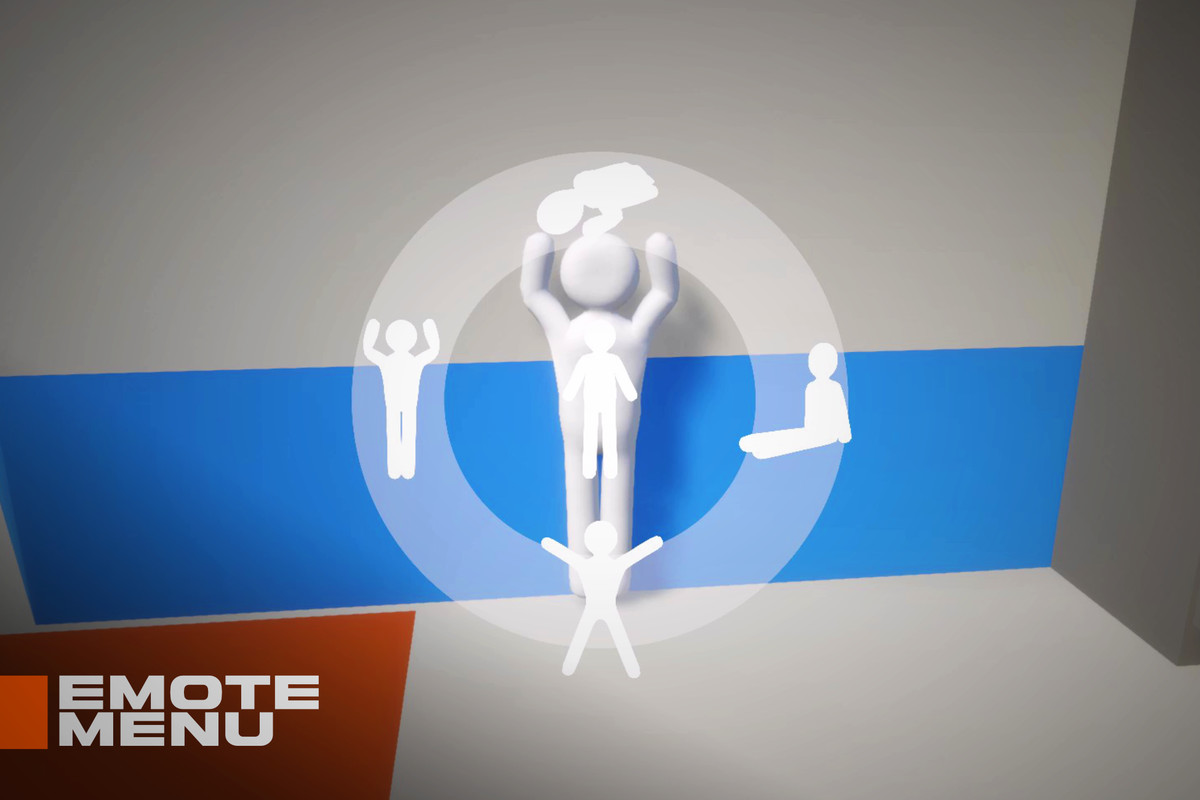
- Seamless Emote Menu: Bring your character to life with an interactive animation wheel. By holding a designated key, players open a visual menu. Moving the mouse near an icon automatically calculates the closest option and triggers a smooth transition into that specific animation.
Easy Implementation:
Everything is heavily optimized and exposed directly in the Unity Inspector. The scripts cache components for better performance and use dynamic UI generation to keep your hierarchy clean. Simply attach the required scripts, fit a mesh collider to your character, assign your user interface elements, and you are ready to start painting.
From the publisher's Asset Store listing.
Technical details
Models
| Model Name | Triangles | Vertices |
| MuffinMan.fbx | 2230 | 1117 |
| Room.fbx | 3670 | 2200 |
| MuffinMan_Animations.fbx | 2230 | 1117 |
Textures
| Texture Name | Resolution | Format |
| Alpha.png | 2048x201 | .PNG |
| B.png | 2048x201 | .PNG |
| Brush.png | 200x200 | .PNG |
| ColorBar.png | 2048x180 | .PNG |
| G.png | 2048x201 | .PNG |
| Palette.png | 256x256 | .PNG |
| Picker.png | 200x200 | .PNG |
| Pie.png | 2048x2048 | .PNG |
| Pose_00011.png | 1080x1080 | .PNG |
| Pose_10076.png | 1080x1080 | .PNG |
| Pose_20093.png | 1080x1080 | .PNG |
| Pose_30125.png | 1080x1080 | .PNG |
| Pose_40158.png | 1080x1080 | .PNG |
| R.png | 2048x201 | .PNG |
| Radius.png | 200x200 | .PNG |
| S_Color.png | 2048x201 | .PNG |
| Saturation.png | 2048x201 | .PNG |
| Value.png | 2048x201 | .PNG |
| Wheel.png | 2048x2048 | .PNG |
Compatibility
| Unity version | Built-in | URP | HDRP |
|---|---|---|---|
| 6000.3.9f1 | Not listed | Compatible | Not listed |
As listed on the Asset Store.