
 View on Asset Store (opens in new tab)
Package details
- Latest version
- 1.0
- Last updated
- First released
- Unity version
- 6000.3.10 or later
- Package size
- 327.1 MB
- Files
- 155
- Favorites
- 2
- Views in the past week
- 5
Price tracking
- Last checked
- Tracked since
- Lowest recorded
- $19.99 on
Keywords

Quick Object Placement System Pro - Save & Load System
- Price drop
Complete inventory-based object placement system with box, preview, and instantiate workflow, layer validation, and interactive UI for furniture and sanitary item placement.
Lowest recorded price
Get 20% off on Asset Store (opens in new tab)Affiliate link · Purchases support this site
Price history
Last 6 months
USDAsset preview
1 / 7

Quick Object Placement System Pro - Save & Load System screenshot 1



About this asset
This package provides a complete inventory-based object placement system designed for structured environment building. It allows users to select items from an interactive UI, spawn them as box objects, preview their placement in real time, and instantiate them into the scene.
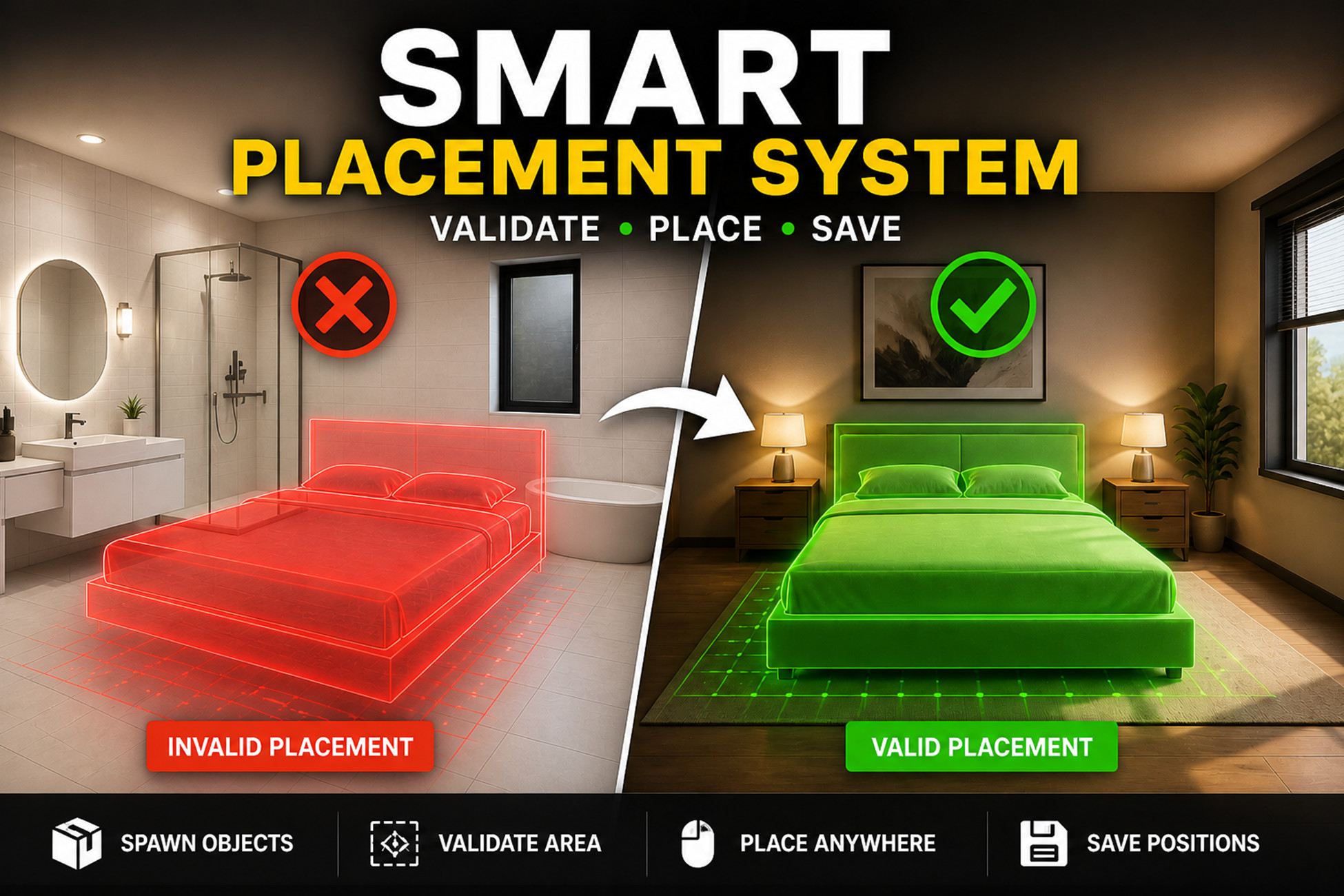
The system follows a smooth workflow where items are first ordered through the inventory and appear as box objects. Upon interaction, a preview object is activated, allowing precise positioning with real-time visual feedback. The preview uses color states to indicate valid and invalid placement based on surface layers. Once confirmed, the object is instantiated at the selected location.
A flexible layer-based validation system ensures logical placement. Furniture can only be placed on furniture surfaces, while sanitary items are restricted to sanitary areas, preventing incorrect placement.
A key feature of this package is its saving and loading system. All placed objects, including furniture, sanitary items, and even spawned box objects, are automatically saved with their position and rotation. When the user returns, the scene is restored exactly as it was using Unity JSON-based data storage, ensuring persistence across sessions.
The package includes a fully functional and customizable UI system with category selection, item browsing, and a cart-based price panel. Users can add items, view total cost, and complete the placement process efficiently.
The system is modular, scalable, and optimized for both PC and mobile platforms, making it suitable for simulation games, house design systems, and interactive environment builders.
From the publisher's Asset Store listing.
Technical details
- Inventory-based placement workflow (Box → Preview → Instantiate)
- Scriptable Object-driven item data (name, price, image, prefab references)
- Layer-based placement validation (Valid & Invalid Layers system)
- Real-time preview with dynamic color feedback (valid/invalid states)
- Smooth preview movement with camera-follow behavior
- Adjustable preview offset and placement settings
- Raycast-based surface detection system
- Saving & Loading System Saves placed objects (furniture, sanitary) with position and rotation
Saves spawned box objects
Restores scene state on reload
Uses Unity JSON-based data storage - Fully functional UI system:Category Panel (e.g., Furniture, Sanitary)
Item List (side list + visual item grid)
Cart / Price Panel with total calculation and buy functionality - Item Display system driven by Scriptable Objects
- Prefab-based setup for easy customization
- Manager-based architecture for centralized control
- Clean and modular scripts for easy extension
- Mobile & PC-both controls and performance support
Compatibility
| Unity version | Built-in | URP | HDRP |
|---|---|---|---|
| 6000.3.10f1 | Compatible | Not listed | Not listed |
As listed on the Asset Store.