
 View on Asset Store (opens in new tab)
Package details
- Latest version
- 1.0
- Last updated
- First released
- Unity version
- 6000.0.67 or later
- Package size
- 140 KB
- Files
- 18
- Favorites
- 21
- Views in the past week
- 8
Price tracking
- Last checked
- Tracked since
- Lowest recorded
- Free on
Keywords

RePivot
Move the pivot point of any GameObject directly in the Scene View. Non-destructive, undo-safe, works with any render pipeline.
Affiliate link · Purchases support this site
Price history
Last 6 months
USDAsset preview
1 / 4
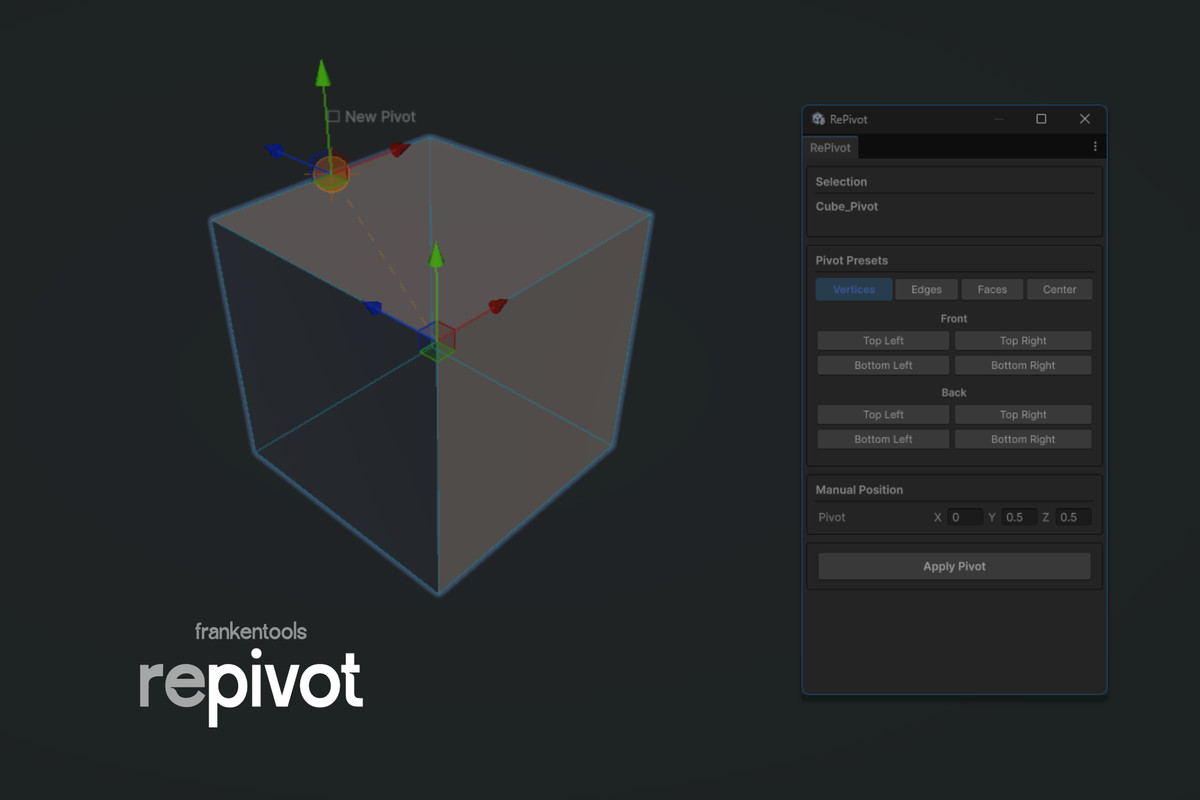
RePivot screenshot 1
About this asset
RePivot gives you a dead-simple way to reposition the pivot point of scene objects without touching your meshes or re-importing assets.
Select an object, pick a new pivot from the preset grid or drag the handle in the Scene View, hit Apply. Done. The object stays exactly where it was — only the pivot moves.
Under the hood it creates a lightweight parent wrapper that acts as the new origin. No mesh modification, no asset changes, no runtime overhead. The wrapper inherits layer, tag, and static flags automatically.
Works on any GameObject with renderers — imported FBX models, ProBuilder meshes, prefab instances (after unpacking), multi-child hierarchies. Bounds are calculated from all child renderers so presets always snap to the visual shape, not just the root transform.
Full undo/redo support. Every operation collapses into a single undo step so Ctrl+Z reverts cleanly. If you apply a pivot and change your mind later, just apply again — it repositions the existing wrapper instead of nesting.
Built with UI Toolkit. Ships as editor-only code — nothing ends up in your player builds.
From the publisher's Asset Store listing.
Technical details
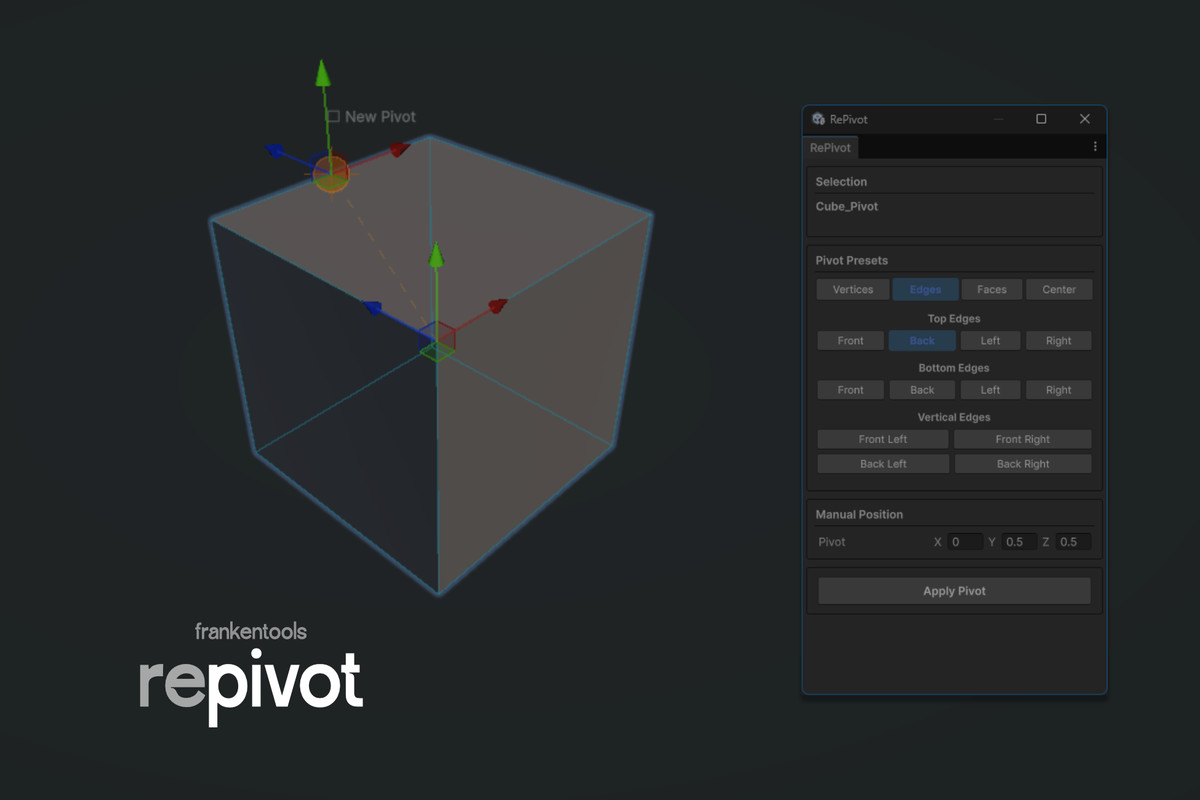
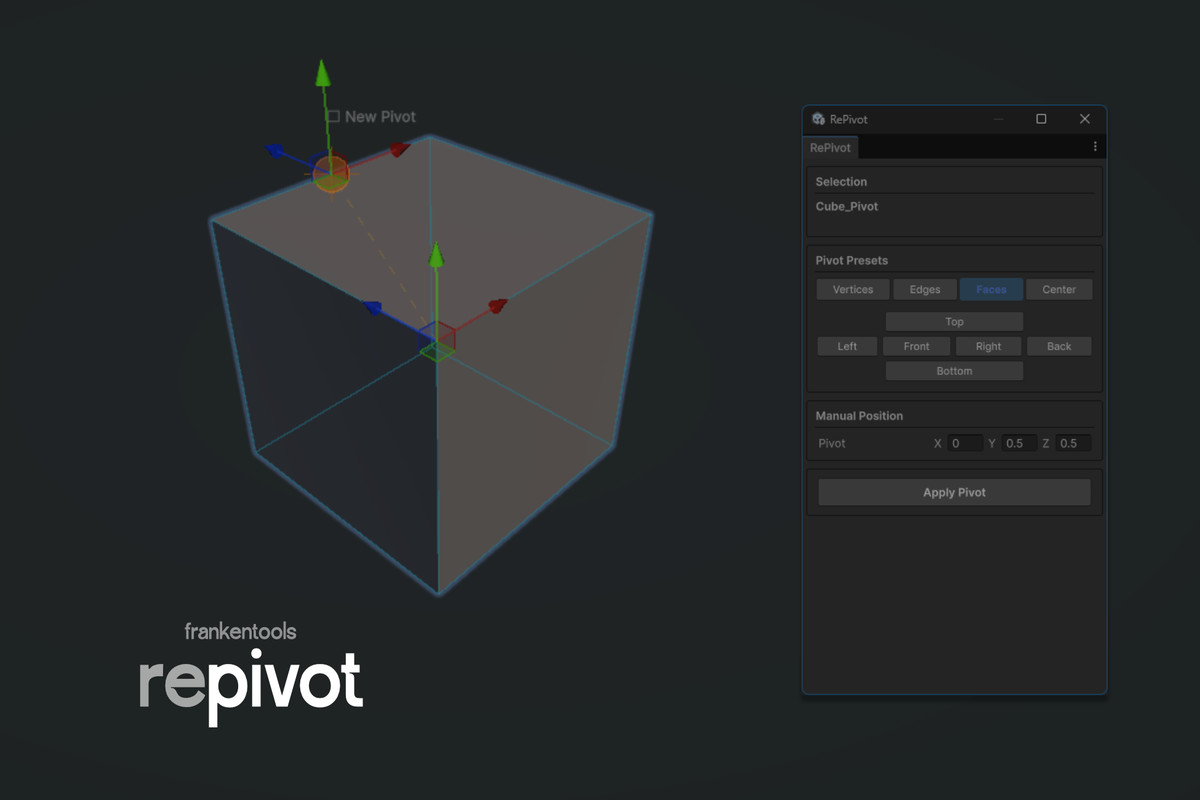
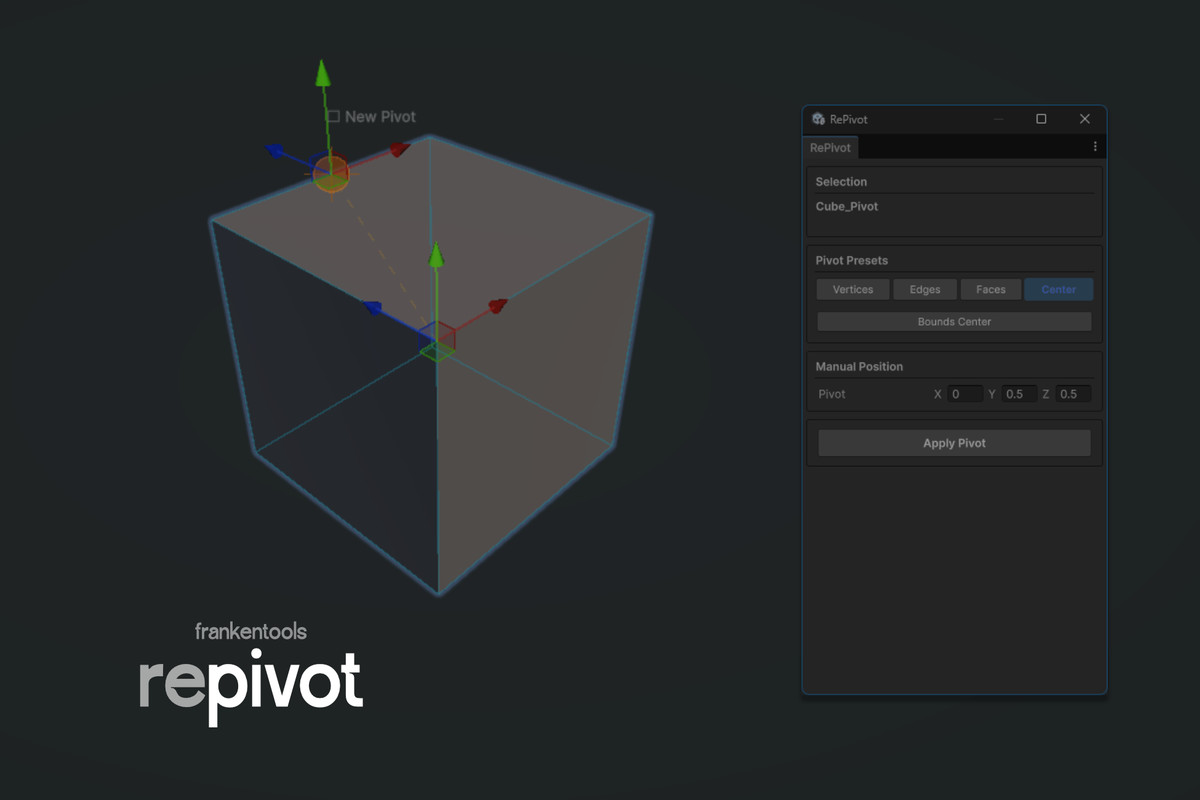
• Preset grid: 8 vertices, 12 edges, 6 faces, bounds center — one click positioning
• Scene View handle: drag the pivot freely in 3D with visual feedback (dashed line + marker)
• Manual entry: type exact world-space coordinates via Vector3 field
• Wrapper reuse: re-applying on an already-wrapped object repositions instead of nesting
• Full undo: single-step collapse, reverts wrapper creation and transform changes
• Bounds calculation: aggregates all enabled MeshRenderers and SkinnedMeshRenderers in children
• Prefab-aware: detects prefab instances, offers one-click unpack before modification
• UI element guard: skips RectTransform objects with a clear warning
• Zero runtime footprint: editor-only assembly, excluded from builds
• Unity 6+ (6000.0), any render pipeline (Built-in, URP, HDRP)
• No dependencies beyond default Unity modules
Compatibility
| Unity version | Built-in | URP | HDRP | Custom |
|---|---|---|---|---|
| 6000.0.67f1 | Compatible | Compatible | Compatible | Compatible |
As listed on the Asset Store.