
 View on Asset Store (opens in new tab)
Package details
- Latest version
- 1.0
- Last updated
- First released
- Unity version
- 6000.4.8 or later
- Package size
- 154 KB
- Files
- 12
- Views in the past week
- 6
Price tracking
- Last checked
- Tracked since
- Lowest recorded
- $4.99 on
Keywords

RSave - Runtime Save: Keep Play Mode Tweaks
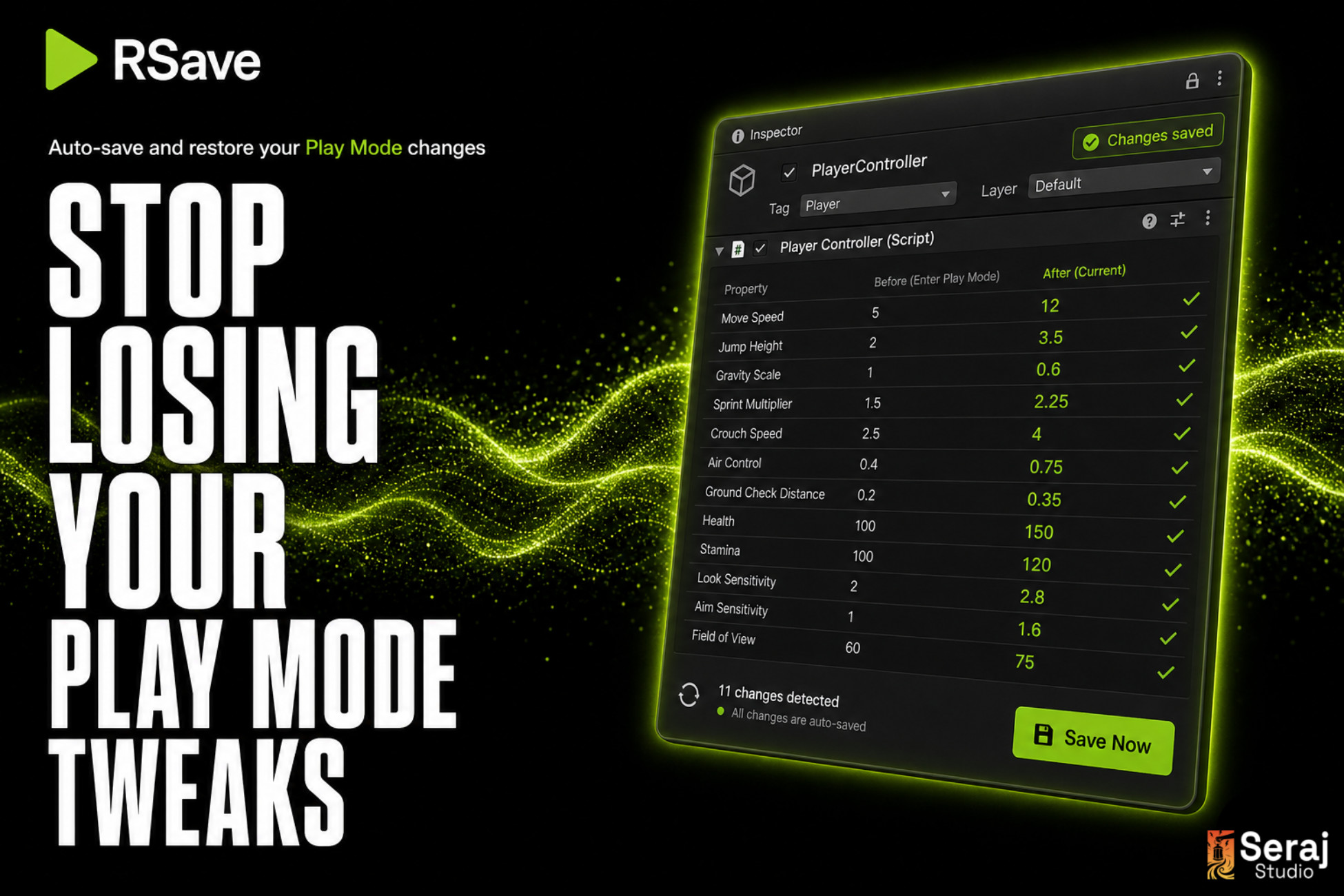
Tweak values in Play Mode and keep them. RSave captures component changes and shows a field-level diff on exit so you only apply the tweaks you want. Full Undo. Editor-only. Zero runtime cost.
Price $4.99
Buy on Asset Store (opens in new tab)
Affiliate link · Purchases support this site
Price history
Last 6 months
USDAsset preview
1 / 4
RSave - Runtime Save: Keep Play Mode Tweaks screenshot 1

About this asset
Stop losing your Play Mode tweaks.
You spend ten minutes dialling in the perfect jump height, enemy speed, or UI color - then you press Stop and Unity throws it all away. RSave fixes that.
How it works
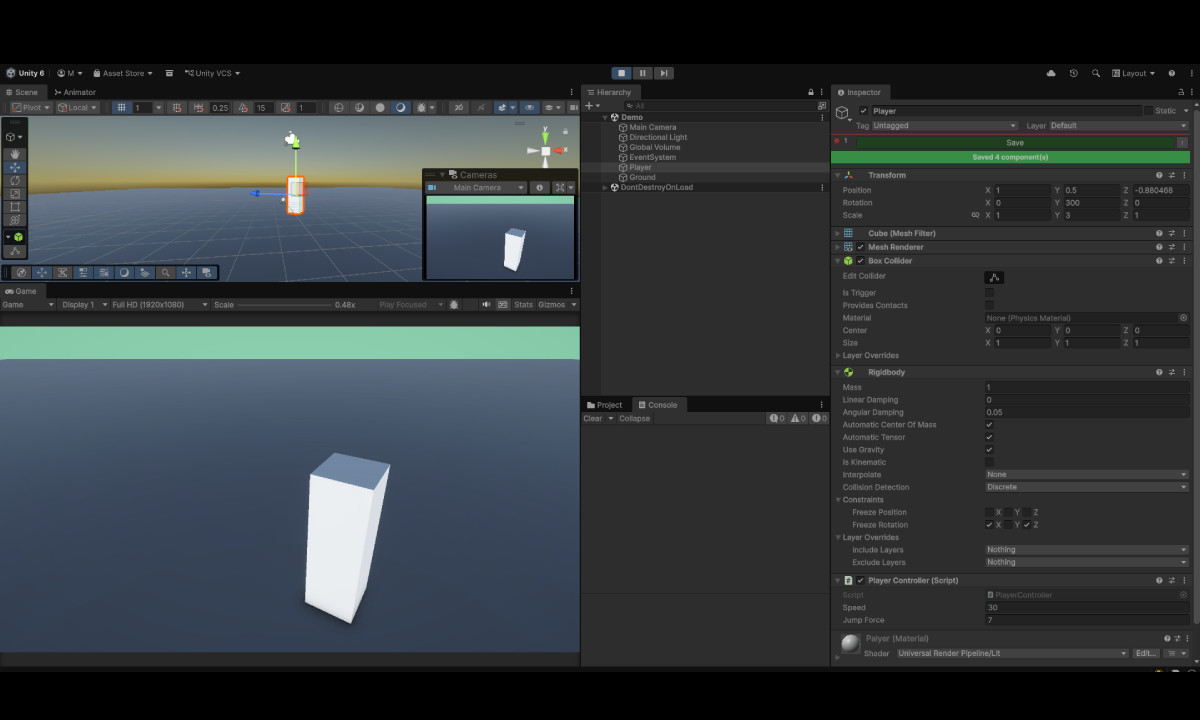
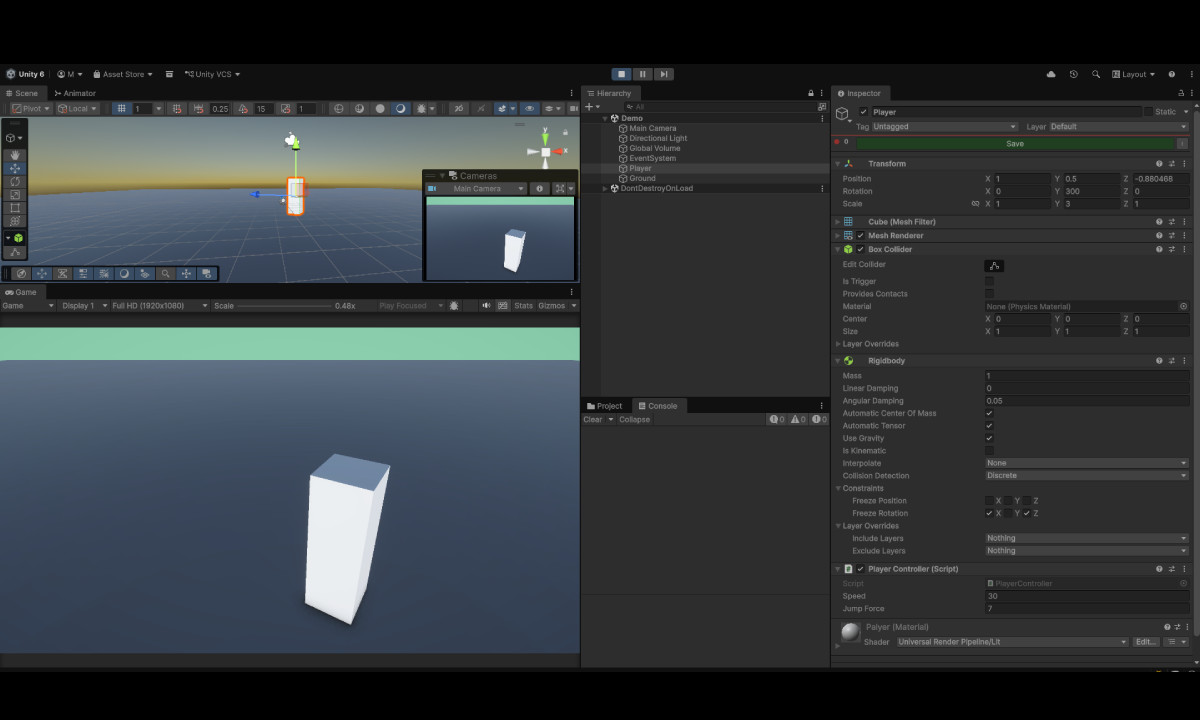
- Click Save in the Inspector header during Play Mode
- Exit Play Mode
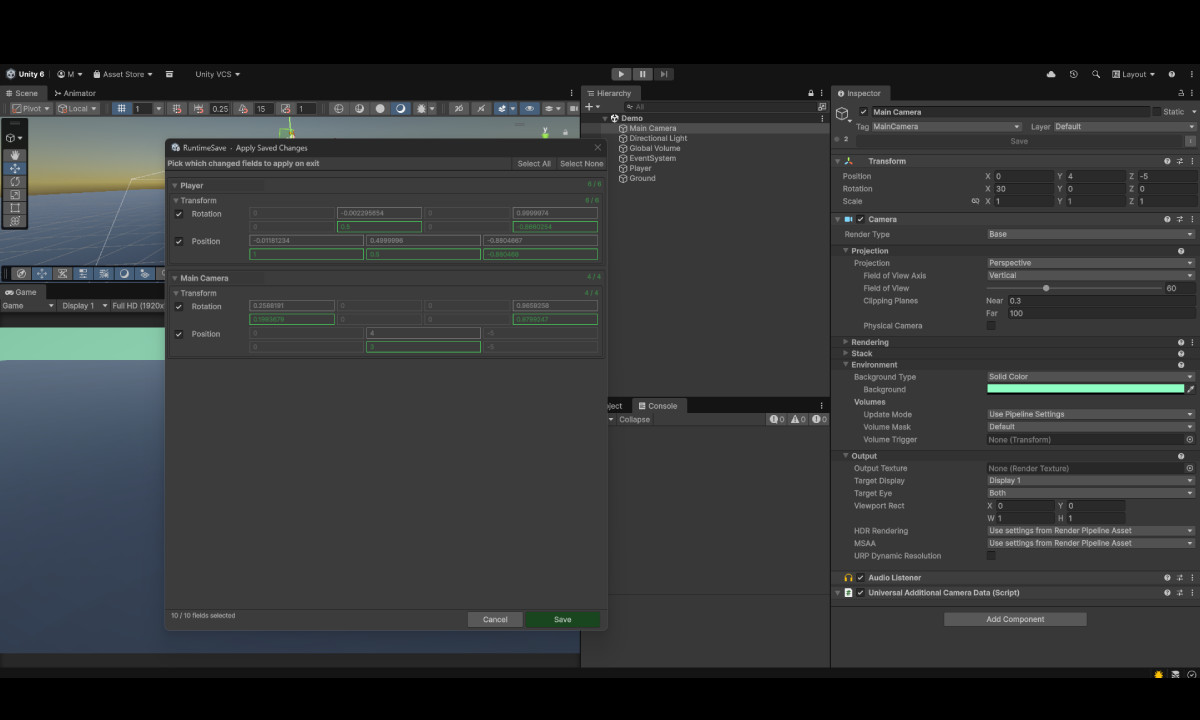
- RSave opens a diff window listing only the fields that actually changed
- Tick the ones you want to keep, click Apply
- Done - your scene has the new values, with full Ctrl+Z undo
From the publisher's Asset Store listing.
Technical details
Key features
- One-click Save button injected into every scene-object Inspector header during Play Mode
- Field-level diff window on Play Mode exit — only fields that actually changed are listed; you choose which to apply per-field, per-component
- Snapshots browser window — view all pending saves, inspect JSON, copy to clipboard, or undo individual entries before exit
- Quick Save shortcut — Ctrl+Shift+R saves every selected GameObject without leaving the keyboard
- Full Undo support — every applied restore is reversible with Ctrl+Z
- Toast notifications — non-intrusive feedback for save / clear / undo actions
- SessionState-backed persistence — pending saves are kept across script recompiles
- Scene-objects only — header is hidden on project assets, prefab-isolation-mode objects, scripts, materials, etc. (no Inspector clutter)
- Editor-only assembly definition — guarantees zero runtime footprint, never compiled into builds
- Full C# source included — no DLLs, no obfuscation, MIT licensed
- Compatible with Unity 2020.3 or later
Package contents
- 6 C# editor scripts (Core, Data, Diff, DiffWindow, SnapshotWindow, Style)
- Assembly definition (Editor-only)
- Documentation (Documentation~ folder)
Compatibility
| Unity version | Built-in | URP | HDRP | Custom |
|---|---|---|---|---|
| 6000.4.8f1 | Compatible | Compatible | Compatible | Compatible |
As listed on the Asset Store.