
 View on Asset Store (opens in new tab)
Package details
- Latest version
- 1.0
- Last updated
- First released
- Unity version
- 6000.3.10 or later
- Package size
- 6.5 MB
- Files
- 149
- Favorites
- 2
- Views in the past week
- 5
Price tracking
- Last checked
- Tracked since
- Lowest recorded
- $15.00 on
Keywords

2D Toolbox
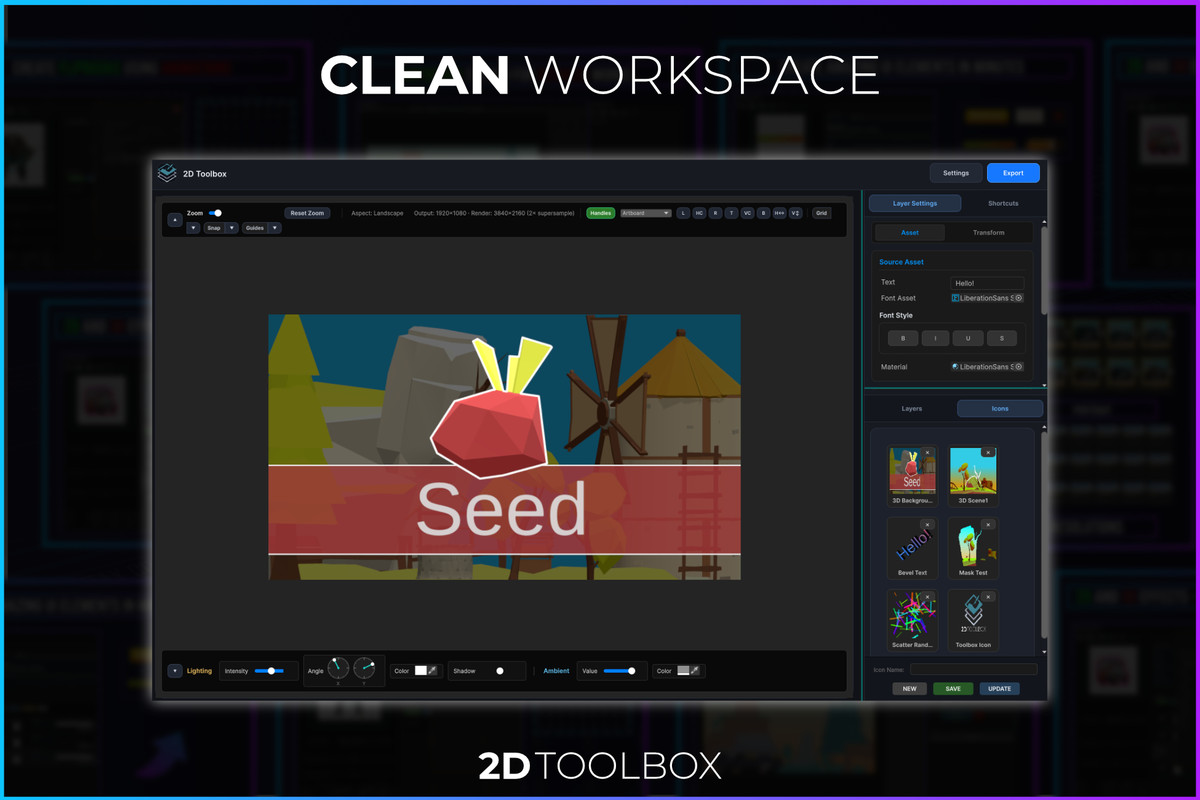
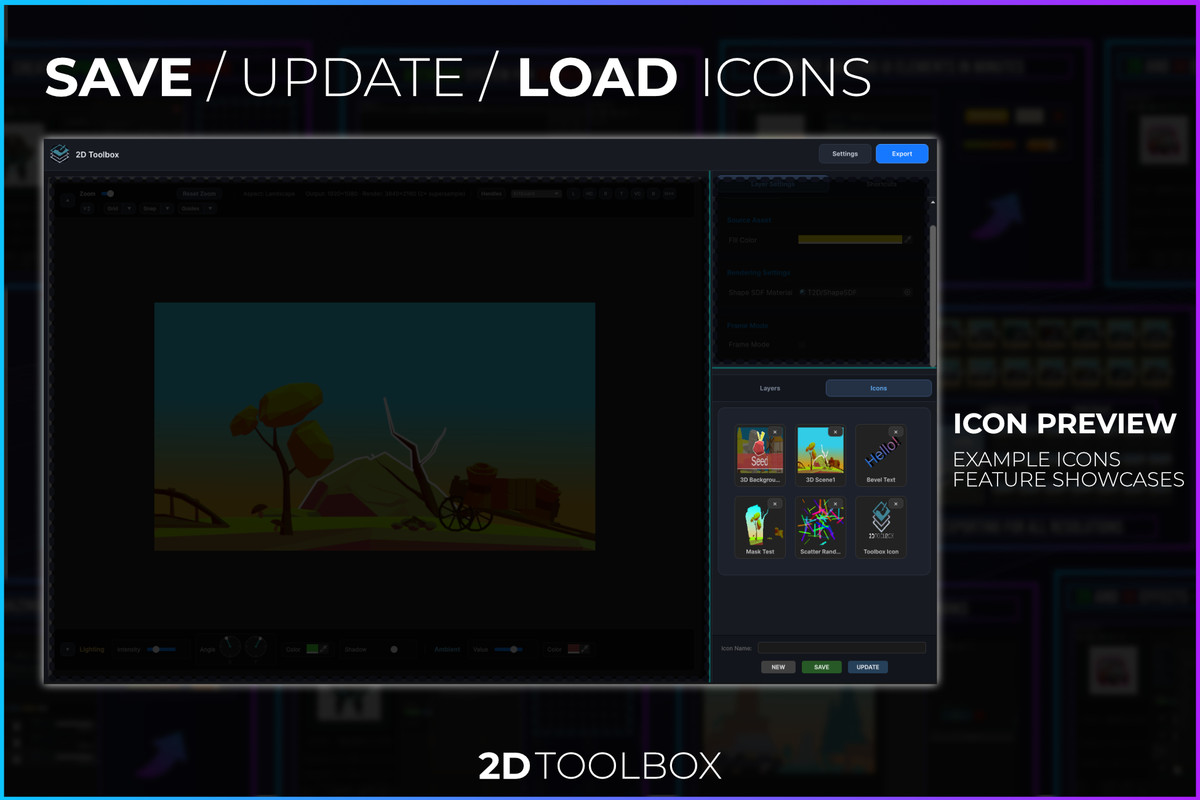
2D Toolbox is an editor-based GUI creation tool. Although it’s primarily designed to turn 3D objects into 2D icons, its advanced layer system also allows you to create fully 2D artwork.
Affiliate link · Purchases support this site
Price history
Last 6 months
USDAsset preview
1 / 13
2D Toolbox screenshot 1


About this asset
2D Toolbox is an editor based GUI creation tool. While primarily designed to convert 3D objects into 2D icons, its advanced layer system also enables the creation of full 2D artwork.
Key Features
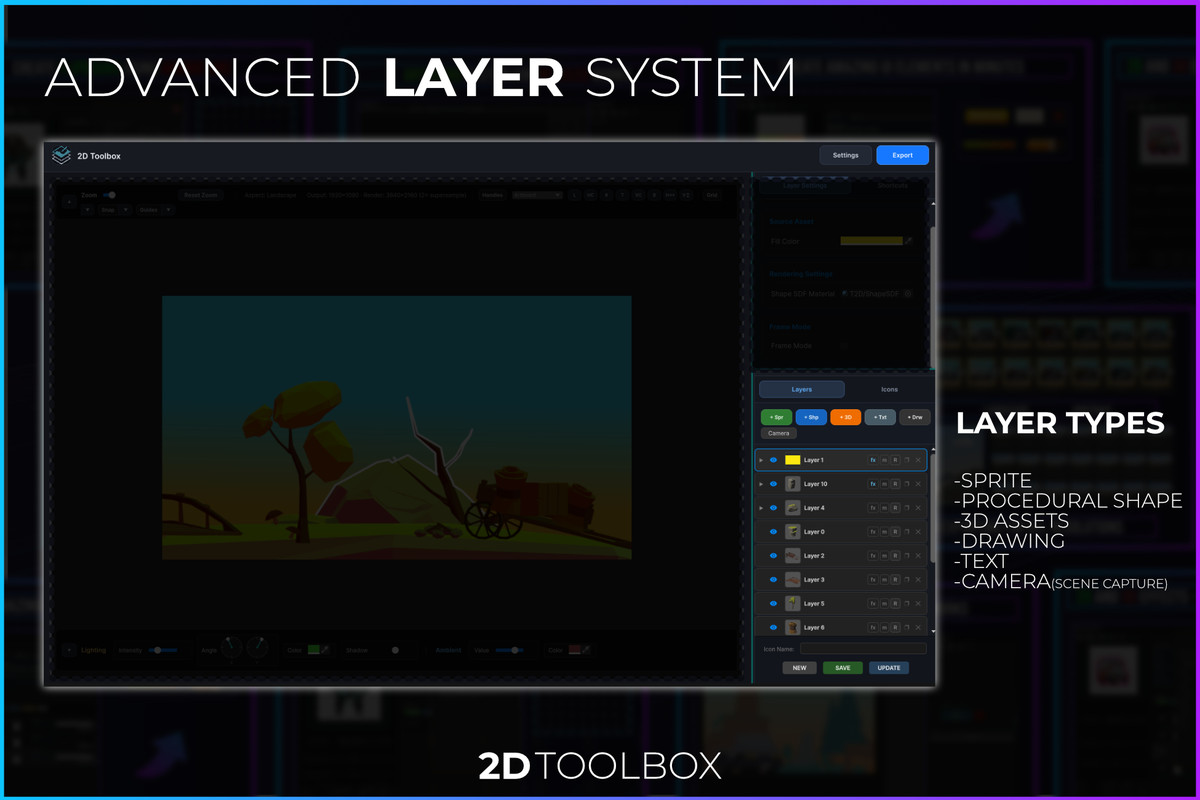
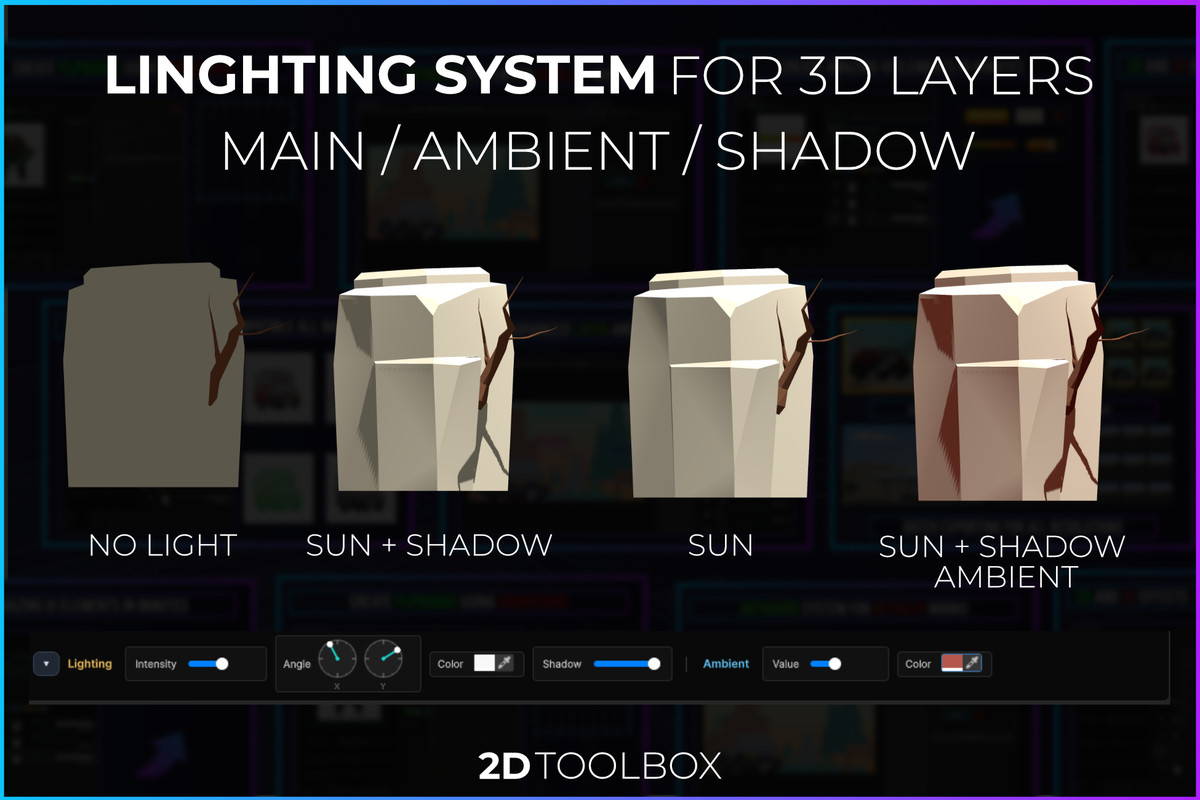
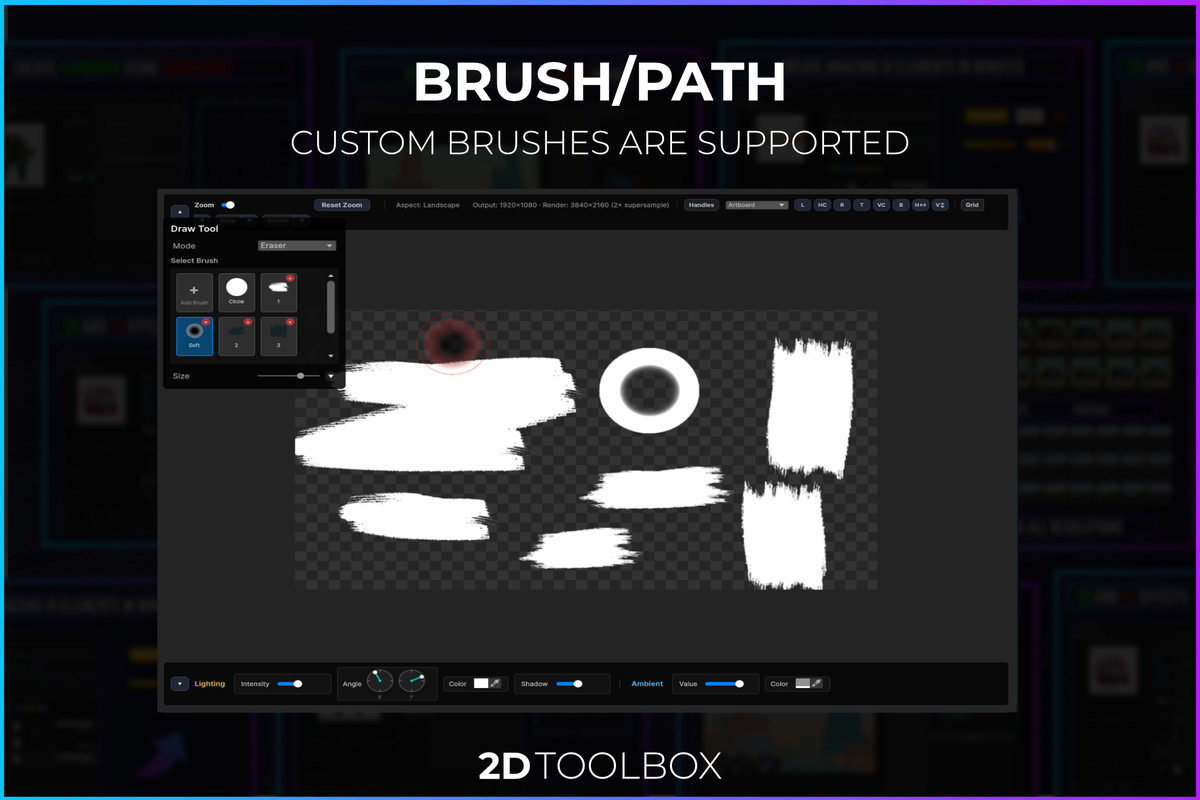
Advanced Layer SystemThe tool supports Sprite, Shape, Text, and 3D Object layers. The layer system is reorderable, allowing you to manage the render order via drag and drop functionality.
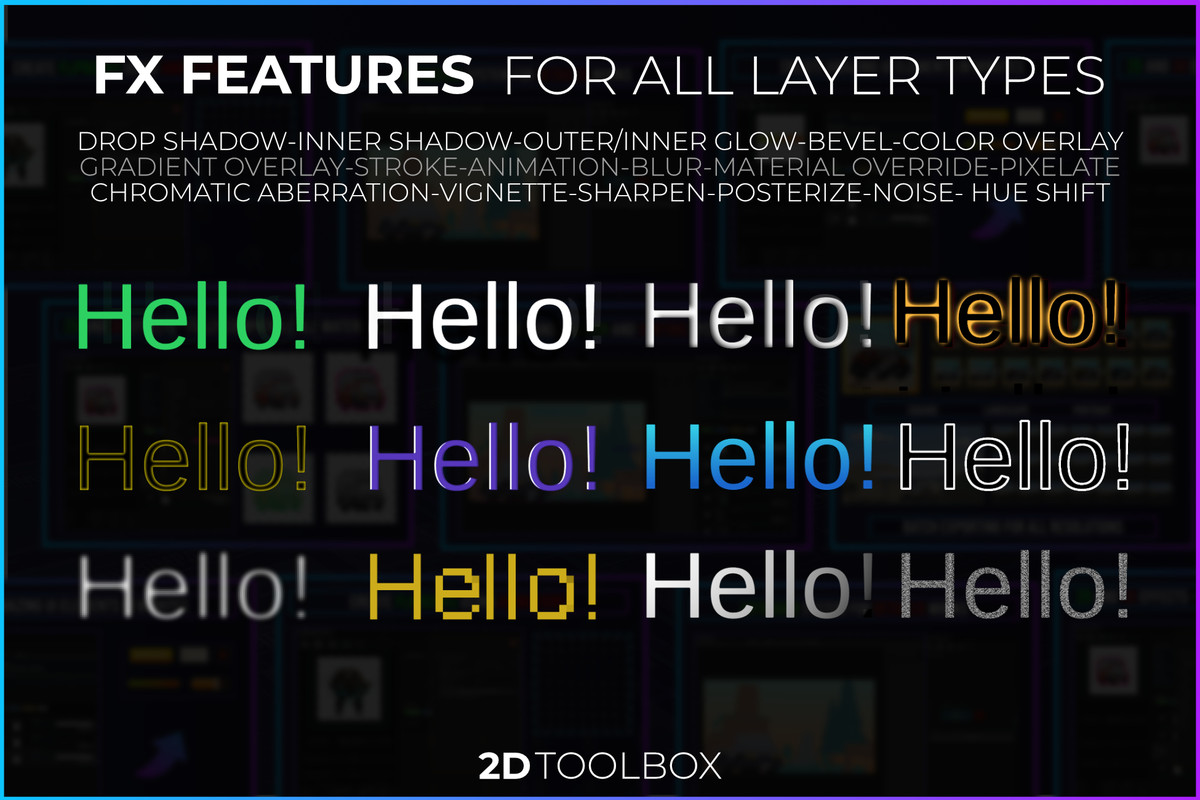
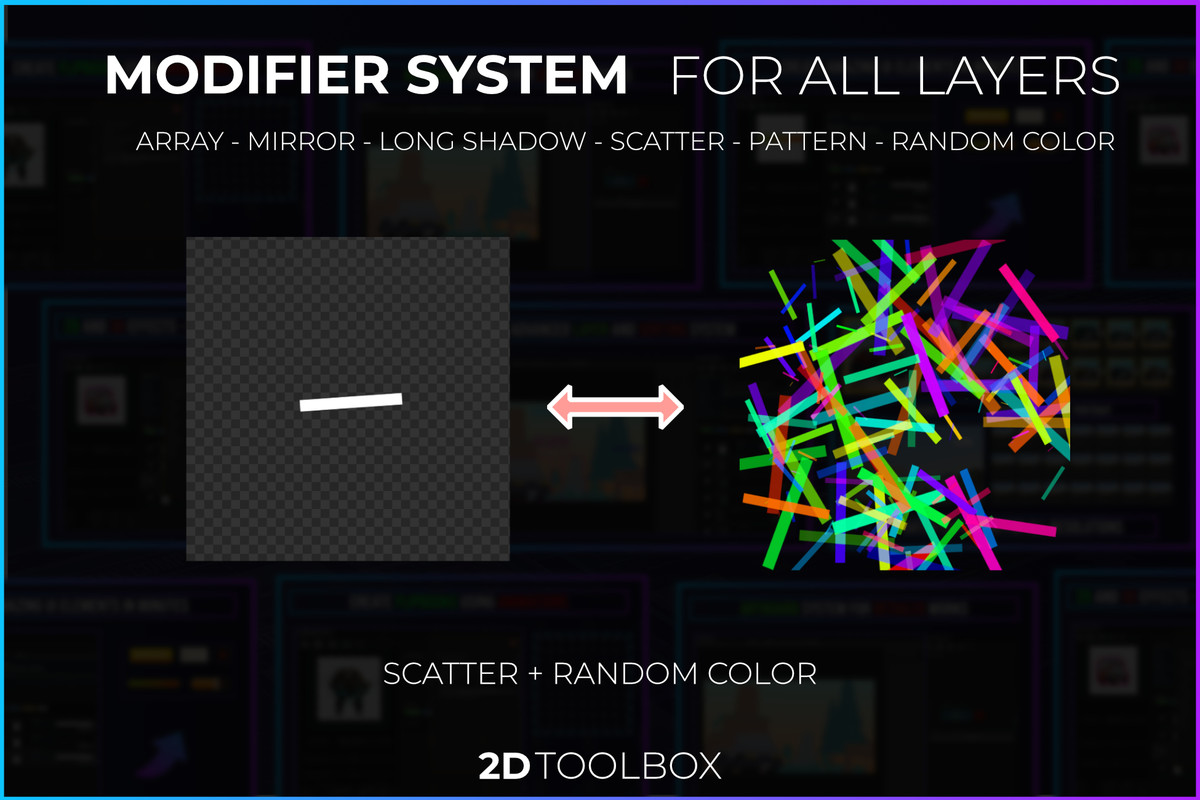
Layer Based EffectsThe effect system operates on a per layer basis. Each layer can have its own independent stack of effects applied.
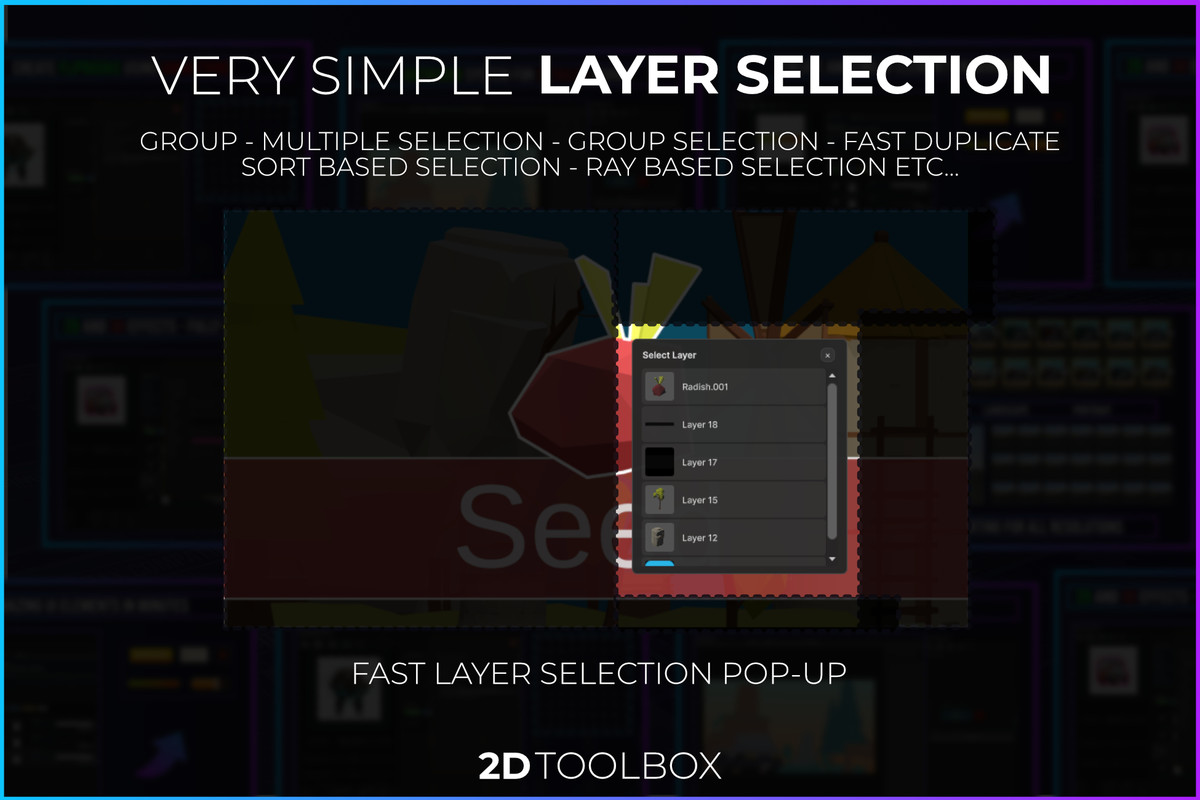
Scene Integration 2D Toolbox utilizes the existing scene environment to perform layer sorting. This internal sorting system is fully integrated and can be configured directly from the UI.
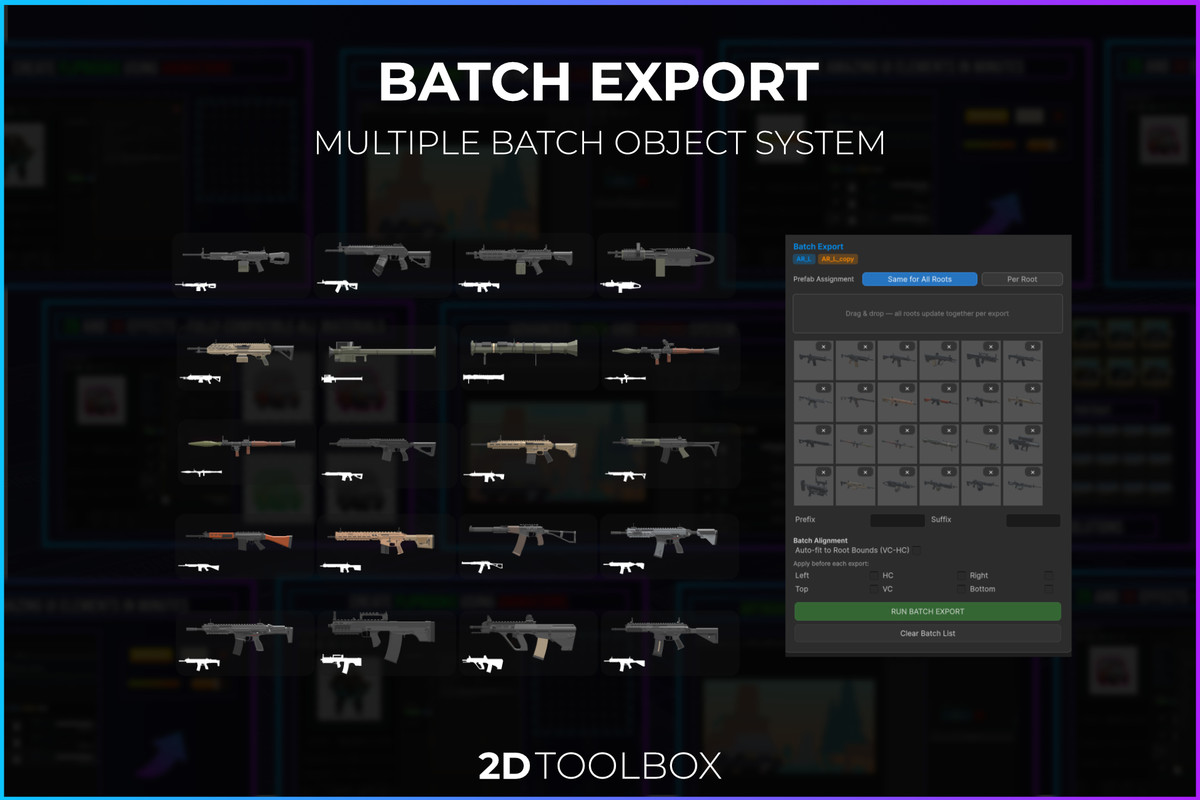
Artboard and Batch Export You can work within a dedicated artboard window at any resolution. The Batch Export feature allows for the simultaneous conversion of multiple objects into icons.
The following effects are supported:
- Drop Shadow
- Inner Shadow
- Outer Glow
- Inner Glow
- Bevel
- Stroke
- Color Overlay
- Gradient Overlay
- Blur
- Stroke
- Animation
- Pixelate
- Chromatic Aberration
- Vignette
- Sharpen
- Posterize
- Noise
- Hue Shift
- Support for all Custom Materials
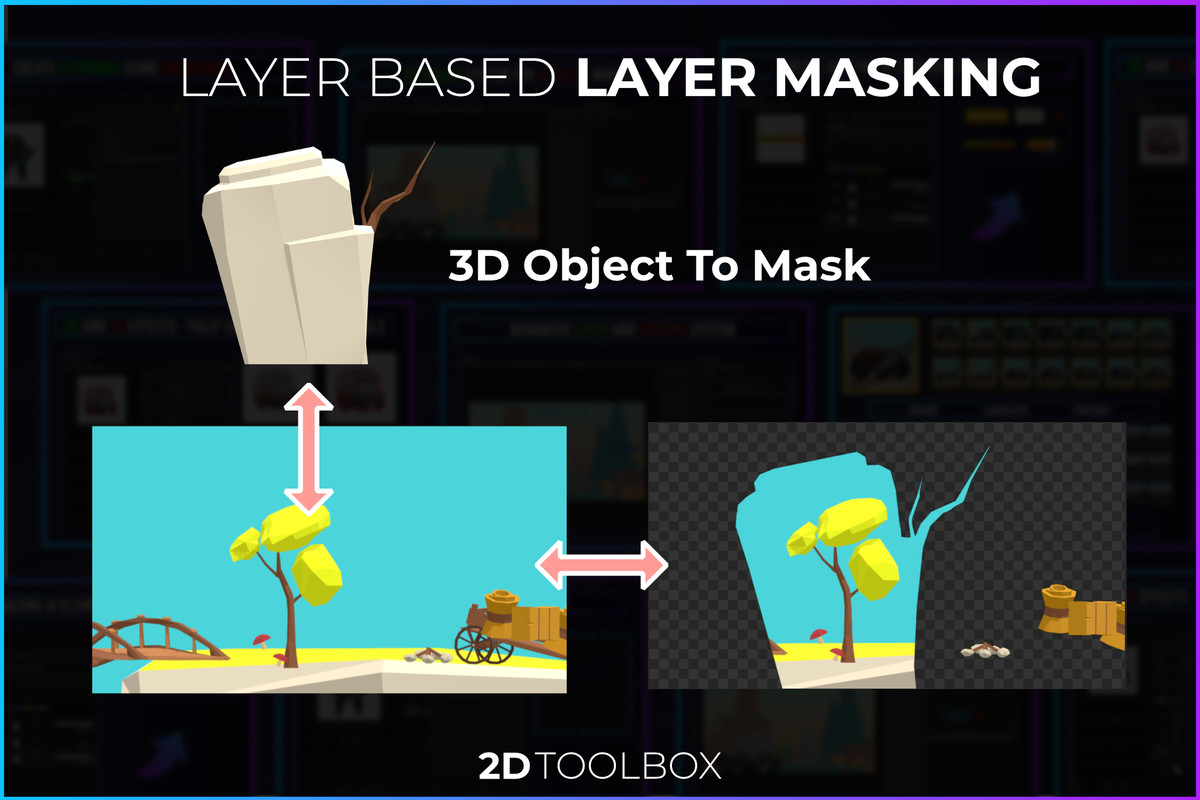
- Rasterized layer based masking
-------------Additional Tools------------
UI Optimizer
This tool scans Canvas based UI to identify all utilized graphics. It packs these assets into a single atlas and automatically updates scene references. This ensures that all UI elements are rendered in a single draw call.
3D Animation to 2D Directional Animation
This tool converts 3D animations into 1, 4, or 8 directional 2D animations. It allows 3D assets to be utilized as sprite based animations for 2D projects.
Animation and Flipbook System
3D animations can be played frame by frame within the editor. You can export single frames or entire sequences as flipbooks. The built in FlipbookPlayer handles playback and allows you to assign events to specific frames.
Technical Details
- Unity Version: 2021 (LTS versions) or later (Unity 6 is recommended)
- Contact: [email protected]
[Requirements]
Note: This asset uses the Unity Package Manager and requires the following dependencies to work properly:
- 2D Sprite (com.unity.2d.sprite)
- Editor Coroutines (com.unity.editorcoroutines)
From the publisher's Asset Store listing.
Compatibility
| Unity version | Built-in | URP | HDRP |
|---|---|---|---|
| 6000.3.10f1 | Compatible | Compatible | Compatible |
As listed on the Asset Store.