
 View on Asset Store (opens in new tab)
Package details
- Latest version
- 1.0
- Last updated
- First released
- Unity version
- 2022.3.62 or later
- Package size
- 79 KB
- Files
- 9
- Favorites
- 7
- Views in the past week
- 4
Price tracking
- Last checked
- Tracked since
- Lowest recorded
- $5.99 on
Keywords

Procedural Burn Particles
Affiliate link · Purchases support this site
Price history
Last 6 months
USDAsset preview
1 / 4
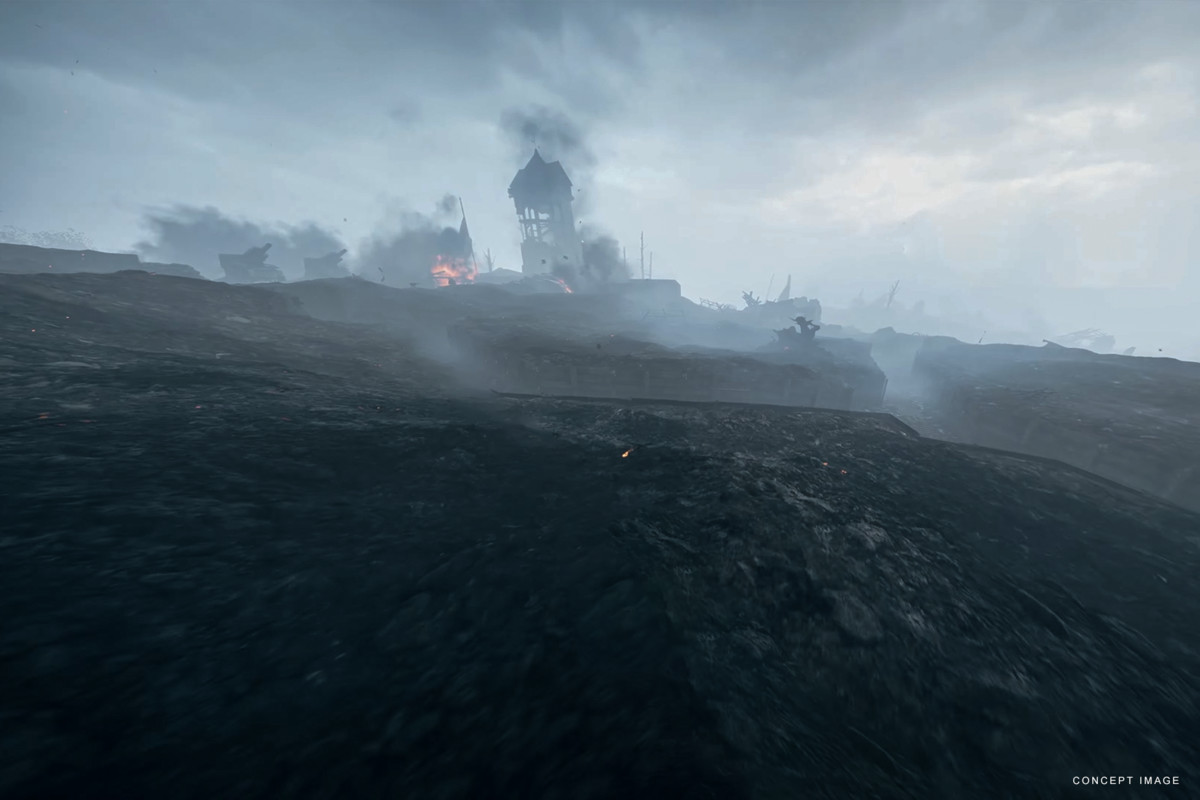
Procedural Burn Particles screenshot 1

About this asset
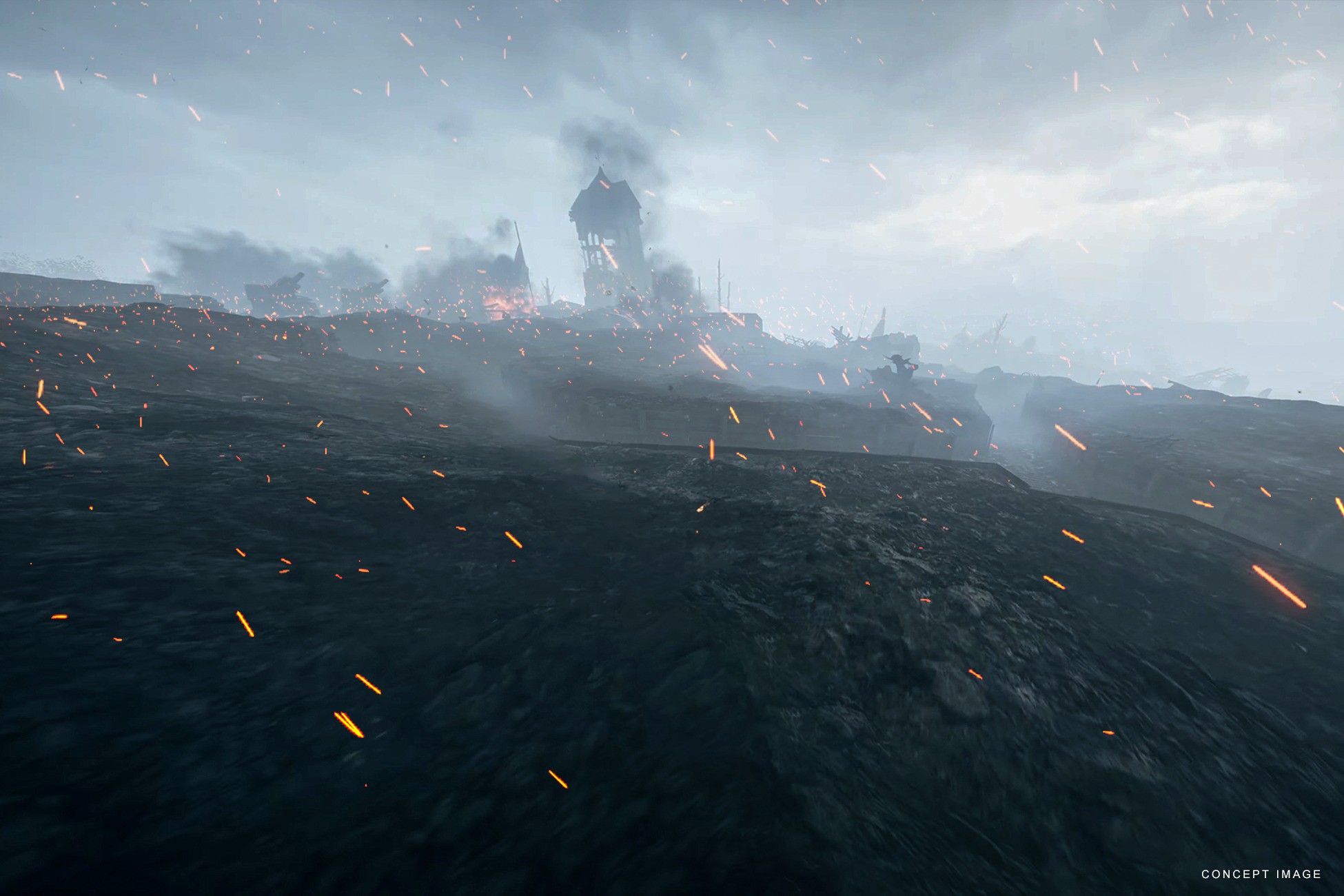
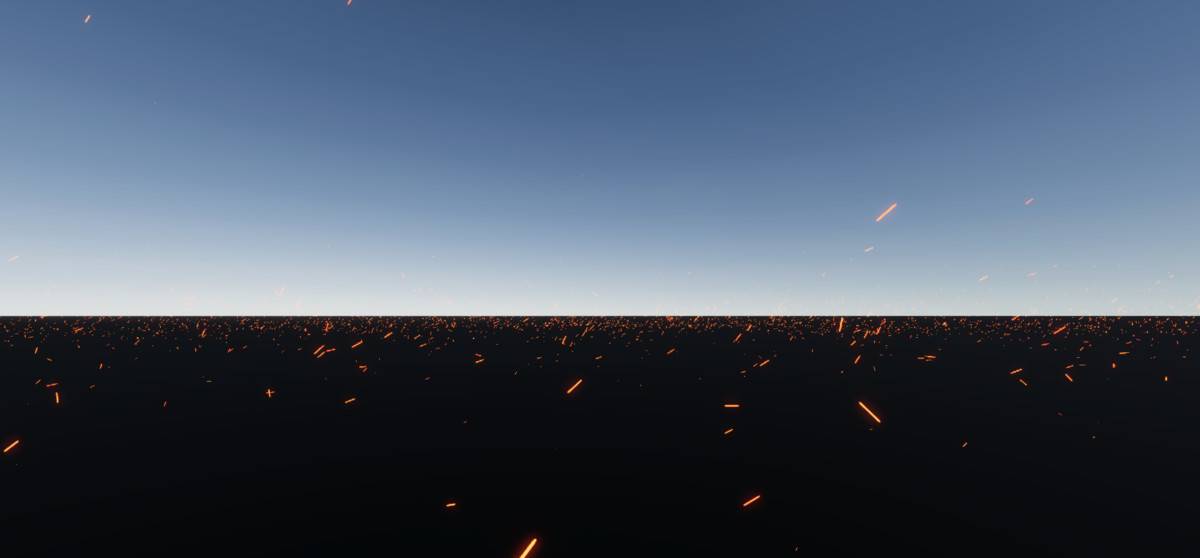
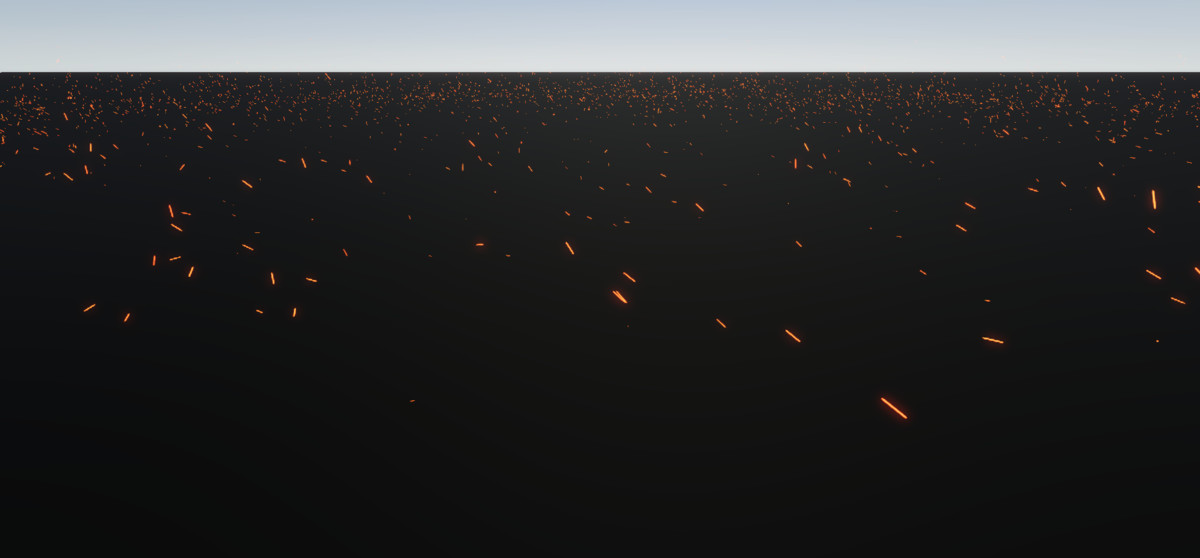
🌨️ Procedural Burn Particles is an advanced particle system designed to create high-performance and realistic war simulations in your Unity projects.
Unlike static effects, its procedural approach dynamically generates spark animation that adapts to environmental conditions. This ensures a unique and natural look in every scene.
🔹 Key Features:
- Procedural spark generation (non-repetitive and natural appearance)
- Wind direction and intensity control
- Adjustable spark density
- Adjustable kill zone
- Optimized performance
- Easy integration and use
- Modular structure (adapts easily to different scenes)
- URP & HDRP
- 2022+ & Unity 6.x
🔹 Use Cases:
- Games (burned-themed environments)
- Simulation projects
- Cinematic scenes and cutscenes
Add a stunning war atmosphere to your project with just a few clicks!
From the publisher's Asset Store listing.
Technical details
Included:
- Resources(Script, vfx asset, texture)
- 1x Prefab
- Demo Scene
- Documentation
Note: The character and its controller are not included.
* When you open the demo scene in HDRP, it will appear pink. However, this is not important and is entirely related to the demo scene itself. The particles will work without any issues. If you still want to view them in the demo scene, you can create a new material and drag and drop it onto the plane object.
Compatibility
| Unity version | Built-in | URP | HDRP |
|---|---|---|---|
| 6000.0.63f1 | Not listed | Compatible | Compatible |
| 2022.3.62f3 | Not listed | Compatible | Compatible |
As listed on the Asset Store.