
 View on Asset Store (opens in new tab)
Package details
- Latest version
- 1.0.0
- Last updated
- First released
- Unity version
- 2023.2.22 or later
- Package size
- 30.6 MB
- Files
- 360
- Favorites
- 5
- Views in the past week
- 7
Price tracking
- Last checked
- Tracked since
- Lowest recorded
- $9.99 on
Keywords
- Search for editor tool
- Search for modular building
- Search for Level Design
- Search for prefab management
- Search for workflow tool
- Search for Scene Editing
- Search for brick system
- Search for snapping system
- Search for prefab system
- Search for Scene design
- Search for brick building
- Search for Level Editing
Ztorm Bricks Builder
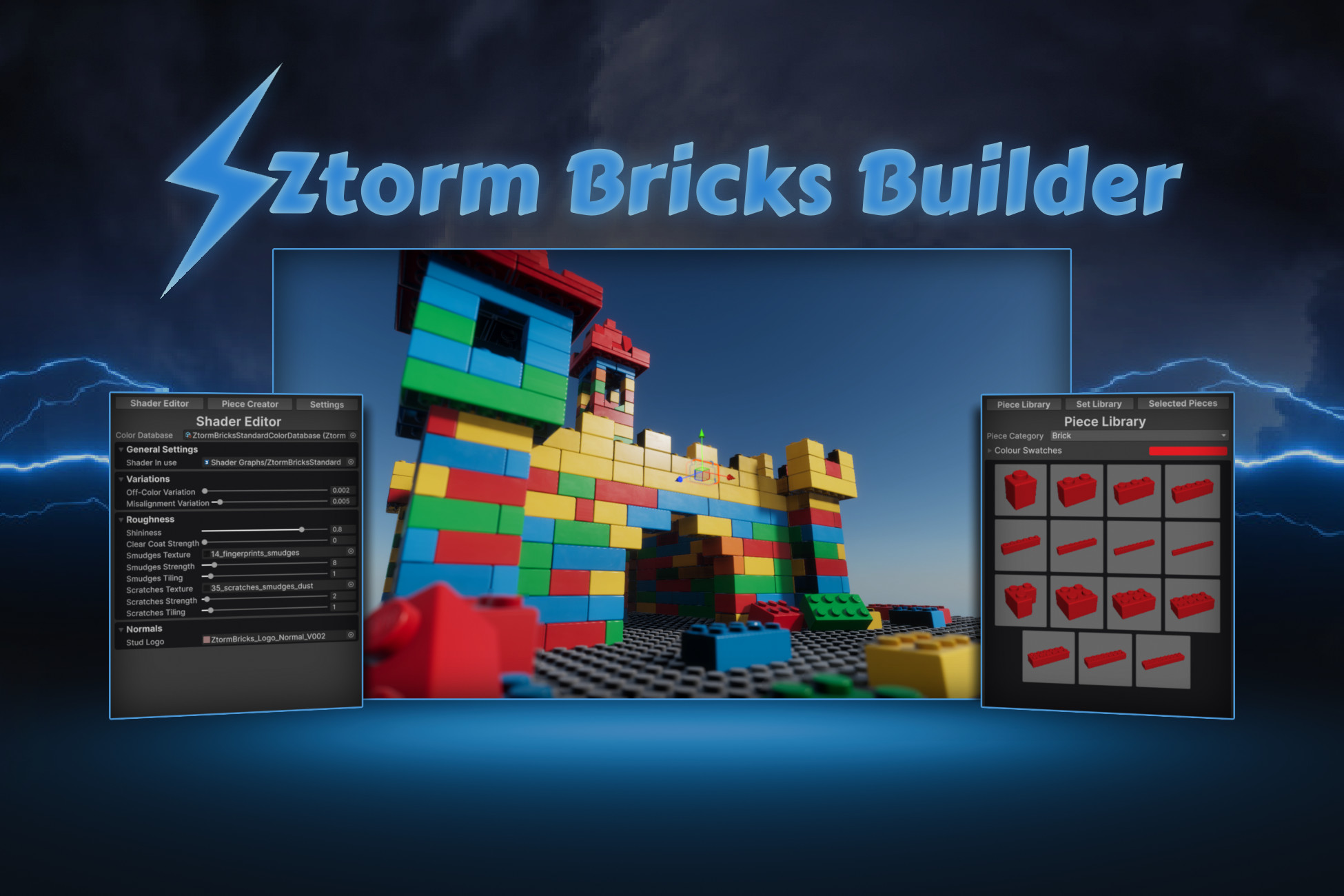
Create brick worlds with the Ztorm Bricks Builder. Place and snap bricks together, group into sets, change piece colors at any time, and change shader settings globally for all bricks.
Affiliate link · Purchases support this site
Price history
Last 6 months
USDAsset preview
1 / 10
Ztorm Bricks Builder screenshot 1

About this asset
Ztorm Bricks Builder is an editor tool for building brick-based worlds and environments using a large modular piece library, flexible color systems, and real-time snapping workflows.
Designed for fast iteration and large-scale scene creation, it gives you full control over how you place, reuse, and customize bricks while building directly inside the editor.
Tested and compatible with Unity 2023.2 and above.
Key Features
- Advanced Snapping System – Intuitive grid, piece, and rotation-based snapping for fast and precise brick placement
- Reusable Set System – Group pieces into prefabs and instantly reuse complex structures across your project
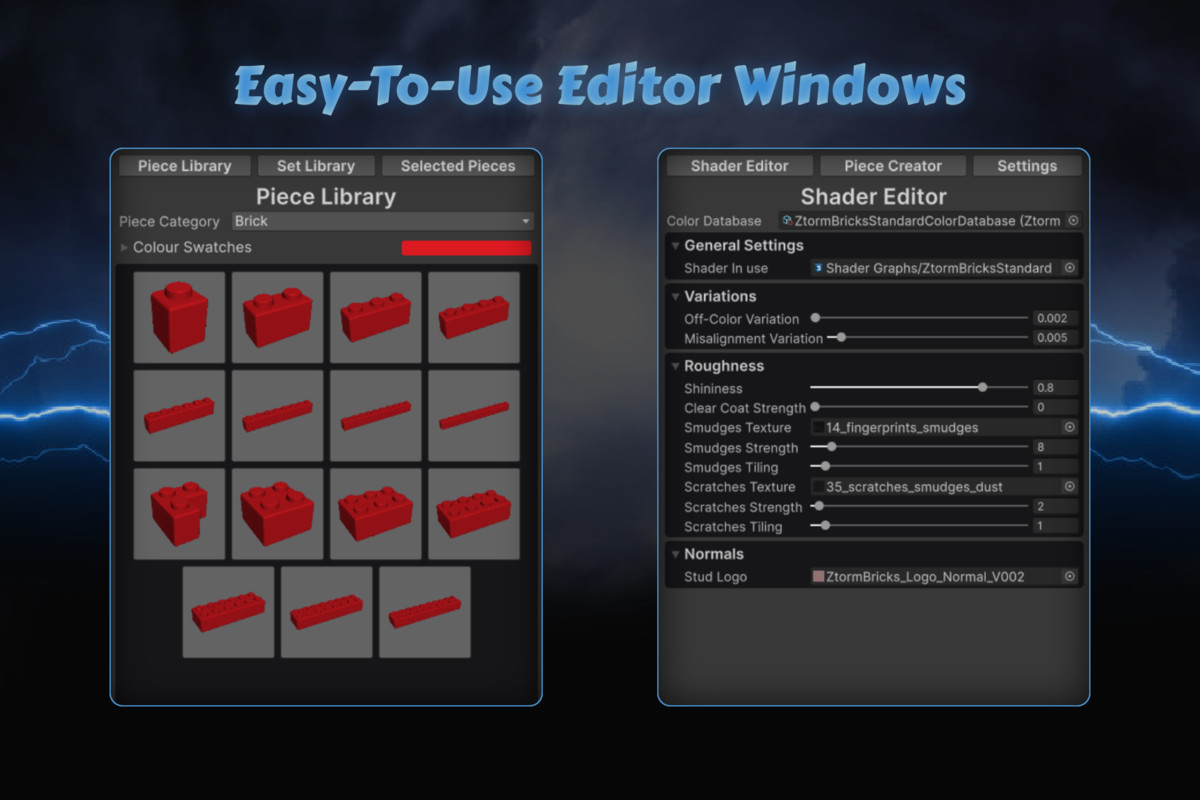
- Customizable Color & Shader Databases – Create and manage color systems with global shader control and real-time updates
- Full Customization System – Control colors, shaders, stud styling, and overall visual behavior of your bricks
- Real-Time Optimization System – Automatically reduces triangle count by up to 60% while building, with no loss in visual fidelity
- Custom Piece Creation (Advanced) – Convert any model into a snappable brick and add it to your piece library (optional advanced workflow)
Snap Pieces Together
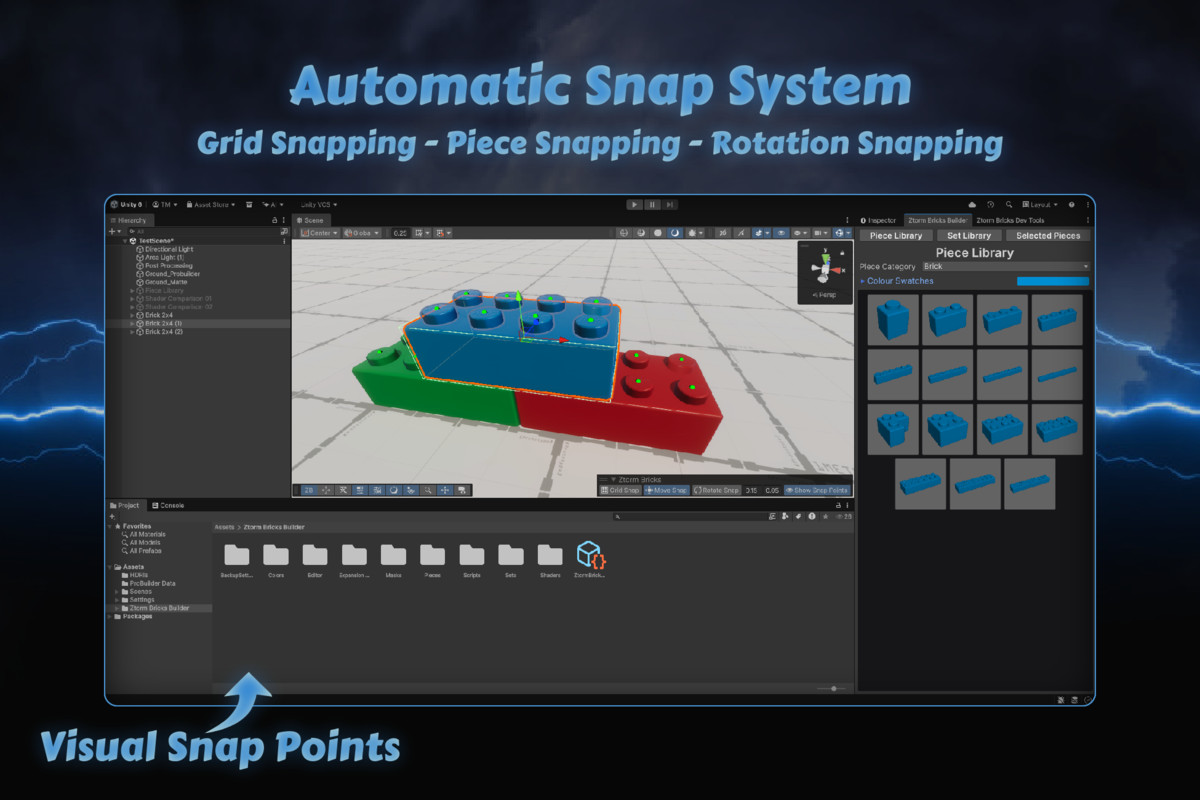
Ztorm Bricks Builder includes a dedicated snapping toolbar that makes precise brick placement fast, intuitive, and fully controllable.
- Grid Snap – Snap pieces to a world grid for structured layouts
- Piece Snap (Move Snap) – Snap bricks together via studs and sockets
- Rotation Snap – Automatically aligns rotated pieces for accurate connections
- Horizontal Snap Distance – Adjust how far pieces can snap across X/Z space
- Vertical Snap Distance – Adjust snapping range for stacked construction
- Show Snap Points – Visualize available connection points for precise placement
Create Reusable Sets
Select a group of pieces and instantly convert them into reusable sets to streamline your building workflow.
Your saved sets are stored in the Set Library tab, where they can be viewed and spawned at any time with a single click.
Customization
All customization updates are applied instantly, allowing you to iterate on style and materials in real time.
- Switch Color Databases – Choose which color set you are working with at any time
- Create Custom Color Databases – Build and manage your own palettes with full control over available colors
- Per-Piece Color Editing – Change the color of any selected piece with 1-click
- Global Shader Control – Adjust shader settings across an entire color database and automatically update all associated materials
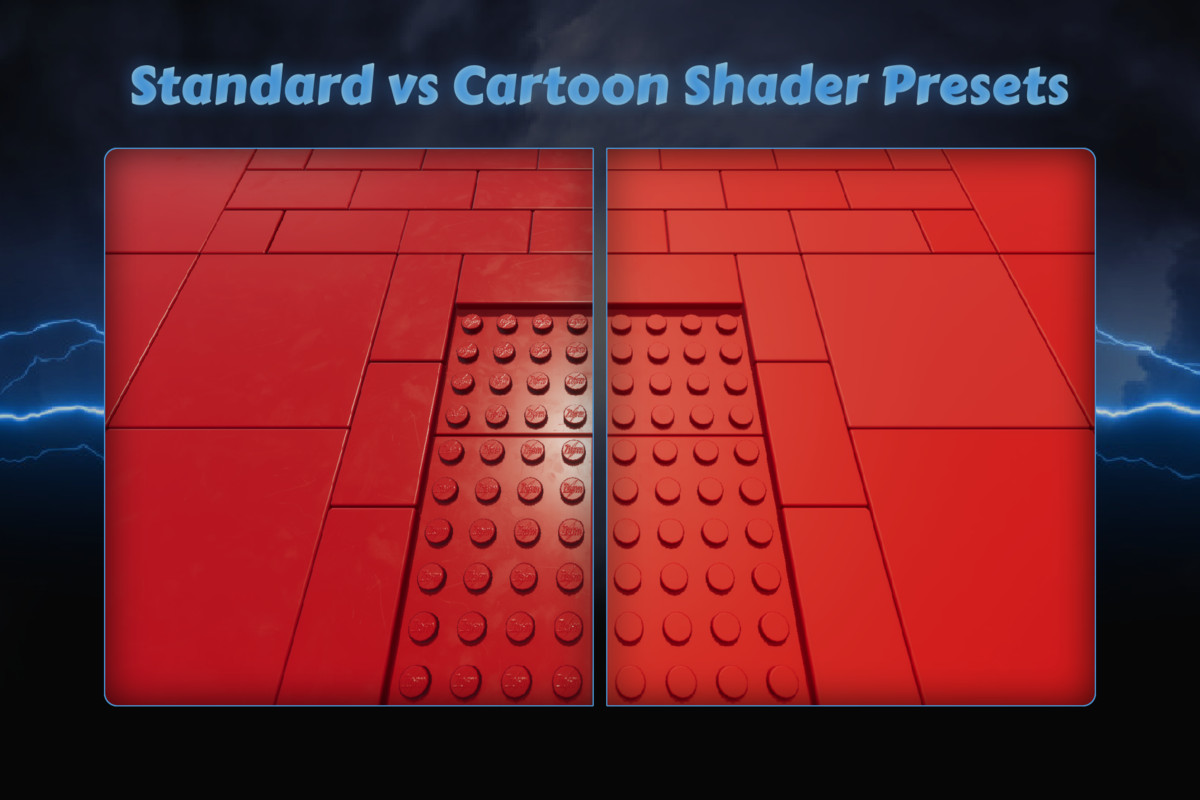
- Dynamic Shader Switching – Swap shaders for an entire color database (e.g. Standard -> Cartoon) and have all pieces update instantly, including those already in your scene
- Stud Logo Customization – Change stud appearance using Ztorm defaults, no logo, or your own custom normal map design
Included Content
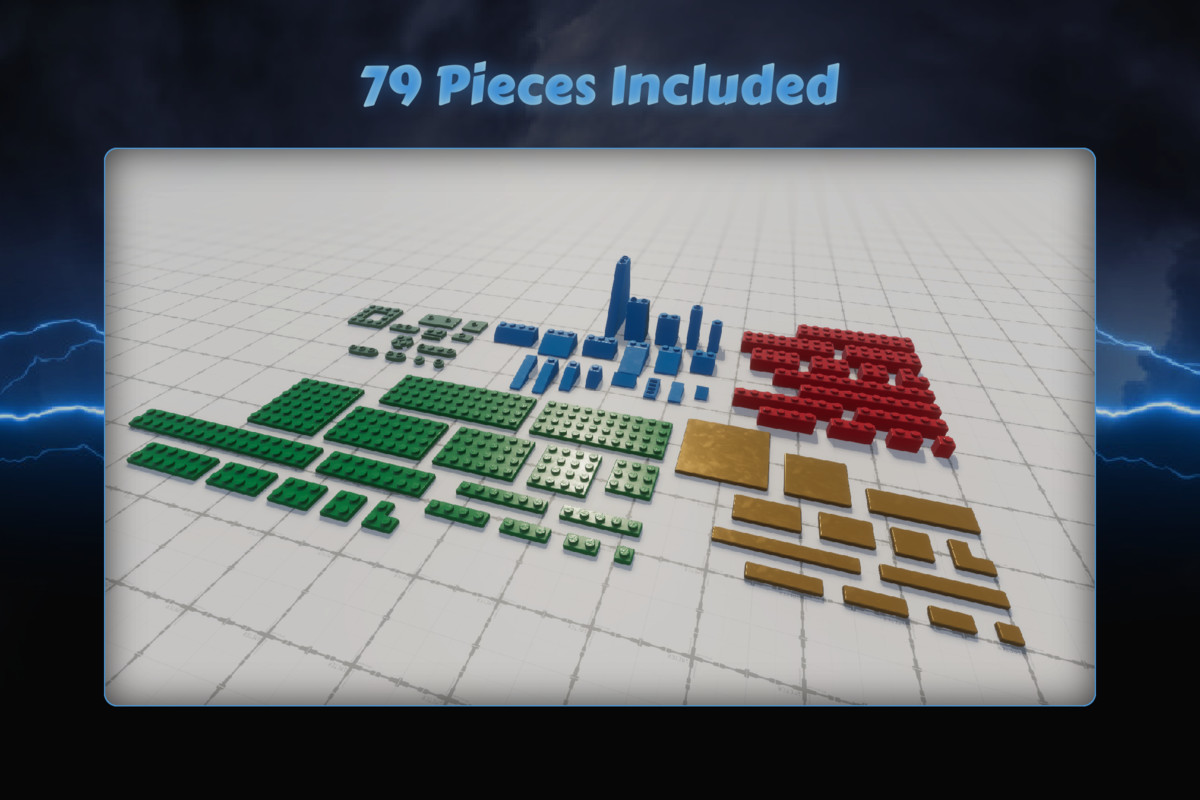
- 79 Pieces – A range of bricks, slopes, plates, and tiles
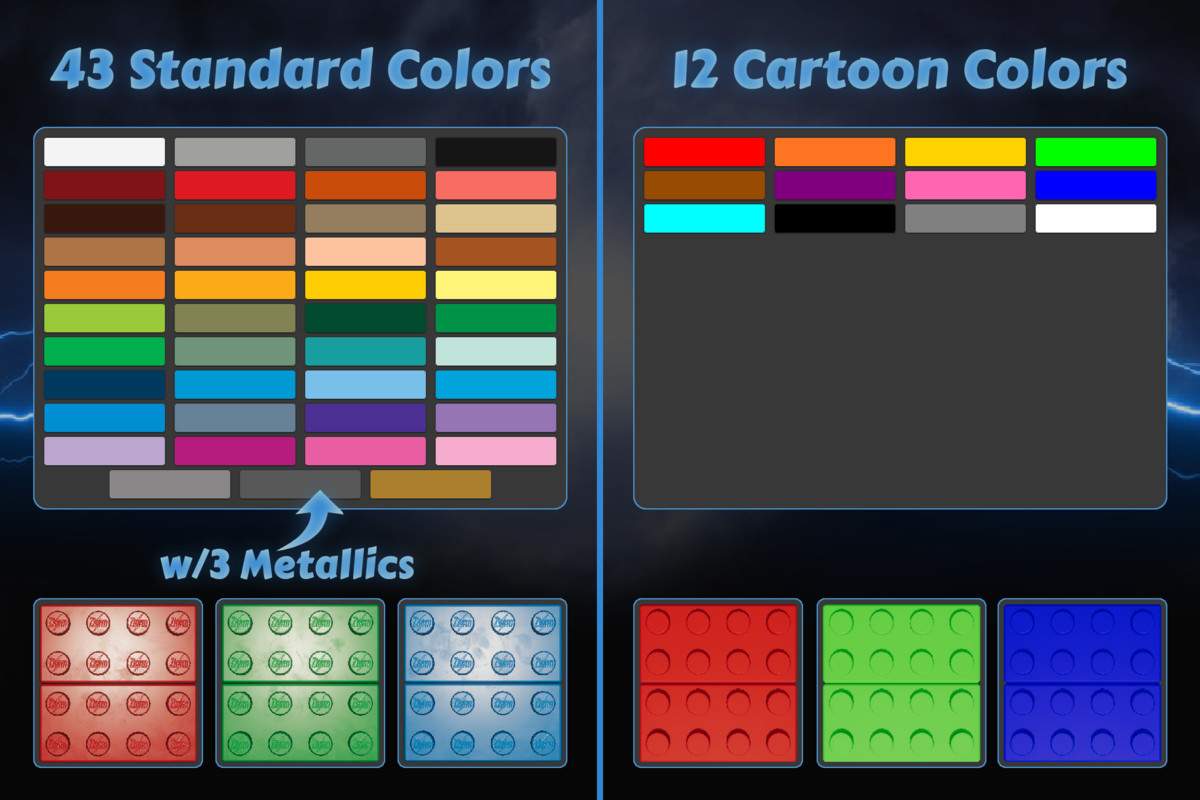
- 43 Standard Colors – Standard and metallic colors with realistic shading
- 12 Cartoon Colors – Bright, vibrant colors with matte shading
- 2 Pre-Made Shader Settings – Standard & cartoon presets
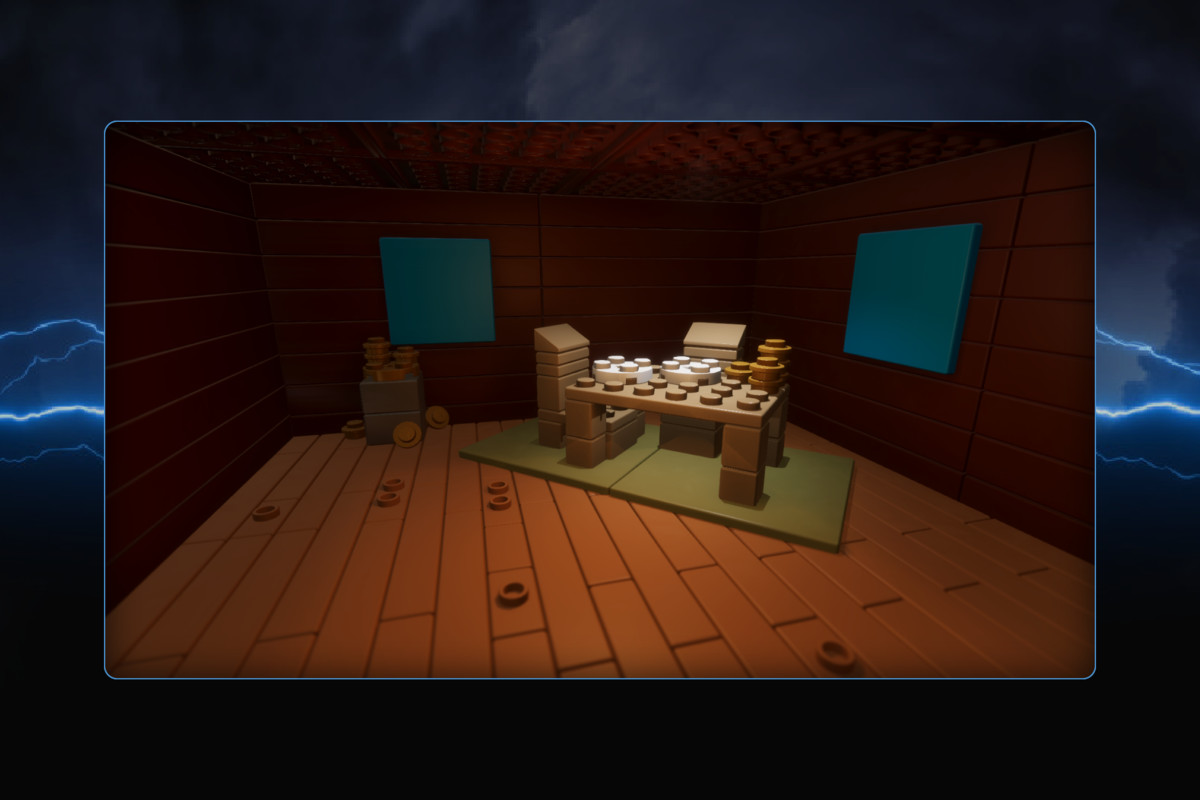
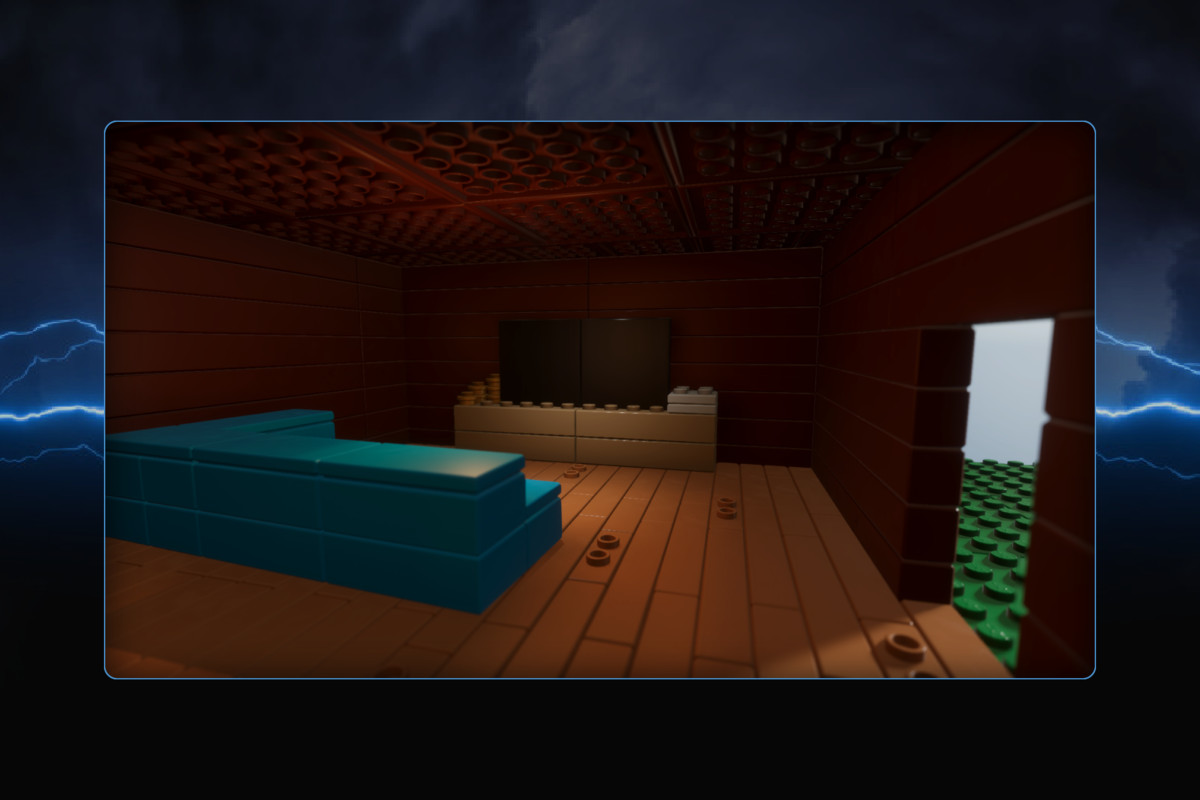
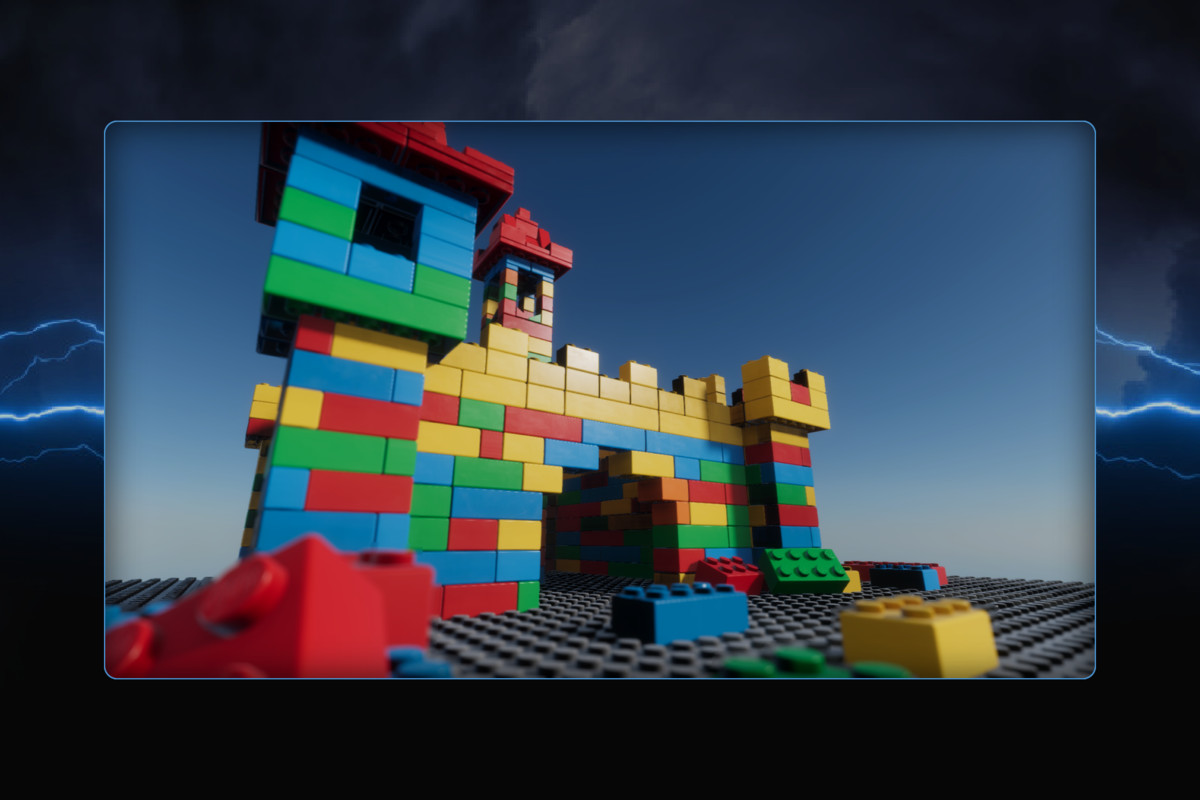
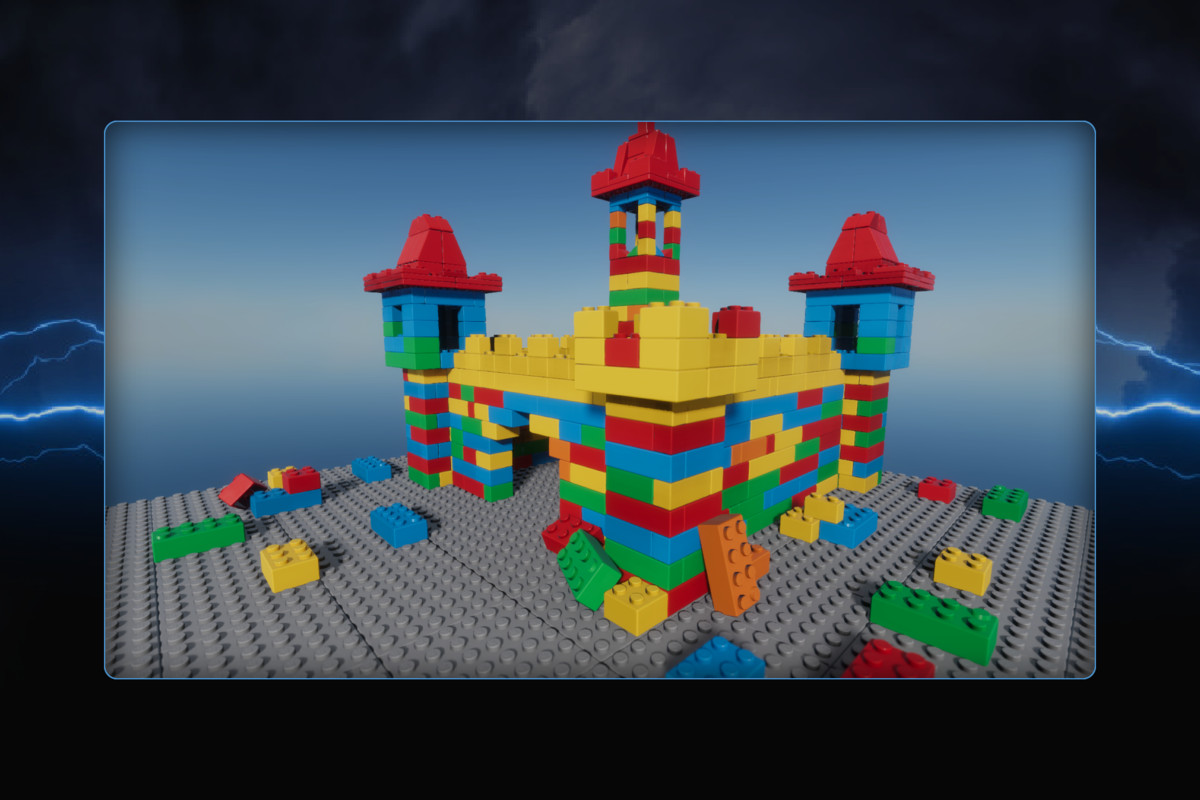
- 2 Example Scenes – Cabin & colorful castle
Built With Optimization In Mind
Ztorm Bricks Builder features a real-time optimization system that automatically reduces piece triangle count by up to 60% as you build. It runs by default with no change in visual fidelity, and includes an optional toggle to disable it.
No Setup Required
Once imported, simply open the Ztorm Bricks Builder editor window and start building your game immediately!
Support & Community
Join our Discord for updates, sneak peeks, community support, and feature discussions.
From the publisher's Asset Store listing.
Technical details
- Unity 2023.2 LTS or newer
- Supported render pipelines: URP, HDRP
- No external packages or plugins required
- 79 Modular brick prefabs
- Polygon counts: 200-2000 tris
- Textures: 2 Roughness Maps (Smudges & Scratches) + stud normal map
- Texture Resolution: 2048x2048 for Roughness Masks, 256x256 for stud normal maps
- Piece library for quickly adding new pieces to the scene
- Advanced brick snapping system (grid, piece, rotation snapping)
- Reusable set/prefab system for modular building
- Custom color database system
- Global shader control per color database
- Real-time optimization system (up to 60% triangle reduction)
- Custom piece creation system (convert models into bricks)
- Per-piece color editing system
- Stud logo customization
- Example scenes included
Compatibility
| Unity version | Built-in | URP | HDRP |
|---|---|---|---|
| 6000.0.75f1 | Not listed | Compatible | Compatible |
| 2023.2.22f1 | Not listed | Compatible | Compatible |
As listed on the Asset Store.