
 View on Asset Store (opens in new tab)
Package details
- Latest version
- 1.0.0
- Last updated
- First released
- Unity version
- 6000.3.11 or later
- Package size
- 62.9 MB
- Files
- 121
- Favorites
- 6
- Views in the past week
- 29
Price tracking
- Last checked
- Tracked since
- Lowest recorded
- $24.99 on
Keywords

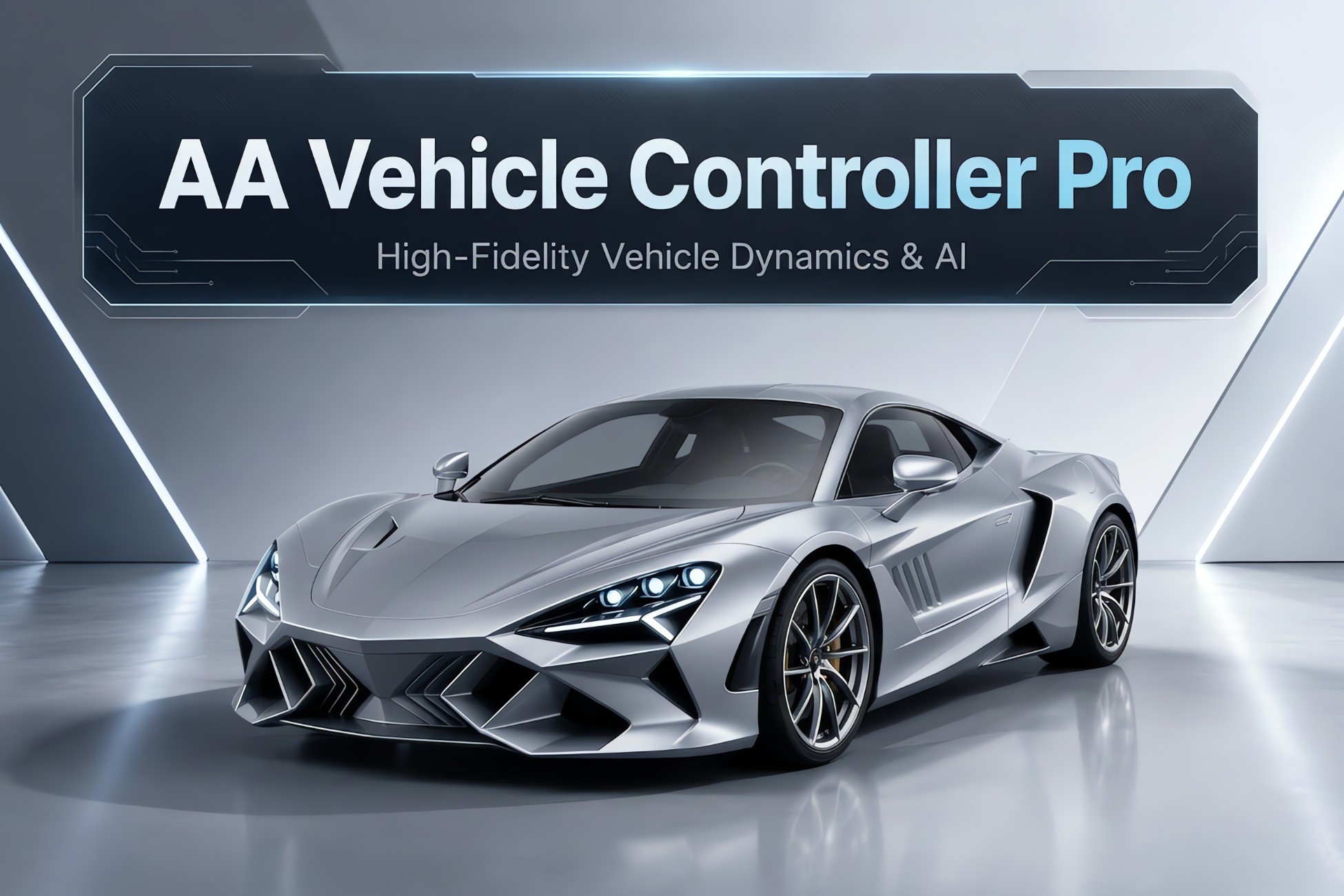
AA Vehicle Controller Pro — Car Physics, AI & Pathfinding
Production-ready vehicle physics with AI pathfinding, 11-layer audio, damage, nitro, drift, mobile controls, and one-click setup wizard. Supports all render pipelines.
Affiliate link · Purchases support this site
Price history
Last 6 months
USDAsset preview
1 / 7

AA Vehicle Controller Pro — Car Physics, AI & Pathfinding screenshot 1




About this asset
AA Vehicle Controller Pro is a complete, physics-based vehicle simulation system for Unity. Whether you're building a racing game, open-world driving, police chase, or traffic simulation — this package gives you everything out of the box.
What makes it different?
Unlike other vehicle controllers, AA Vehicle Controller Pro includes a fully integrated AI system with A* GPS Pathfinding. AI vehicles intelligently navigate around complex obstacles using async grid scanning with zero FPS impact — a feature no other vehicle controller on the Asset Store offers.
One-Click Setup
Drag your 3D car model, assign wheels, pick a preset, click "Create Vehicle" — done. The Vehicle Creator Wizard handles Rigidbody, WheelColliders, audio, camera, and all systems automatically. No coding required to get started.
Built for Every Platform
Works with Built-in, URP, and HDRP render pipelines. Supports Legacy Input Manager, New Input System, and Mobile touch controls with 3 steering modes (Buttons, Drag, Steering Wheel). The included demo scene is built using the Built-in Render Pipeline.
Professional Audio System
11 independent positional audio components: engine, exhaust pops, turbo whistle, turbo flutter, gear shifts, transmission whine, tire skid, suspension bumps, crash, engine fan, and engine start. Includes interior/exterior switching with low-pass filtering.
Full Documentation
Comprehensive offline HTML documentation included in the package. Online documentation: [Click Here...]
Support
For questions, feature requests, or bug reports, contact us at: [[email protected]]
From the publisher's Asset Store listing.
Technical details
Features:
• Physics-based vehicle controller (FWD / RWD / AWD)
• Automatic & manual transmission with custom gear ratios
• Drift system with adjustable intensity
• Launch control system
• 7 built-in vehicle presets (Sports, Sedan, SUV, Racing, Truck, Offroad, Van)
• ScriptableObject preset system for saving/loading vehicle configs
AI System:
• 4 AI behavior modes: General, Racing, Follow Aggressive, Follow Friendly
• A* GPS Pathfinding with async grid scanning (zero FPS impact)
• Predictive target tracking for moving targets
• Multi-directional obstacle detection (21+ rays)
• Automatic stuck detection and recovery
Audio:
• 11-component positional SoundManager
• Interior/exterior audio switching with low-pass filter
• Legacy VehicleAudio with Multi-Clip and Single-Clip modes
Systems:
• Nitro boost with fuel management and auto-refill
• Real-time mesh deformation damage system with repair
• Dynamic skid marks with distance-based LOD
• Per-wheel tire smoke particles
• Configurable lighting groups with brake/reverse lights
• 13 UnityEvent callbacks for game logic integration
Camera & UI:
• 3-mode camera: Follow, Orbit, Interior
• Dashboard HUD (speedometer, RPM gauge, gear, nitro bar)
• Mobile controls: Buttons, Drag, Steering Wheel modes
Editor Tools:
• One-click Vehicle Creator Wizard
• Runtime A* Pathfinder with visual gizmo debugging
Supported OS:
• Windows, macOS, Linux, Android, iOS, WebGL
Link to documentation:
• Offline HTML docs included in package
• Online: [Click Here...]
Compatibility
| Unity version | Built-in | URP | HDRP |
|---|---|---|---|
| 6000.3.11f1 | Compatible | Compatible | Compatible |
Supports Built-in RP, URP, and HDRP. Demo scene uses Built-in RP. All scripts are pipeline-agnostic.
Unity 2022.3 LTS to Unity 6 (6000.3.11f1). Supports Legacy Input Manager and New Input System (auto-detected).
Requires TextMeshPro (included in Unity) for Dashboard UI only. No other dependencies.
Platforms: Windows, macOS, Linux, Android, iOS, WebGL.
As listed on the Asset Store.