
 View on Asset Store (opens in new tab)
Package details
- Latest version
- 1.1
- Last updated
- First released
- Unity version
- 6000.3.10 or later
- Package size
- 4.8 MB
- Files
- 33
- Favorites
- 5
- Views in the past week
- 12
Price tracking
- Last checked
- Tracked since
- Lowest recorded
- $16.00 on
Keywords
Prymara Post Procsss
- Price drop
Stylized post-processing toolkit for Unity. Combine outlines, painterly filters, chromatic effects, and grid overlays to create unique comic or artistic visuals with full control and easy setup
Lowest recorded price
Get 27% off on Asset Store (opens in new tab)Affiliate link · Purchases support this site
Price history
Last 6 months
USDAsset preview
1 / 12
Prymara Post Procsss screenshot 1
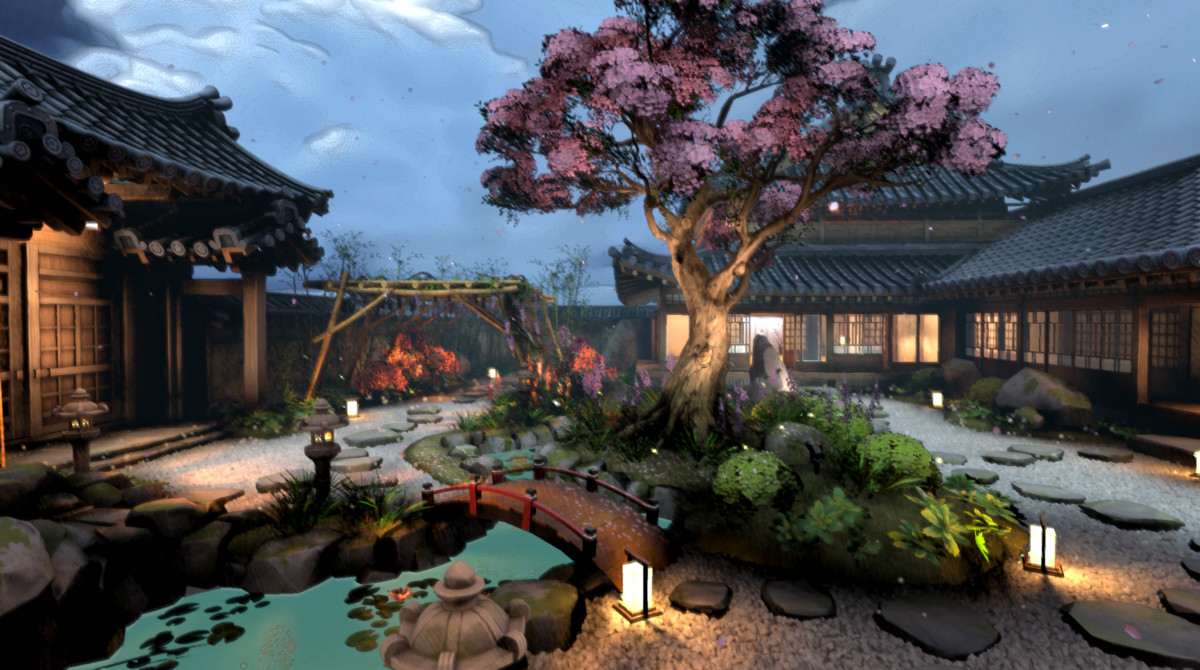
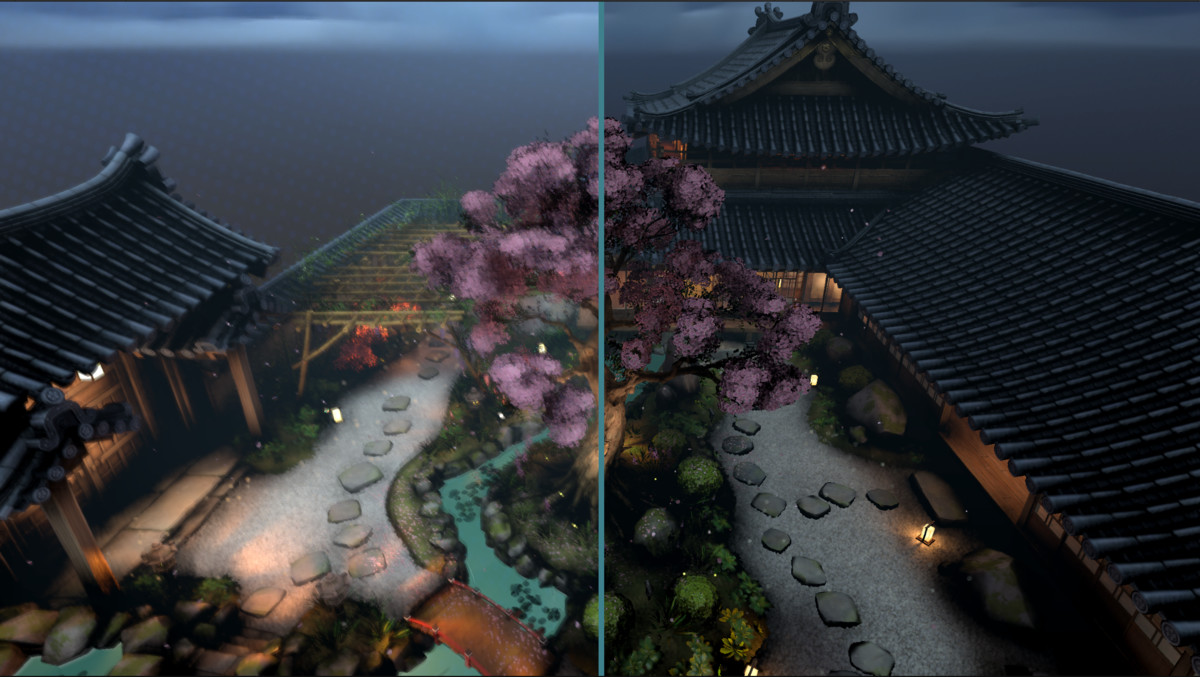
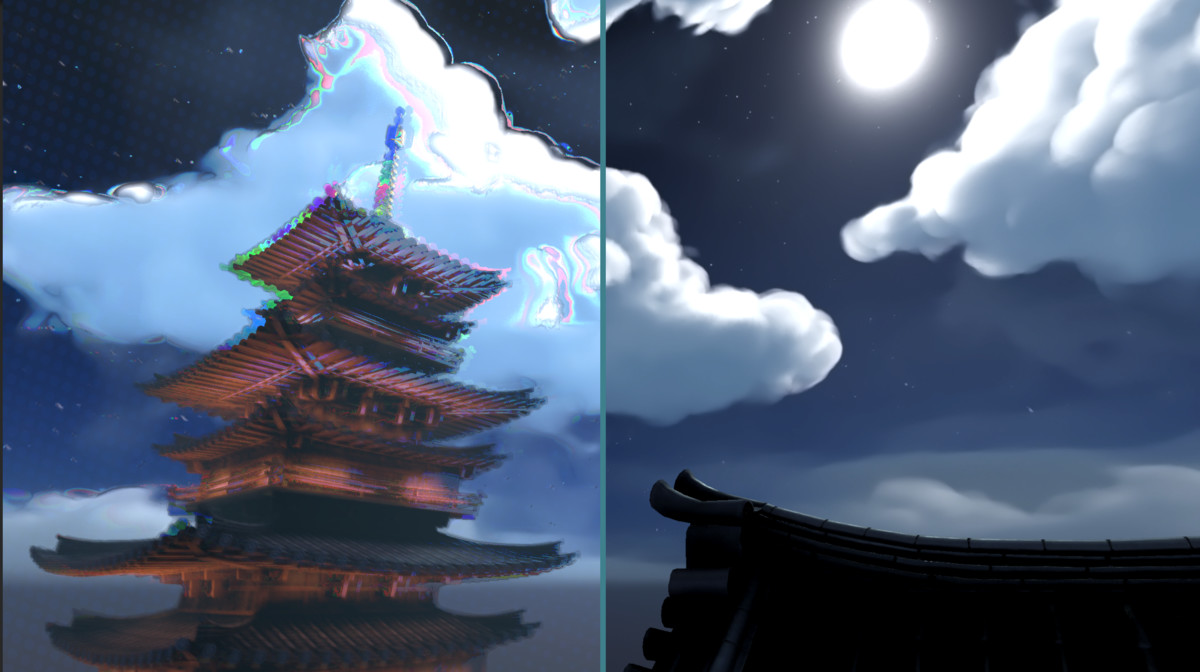
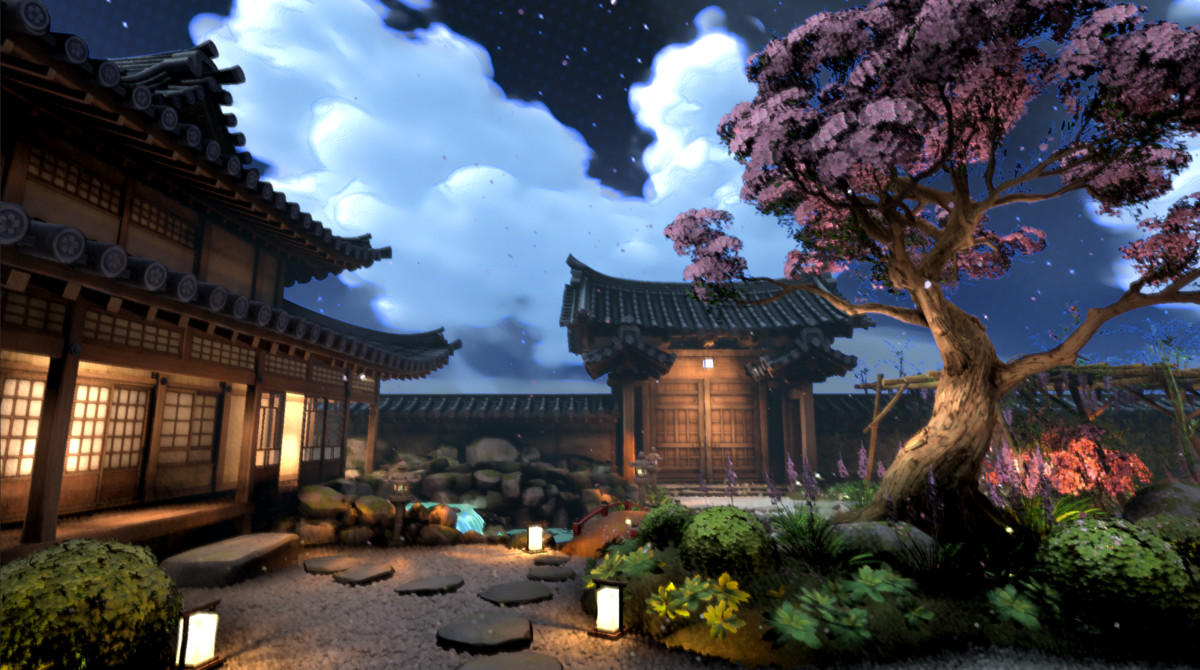
About this asset
🎨 Prymara Post Process
Stylized Rendering Toolkit for Unity
Transform any Unity scene into a bold, painterly, comic-inspired, or cinematic stylized world with Prymara Post Process — a modular post-processing toolkit built for artists, developers, and technical artists who want full control over their game’s final visual style.
Whether you want subtle polish or a fully stylized look, Prymara lets you combine outlines, painterly filtering, oil-like surface smoothing, RGB motion distortion, and grid overlays to create a distinctive art direction directly inside Unity.
✅ Supports All Unity Render Pipelines
Built-in Render Pipeline
Universal Render Pipeline / URP
High Definition Render Pipeline / HDRP
Use it across different Unity projects without being locked to a single rendering workflow.
✨ Key Features
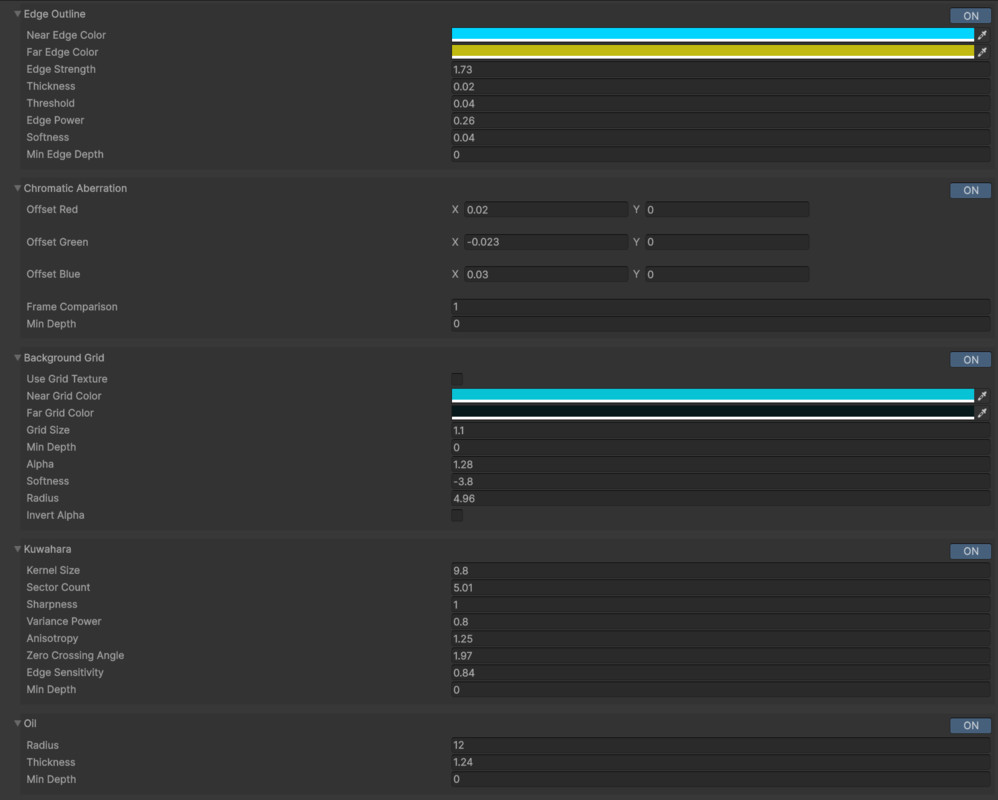
🖊️ Stylized Edge Outline
Add strong comic-style or soft illustrative outlines to your scene.
Features include:
- Near and far edge coloring
- Adjustable thickness
- Edge strength control
- Softness and threshold tuning
- Depth-aware outline control
Perfect for comic, cel-shaded, anime-inspired, architectural, and stylized environment rendering.
🌈 Chromatic Aberration
Create RGB color separation for a more dynamic, energetic image.
Useful for:
- Motion stylization
- Dreamy or surreal visuals
- Screen distortion effects
- Game transitions
- Magical or cinematic moments
The effect can be subtle or exaggerated depending on your style.
🔲 Background Grid Overlay
Add a stylized grid or halftone-like background effect to your scene.
Great for:
- Comic-book visuals
- Sci-fi overlays
- UI-heavy scenes
- Stylized sky/background treatment
- Graphic novel presentation
Includes control over grid size, alpha, softness, depth, and color.
🎨 Kuwahara Painterly Filter
Create a soft, brush-like painterly look while preserving important edges.
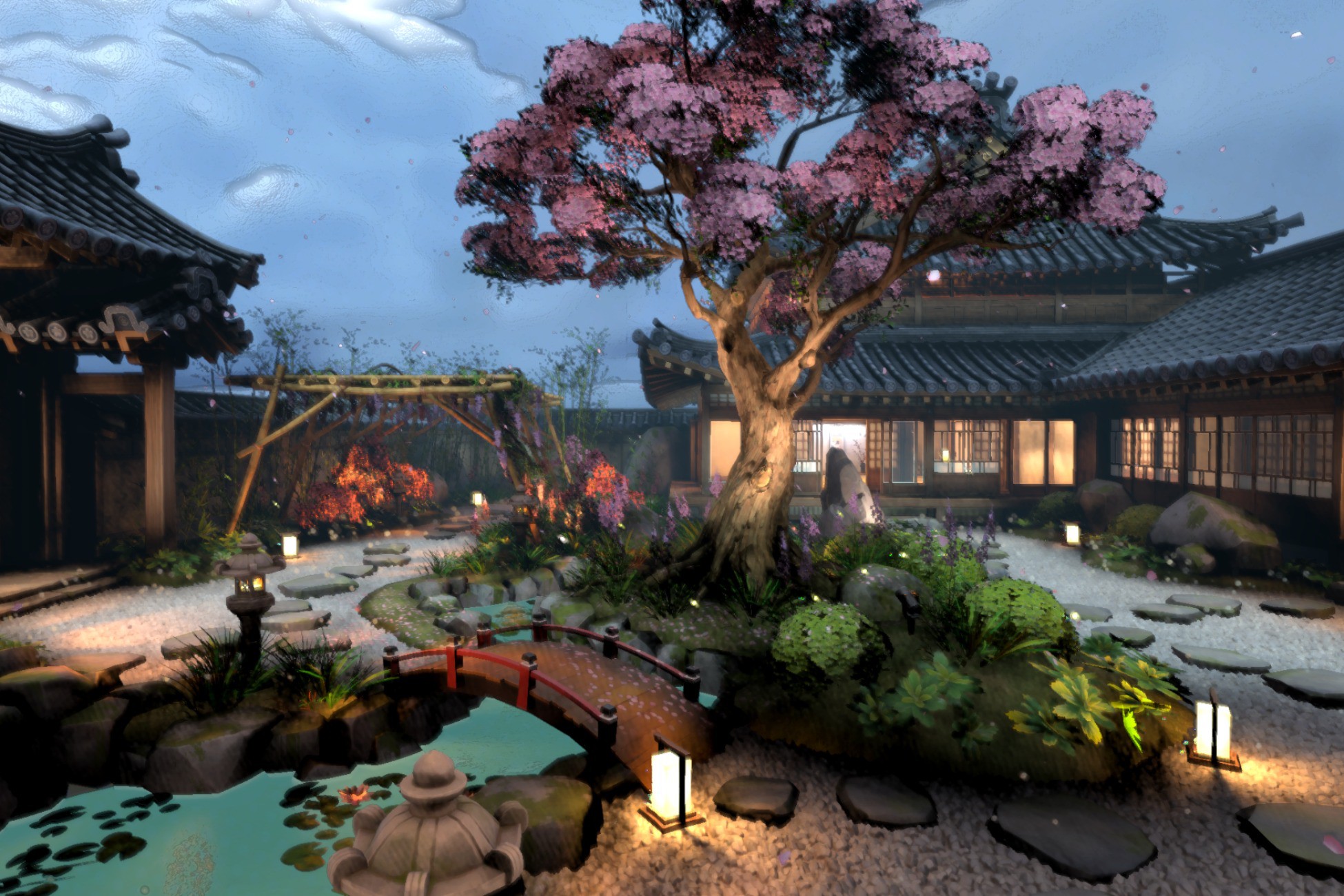
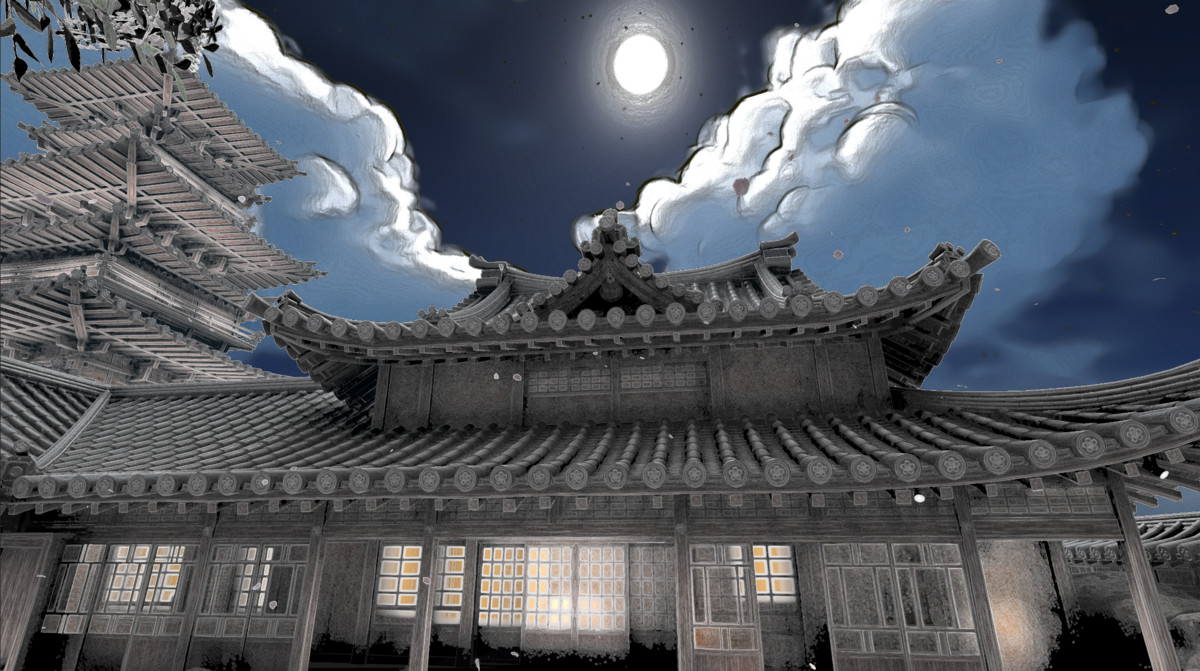
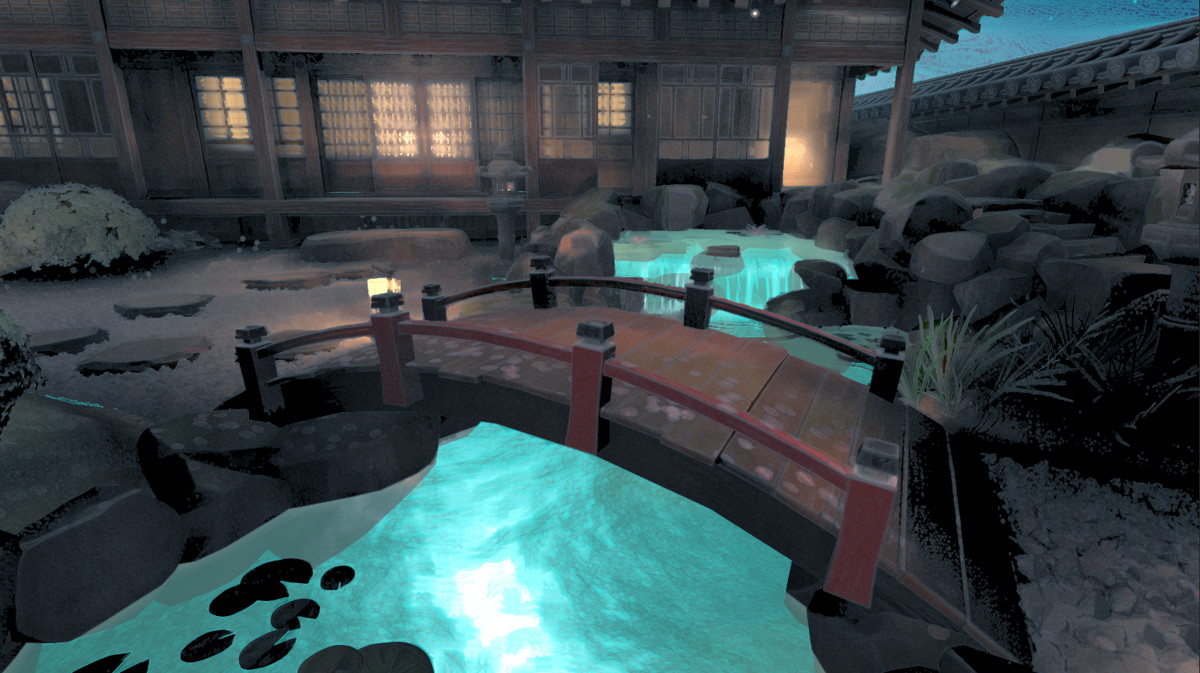
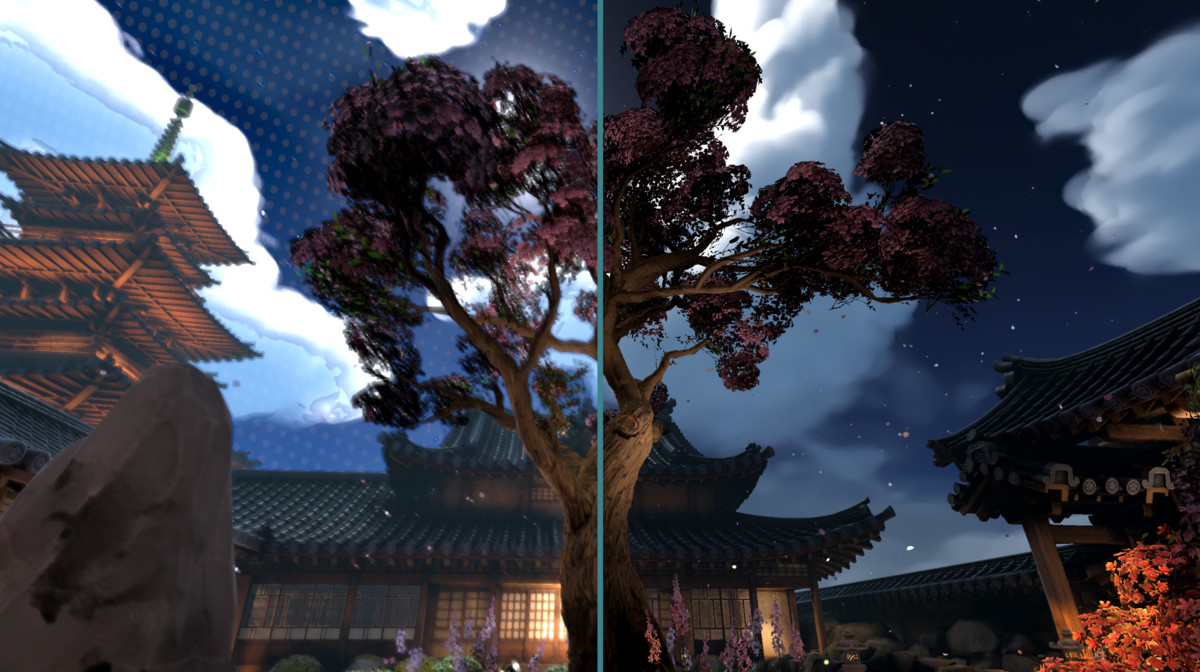
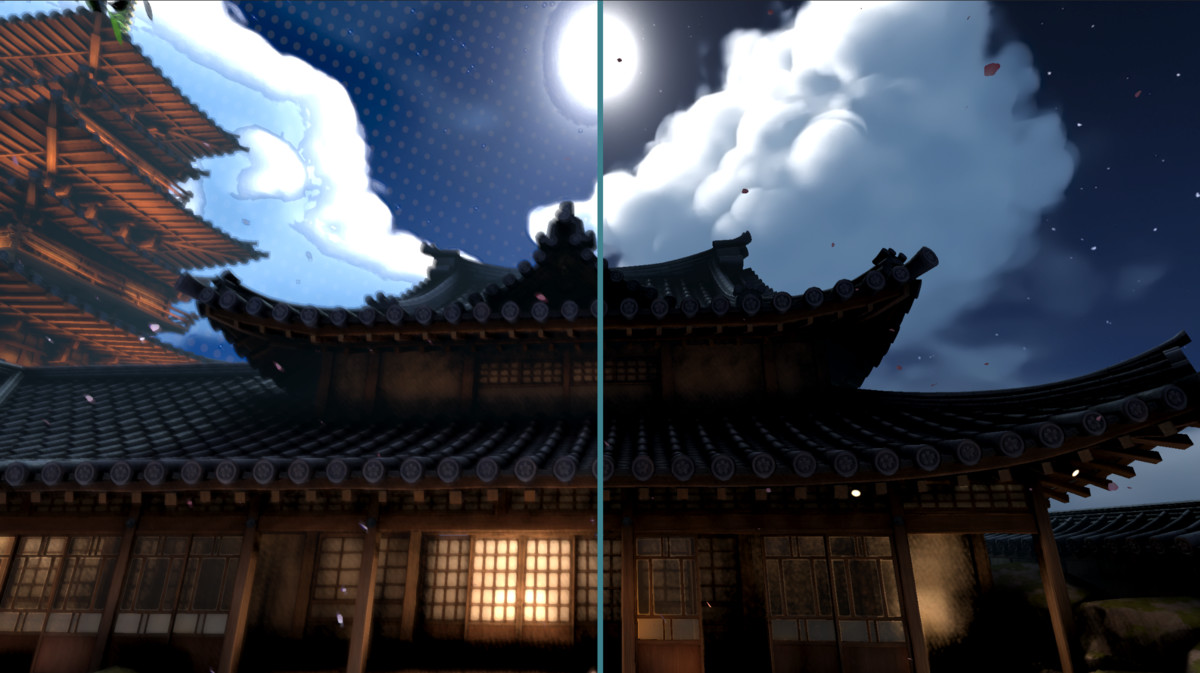
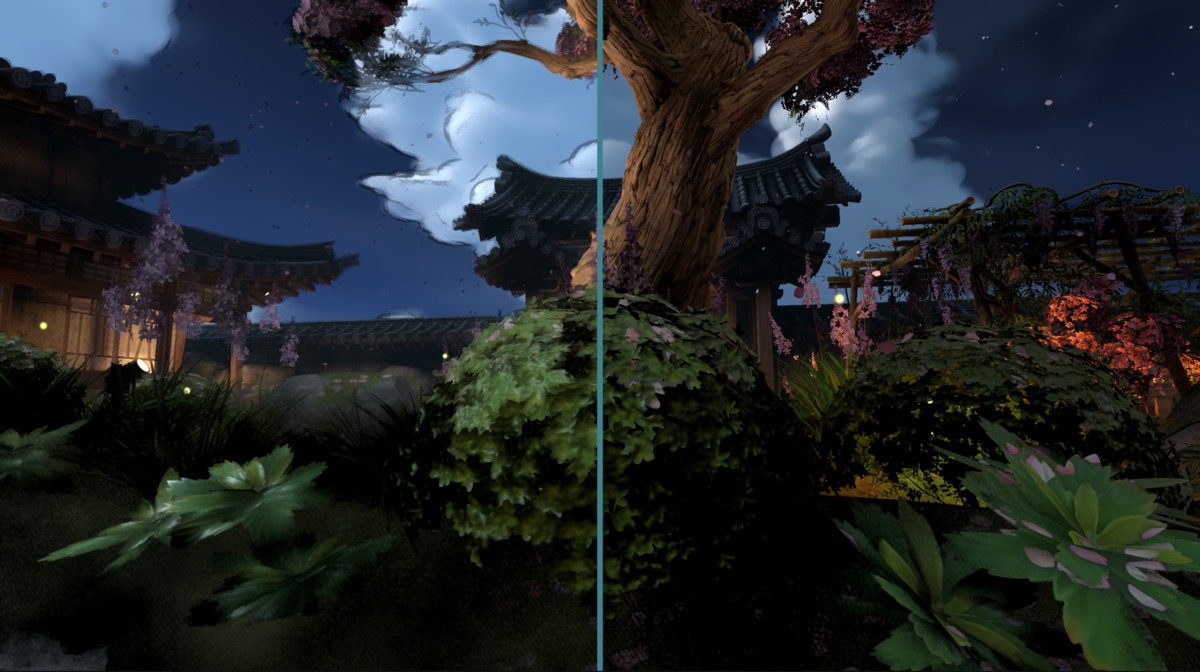
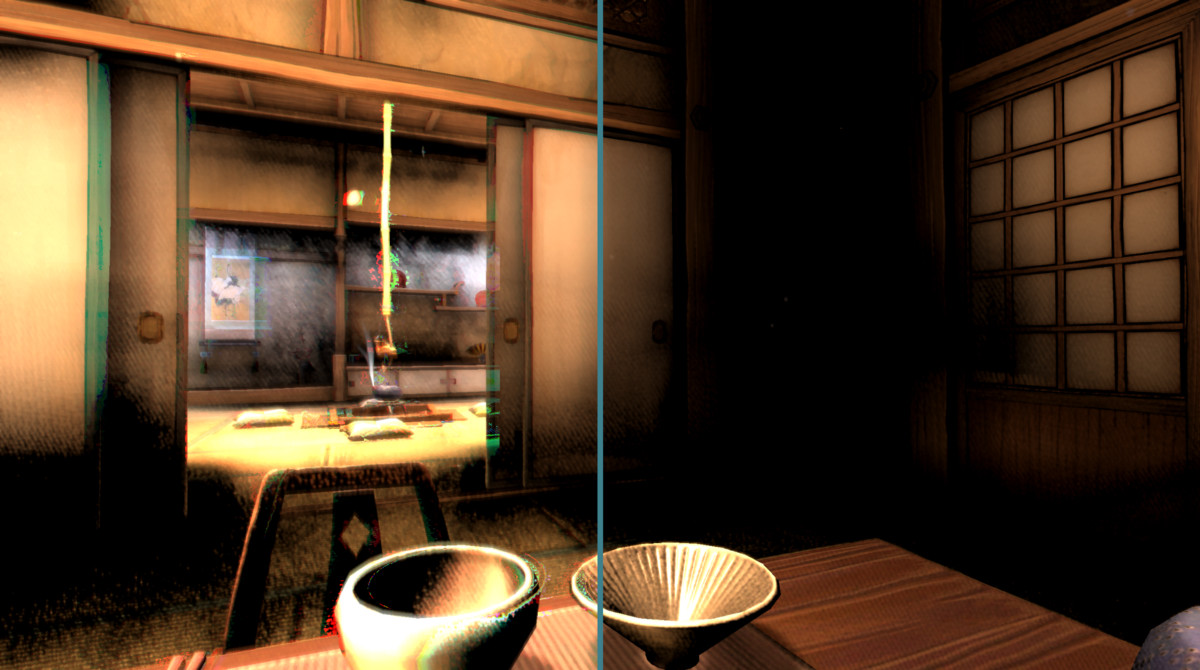
As shown in the screenshots, this can turn environments into a dreamy illustrated scene with softened clouds, painterly rooftops, smooth foliage, and stylized lighting.
Controls include:
- Kernel size
- Sector count
- Sharpness
- Variance power
- Anisotropy
- Edge sensitivity
Ideal for watercolor, anime, illustration, and hand-painted visual styles.
🖌️ Oil Painting Filter
Apply an oil-paint-inspired post-process effect for heavier stylization.
Useful for:
- Abstract visuals
- Painterly environments
- Artistic cutscenes
- Stylized promotional screenshots
- Non-photorealistic rendering
Includes radius and thickness controls for tuning the final result.
🧩 Modular Effect Stack
Each effect can be enabled, disabled, and adjusted independently.
Mix and match:
- Outline only
- Painterly filter only
- Oil + outline
- Grid + chromatic aberration
- Full stylized post-process stack
Build anything from clean comic rendering to a soft illustrated night garden, dreamy fantasy world, or surreal painterly scene.
⚙️ Easy Setup
Prymara is designed to integrate quickly into Unity projects.
Depending on your render pipeline, setup may involve assigning the included material, enabling the required render pass or camera effect, and adjusting the effect parameters in the inspector.
No complex custom rendering pipeline is required.
📸 Screenshot-Ready Results
The included effects are especially useful for creating visually striking environments like:
- Stylized Japanese gardens
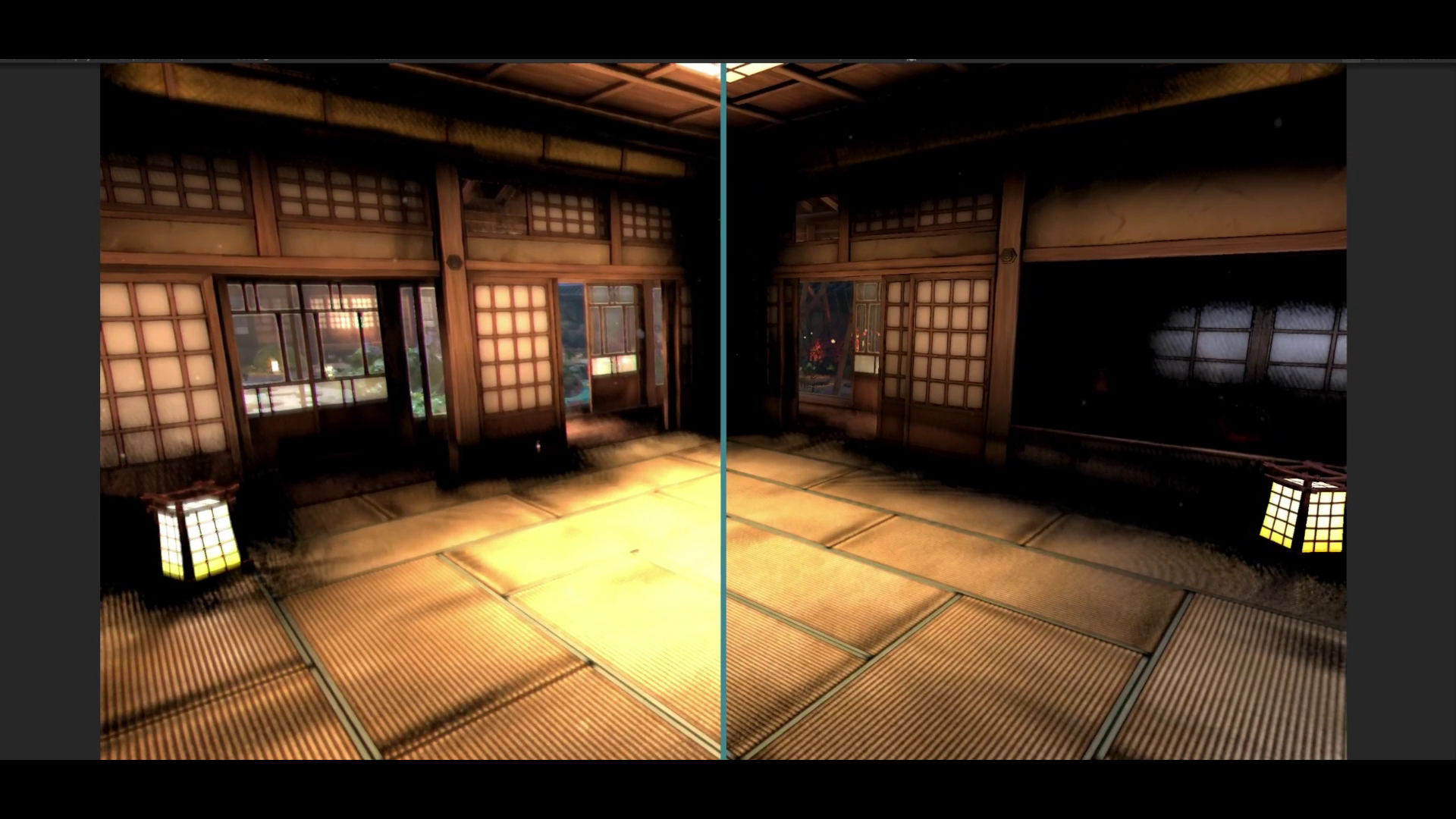
- Night scenes with glowing windows and lanterns
- Painterly skies and clouds
- Soft cinematic architecture
- Comic-style outlined buildings
- Dreamlike foliage and blossoms
- Before/after comparison shots
🎯 Best For
- Stylized games
- Anime-inspired projects
- Comic-style rendering
- Painterly environments
- Cozy / fantasy / casual games
- Visual novels
- UI-heavy games
- Experimental art direction
- Screenshots and trailers
- Non-photorealistic rendering workflows
🚀 Create Your Own Look
Use it to create clean outlines, soft painterly visuals, oil-painted scenes, motion-based RGB distortion, or layered post-process styles that define your game’s identity.
From subtle enhancement to full artistic transformation, Prymara helps you build a memorable visual style directly inside Unity.
From the publisher's Asset Store listing.
Technical details
Technical Details
- Asset Type: Post-processing render feature
- Shader Type: Fullscreen post-process shader
- Includes:
- Edge Outline
- Chromatic Aberration
- Background Grid
- Kuwahara Filter
- Oil Filter
- Supports:
- Modular feature toggles
- Depth-based masking
- Texture-based and procedural grid modes
- Custom material inspector
- Performance:
- Edge Outline: lightweight
- Grid: lightweight
- Chromatic Aberration: moderate
- Kuwahara / Oil: heavy depending on radius/kernel size
Compatibility
| Unity version | Built-in | URP | HDRP | Custom |
|---|---|---|---|---|
| 6000.5.2f1 | Compatible | Compatible | Compatible | Compatible |
| 6000.3.10f1 | Compatible | Compatible | Compatible | Compatible |
As listed on the Asset Store.