
 View on Asset Store (opens in new tab)
Package details
- Latest version
- 1.0
- Last updated
- First released
- Unity version
- 6000.3.0 or later
- Package size
- 18.2 MB
- Files
- 53
- Favorites
- 19
- Views in the past week
- 48
Price tracking
- Last checked
- Tracked since
- Lowest recorded
- Free on
Keywords

ANIMA PROXIMA — Low-poly RETRO SEDAN Cars pack (Vehicles)
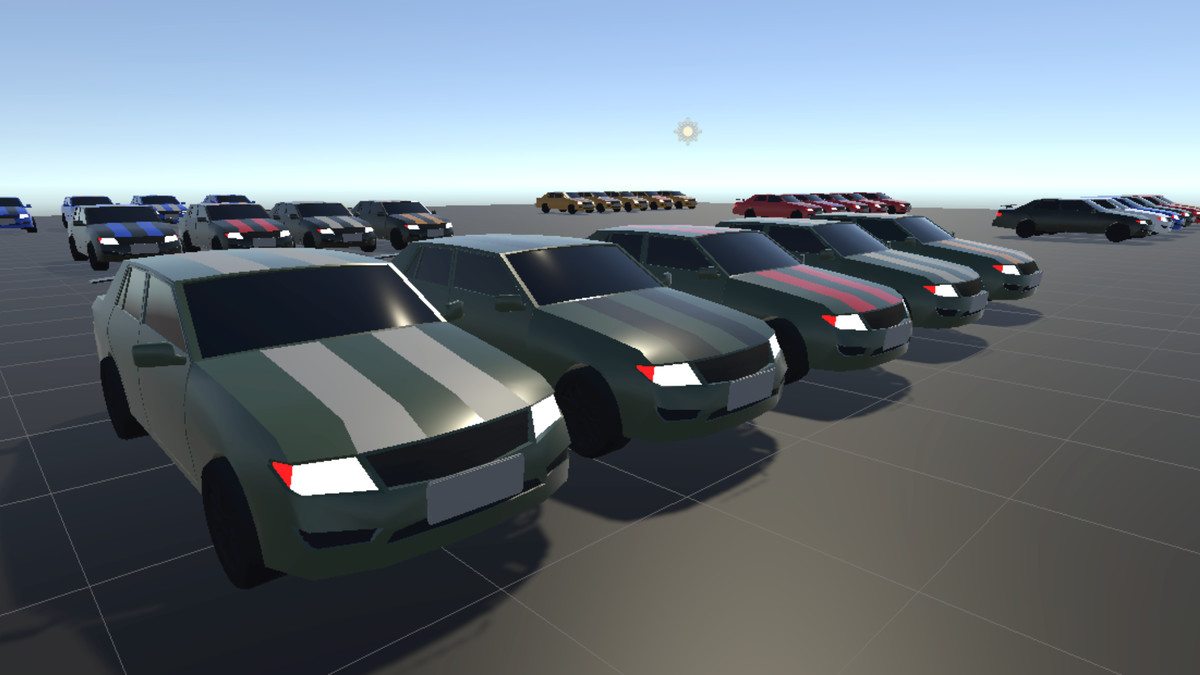
Stylized low-poly retro sedan with LOD mesh, multiple body/stripe prefab variants. Great for car games. Build-in and URP-ready content.
Affiliate link · Purchases support this site
Price history
Last 6 months
USDAsset preview
1 / 8
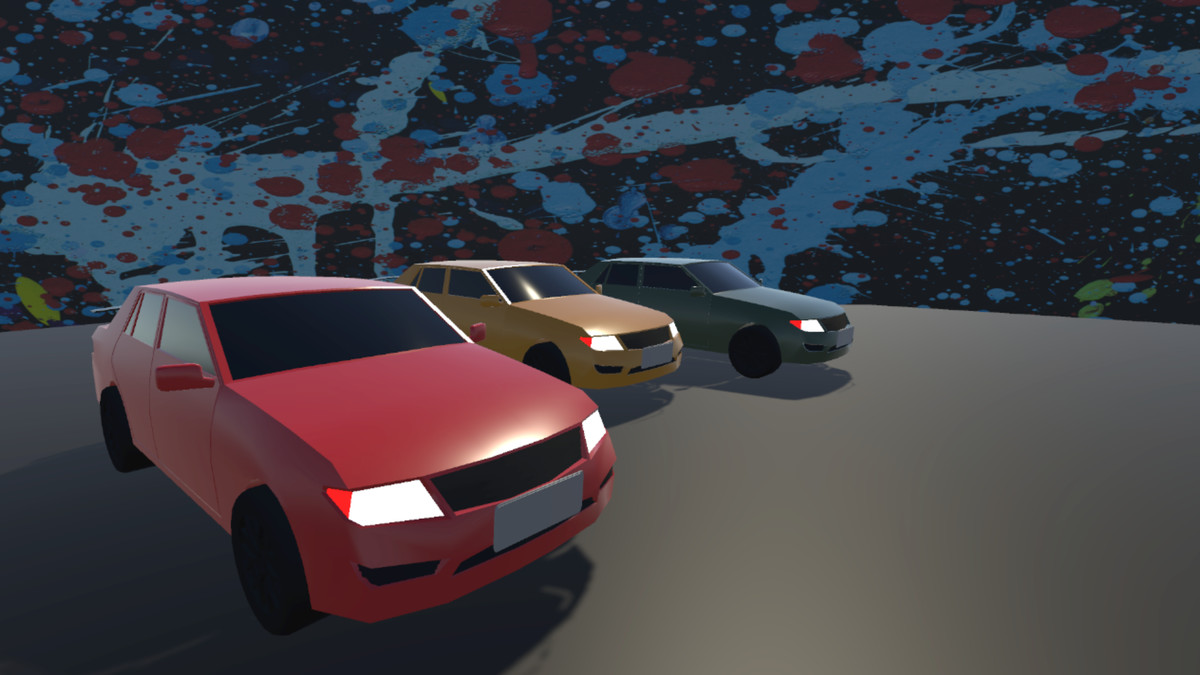
ANIMA PROXIMA — Low-poly RETRO SEDAN Cars pack (Vehicles) screenshot 1
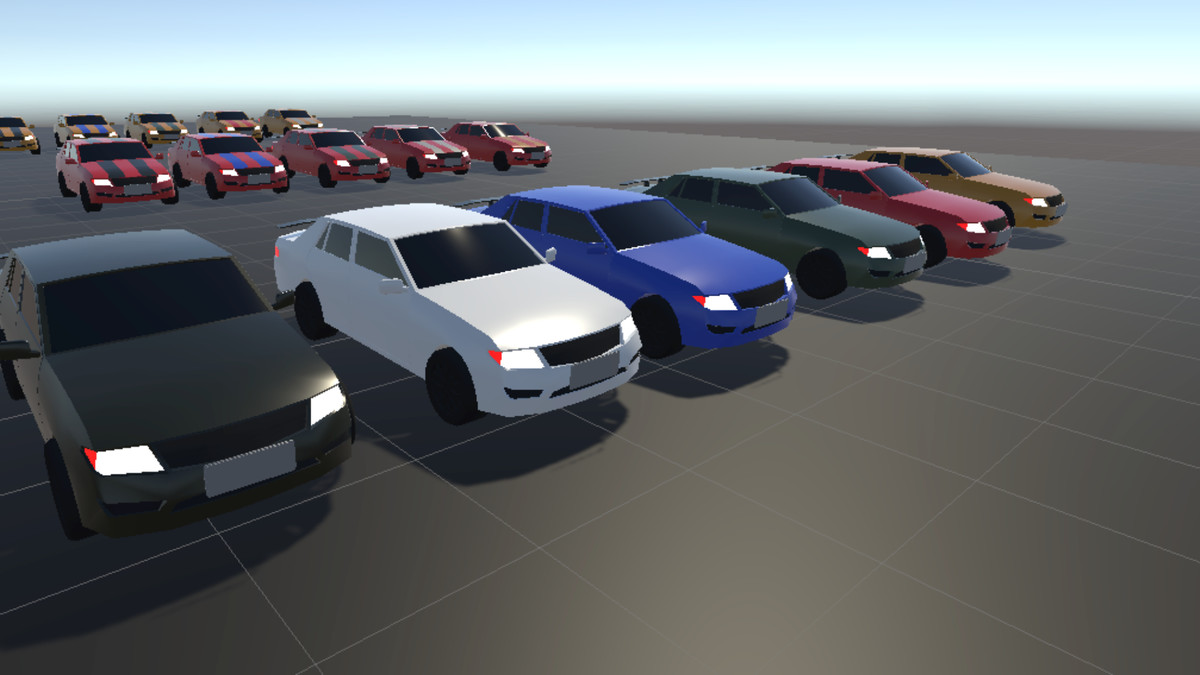
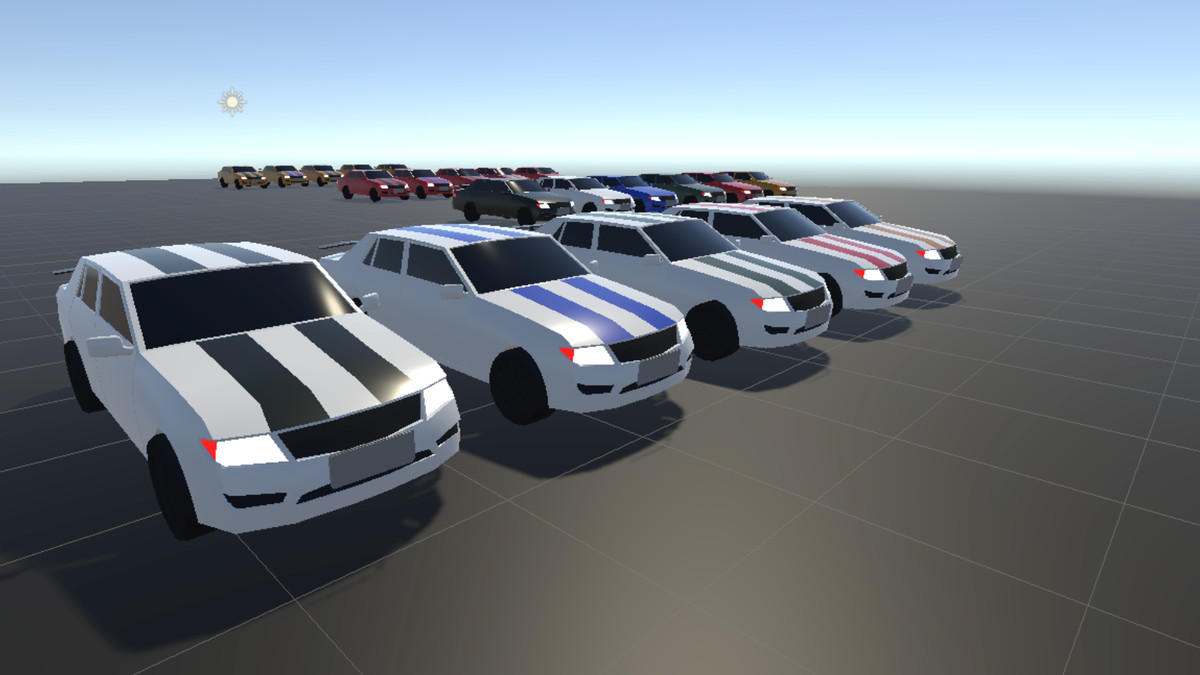
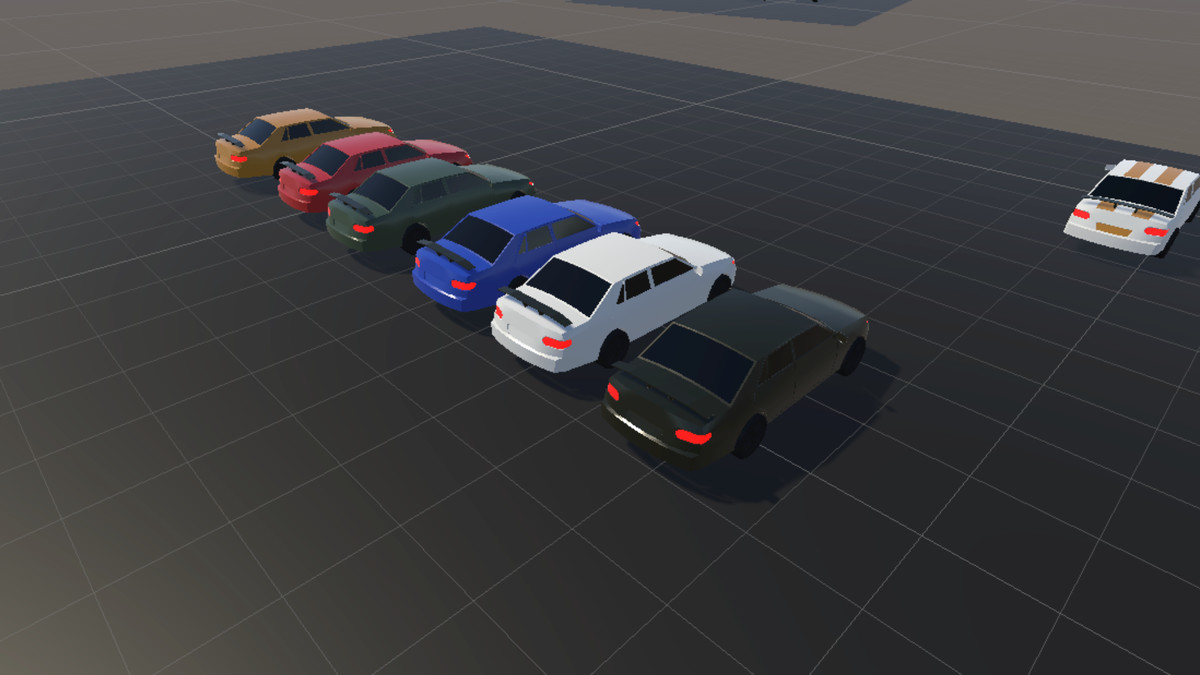
About this asset
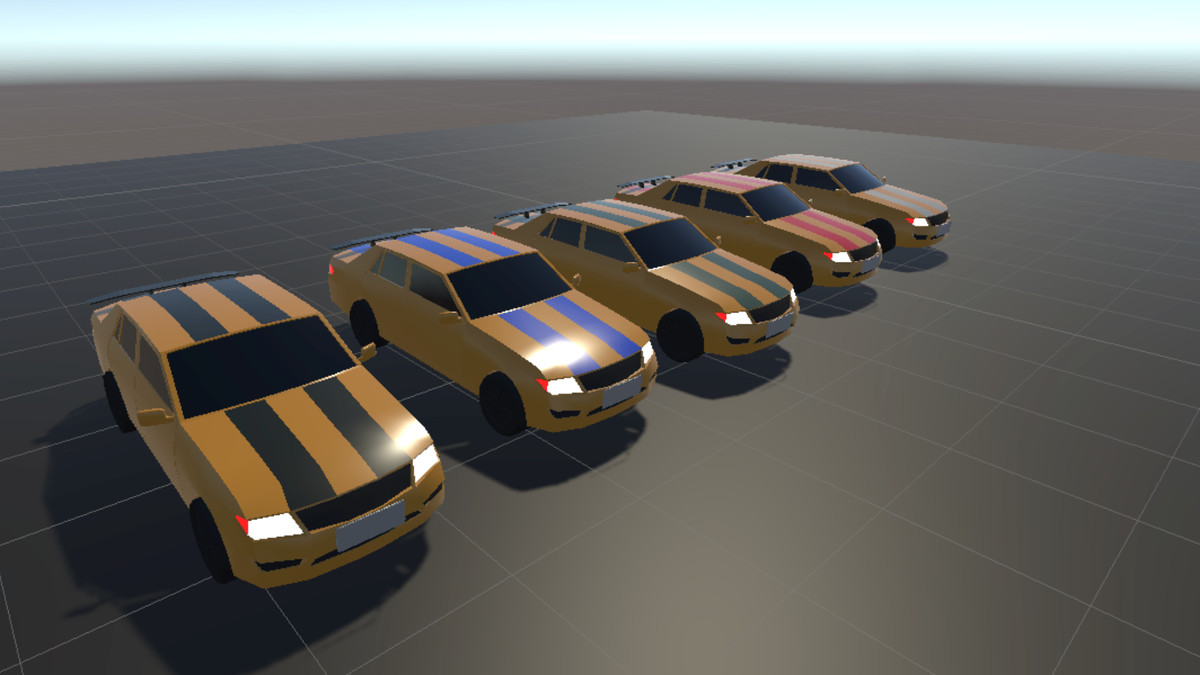
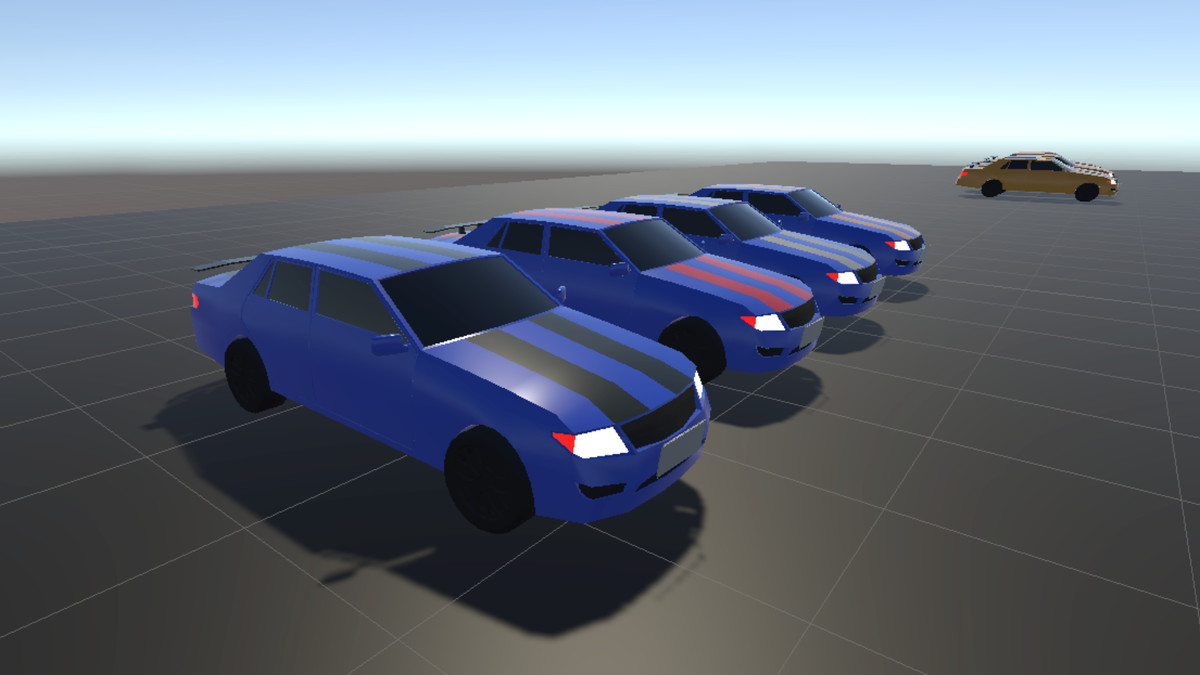
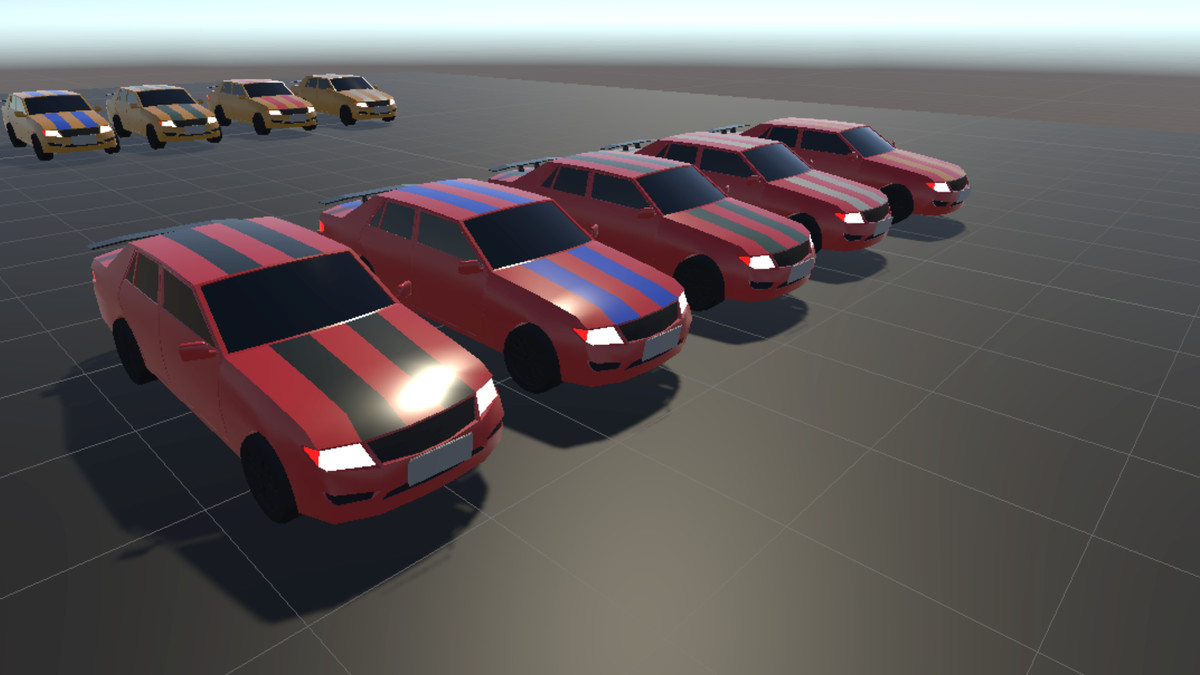
Stylized low-poly retro sedan with LOD mesh, multiple body/stripe prefab
variants, demo scene, materials, and textures.
Build-in and URP-ready demo content, and supporting art (mesh, materials, textures).
Prefabs: 33
Materials: 13
Colors: black, blue, white, red, yellow, green. Contains variations with stripes.
There are 3 types of LODs. LOD0, LOD1, LOD2 :
LOD0: 4503 tringles
LOD1: 3747 tringles
LOD2: 1914 tringles
From the publisher's Asset Store listing.
Technical details
Polygon count of Retro Sedan:
LOD0: 4503
LOD1: 3747
LOD2: 1914
Maximum polygon count: 4503
Number of meshes: 1
Number of prefabs: 33
Number of textures: 1
Number of meshes: 1
LOD information: LOD0, LOD1, LOD2
Number of materials: 13
Compatibility
| Unity version | Built-in | URP | HDRP |
|---|---|---|---|
| 6000.3.0f1 | Compatible | Compatible | Not listed |
URP Compatibility:
1. Open the Converter: Go to Window > Rendering > Render Pipeline Converter.
2. Select Converter Type: In the top-left dropdown, select Built-in to URP.
3. Select materials in folder Materials. Press Material Upgrade (This is the main step for fixing pink materials).
4. Initialize: Click the Initialize Converters button at the bottom right.
As listed on the Asset Store.