
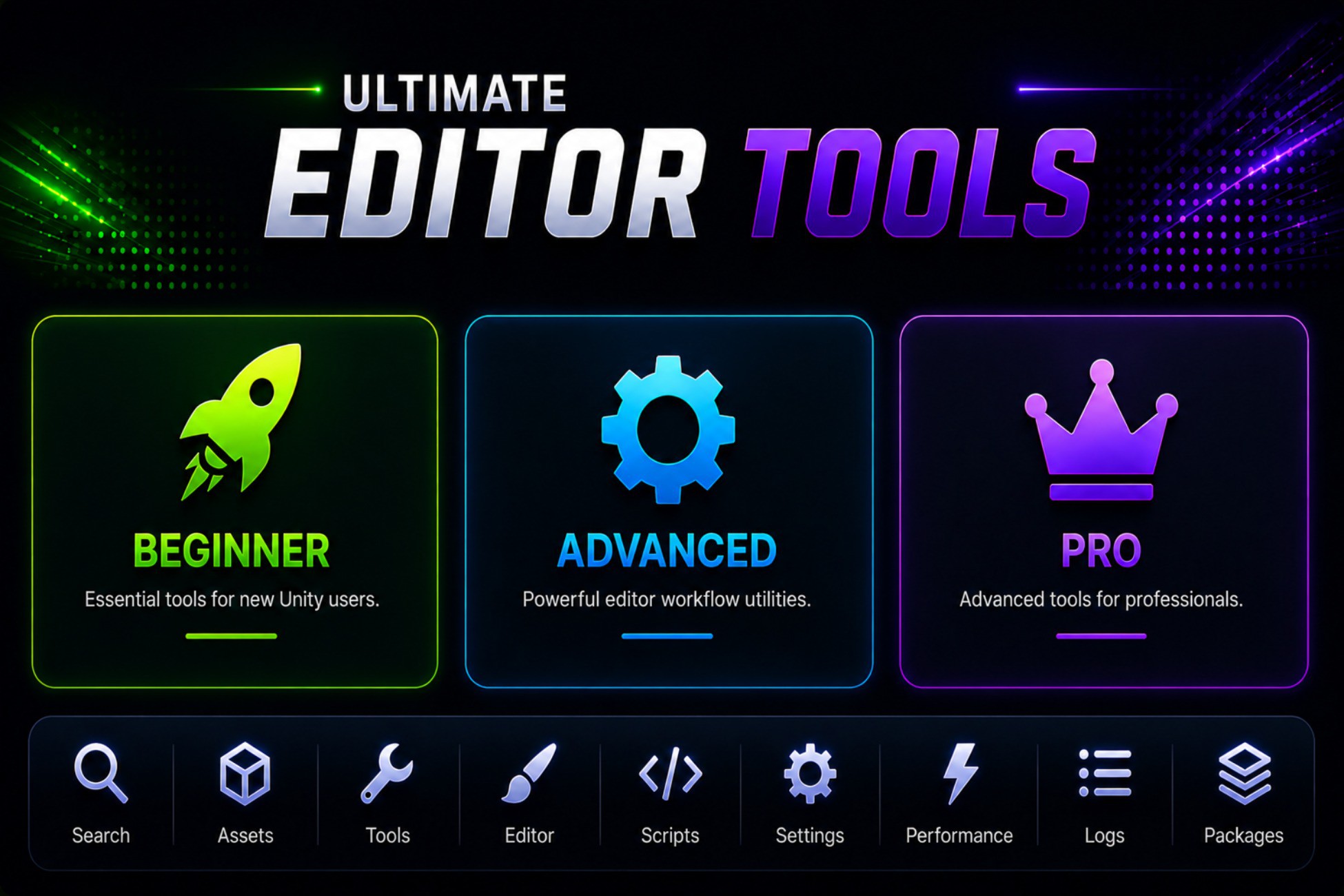
 View on Asset Store (opens in new tab)
Package details
- Latest version
- 1.5
- Last updated
- First released
- Unity version
- 6000.3.6 or later
- Package size
- 5.6 MB
- Files
- 71
- Favorites
- 4
- Views in the past week
- 9
Price tracking
- Last checked
- Tracked since
- Lowest recorded
- Free on
Keywords

Ultimate Editor Tools — PRO Workflow Toolkit for Unity
Boost your Unity workflow with powerful PRO editor tools for mass renaming, sprite replacement, and advanced scene management. Save time, automate tasks, and work smarter.
Affiliate link · Purchases support this site
Price history
Last 6 months
USDAsset preview
1 / 6
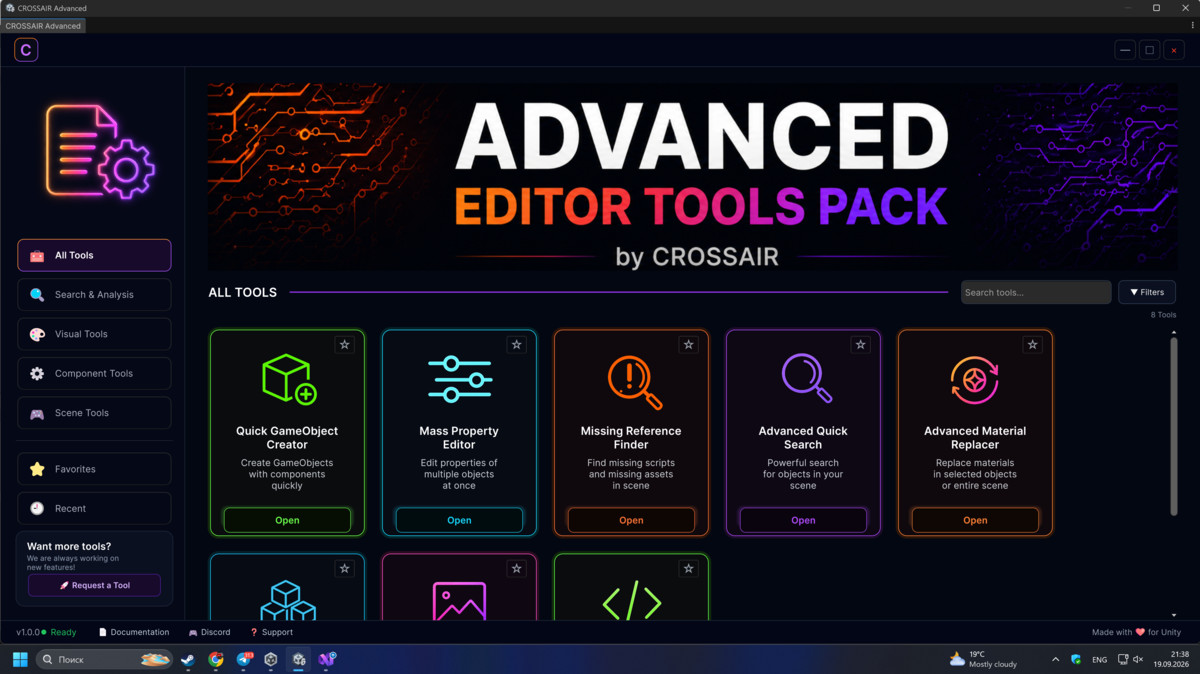
Ultimate Editor Tools — PRO Workflow Toolkit for Unity screenshot 1
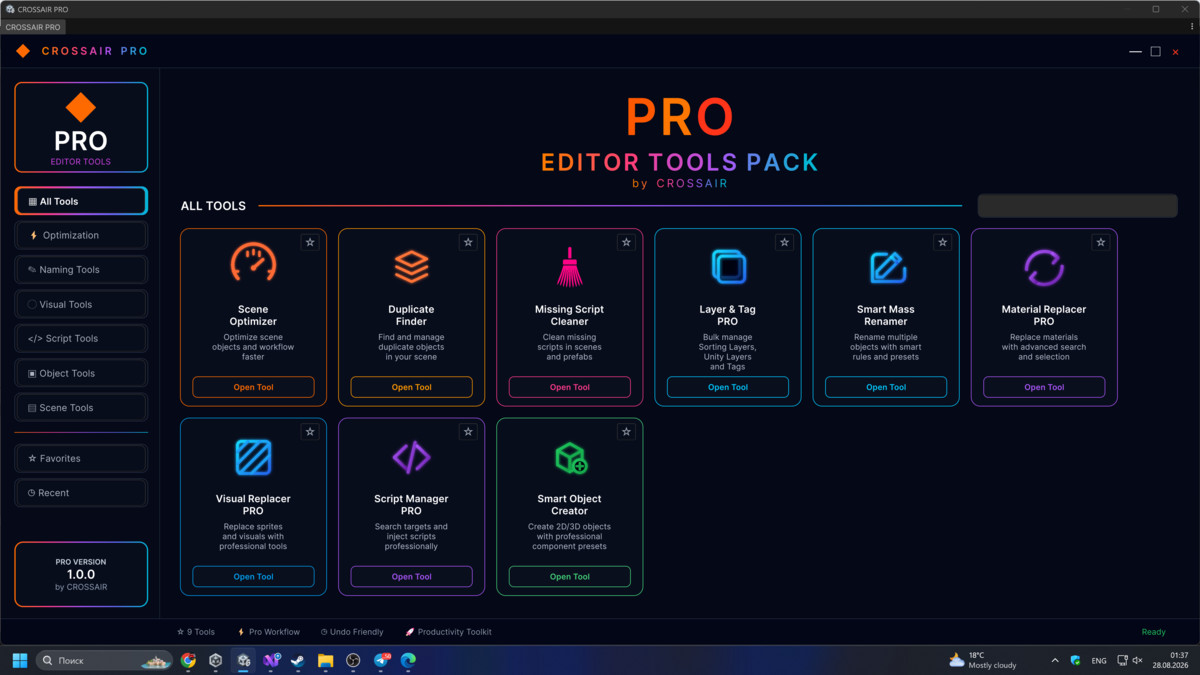
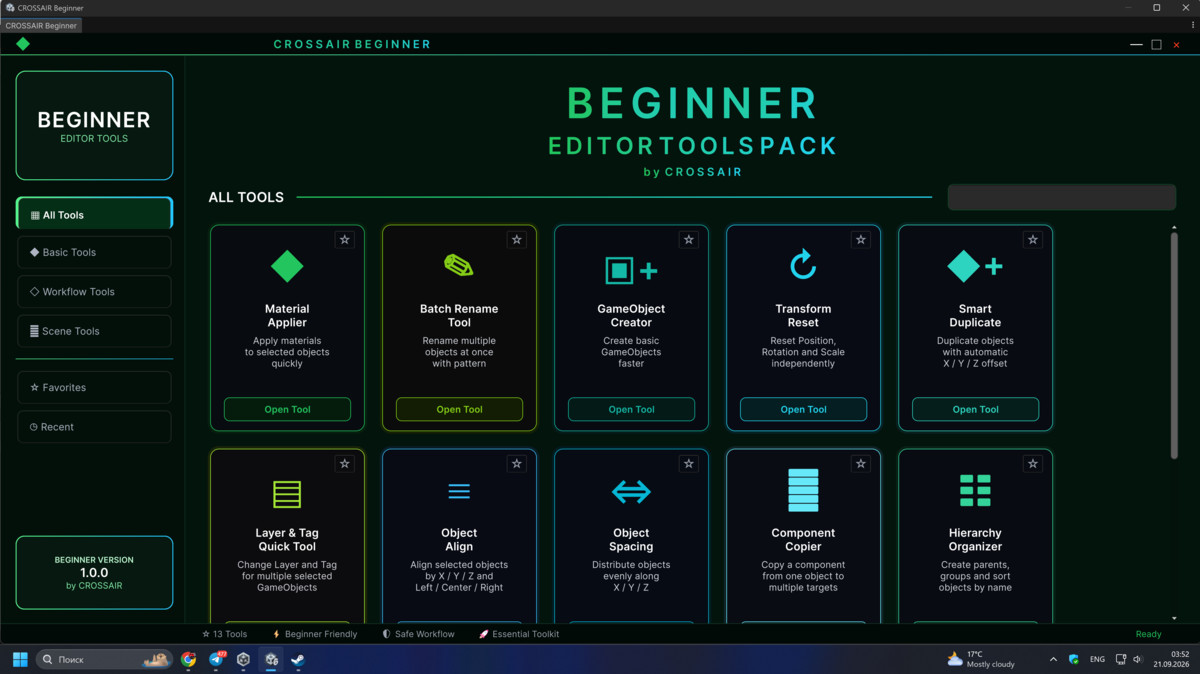

About this asset
Ultimate Editor Tools — PRO Productivity Toolkit
Supercharge your workflow inside Unity with a powerful collection of professional-grade editor tools designed to save time, automate repetitive tasks, and give you full control over your project.
This package brings together advanced utilities for mass editing, renaming, and visual replacement, all in one clean and intuitive interface.
⚡ Key Features
Smart Mass Renamer
Rename hundreds of objects in seconds with full control and preview.
✔ Live preview before renaming
✔ Custom naming patterns (Object_0001)
✔ Adjustable number padding
✔ Sorted renaming (no random order)
✔ Rename children automatically
✔ Undo support
Ultimate Sprite Replacer (PRO)
Replace sprites across your entire scene instantly.
✔ Works with:
- SpriteRenderer
- UI Image
- MeshRenderer (via material texture)
✔ Advanced filtering:
- By name (smart search)
- By tag / layer
- By parent
- By component type
✔ Batch editing with preview:
Old Sprite → New Sprite
✔ Apply changes to prefabs
✔ Select all found objects instantly
✔ Undo system
Powerful Search System
Find exactly what you need:
✔ Flexible name matching
✔ Cleaned name comparison (ignores spaces, numbers, etc.)
✔ Multi-condition filtering
Built for Real Projects
These tools are designed for:
- Large scenes
- Complex hierarchies
- Production workflows
- Teams and solo developers
Why This Tool?
Instead of wasting time on repetitive manual work, this toolkit allows you to:
✔ Automate tedious tasks
✔ Reduce human error
✔ Work faster and cleaner
✔ Focus on actual game development
Simple Workflow
- Tools → PRO → Ultimate Editor ToolsOpen the tool from:
- Choose the tool you need:
- Sprite Replacer
- Mass Renamer
- Apply changes in seconds
Perfect For
- Level designers
- Game developers
- UI designers
- Anyone working with large Unity scenes
Requirements
- Unity 2020+
- No third-party dependencies
Notes
✔ All scripts are original and created specifically for this package
✔ No external assets included
✔ Fully safe for commercial use
From the publisher's Asset Store listing.
Technical details
Key Features
Smart Mass Renamer
Rename hundreds of objects in seconds with full control and preview.
✔ Live preview before renaming ✔ Custom naming patterns (Object_0001) ✔ Adjustable number padding ✔ Sorted renaming (no random order) ✔ Rename children automatically ✔ Undo support
Ultimate Sprite Replacer (PRO)
Replace sprites across your entire scene instantly.
✔ Works with:
- SpriteRenderer
- UI Image
- MeshRenderer (via material texture)
✔ Advanced filtering:
- By name (smart search)
- By tag / layer
- By parent
- By component type
✔ Batch editing with preview: Old Sprite → New Sprite
✔ Apply changes to prefabs ✔ Select all found objects instantly ✔ Undo system
Powerful Search System
Find exactly what you need:
✔ Flexible name matching ✔ Cleaned name comparison (ignores spaces, numbers, etc.) ✔ Multi-condition filtering
Built for Real Projects
These tools are designed for:
- Large scenes
- Complex hierarchies
- Production workflows
- Teams and solo developers
Compatibility
| Unity version | Built-in | URP | HDRP | Custom |
|---|---|---|---|---|
| 6000.3.6f1 | Compatible | Compatible | Compatible | Compatible |
As listed on the Asset Store.