
 View on Asset Store (opens in new tab)
Package details
- Latest version
- 1.0
- Last updated
- First released
- Unity version
- 2022.3.55 or later
- Package size
- 312 KB
- Files
- 29
- Favorites
- 27
- Views in the past week
- 119
Price tracking
- Last checked
- Tracked since
- Lowest recorded
- Free on
Keywords
FREE Low Poly Sci-Fi Recreation Room Environment Demo / Cosmic Retro
Free low-poly sci-fi recreation room demo with 10 props plus modular wall and floor pieces. Test the Cosmic Retro style and workflow before getting the full Recreation pack.
Affiliate link · Purchases support this site
Price history
Last 6 months
USDAsset preview
1 / 8
FREE Low Poly Sci-Fi Recreation Room Environment Demo / Cosmic Retro screenshot 1
About this asset
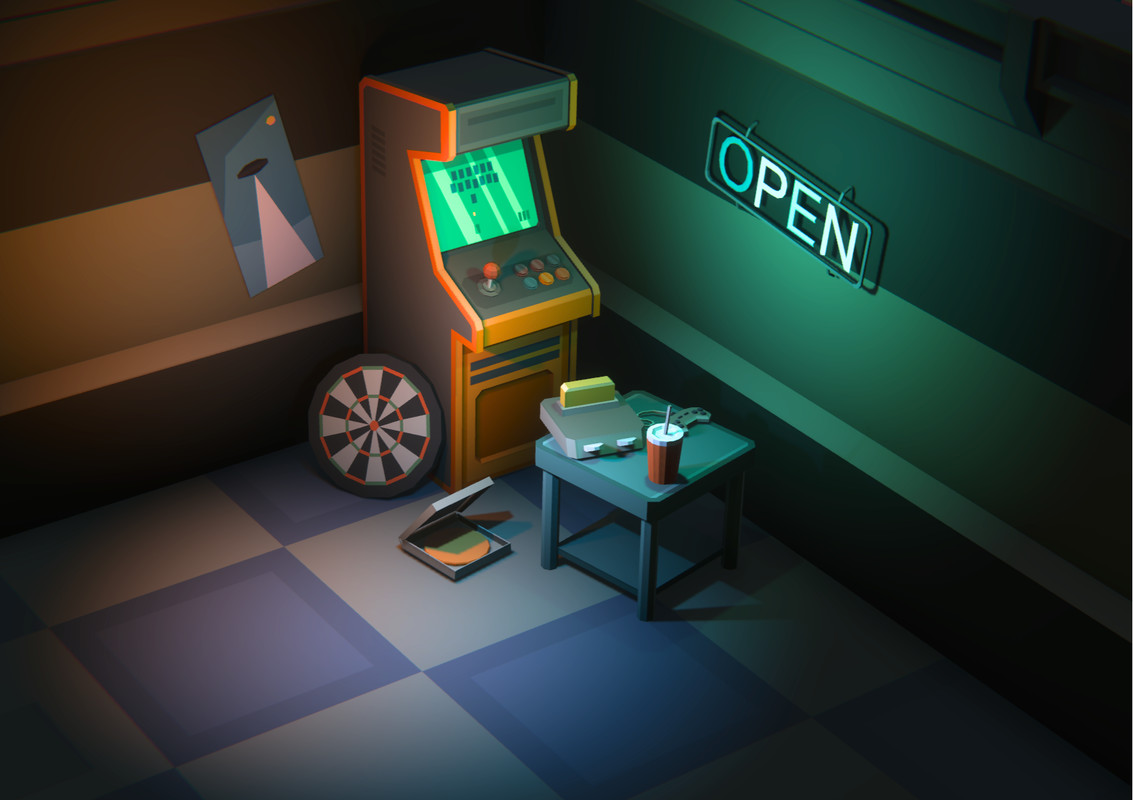
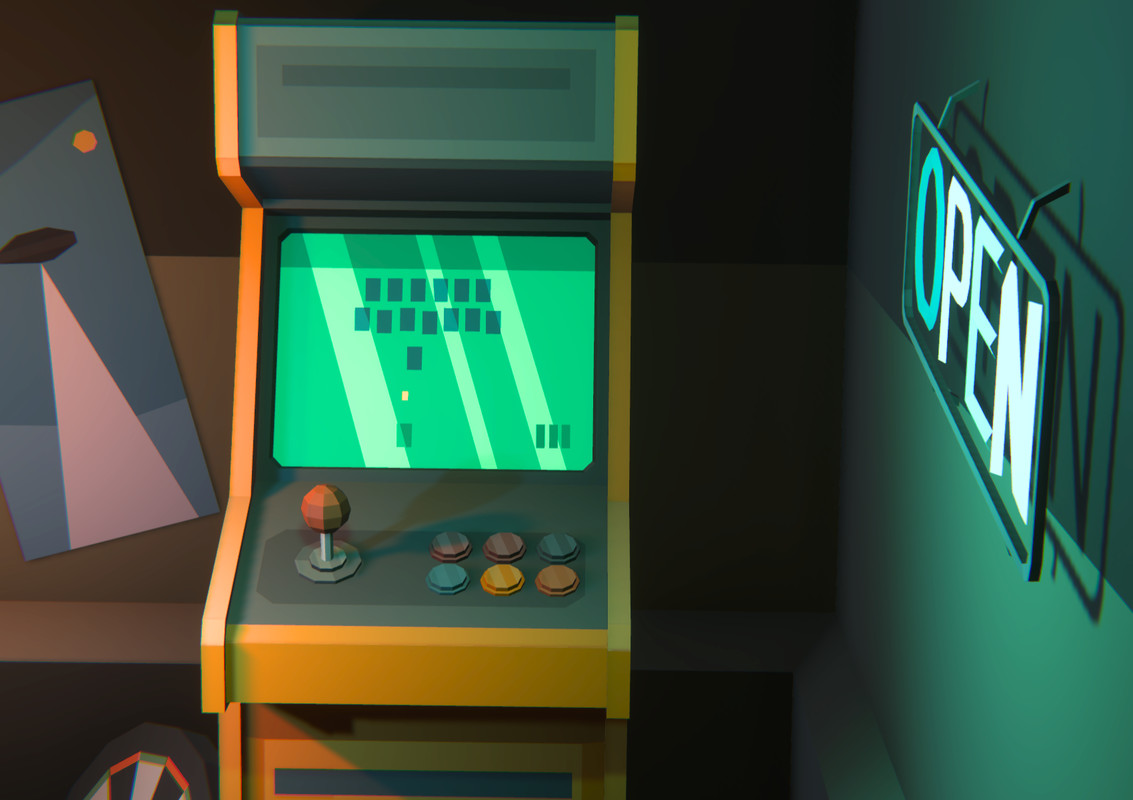
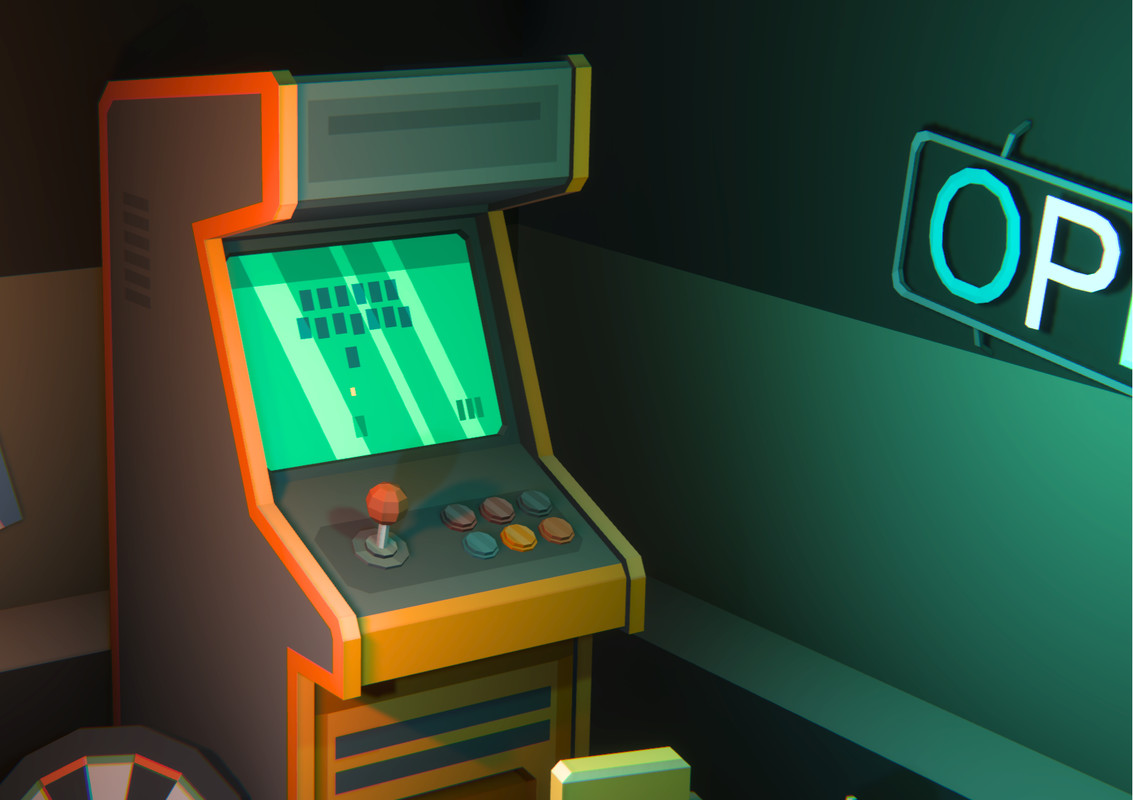
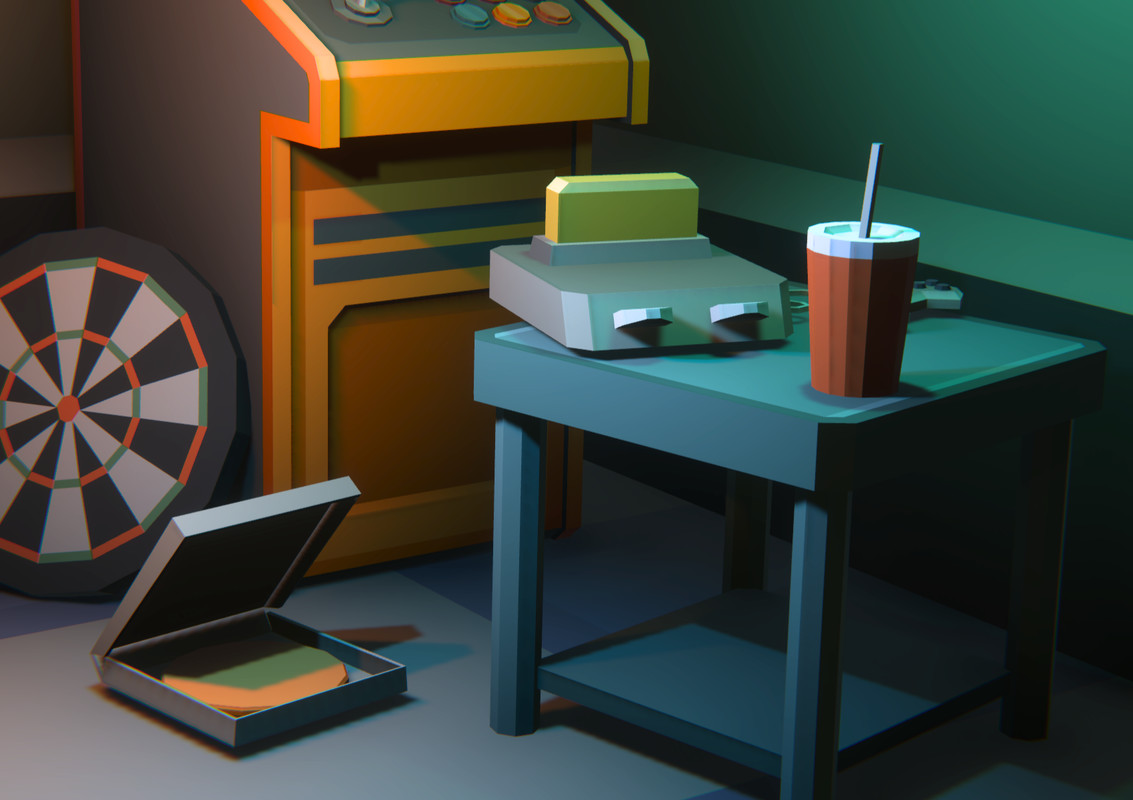
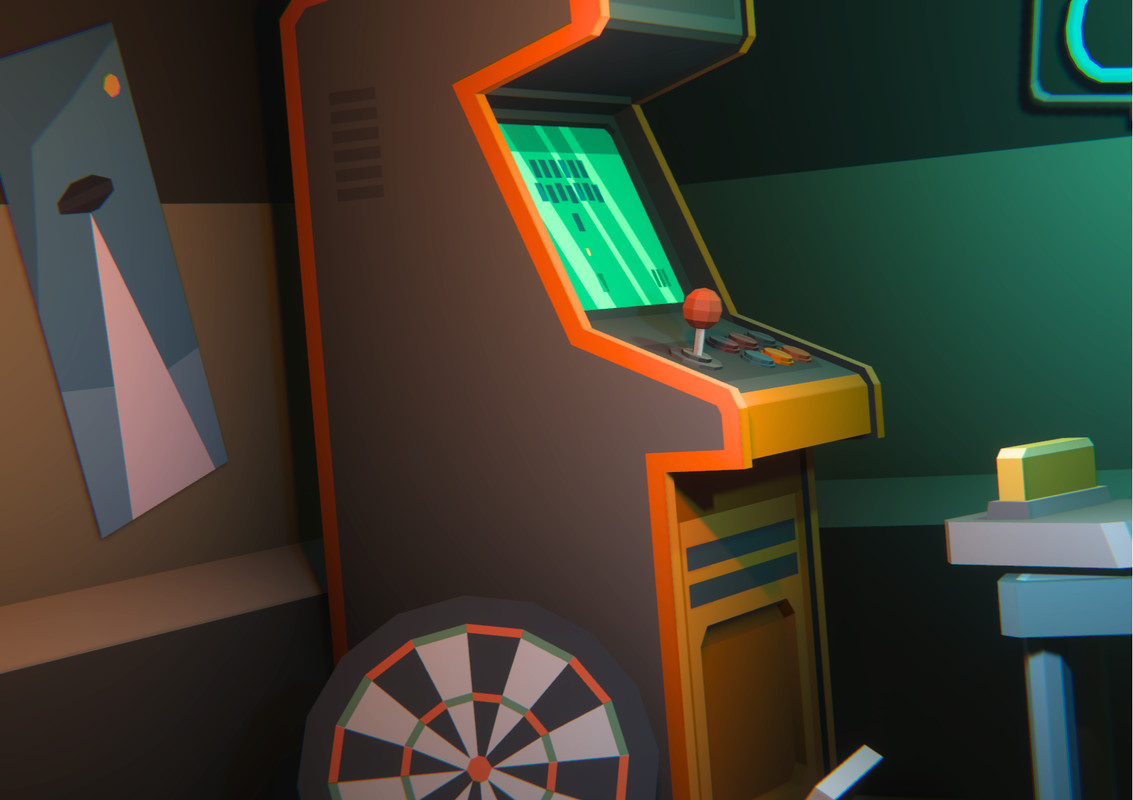
This FREE Recreation Room Demo is a functional sample of the Cosmic Retro Recreation environment, designed to let you test the visual style, scale, workflow, and asset quality directly inside your own Unity project.
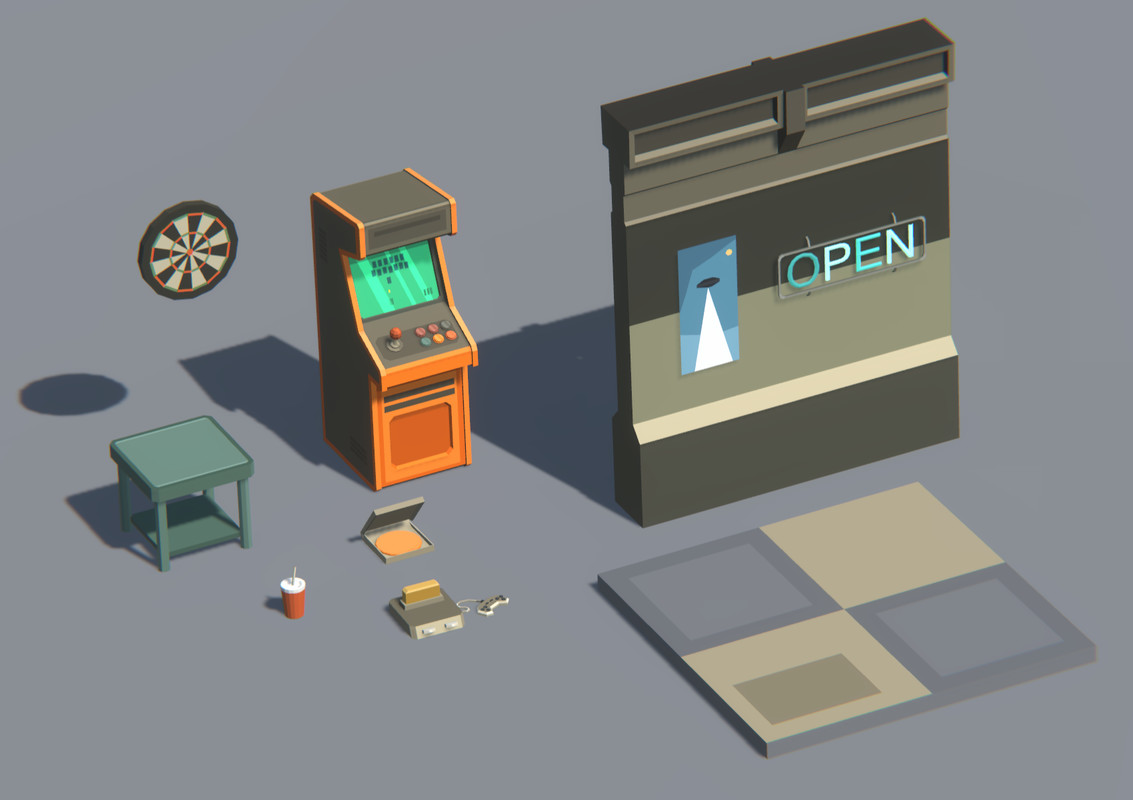
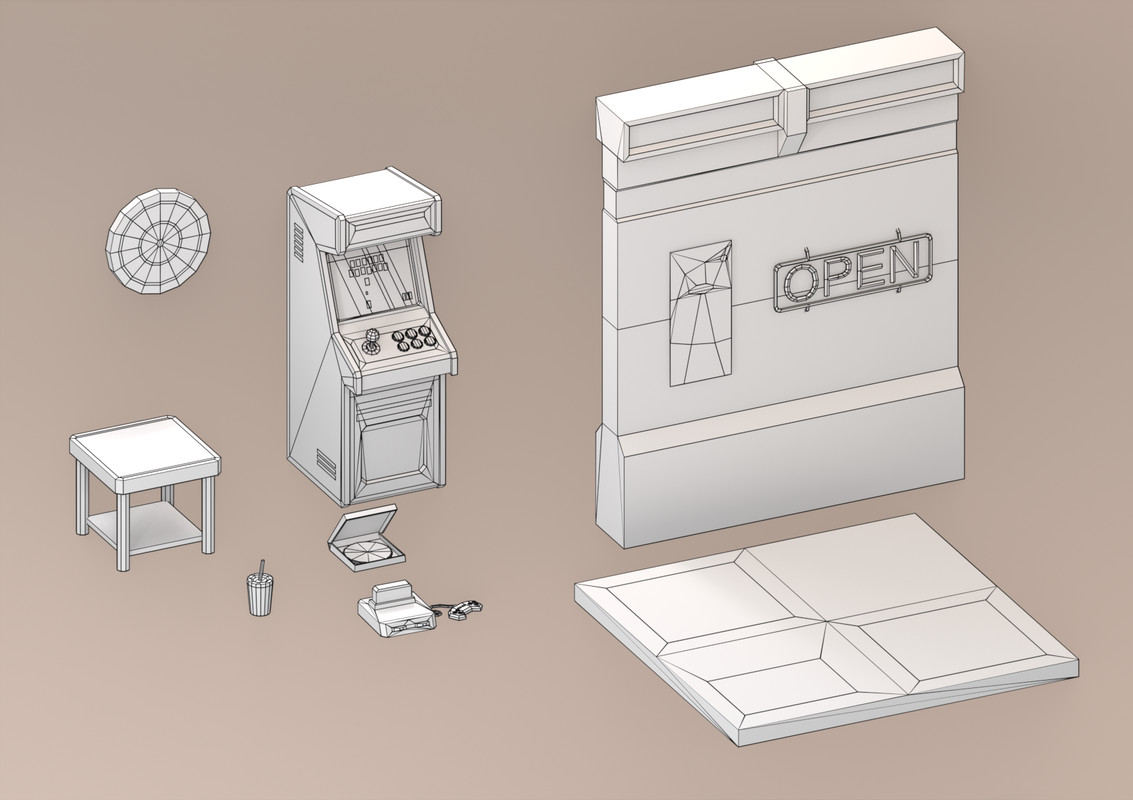
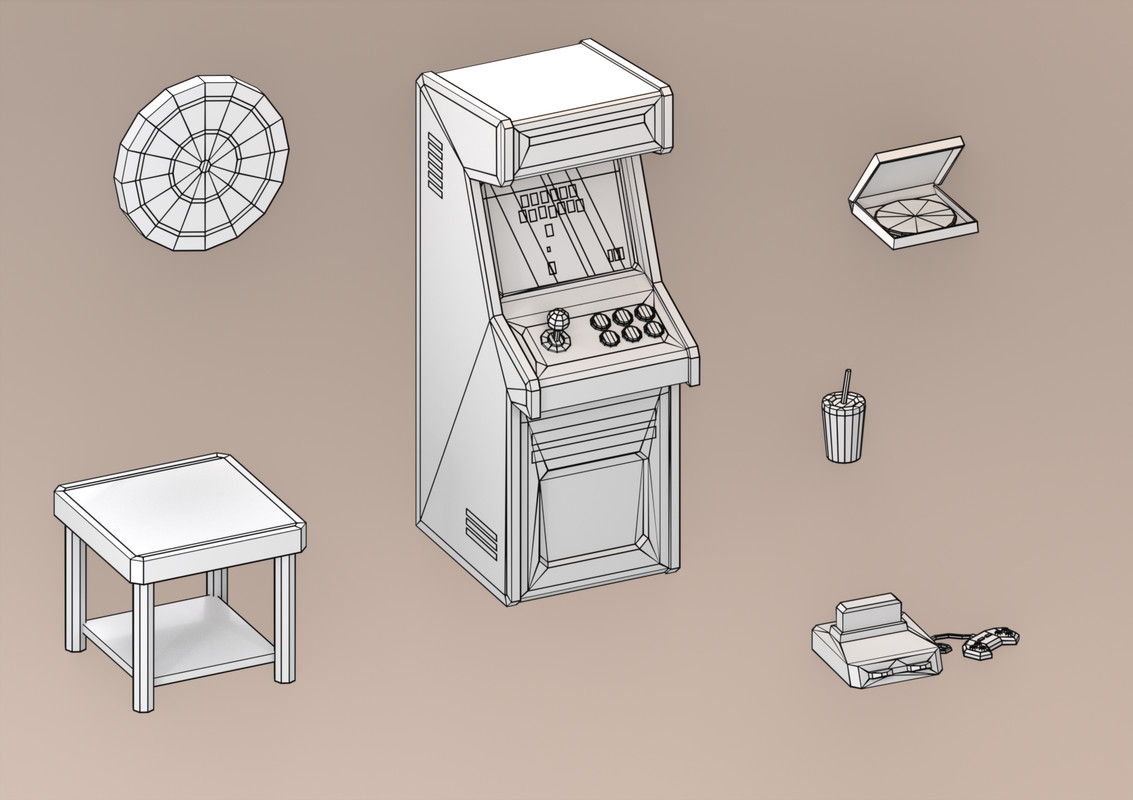
The demo includes 10 stylized props plus modular wall and floor pieces, giving you a representative sample of the full Recreation Room before purchasing the complete environment.
▶ Explore the Full Recreation Pack
Like the style and workflow? Continue with the complete environment:
View the Full Cosmic Retro Recreation Pack
◼ What’s Included in the FREE Demo ◼
- 10 Stylized Props: A curated selection of low-poly recreation room assets, including arcade and leisure-themed sci-fi props.
- Modular Sample Pieces: Includes basic wall and floor elements to test the modular building workflow.
- Built-in Colliders: Included meshes are ready for immediate testing and prototyping.
- Compact Material Setup: Uses the same optimized minimalist workflow as the full version.
- Demo Scene Included: Preview and test the included assets directly inside Unity.
- Unity 2022.3 LTS: Compatible with Built-in and URP.
- Unity 6: Dedicated version compatible with URP.
- No Additional Dependencies: No additional Asset Store packages are required.
◼ What You Can Test ◼
- Visual style and asset scale
- Prefab placement and workflow
- Modular wall and floor assembly
- Collider setup
- Material and texture workflow
- Lighting inside your own environments
- Performance in your project
- Compatibility with your scene setup
◼ Perfect For ◼
- Testing the Cosmic Retro style before purchasing
- Sci-fi recreation room prototypes
- Social and leisure areas in space stations
- Crew relaxation spaces and colony interiors
- First-person and third-person projects
- Top-down and isometric games
- Mobile, VR, and AR prototypes
◼ Explore the Cosmic Retro Universe ◼
Continue building your colony with other environments from the Cosmic Retro series:
Laboratory 2 | Laboratory | Station | Hangar | Mess Hall | Bedroom
◼ Cosmic Retro Collections ◼
Core Duo — Station + Mess Hall
Expanded Colony — Station + Mess Hall + Laboratory
Grand Colony Collection — 5-module Cosmic Retro collection
Enjoyed the FREE demo?
If it has been useful for testing your project, leaving a short review helps support future Cosmic Retro updates. Thank you! 💛
From the publisher's Asset Store listing.
Technical details
Number of textures: 2
Texture dimensions: 16x16
Minimum polygon count: 25
Maximum polygon count 543
Number of meshes/prefabs: 10/10
Colliders already configured on all meshes for immediate use
Rigging: No
Types of materials and texture maps (e.g., PBR): png
Compatibility
| Unity version | Built-in | URP | HDRP |
|---|---|---|---|
| 6000.3.7f1 | Not listed | Compatible | Not listed |
| 2022.3.55f1 | Compatible | Compatible | Not listed |
As listed on the Asset Store.