
 View on Asset Store (opens in new tab)
Package details
- Latest version
- 1.1.1
- Last updated
- First released
- Unity version
- 6000.0.0 or later
- Package size
- 250 KB
- Files
- 210
- Favorites
- 5
- Views in the past week
- 11
- Requires
Price tracking
- Last checked
- Tracked since
- Lowest recorded
- $13.00 on
Keywords
- Search for scene transition
- Search for level manager
- Search for Additive Loading
- Search for scene architecture
- Search for Node Editor
- Search for Blueprint
- Search for visual editor
- Search for Scene Management
- Search for Graph Editor
- Search for game flow
- Search for additive scenes
- Search for scene navigation

Flow Editor for Advanced Scene Manager
Flow Editor adds a powerful node-based visual editor to Advanced Scene Manager. Build scene loading, transitions and conditional logic by connecting nodes. Clear, extensible, and highly visual.
Affiliate link · Purchases support this site
Price history
Last 6 months
USDAsset preview
1 / 6
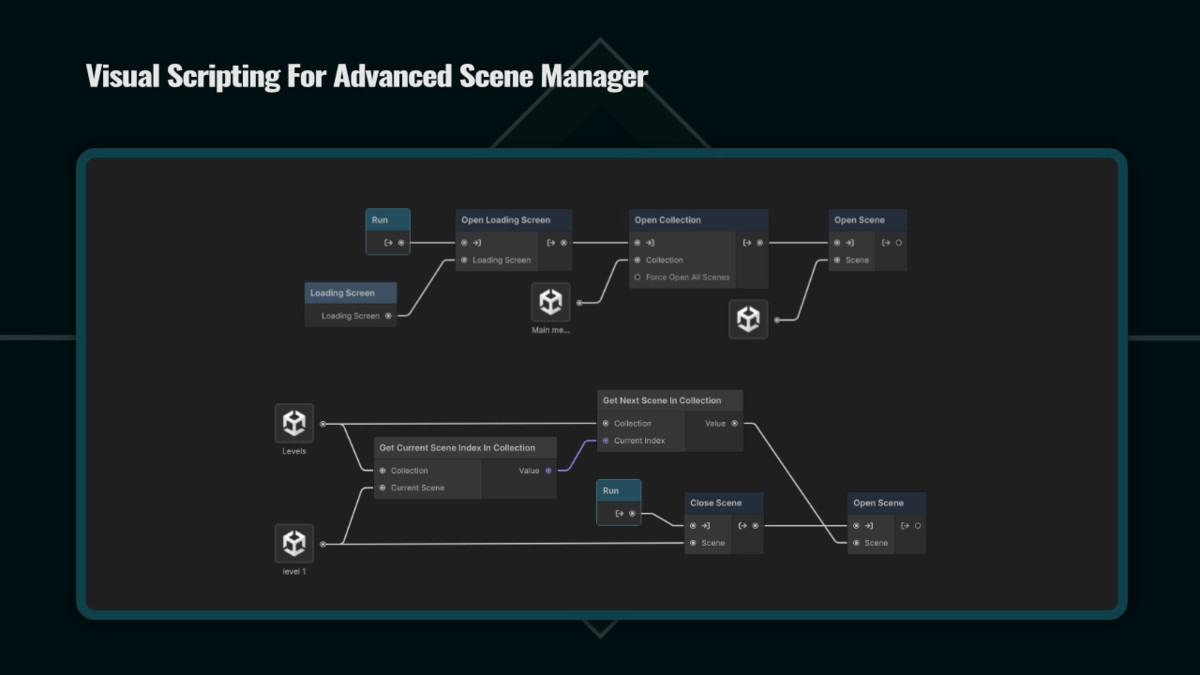
Flow Editor for Advanced Scene Manager screenshot 1
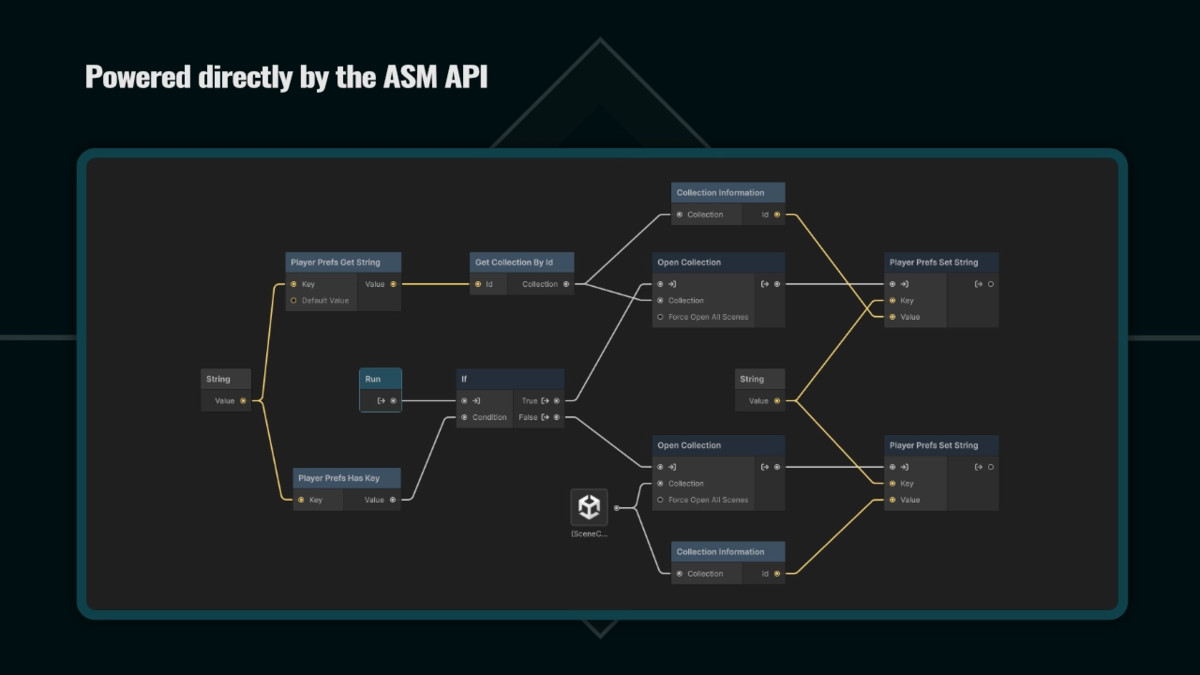
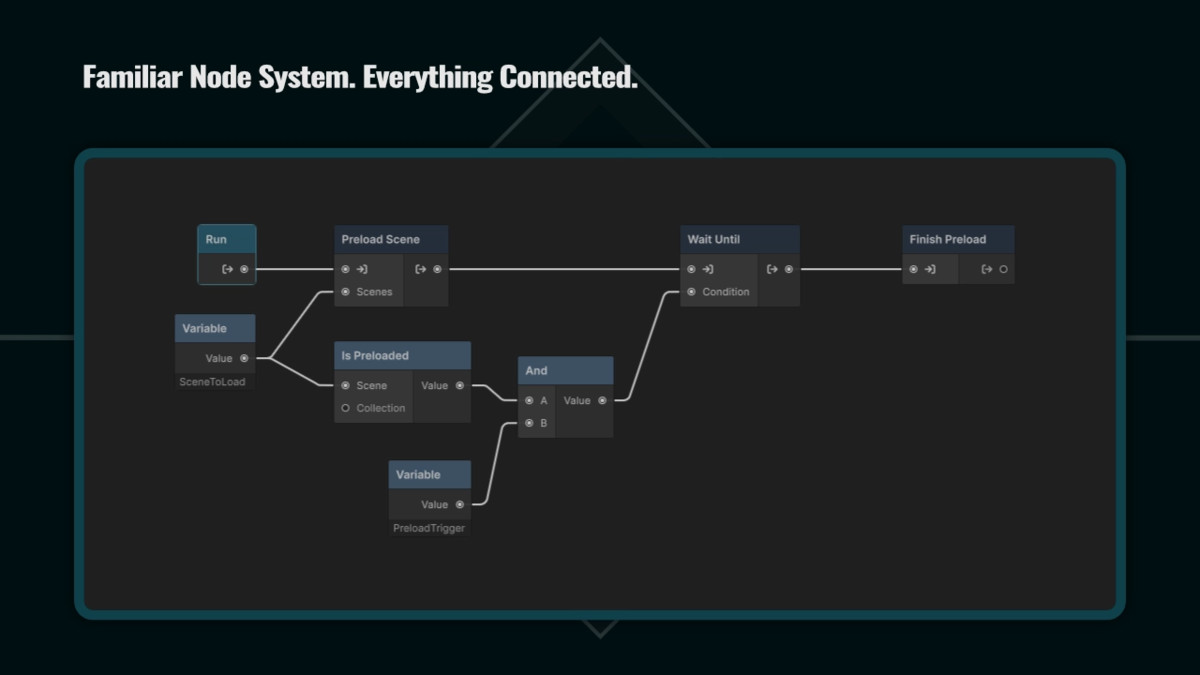
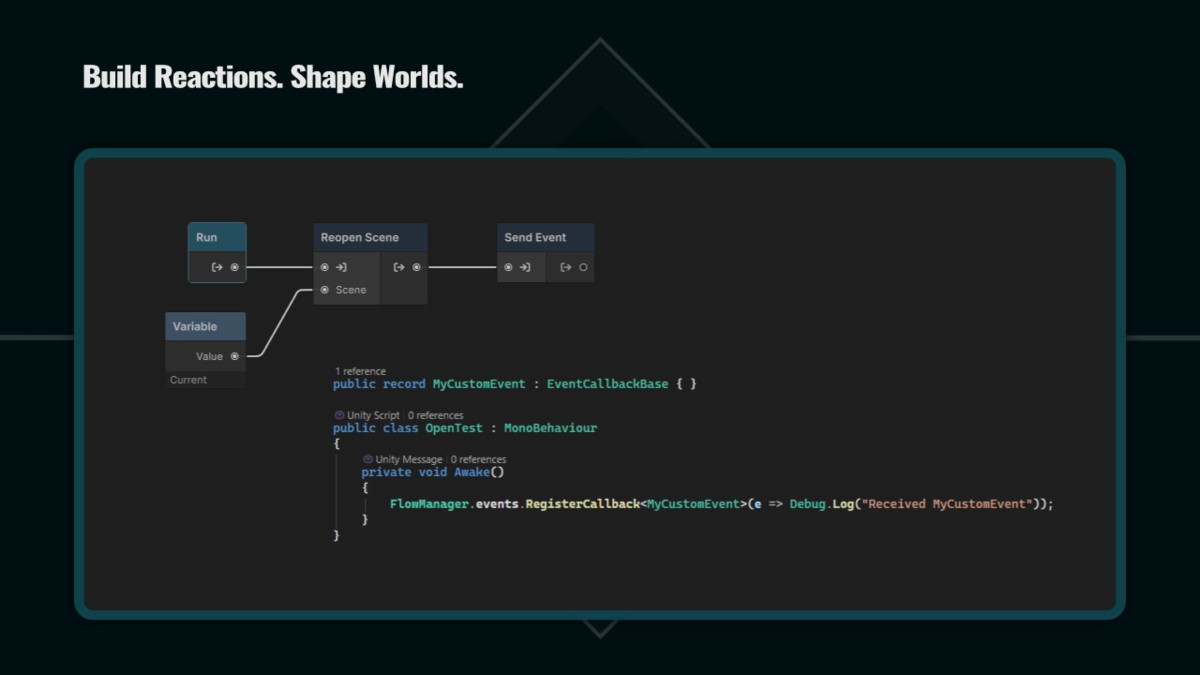

About this asset
UPGRADE OPTION: Get This Tool And 3 Others For A Discounted Price In The Scene Management Bundle.
A visual layer for Advanced Scene Manager
Advanced Scene Manager gives you powerful control over scene loading, unloading, preloading, collections, and transitions.
Flow Editor adds a visual layer on top of Advanced Scene Manager, allowing you to design how those systems work together.
A Flow is a visual representation of a scene sequence. Connect nodes, define conditions, pass data, and create clear structures for your game's scene logic.
See and design scene sequences visually
Scene loading and transitions often grow beyond a single operation.
A project may need to preload content, wait for conditions, show loading screens, pass data between steps, or decide which path should run next.
Flow Editor gives these sequences a clear visual structure.
- What runs first
- Which conditions affect the result
- Where loading waits
- How different paths continue
Build and adjust scene sequences directly in the editor while keeping the same powerful ASM systems underneath.
Built specifically for Advanced Scene Manager
Flow Editor uses ASM functionality through focused visual nodes.
Create flows using:
- Scene loading and unloading
- Scene collections
- Preloading
- Loading screens and transitions
- Conditions and branching
- Variables and data passing
Flows are stored as assets and can be run from:
- Unity Events
- Buttons
- Scripts
- Other game systems
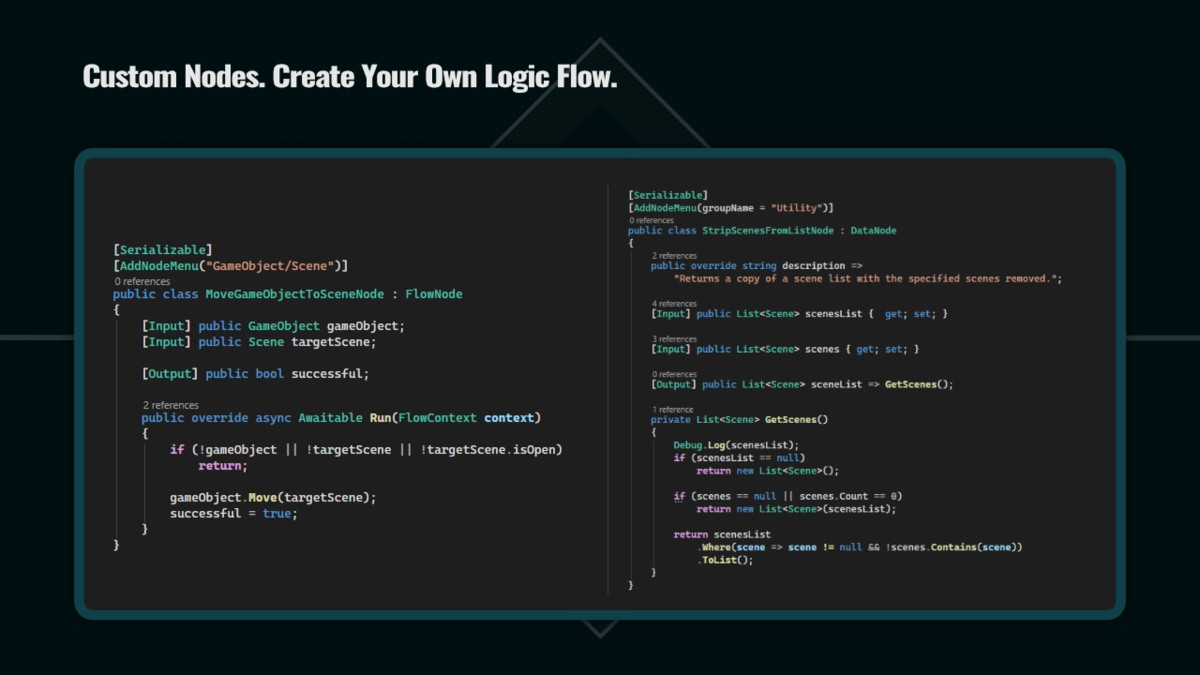
Extend Flow for your project
Every project has unique requirements.
Flow Editor allows you to create custom nodes for project-specific behavior while keeping Advanced Scene Manager focused on its core purpose.
Add specialized functionality when your project needs it, without turning scene management into a general-purpose visual scripting system.
A focused visual editor for scene management
Flow Editor does not replace Advanced Scene Manager.
It gives you a visual way to design, understand, and maintain the scene sequences that power your game.
From the publisher's Asset Store listing.
Technical details
Technical Details
- Visual node-based editor designed specifically for Advanced Scene Manager
- Create reusable scene flow assets using ScriptableObjects
- Build scene loading, unloading, preloading, and transition sequences visually
- Support for conditional branching and decision-based scene paths
- Variables and data nodes for dynamic flow behavior
- Run flows from Unity Events, buttons, scripts, or other game systems
- Built-in integration with Advanced Scene Manager operations
- Support for loading screens and transition handling
- Create custom nodes for project-specific functionality
- Focused visual editor designed for scene management rather than general-purpose visual scripting
Compatibility
| Unity version | Built-in | URP | HDRP | Custom |
|---|---|---|---|---|
| 6000.0.0f1 | Compatible | Compatible | Compatible | Compatible |
As listed on the Asset Store.