
 View on Asset Store (opens in new tab)
Package details
- Latest version
- 1.1.0
- Last updated
- First released
- Unity version
- 6000.3.13 or later
- Package size
- 705 KB
- Files
- 98
- Favorites
- 39
- Views in the past week
- 35
Price tracking
- Last checked
- Tracked since
- Lowest recorded
- $9.99 on
Keywords
1998: Level Editor
Build editable Unity levels by hand or with your coding assistant. Draw rooms, connect doors and stairs, and build textured geometry. Optional Unity MCP + Unity CLI support.
Affiliate link · Purchases support this site
Price history
Last 6 months
USDAsset preview
1 / 7
1998: Level Editor screenshot 1


About this asset
1998: Level Editor
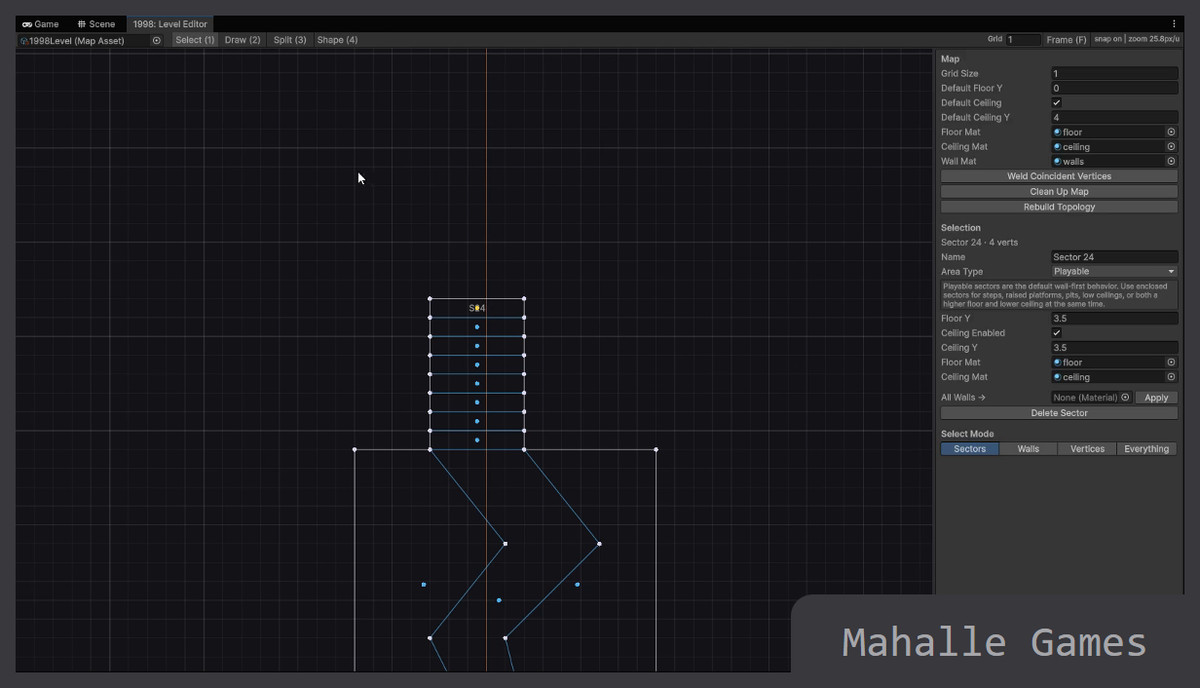
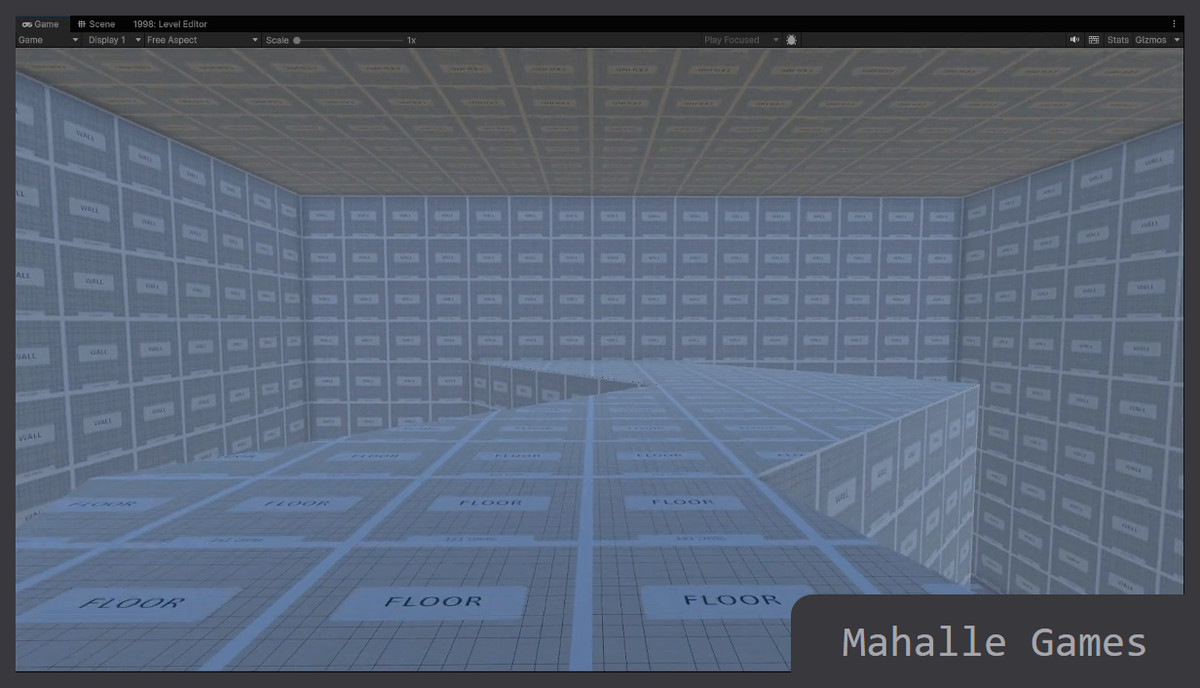
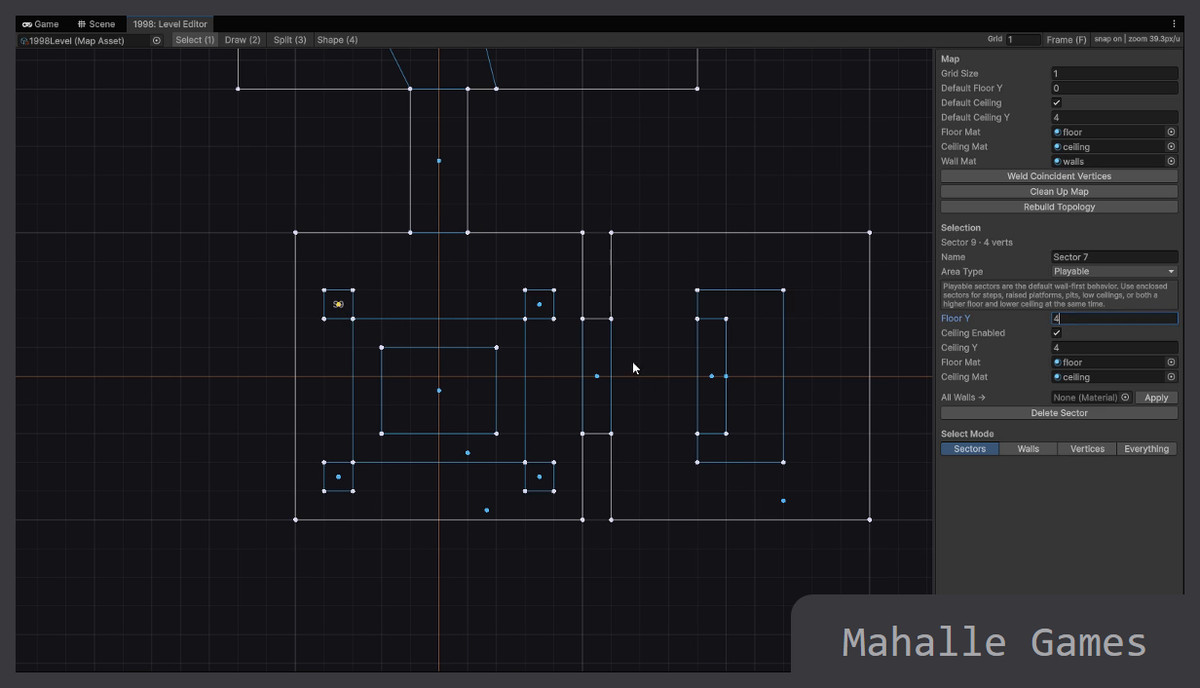
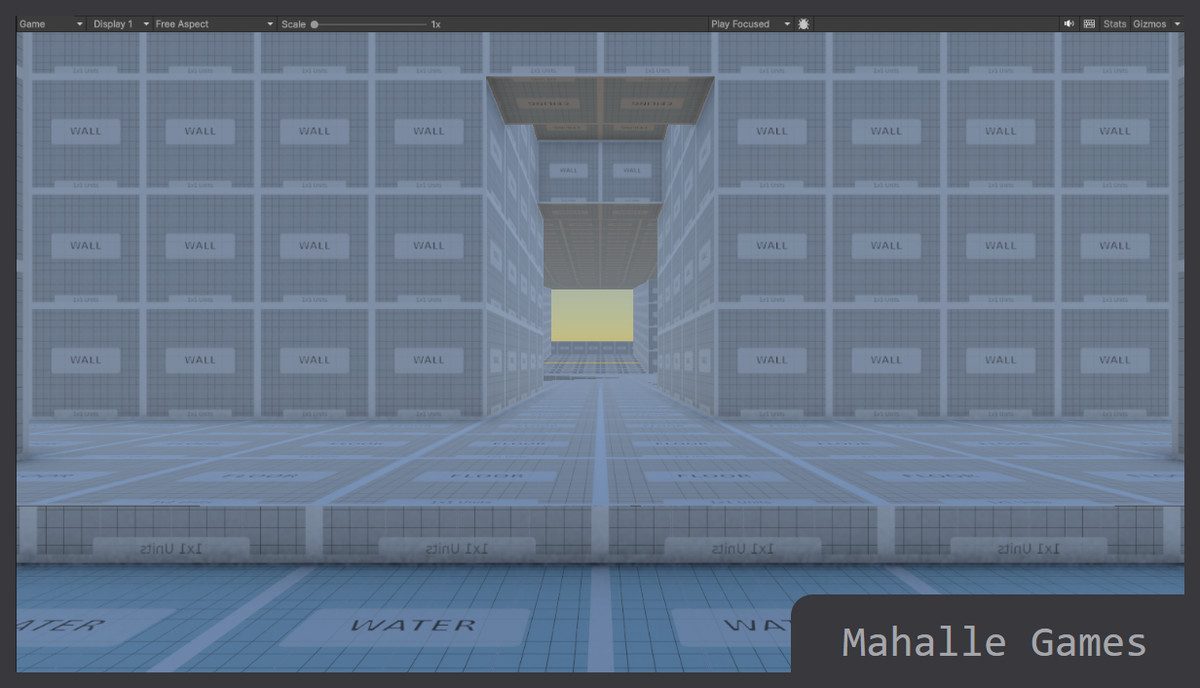
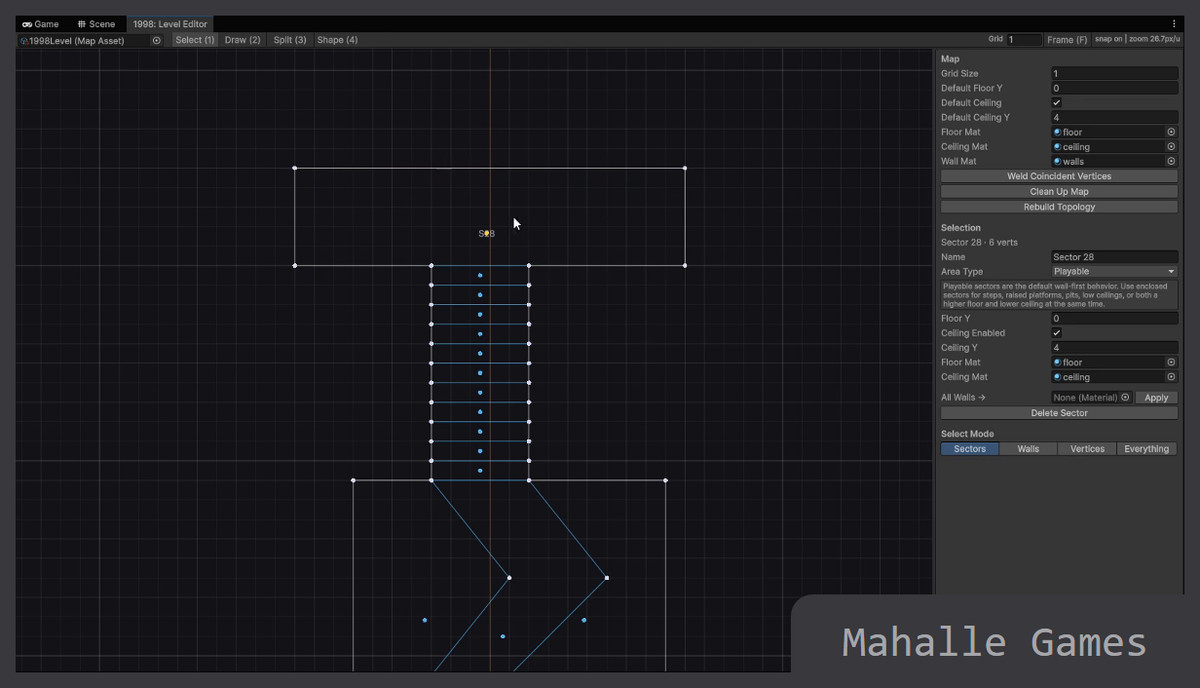
Build and iterate on connected rooms, corridors, courtyards and vertical spaces inside Unity. Draw a top-down layout, set floor and ceiling heights, choose materials, place doorways and stairs, then build textured scene geometry while keeping the source map editable.
Designed for You and your AI coding assistants.
1998 is built to work with AI coding assistants, with structured map data, precise editing commands and change previews that help them understand your layout and make targeted changes. We’ve extended this workflow with Unity MCP and Unity CLI compatibility through the optional Unity Pipeline integration, allowing assistants to inspect maps, preview changes, edit layouts, run diagnostics and build geometry directly in your Unity Editor.
You and your assistant work on the same editable map, making it easy to move between hands-on design and AI-assisted iteration.
A shared workspace for visual editing and automation.
The Level Studio workspace brings map layers, prefab placements, materials and diagnostics together. Revision checks, dry-run previews, Undo and explicit Build help you review changes as you work. Adjust solid wall thickness, doorway dimensions and elevations without replacing the editable source.
Build levels for your game, whatever the genre. Includes editable examples, textured demonstration assets, a simple inspection controller, quickstart, migration and integration documentation. Existing 1.0 maps keep their original flat-wall behavior until you explicitly convert them.
See the 1998: Level Editor in action, playable examples and sample prompts: https://games.mahalle.org/1998/
Support:
From the publisher's Asset Store listing.
Technical details
Visual authoring
- Top-down sector editing, map layers, prefab placement and material assignment.
- Floor and ceiling elevations, door openings, stairs and configurable solid wall thickness.
- Textured mesh and collider generation, UV controls, optional combined shell output and diagnostics.
- Original drawing/topology tools and WAD import remain available; no third-party game WAD data is included.
Automation
- Optional Unity MCP and Unity CLI integration through Unity Pipeline.
- Customer supplies a compatible coding assistant, account and any required model/subscription.
- Inspection, revision-guarded edits, dry-run previews, Undo and explicit geometry Build.
- Optional AI Navigation integration; diagnostics and sampled clearance checks do not guarantee an AI route.
Compatibility and setup
- Release candidate tested with Unity 6000.6.0f1 on Windows. Built-in and URP demo rendering verified. HDRP demo rendering and other Unity versions/platforms are not verified for the update.
- Core visual editing and geometry Build work without optional integration packages.
- Tested optional integrations: Newtonsoft JSON 3.2.2, Unity Pipeline 0.6.0-exp.1 and AI Navigation 2.0.14. Install only the integrations you need; the asset does not install them automatically.
- The included Integrations/README.md contains MCP setup and direct CLI examples.
Included content
- Two new editable examples (First Rooms and Elevation Yard), the original sample, an inspection controller, textured demonstration prefabs, grid textures and a Built-in/URP demo shader. Documentation includes quickstart, workflow, migration, API and integration notes. The examples are blockouts, not finished game levels or an environment art pack.
Compatibility
| Unity version | Built-in | URP | HDRP | Custom |
|---|---|---|---|---|
| 6000.6.0f1 | Compatible | Compatible | Compatible | Compatible |
| 6000.3.13f1 | Compatible | Compatible | Compatible | Compatible |
As listed on the Asset Store.