
 View on Asset Store (opens in new tab)
Package details
- Latest version
- 1.0.0
- Last updated
- First released
- Unity version
- 2022.3.62 or later
- Package size
- 105 KB
- Files
- 24
- Favorites
- 1
- Views in the past week
- 3
Price tracking
- Last checked
- Tracked since
- Lowest recorded
- $4.99 on
Keywords
Cinematic Credits System (Movie-Like)
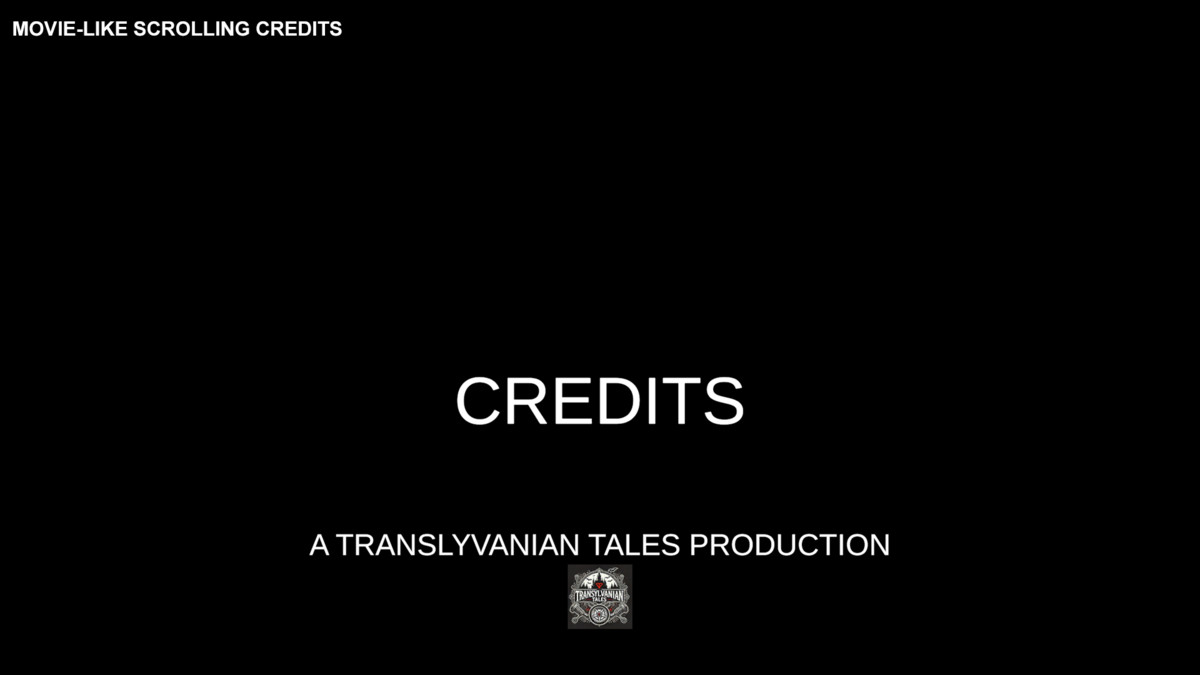
Create cinematic, movie-like scrolling credits with a flexible, code-driven system. Supports any Unity UI, custom movement, and looping. Includes prefab and demo scene.
Affiliate link · Purchases support this site
Price history
Last 6 months
USDAsset preview
1 / 4
Cinematic Credits System (Movie-Like) screenshot 1
About this asset
Test the cinematic credits demo here:
https://transylvanian-tales.itch.io/cinematic-credits-system-demo
🎬 Cinematic Credits System – Flexible Movie-Style UI Credits
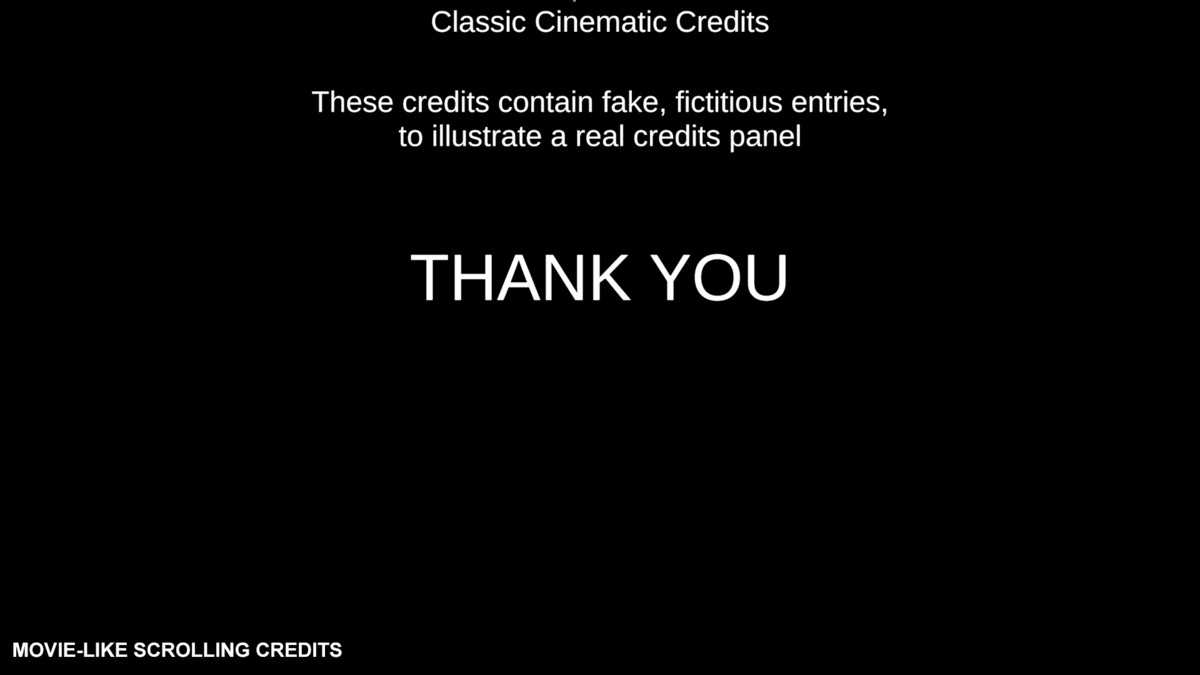
Cinematic Credits System is a lightweight and flexible solution for creating movie-style scrolling credits using Unity UI.
It uses a fully code-driven approach to move UI panels across the screen, allowing you to create classic vertical credits, horizontal layouts, diagonal motion, or fully custom cinematic presentations.
Built as a simple and reusable system, it includes a ready-to-use prefab and demo scene so you can quickly integrate cinematic credits into your project.
🚀 Key Features
🎥 Cinematic Scrolling Credits
• Classic movie-style credits (bottom to top)
• Smooth continuous movement
• Supports cinematic UI presentations
🔀 Fully Custom Movement
• Control movement using X and Y speed
• Vertical, horizontal, or diagonal motion
• Reverse direction (top-down, right-to-left, etc.)
🔁 Optional Wrapping (Looping)
• Wrap on X and/or Y axis
• Infinite scrolling credits
• Perfect for looping menus or presentations
🎨 Works With Any Unity UI
• Supports Text, TextMeshPro, Images, Buttons, and more
• No restrictions on layout or hierarchy
• Mix and match any UI elements
⚡ Code-Driven & Lightweight
• No animations or timeline required
• Minimal overhead
• Fully controlled via script
📦 Ready-To-Use Prefab
• Includes a clean credits panel setup
• Vertical layout example included
• Easily customizable structure
🎬 Demo Scene Included
• Shows a complete cinematic credits setup
• Automatically starts credits on play
• Demonstrates movement and wrapping behavior
📦 What’s Included
• CinematicCreditsSystem component
• Credits panel prefab
• Demo scene (ready-to-use example)
• Demo script (enables credits in Start)
• Full documentation and setup guides
🧠 Designed for Flexibility
This system is not tied to any specific layout or design.
Use it to create:
• Game credits
• Intro / outro sequences
• UI-based cinematic presentations
• Scrolling menus
• Custom animated UI panels
You have full control over:
• Layout
• Content
• Movement
• Behavior
🧩 Modular Architecture
Organized into reusable and maintainable systems:
• Core logic located in _Common (shared systems)
• Asset-specific content separated for easy use
• Designed for scalability across multiple assets
⚙️ Easy Setup
• Drag & drop the prefab into your scene
• Or create your own credits layout
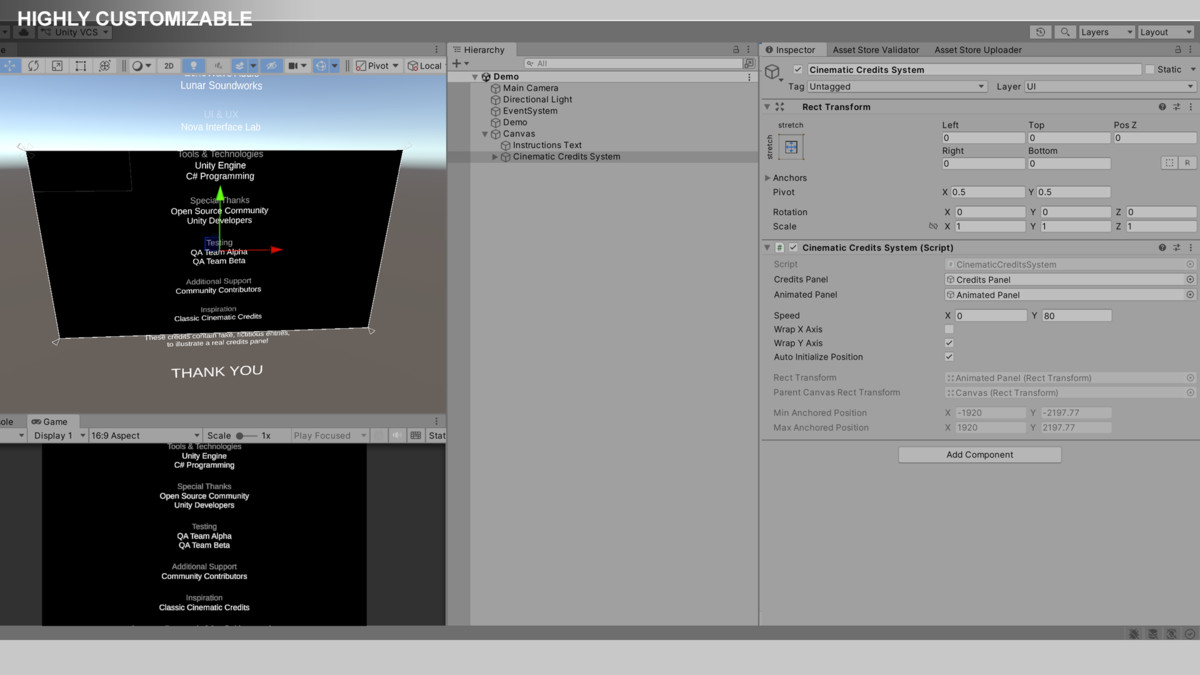
• Assign the required references
• Configure speed and wrapping
• Start credits via Start or button click
📚 Documentation & Learning
• Clean and structured documentation
• Architecture and system breakdown
• Setup instructions and usage examples
📺 Tutorials playlist:
https://www.youtube.com/playlist?list=PL2ESxGsWSBc4OqC1zlrHLOIUXsvKm7OhH
🔒 No External Dependencies
• No external APIs used
• No third-party services required
• No API keys needed
• Fully self-contained within the package
💡 Perfect For
• Game credits screens
• Cinematic UI sequences
• Menus with scrolling content
• Showcases and presentations
• Any project requiring dynamic scrolling UI
From the publisher's Asset Store listing.
Technical details
Core Features
• Code-driven UI movement using RectTransform
• Configurable speed using Vector2 (X and Y axes)
• Supports vertical, horizontal, and diagonal motion
• Optional wrapping on X and Y axes
• Uses unscaled delta time (independent of time scale)
• Lightweight with minimal runtime overhead
UI System
• Works with Unity UI (Canvas-based)
• Supports Text, TextMeshPro, Images, Buttons, Sliders, etc.
• No layout restrictions (free hierarchy and structure)
• Compatible with Vertical Layout Group, Content Size Fitter, or custom layouts
Included Content
• CinematicCreditsSystem component
• Credits panel prefab
• Demo scene (cinematic credits example)
• Demo script (enables panel in Start)
• Full documentation and setup guides
Architecture
Core logic located in:
/Assets/TransylvanianTales/_Common/
Asset-specific content located in:
/Assets/TransylvanianTales/CinematicCreditsSystem/
Dependencies
Included internal packages:
• TT.UI.CinematicCredits.V1
• TT.Core.ReadOnlyAttribute.V1
Unity Requirements (for demo & prefab)
• TextMeshPro (for included UI setup)
Compatibility
• Works on mobile and desktop platforms
• Compatible with any Unity UI-based project
• Independent of gameplay systems
Important Usage Notes
• Credits panel should NOT be enabled in Awake
• Unity UI layout is finalized after Awake, which affects movement bounds
• Recommended to enable in Start or via user interaction (button click)
• Animated panel RectTransform must fully cover all child UI elements
• This is required for correct wrapping behavior
Extensibility
• Supports custom movement logic (override or modify speed)
• Can be extended with animation curves or easing
• Can integrate with timeline, state machines, or UI systems
• Supports dynamic content generation at runtime
External Dependencies / API Disclaimer
• No external APIs used
• No third-party services required
• No API keys needed
• Fully self-contained within the package
Compatibility
| Unity version | Built-in | URP | HDRP |
|---|---|---|---|
| 2022.3.62f2 | Compatible | Compatible | Compatible |
This package doesn't contain any render-piepline specific code or visuals, so it works for any render pipeline out of the box.
As listed on the Asset Store.