
 View on Asset Store (opens in new tab)
Package details
- Latest version
- 1.0
- Last updated
- First released
- Unity version
- 2022.3.3 or later
- Package size
- 4.8 MB
- Files
- 40
- Favorites
- 13
- Views in the past week
- 19
Price tracking
- Last checked
- Tracked since
- Lowest recorded
- Free on
Keywords
Modular World Builder - Lite
POLYONE – Modular World Builder (Lite) is a free Unity Editor tool for fast, manual placement and painting of modular prefabs.
Affiliate link · Purchases support this site
Price history
Last 6 months
USDAsset preview
1 / 9
Modular World Builder - Lite screenshot 1

About this asset
Hello from PolyOne Studio!
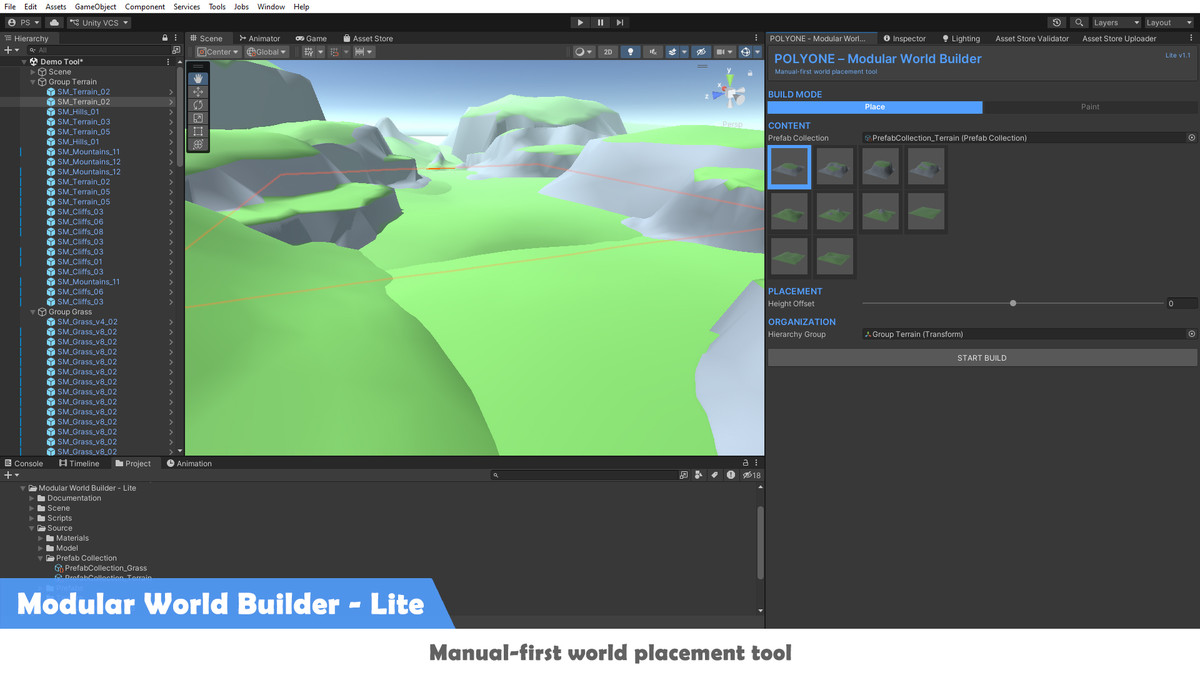
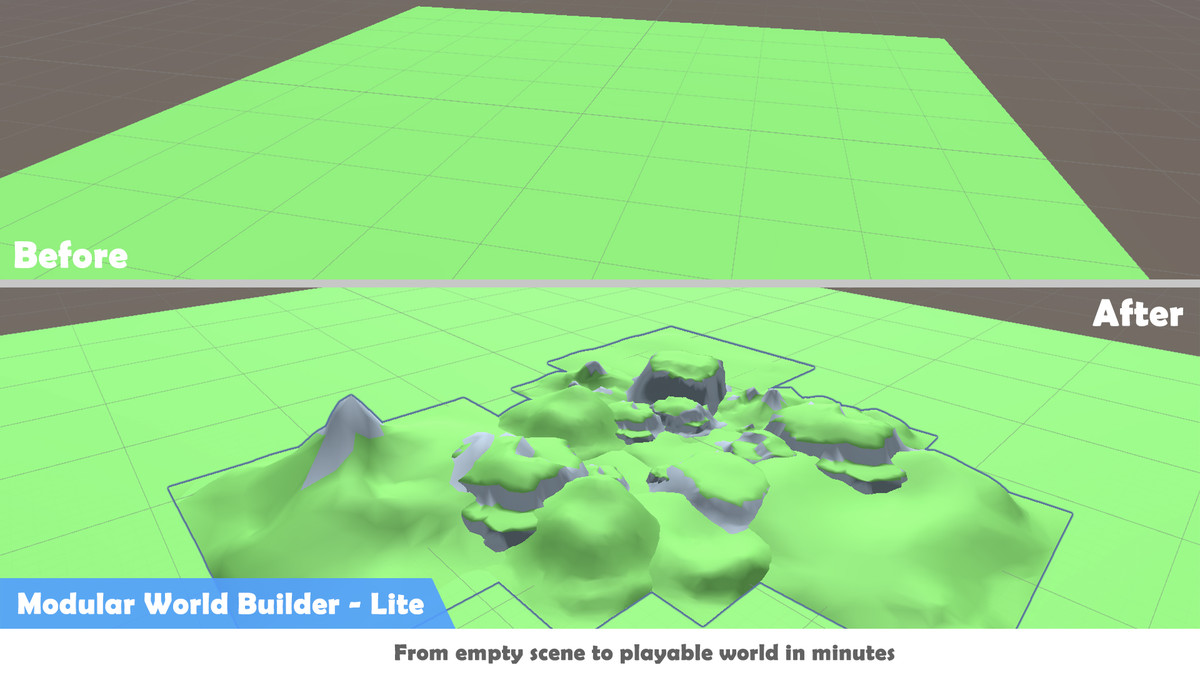
POLYONE – Modular World Builder (Lite) is a Unity Editor tool created to streamline manual modular world building.
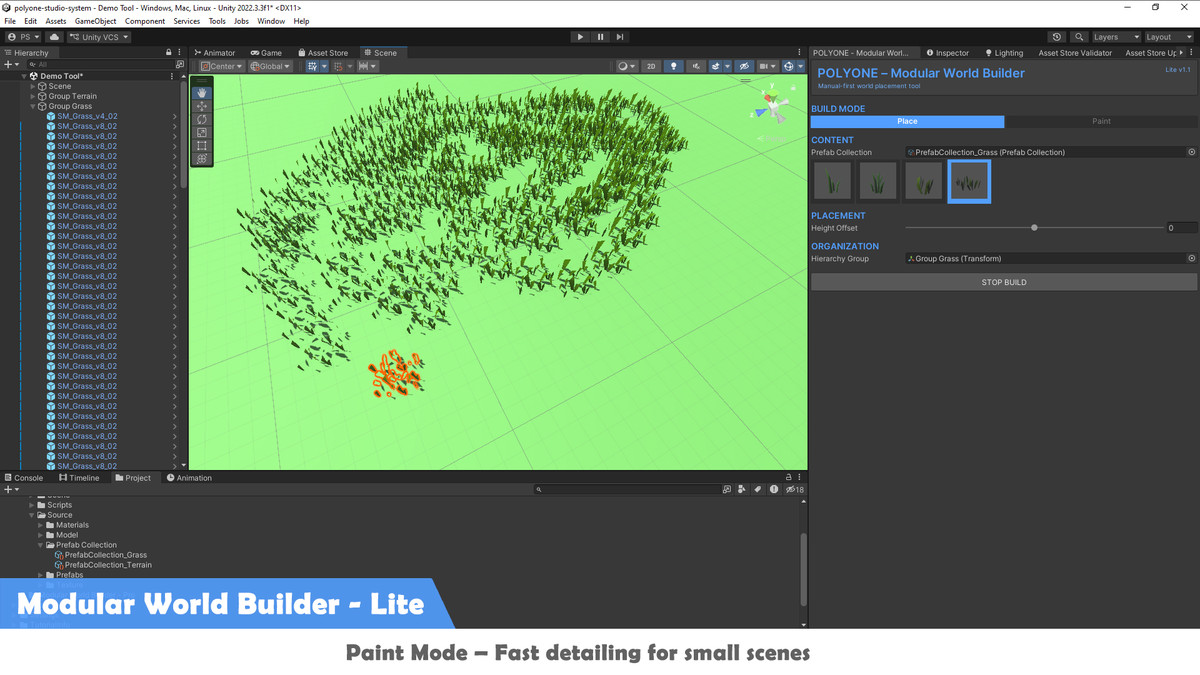
Instead of relying on heavy procedural systems, POLYONE Lite focuses on artist‑ and designer‑driven placement. Users can place or paint prefabs directly into the scene with clear visual feedback and precise control.
Key highlights include:
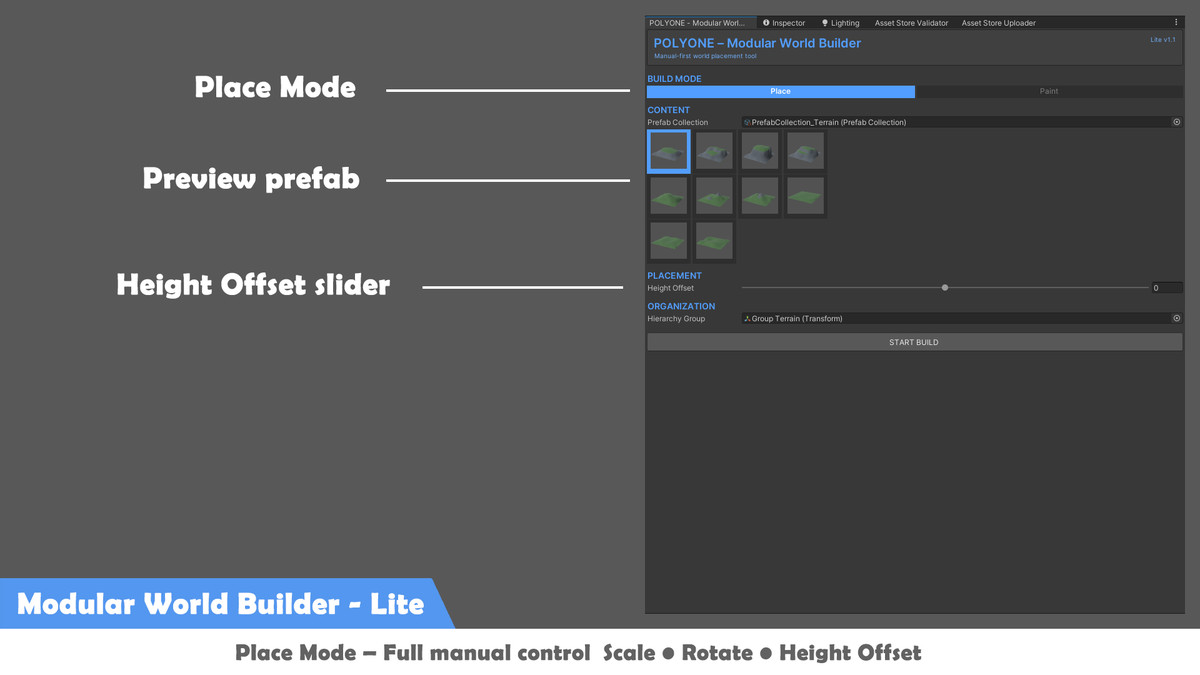
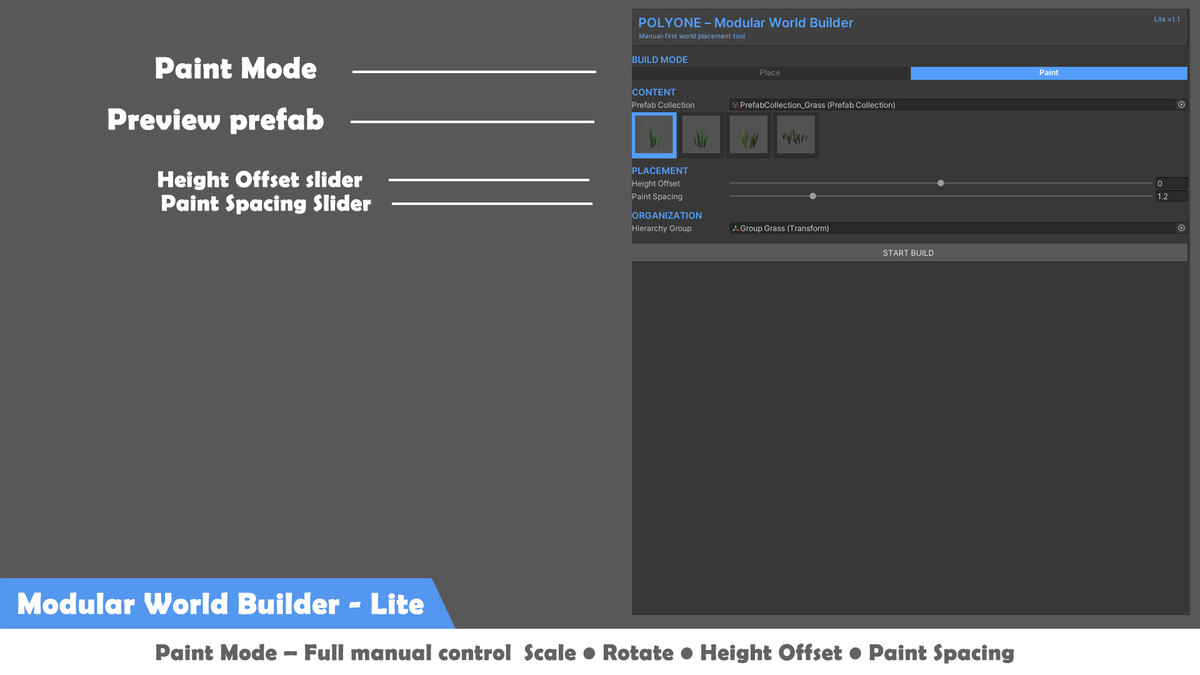
- Manual Place and Paint modes
- Quick scale and rotation controls
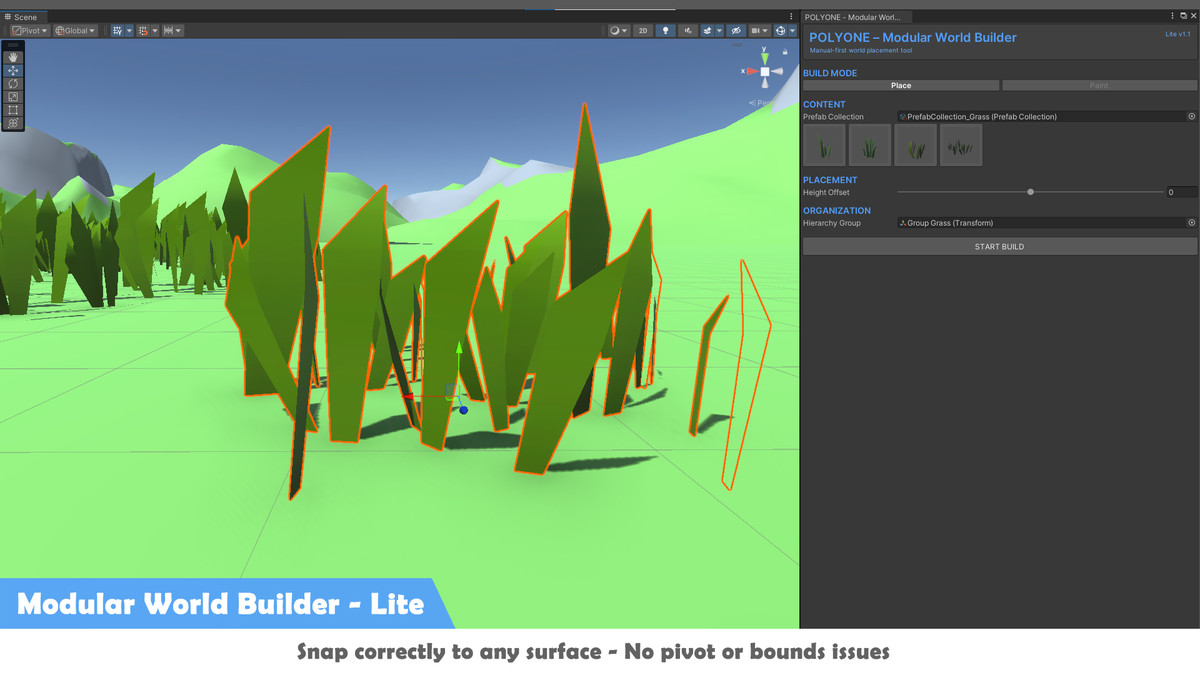
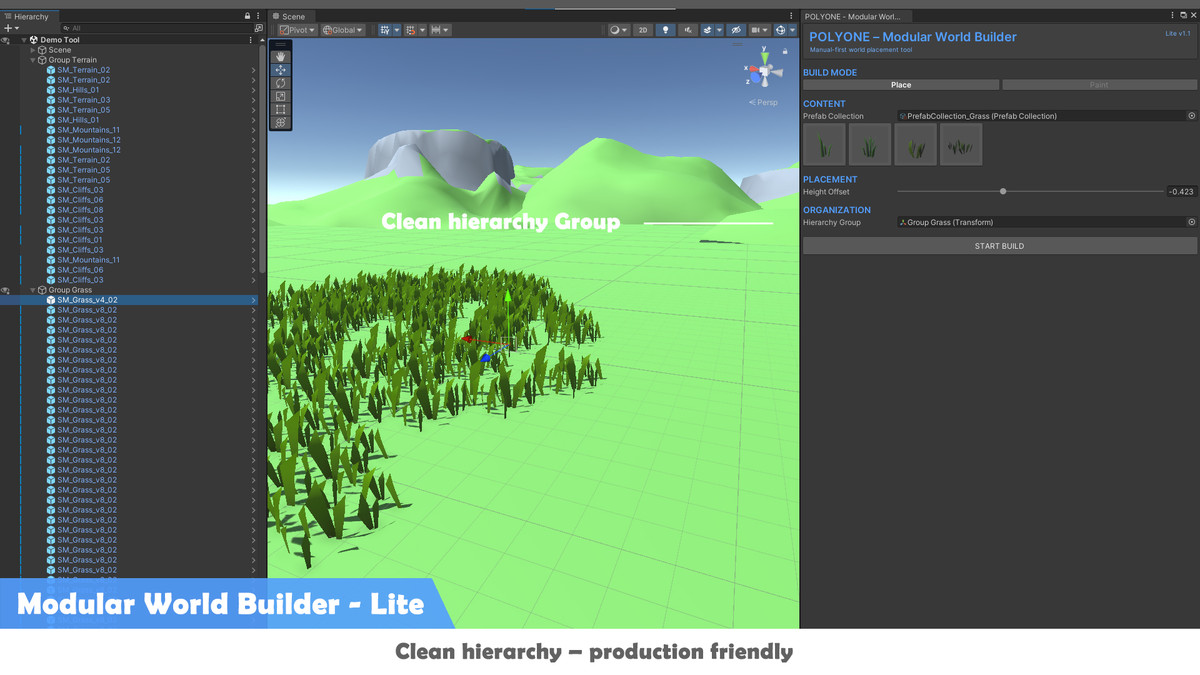
- Height Offset to fix pivot alignment issues
- Optional hierarchy grouping for clean scene organization
The Lite version is fully usable for small scenes and prototypes, offering a fast and intuitive workflow while maintaining professional production standards. It serves as both a practical free tool and an introduction to the POLYONE ecosystem.
Related Packs:
Recommended Packs:
Vehicle Transportation Collection
▶️ Support ◀️
Official Site: polyonestudio.com
Email: [email protected]
▶️ Follow us, new packs coming out, updates, promotions & tutorials ◀️
FACEBOOK | BEHANCE | YOUTUBE | ARTSTATION
For support, questions, or custom requests, feel free to contact us anytime.
We truly appreciate your feedback and support. Thank you!
From the publisher's Asset Store listing.
Technical details
- Editor Tool (Not runtime)
- Unity Version: Unity 2021.3 LTS or newer
- Render Pipelines: Built‑in, URP, HDRP
- Supported Platforms: Editor‑only (tool does not add runtime overhead)
Core Features (Lite)
- Manual Place Mode (click to place prefabs)
- Manual Paint Mode (continuous placement)
- Height Offset (±Y) for pivot correction
- ALT + Scroll: Scale adjustment
- ALT + Middle Mouse: Rotation adjustment (Y axis)
- Automatic hierarchy parenting (optional)
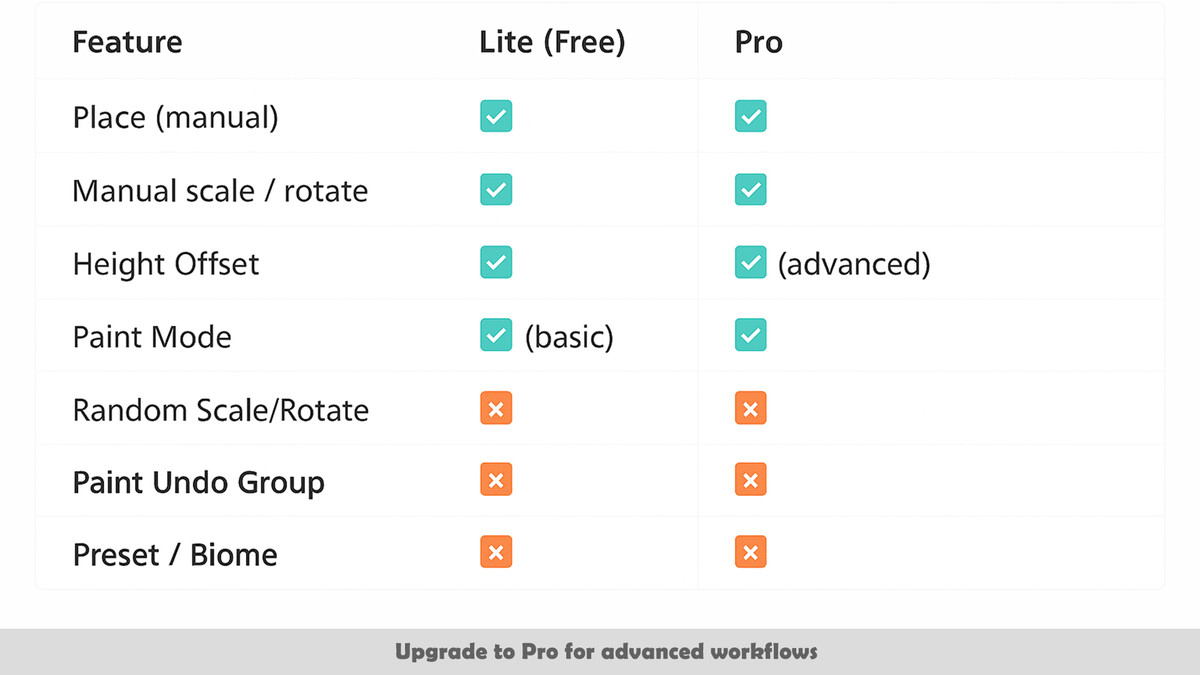
Limitations (Lite)
- Single active prefab selection
- No random prefab variation
- No advanced paint undo grouping
- Limited to small‑scale or prototype scenes
Upgrade
The Pro version unlocks advanced workflows such as random prefab variation, multi‑collection management, and enhanced state control.
Compatibility
| Unity version | Built-in | URP | HDRP |
|---|---|---|---|
| 2022.3.3f1 | Compatible | Compatible | Compatible |
As listed on the Asset Store.