
 View on Asset Store (opens in new tab)
Package details
- Latest version
- 1.0.0
- Last updated
- First released
- Unity version
- 2022.3.62 or later
- Package size
- 8.7 MB
- Files
- 143
- Favorites
- 1
- Views in the past week
- 6
Price tracking
- Last checked
- Tracked since
- Lowest recorded
- $4.99 on
Keywords
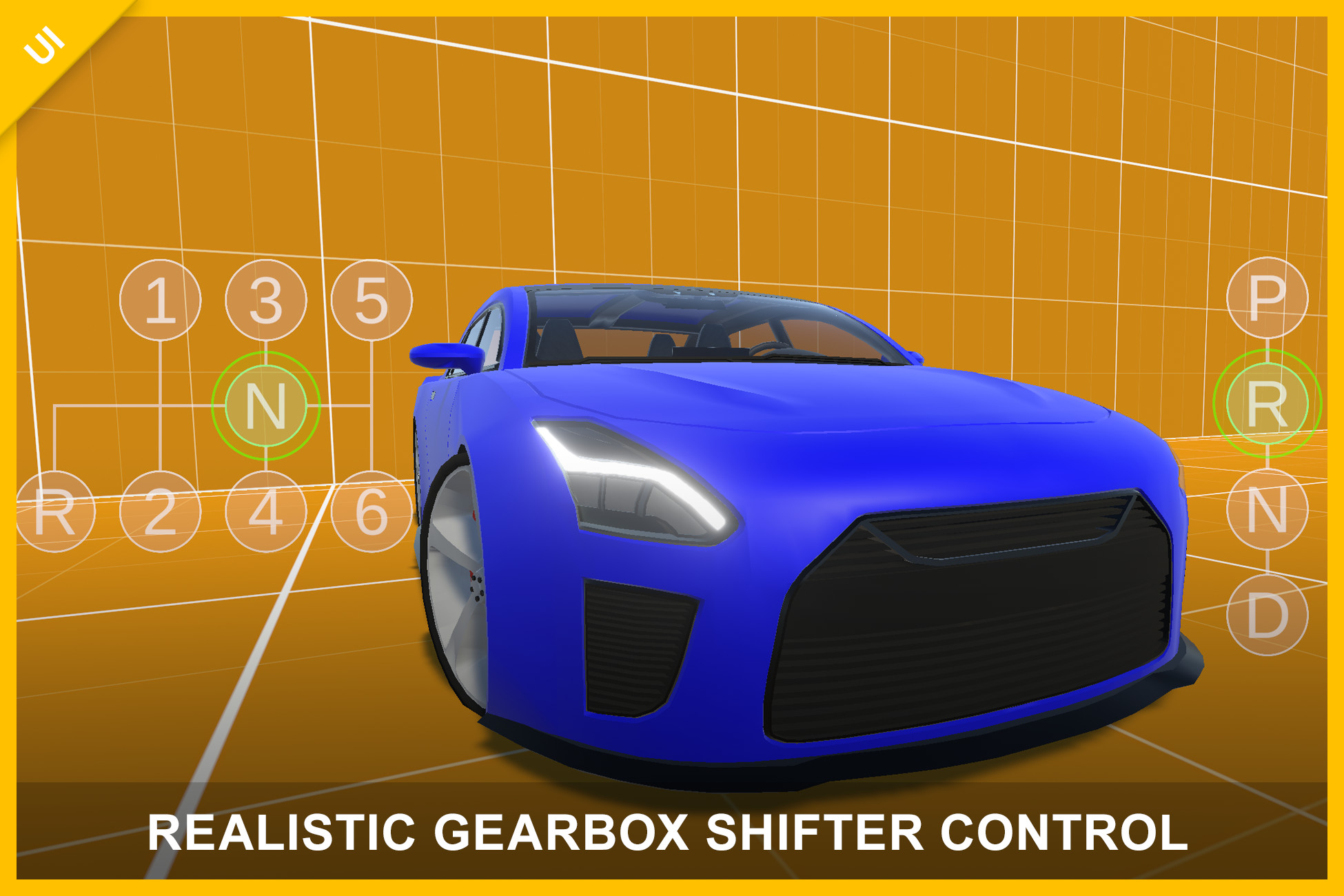
Realistic Gearbox Shifter Control – Mobile PRND & H-Pattern (UI Control)
Realistic mobile gearbox shifter with physics-based interaction. PRND and H-pattern layouts included. Drag, snap, or click to shift. Easy integration with any vehicle system.
Affiliate link · Purchases support this site
Price history
Last 6 months
USDAsset preview
1 / 7
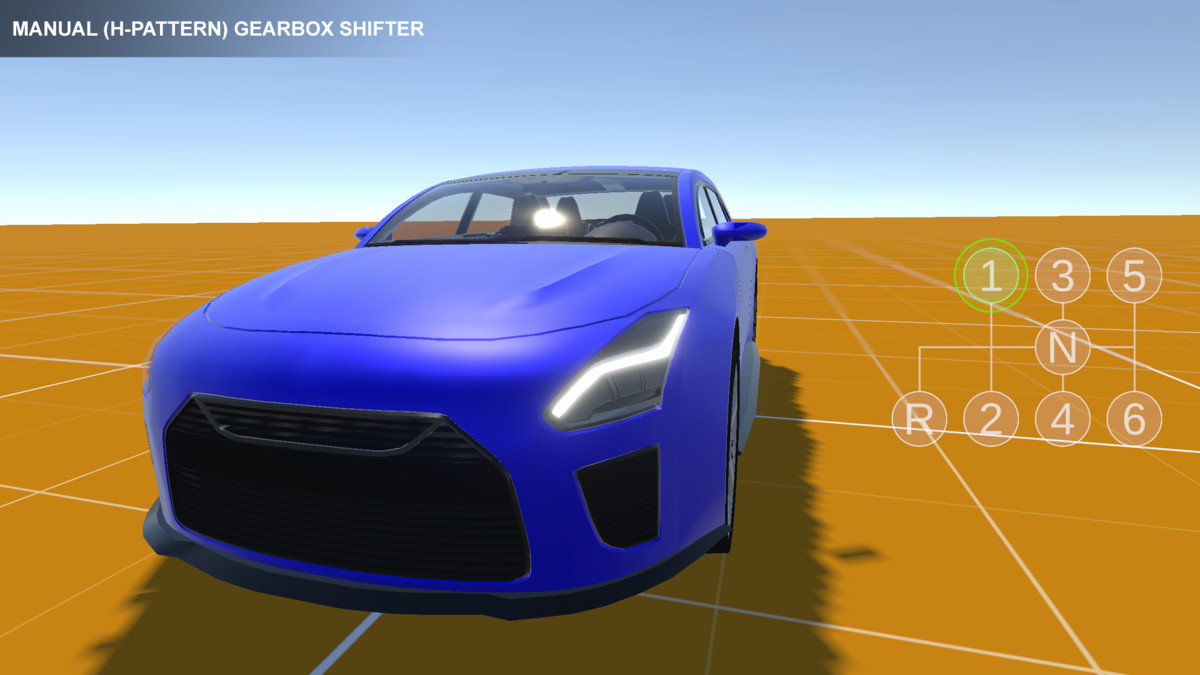
Realistic Gearbox Shifter Control – Mobile PRND & H-Pattern (UI Control) screenshot 1
About this asset
Test the manual gearbox here:
https://transylvanian-tales.itch.io/manual-gearbox-shifter-control-demo
Test the automatic gearbox here:
https://transylvanian-tales.itch.io/automatic-gearbox-shifter-control-demo
🎮 Realistic Gearbox Shifter Control – Mobile PRND & H-Pattern UI
Gearbox Shifter Control is a realistic, physics-based UI gear shifting system designed for mobile and cross-platform projects.
It simulates real-world gear shifting using drag, snapping, and optional click input, allowing players to interact with gearbox layouts in a natural and immersive way.
Built as a ready-to-use solution, it includes everything you need—from core logic to demo scenes—so you can integrate it into your project in minutes.
🚀 Key Features
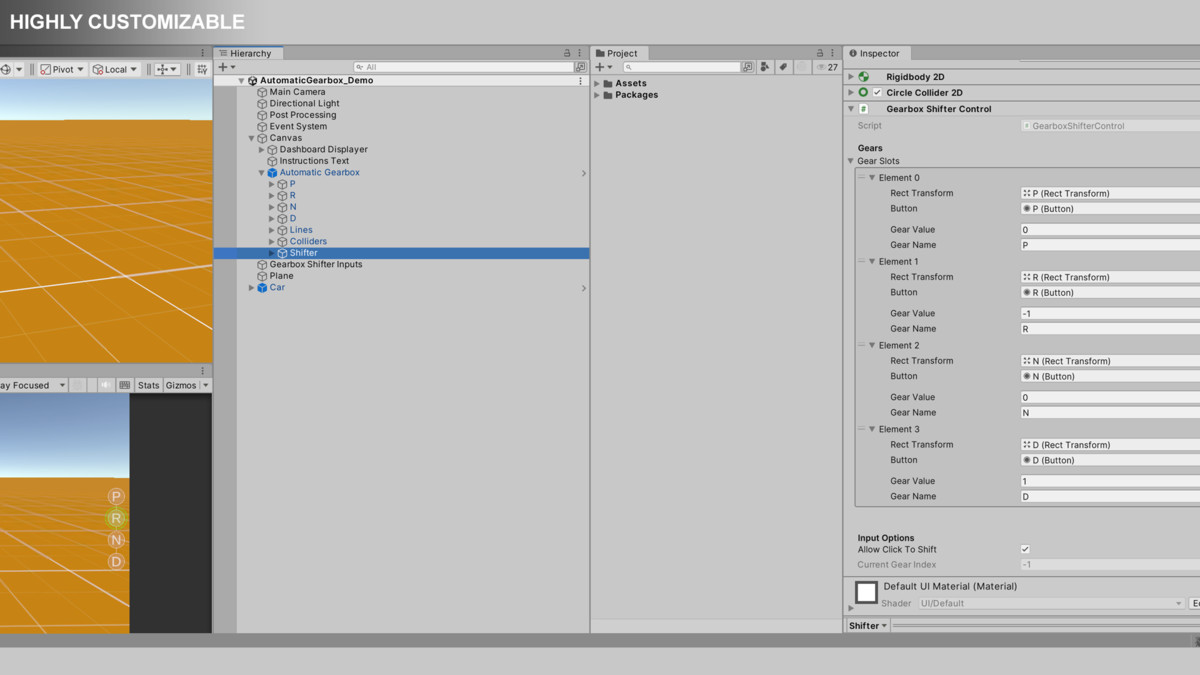
⚙️ Realistic Gear Shifting
- Physics-based movement using Rigidbody2D
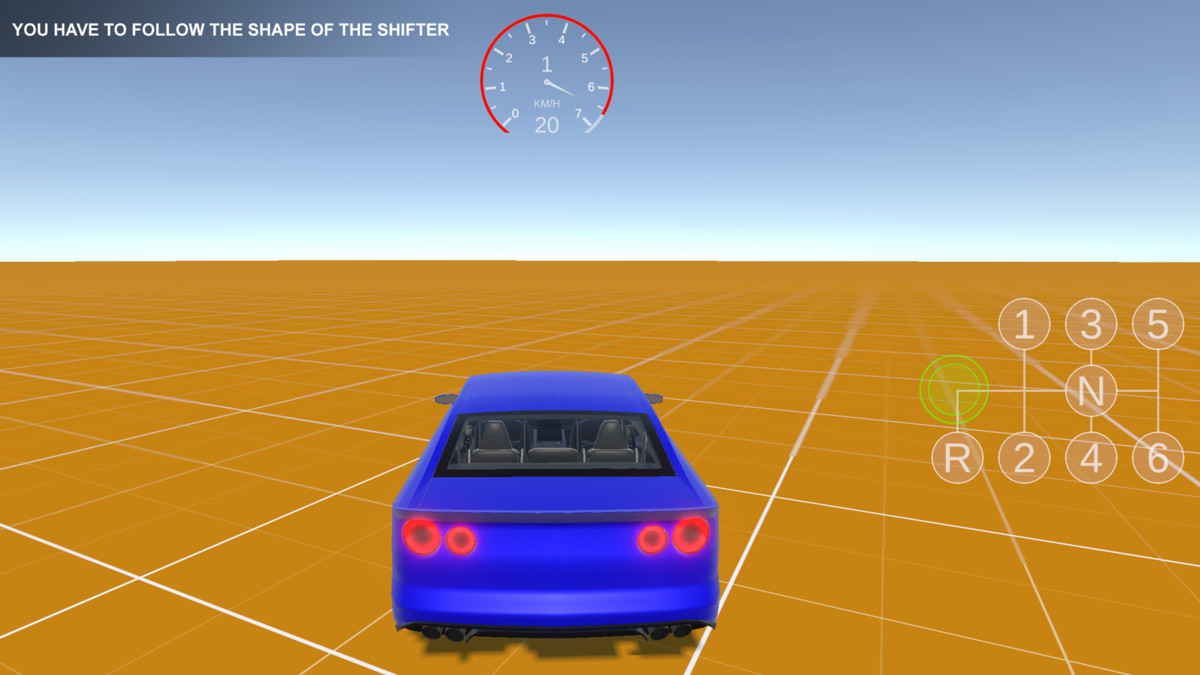
- Drag the shifter along a constrained path
- Snap-to-gear behavior for precise positioning
- Prevents unrealistic gear skipping
🔀 Multiple Gearbox Types
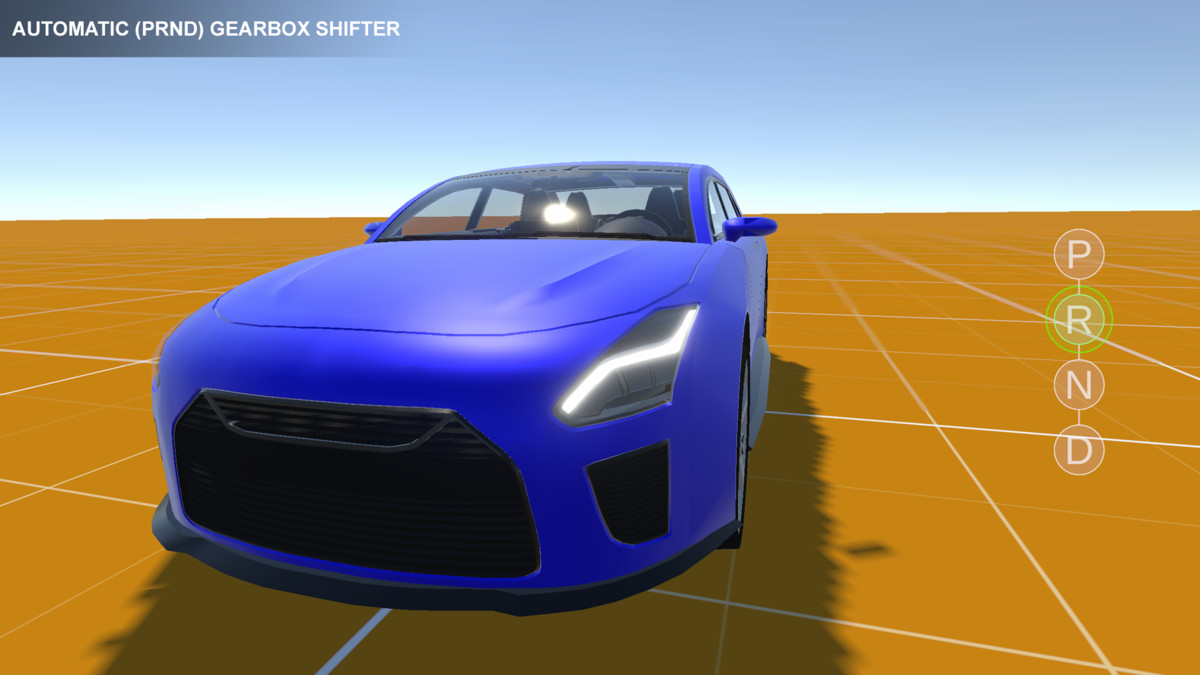
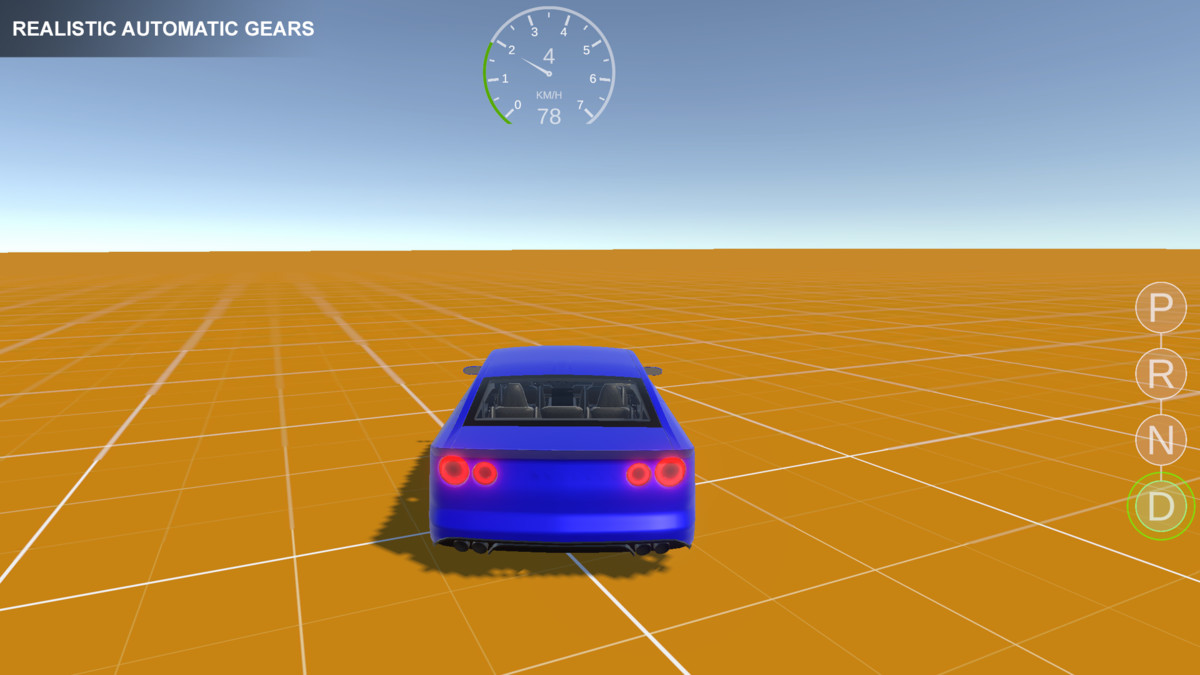
- Automatic gearbox (PRND layout)
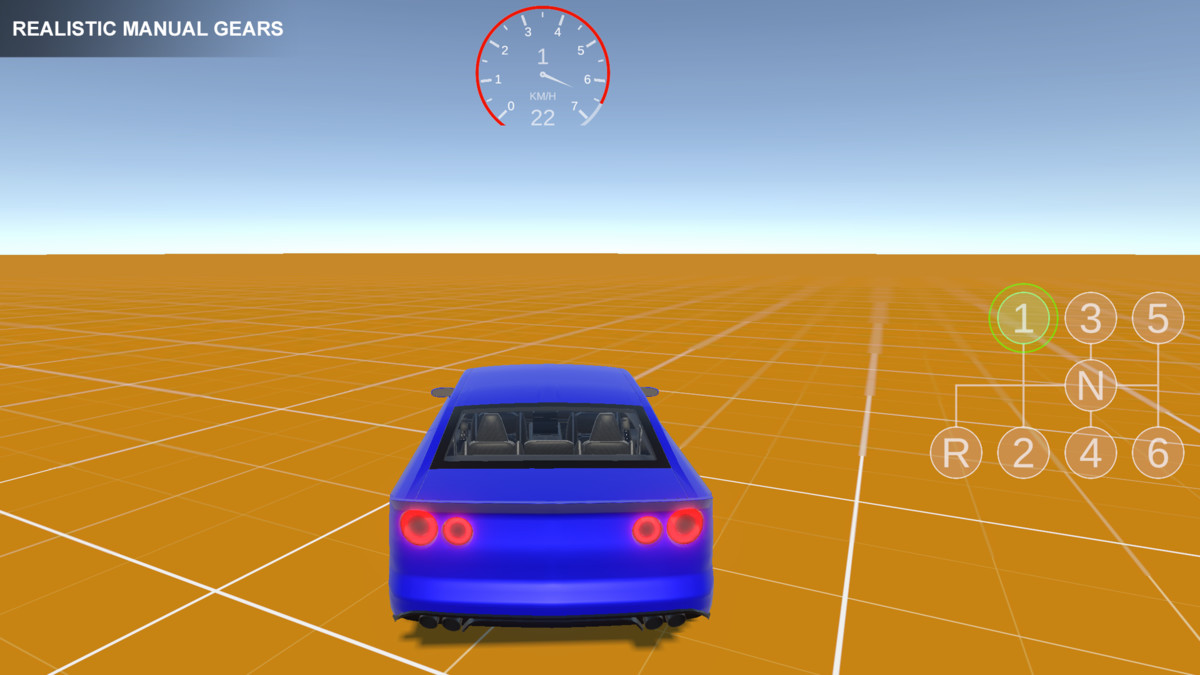
- Manual H-pattern (4, 5, 6 gears)
- Fully customizable layouts and configurations
🎯 Hybrid Input System
- Drag-based shifting for realism
- Optional click/tap-to-shift for accessibility
- Smooth and responsive interaction
🔔 Event-Driven Architecture
- OnGearIndexChanged and OnGearValueChanged events
- Easy integration with any gameplay system
- Fully decoupled from vehicle logic
⚡ Lightweight & Efficient
- No unnecessary allocations
- Minimal performance overhead
- Suitable for real-time gameplay
📱 Multi-Platform Support
- Mobile (Android / iOS – touch input)
- PC (mouse input supported)
- Works with Unity UI and Event System
🎨 Customizable UI
- Use included gearbox layouts and prefabs
- Replace visuals with your own assets
- Supports any gearbox shape or design
📦 What’s Included
- Gearbox Shifter Control component
- Pre-configured gearbox prefabs (PRND, H-pattern 4/5/6)
- UI layouts and gear slot setups
- Demo scenes (multiple gearbox configurations)
- Car demo (vehicle controlled using gearbox input)
- Full documentation and setup guides
- Video tutorials
🧠 Designed for Flexibility
The system is completely independent of vehicle or simulation logic.
Use it to control:
- Cars
- Trucks
- Heavy machinery
- Simulation systems
- Or any system requiring gear-based input
Simply subscribe to gear change events or control it via API.
🚗 Car Demo Included
A complete vehicle demo is included to showcase real-world usage:
- Drive a car using the gearbox shifter
- See how gear input integrates with a vehicle system
- Built using a modular vehicle controller framework
🧩 Modular Architecture
Organized into reusable and maintainable systems:
- Core logic located in _Common (shared systems)
- Asset-specific content separated for easy use
- Designed for scalability across multiple assets
🎨 Render Pipeline Support
- Built-In Render Pipeline (BRP) – ready to use
- Universal Render Pipeline (URP) – supported via included package
- High Definition Render Pipeline (HDRP) – supported via included package
⚙️ Easy Setup
- Drag & drop a prefab into your scene
- Or create your own gearbox layout
- Assign gear slots and configure settings
- Start receiving gear input instantly
📚 Documentation & Learning
- Clean and structured documentation
- Architecture and system breakdown
- Step-by-step setup instructions
- Video tutorials included
📺 Tutorials playlist:
https://www.youtube.com/playlist?list=PL2ESxGsWSBc7HXeWQOg9hhOv17zjTgdZC
🔒 No External Dependencies
- No external APIs used
- No third-party services required
- No API keys needed
- Fully self-contained within the package
💡 Perfect For
- Mobile driving games
- Racing games
- Vehicle simulators
- Realistic control systems
- Any game requiring gear shifting input
From the publisher's Asset Store listing.
Technical details
Core Features
- Physics-based UI movement using Rigidbody2D
- Drag-based gear shifting with snap-to-closest-slot
- Optional click-to-shift functionality
- Supports automatic (PRND) and manual (H-pattern) gearboxes
- Event-driven architecture (OnGearIndexChanged, OnGearValueChanged)
- Fully decoupled from vehicle logic
- Lightweight with no runtime allocations
Input System
- Supports touch (mobile) and mouse (PC)
- Uses Unity UI and Event System interfaces (drag, pointer events)
- Optional button-based gear selection
- Smooth and responsive drag behavior
Included Content
- Gearbox Shifter Control component
- GearboxSlot configuration system
- Pre-configured prefabs (PRND, H-pattern 4/5/6)
- UI layouts and gear slot setups
- Demo scenes (multiple gearbox configurations)
- Car demo scene (vehicle controlled using gearbox input)
- Full documentation and setup guides
- Video tutorials
Architecture
Core logic located in:
/Assets/TransylvanianTales/_Common/
Asset-specific content located in:
/Assets/TransylvanianTales/GearboxShifterControl/
Render Pipeline Support
- Built-in Render Pipeline (BRP) – ready to use
- Universal Render Pipeline (URP) – supported via included .unitypackage
- High Definition Render Pipeline (HDRP) – supported via included .unitypackage
Dependencies
- Included internal packages (no external downloads required)
Unity Requirements (for demos)
- TextMeshPro
- Input System
Compatibility
- Works on mobile and desktop platforms
- Compatible with any vehicle or simulation system using gears
Extensibility
- Supports custom gear counts and layouts
- Custom gear values (e.g., reverse, neutral)
- Custom gear naming (e.g., "P", "R", "N", "D")
- Can be extended with custom constraints, visuals, or input behavior
External Dependencies / API Disclaimer
- No external APIs used
- No third-party services required
- No API keys needed
- Fully self-contained within the package
Compatibility
| Unity version | Built-in | URP | HDRP |
|---|---|---|---|
| 2022.3.62f2 | Compatible | Compatible | Compatible |
1. Navigate to:
/Assets/TransylvanianTales/GearboxShifterControl/
2. Import the correct package:
- URP.unitypackage or HDRP.unitypackage
(BRP requires no import)
3. After importing, open:
/CarDemo/RenderPipelines/[Your RP]/
4. Open the Demo scene and press Play
As listed on the Asset Store.