
 View on Asset Store (opens in new tab)
Package details
- Latest version
- 1.0.0
- Last updated
- First released
- Unity version
- 2021.3.45 or later
- Package size
- 464 KB
- Files
- 15
- Favorites
- 2
- Views in the past week
- 7
Price tracking
- Last checked
- Tracked since
- Lowest recorded
- $9.99 on
Keywords
UI Event Debugger Tool
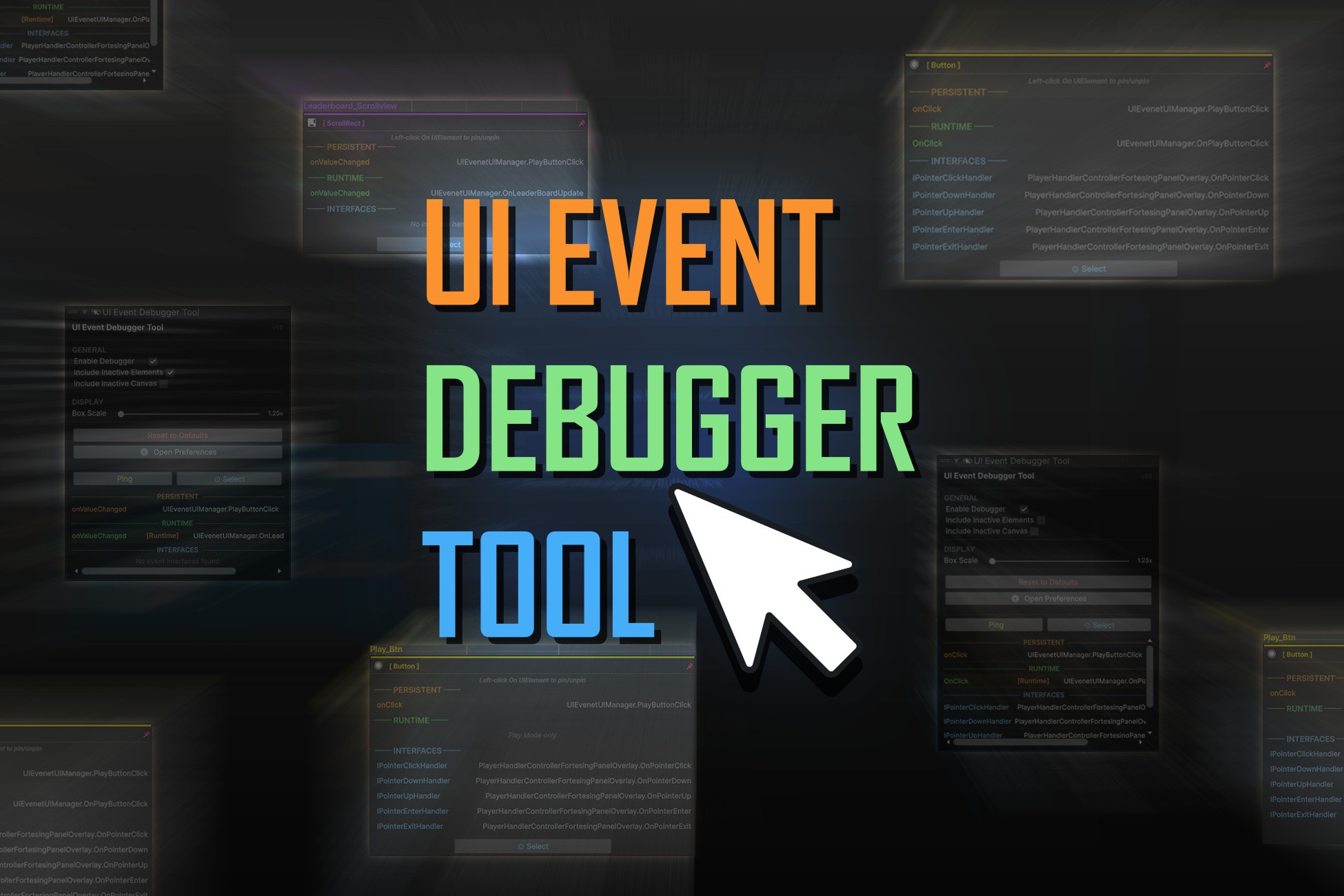
UI Event Debugger Tool is a Unity Scene View overlay tool that shows assigned events for UI elements. Hover over Buttons, Toggles, Sliders, and more to view listeners instantly.
Affiliate link · Purchases support this site
Price history
Last 6 months
USDAsset preview
1 / 6
UI Event Debugger Tool screenshot 1
About this asset
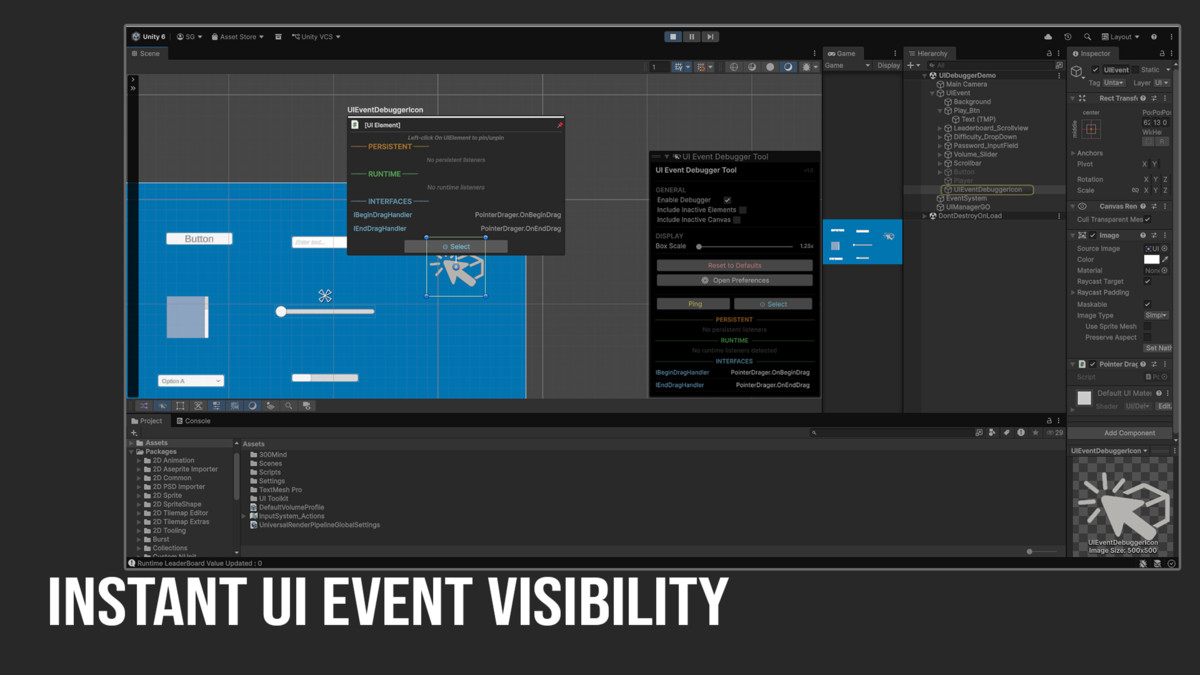
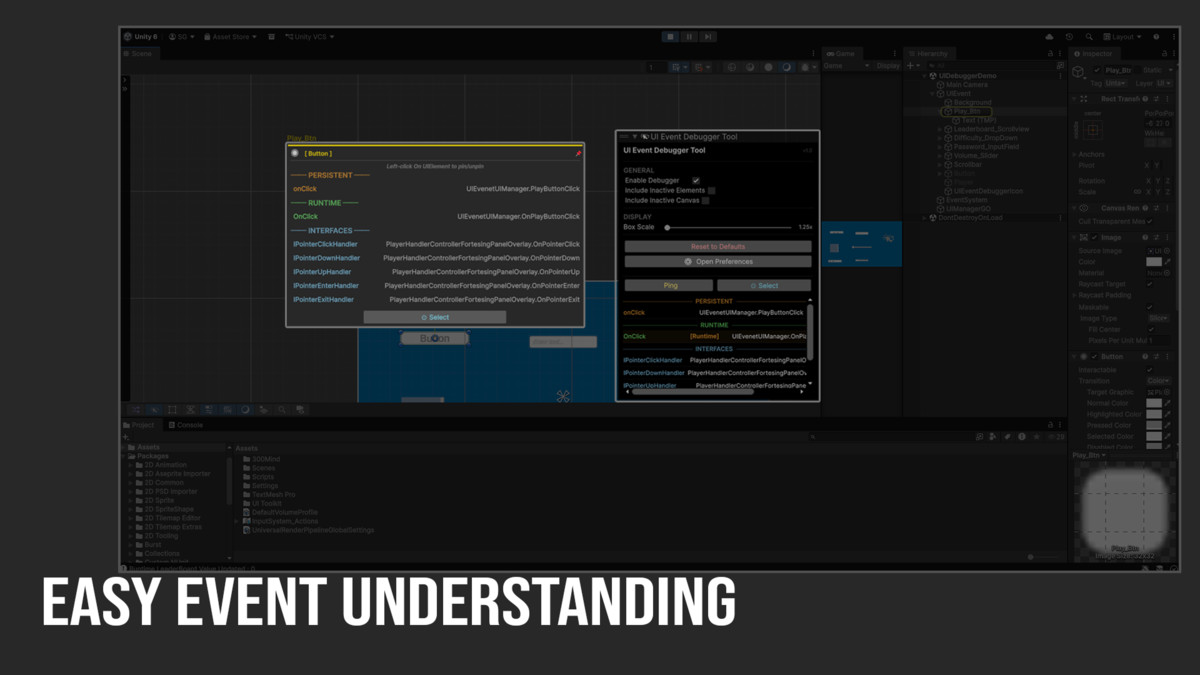
UI Event Debugger Tool is a Scene View overlay for Unity that lets you instantly identify which events are assigned to any UI element—without opening a single script. Simply hover over Buttons, Toggles, Sliders, and more to view their event listeners directly in the Scene View.
Built for speed and clarity, the tool provides a floating info box with component details, event lists, and quick access to linked methods. You can pin elements, highlight UI objects, and navigate straight to scripts in your IDE with a single click.
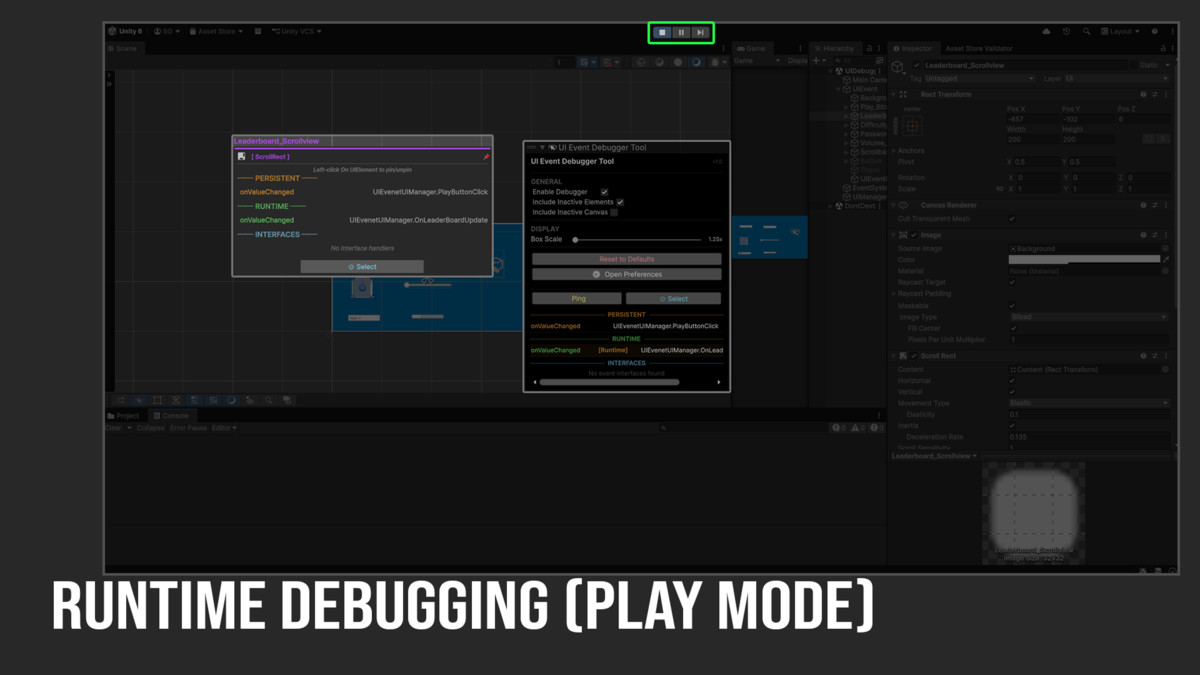
It supports a wide range of Unity UI components, and detects both persistent and runtime listeners during Play Mode. Interface-based handlers and common Unity event systems are also fully supported.
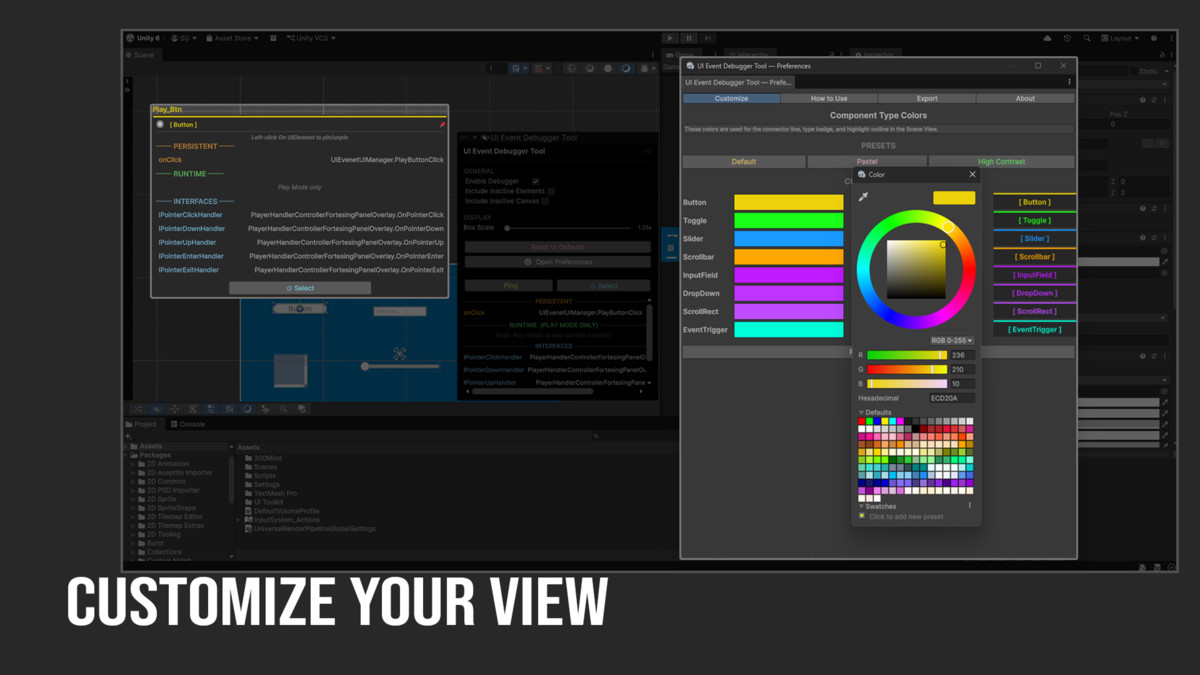
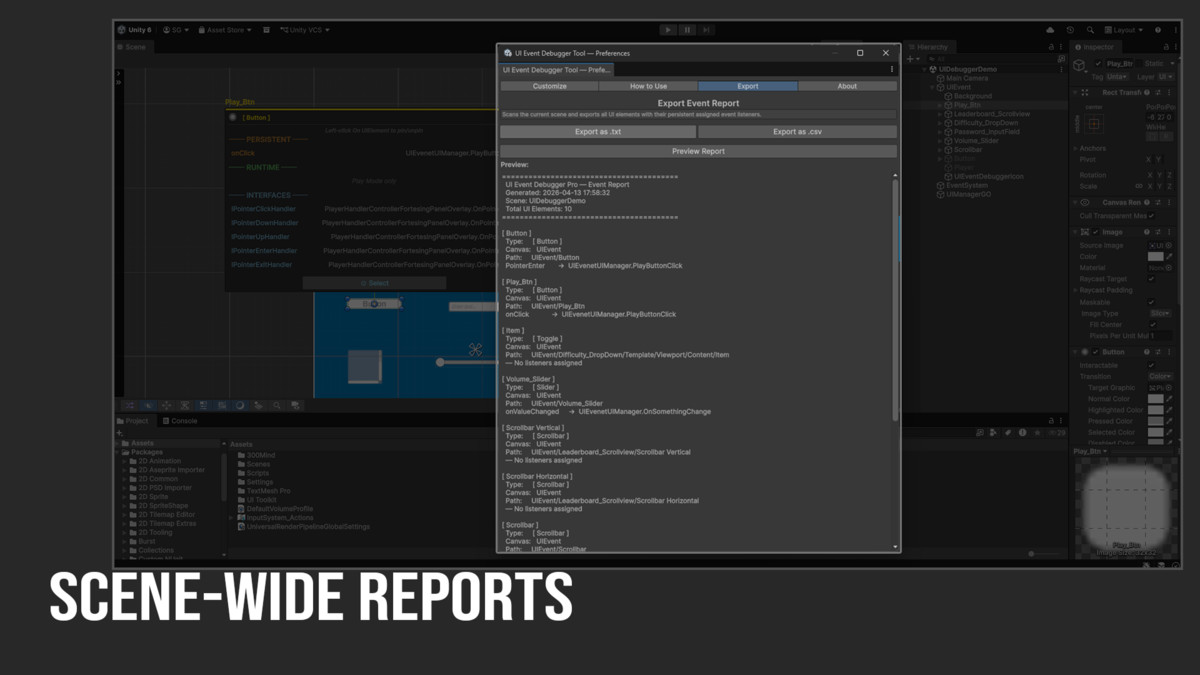
With customizable settings, exportable reports, and a lightweight editor-only design, UI Event Debugger Tool helps streamline UI debugging and improves workflow without affecting build size.
Note: This tool is designed for UGUI (UnityEngine.UI) only and does not support UI Toolkit (UIElements).
From the publisher's Asset Store listing.
Technical details
Requirements
- Unity 2021.3 LTS or newer
- TextMeshPro (installed via Package Manager)
- Unity UI package (com.unity.ugui)
Features:
Scene View Floating Box
- Appears on hover over any detected UI element
- Shows component type badge with Unity built-in icon
- Color coded per component type
- Solid white highlight outline around hovered element
- Smooth fade in/out animation
- Connector line from box to element
- Ping and Select buttons
- Persistent and Runtime listener sections
- Interface handler section
Overlay Panel
- Enable/Disable toggle
- Include Inactive Elements toggle
- Include Inactive Canvas toggle
- Box Scale slider (0.5x to 2x)
- All settings saved via EditorPrefs
Preferences Window
- Open via Tools → UI Event Debugger tool → Preferences
- Custom colors per component type
- Three preset themes: Default, Pastel, High Contrast
- Export event report as .txt or .csv or .json
- Full keyboard shortcut reference
- Version info and changelog
Runtime Detection (Play Mode)
- Detects runtime listeners added via AddListener()
- Distinguishes persistent vs runtime listeners
- Lambda/anonymous method detection with warning
Interface Detection
- Detects all 17 Unity event interfaces
- IPointerClickHandler, IDragHandler, IScrollHandler etc.
- Shows script name and method name
Support
For questions, bug reports or feature requests:
- Email: [email protected]
Please include your Unity version, a description of the issue and steps to reproduce when reporting bugs.
Compatibility
| Unity version | Built-in | URP | HDRP | Custom |
|---|---|---|---|---|
| 2021.3.45f2 | Compatible | Compatible | Compatible | Compatible |
As listed on the Asset Store.