
 View on Asset Store (opens in new tab)
Package details
- Latest version
- 1.0
- Last updated
- First released
- Unity version
- 6000.3.9 or later
- Package size
- 177 KB
- Files
- 26
- Views in the past week
- 3
Price tracking
- Last checked
- Tracked since
- Lowest recorded
- $10.00 on
Keywords

O'Neil Tech Confirmation Popup System
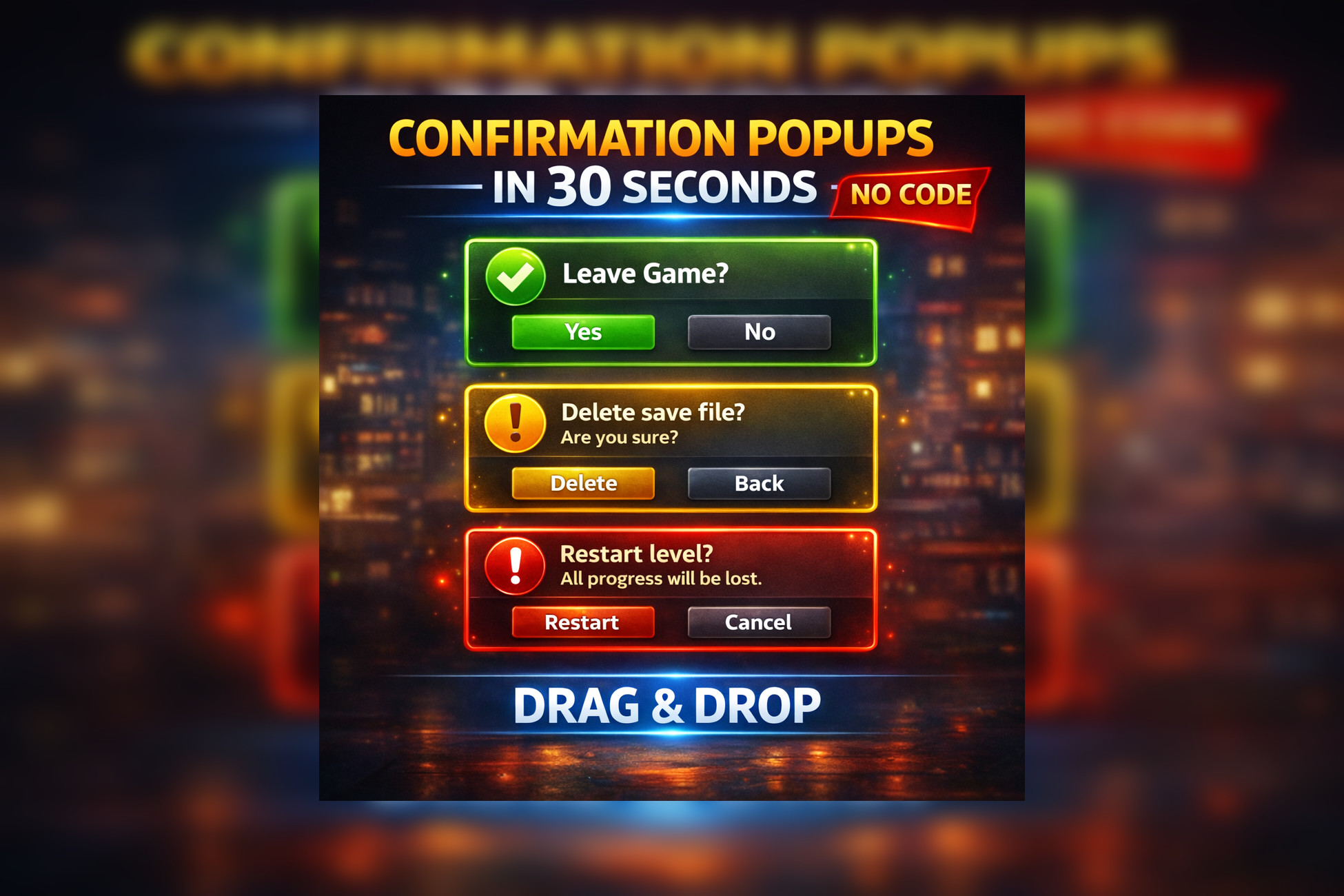
Polished drag-and-drop confirmation popup system for Unity 6 with yes/no dialogs, OK popups, keyboard support, style presets, icons, sounds, and a simple API.
Affiliate link · Purchases support this site
Price history
Last 6 months
USDAsset preview
1 / 5

O'Neil Tech Confirmation Popup System screenshot 1



About this asset
ONeil Tech Confirmation Popup System is a beginner-friendly confirmation and modal popup package for Unity 6 that helps developers add polished yes/no dialogs and single-button popups to their projects in minutes. Import the package, drag the included prefab into your scene, press Play, and trigger a popup with a simple API call like ShowConfirmation("Quit Game?").
The package is designed for fast setup, clean presentation, and easy customization. It includes a polished modal overlay, title and body text support, confirm and cancel buttons, optional close button support, keyboard-friendly Enter and Escape handling, optional background click close, style presets, optional icons, optional sounds, and a demo scene with documentation. Buyers can use it immediately with the default prefab or customize the visual style through the inspector without needing to build their own popup system from scratch.
From the publisher's Asset Store listing.
Technical details
- Built for Unity 6
- Uses Unity UI / UGUI
- Uses TextMeshPro
- No third-party dependencies
- URP compatible
- Drag-and-drop prefab workflow
- Main prefab included: ONeilConfirmationPopupSystem.prefab
- Demo scene included: ConfirmationPopupDemo.unity
- Runtime API includes:
- ConfirmationPopupManager.ShowConfirmation(string message)
- ConfirmationPopupManager.ShowConfirmation(string title, string message)
- ConfirmationPopupManager.ShowConfirmation(string title, string message, Action onConfirm)
- ConfirmationPopupManager.ShowConfirmation(string title, string message, Action onConfirm, Action onCancel)
- ConfirmationPopupManager.ShowYesNo(string message, Action onYes, Action onNo)
- ConfirmationPopupManager.ShowOk(string message)
- ConfirmationPopupManager.ShowConfirmation(ConfirmationPopupRequest request)
- ConfirmationPopupManager.HidePopup()
- Included features:Yes / No confirmation popups
Single-button OK popup mode
Title + body support
Optional close button
Optional background click close
Enter key confirm support
Escape key cancel support
Style presets
Optional icon support
Optional sound support
Inspector-based customization
Setup validation warnings - Included preset styles:Default
Destructive
Success
Info - Included documentation:Overview
Quick Start
Drag-and-Drop Setup
API Examples
Button Label Customization
Style Customization
Icons And Sounds
Inspector Guide
Troubleshooting
Customization Tips
Compatibility
| Unity version | Built-in | URP | HDRP |
|---|---|---|---|
| 6000.3.9f1 | Compatible | Compatible | Compatible |
As listed on the Asset Store.