
 View on Asset Store (opens in new tab)
Package details
- Latest version
- 3
- Last updated
- First released
- Unity version
- 6000.6.2 or later
- Package size
- 2.9 MB
- Files
- 153
- Favorites
- 4
- Views in the past week
- 19
Price tracking
- Last checked
- Tracked since
- Lowest recorded
- $15.00 on
Keywords

VR interactive Scripts
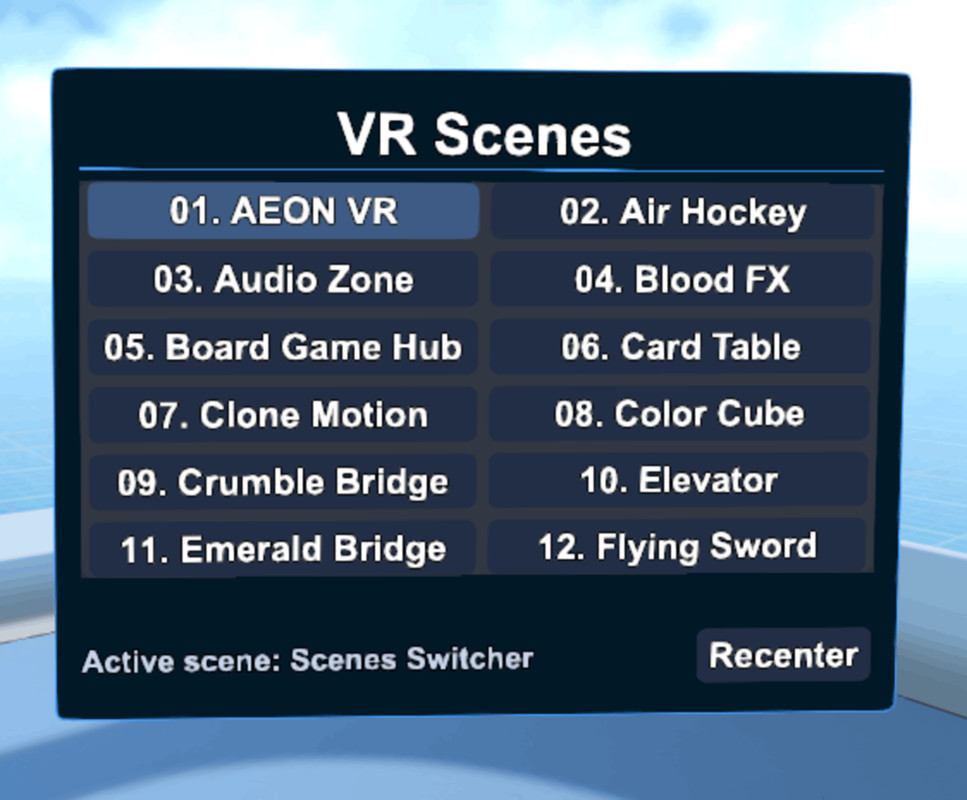
Drop-in VR/XR scripts for Unity 6.6 URP projects: inventory, scene menu (transition between scenes and trailer slots), audio zones, drawing, billiards, darts, chess, Ludo, slicing, elevator, and more.
Affiliate link · Purchases support this site
Price history
Last 6 months
USDAsset preview
1 / 105

VR interactive Scripts screenshot 1




About this asset
NOTE:
To use the scripts either do attach any of the scripts onto after you "Create empty" game object, or attach a script onto any 3D game object.
Check the following YouTube Videos:
WATCH THESE:
[Part 1]: P1. VR interactive Scripts New Unity Asset 2026
[Part 2]: P2.VR interactive Scripts New Unity Asset 2026
[Part 3]: P3. VR interactive Scripts New Unity Asset 2026
[Part 4]: P4. VR interactive Scripts New Unity Asset 2026
Dependencies / requirements:
Mainly Requires Unity 6.6 and VR CORE VR Default Template, but maybe can be used with other Unity 6.x. But anyway using Unity editor 6.000.6.2f1 is recommended. Required Unity Registry packages/modules: Universal Render Pipeline, Input System, XR Interaction Toolkit, XR Plug-in Management, OpenXR, TextMeshPro, Unity UI, and Unity Video for Scene Menu trailer playback. For Meta Quest builds, Android Build Support and OpenXR controller setup are required.
No Asset Store package dependencies are required. No external API keys, executables, analytics, DRM, subscriptions, login walls, online services, or server connections are included.
VR Interactive Scripts is a Unity 6 URP toolkit of editable C# scripts for building interactive VR/XR gameplay scenes. It is designed for projects using the Core VR Template, XR Origin, OpenXR, XR Interaction Toolkit, New Input System, and Meta Quest-style controllers.
Included systems:
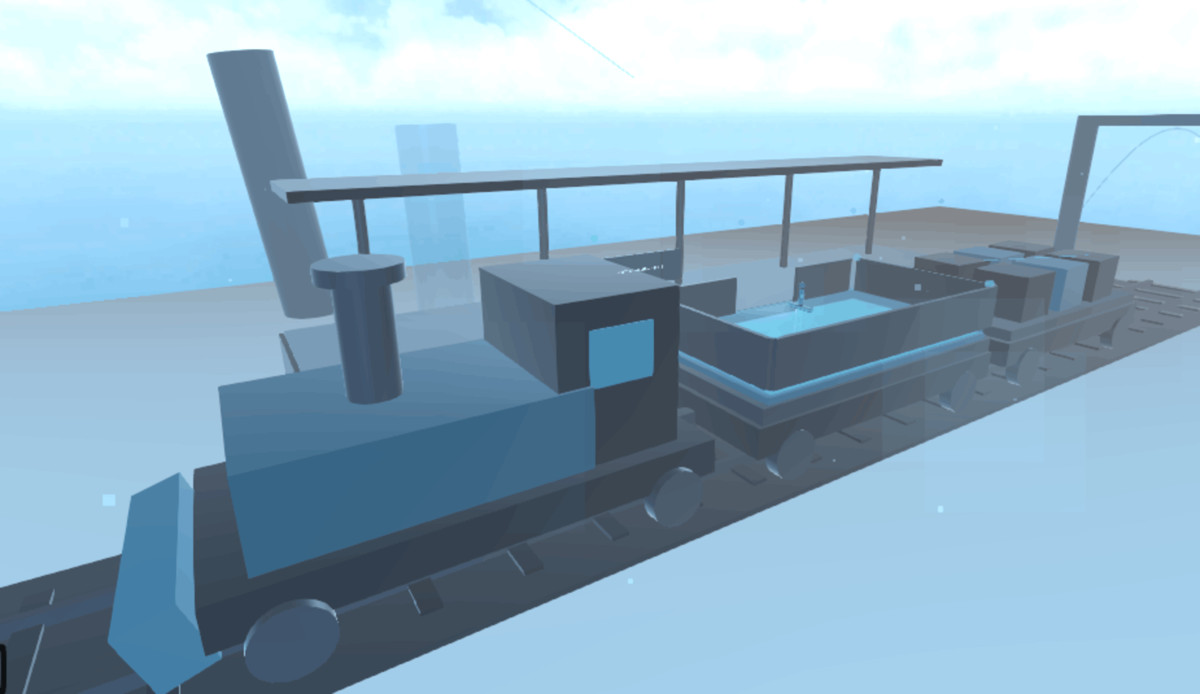
Audio Zone, Billiards, Chess AI, Crumble Tiles, Dart Game, Draw Board, Elevator, Inventory, Ludo Game, Scene Menu, Slash Blade, Slicer, and Wheel Puzzle.
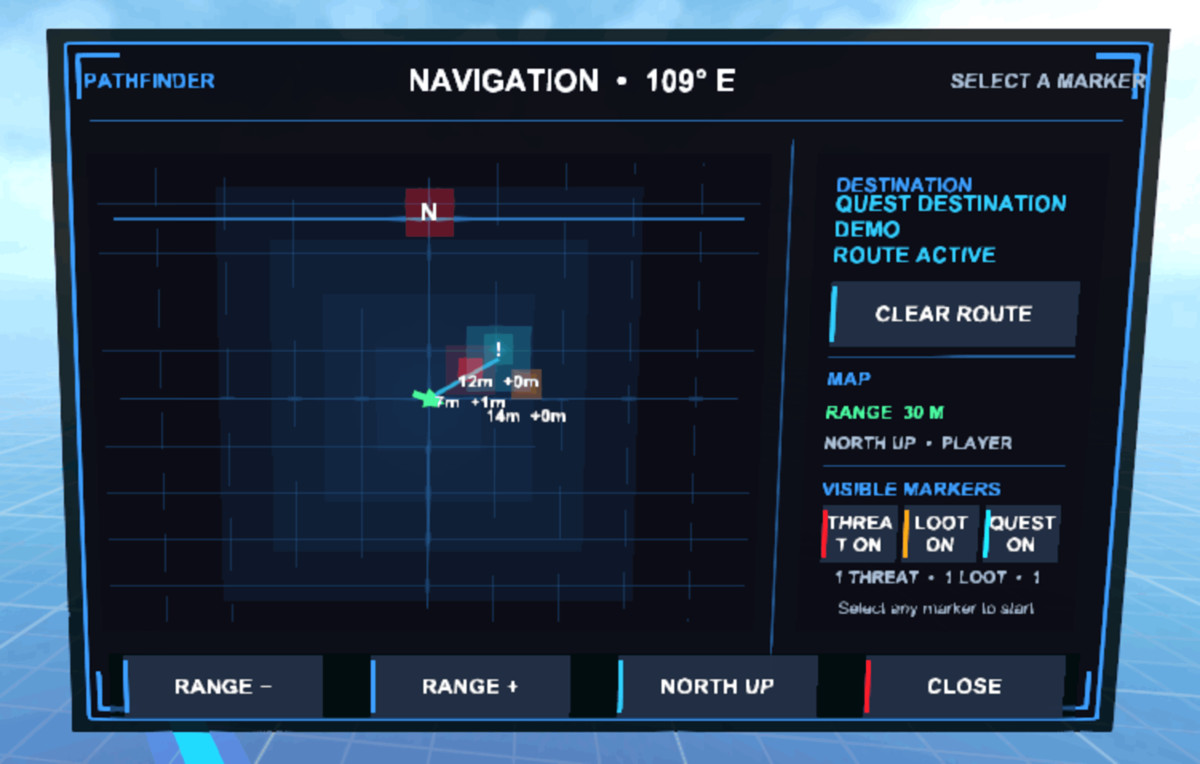
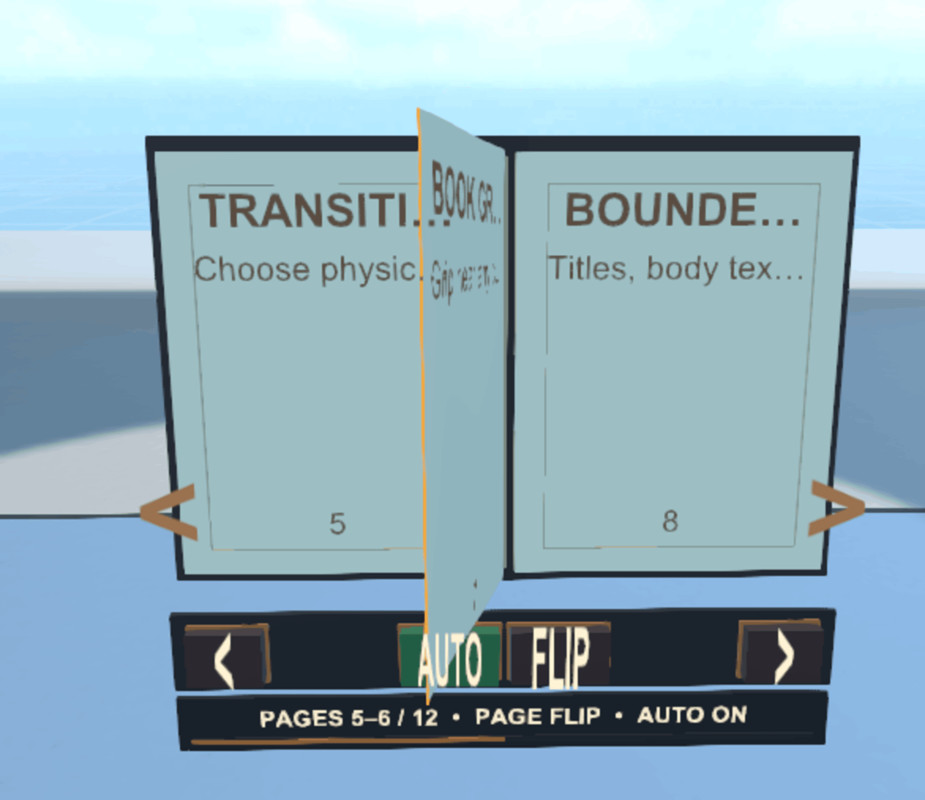
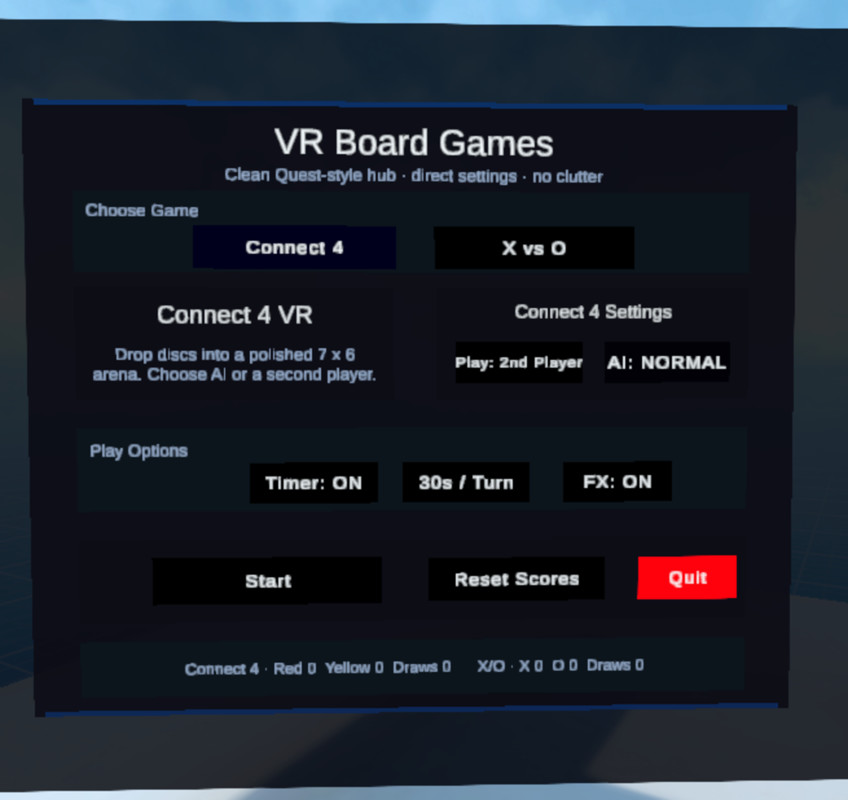
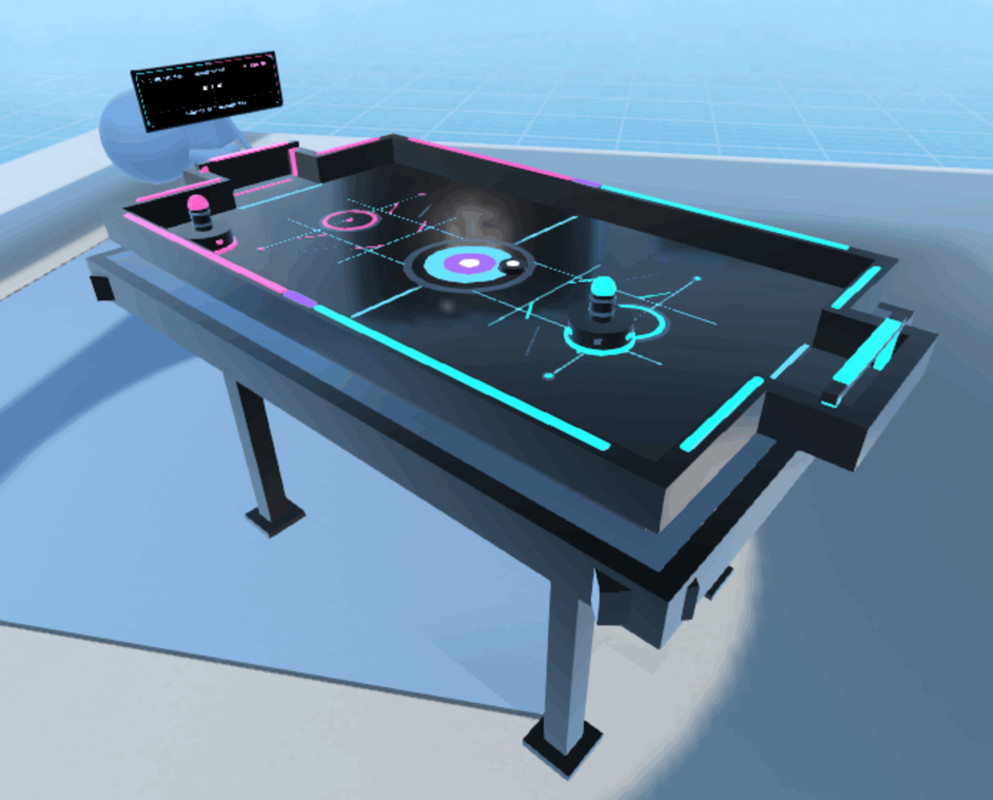
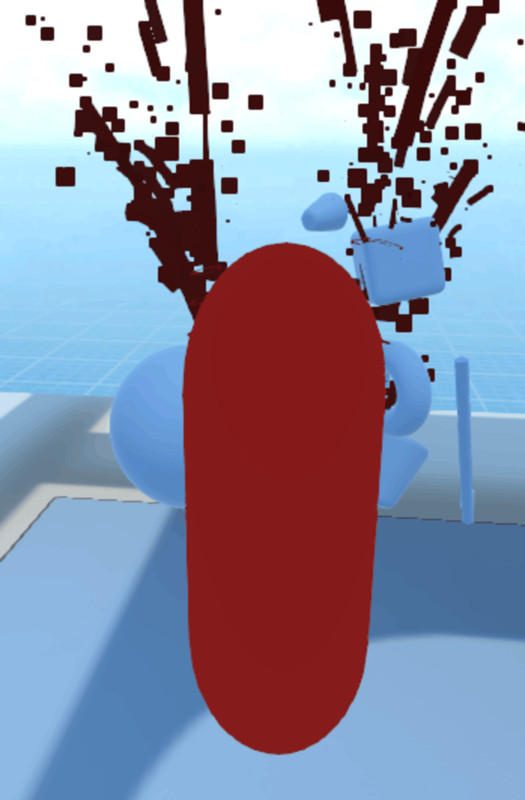
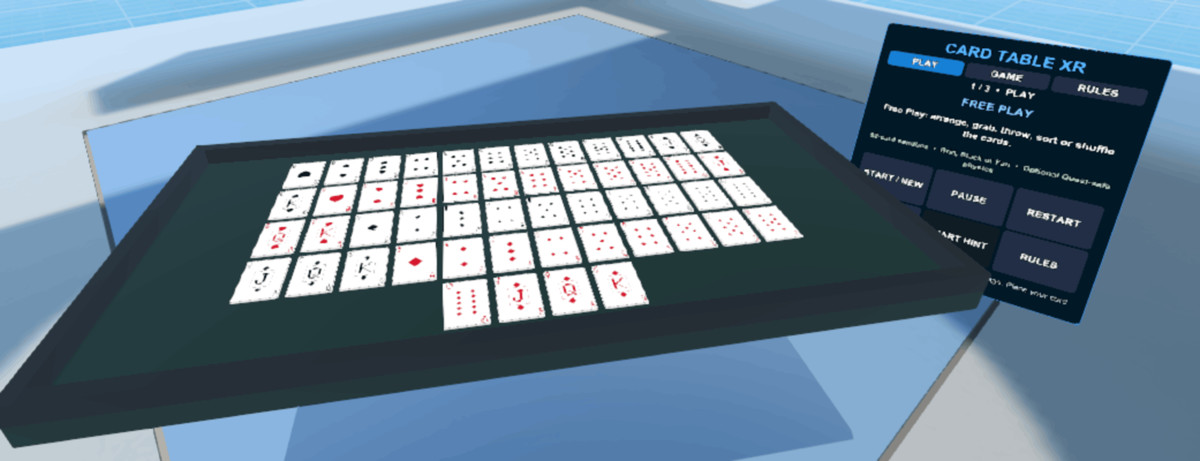
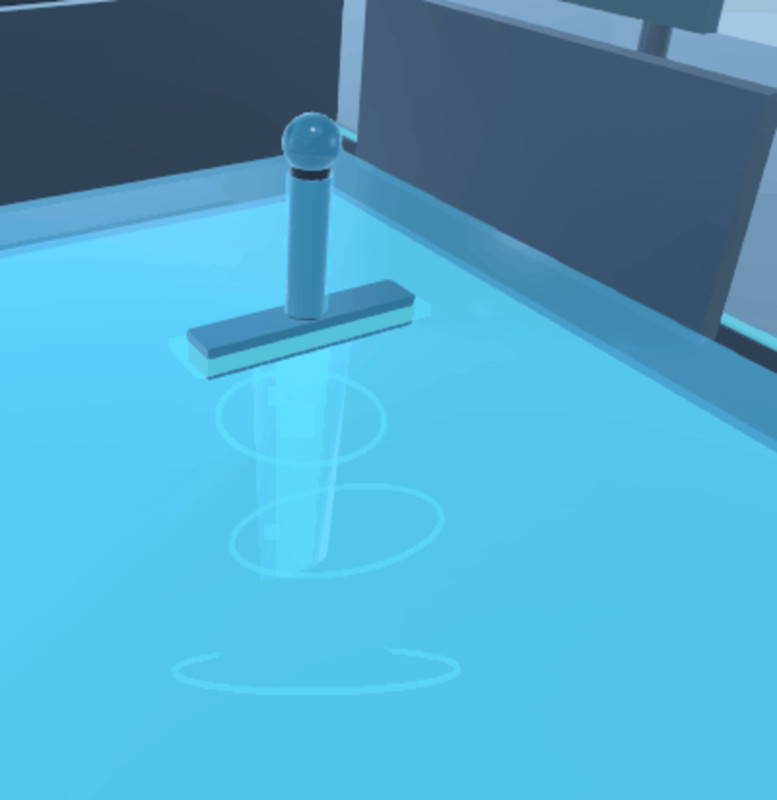
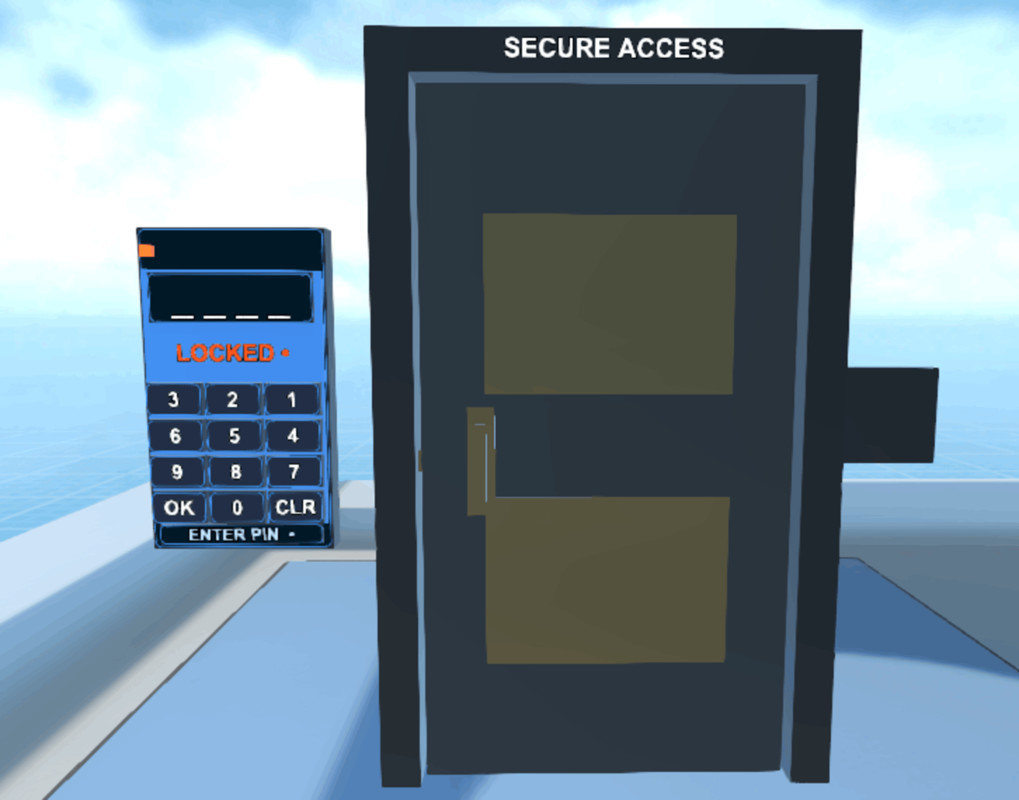
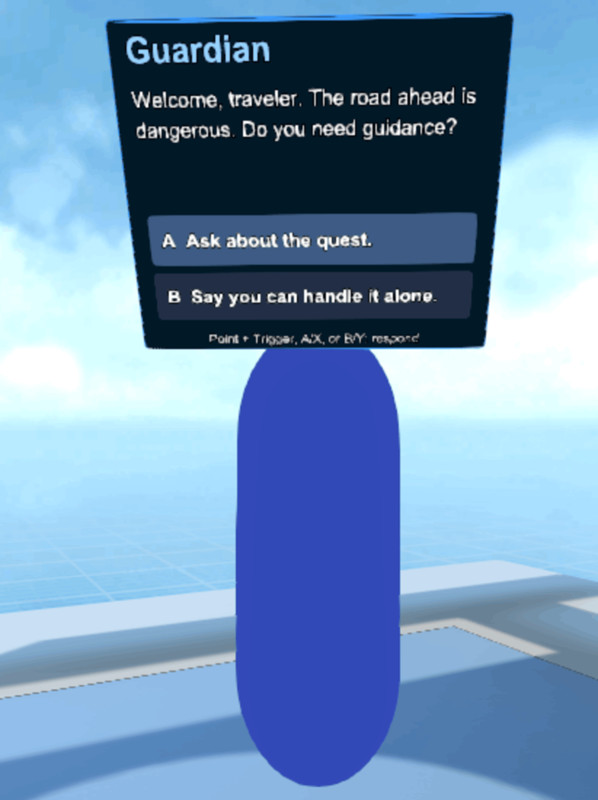
NEW: Air Hockey, Audio Zone, Billiards, Blood Effects, Board Games, Card Games, Chess AI, Clone Motion, Color Cube, Combat, Compass, Crumble Bridge, Dart Game, Draw Board, Elevator, Flying Sword, Haptics, Ice Sword, Inventory, Keypad Lock, Knife Throwing, Ludo Game, Magnetic Objects, Mirror Puzzle, NPC Dialogue, Path Guidance, Portal Gates, Rhythm Game, Rolling Guard, Scene Menu, Shell Game, Slash Blade, Slicer, Spatial UI, Trail Effects, VR Avatar, VR Book, VR Car, VR Hands, Web Swinging, Wheel Puzzle, and Zombie Dismemberment.
Note: some scripts may need some modifications, so either you wait for my updates or modify them yourself.
The scripts are designed for practical VR prototyping and production workflows. Most systems can auto-generate their runtime objects, UI, colliders, materials, gameplay logic, and interaction helpers directly from a single component. All scripts are editable and customizable through the Inspector.
The included demo scenes show how each system is set up and used in a Core VR / XR Origin project. Generated visuals are functional demo content and can be replaced with your own models, prefabs, materials, UI, audio, and final production art.
Limitations:
URP is the supported/default render pipeline. Built-in, HDRP, and Custom RP are not officially supported. Always test interaction, comfort, and performance on your target headset before shipping a final game.
From the publisher's Asset Store listing.
Technical details
Key features:
- 13 editable C# VR/XR gameplay scripts.
- Built for Unity 6.x URP projects.
- Designed for Core VR Template, XR Origin, OpenXR, XR Interaction Toolkit, and New Input System workflows.
- Meta Quest-style controller support using trigger, grip, thumbstick, A/B/X/Y, and menu button input where applicable.
- Auto-generated world-space VR UI in supported scripts.
- URP-safe generated materials and runtime visuals.
- No external Asset Store package dependencies.
- No online services, API keys, analytics, DRM, login walls, subscriptions, or executables.
- Namespaced scripts suitable for Asset Store validation.
- Demo scenes included for setup and feature inspection.
Included scripts:
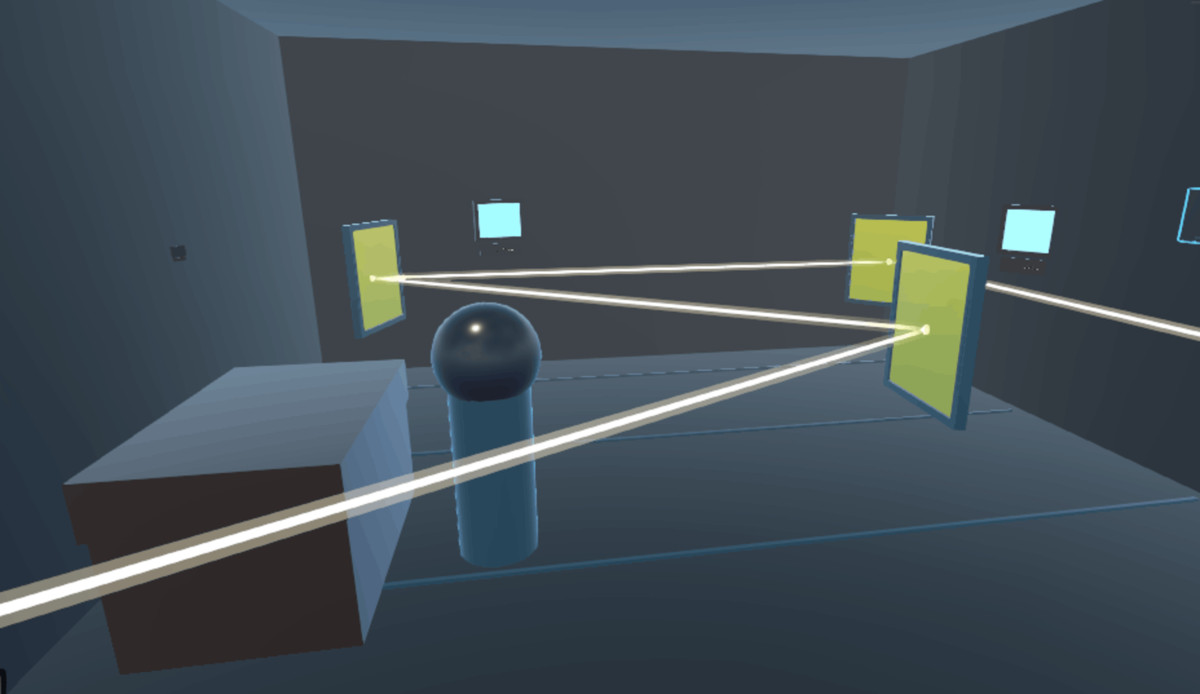
- AudioZone: trigger-based 2D/3D/VR audio zones.
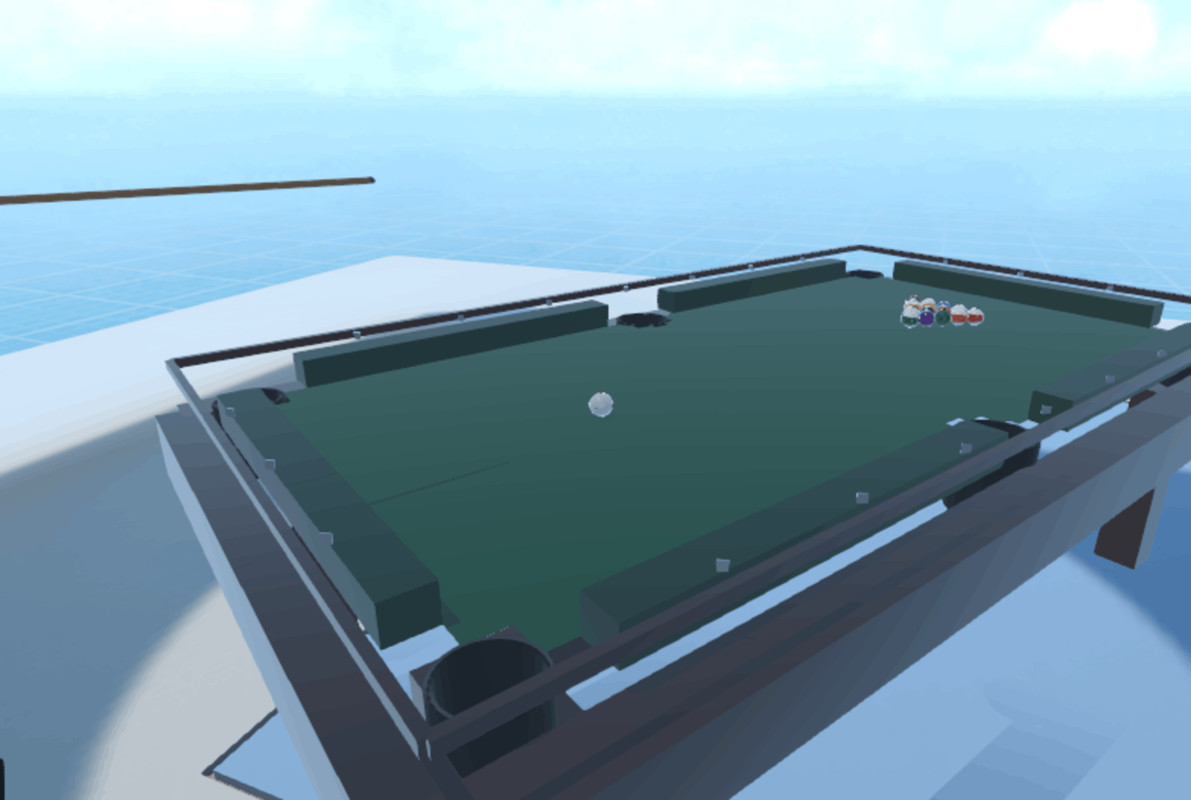
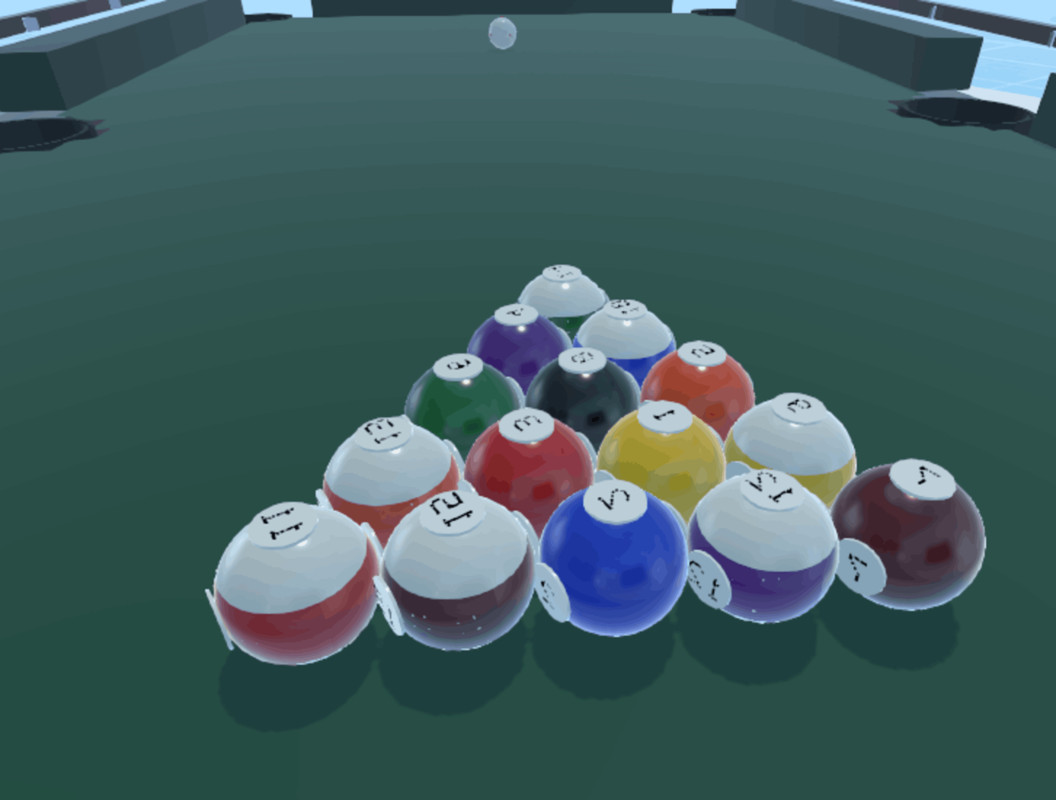
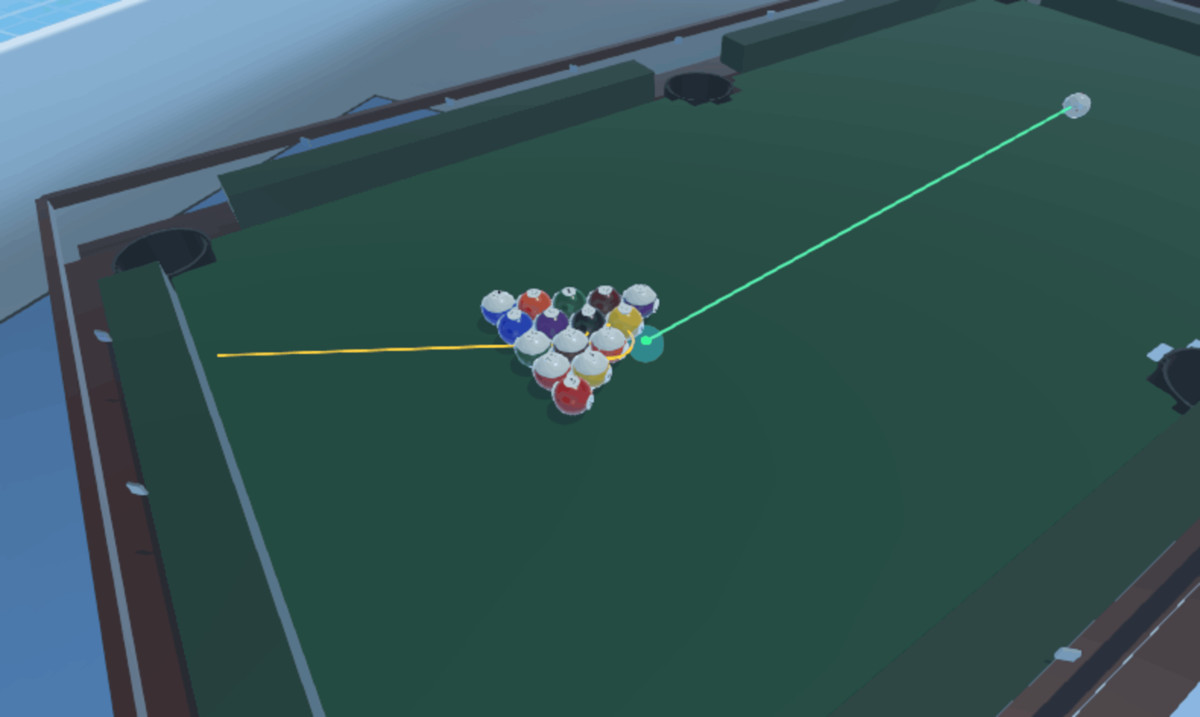
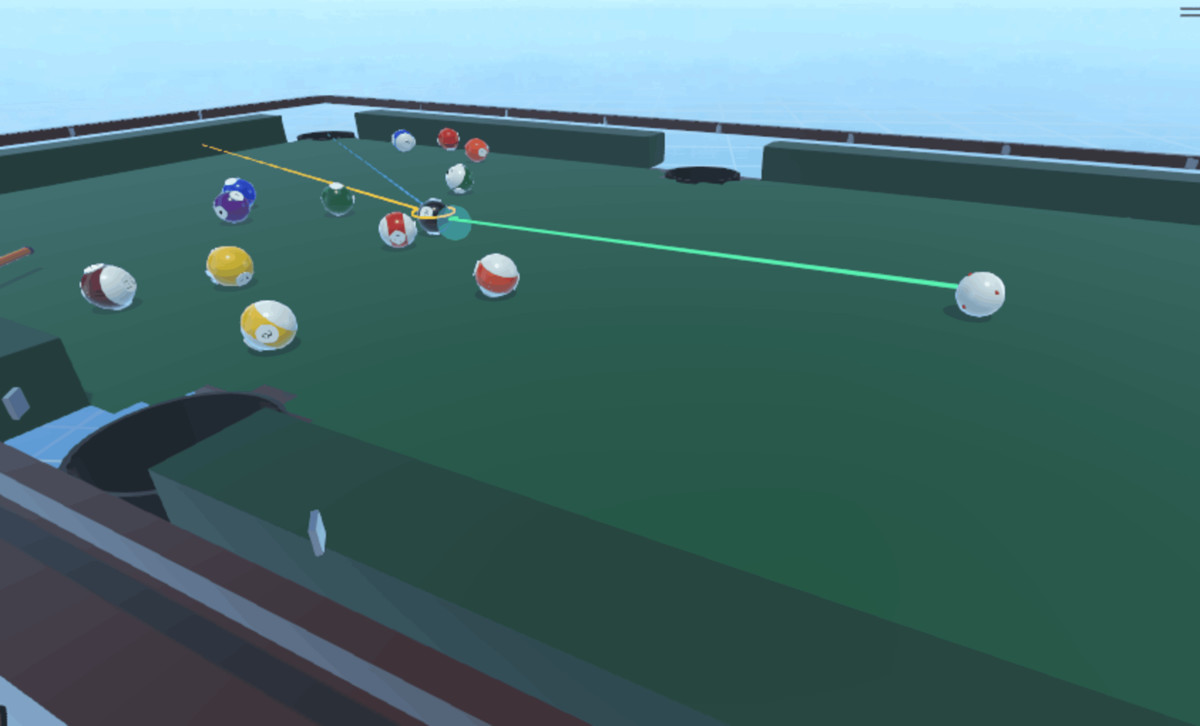
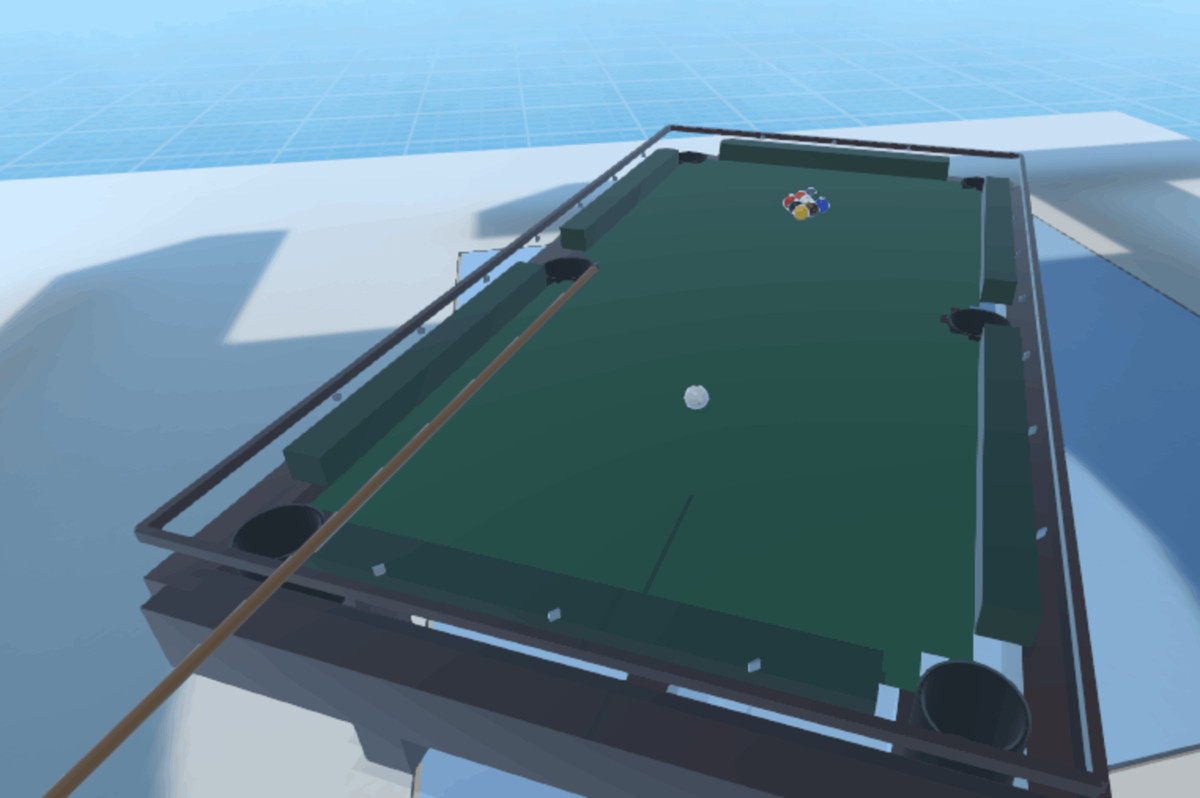
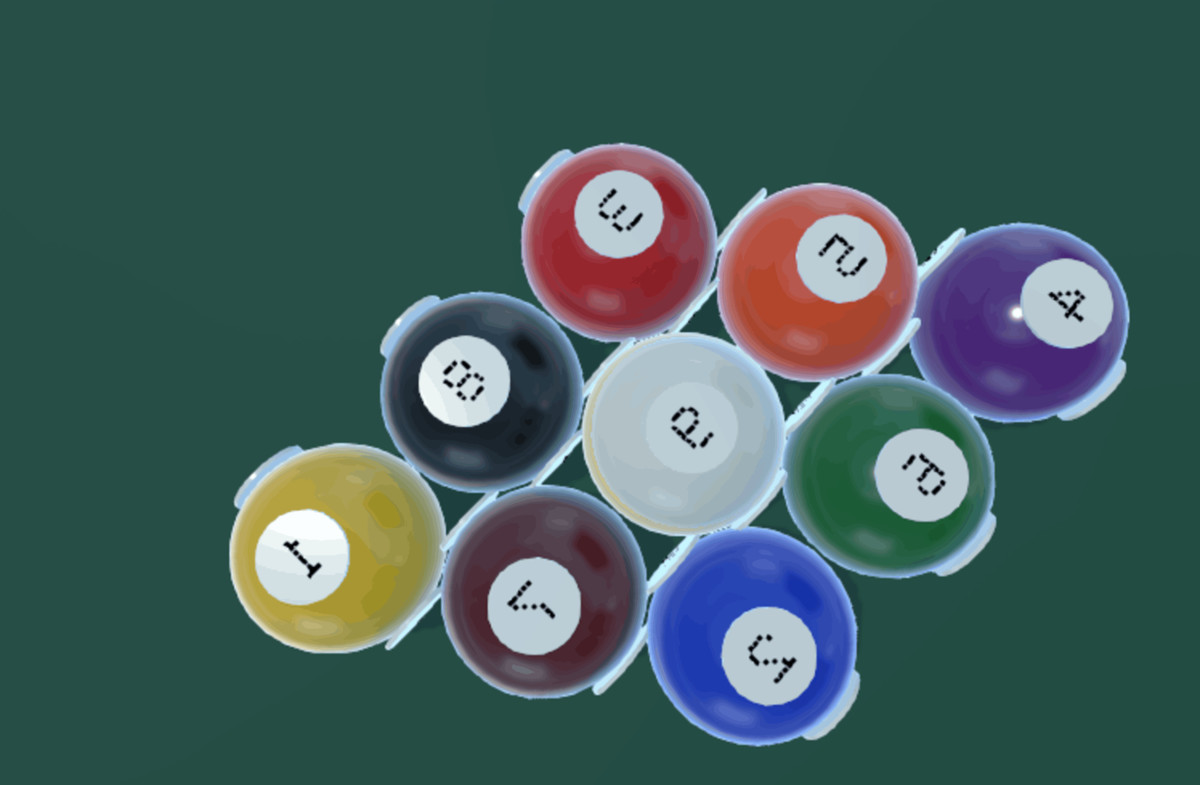
- Billiards: VR billiards table, balls, aiming, rules, and AI opponent.
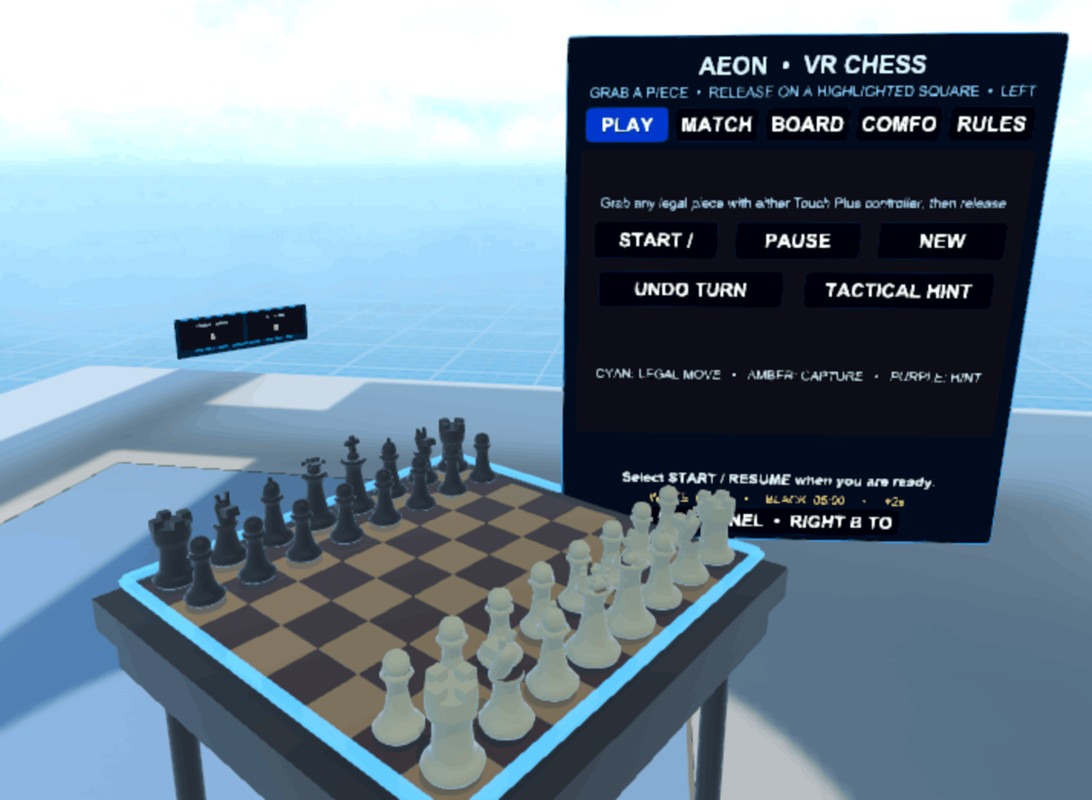
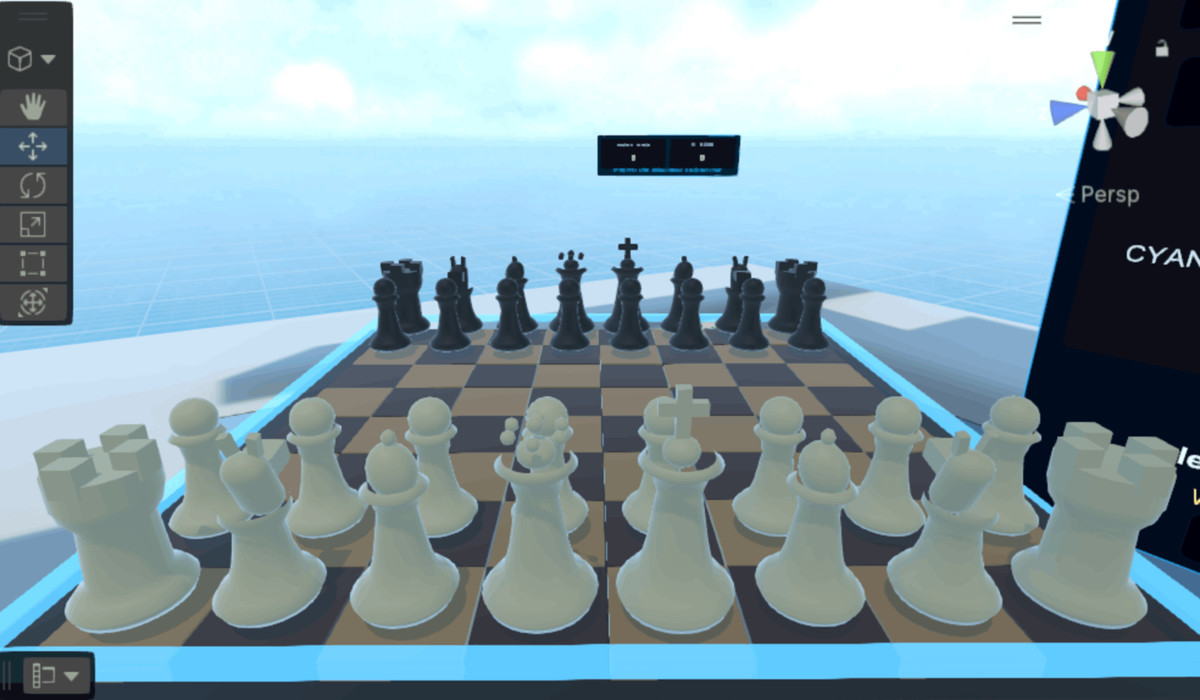
- ChessAI: VR chess board with local AI.
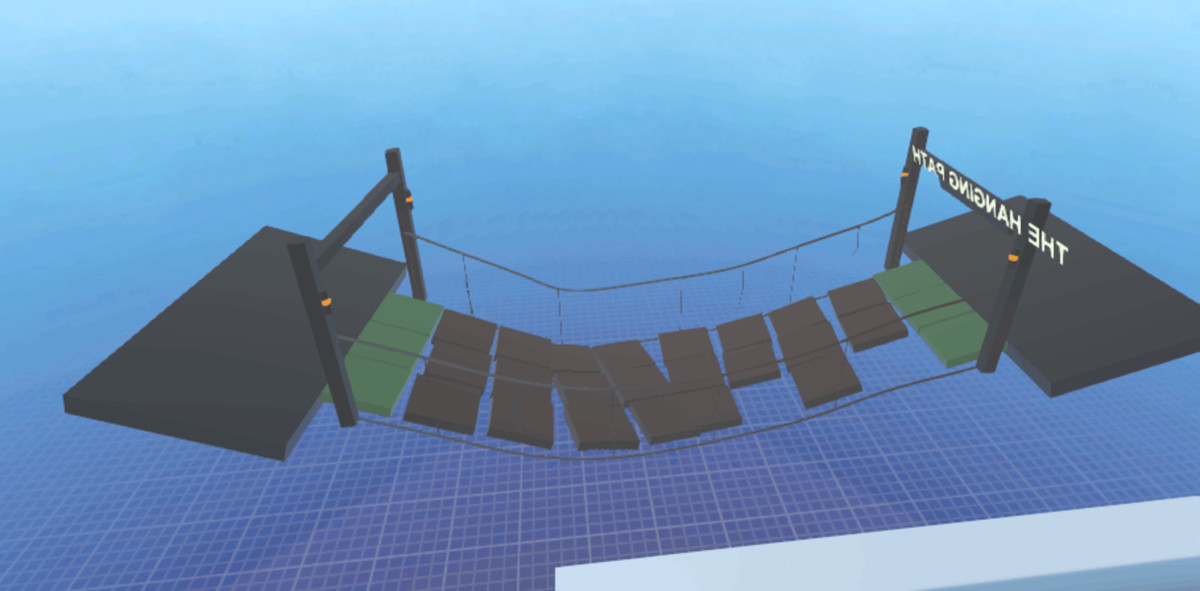
- CrumbleTiles: VR crumble/falling tile platform system.
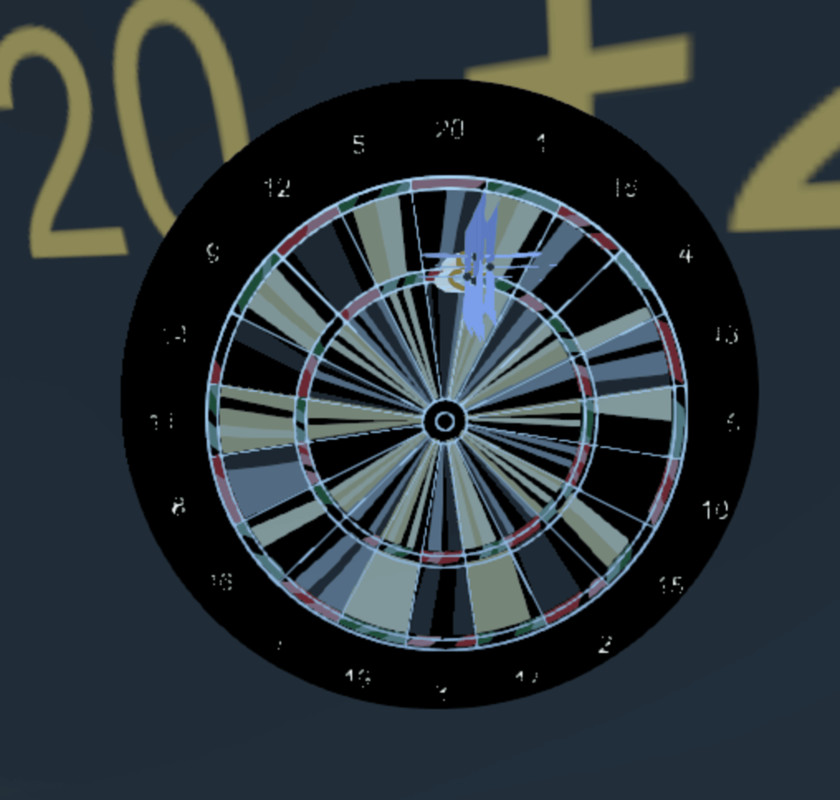
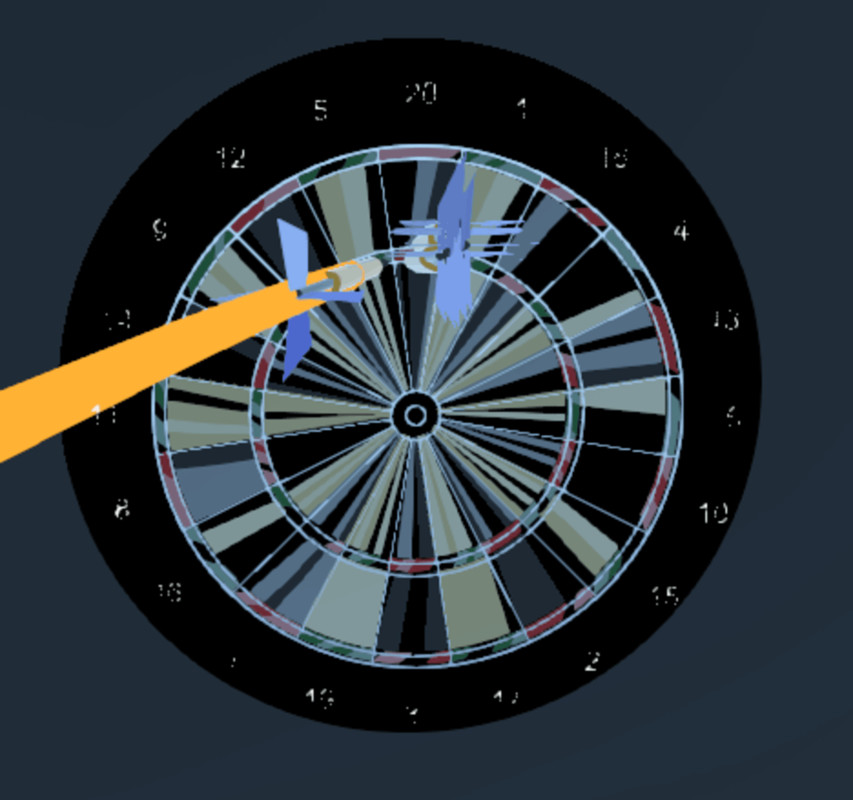
- DartGame: VR darts with board, scoring, aiming, and settings.
- DrawBoard: VR drawing board with brushes, eraser, undo, colours, and XR controls.
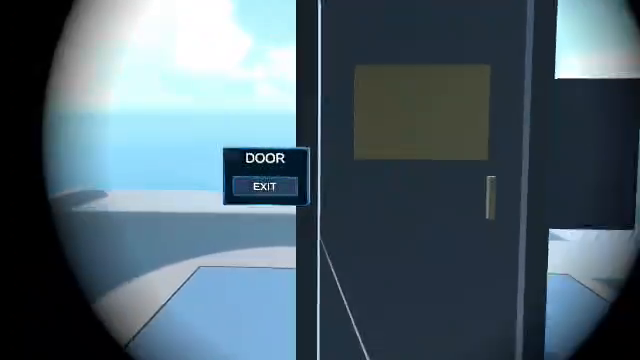
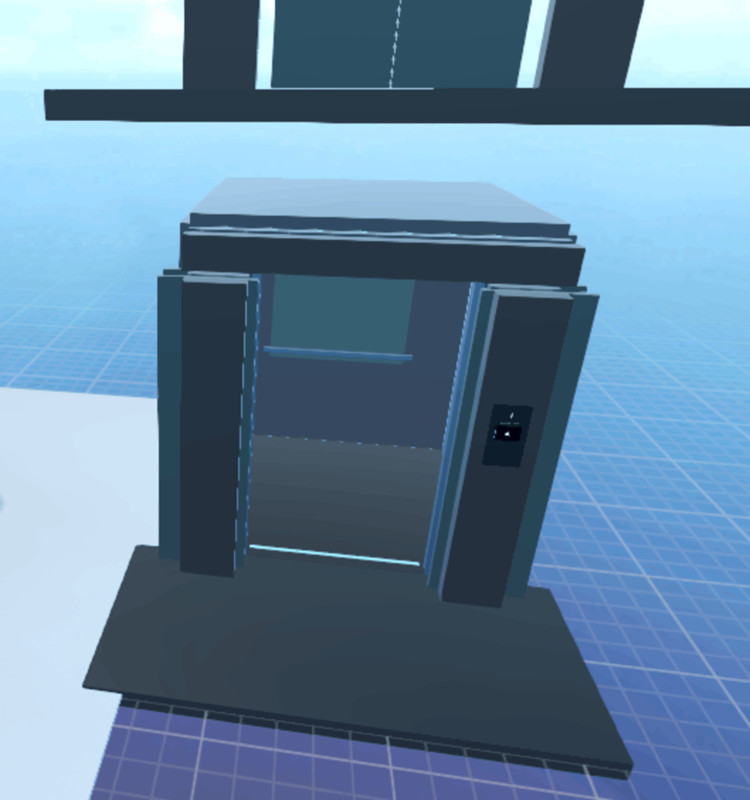
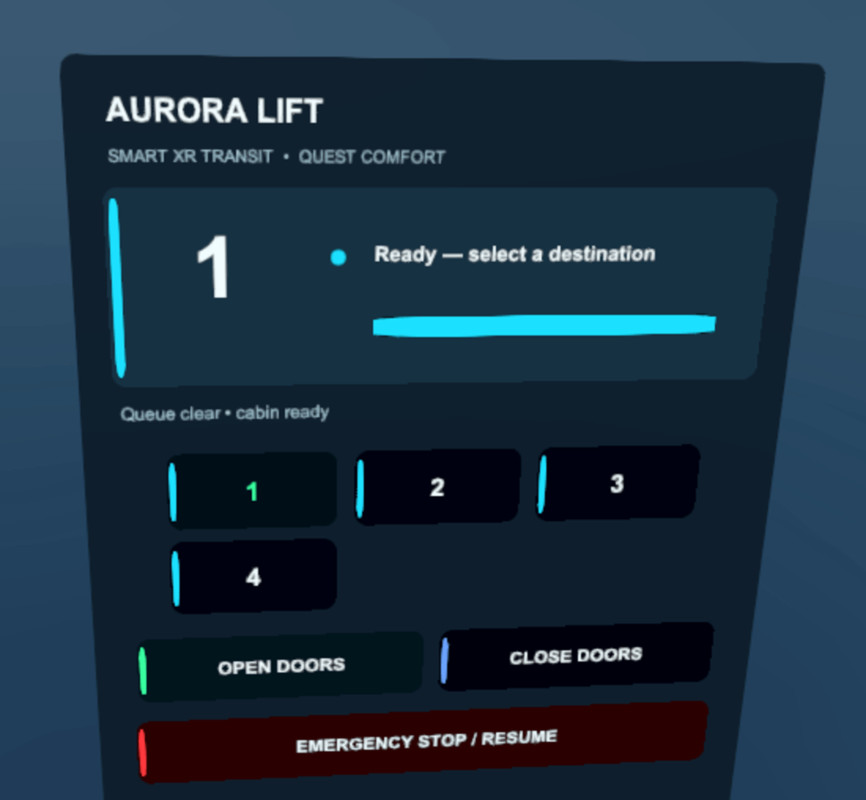
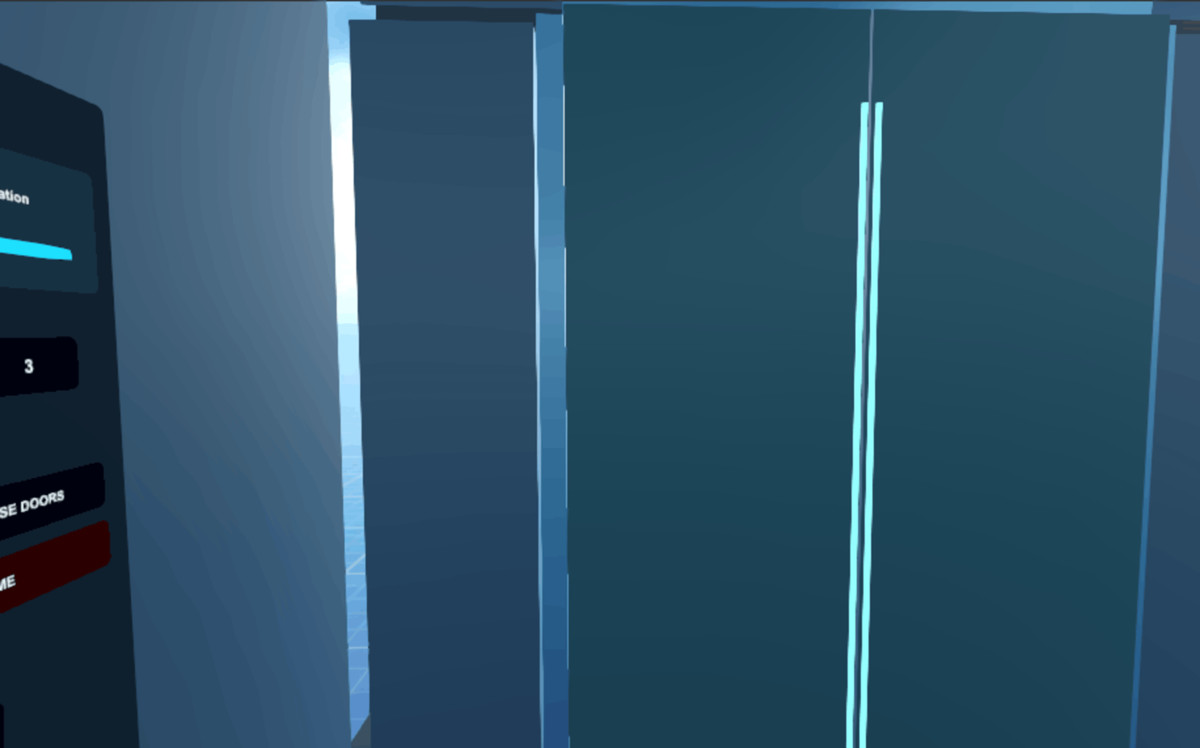
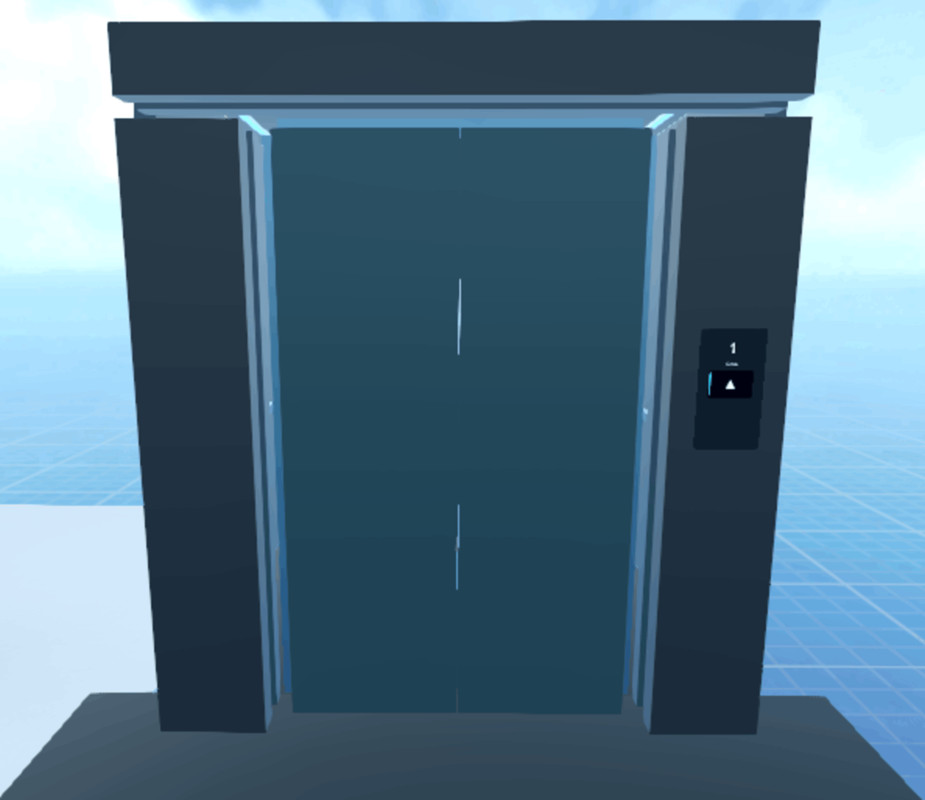
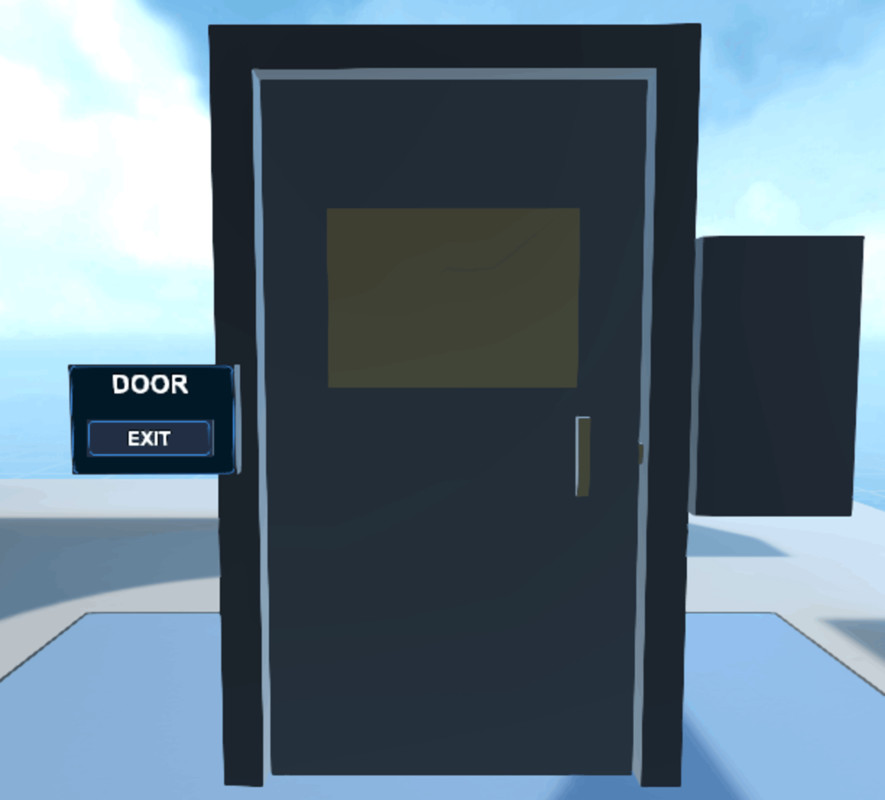
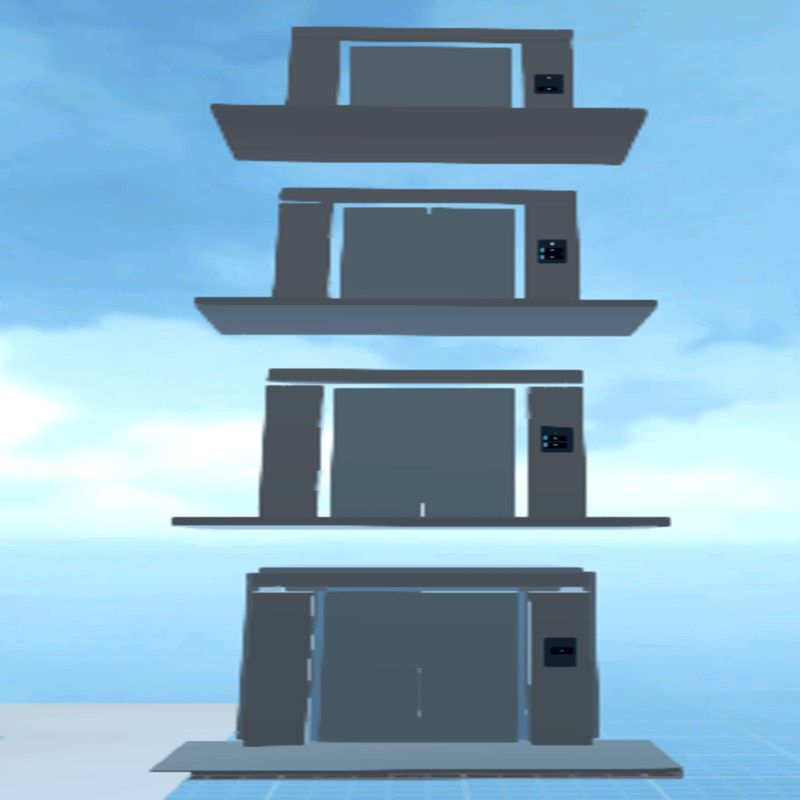
- Elevator: VR elevator with doors, panels, floors, and safety sensors.
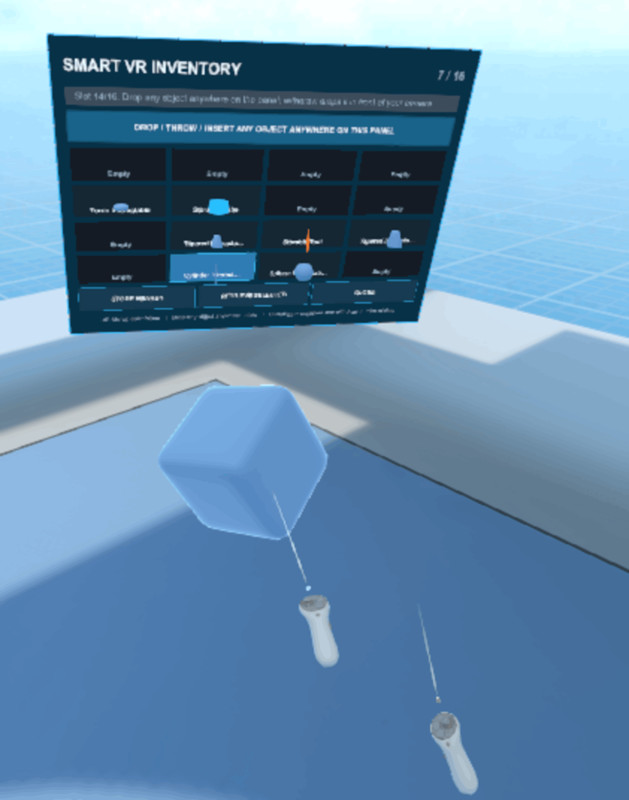
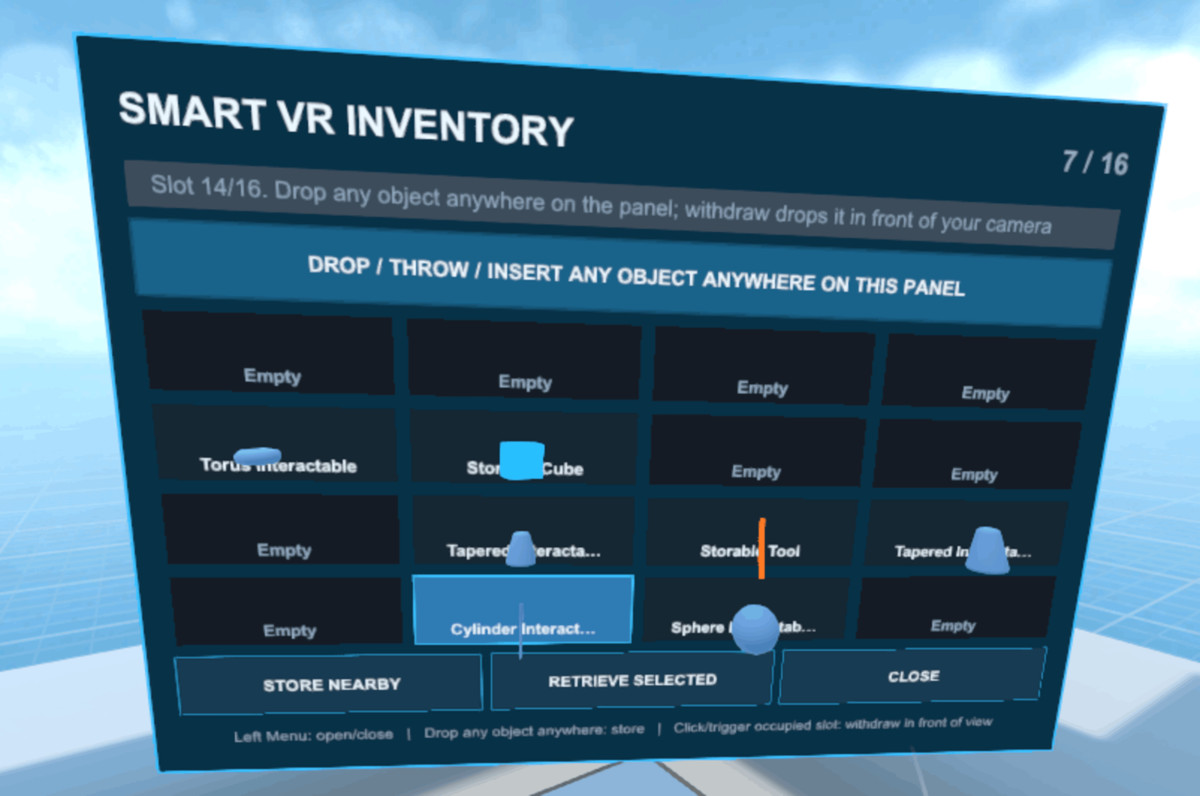
- Inventory: world-space VR inventory storage and retrieval system.
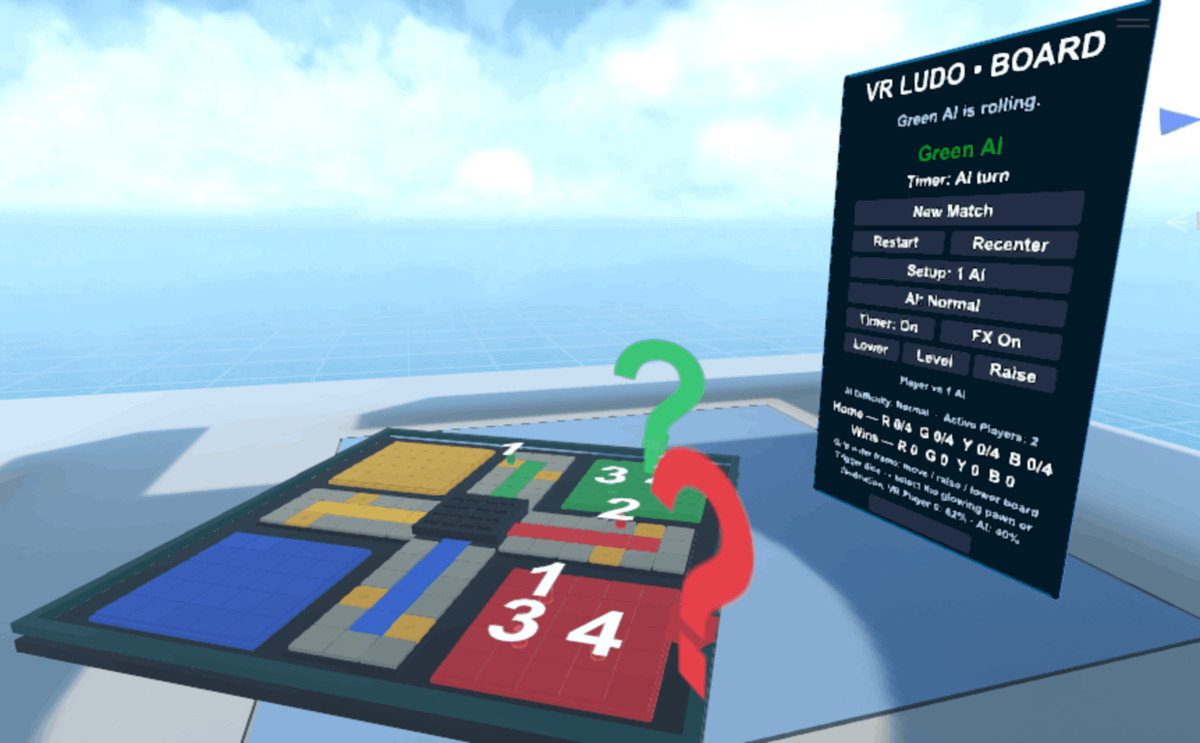
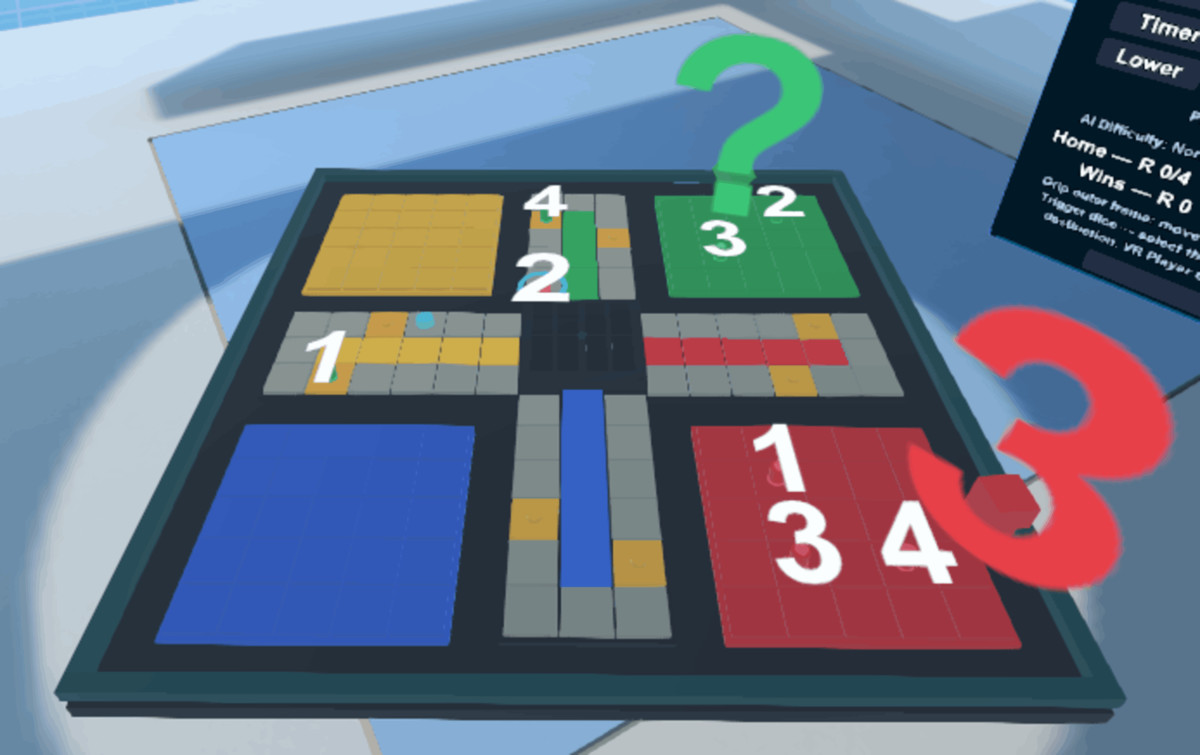
- LudoGame: VR Ludo board game with AI/hotseat options.
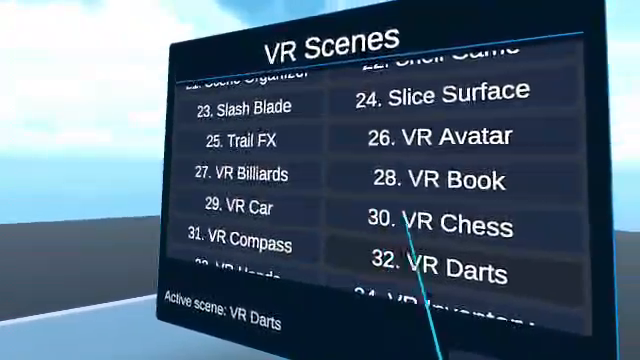
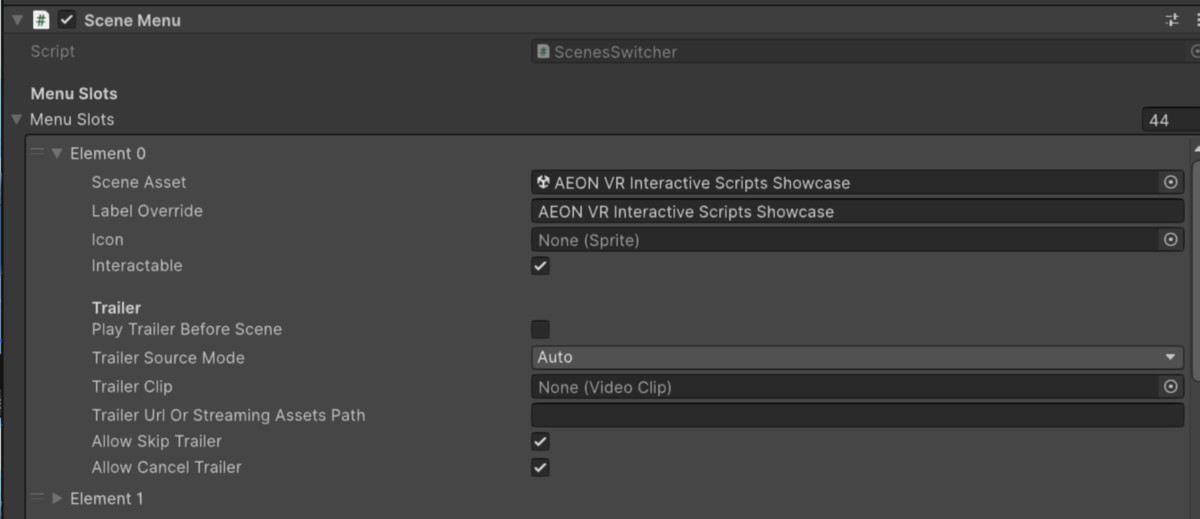
- SceneMenu: persistent XR scene menu with optional trailer playback.
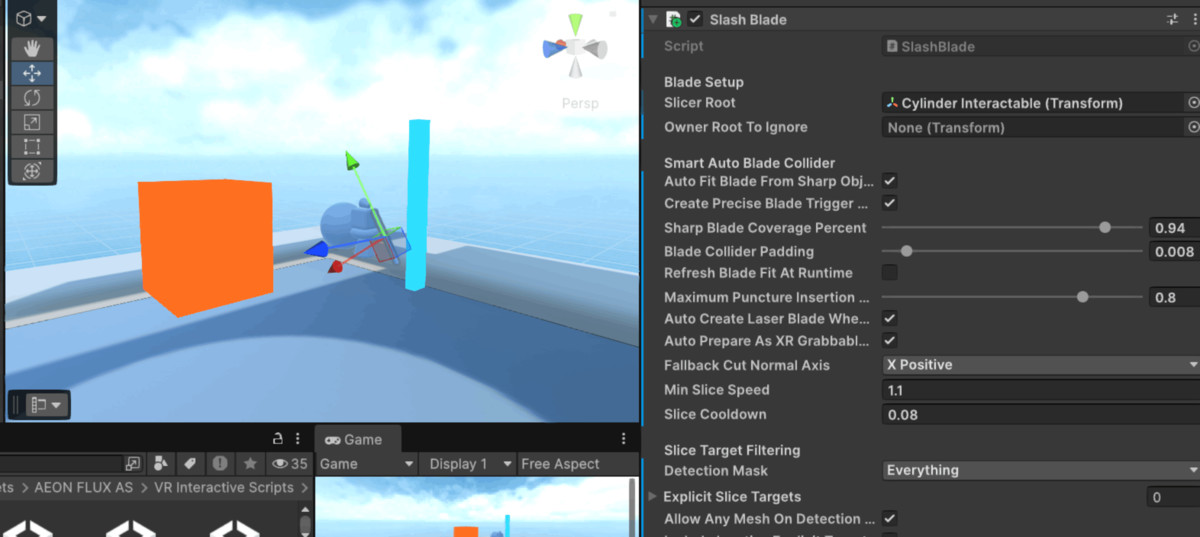
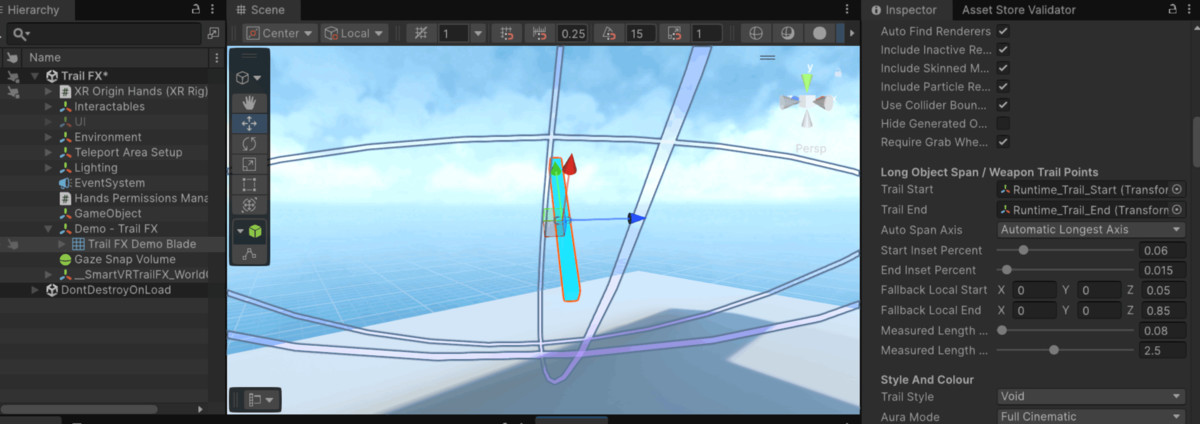
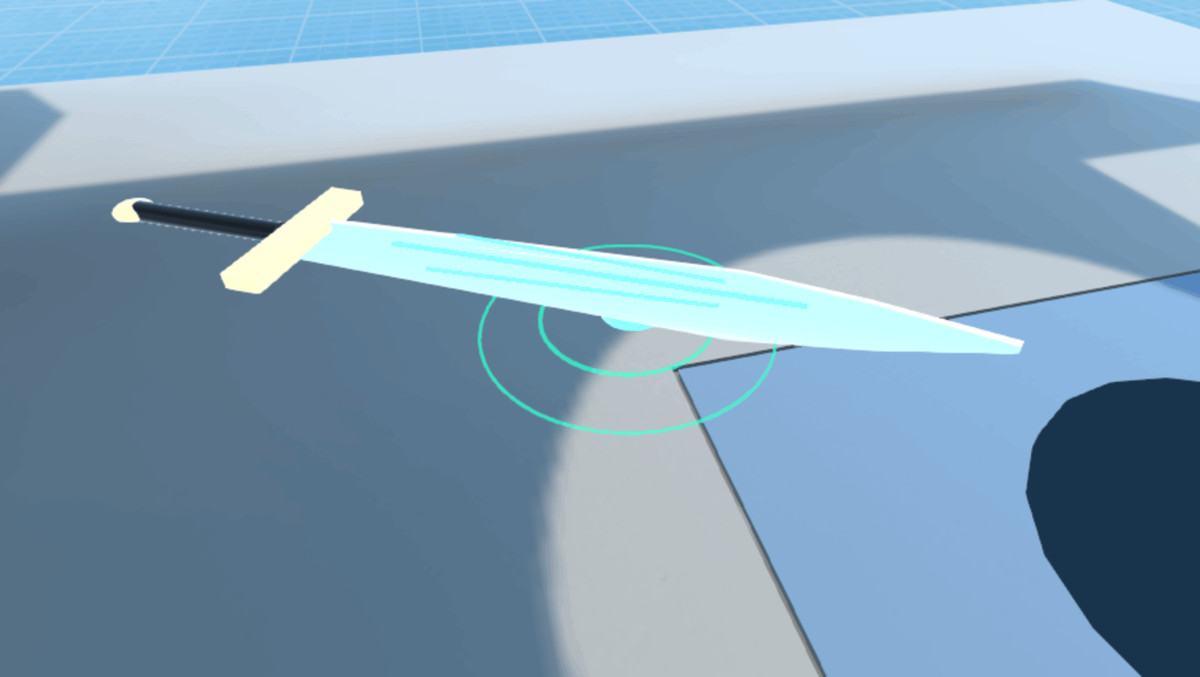
- SlashBlade: VR blade slash/slicing, trails, puncture, and special slash effects.
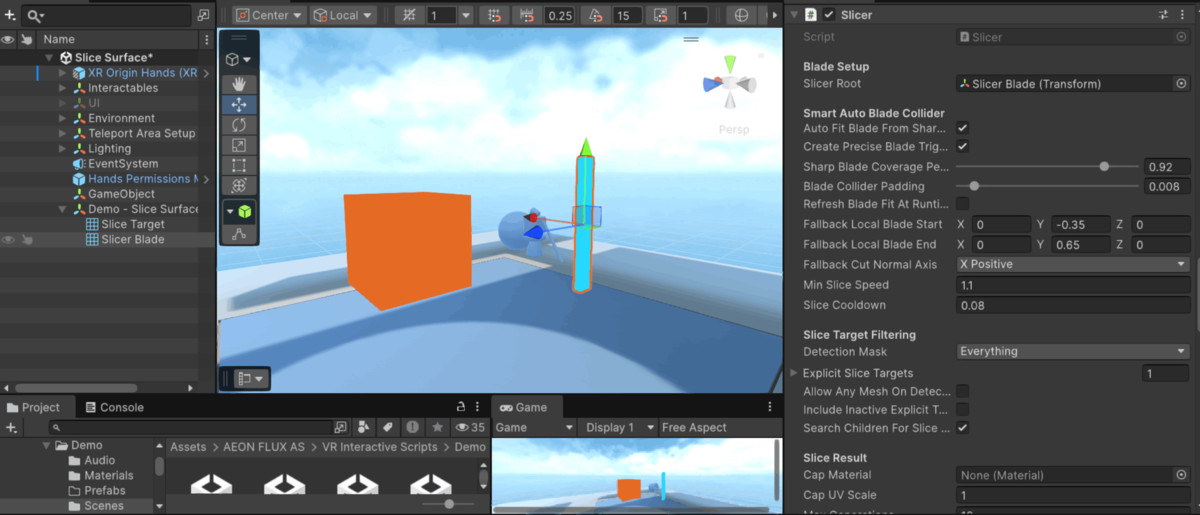
- Slicer: smart mesh slicing system for sharp objects.
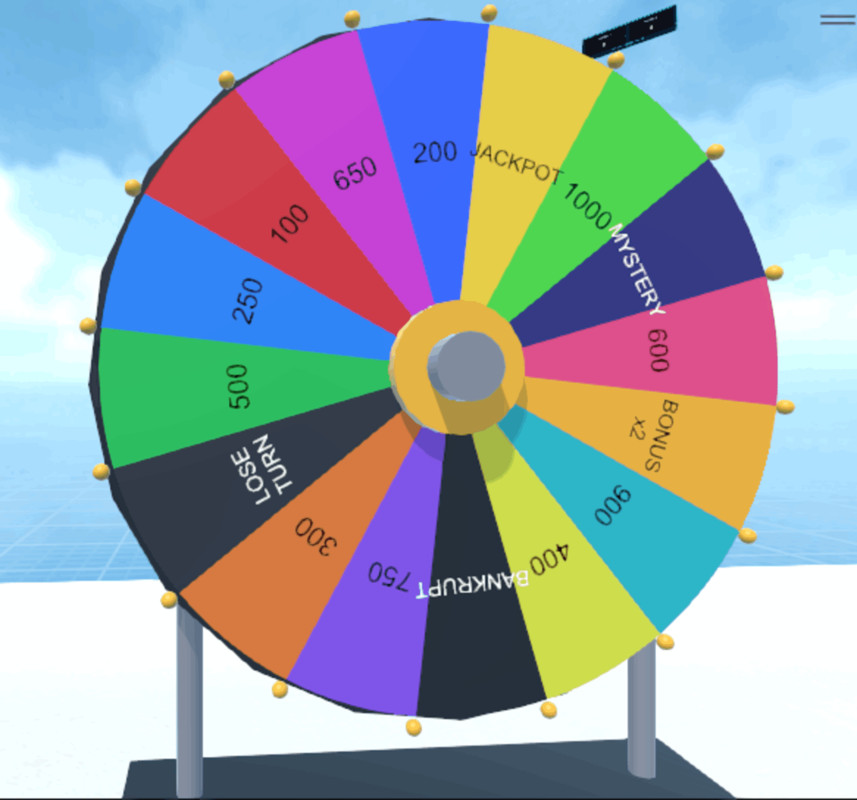
- WheelPuzzle: VR wheel puzzle game with generated UI and interaction.
Technical requirements:
- Unity 6.6 or newer.
- URP.
- Input System.
- XR Interaction Toolkit.
- XR Plug-in Management.
- OpenXR.
- TextMeshPro.
- Unity UI.
- Unity Video module for Scene Menu trailer playback.
- Android Build Support for Meta Quest builds.
Summary list:
feature/game names:
- Air Hockey
- Chess
- Pool / Billiards — Practice, 8-Ball, 9-Ball and AI opponent
- Darts
- Ludo
- Card Table / Card Games
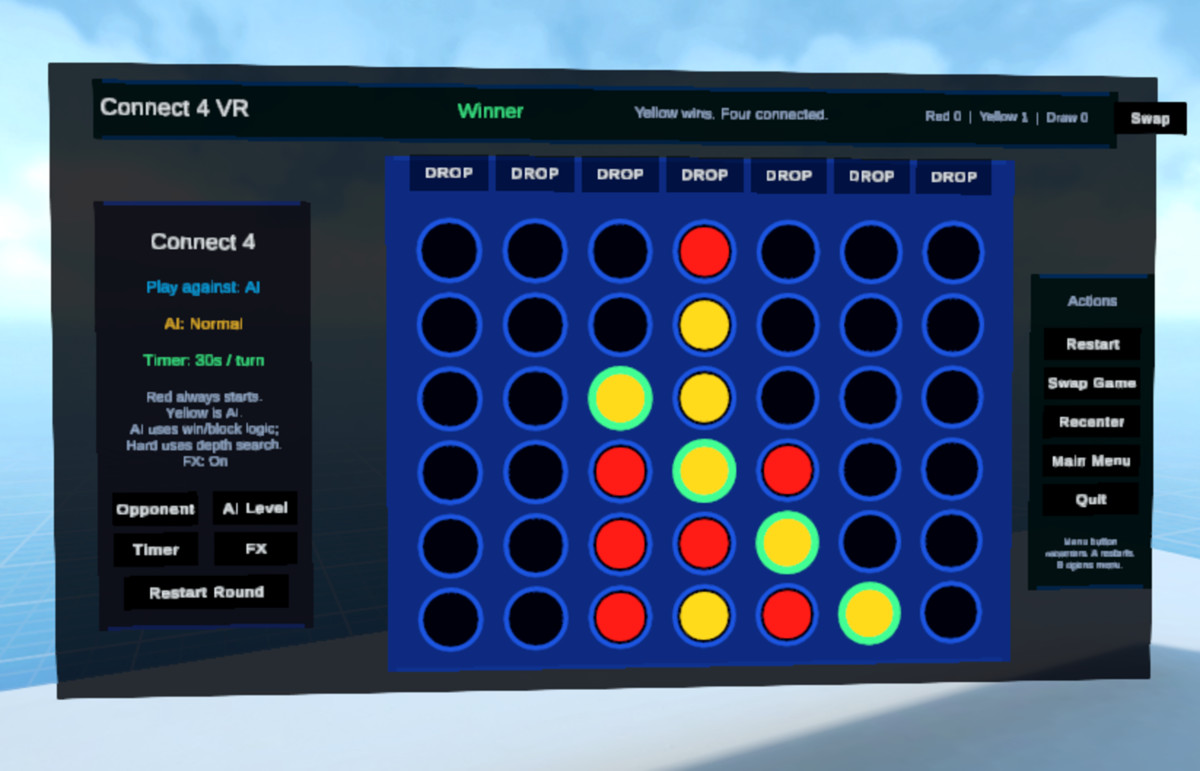
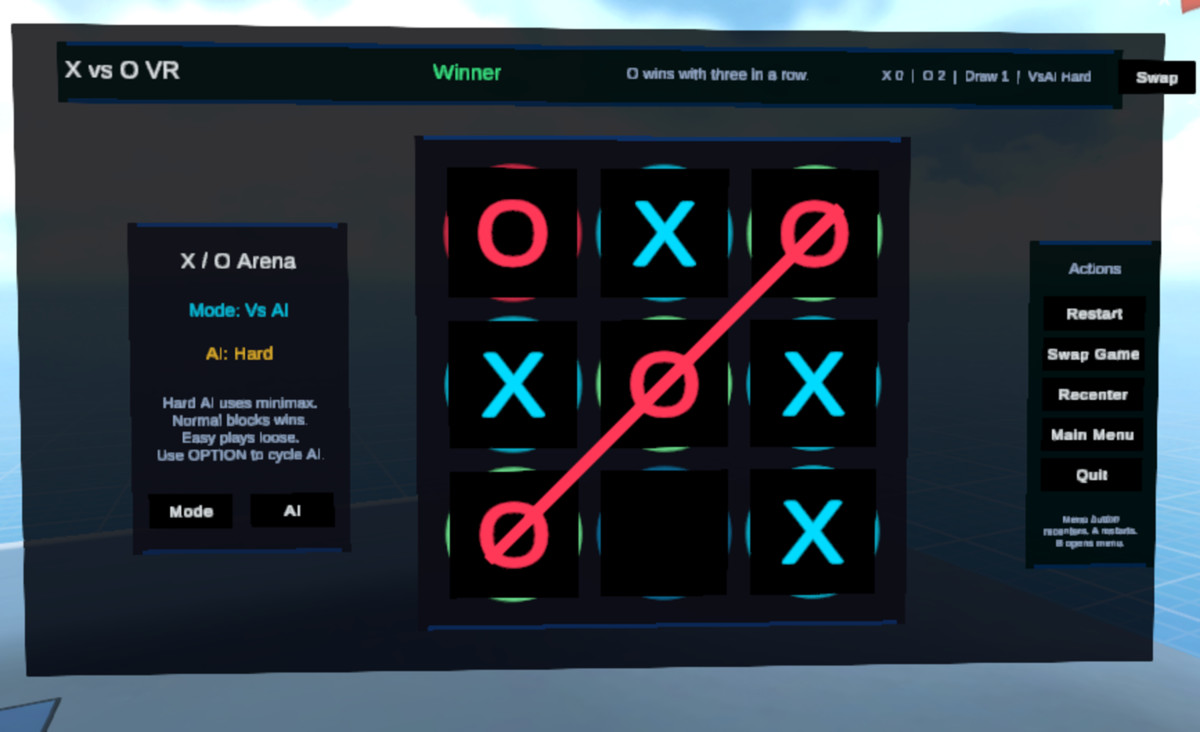
- Board Game Hub= X vs O, Connect 4
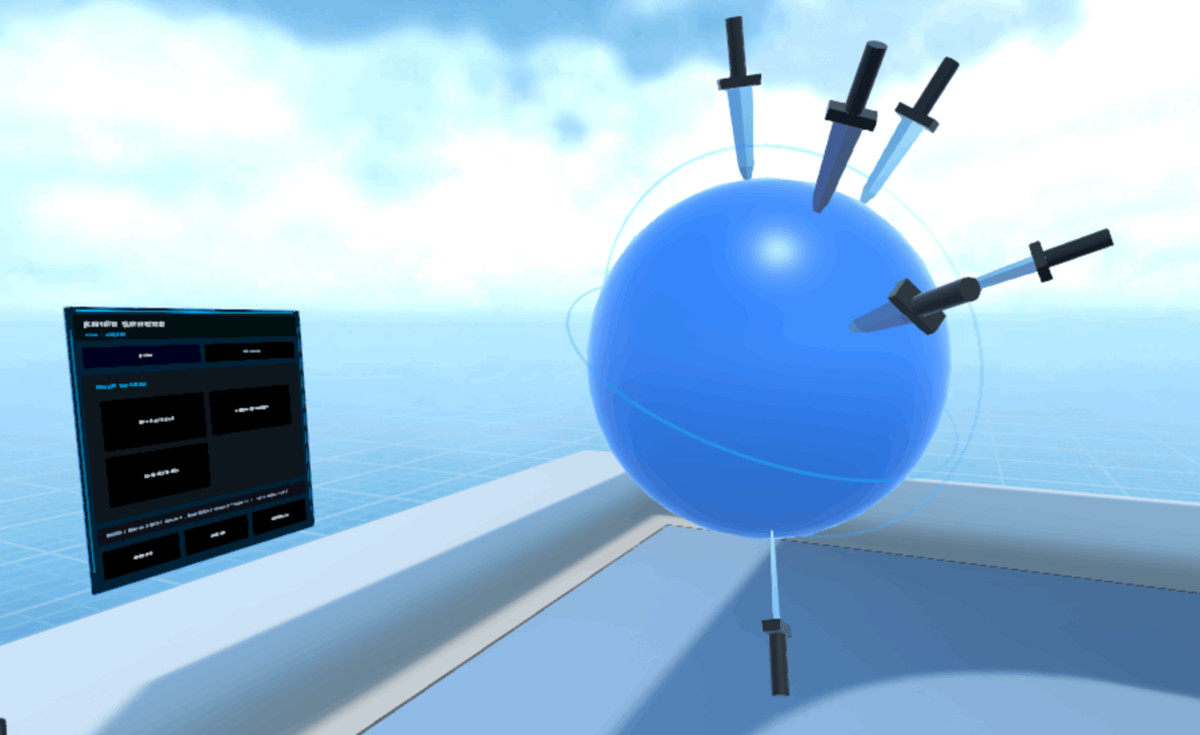
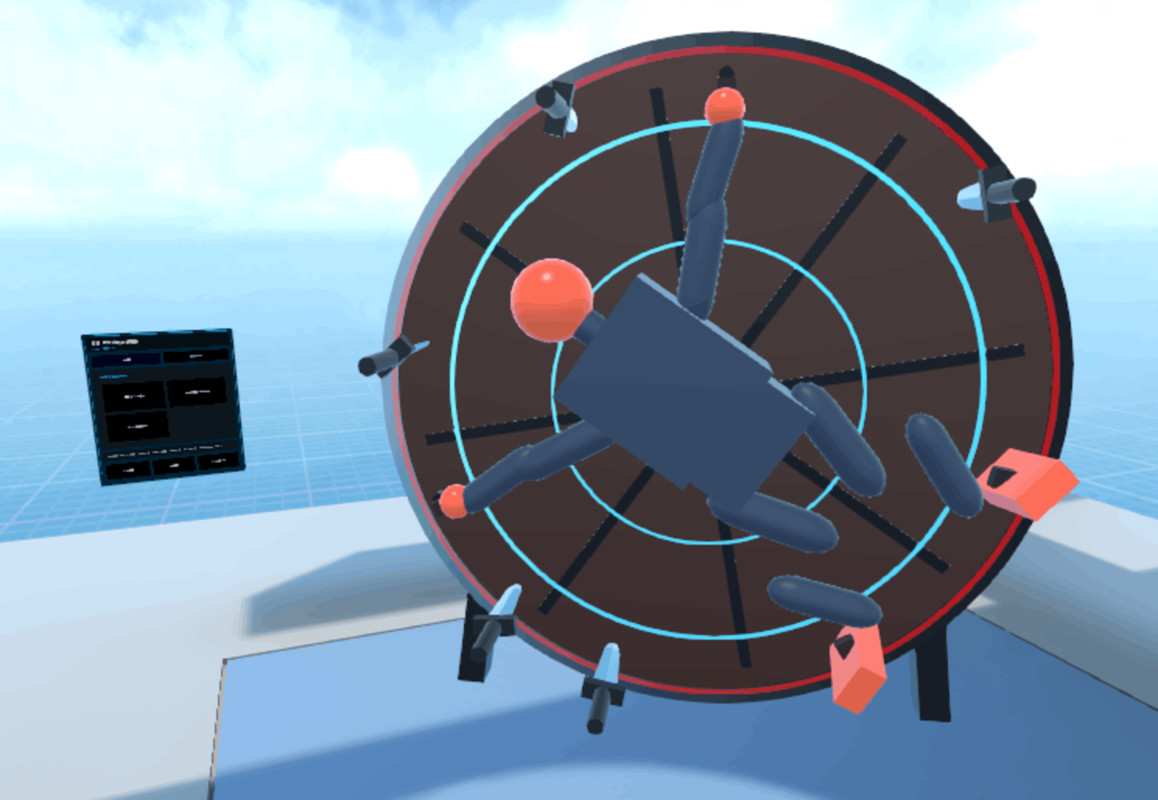
- Knife Throwing / Knife Sphere/ Humanoid Target hanged on a rotating wheel
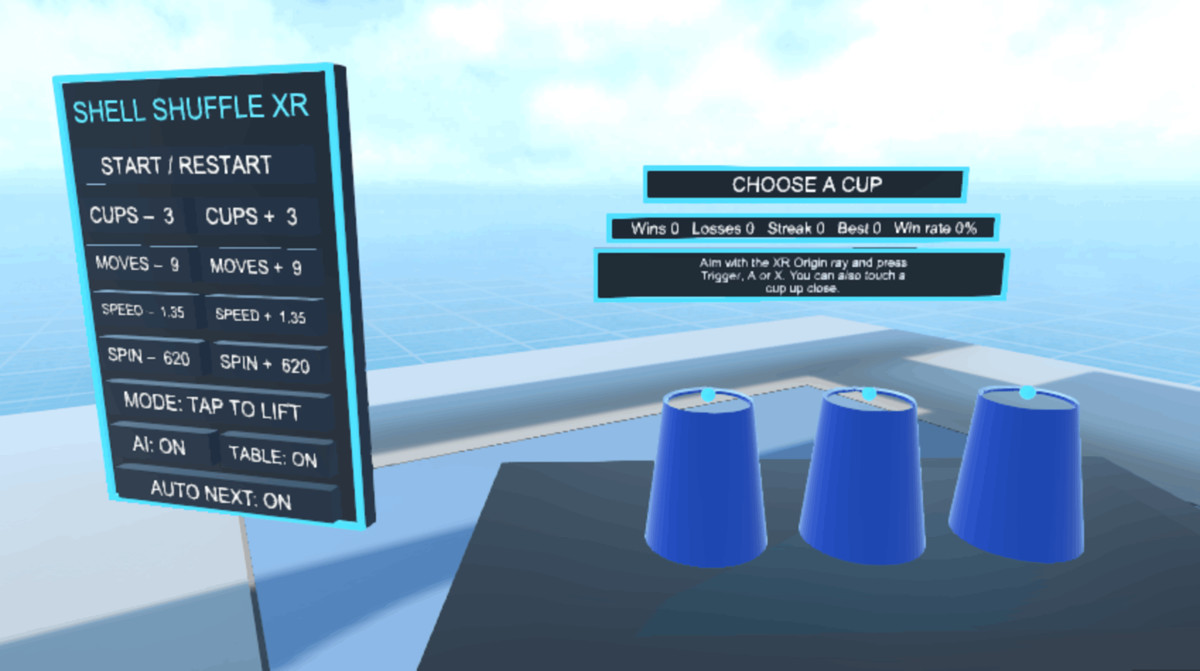
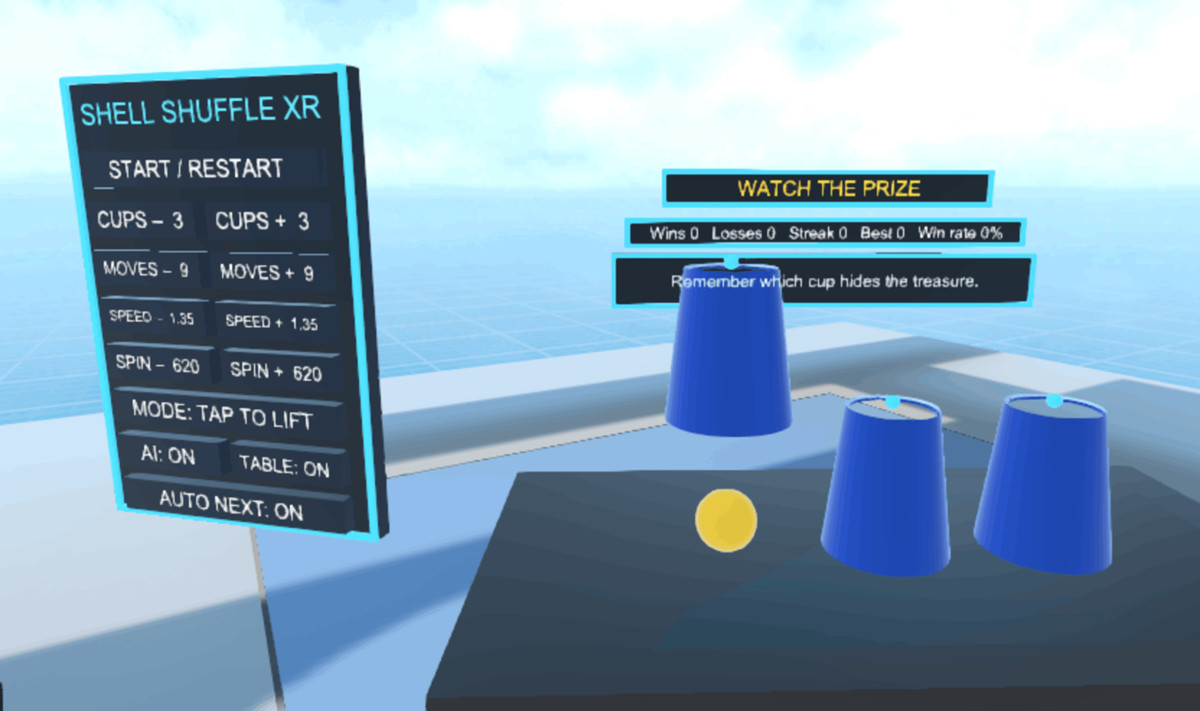
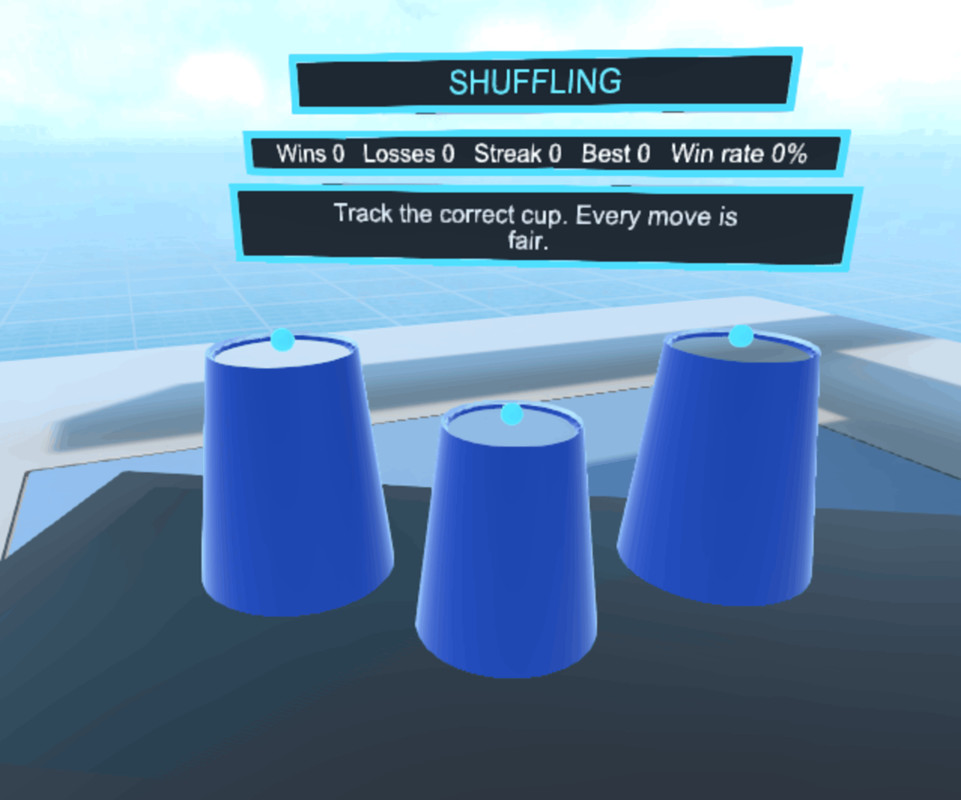
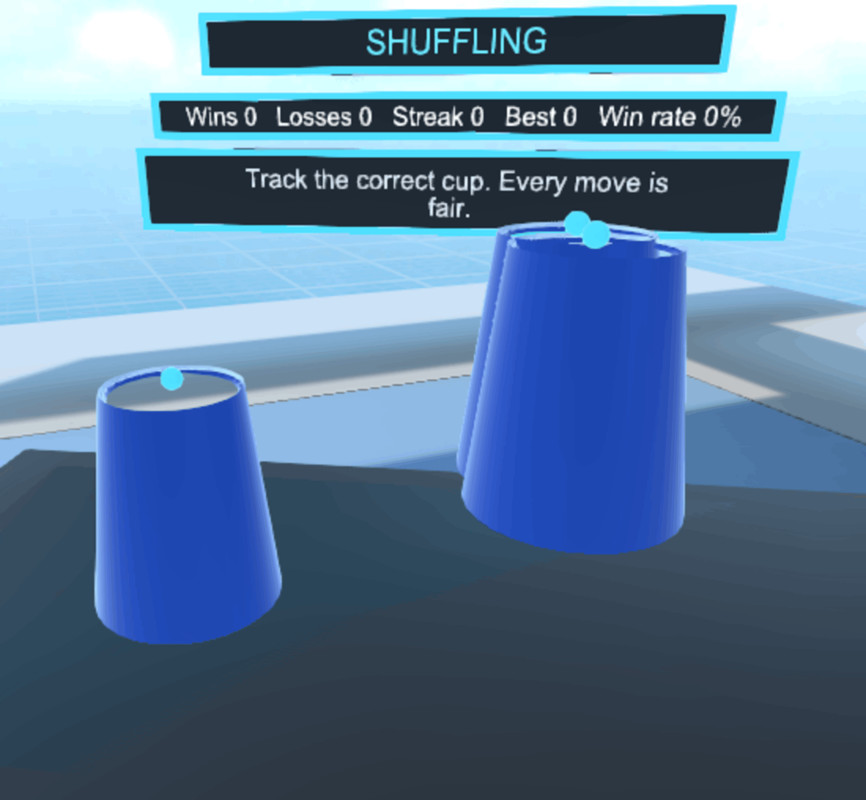
- Shufflle Cup ball guess place Game
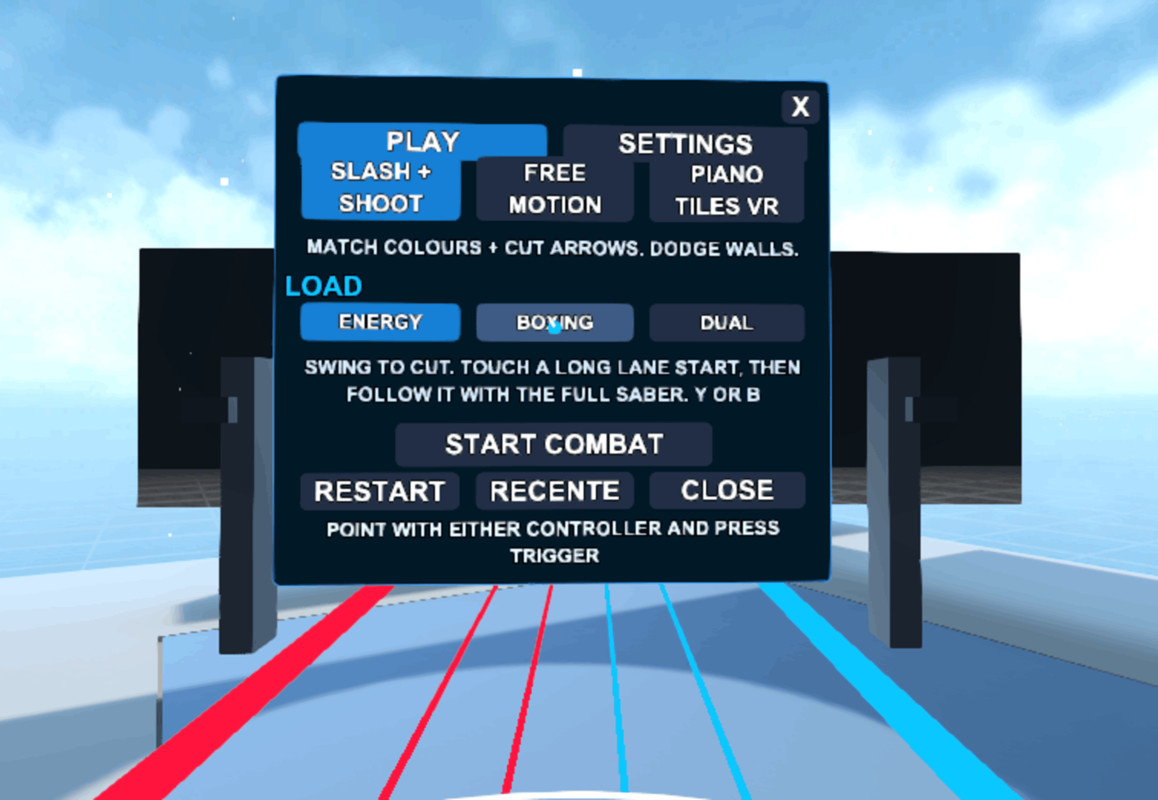
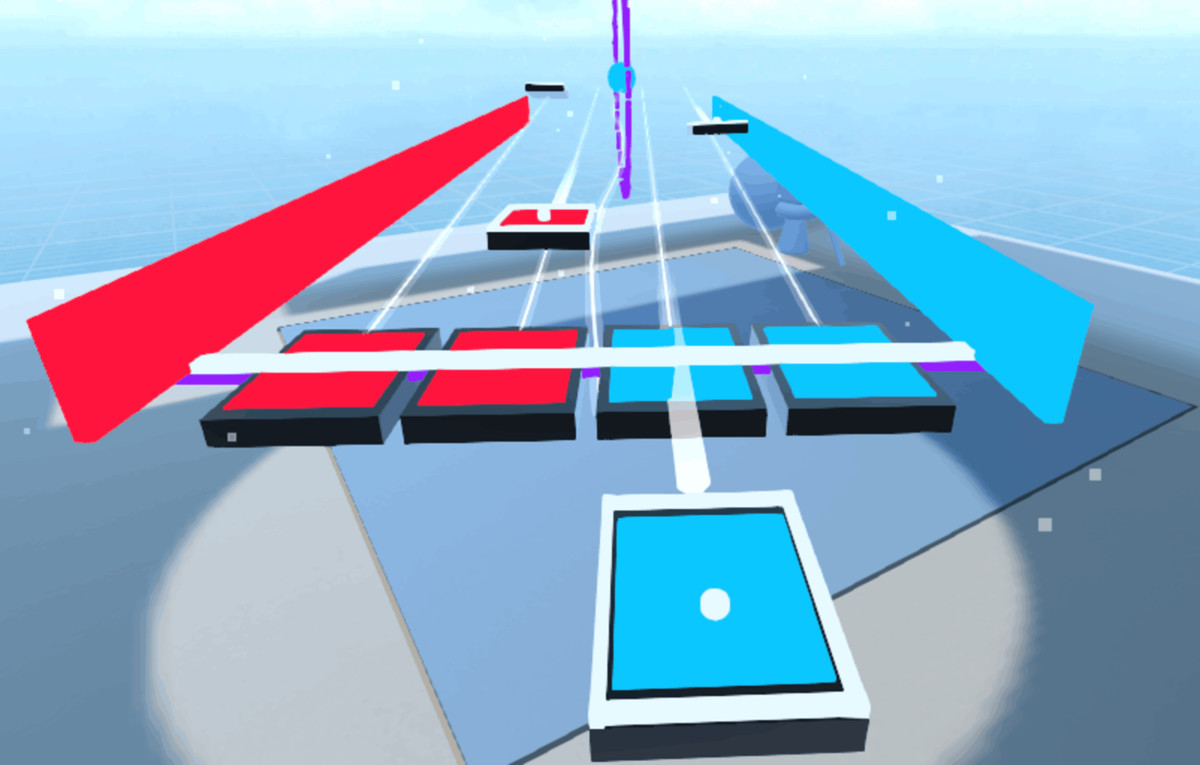
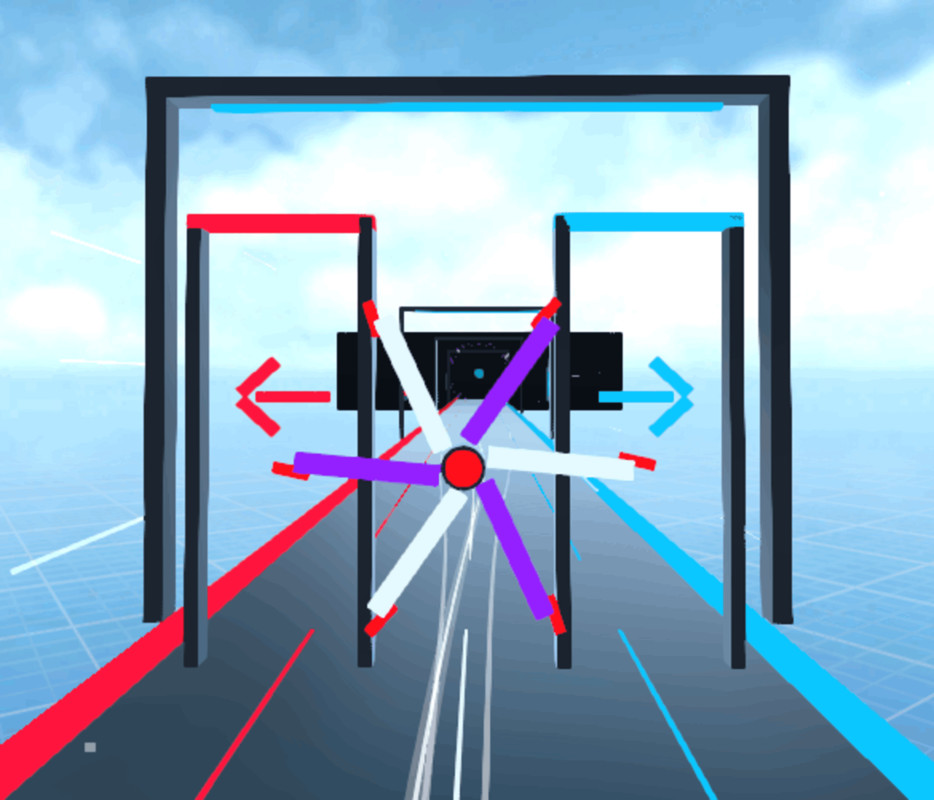
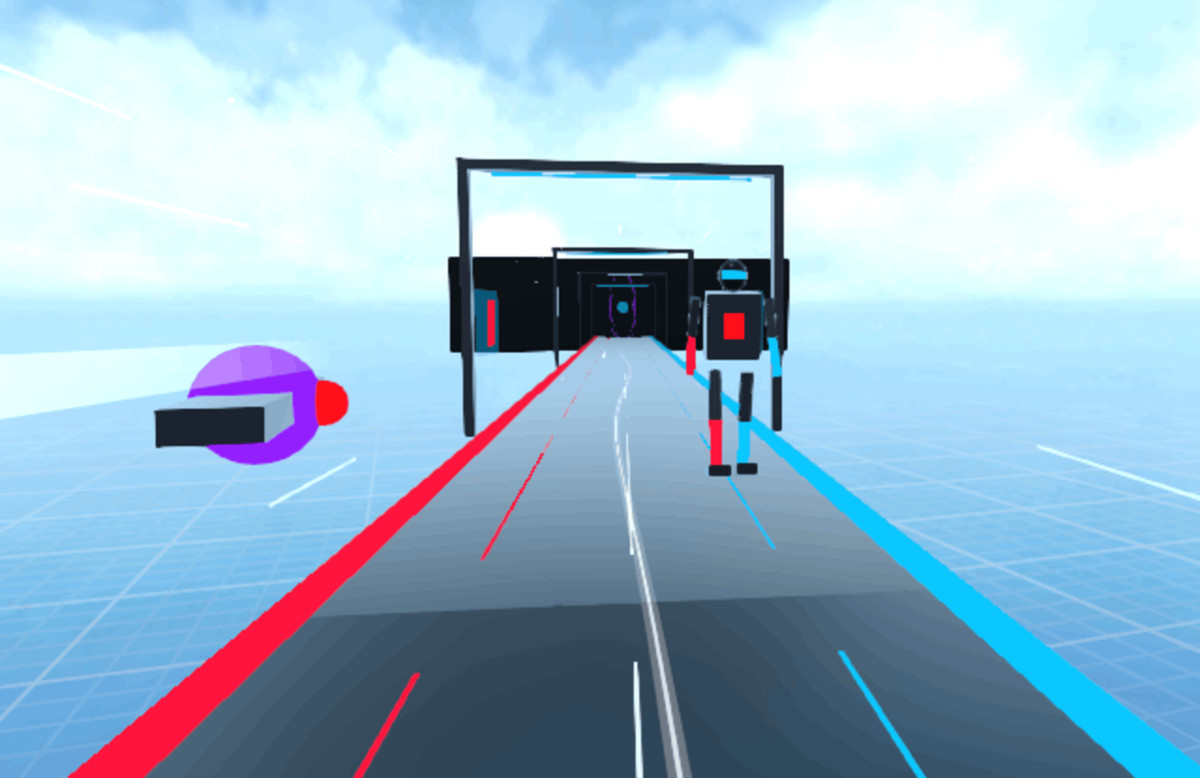
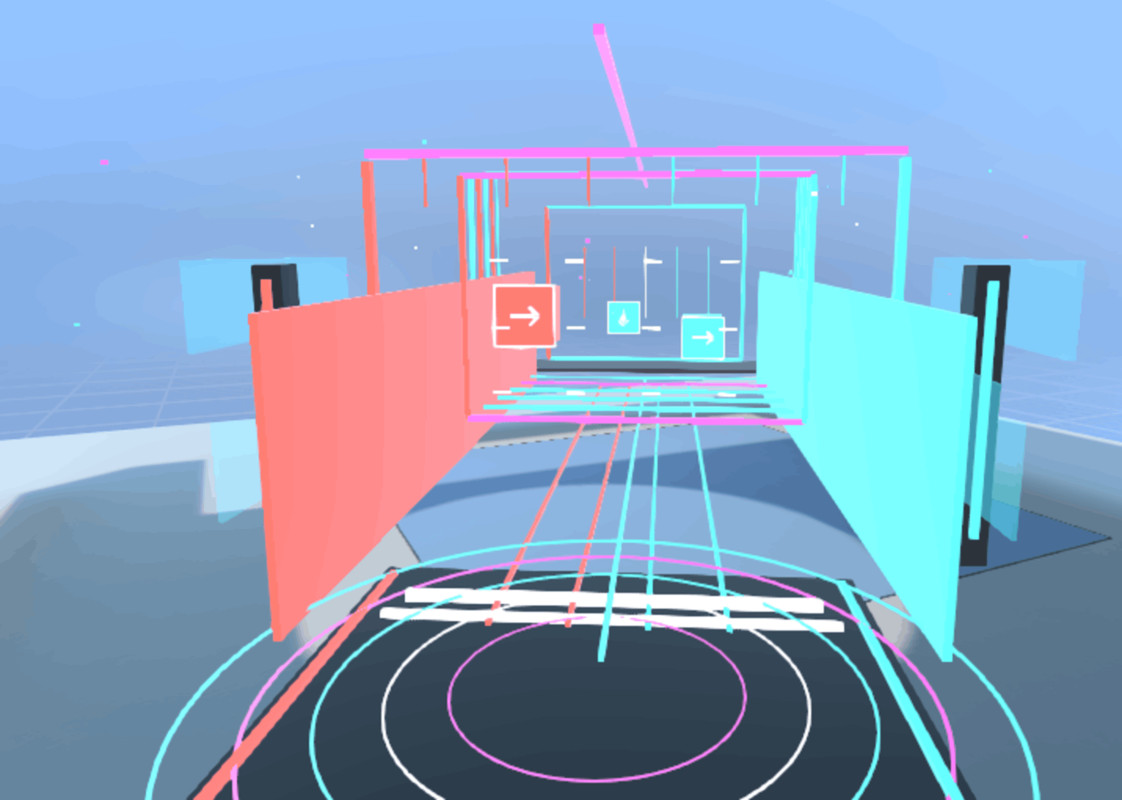
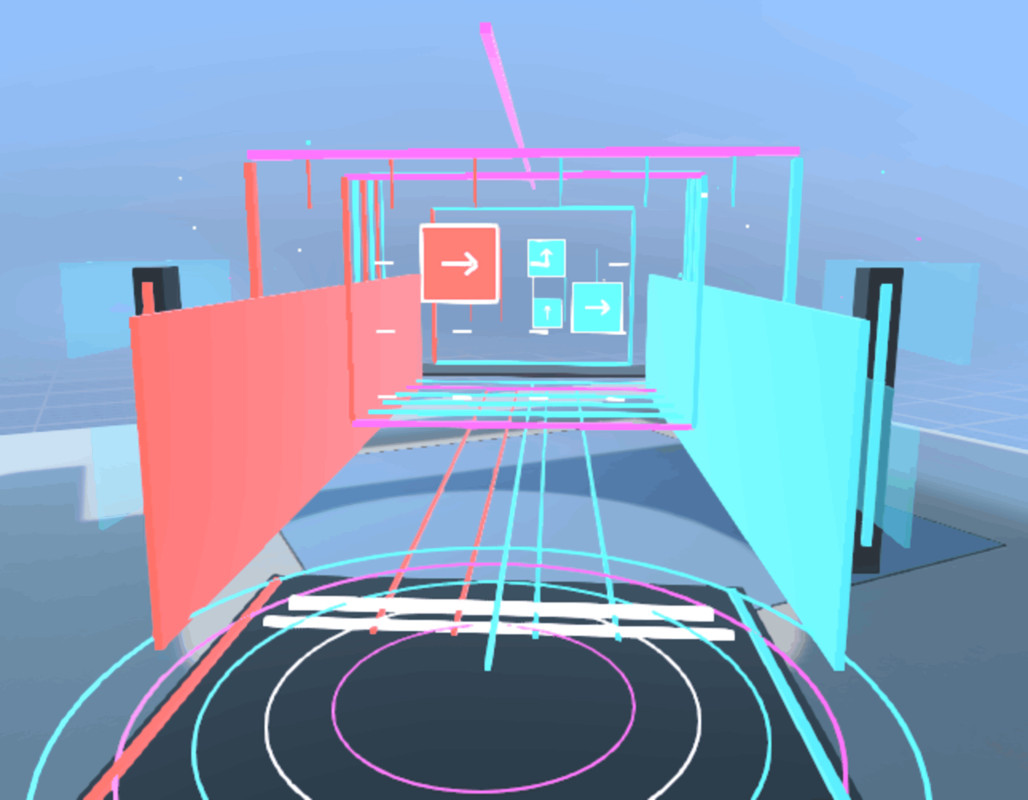
- Rhythm Game / Rhythm Forge (Like BeatSaber Style)
- Wheel puzzle
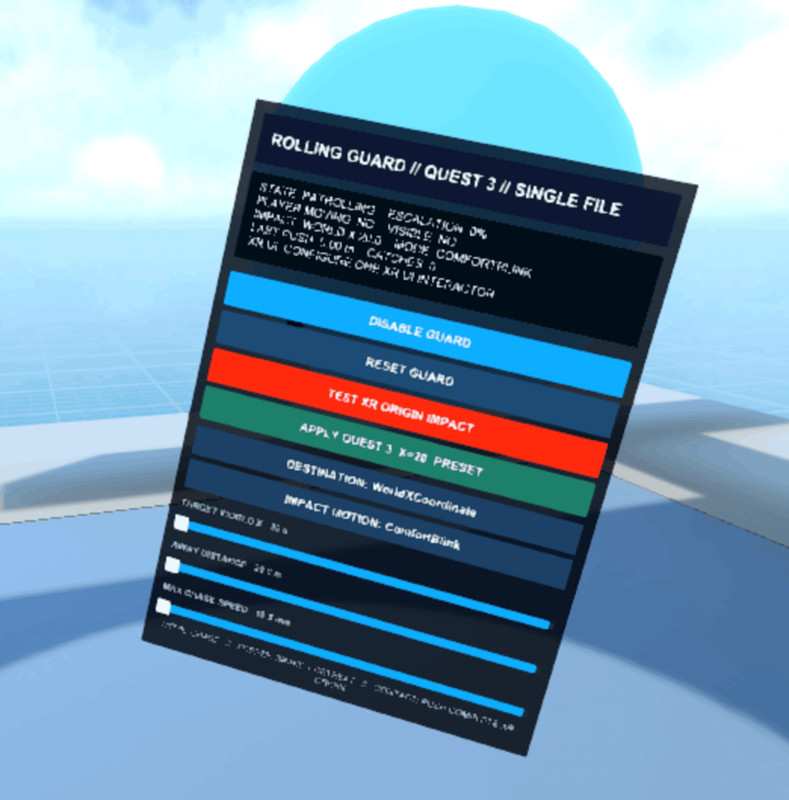
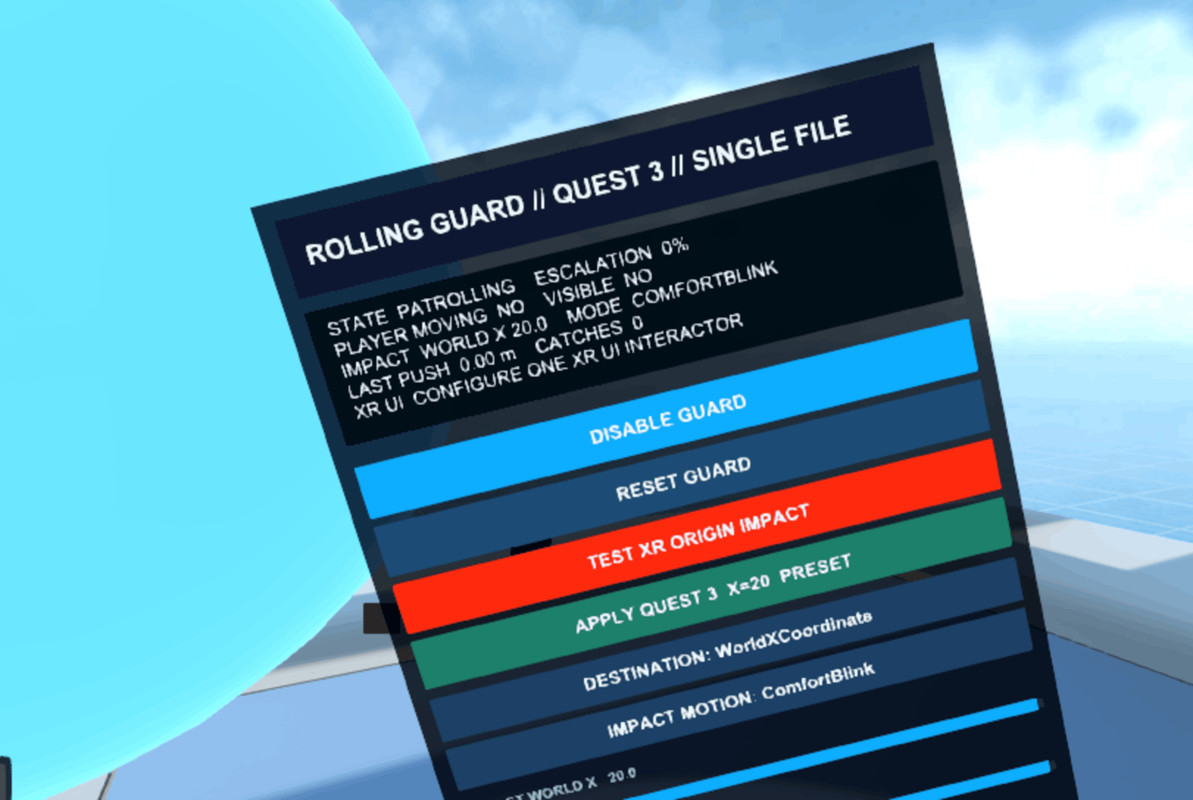
- Rolling Ball Guard / Chasing Guard
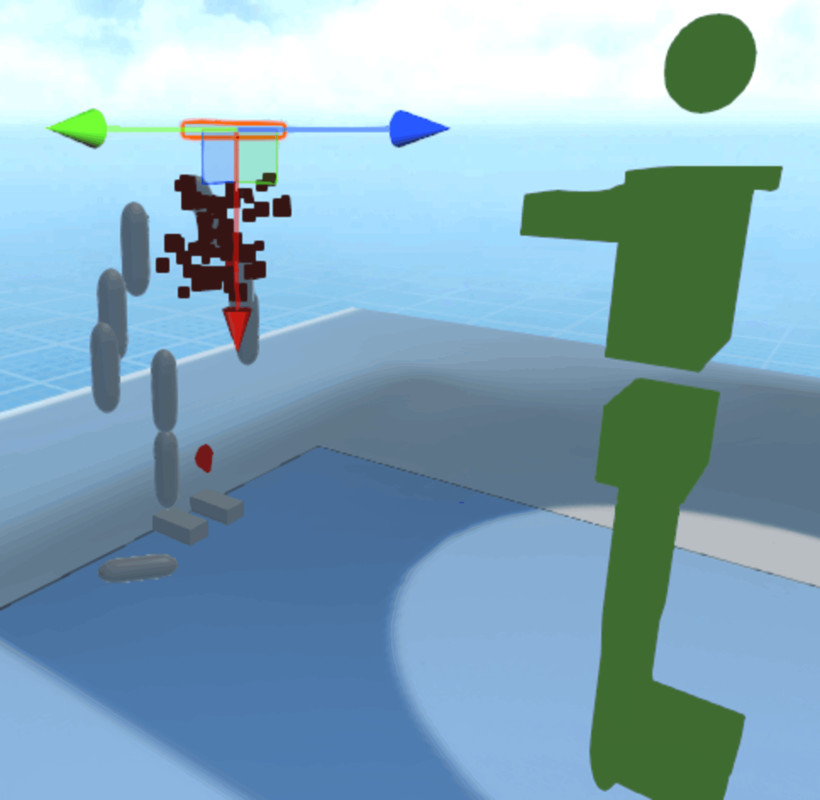
- Zombie Gore & Dismemberment
- Sword Fighting / Sword Combat
- Flying Sword
- Ice Sword
- Slashable Sword / Blade
- Object Slicing
- Sliceable Surfaces
- VR Combat like mix style (Beat Saber, Piano Tiles, Brisk Square)
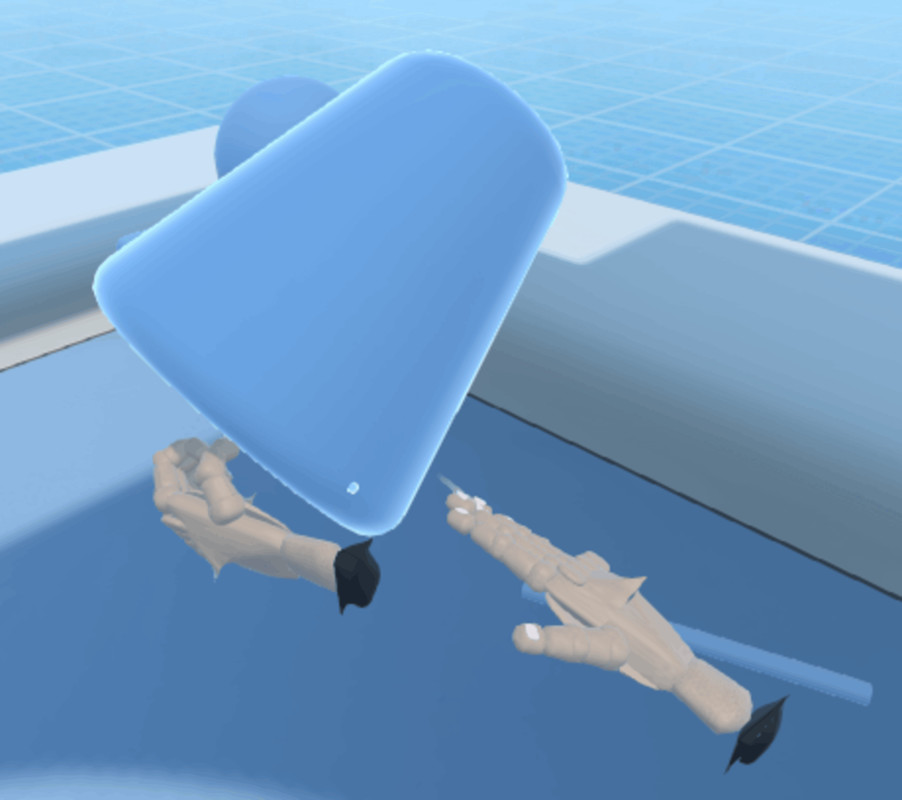
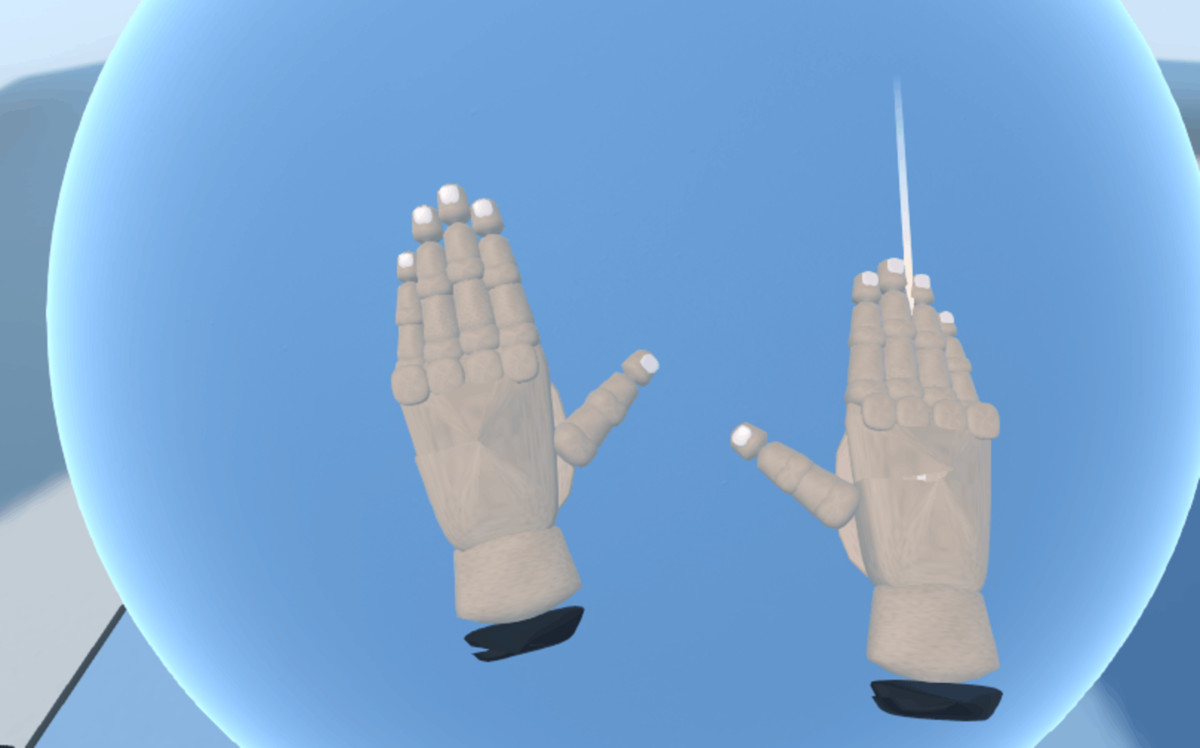
- VR Hands
- Physical Hand Interaction, Hand Surface Collision & Contact Effects
- Spatial Inventory Storage
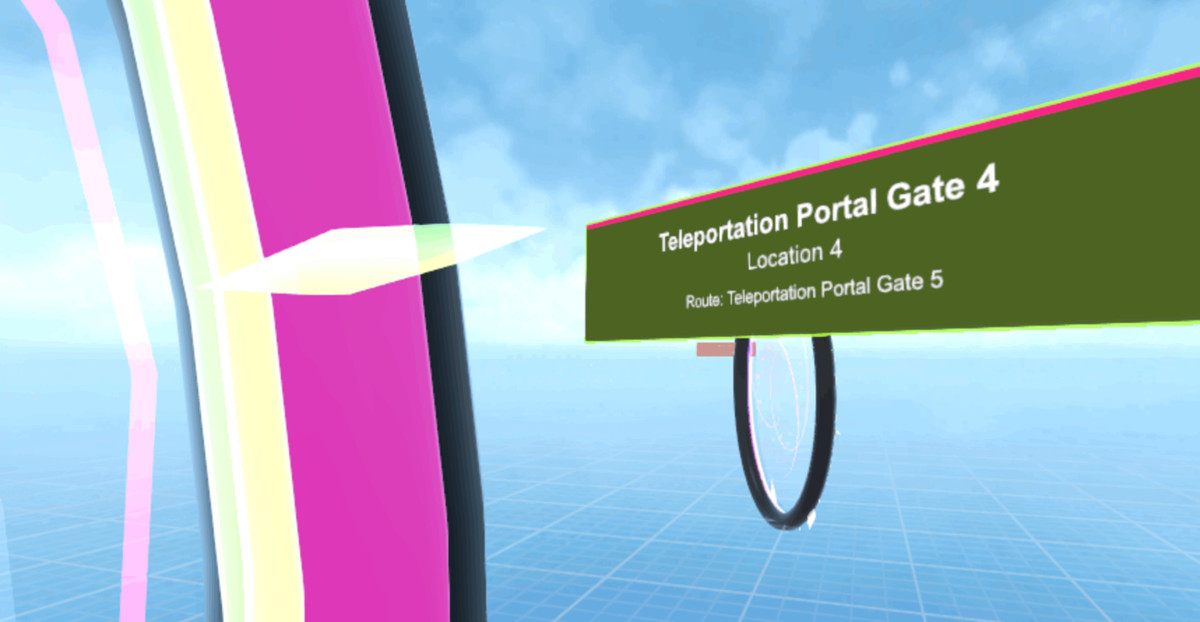
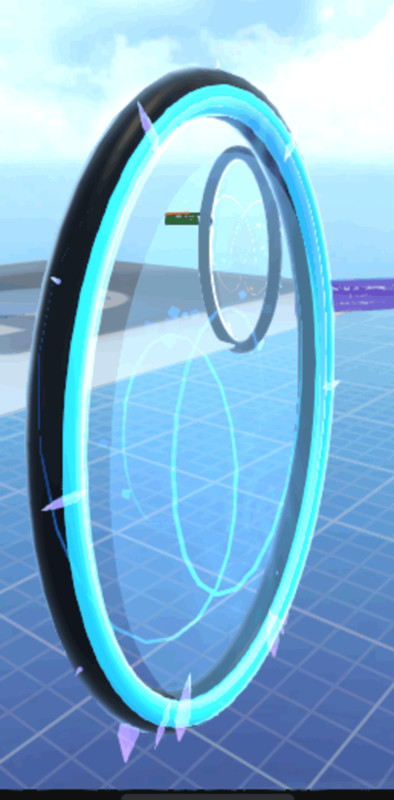
- Teleportation Portal Gates
- Elevator
- Crumbling Bridge
- Emerald Bridge damageable (VRIF= EmeraldAI 2026)
- Web Swinging
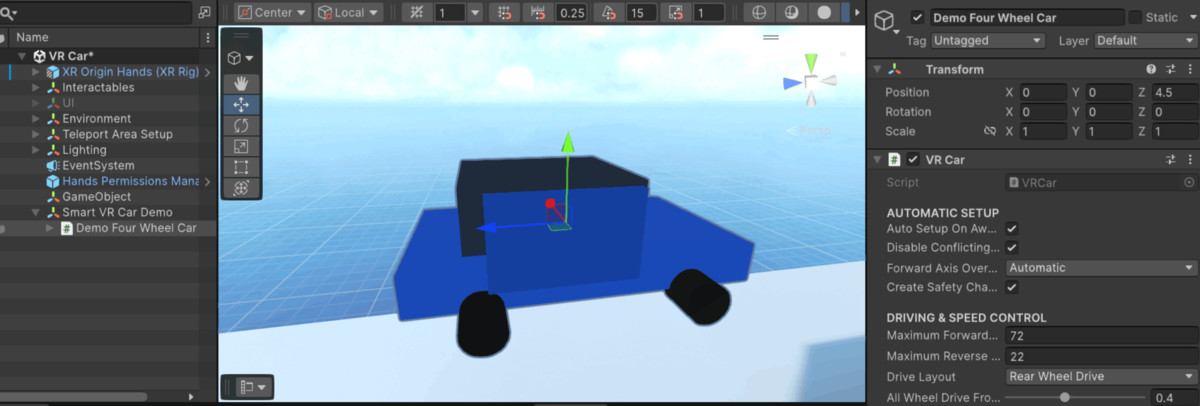
- VR Car / Driving
- VR Paint / Drawing Whiteboard
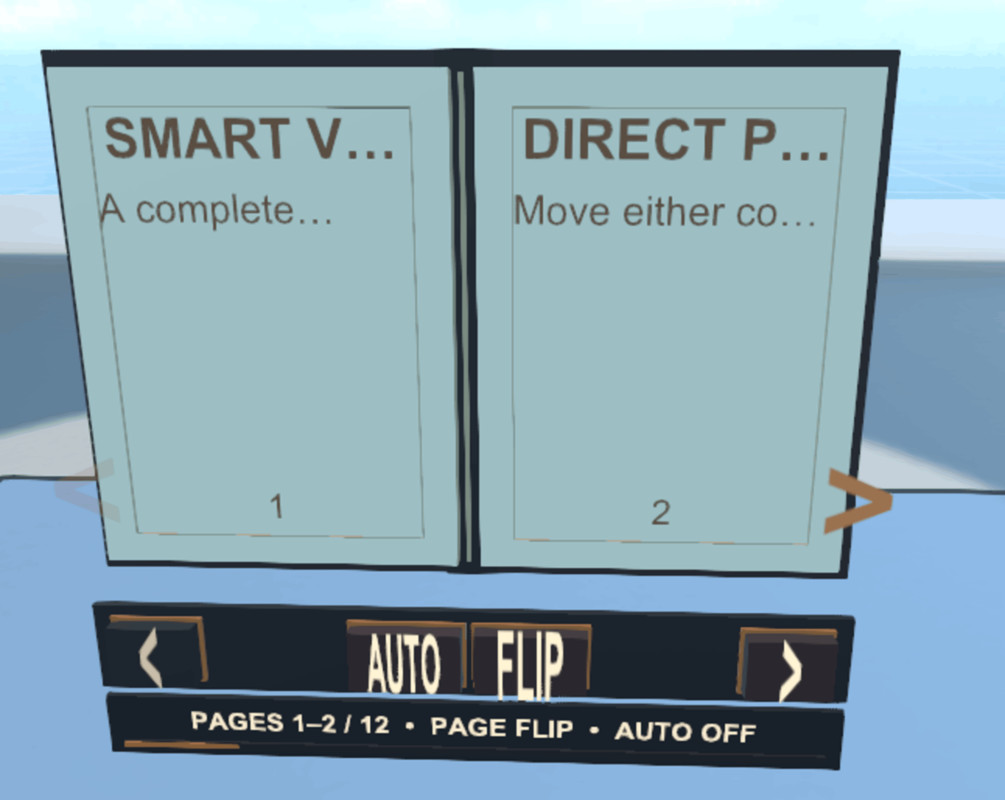
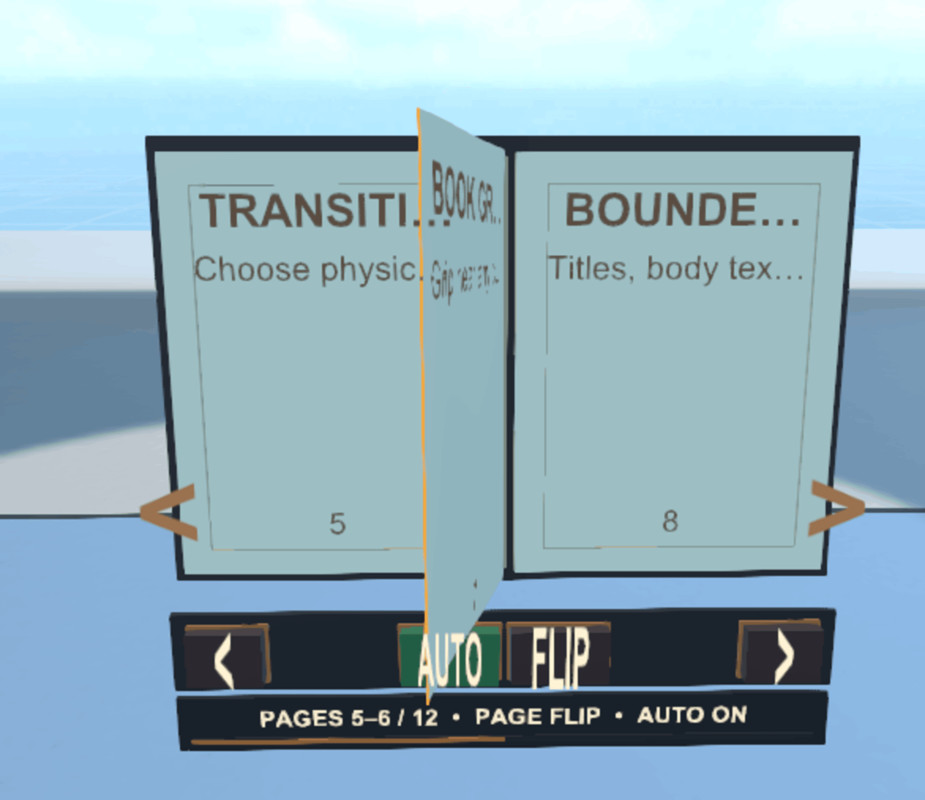
- VR Book
- NPC Dialogue / Conversation
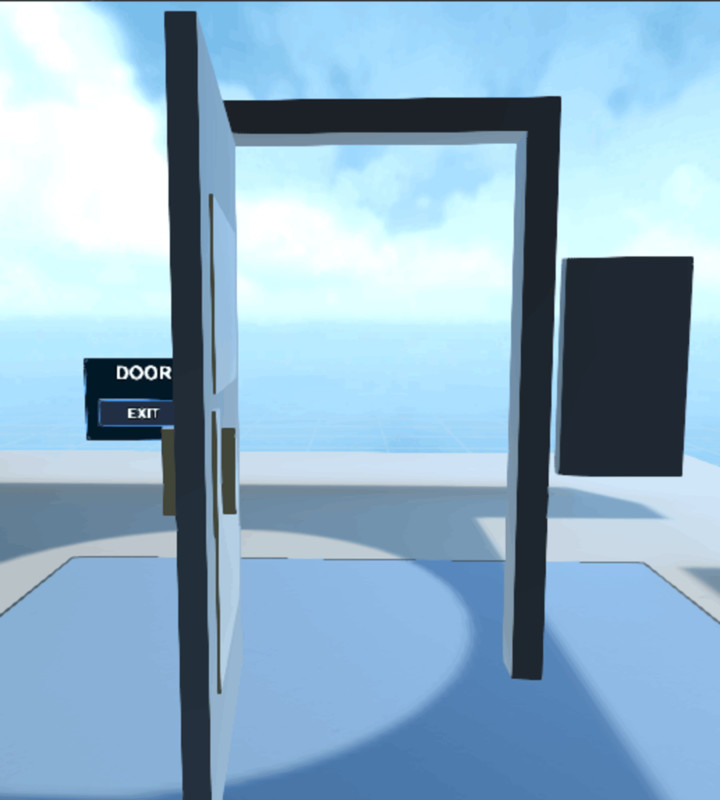
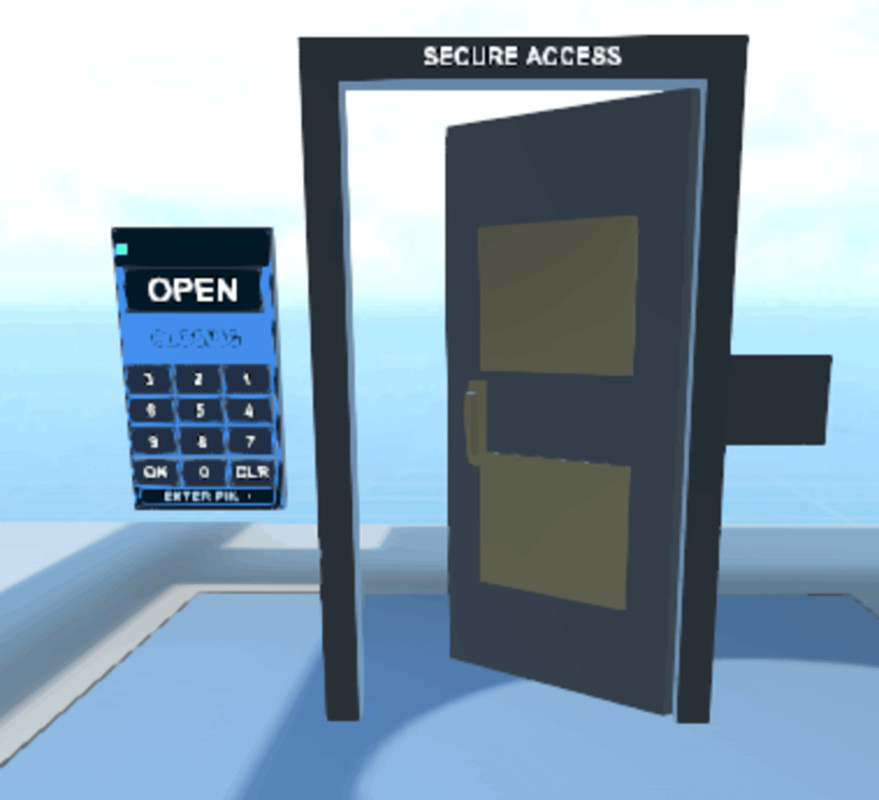
- Keypad Door Lock
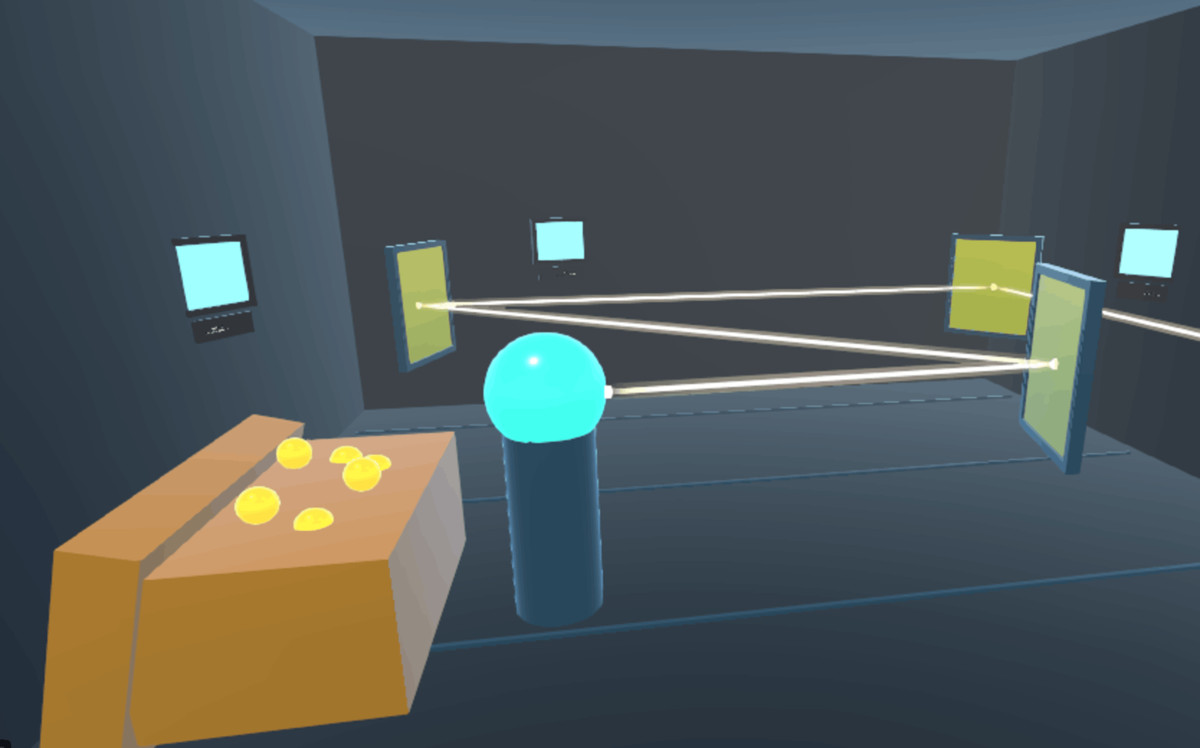
- Mirror Puzzle
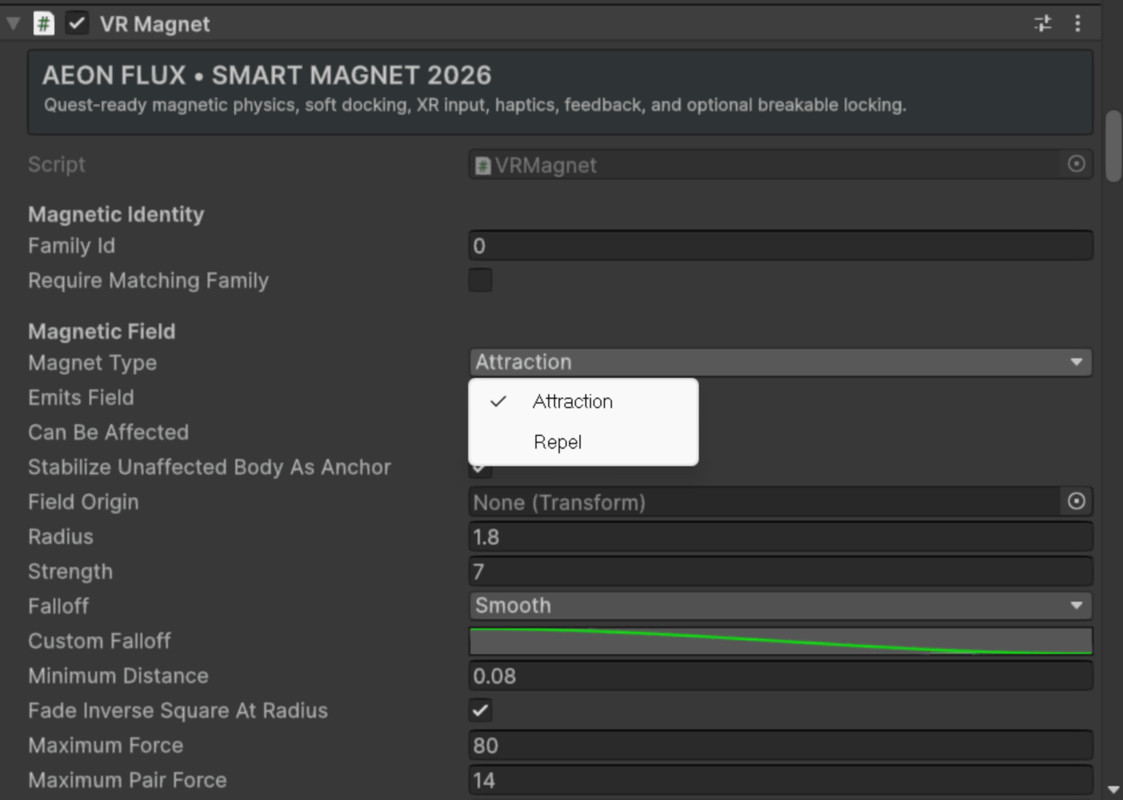
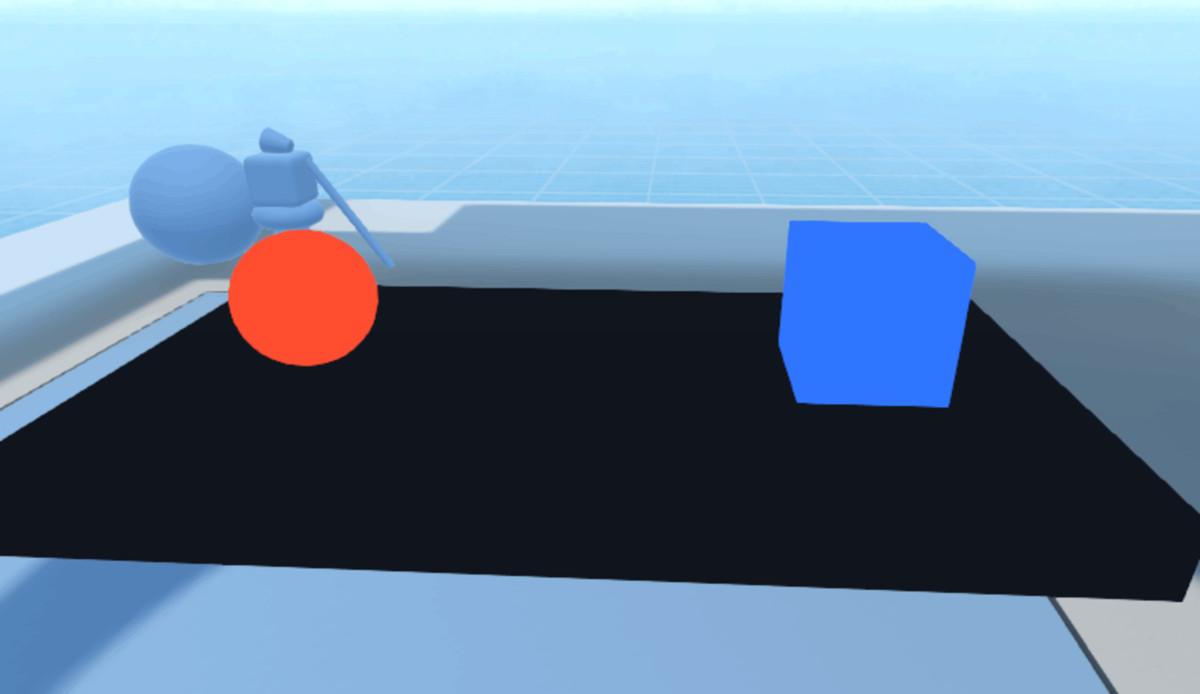
- Magnet / Magnetic Objects
- Clone / Copy Player Movement
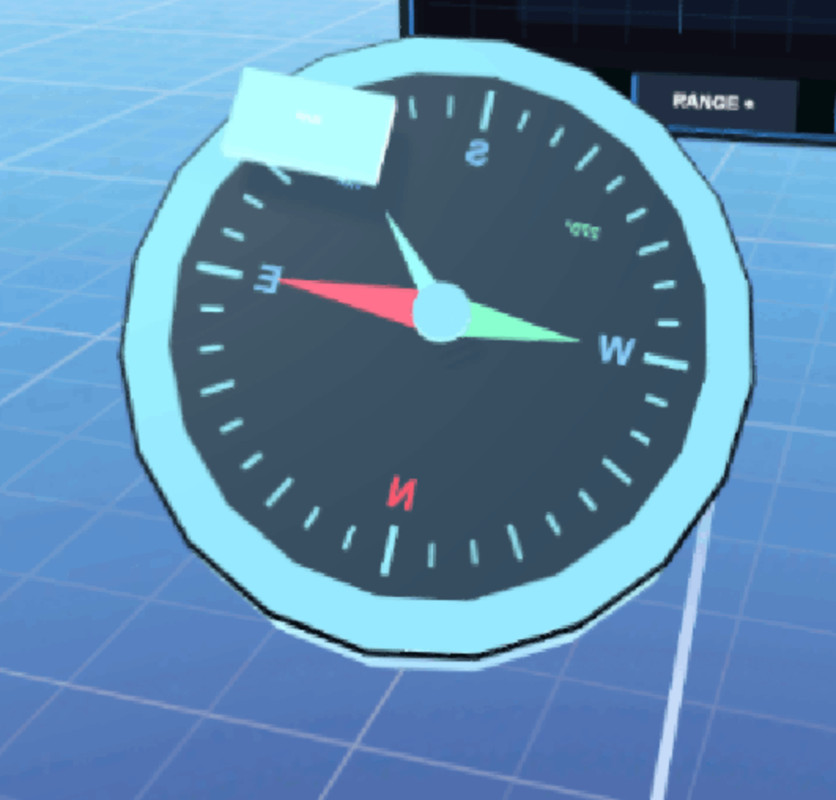
- Compass
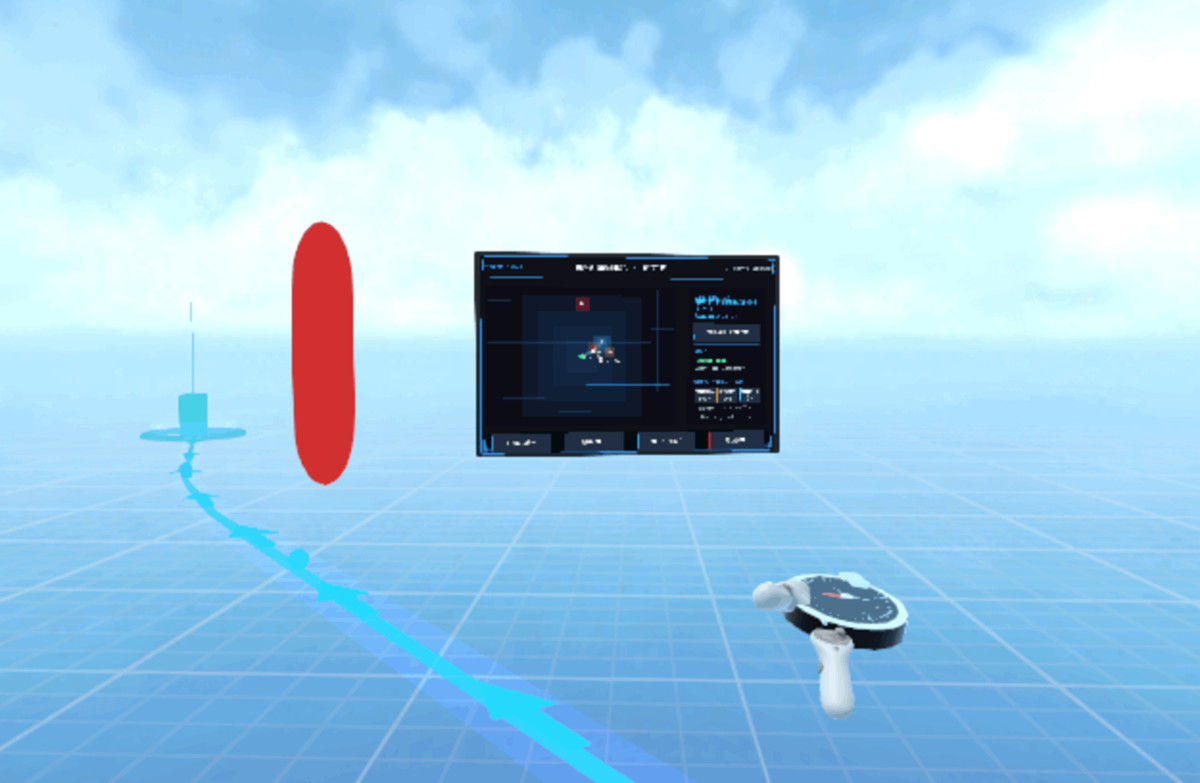
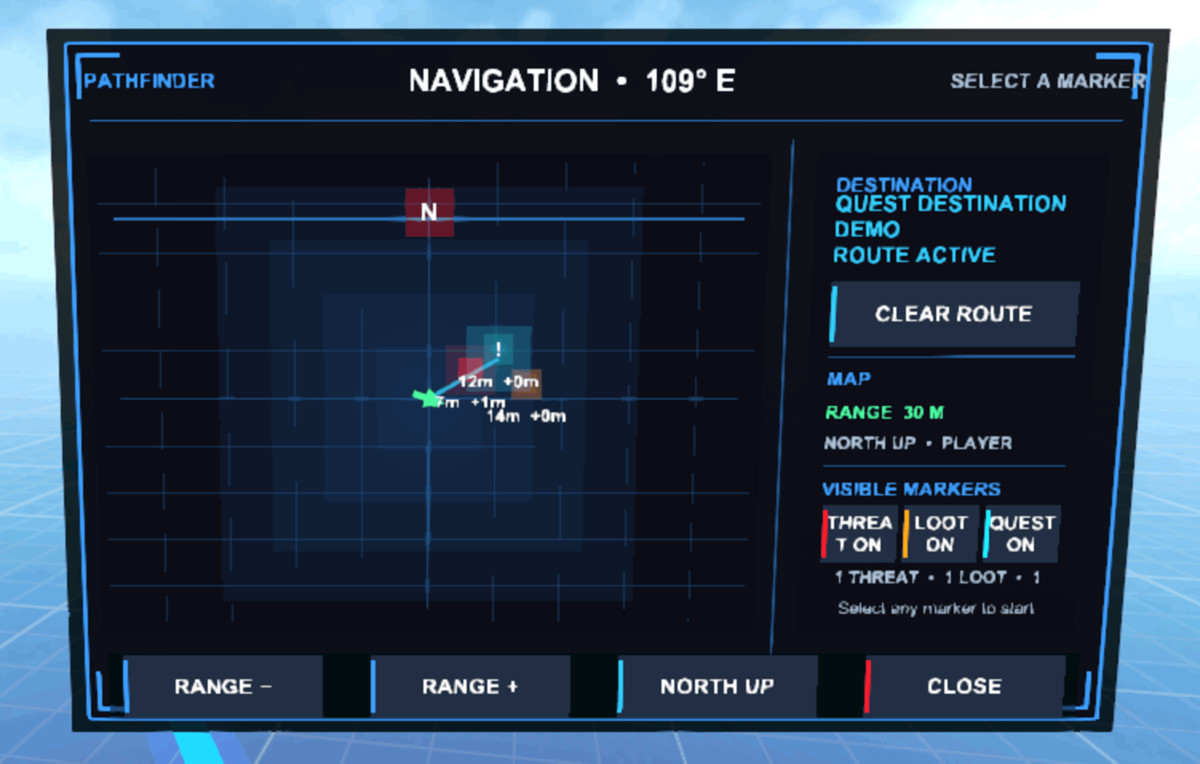
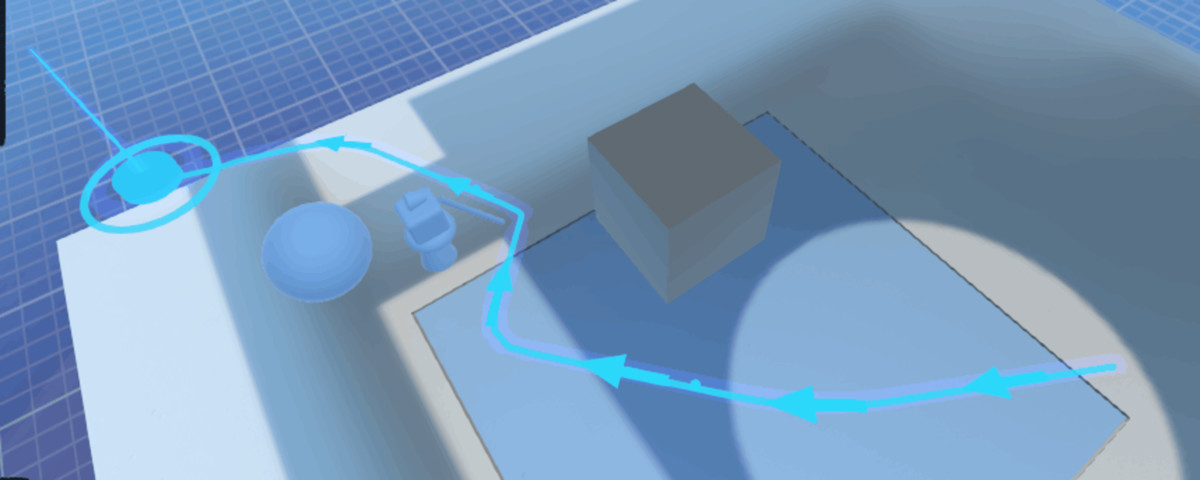
- VR Path / Path Guidance
- Audio Zones
- Blood Effects
- Weapon / Object Trail Effects
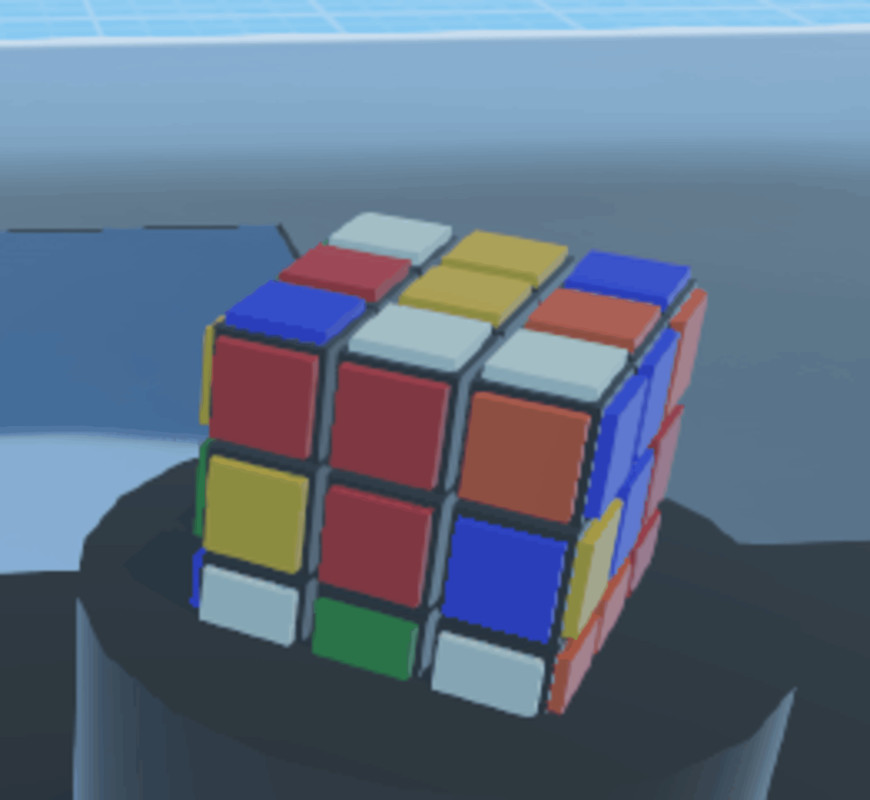
- Rubik Cube Interaction
- Object Selection Guide
- Haptic Feedback
- Interactable Object Feedback
- Spatial Placement
- Spatial XR UI Panels
- XR UI Interaction Feedback
- XR UI Themes
- XR UI Panel Management
- XR UI Input / Pointer Management
- XR Interaction Registration Safety
- XR Physics Management
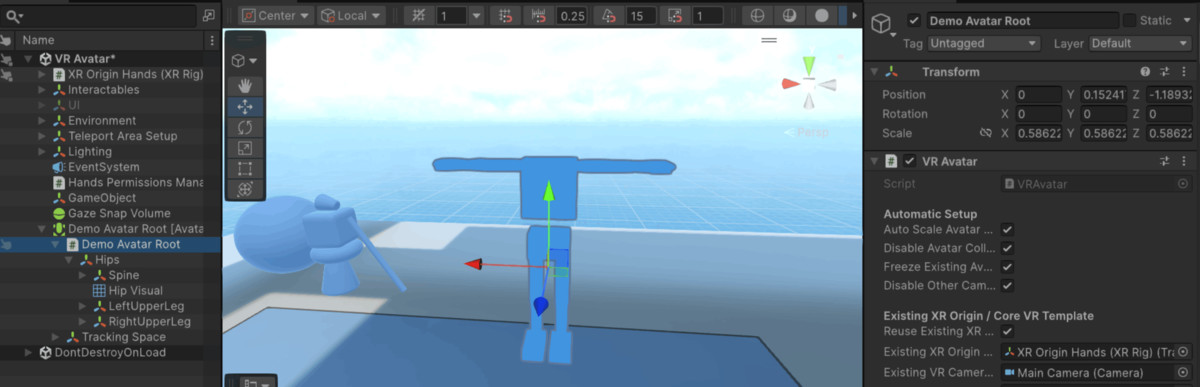
- VR Avatar
- VR Performance Optimisation
- VR Settings / Save System
- VR Experience / Game Director
- Scene Switching
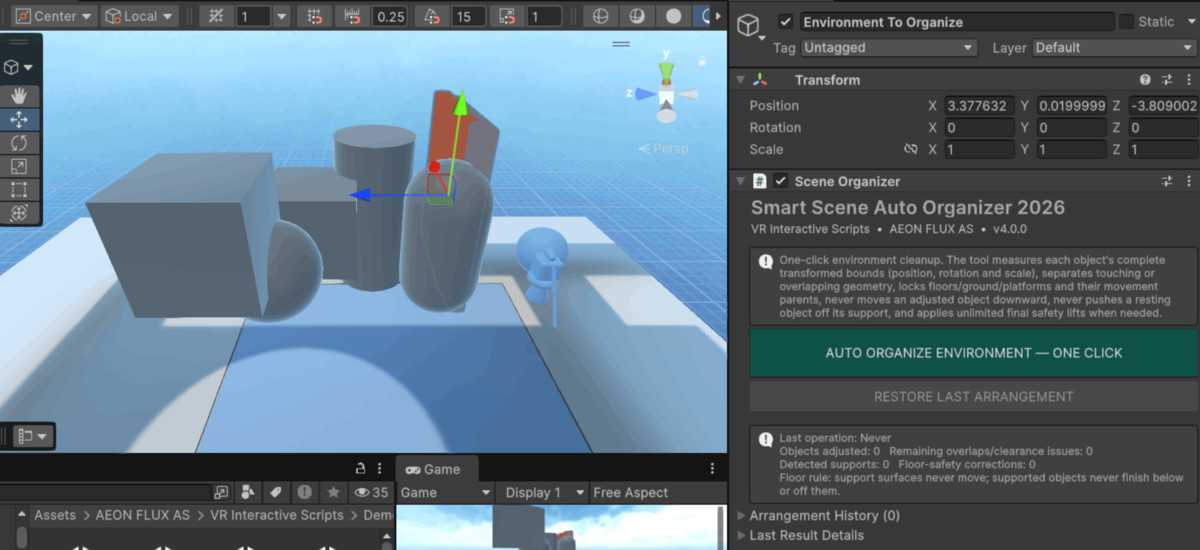
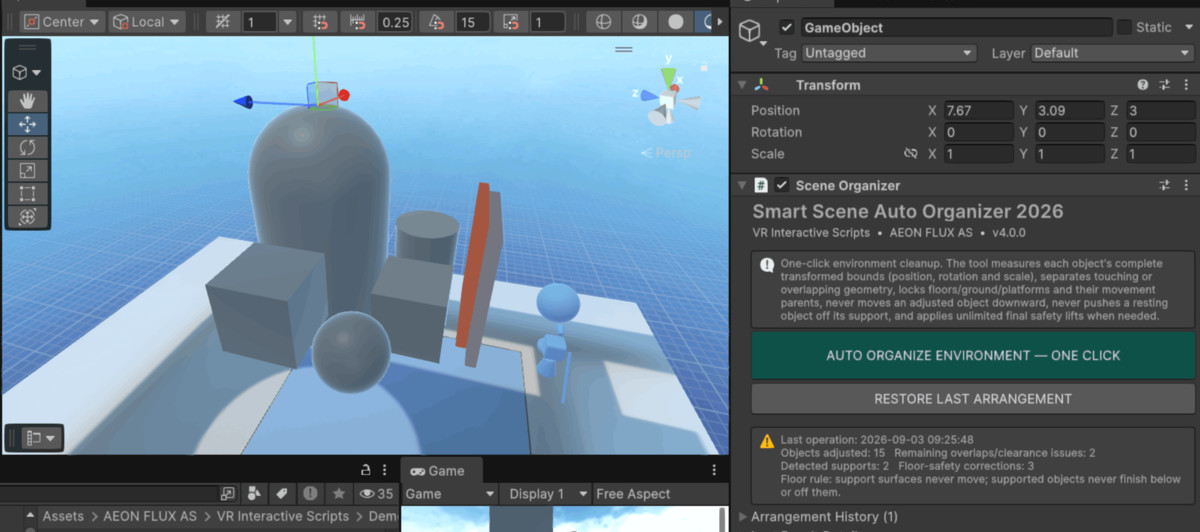
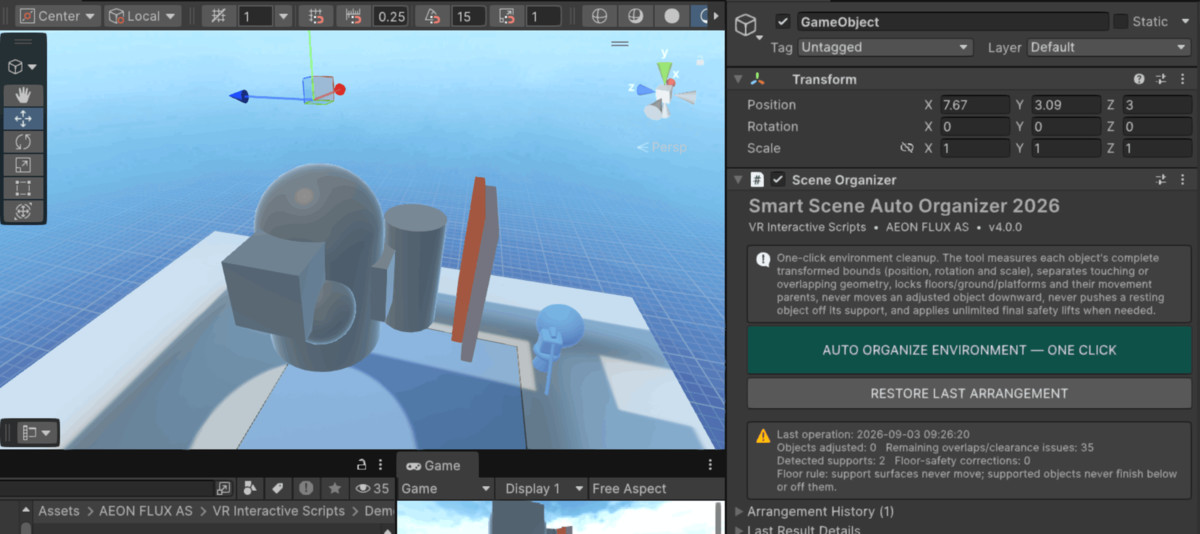
- Scene Organisation no overlap in positions.
- Demo Scene Setup & Generator
- Demo Runtime Support
- Demo Interaction Helpers
- Spatial Panel Feature Menu
- Spatial Panel Scene Setup
- Spatial Panel Generated UI
- VR Package Showcase
- Project Setup Wizard
- Project Validator / Error Checker
- XR UI Infrastructure / Compatibility Support
Note: some script may need some modifications, so either you wait for my updates or modify them yourself.
Compatibility
| Unity version | Built-in | URP | HDRP |
|---|---|---|---|
| 6000.6.2f1 | Not listed | Compatible | Not listed |
Unity editor 6.000.6.2f1 is the default recommended. Scripts might still work with other Unity 6.x editors. But use my tested 6.000.6.2f1 with VR CORE VR default template whenever possible. URP is the supported/default render pipeline. Some scripts may include Built-in shader fallbacks, but Built-in, HDRP and Custom RP are not officially supported.
As listed on the Asset Store.