
 View on Asset Store (opens in new tab)
Package details
- Latest version
- 1.0
- Last updated
- First released
- Unity version
- 6000.3.6 or later
- Package size
- 10.3 MB
- Files
- 48
- Views in the past week
- 10
Price tracking
- Last checked
- Tracked since
- Lowest recorded
- $4.99 on
Keywords

Game Frame
- Price drop
This framework automates scene transitions with loading screens and provides a persistent UI system for managing graphics settings, resolutions, and game states.
Lowest recorded price
Get 50% off on Asset Store (opens in new tab)Affiliate link · Purchases support this site
Price history
Last 6 months
USDAsset preview
1 / 4
Game Frame screenshot 1
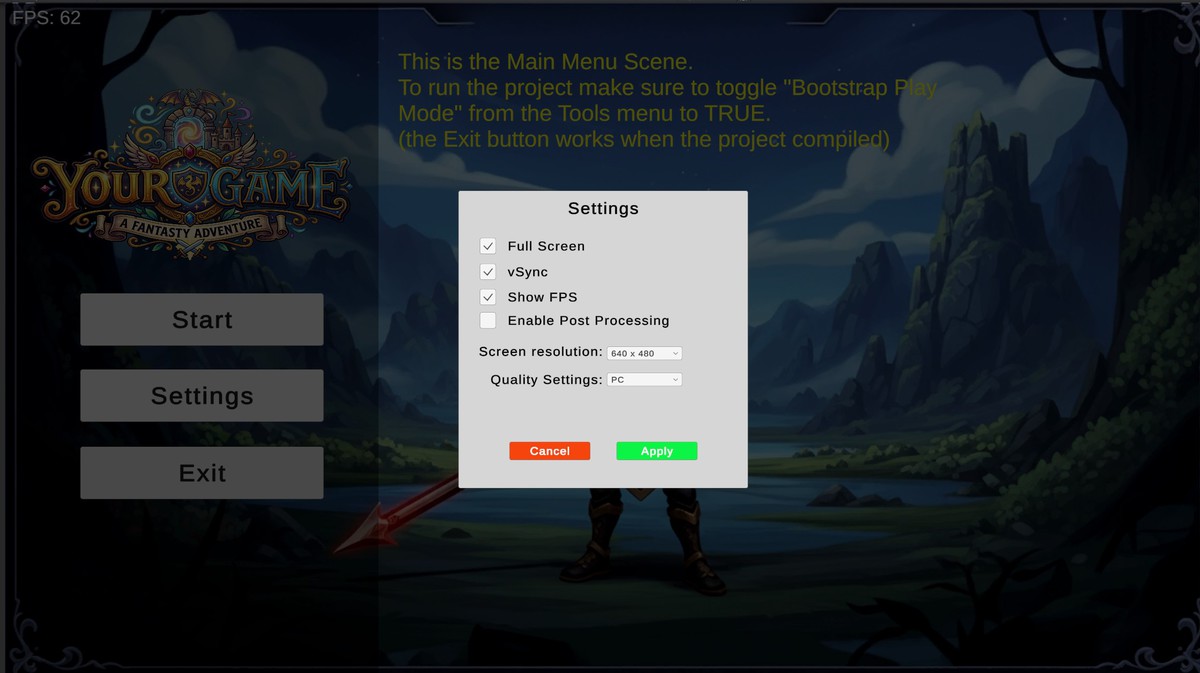
About this asset
The asset is designed as a foundational template for Unity projects, prioritizing clean separation of concerns and a centralized management system.
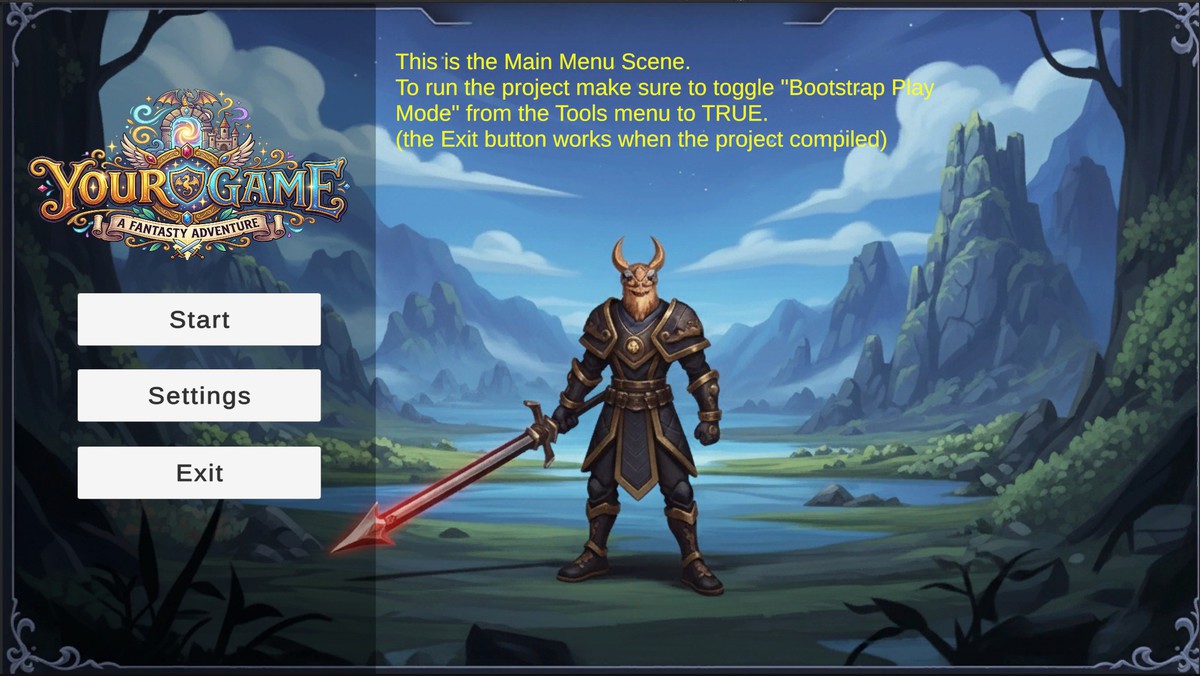
At its core is a Bootstrap system that ensures all critical managers—handling everything from player input to graphics quality—are initialized exactly once and persist across all scenes.
Key features of the architecture include:
- State-Driven Logic: A central GameStateManager tracks the game’s lifecycle (e.g., Playing, Paused, Loading), allowing other systems to react dynamically via C# events.
- Advanced Scene Management: The SceneManagerController handles asynchronous loading with a dedicated loading screen, progress bars, and minimum load times to ensure a polished user experience.
- Unified Input Wrapper: Wraps Unity’s New Input System to easily toggle between gameplay and UI control maps while providing global access to input events like pausing.
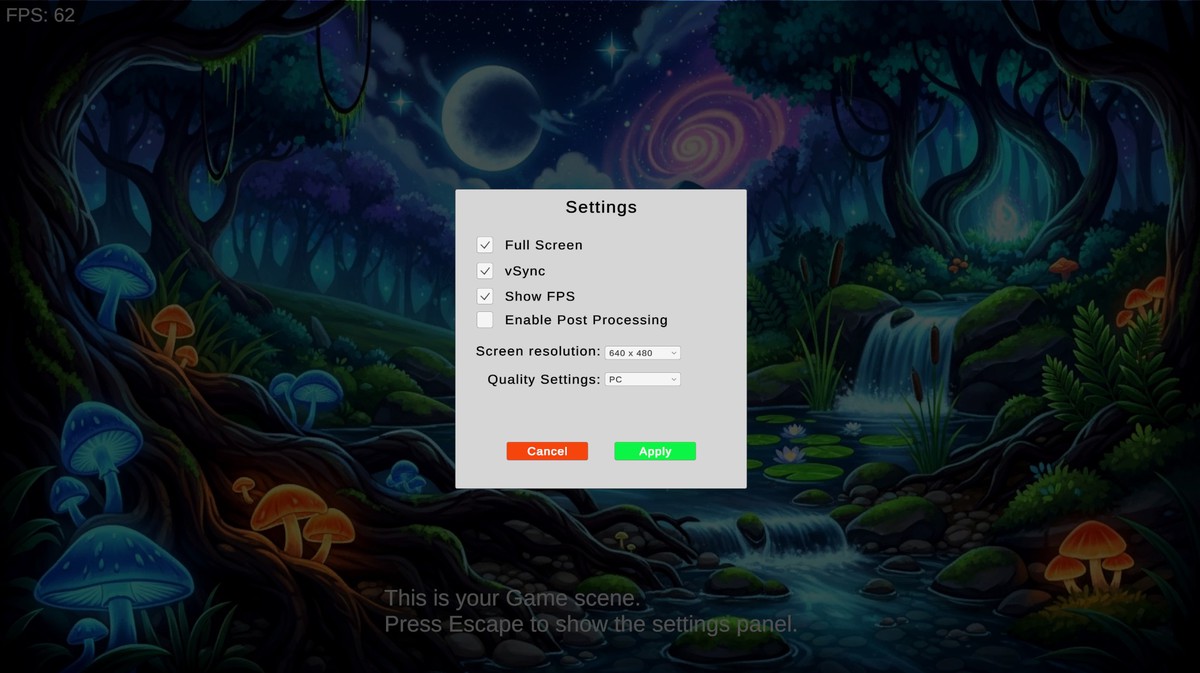
- Production-Ready Settings: A comprehensive SettingsManager provides out-of-the-box support for resolution switching, URP-specific post-processing toggles, VSync, and quality levels, all of which are automatically saved and loaded via PlayerPrefs.
- Developer Workflow Tools: Includes an Editor utility that automatically redirects the Unity Editor to the Bootstrap scene upon pressing "Play," then returns the developer to their original scene afterward, significantly speeding up the iteration process.
From the publisher's Asset Store listing.
Technical details
This framework is architected specifically for the Universal Render Pipeline (URP) and Unity’s C# Input System API.
Compatibility
| Unity version | Built-in | URP | HDRP |
|---|---|---|---|
| 6000.3.6f1 | Not listed | Compatible | Not listed |
As listed on the Asset Store.