
 View on Asset Store (opens in new tab)
Package details
- Latest version
- 1.0.1
- Last updated
- First released
- Unity version
- 2022.3.42 or later
- Package size
- 429 KB
- Files
- 2
- Favorites
- 6
- Views in the past week
- 3
Price tracking
- Last checked
- Tracked since
- Lowest recorded
- $17.50 on
Keywords
- Search for Developer Tools
- Search for Component Finder
- Search for reflection
- Search for variable inspector
- Search for scene search
- Search for prefab inspector
- Search for debugger
- Search for search tool
- Search for Editor Extension
- Search for Hierarchy
- Search for Workflow
- Search for Workflow Optimization

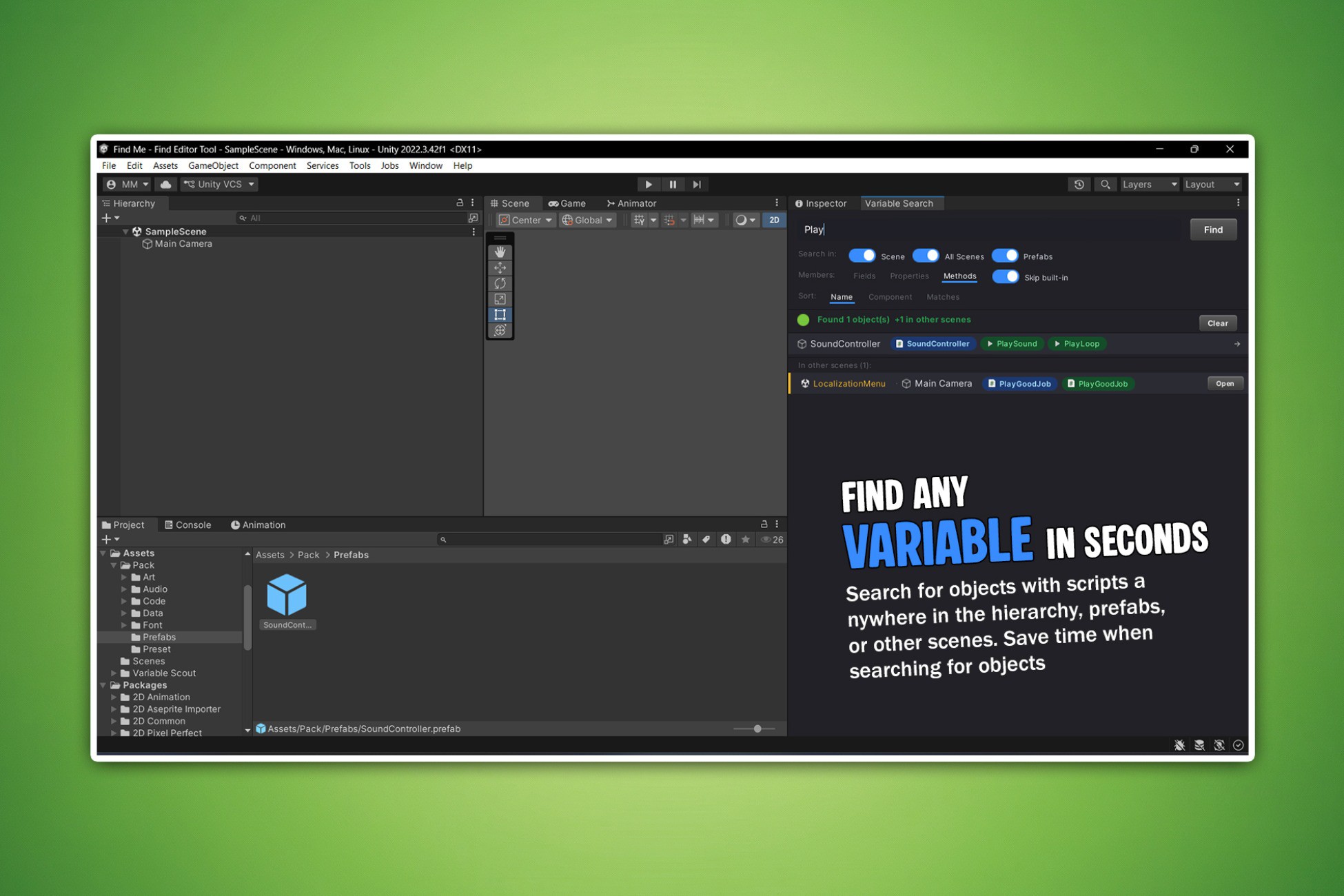
Variable Scout - Hierarchy Search & Inspector Tool
Search fields, properties, methods and components across the active scene, all project scenes, all scriptable objects and prefabs - directly from a single Unity Editor window.
Affiliate link · Purchases support this site
Price history
Last 6 months
USDAsset preview
1 / 4
Variable Scout - Hierarchy Search & Inspector Tool screenshot 1

About this asset
─────────────────────────────────────
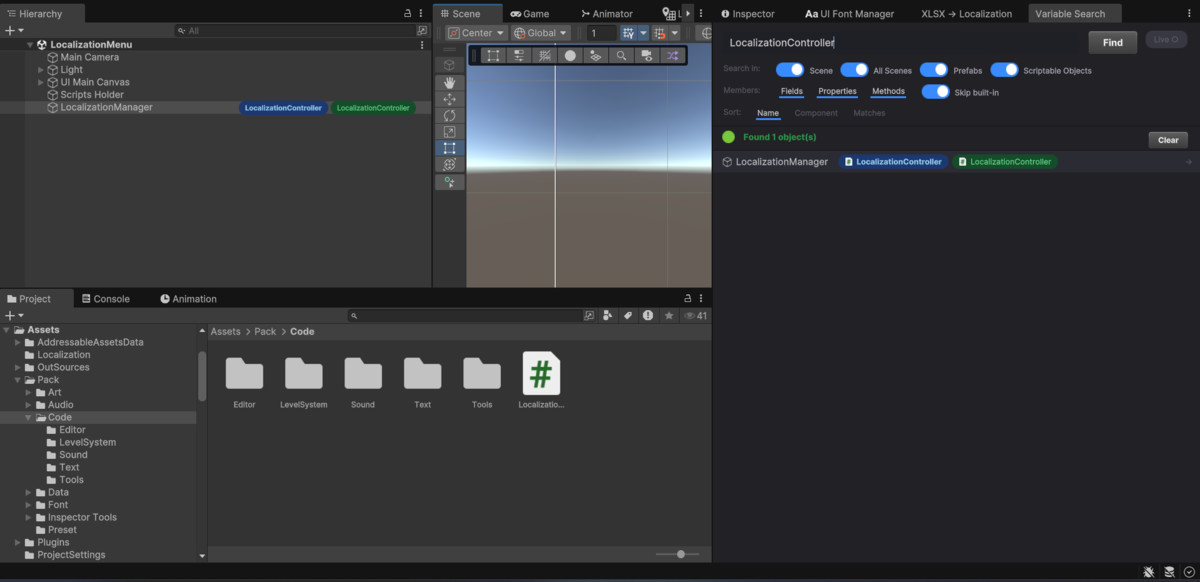
Ever wasted 10 minutes trying to remember which GameObject has that one variable you need? Variable Scout solves that. Type any name into the search bar, and every matching object lights up in the Hierarchy - instantly.
─────────────────────────────────────
No more opening scripts one by one. No more guessing which prefab holds the value. Just search, find, click - and you're there.
What you can search for - any variable (field), setting (property), or function (method) on any of your scripts. You can also search by script name to find every object using a specific component.
Where it looks
- Your open scene - results appear as you type
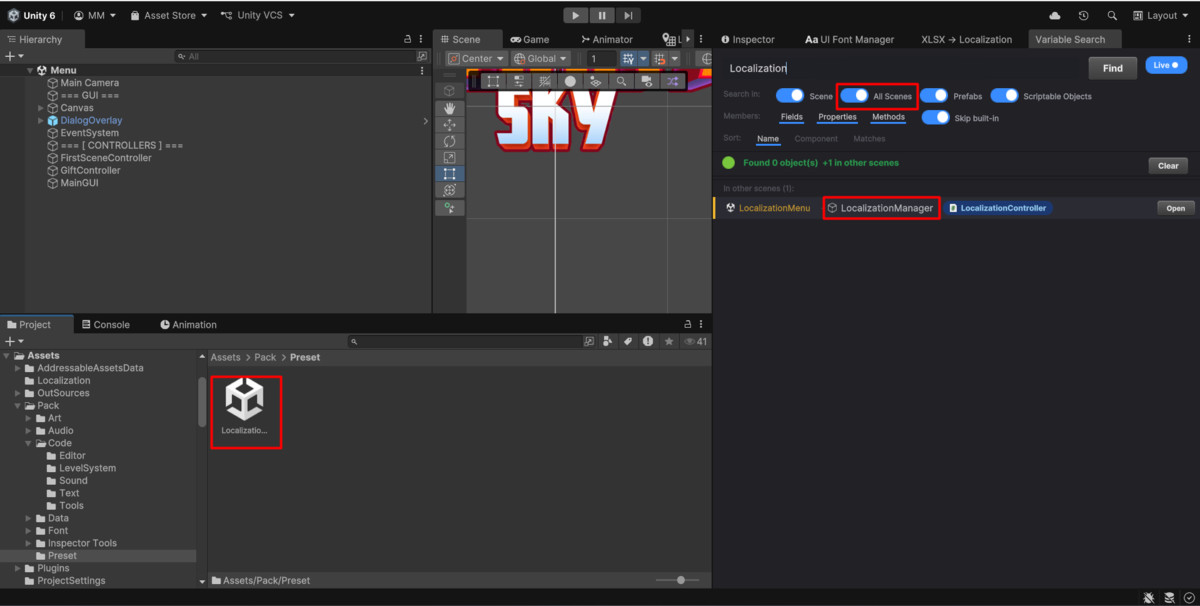
- All other scenes in your project - scanned in the background, no need to open them
- All prefabs in your project
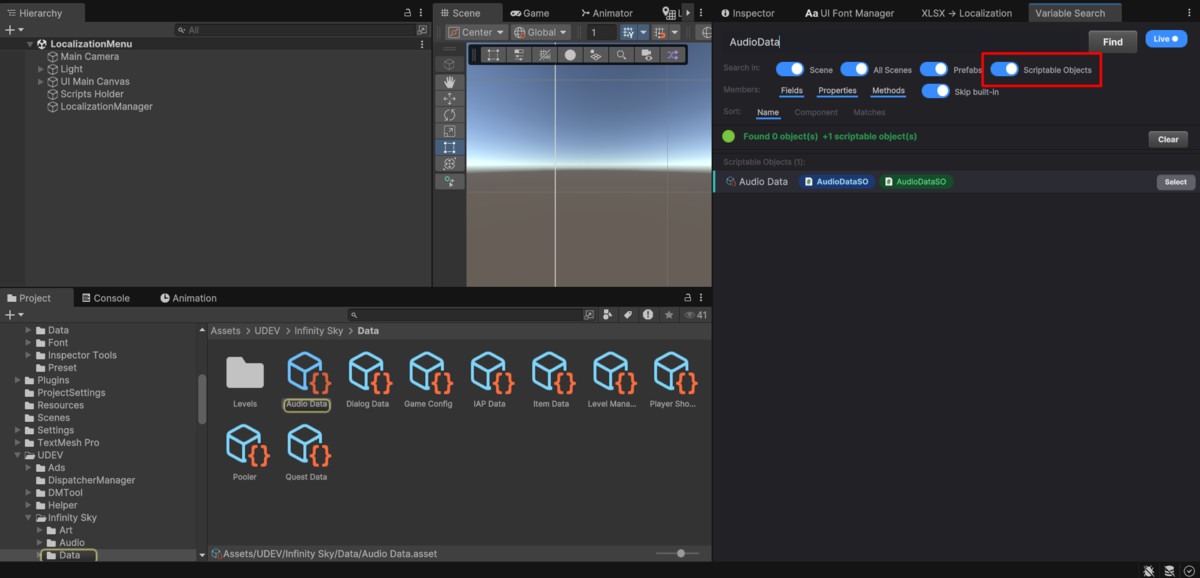
- All Scriptable Objects in your project
What makes it useful day-to-day
- Color-coded badges appear next to matching objects in the Hierarchy, so you see results at a glance
- Live values are shown right on the badge - no need to click into the Inspector
- Pin your most-used results to the top with a right-click
- Partial and mixed-case search - "healthMax", "health max" and "HEALTHMAX" all find the same thing
- Filter by variable, setting, or function so results stay focused
- Sort by object name, script name, or number of matches
Works out of the box
Open via Tools → Variable Search or press F3. No setup, no configuration, no runtime cost - Editor only.
─────────────────────────────────────
🔥 OTHER ASSETS:
─────────────────────────────────────
From the publisher's Asset Store listing.
Compatibility
| Unity version | Built-in | URP | HDRP | Custom |
|---|---|---|---|---|
| 2022.3.42f1 | Compatible | Compatible | Compatible | Compatible |
As listed on the Asset Store.