
 View on Asset Store (opens in new tab)
Package details
- Latest version
- 1.1
- Last updated
- First released
- Unity version
- 2022.3.62 or later
- Package size
- 16.4 MB
- Files
- 1,202
- Favorites
- 15
- Views in the past week
- 26
Price tracking
- Last checked
- Tracked since
- Lowest recorded
- $13.99 on
Keywords
Abandoned Ruins - Retro Style Modular Environment Pack
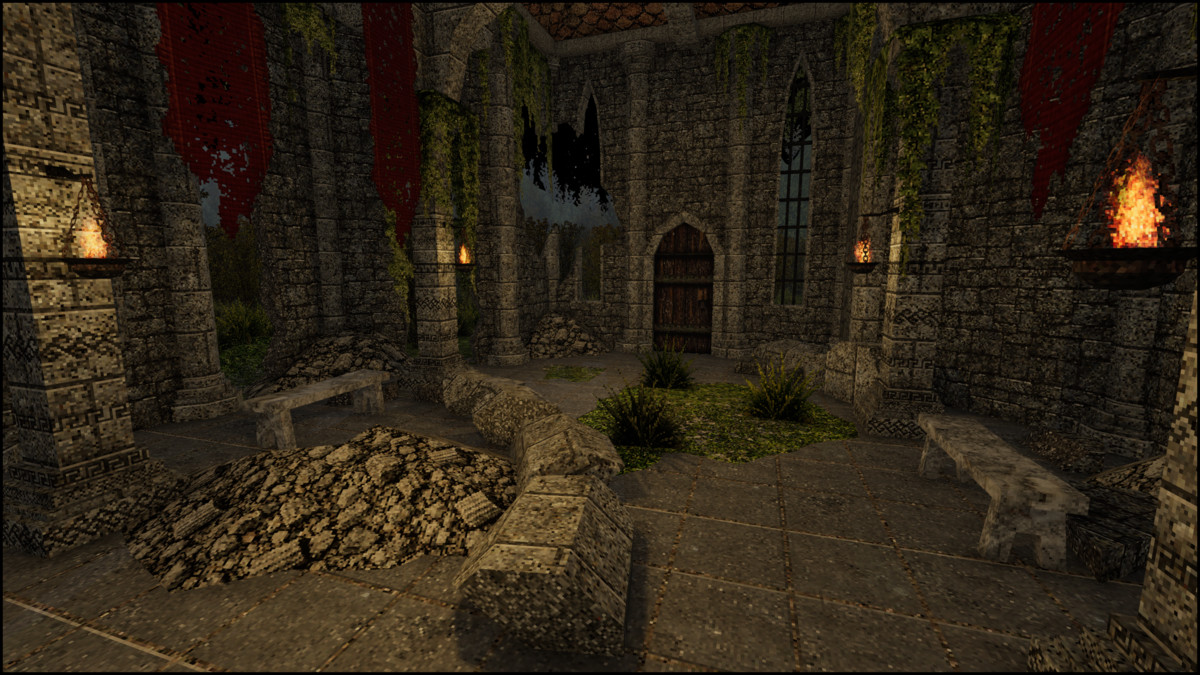
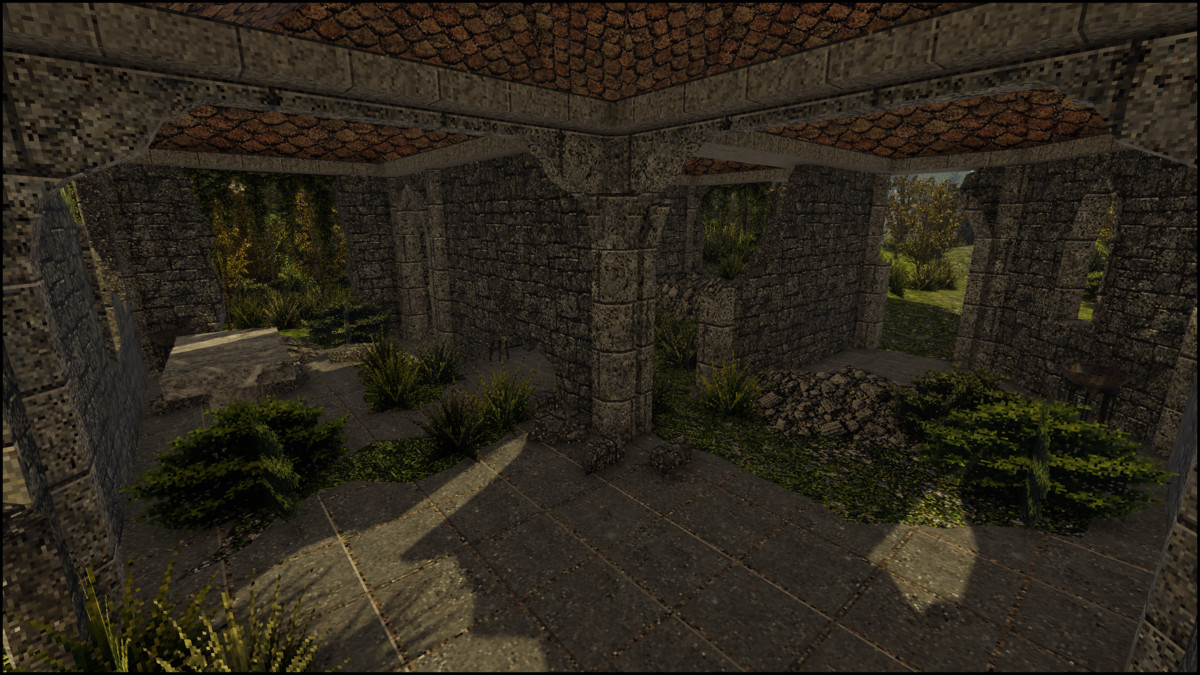
A retro style "abandoned ruins" themed asset pack. Fully modular assets with low resolution textures.
Affiliate link · Purchases support this site
Price history
Last 6 months
USDAsset preview
1 / 24
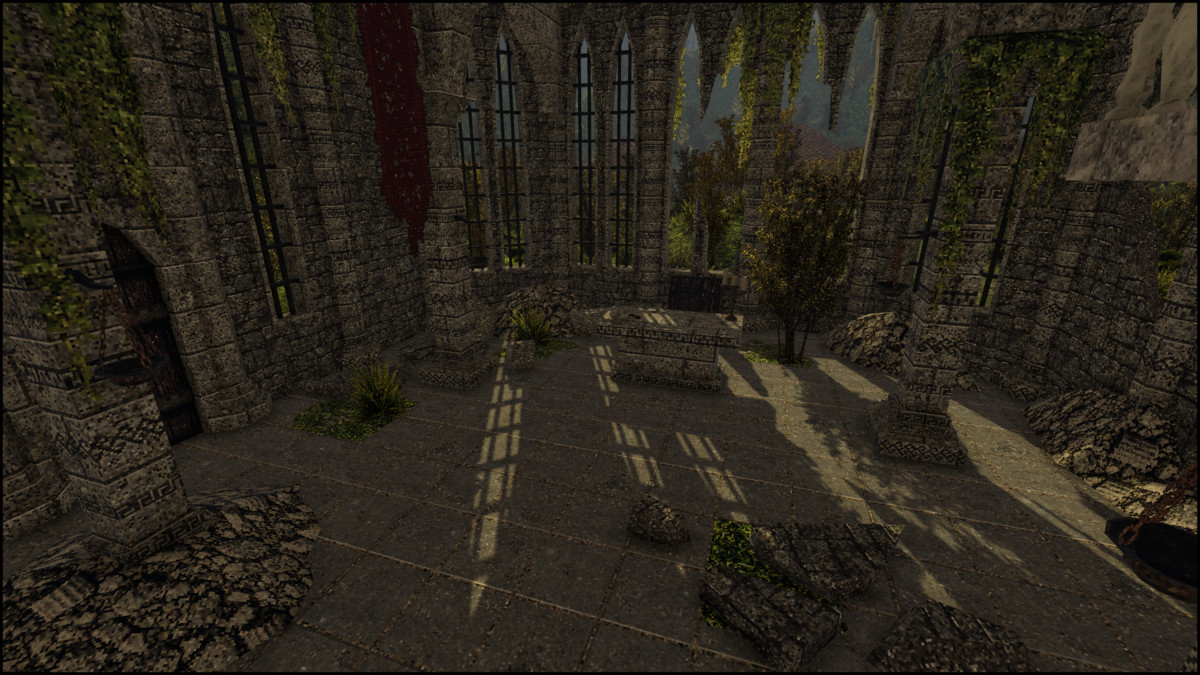
Abandoned Ruins - Retro Style Modular Environment Pack screenshot 1
About this asset
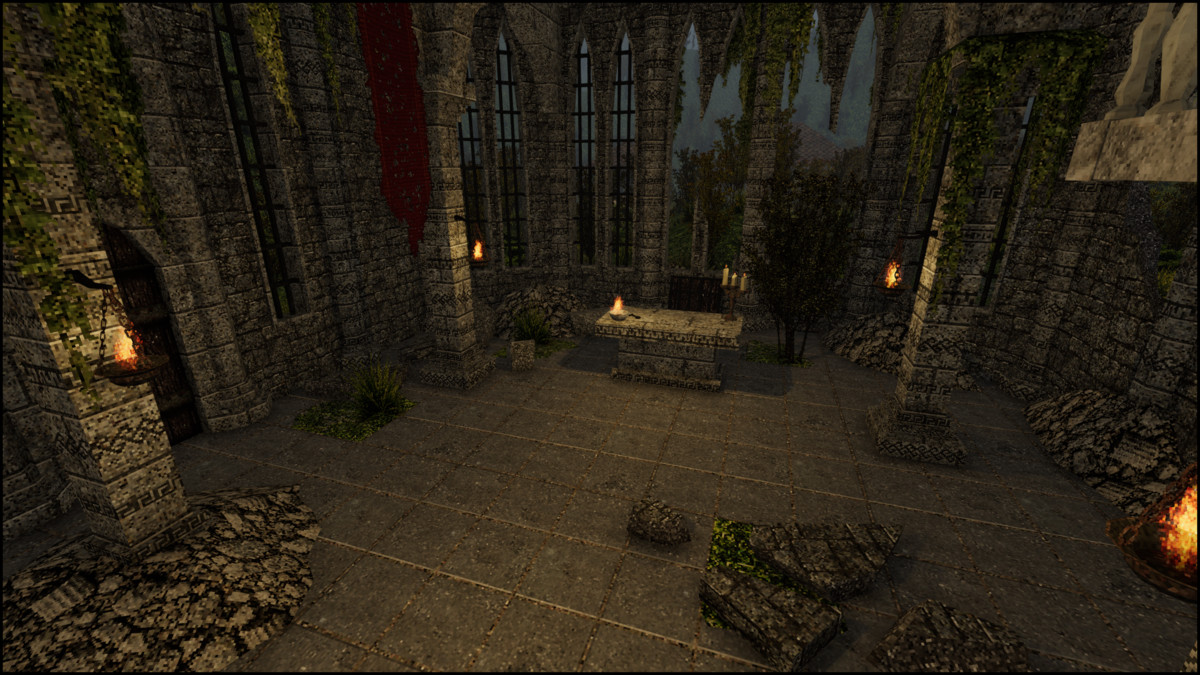
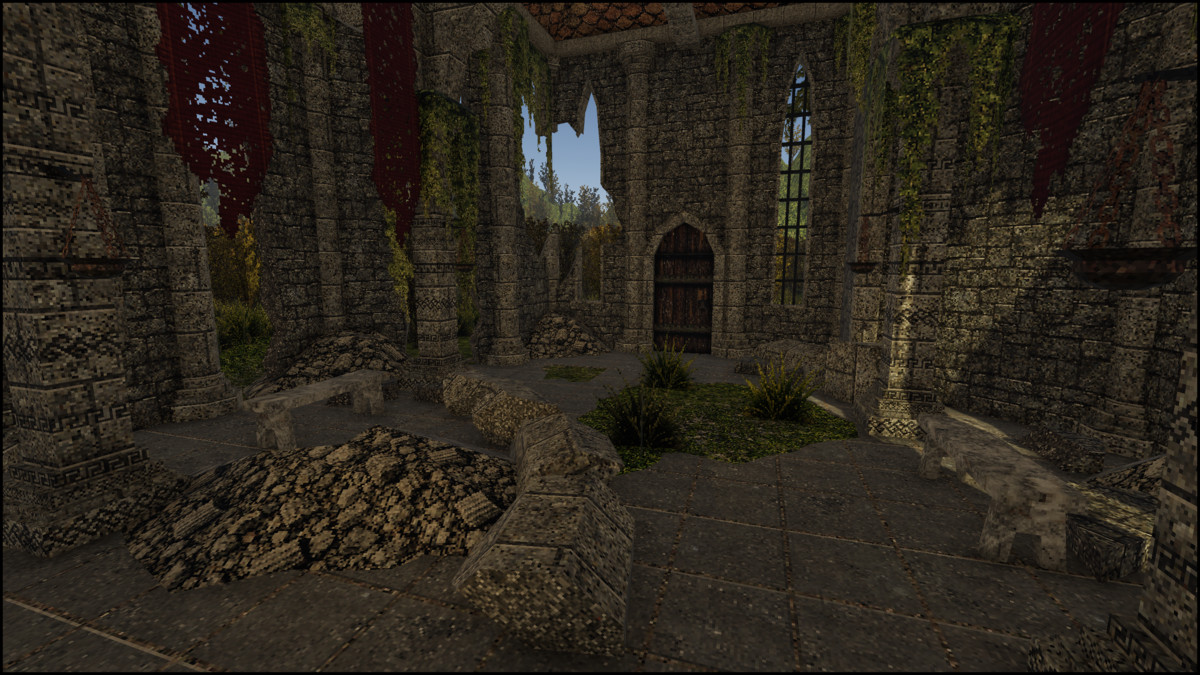
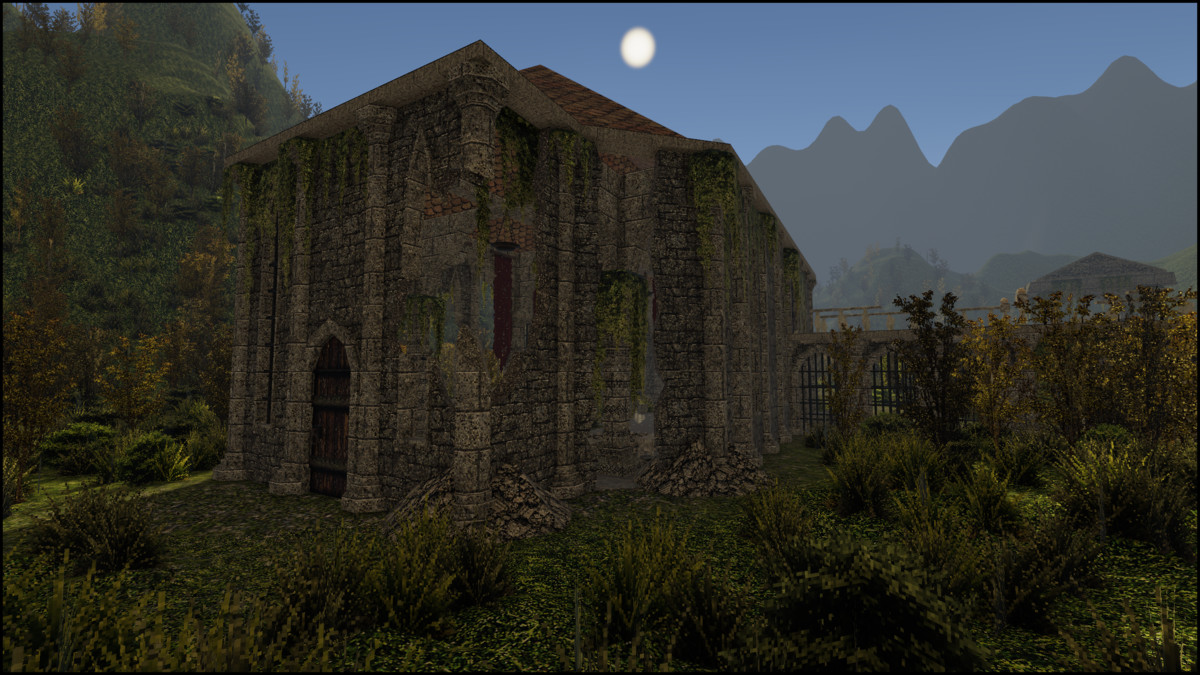
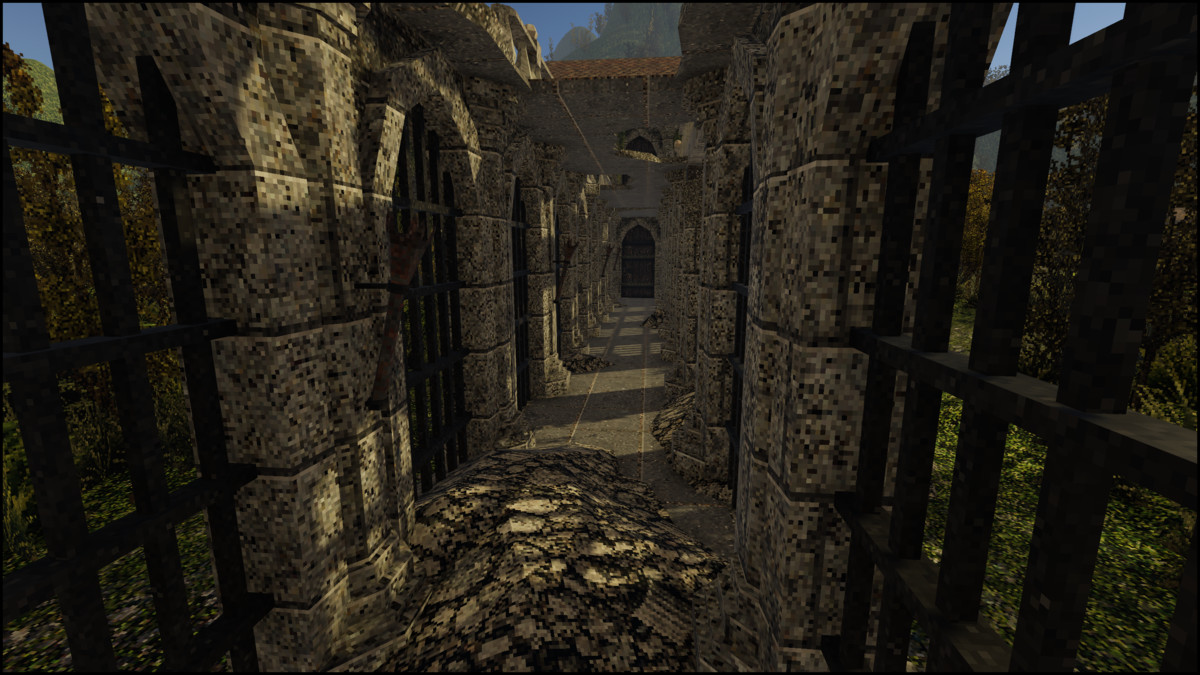
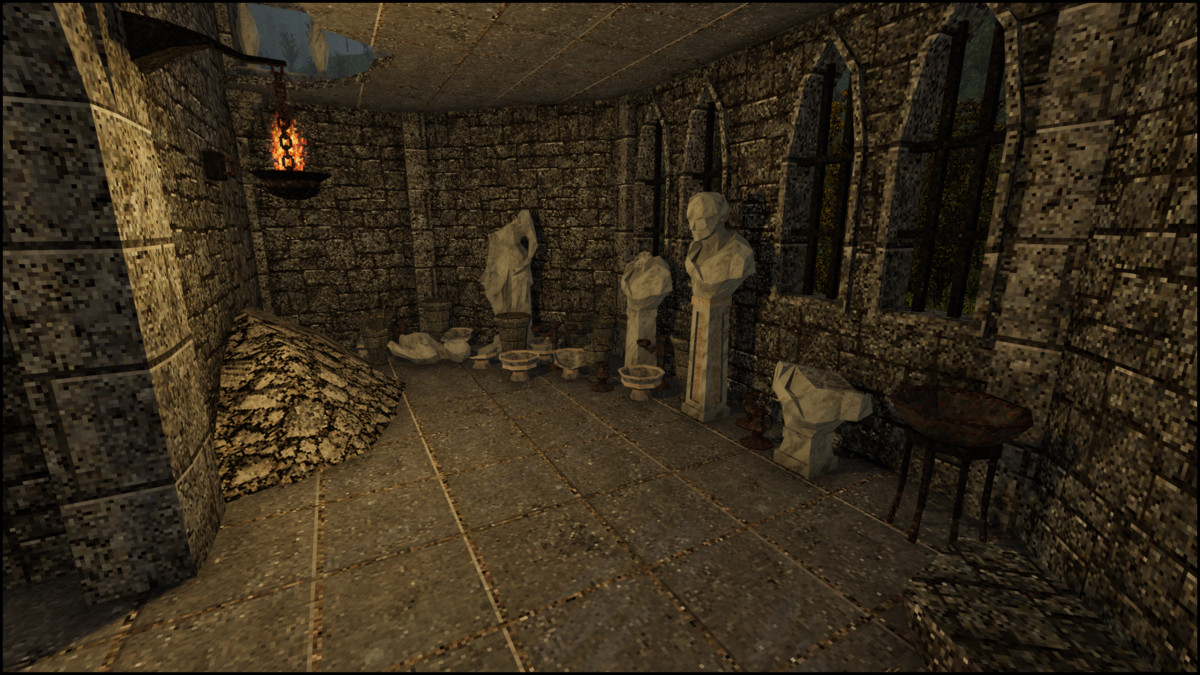
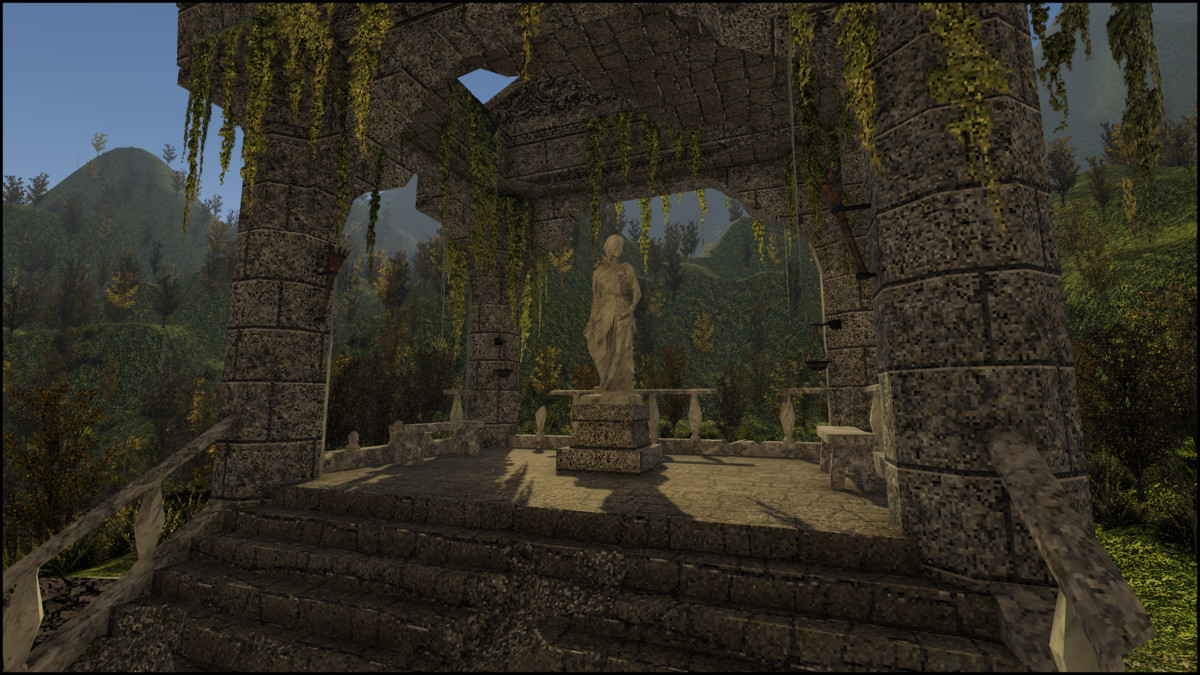
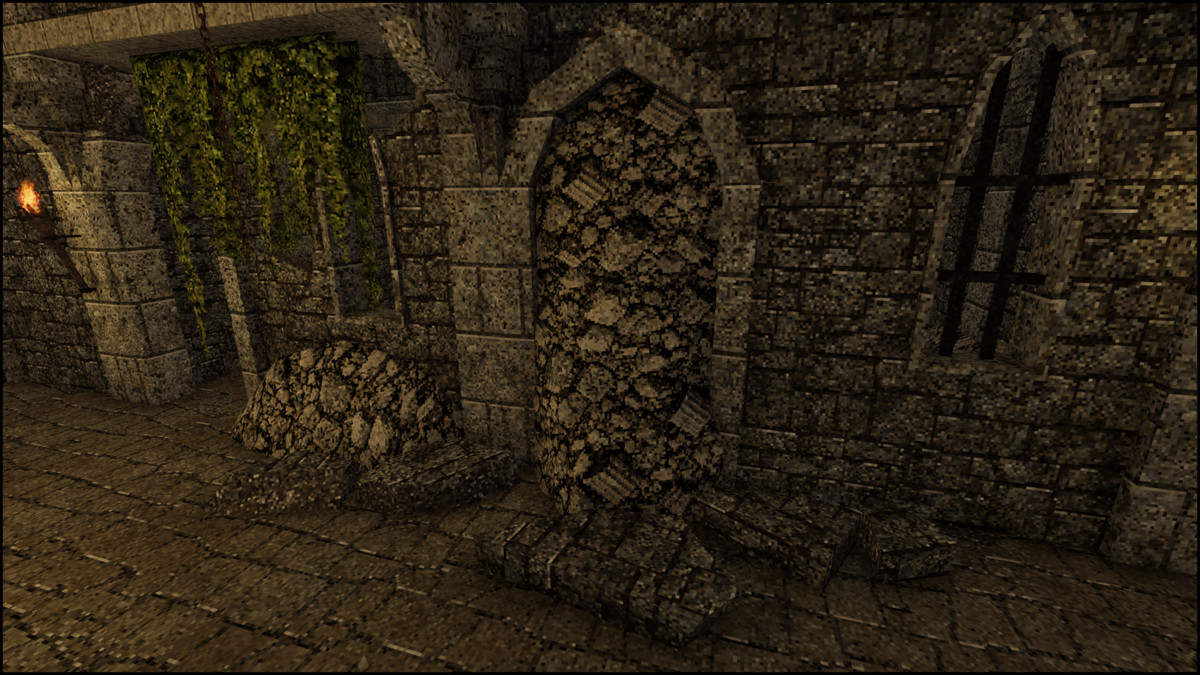
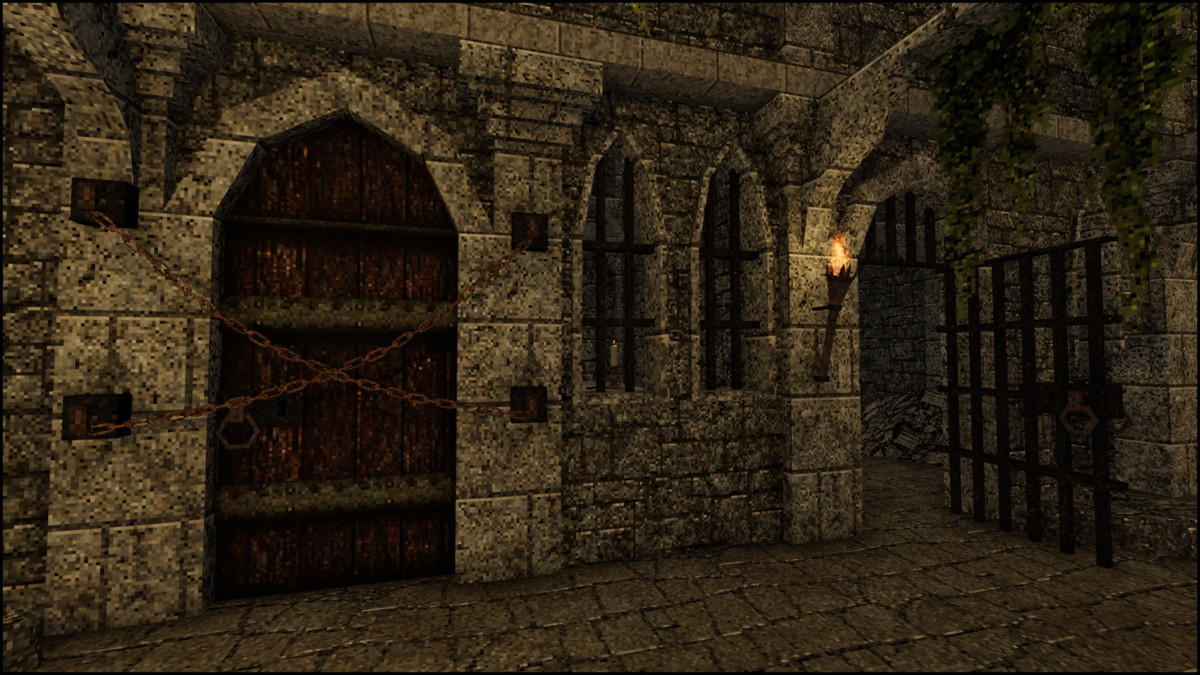
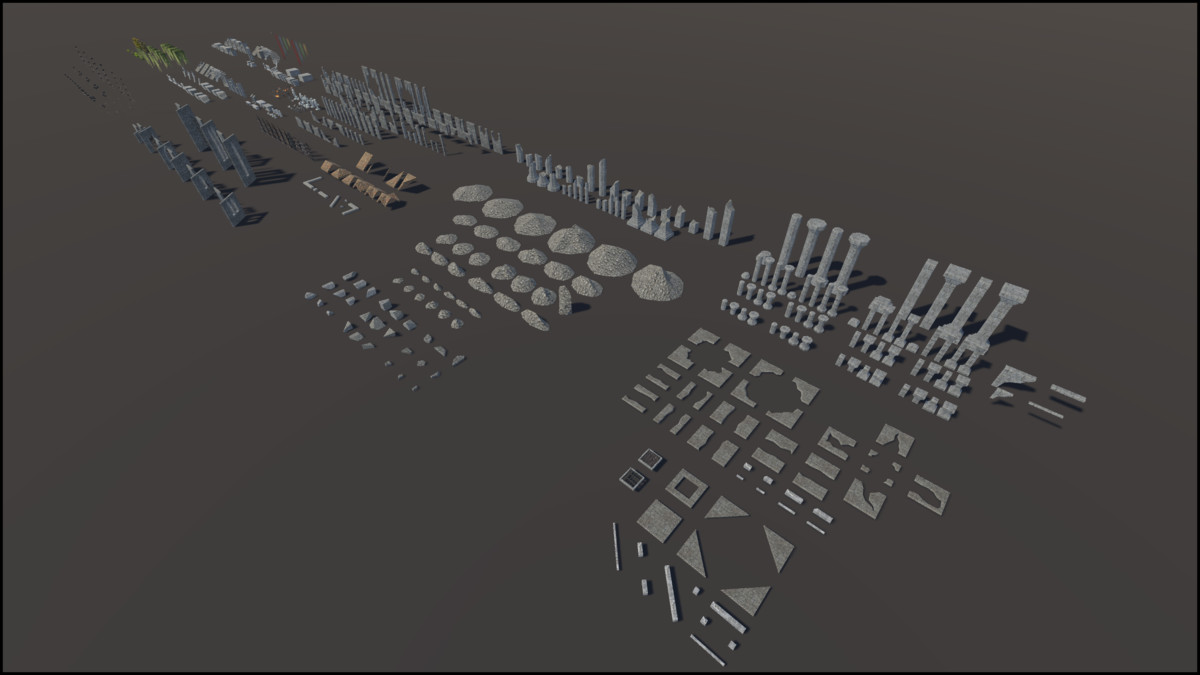
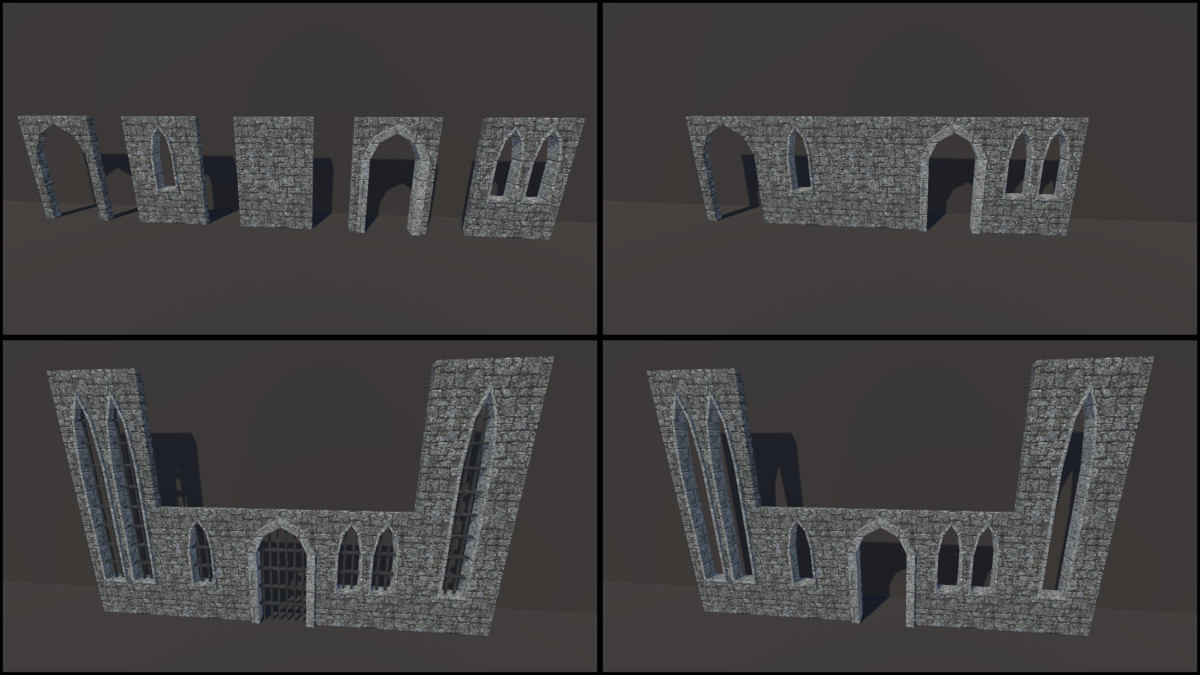
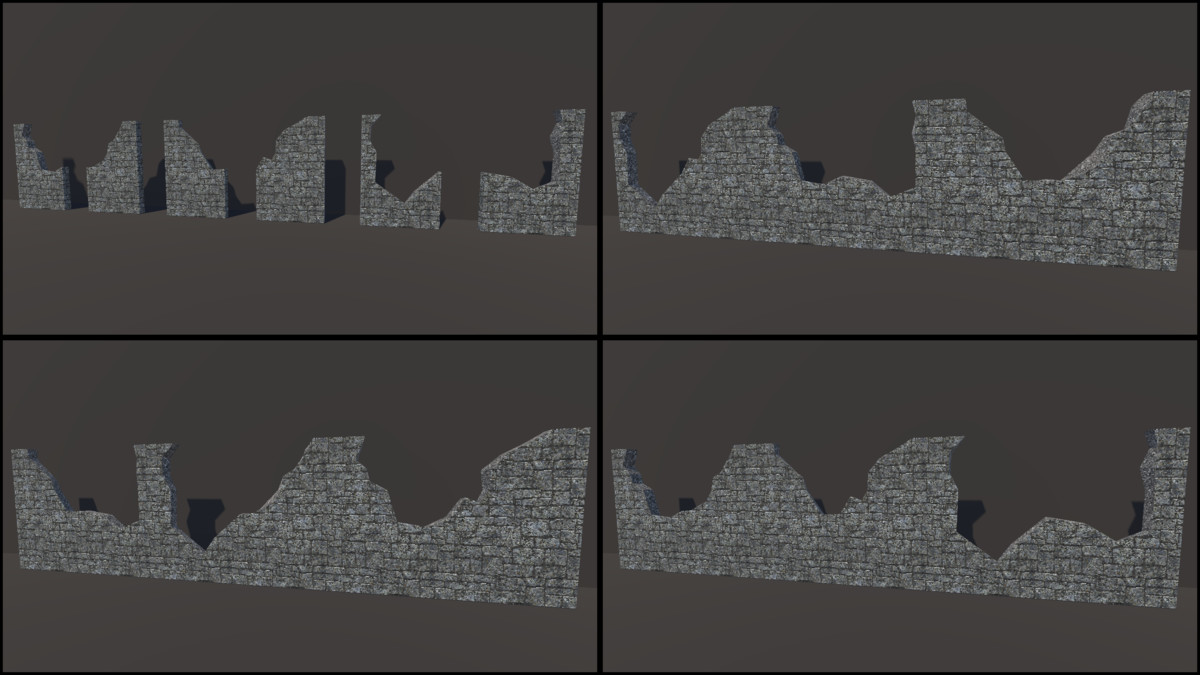
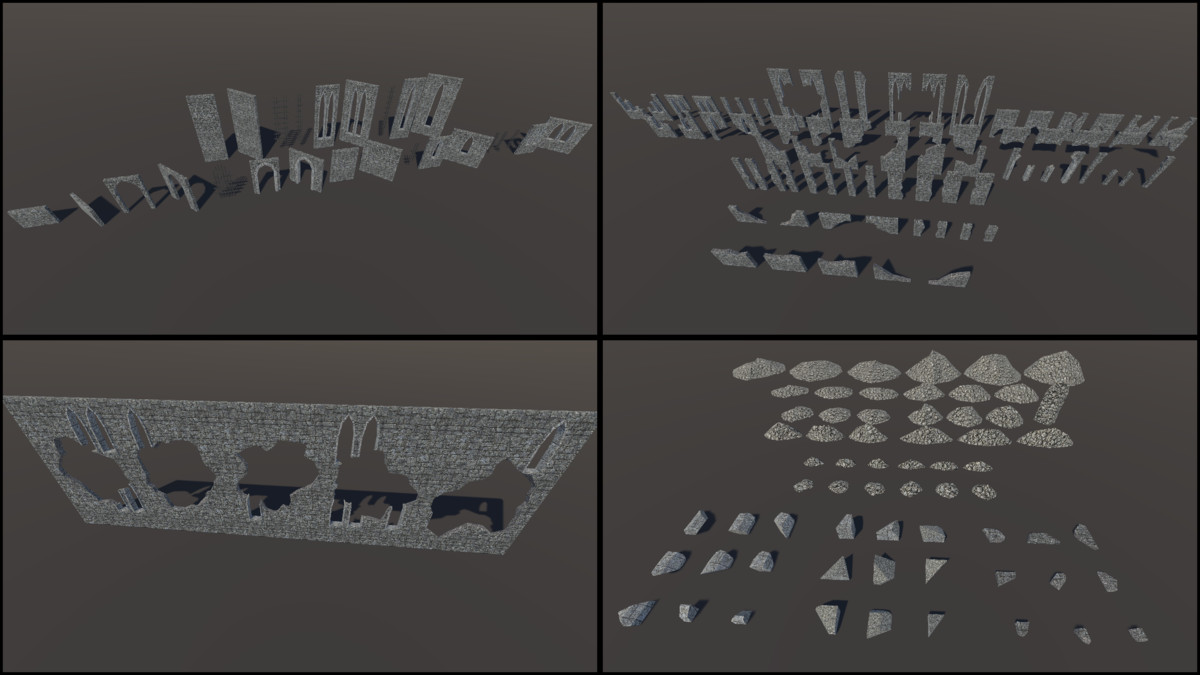
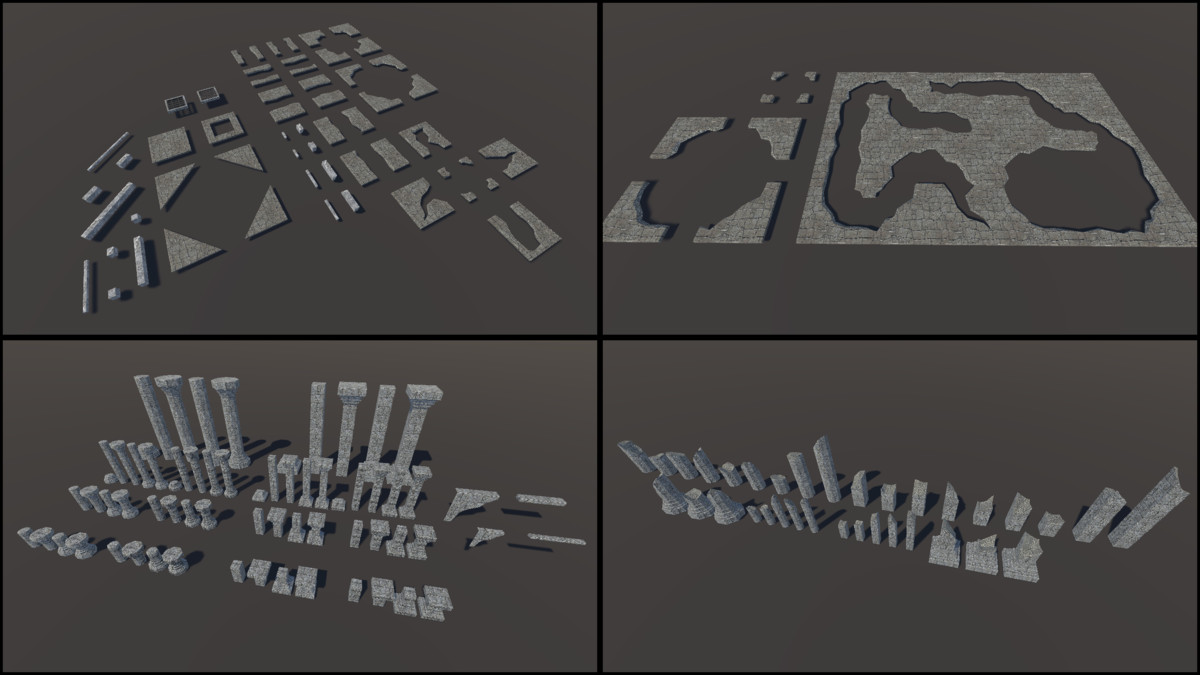
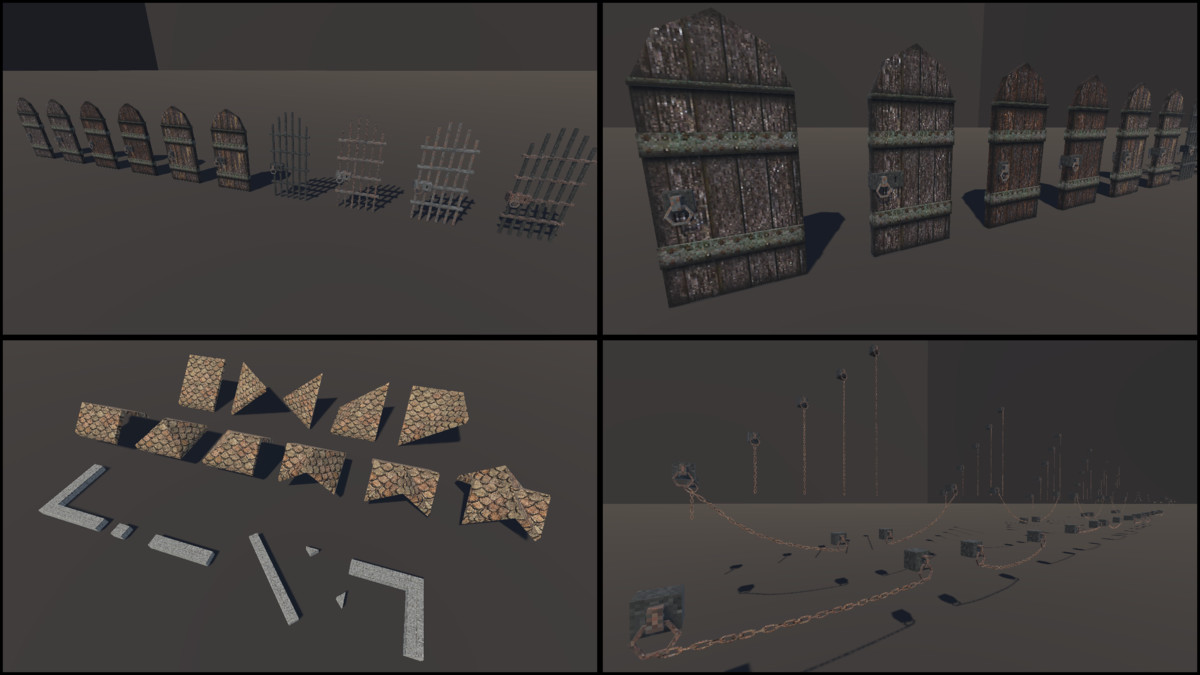
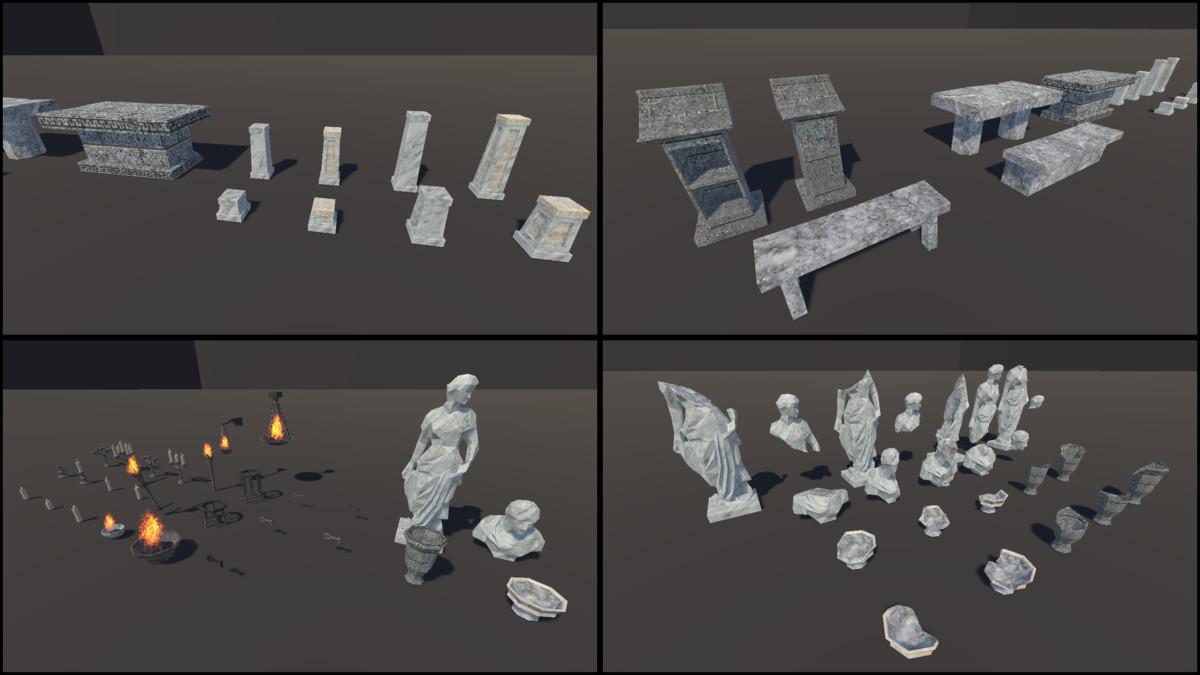
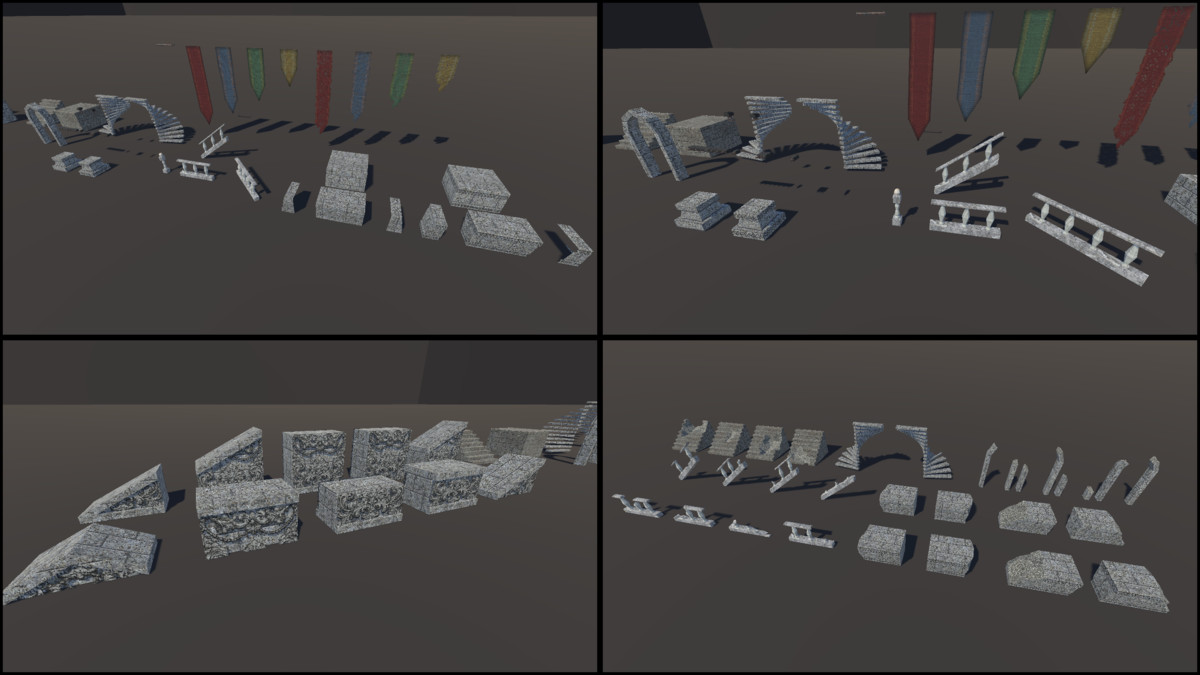
Create ruined temples, abandoned churches, and dark fantasy environments with a modular system of 560+ assets designed for grid-based level building. From fully intact structures to crumbling ruins, this pack gives you complete control over both interior and exterior spaces.
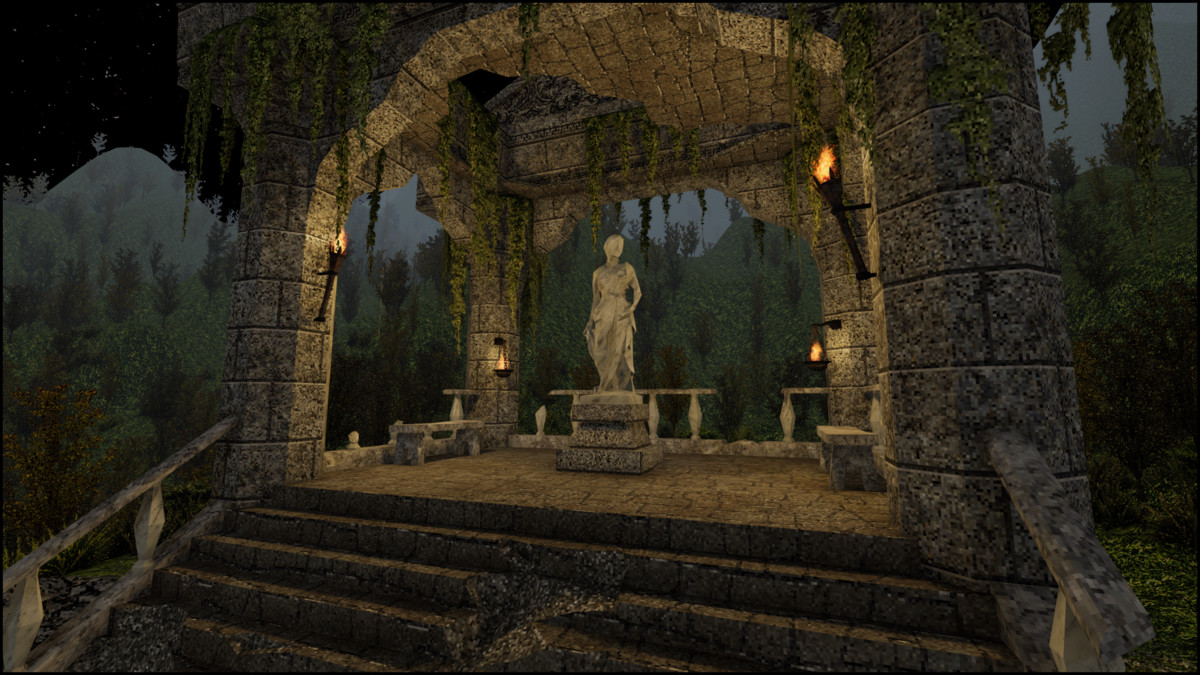
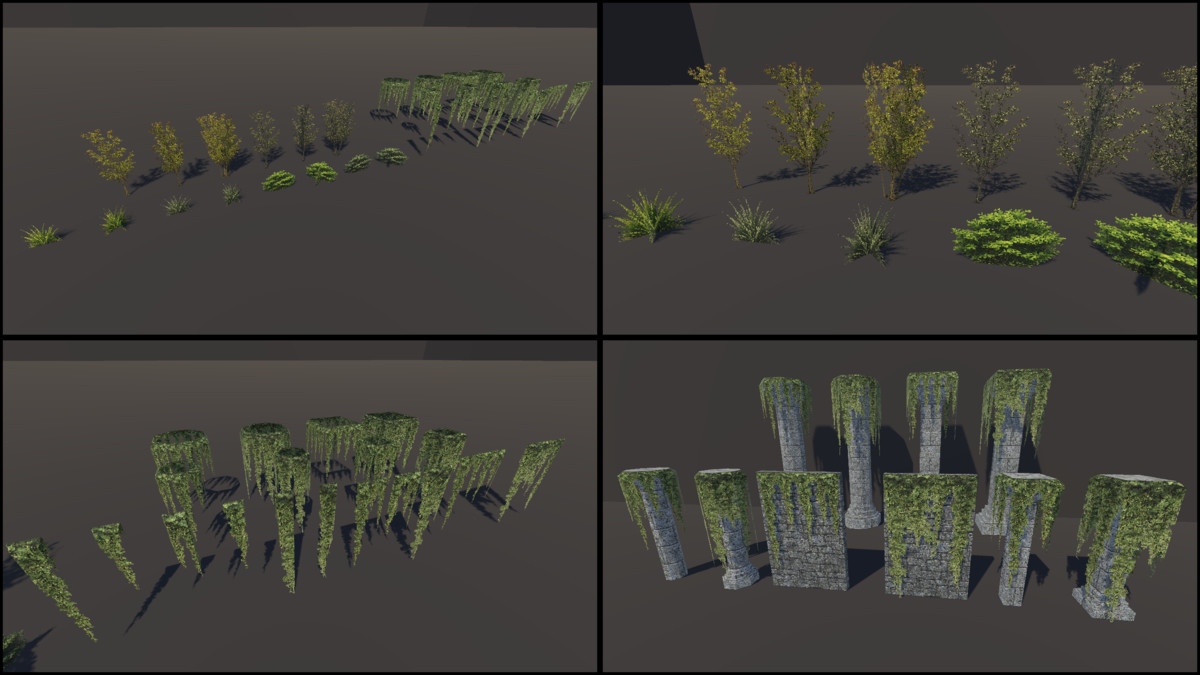
Abandoned Ruins features a distinct low-resolution texture style, combined with crisp filtering, creating a unique aesthetic that blends retro charm. It captures a nostalgic feel without the limitations of old game engines or consols.
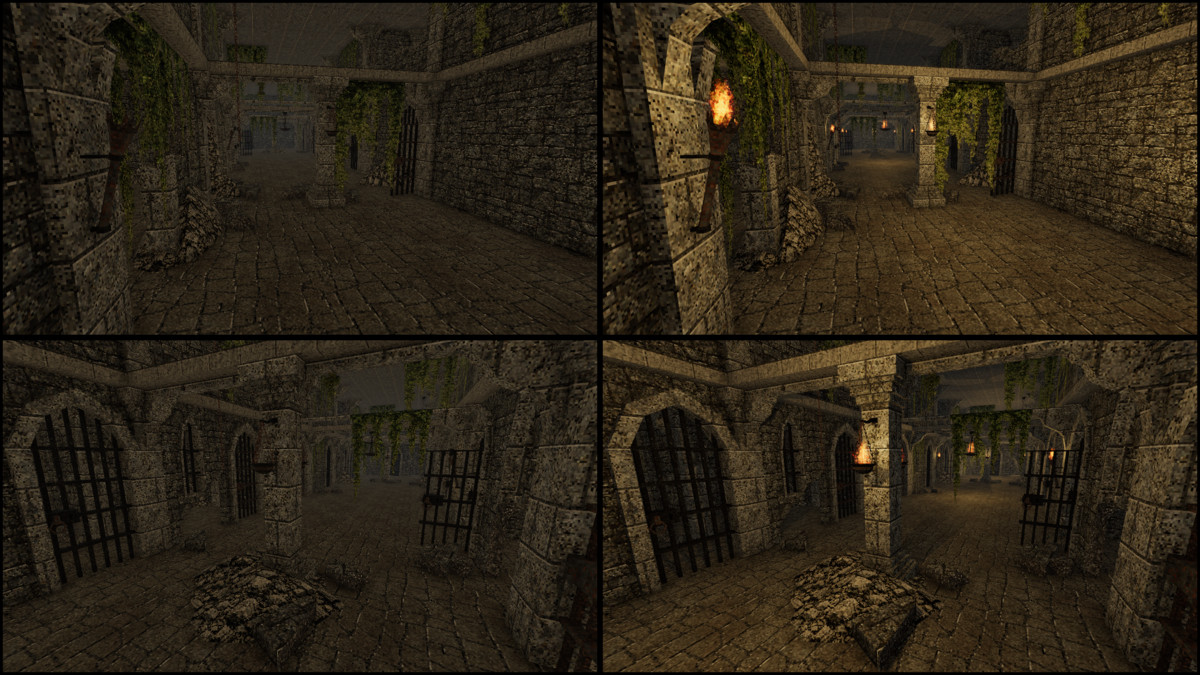
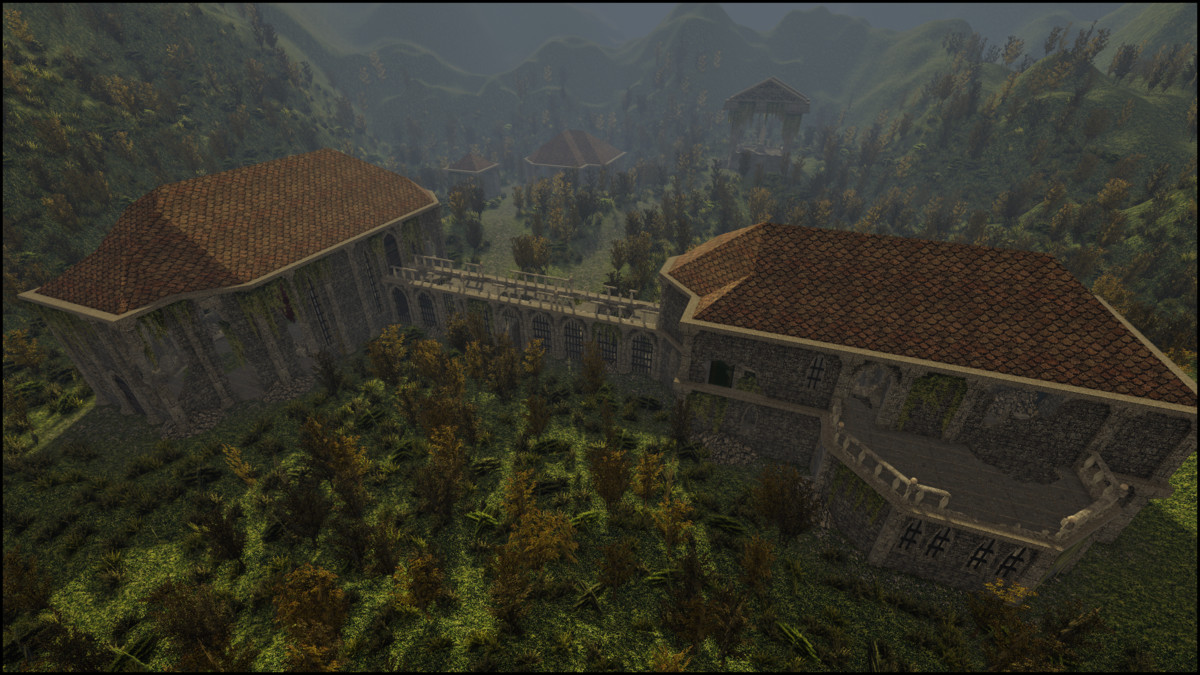
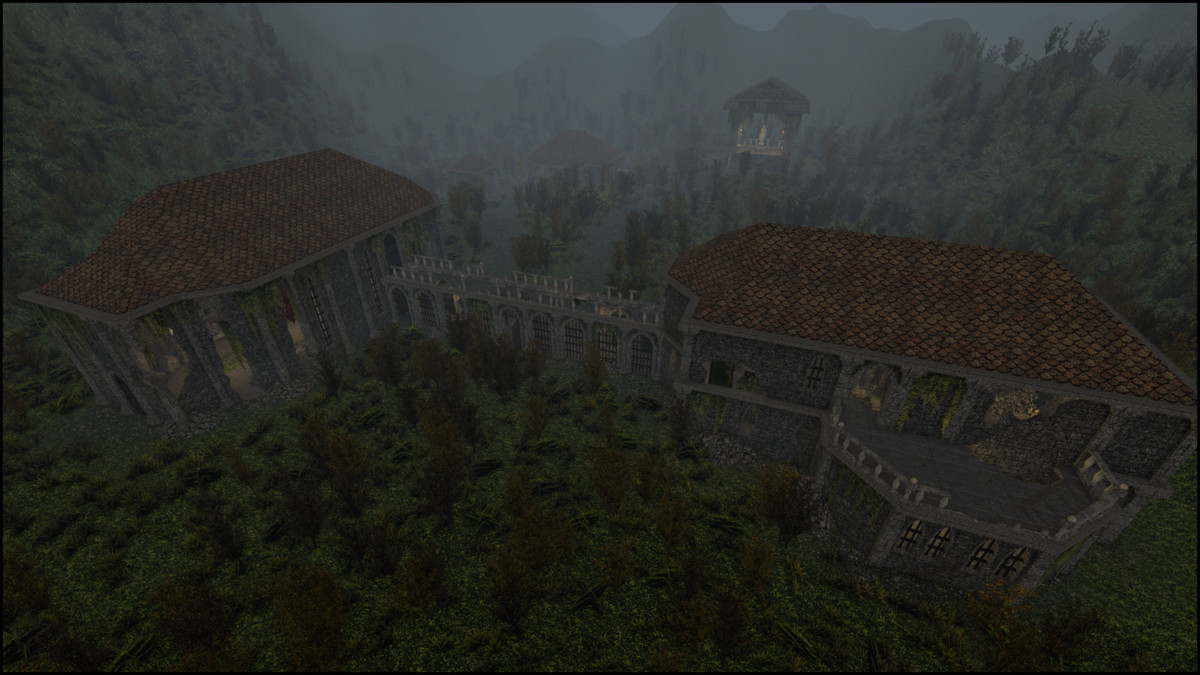
The included demo scenes showcase both day and night lighting setups, giving you ready-to-use environments or a strong starting point for your own levels.
KEY FEATURES
- 560+ models and 565 prefabs
- Fully modular system (walls, floors, arches, pillars, roofs, and more)
- Supports both interior and exterior environments
- 256×256 textures with a crisp pixel style
- Includes banner variations and ruined versions
- Use the default grid size (1, 1, 1) with snapping for modular placement
- Smaller models may require smaller increments such as (0.25, 0.25, 0.25)
- Real-world scale proportions
- 3 demo scenes included
- Built-in fire VFX prefabs
- Drag-and-drop ready prefabs
TEXTURES AND MATERIALS
- 28 low-resolution textures and materials, including, stone, metal, foliage, and flame FX.
Materials are prepared for the Built-in Render Pipeline and can be easily converted to URP.
Converting to URP
- Select all materials (they should appear magenta), from the top menu, click Edit > Rendering > Materials > Convert Selected Built-in Materials to URP.
- For Unity 6, open Window > Rendering > Render Pipeline Converter. Select the Built-in pipeline as the source and choose your target pipeline. Select “Material Upgrade,” then click “Initialize and Convert.”
- Ensure all textures have their Filter Mode set to “Point (no filter)” to prevent blurriness.
- Texture Compression should be set to None.
No custom shaders are used. Materials are compatible with URP and HDRP, though HDRP has not been explicitly tested.
NOTE: Some materials use double-sided rendering in URP. In the Built-in pipeline, the Particle/Standard Surface shader is used to achieve double-sided behavior.
From the publisher's Asset Store listing.
Technical details
Number of Prefabs: 565
Number of Models: 562
Number of Meshes: 579
Number of Textures: 28
Texture Dimensions: 256x256
Minimum Polygon Count: 2
Maximum Polygon Count: 620
UV Mapping: Yes
LOD Information: No LOD
Compatibility
| Unity version | Built-in | URP | HDRP | Custom |
|---|---|---|---|---|
| 2022.3.62f2 | Compatible | Compatible | Compatible | Compatible |
As listed on the Asset Store.