
 View on Asset Store (opens in new tab)
Package details
- Latest version
- 1.0.0
- Last updated
- First released
- Unity version
- 6000.0.62 or later
- Package size
- 134 KB
- Files
- 53
- Favorites
- 7
- Views in the past week
- 5
Price tracking
- Last checked
- Tracked since
- Lowest recorded
- Free on
Keywords

Simple Behavior Tree
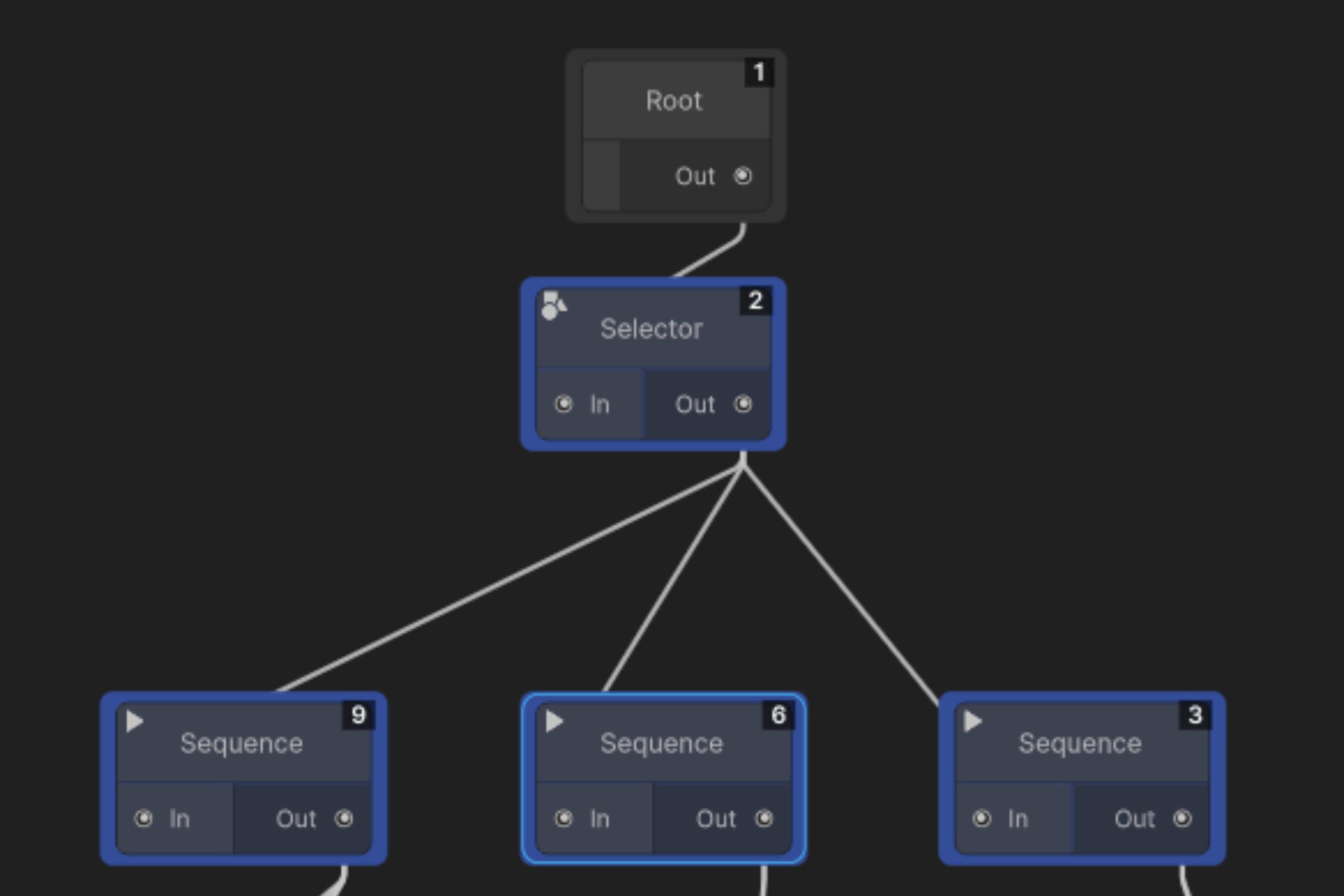
Behavior Tree Framework A professional, node-based AI framework for Unity. Build, visualize, and debug complex character behaviors without writing boilerplate code.
Affiliate link · Purchases support this site
Price history
Last 6 months
USDAsset preview
1 / 3
Simple Behavior Tree screenshot 1
About this asset
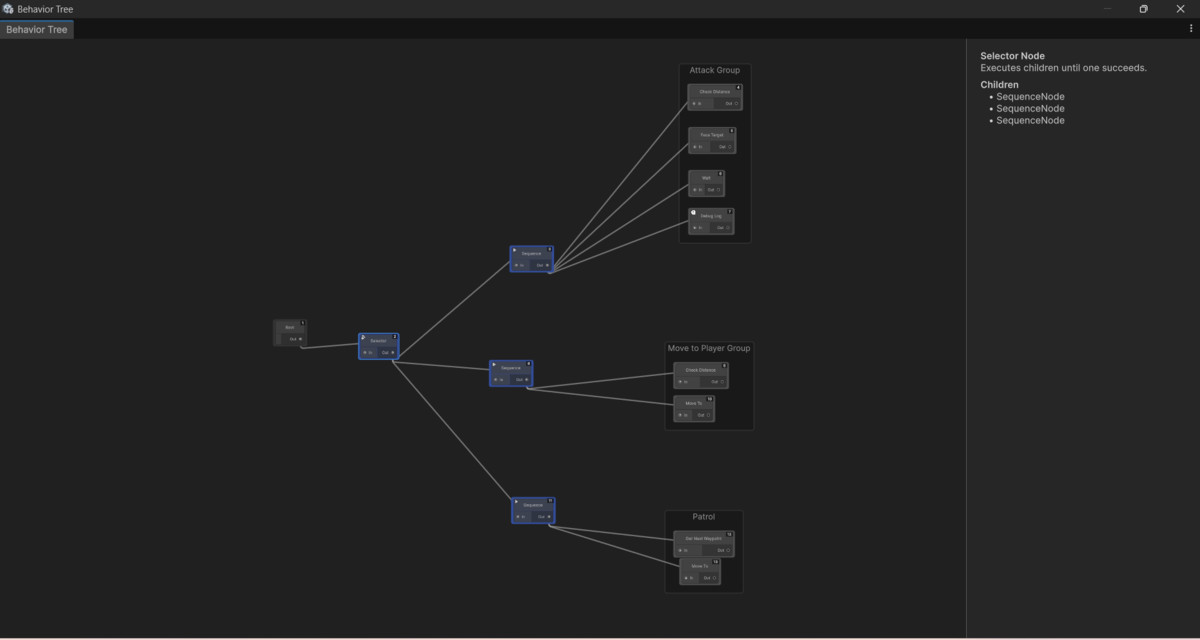
Bring your AI to life.The DarkPixel Behavior Tree Framework is a robust, production-ready AI solution designed for both rapid prototyping and full-scale game development. Whether you are building simple patrolling guards or a relentless, intelligent stalker for a horror game, this framework gives you the visual tools to design complex logic effortlessly.
Built from the ground up using Unity's modern Experimental.GraphView API, it provides a clean, AAA-style node editor that keeps you out of the code and in the design flow.
Zero Data OverwritesUnlike basic ScriptableObject-based systems that break when multiple enemies share the same brain, this framework features a strict Asset/Runtime architecture. Your Behavior Tree and Blackboard assets act as pristine templates. At runtime, the BehaviorTreeAgent automatically clones these into unique instances, allowing 100 enemies to share the same tree while maintaining their own independent memories, cooldowns, and targets.
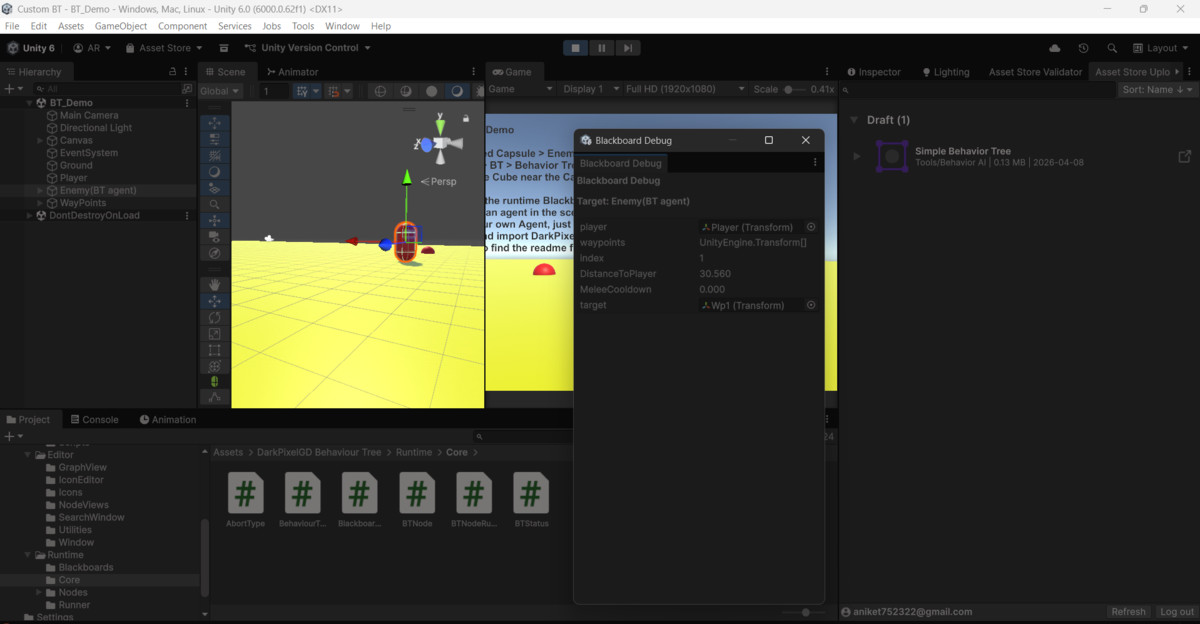
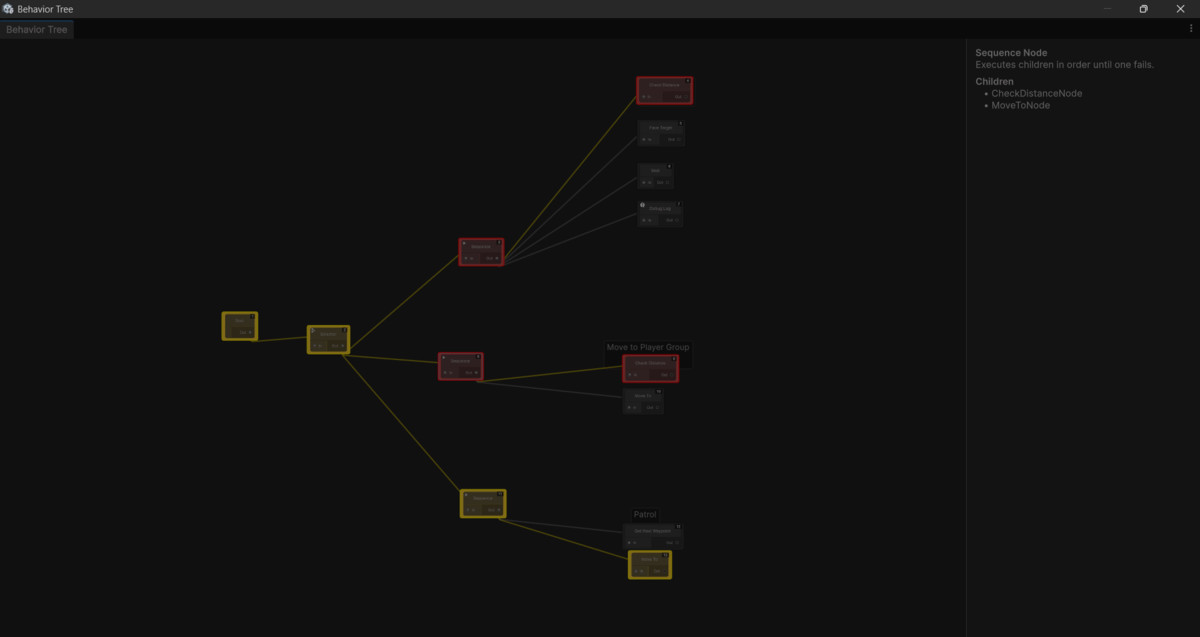
Live Real-Time DebuggingNever guess what your AI is thinking again. With the game running, simply click on any AI agent in your scene to watch the visual graph light up with real-time execution states (Running, Success, Failure). Open the custom Blackboard Debug Window to watch variables—like target distances, health, and current waypoints—update live.
Key Features:
- Visual Node Editor: A smooth, highly responsive GraphView editor with panning, zooming, and right-click search menus.
- Comment Groups: Organize complex logic blocks with movable, resizable comment boxes.
- Dynamic Blackboard: A robust shared memory system. Define defaults in the editor, and inject dynamic variables (like the Player Transform or Waypoint Arrays) via code at runtime.
- Advanced Animation Integration: The included PlayAnimationNode supports Bools, Floats, Ints, Triggers, and direct Cross-Fading to bypass messy Animator transitions.
- Highly Extensible: Designed for programmers. Creating custom Action or Condition nodes requires just a few lines of C#, and they automatically generate their own clean UI in the editor.
- Self-Contained: Wrapped in the DarkPixelGD namespace and utilizes Assembly Definitions (.asmdef) to ensure zero conflicts with your existing project scripts.
From the publisher's Asset Store listing.
Technical details
Architecture:
- Node-based logic separated into static configuration (BTNode) and runtime execution (BTNodeRuntime).
- Blackboard system supports strictly typed variables (Bool, Float, Int) and generic object references.
- Polled execution model ensures stability across large numbers of active agents.
Dependencies:
- Zero external dependencies. Works entirely with Unity's built-in systems.
- Built using UnityEngine.UIElements and UnityEditor.Experimental.GraphView.
Package Contents:
- Full Editor and Runtime Source Code (C#).
- Complete Custom Editor Toolkit (GraphView, NodeView, Blackboard Debugger).
- 10+ Pre-built Node types.
- A fully configured, dependency-free Demo Scene to get you started instantly.
- Comprehensive PDF / Markdown User Manual.
Compatibility:
- Tested on Unity 2021.3 LTS and newer.
- Compatible with all Render Pipelines (Built-in, URP, HDRP) as it is a pure logic framework.
Compatibility
| Unity version | Built-in | URP | HDRP | Custom |
|---|---|---|---|---|
| 6000.0.62f1 | Compatible | Compatible | Compatible | Compatible |
As listed on the Asset Store.