
 View on Asset Store (opens in new tab)
Package details
- Latest version
- 1.0
- Last updated
- First released
- Unity version
- 6000.3.11 or later
- Package size
- 700 KB
- Files
- 8
- Views in the past week
- 5
Price tracking
- Last checked
- Tracked since
- Lowest recorded
- $4.99 on
Keywords
HierarchyCleaner
Scan any hierarchy to list every component by type, detect missing scripts, and bulk-remove them safely. Respects RequireComponent dependencies, supports Undo, and auto-updates on hierarchy changes.
Price $4.99
Buy on Asset Store (opens in new tab)
Affiliate link · Purchases support this site
Price history
Last 6 months
USDAsset preview
1 / 5
HierarchyCleaner screenshot 1
About this asset
Hierarchy Cleaner is a lightweight Unity Editor tool that gives you full visibility and control over every component in a GameObject hierarchy.
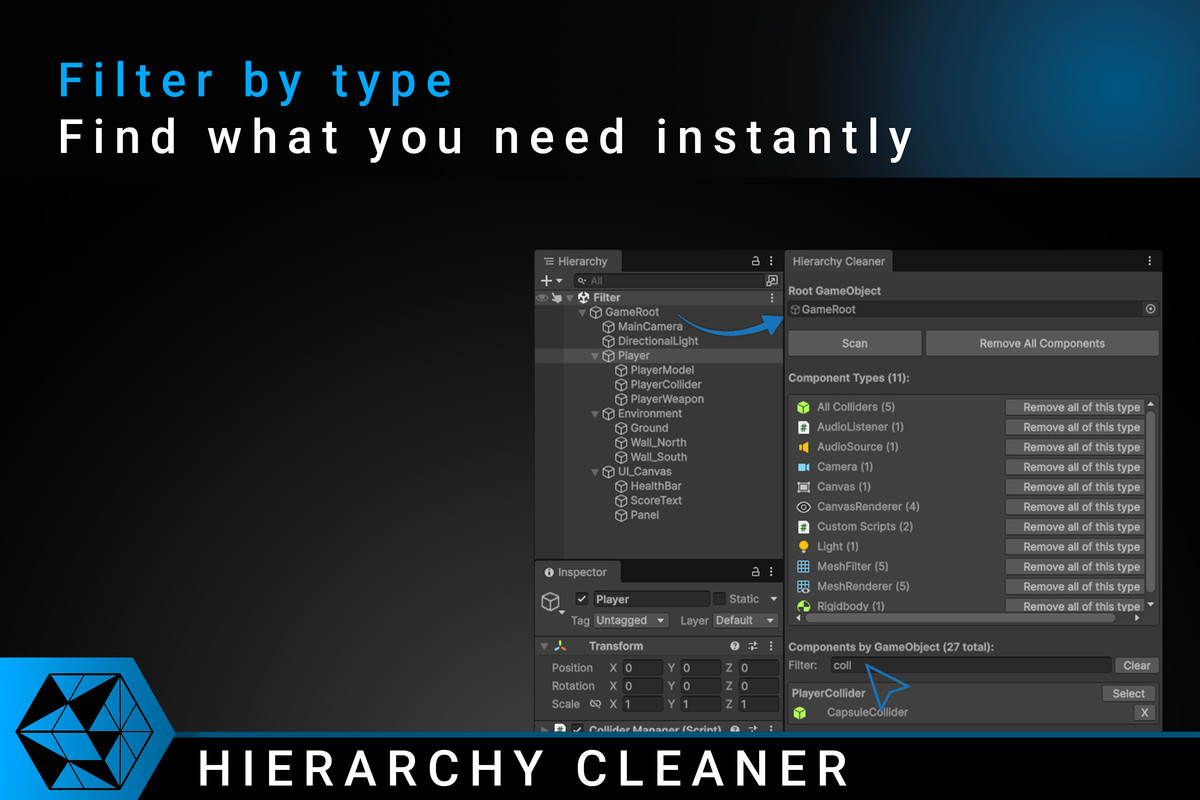
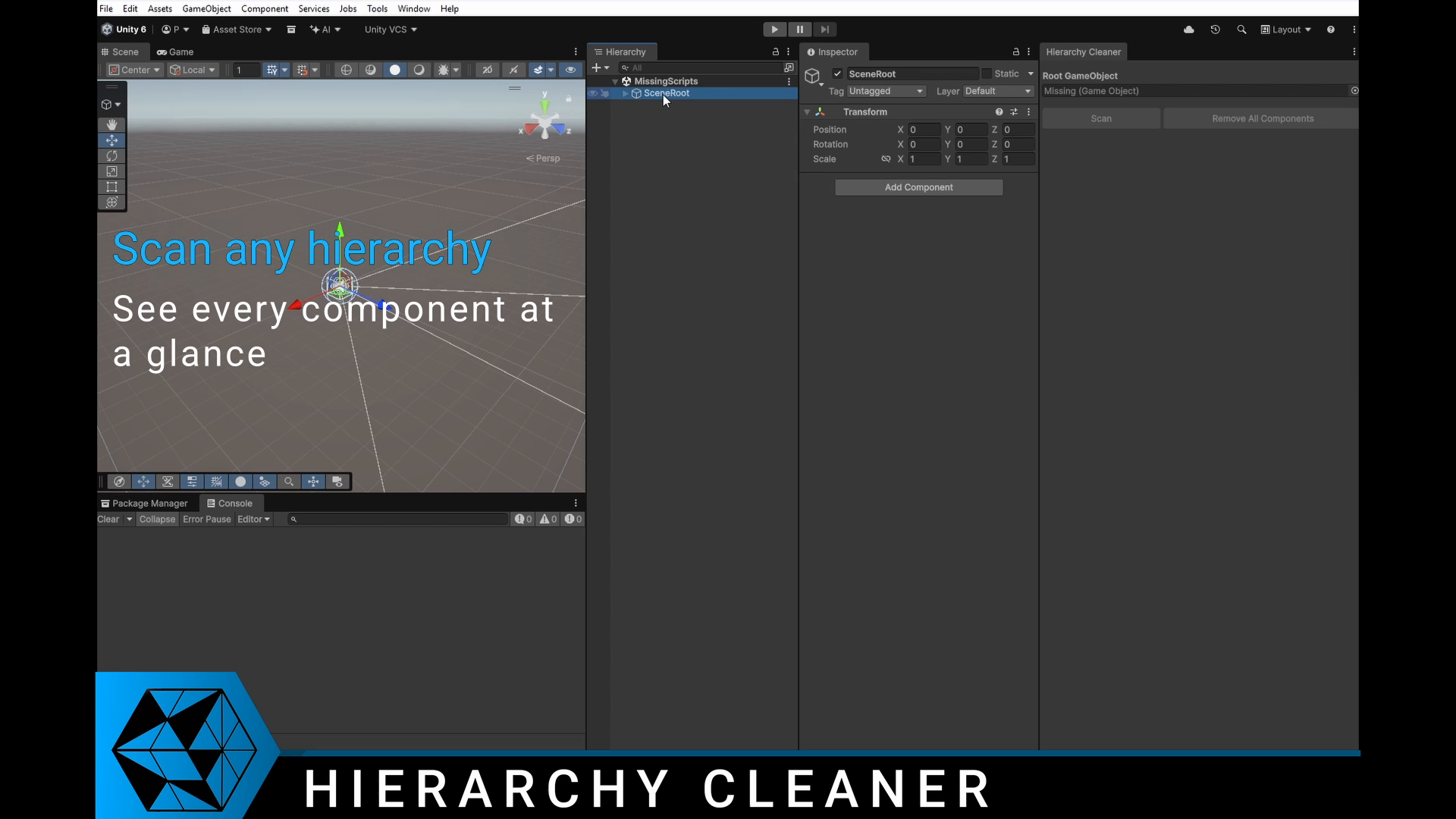
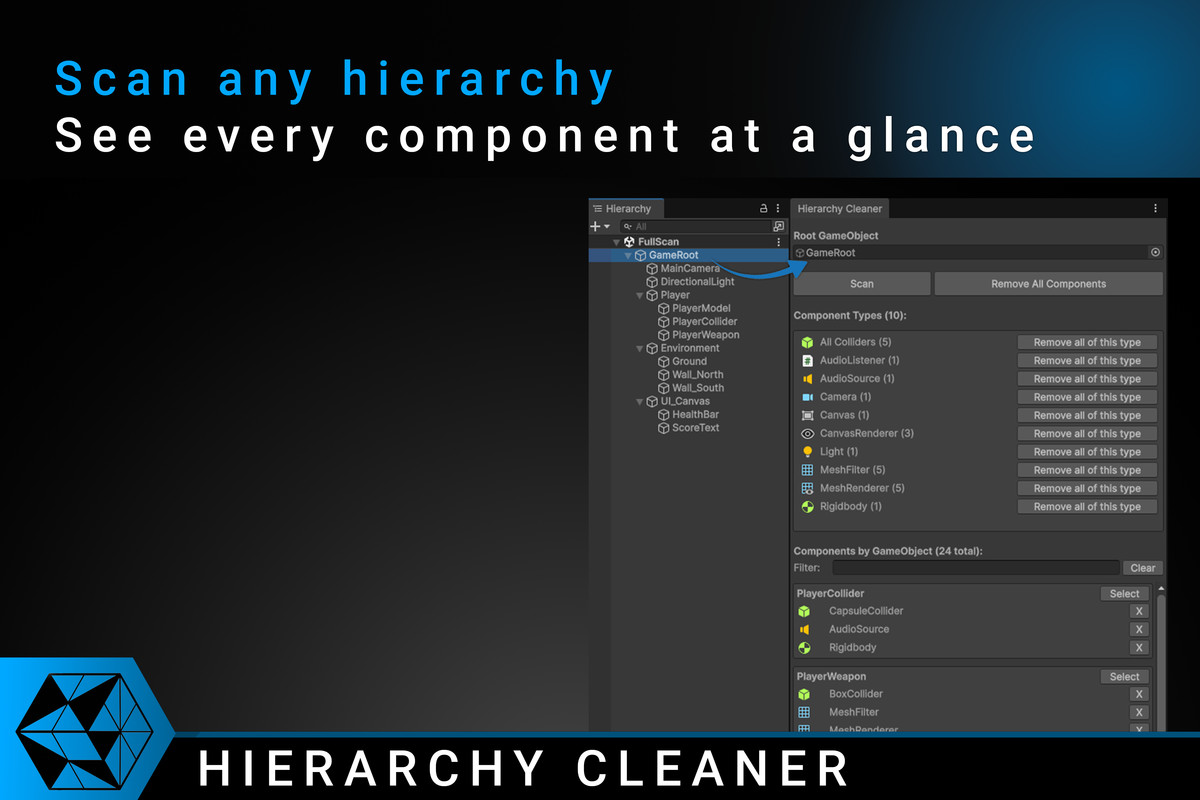
- Assign a root GameObject, click Scan, and instantly see all components grouped by type - with icons and instance counts.
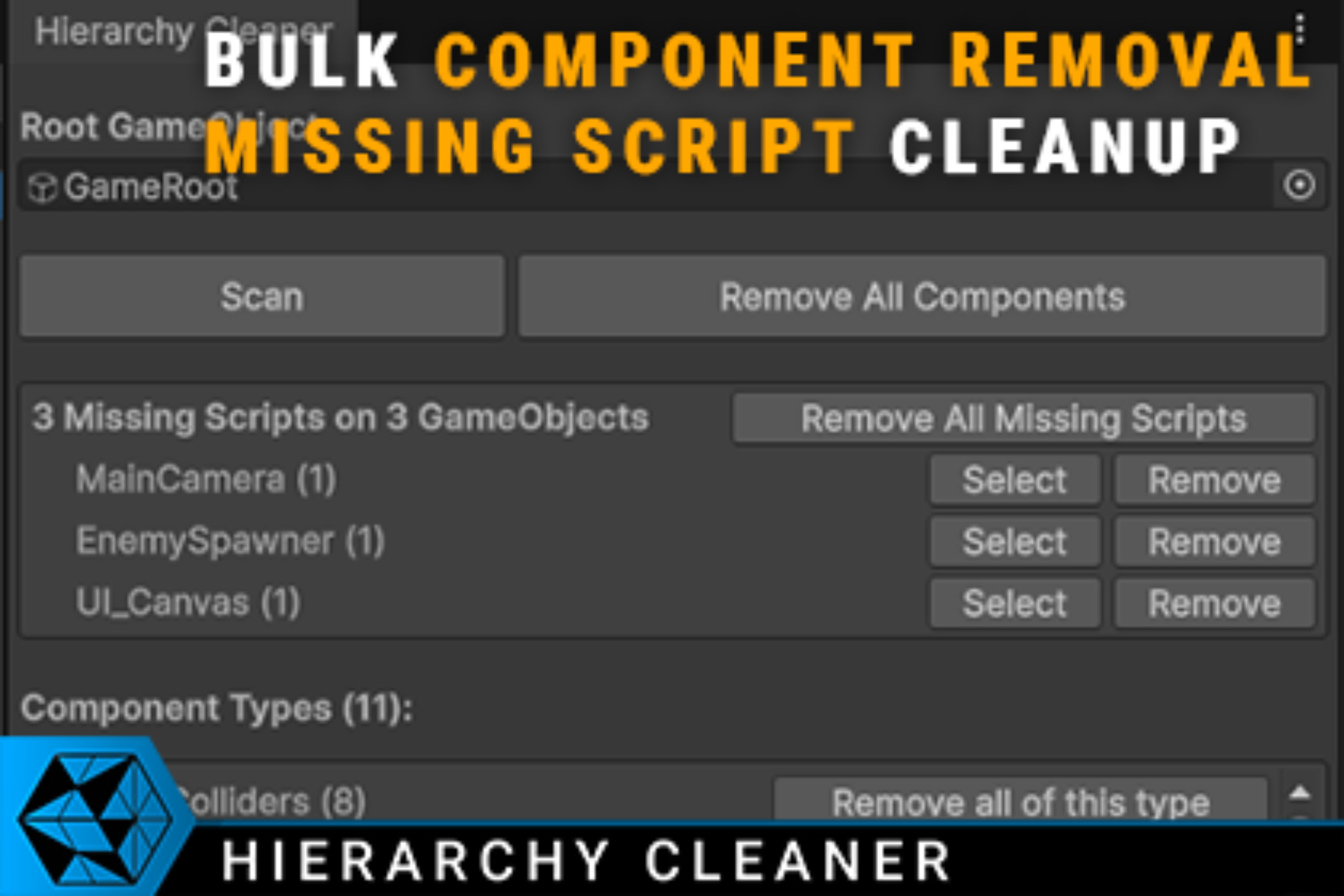
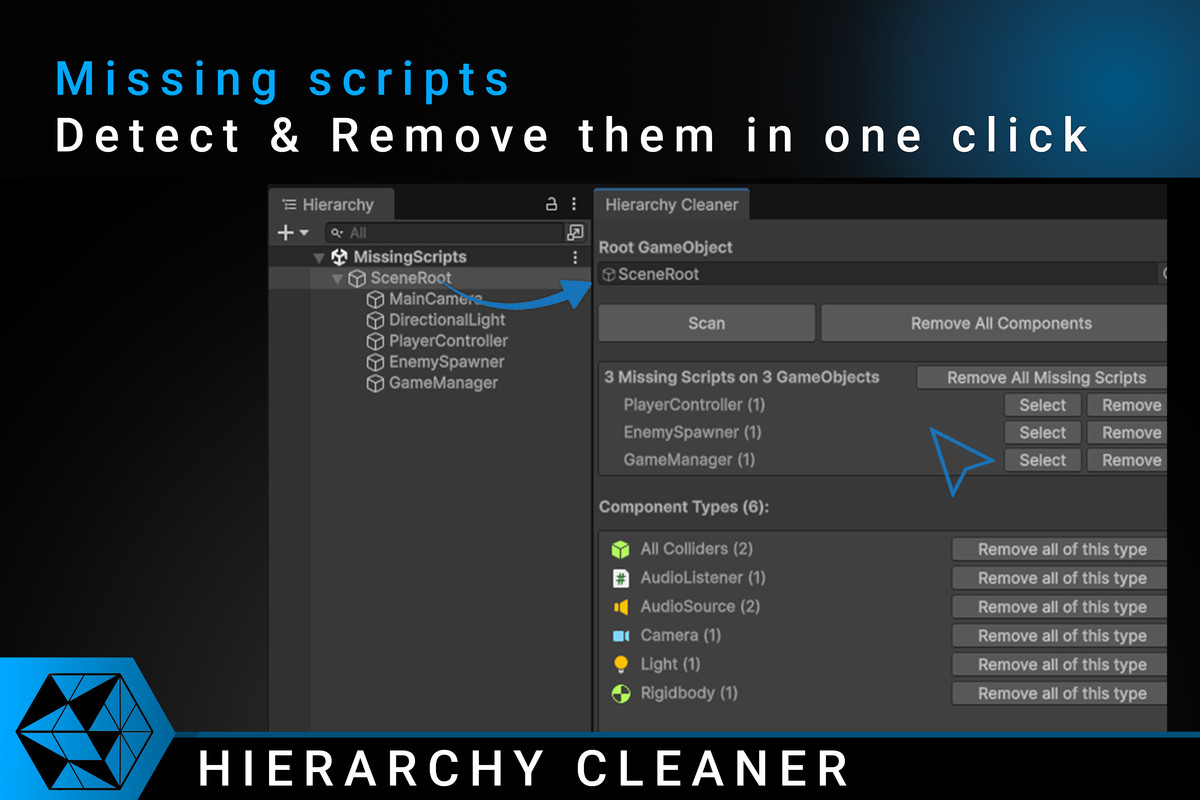
- Missing scripts are highlighted with a per-GameObject breakdown.
- Remove individual components, entire types at once, or strip everything in a single click.
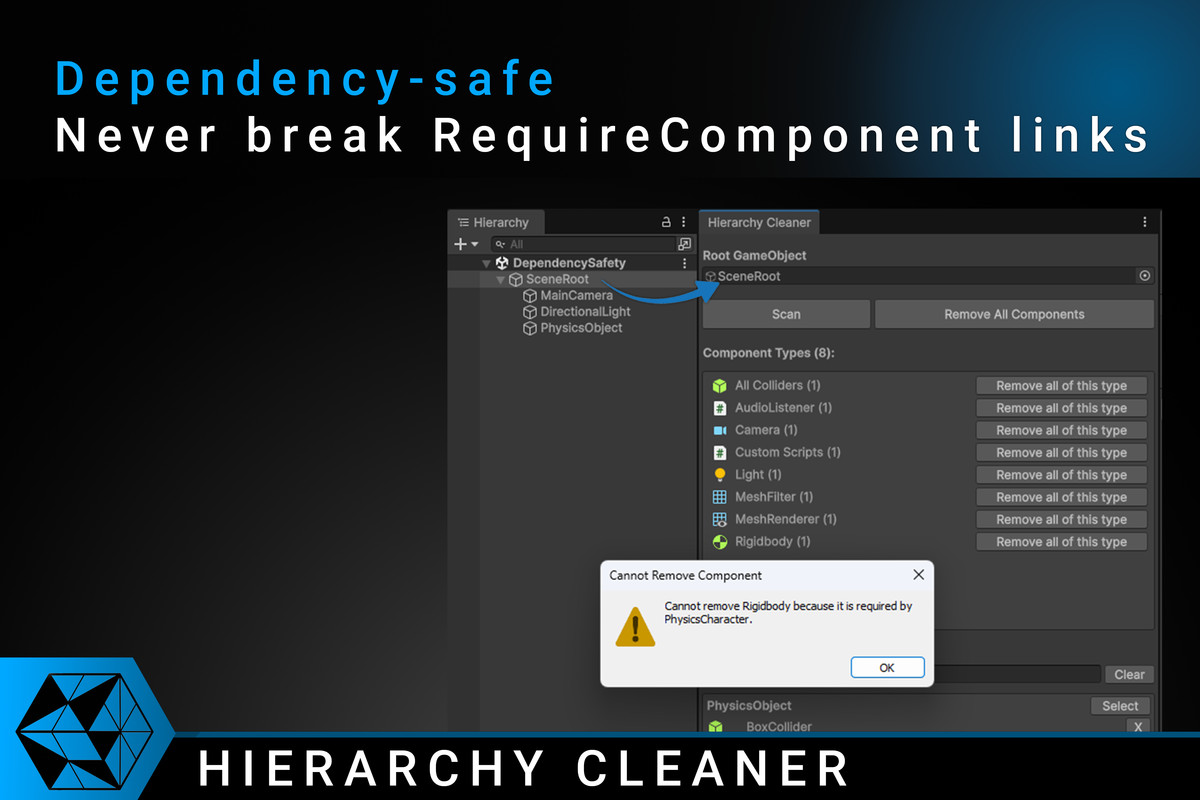
- The tool is designed to be safe and predictable. It respects RequireComponent dependencies: if a component cannot be removed because another component depends on it, you are offered to remove both together.
- Components that Unity re-adds automatically (such as URP companion components) are detected and reported clearly.
- All removal operations support Undo (Ctrl+Z), and a multi-pass dependency resolver ensures the correct removal order even in complex chains.
Hierarchy Cleaner is ideal for:
- Cleaning up imported assets, FBX files, and downloaded prefabs before integrating them into your project
- Stripping unwanted components in bulk (e.g. removing all Colliders or all custom scripts from a hierarchy)
- Finding and removing missing scripts that cause warnings and instability
- Auditing what components exist across a complex hierarchy at a glance
The window updates automatically when the hierarchy changes, so you always see current data without needing to re-scan manually.
From the publisher's Asset Store listing.
Technical details
Key features:
- Recursive scan of any root GameObject, including inactive children
- Components grouped by type with icons and instance counts
- Aggregate categories for "All Colliders" and "Custom Scripts"
- Missing script detection with total count and per-GameObject breakdown
- Individual removal (X button per component), per-type bulk removal, and full strip
- RequireComponent dependency safety with "Remove Both" option
- Auto-readd detection for URP and other auto-managed components
- Multi-pass dependency resolver for correct removal order in complex chains
- Case-insensitive text filter to narrow displayed components
- Quick Select button to ping and select any GameObject in the Hierarchy
- Auto-rescan on hierarchy changes (no manual refresh needed)
- Full Undo support for all removal operations
Requirements:
- Unity 2020.3 LTS or newer
- Editor-only (Windows, macOS, Linux)
- Works with any render pipeline (Built-in, URP, HDRP)
- No dependencies — uses only built-in Unity Editor APIs
Compatibility
| Unity version | Built-in | URP | HDRP | Custom |
|---|---|---|---|---|
| 6000.3.11f1 | Compatible | Compatible | Compatible | Compatible |
As listed on the Asset Store.