
 View on Asset Store (opens in new tab)
Package details
- Latest version
- 1.0.1
- Last updated
- First released
- Unity version
- 2022.3.62 or later
- Package size
- 8.6 MB
- Files
- 141
- Views in the past week
- 7
Price tracking
- Last checked
- Tracked since
- Lowest recorded
- $4.99 on
Keywords

Realistic Joystick Control – Mobile Touch Input
- Price drop
Flexible and high-performance mobile joystick system with fixed, floating and dynamic modes, axis filtering, dead zone support, and fully customizable behavior.
Lowest recorded price
Get 50% off on Asset Store (opens in new tab)Affiliate link · Purchases support this site
Price history
Last 6 months
USDAsset preview
1 / 4
Realistic Joystick Control – Mobile Touch Input screenshot 1
About this asset
Play a WebGL demo:
https://transylvanian-tales.itch.io/joystick-control-demo
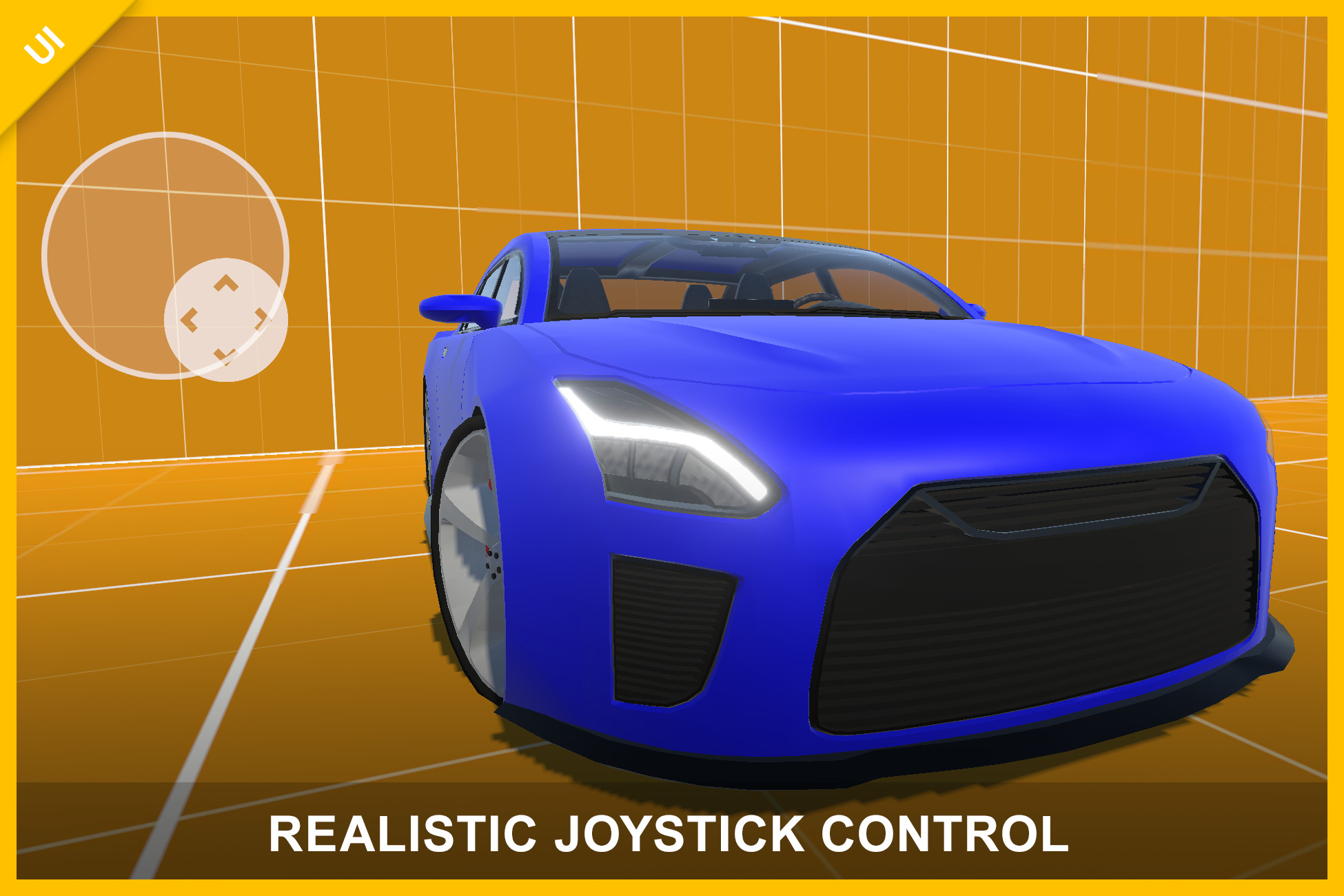
🎮 Realistic Joystick Control – Mobile Joystick Touch Input
Joystick Control is a flexible, high-performance UI joystick system designed for mobile and cross-platform projects. It delivers smooth, responsive analog input with full customization and multiple interaction styles.
Built as a ready-to-use solution, it includes everything you need—from core input logic to polished demos—so you can integrate it into your project in minutes.
🚀 Key Features
- Multiple Joystick Types
- Fixed
- Floating
- Dynamic (adaptive movement)
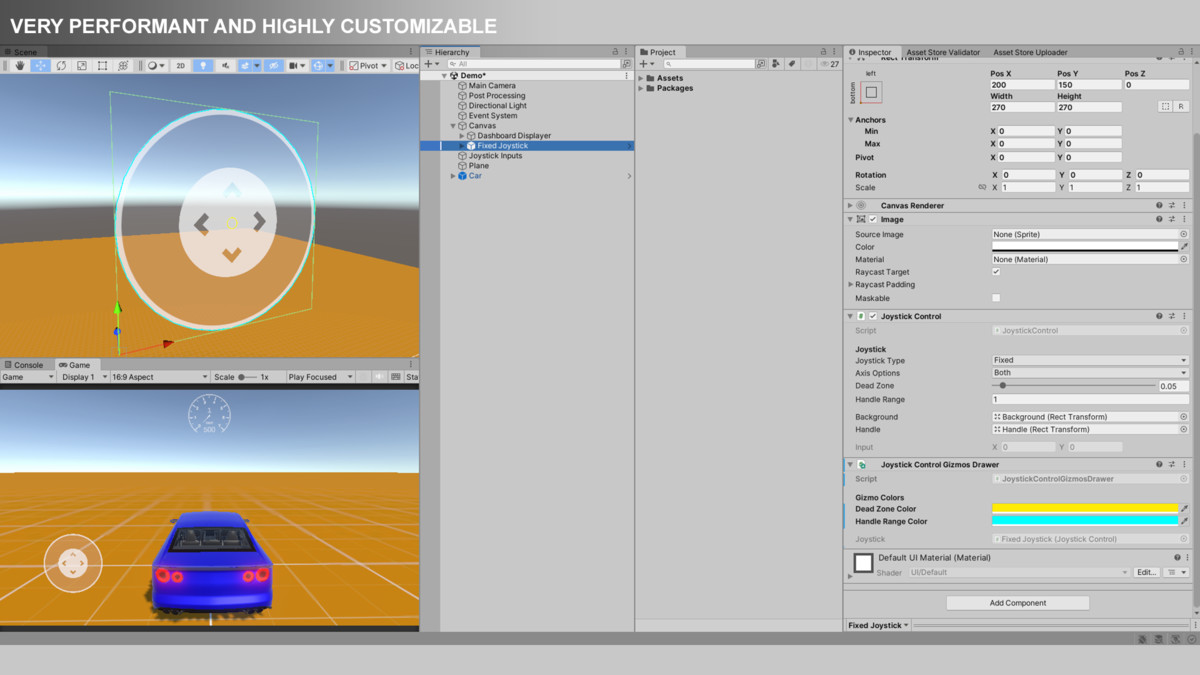
- Highly Customizable
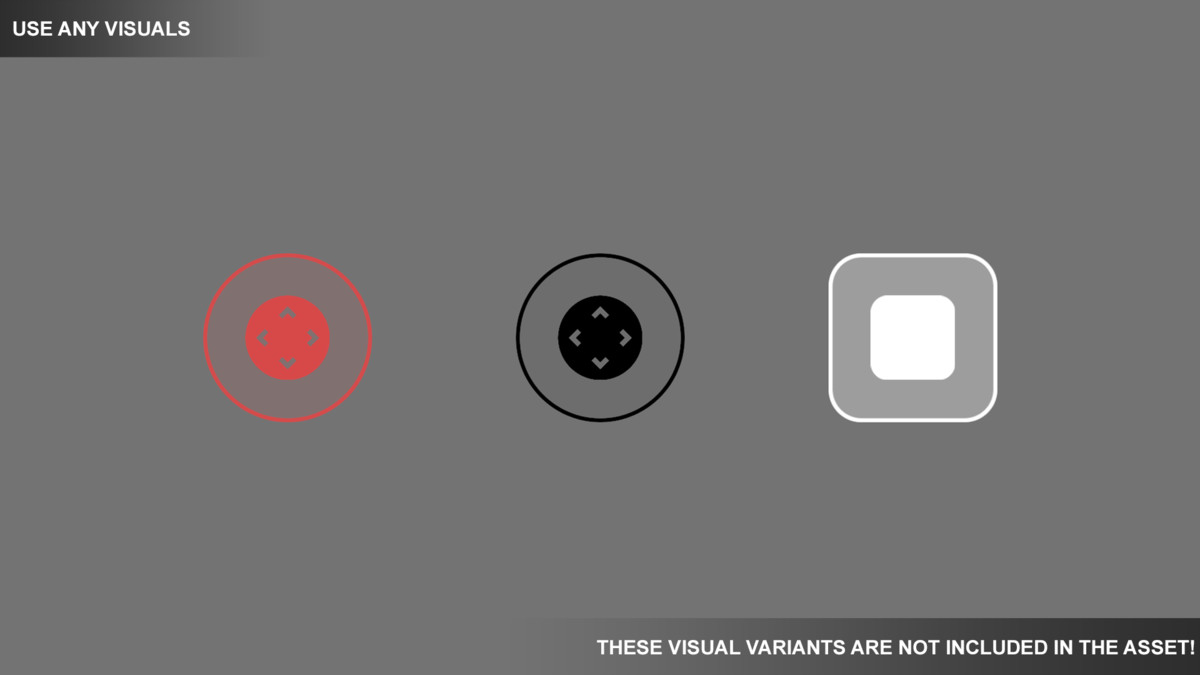
- Use your own UI visuals
- Adjustable dead zone and handle range
- Axis filtering (Horizontal, Vertical, Both)
- Runtime behavior switching
- Accurate & Responsive Input
- Smooth analog 2D input
- Stable dead zone handling
- Event-driven architecture
- Performance Focused
- Lightweight and efficient
- No unnecessary allocations
- Suitable for real-time gameplay
- Multi-Platform Support
- Mobile (Android / iOS)
- PC (mouse input supported)
- Render Pipeline Support
- Built-In Render Pipeline (BRP)
- Universal Render Pipeline (URP)
- High Definition Render Pipeline (HDRP)
📦 What’s Included
- Fully functional joystick system
- Pre-configured UI prefabs
- Demo scenes for each joystick type
- Car demo (complete vehicle controller using joystick input)
- Modular package-based architecture
- Full documentation and tutorials
🧠 Designed for Flexibility
Joystick Control is built to be independent of gameplay systems.
Use it to control:
- Characters
- Cameras
- Vehicles
- Physics objects
- Or any custom system
Simply subscribe to input events or read the input vector directly.
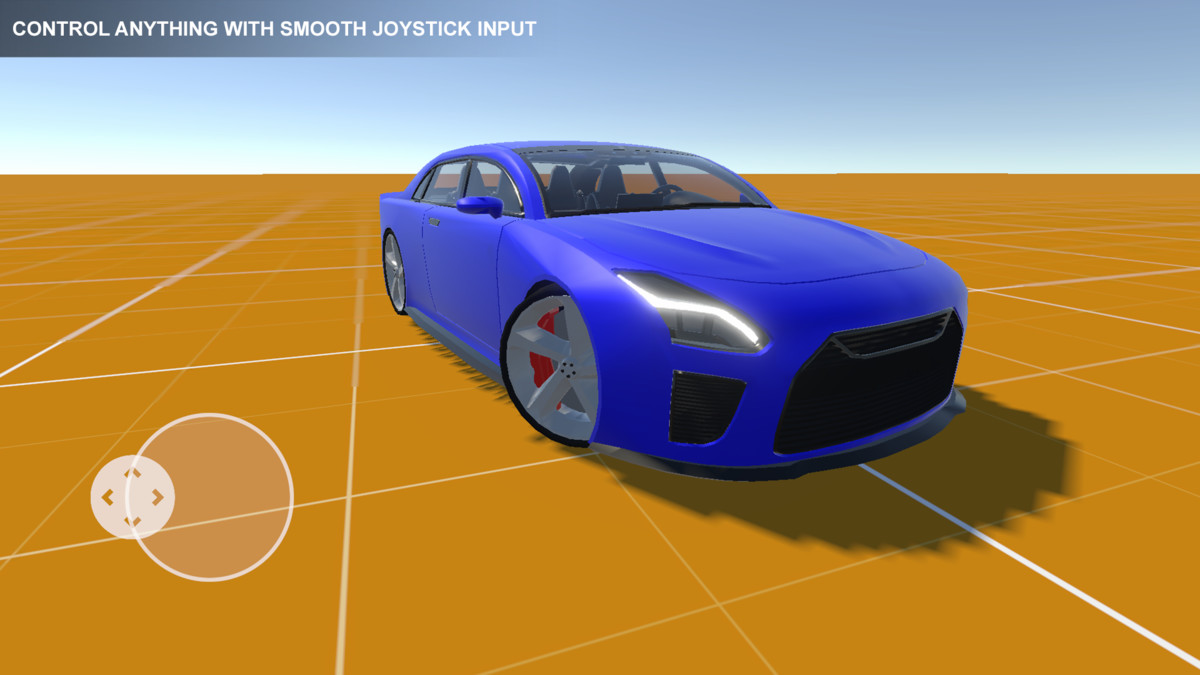
🚗 Car Demo Included
A complete car controller demo is included to demonstrate real-world usage.
- Drive a vehicle using the joystick
- See how input translates into gameplay
- Works across BRP, URP, and HDRP
⚙️ Easy Setup
- Drag & drop prefab or create your own UI
- Assign background and handle
- Configure settings
- Start receiving input instantly
📚 Documentation & Learning
- Clean and structured documentation
- Clear architecture breakdown
- Step-by-step usage guidance
- Video tutorials included
In this YouTube playlist you will find tutorials:
https://www.youtube.com/playlist?list=PL2ESxGsWSBc45QAbEy84VNm4zCsW9co5X
🔒 No External Dependencies
- No external API keys required
- No third-party services
- Fully self-contained
💡 Perfect For
- Mobile games
- Arcade and racing games
- Twin-stick shooters
- Simulation and controller-based systems
Joystick Control gives you a powerful, flexible foundation for handling input—so you can focus on building your game.
From the publisher's Asset Store listing.
Technical details
⚙️ Technical Details
- Unity Version: 2022.3 or newer (recommended)
- Platforms Supported:
- Android
- iOS
- Windows / macOS
- Input System:
- Uses Unity UI Event System (IPointer interfaces)
- Compatible with both mouse and touch input
- No dependency on the new Input System package
- Architecture:
- Modular, package-based structure
- Separation between core logic and demo/assets
- Reusable systems designed for integration across projects
- Core Components:
- JoystickControl (runtime input logic)
- JoystickAxisOptions (axis filtering)
- JoystickType (behavior modes)
- JoystickControlGizmosDrawer (editor visualization)
- Features:
- Analog 2D input (Vector2)
- Fixed, Floating, and Dynamic joystick modes
- Axis filtering (Horizontal, Vertical, Both)
- Dead zone handling
- Adjustable handle range
- Event-driven input (UnityAction<Vector2>)
- Performance:
- Lightweight and optimized
- No runtime allocations during input updates
- Suitable for real-time gameplay
- Dependencies:
- Unity UI (uGUI)
- TextMeshPro (required for demo scenes only)
- Included Content:
- Prefabs (joystick setups)
- Demo scenes (all joystick types)
- Car demo (vehicle controller example)
- Documentation and tutorials
- Extensibility:
- Easily extendable for:
- Input smoothing
- Sensitivity curves
- Snap directions
- Custom behaviors
- File Structure:
- Assets: UI, prefabs, demo scenes
- Internal Packages: core systems and reusable modules
- External Dependencies:
- None
- No API keys required
Compatibility
| Unity version | Built-in | URP | HDRP |
|---|---|---|---|
| 2022.3.62f2 | Compatible | Compatible | Compatible |
1. Navigate to:
/Assets/TransylvanianTales/JoystickControl/
2. Import the correct package:
- URP.unitypackage or HDRP.unitypackage
(BRP requires no import)
3. After importing, open:
/CarDemo/RenderPipelines/[Your RP]/
4. Open the Demo scene and press Play
As listed on the Asset Store.