
 View on Asset Store (opens in new tab)
Package details
- Latest version
- 1.2.1
- Last updated
- First released
- Unity version
- 6000.0.73 or later
- Package size
- 3.1 MB
- Files
- 188
- Favorites
- 2
- Views in the past week
- 3
Price tracking
- Last checked
- Tracked since
- Lowest recorded
- $17.49 on
Keywords

Strategy Camera Controllers
A collection of strategy game cameras in the classic Blizzard-RTS style, as well as modern simulation and tactics game cameras.
Price $24.99
Buy on Asset Store (opens in new tab)
Affiliate link · Purchases support this site
Price history
Last 6 months
USDAsset preview
1 / 5
Strategy Camera Controllers screenshot 1
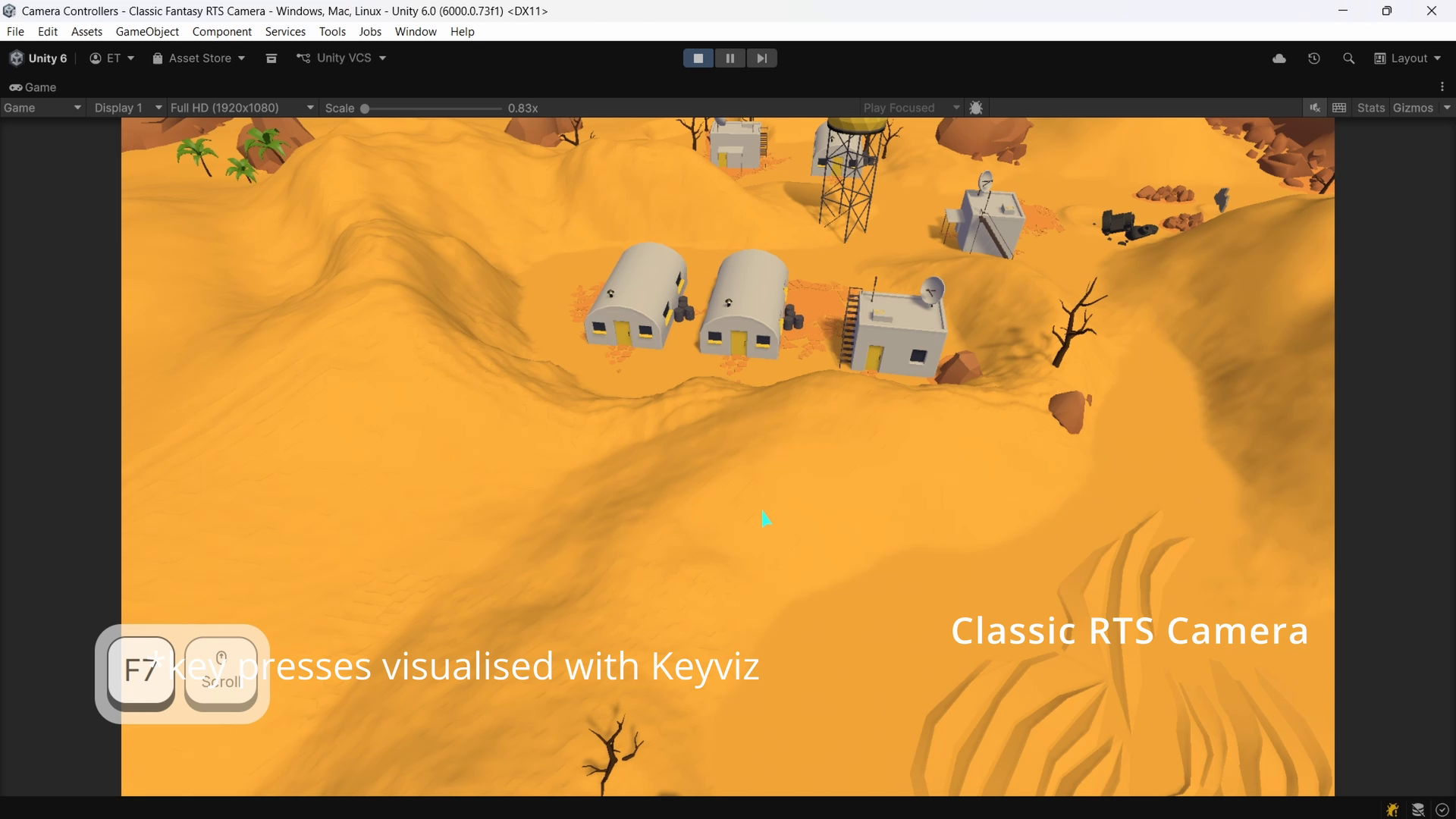
About this asset
A collection of strategy camera controllers built for PC games with Mouse+Keyboard controls with Unity’s New Input System.
Documentation | Demo | Free Version | Discussions
Includes distinct camera styles inspired by classic genre staples:
- Classic RTS camera (Blizzard RTS style - Warcraft, Starcraft-like)
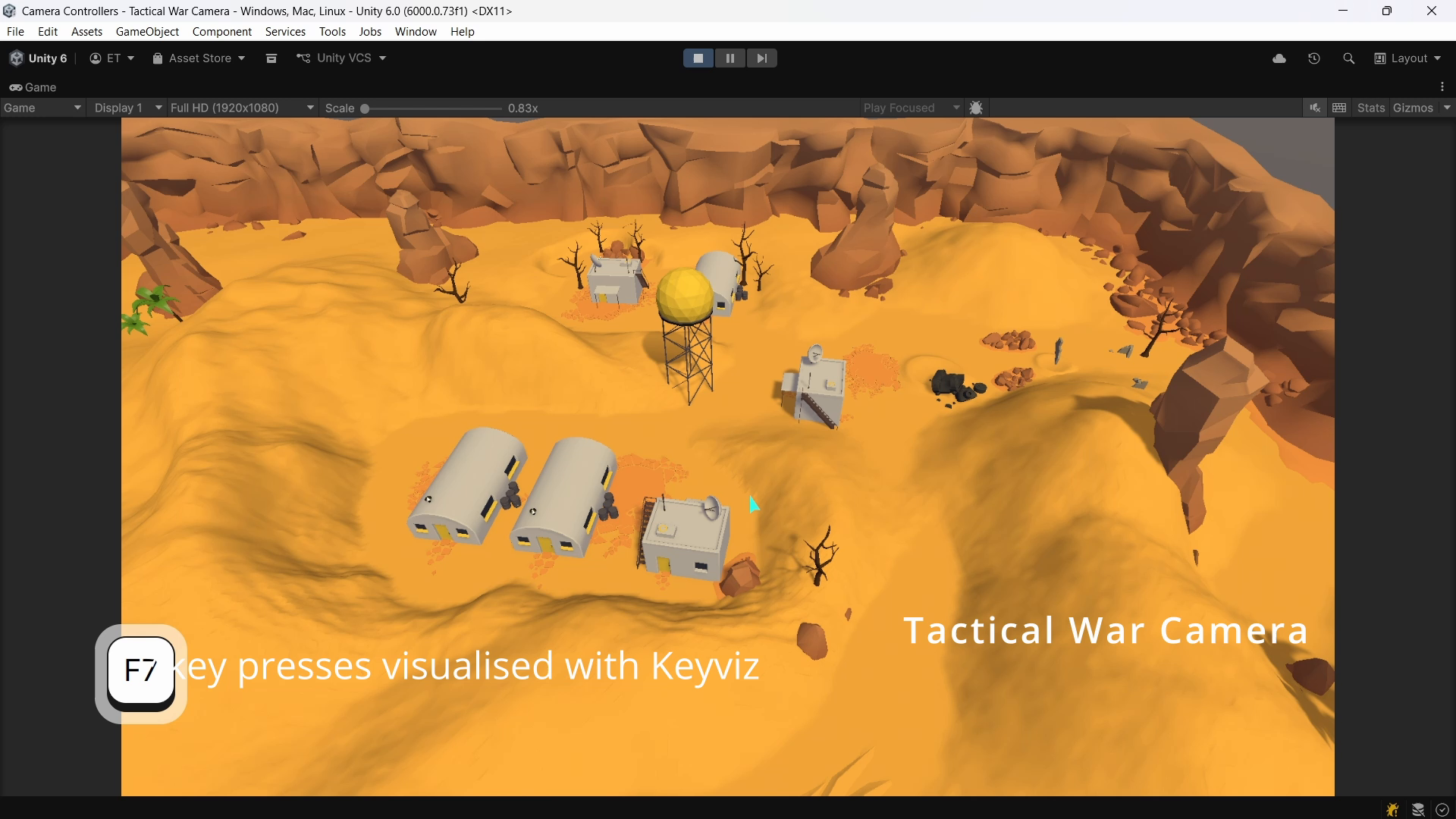
- Tactical war camera (Total War style)
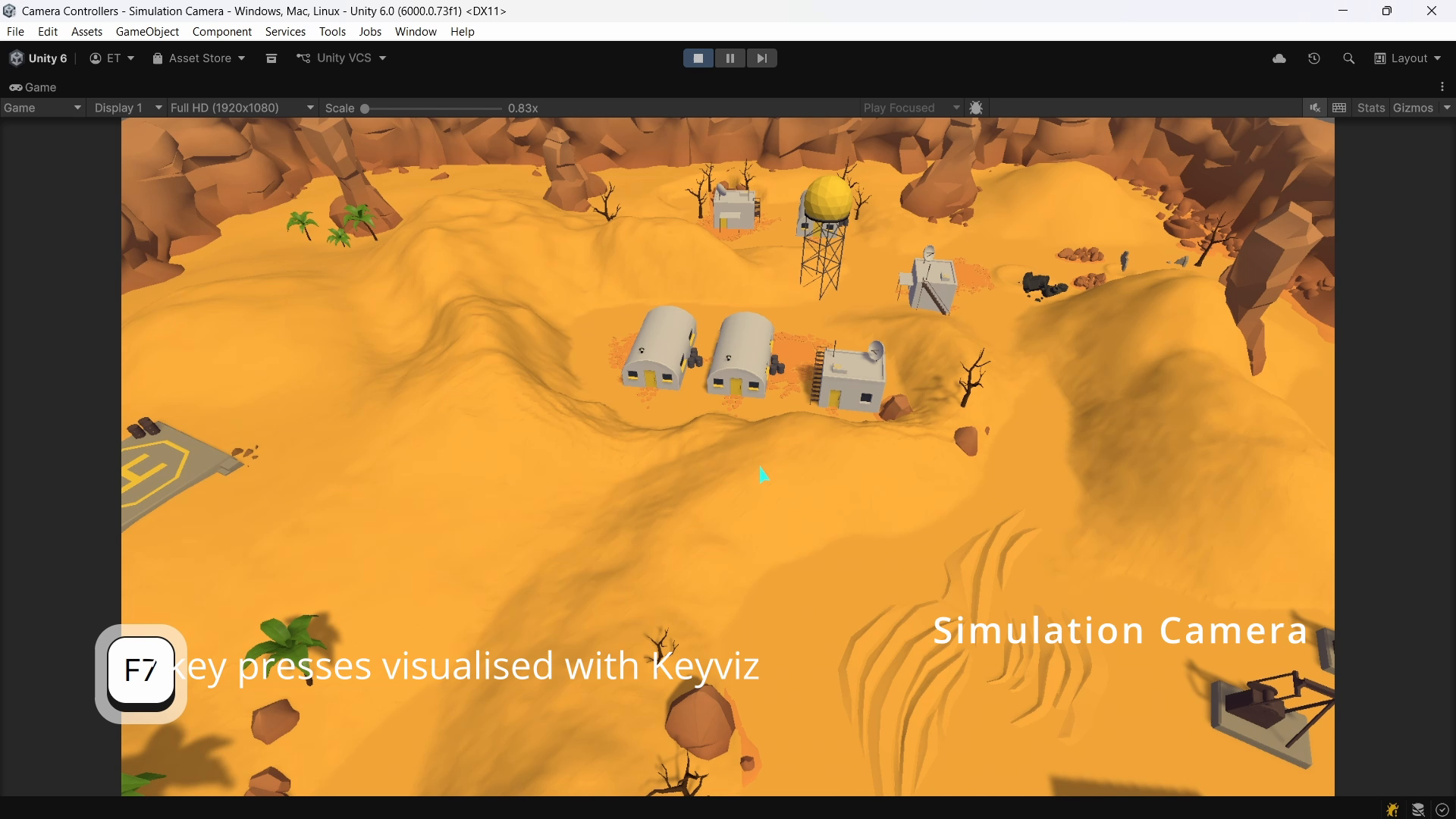
- Simulation camera (Overhead camera with full pitch, yaw, and pan control).
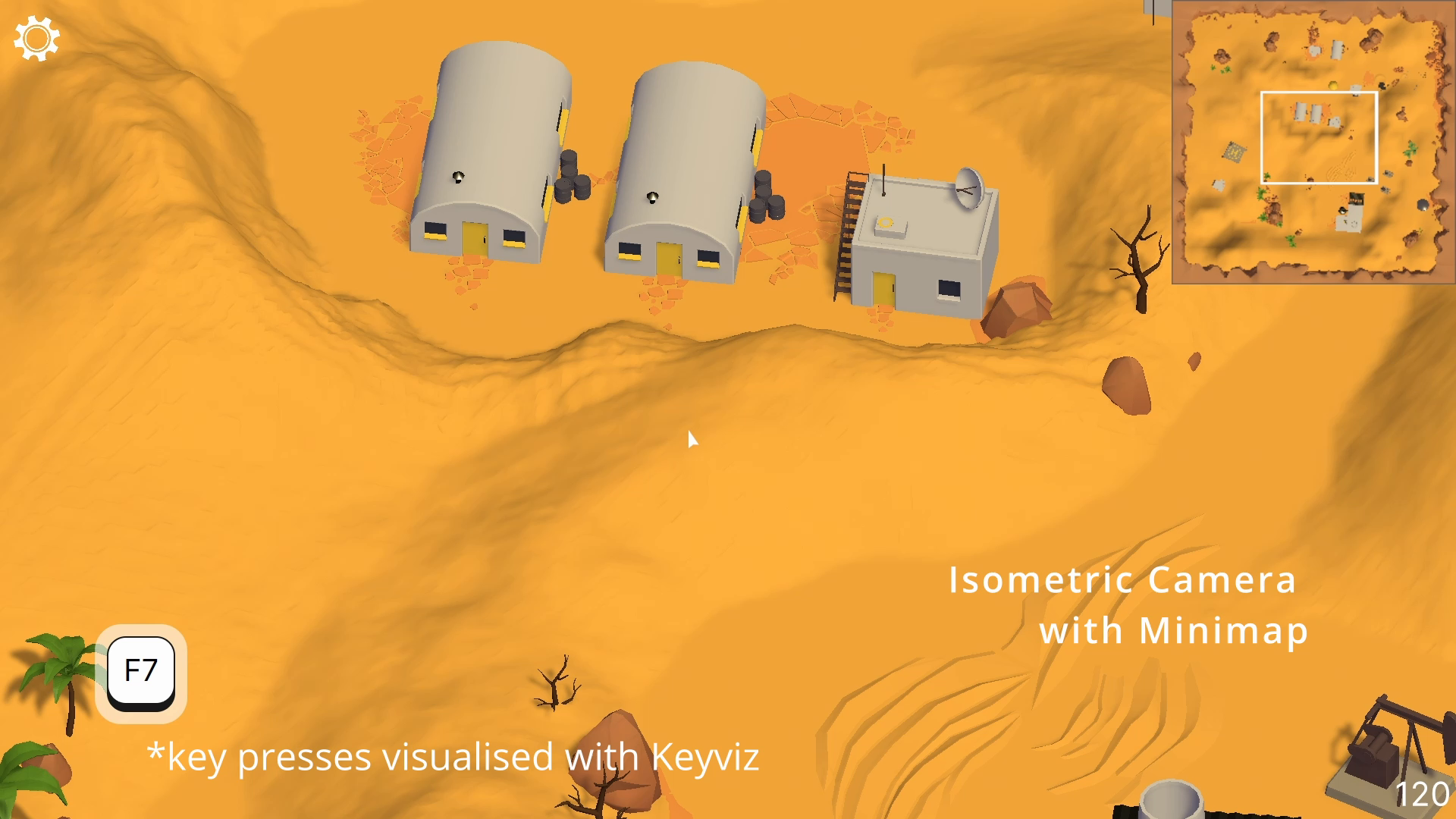
- Orthographic (Isometric) classic RTS camera
Includes sample scenes, ready-to-use prefabs, basic cursor sprites, and extensible and well-documented code.
Advanced features include:
- Automatic elevation adjustment for cameras - rise above terrain curves, buildings, and obstacles to avoid clipping.
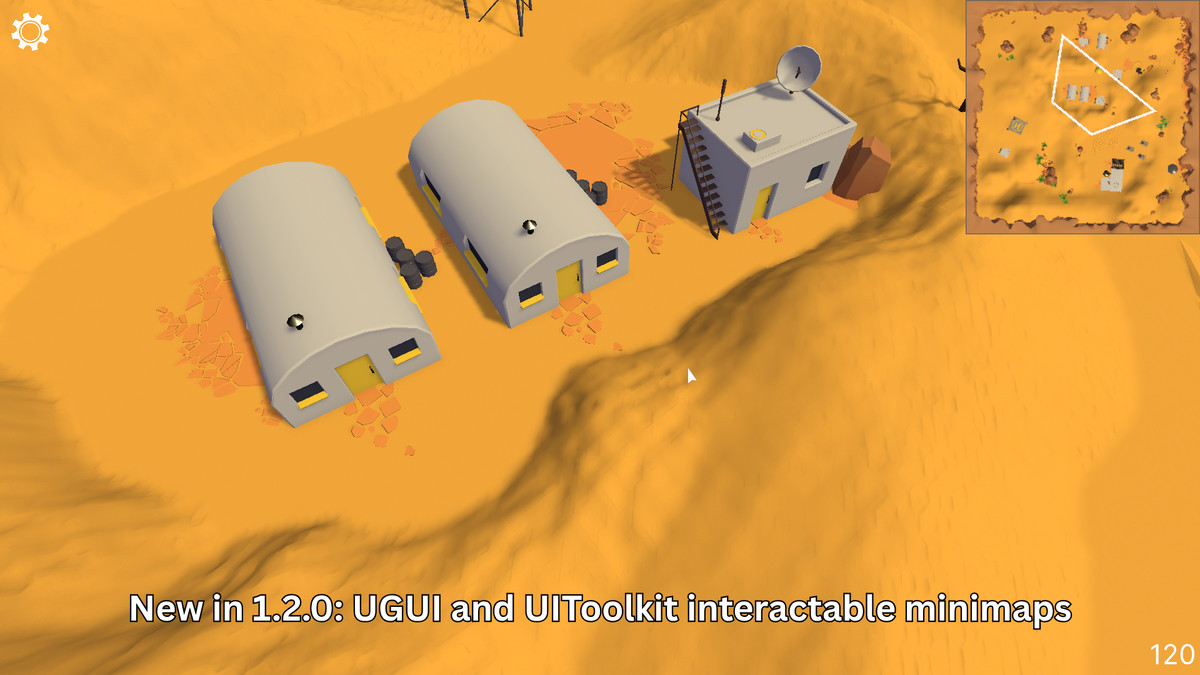
- Interactable minimaps - for UIToolkit and UGUI, click on minimaps to move the camera.
- Custom Cursor state system with Scriptable Objects
- Editor tools to constrain the cursor to the game view window for edge scrolling (works in Editor Play mode and in builds).
From the publisher's Asset Store listing.
Technical details
Features:
- Uses Unity's new Input system - all keys and interactions are fully rebindable
- Modular, extensible code architecture
- 3 camera controller types included:
- Classic RTS Camera (Fantasy and Sci-Fi variants)
- Simulation Camera
- Tactical War Camera
- Ready-to-use prefabs and sample scenes
- Keyboard + mouse controls
- Screen-edge scrolling and custom editor code for cursor confinement in the Editor
- Zoom-dependent movement scaling
- Camera bounds support
- Automatic terrain/obstacle elevation adjustment using layers
- Dynamic cursor system using ScriptableObjects and cursor state switching
- Custom Editor cursor confinement system
- Automatic Game View focus detection (camera stops and cursor is freed when Game view not in focus)
- UI interaction examples (UI Toolkit + uGUI)
Compatibility
| Unity version | Built-in | URP | HDRP | Custom |
|---|---|---|---|---|
| 6000.0.73f1 | Compatible | Compatible | Compatible | Compatible |
As listed on the Asset Store.