
 View on Asset Store (opens in new tab)
Package details
- Latest version
- 1.0.0
- Last updated
- First released
- Unity version
- 6000.3.9 or later
- Package size
- 11.7 MB
- Files
- 174
- Views in the past week
- 5
Price tracking
- Last checked
- Tracked since
- Lowest recorded
- $10.00 on
Keywords

ANDZ ★ THEME MANAGER [Graphics/Fonts/Selectables/Prefabs]
Intuitive uGUI theme manager. Store colors, fonts and button styles in reusable preset assets and link elements to them. Switch themes in edit mode or at runtime in a single click. No code required.
Affiliate link · Purchases support this site
Price history
Last 6 months
USDAsset preview
1 / 3

ANDZ ★ THEME MANAGER [Graphics/Fonts/Selectables/Prefabs] screenshot 1
About this asset
Changing colors or fonts across your UI means opening component after component. The Theme Manager makes this easier. Link elements once then style your entire UI in just a few clicks.
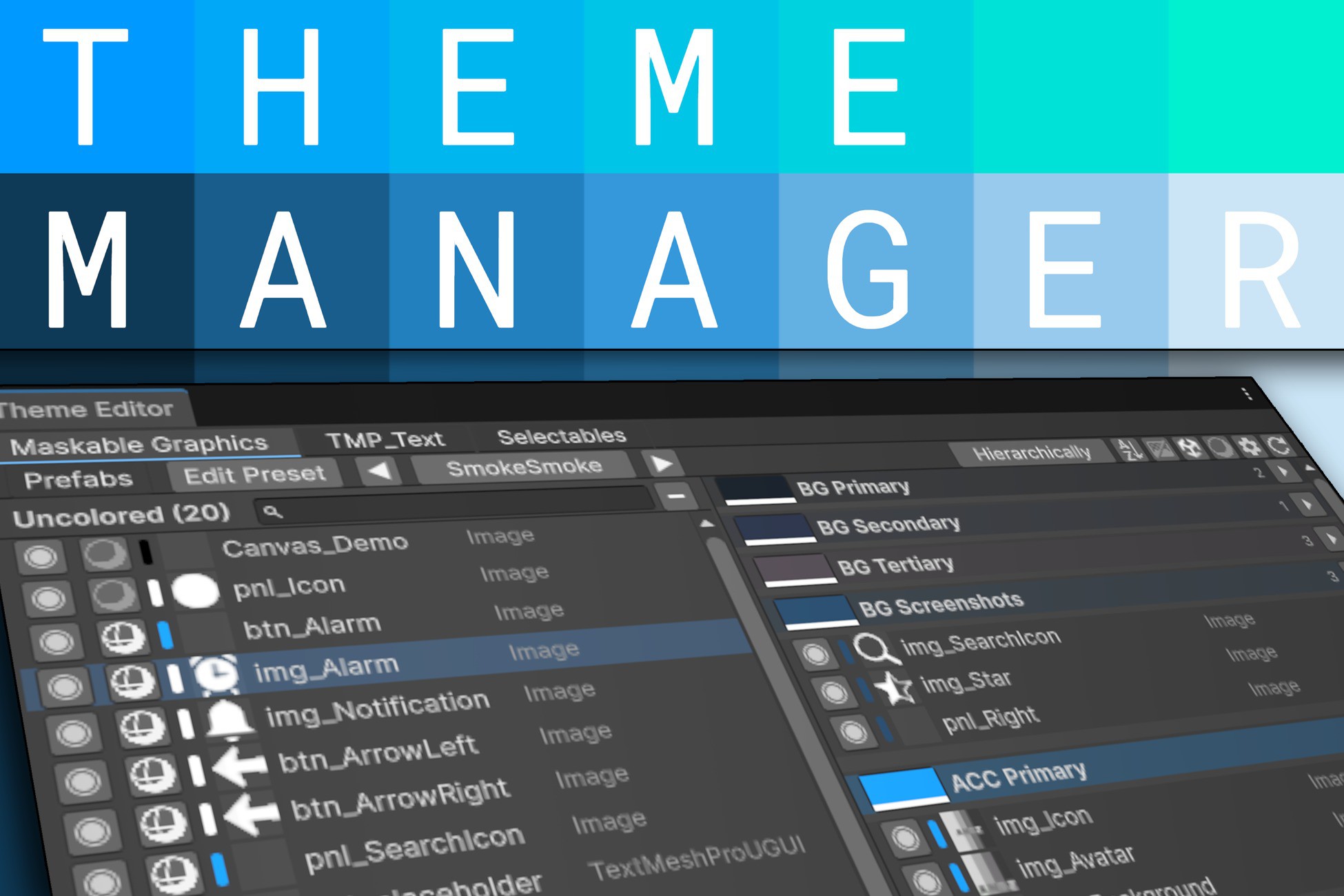
Store colors, fonts and button styles in preset files. Open the Theme Editor, drag UI elements into named slots to link them. Done. You can now switch themes in one click.
🎨 Preset System
Three types of presets cover everything your UI needs.
• Color presets: named color slots stored as assets. Edit one and all linked elements update.
• Font presets: font asset, style, size and spacings.
• Selectable presets: Color Tint, Sprite Swap and Animation transitions.
📦 Collections
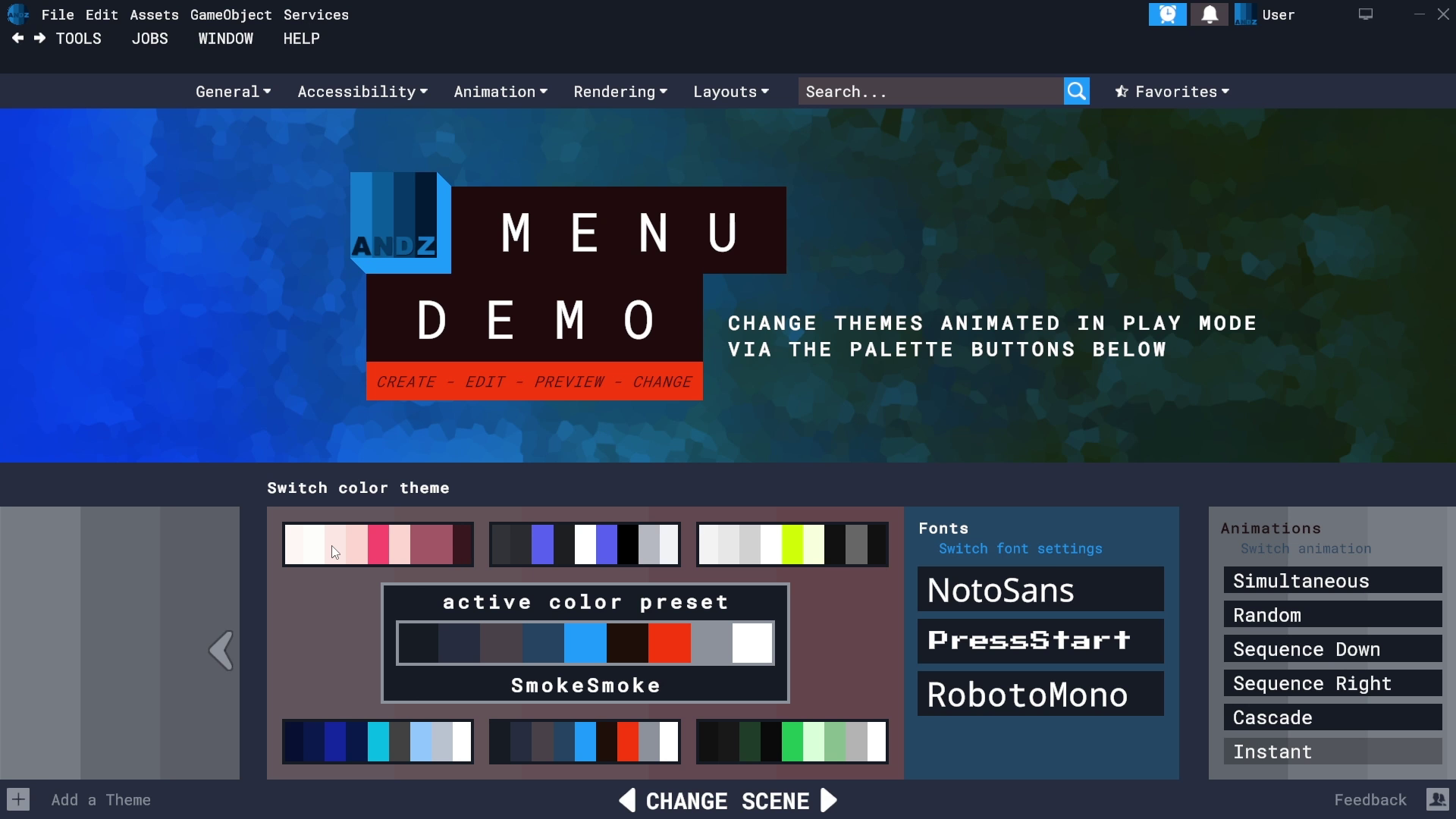
Presets are grouped into Collections. A Collection holds multiple presets (e.g. Dark Mode, Light Mode) and ensures that they remain compatible. Switch between them without anything breaking.
🖼️ Color Palette Generator
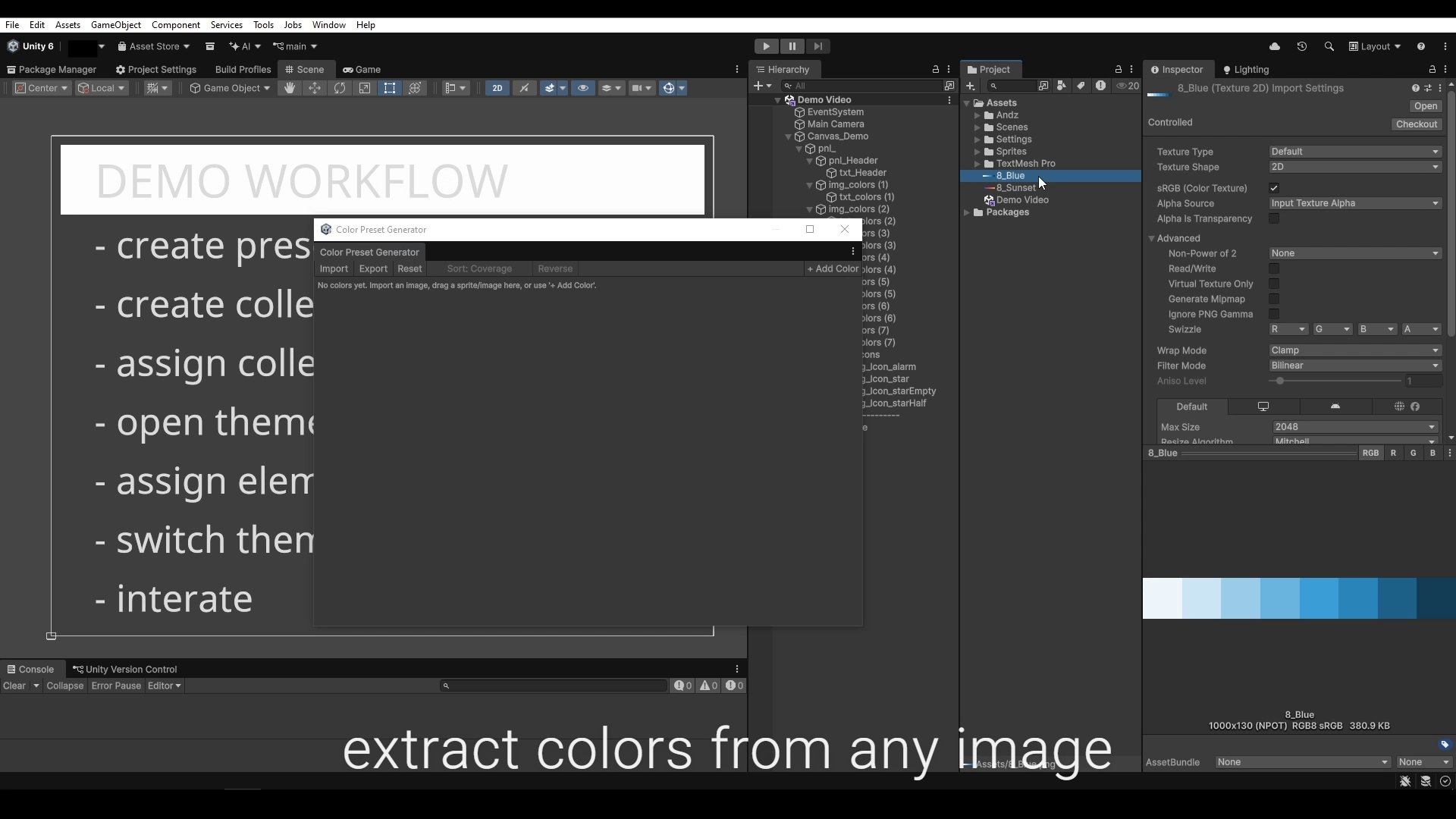
Drop any image and it extracts a clean set of colors automatically. You may then edit the colors and export them directly as a color preset asset. Sort by coverage, hue, brightness, saturation, position, temperature or value.
⚡ Runtime Theme Switching
At runtime the theme change can be instant or animated. Elements can all switch at once, stagger across the screen by position, ripple down the hierarchy or each wait a random delay. Lerp duration and easing are configurable per call.
🔧 Editor Workflow
• Scene sync: select an object in the scene and it highlights in the editor window.
• Live previews: sprite thumbnails, font rendering and interactive button state preview.
• Prefab support: all instances of a prefab share one entry.
• Search, sort and filter the element list.
• Full undo on every editor action.
⚙️ Technical
• Unity 6+, TextMeshPro required.
• 100% C# source, no DLLs, no dependencies.
• All presets are ScriptableObjects, reusable across any scene.
• ThemePalette singleton supports DontDestroyOnLoad for cross-scene use.
• Scripting API: switch presets from code and subscribe to change events.
📄 Documentation & Support
Check the demo videos or the interactive WebGL demo to see it in action.
[Documentation] [Changelog] [WebGL Demo] [Contact]
From the publisher's Asset Store listing.
Technical details
- Color presets: named color slots stored as assets. Edit one, all linked elements update
- Font presets: font asset, bold/italic style, size, character/word/line/paragraph spacing per slot
- Selectable presets: Color Tint, Sprite Swap and Animation transitions per slot
- Collections: group presets with matching slots so switching between themes always stays consistent
- Color Palette Generator: drop an image, get a palette. Sort by coverage, hue, brightness, saturation, position, temperature or value
- Theme Editor: drag UI elements into named slots to link them. Three tabs for colors, fonts and selectables
- ThemePalette singleton: one component drives the entire scene. Optional DontDestroyOnLoad to carry the active theme across scene loads
- Cross-scene reuse: all preset assets are ScriptableObjects. Use the same presets in any scene without duplicating data
- Prefab support: all instances of a prefab share one entry in the editor
- Scene sync: select an object in the scene and it highlights in the editor window
- Search, sort and filter the element list
- Live previews: sprite thumbnails, font rendering, interactive button state preview inside the editor
- Runtime transitions: Snap, Lerp with easing, Random Delay, Sequence by screen position, Cascade by hierarchy depth
- Scripting API: switch presets from code and subscribe to change events
- Full undo on every editor action
- Unity 6+, TextMeshPro required
- 100% C# source, no DLLs, no dependencies
Compatibility
| Unity version | Built-in | URP | HDRP | Custom |
|---|---|---|---|---|
| 6000.3.9f1 | Compatible | Compatible | Compatible | Compatible |
As listed on the Asset Store.