
 View on Asset Store (opens in new tab)
Package details
- Latest version
- 1.0.0
- Last updated
- First released
- Unity version
- 2022.3.56 or later
- Package size
- 3.4 MB
- Files
- 75
- Favorites
- 7
- Views in the past week
- 8
Price tracking
- Last checked
- Tracked since
- Lowest recorded
- $5.99 on
Keywords
PSX Metro Props Pack
A simple retro PSX metro assets pack! These models will help you to design an urban subway with a retro aesthetic.
Affiliate link · Purchases support this site
Price history
Last 6 months
USDAsset preview
1 / 2
PSX Metro Props Pack screenshot 1
About this asset
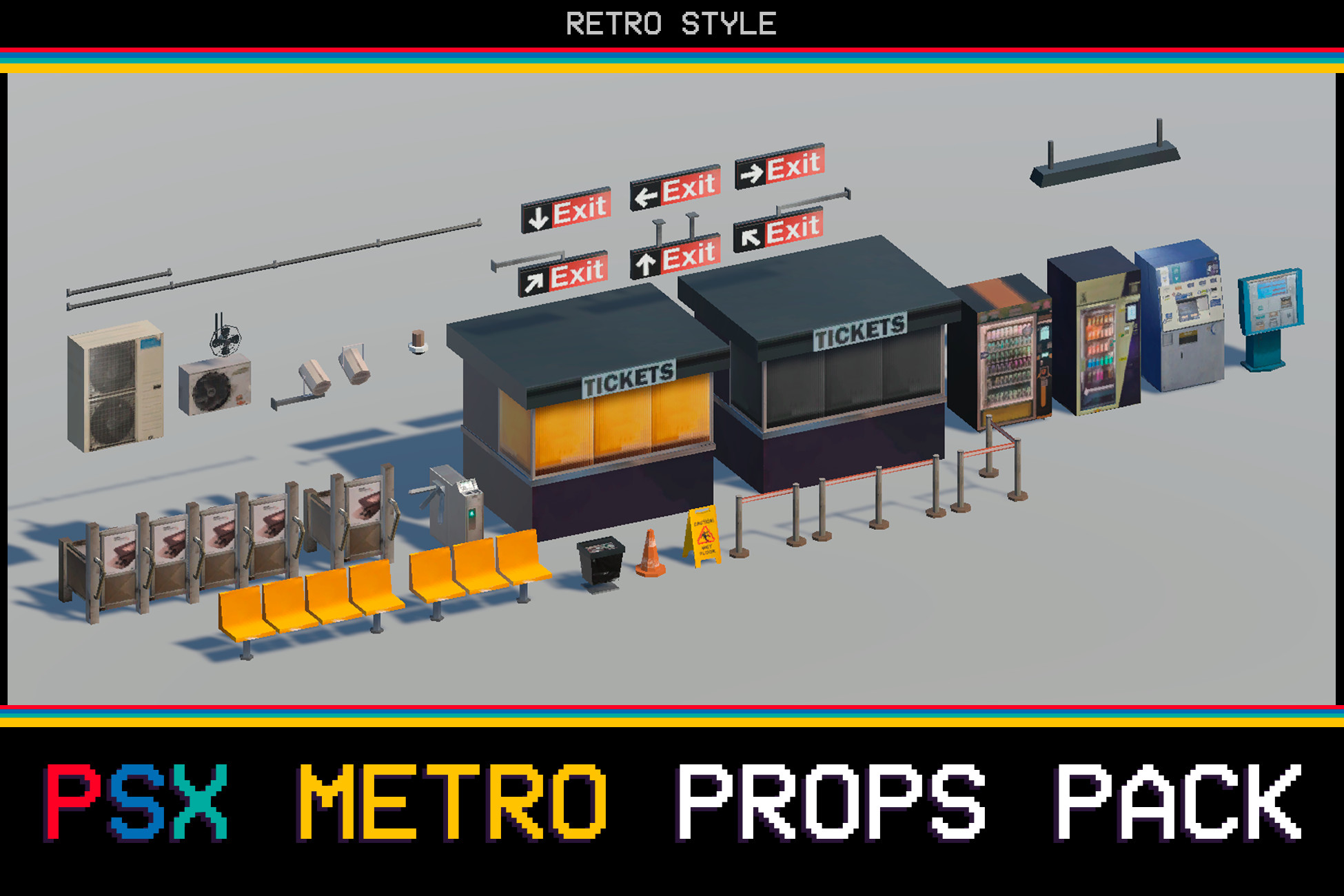
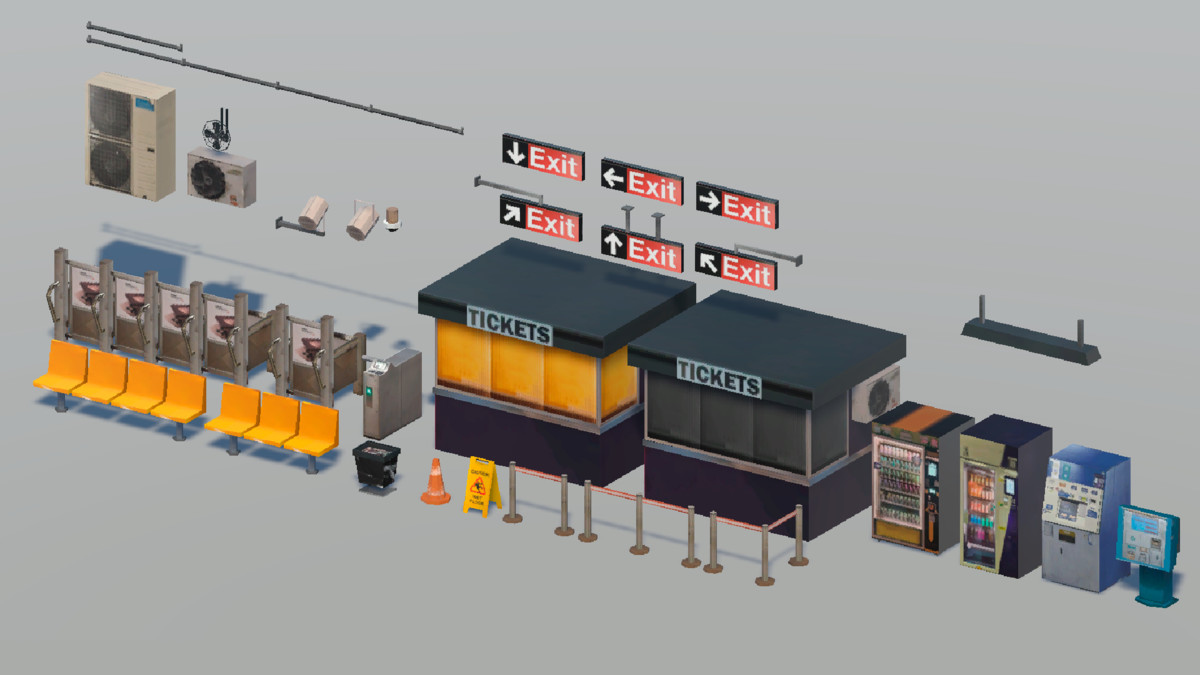
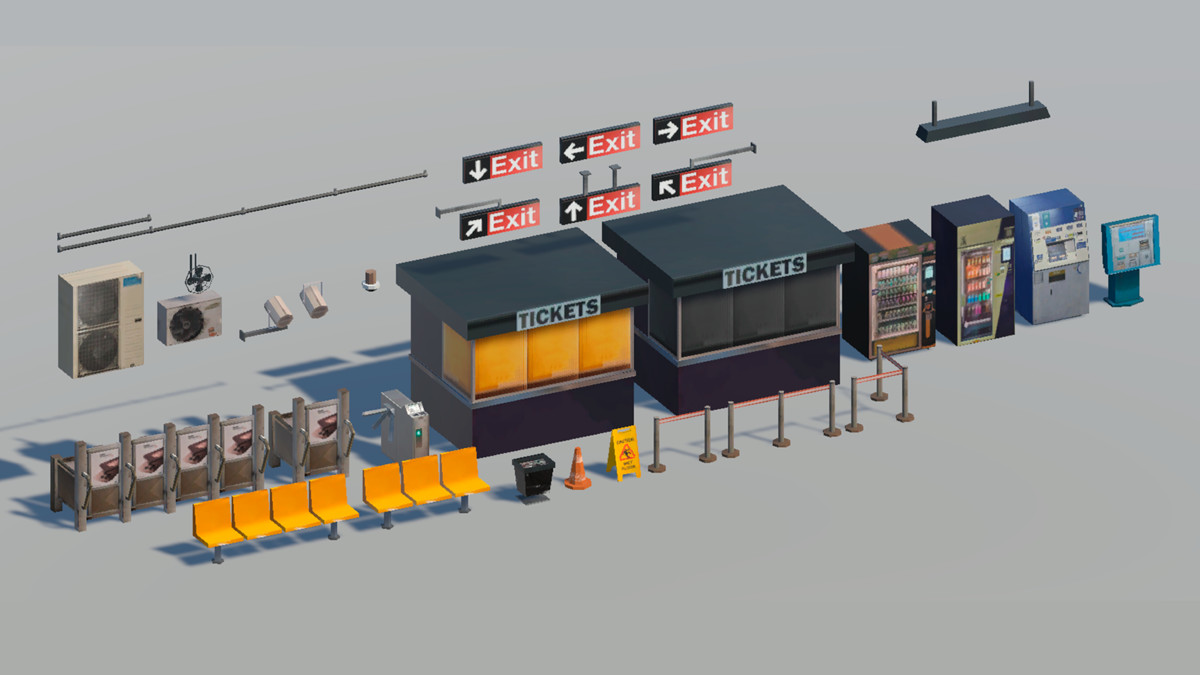
A PSX-style prop pack featuring a variety of low-poly assets designed for subway/metro environments. Includes small, medium, and large props ideal for building retro-style stations.
Contents (51 assets total):
- Fans (3 variations)
- Seats (2 variations)
- Platform doors (2 variations)
- Turnstiles
- Ticket booths (2 variations)
- Speakers (2 variations)
- Security camera
- Pipes (2 variations)
- Fences (3 variations)
- Exit signs (6 variations) and sign stands (2 variations)
- Vending machines (2 variations)
- Ticket machines (2 variations)
- Light fixture
- Extras: cone, trash can, wet floor sign
Modular/Separated Parts:
- Platform doors (separate elements)
- Turnstiles
- Sign stands
- Fan (head, blades, support)
Technical Details:
- Total assets: 51
- Average polycount: ~100 triangles per asset
- Total polycount: ~5,100 triangles
Textures:
- 2 Atlas textures for optimization
- Resolution: 1720 x 1080 px each
Texture Maps:
- Albedo only (PSX-style)
From the publisher's Asset Store listing.
Technical details
The package includes two sample scenes where you'll find all the assets (Built-in and URP)! You can load it or simply select and drag the models from the "Models" folder and add the corresponding material. Also includes the alpha setting to give the small fan the correct transparency.
Compatibility
| Unity version | Built-in | URP | HDRP |
|---|---|---|---|
| 2022.3.56f1 | Compatible | Compatible | Not listed |
It is totally proved on URP and Built-in!
As listed on the Asset Store.