
 View on Asset Store (opens in new tab)
Package details
- Latest version
- 1.0.0
- Last updated
- First released
- Unity version
- 6000.3.7 or later
- Package size
- 10.5 MB
- Files
- 21
- Views in the past week
- 4
Price tracking
- Last checked
- Tracked since
- Lowest recorded
- $9.99 on
Keywords
Iconify Light
Iconify Light — lightweight Unity icon system with 2,000+ icons, Font Awesome support, dynamic updates, click events, and optimized for fast, low-memory UI workflow.
Affiliate link · Purchases support this site
Price history
Last 6 months
USDAsset preview
1 / 5
Iconify Light screenshot 1

About this asset
Iconify Light — Lightweight Icon System for Unity
Iconify Light is a streamlined icon solution designed to make working with icons in Unity faster and easier.
Instead of importing heavy icon packs for every project, Iconify Light gives you instant access to a curated icon library directly in the editor. It includes full Font Awesome support and essential UI icons, all optimized for minimal memory use.
Why Iconify Light?
Working with icons in Unity can slow your workflow due to:
- Downloading and managing multiple icon packs
- Increasing project size
- Cluttered UI workflow
Iconify Light simplifies this by offering a lightweight, efficient system with essential icon functionality.
Key Features
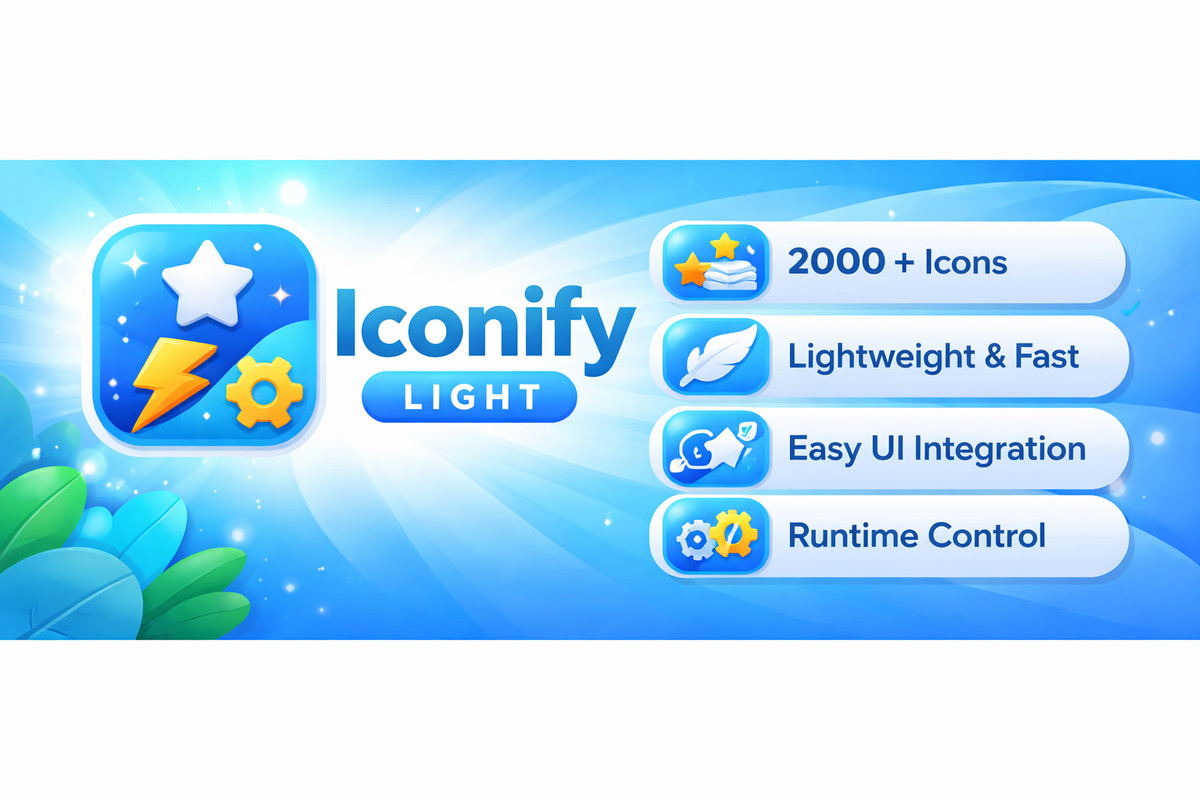
- 2000 Built-in Icons — Core selection of commonly used icons
- Lightweight & Optimized — Minimal memory footprint (~700KB)
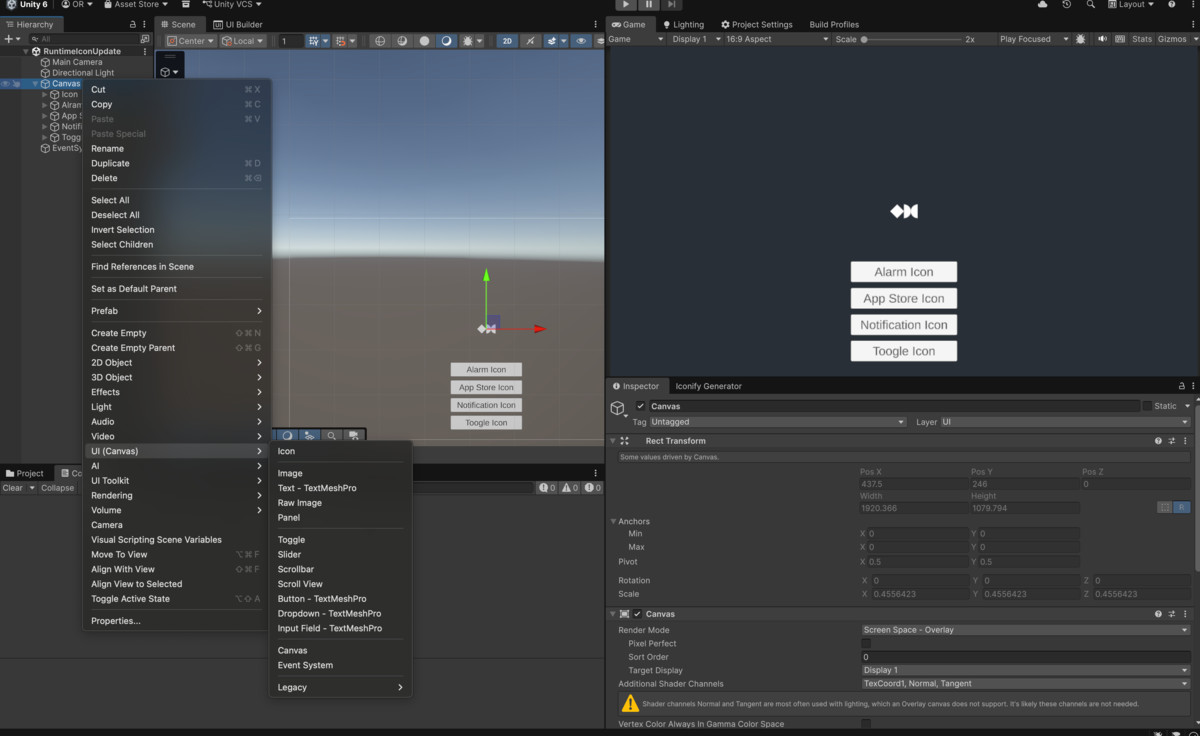
- Easy UI Integration — Add icons via: Right Click → UI → Icon
- Runtime Control — Dynamically update icons during runtime
- Click Events Built-in — Handle icon clicks without extra setup
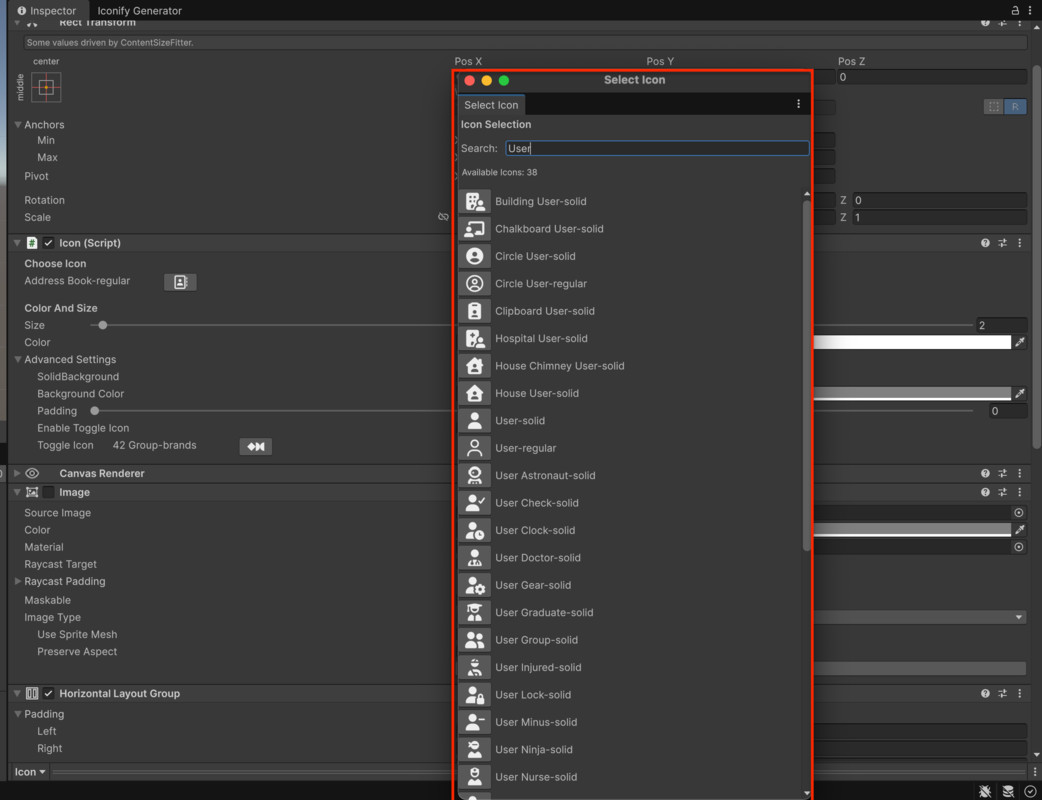
- Editor Tools — Searchable icon picker with live preview
Missing Advanced Features
This Light version does not include:
- Apply Icon Background
- Background Color Change
- Icon Toggle
- Limited to 2,000 built-in icons
Use Cases
- Game UI (HUD, inventory, abilities)
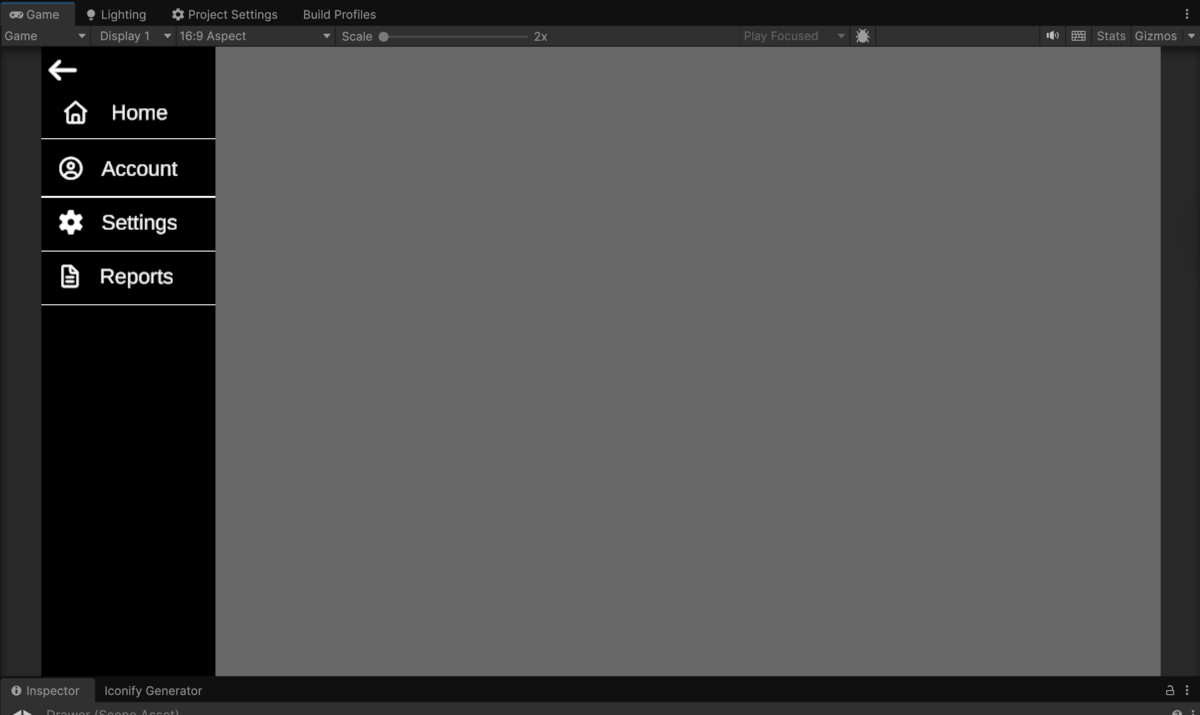
- App interfaces and navigation
- Editor tools and dashboards
- Dynamic and interactive UI systems
From the publisher's Asset Store listing.
Technical details
Unity Versions: 2019.4 LTS and above
Platforms: Windows, macOS, Android, iOS, WebGL, Linux
Icon Library:
- 2,100+ icons including full Font Awesome and essential UI icons
- Lightweight (~700 KB), stored in texture atlases
Icon System:
- Dynamic selection and toggle support
- Primary/secondary icon states
- Runtime updates: size, color, toggle, padding, background
UI Integration:
- Add via Right Click → UI → Icon
- Works with any Canvas element
- Optional background with customizable color/padding
Editor Tools:
- Live preview in Inspector
- Searchable icon picker
- Advanced settings for toggle, background, and padding
Events & API:
- Built-in click events (UnityEvent)
- Full runtime API for dynamic updates
Performance:
- Optimized for minimal memory and fast UI workflow
Compatibility
| Unity version | Built-in | URP | HDRP | Custom |
|---|---|---|---|---|
| 6000.3.7f1 | Compatible | Compatible | Compatible | Compatible |
As listed on the Asset Store.