
 View on Asset Store (opens in new tab)
Package details
- Latest version
- 1.0.6
- Last updated
- First released
- Unity version
- 2022.3.62 or later
- Package size
- 135 KB
- Files
- 43
- Favorites
- 4
- Views in the past week
- 25
Price tracking
- Last checked
- Tracked since
- Lowest recorded
- $4.99 on
Keywords
- Search for Compression
- Search for pipeline
- Search for Image Processing
- Search for performance optimization
- Search for texture optimizer
- Search for Batch Processing
- Search for editor tool
- Search for GPU Memory
- Search for Reduce Build Size
- Search for duplicate finder
- Search for mobile optimization
- Search for Workflow
Quick Texture Optimizer
by Krykftn | Advanced Editor Tools & Systems (opens in new tab)
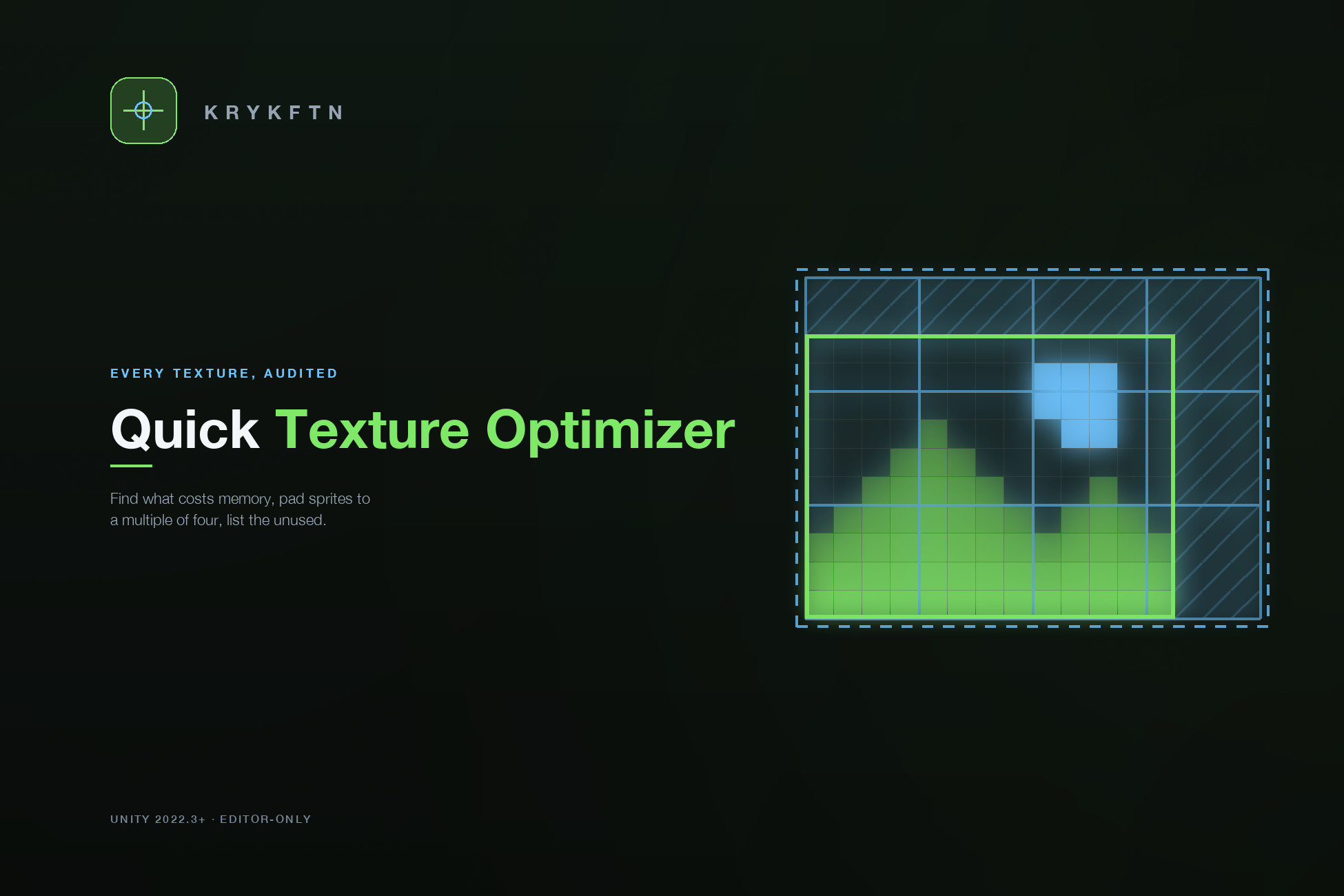
Automate texture optimization, find duplicates, fix %4 divisibility, and trim transparency. Reduce build size and GPU memory across Android, iOS, Standalone, and WebGL with just one click.
Affiliate link · Purchases support this site
Price history
Last 6 months
USDAsset preview
1 / 5

Quick Texture Optimizer screenshot 1


About this asset
Quick Texture Optimizer is a Unity Editor tool that scans the textures in your project, sorts them into categories by path, and applies a Max Size and a compression format per platform (Android, iOS, Standalone and WebGL) in one step that a single Edit > Undo reverses.
Whether you are shrinking a mobile game's build or standardizing assets across platforms, it shows what would change for each texture before anything is applied, and explains the rules it follows.
Why Quick Texture Optimizer?
It measures before it changes anything. A texture whose size is not a multiple of 4 cannot be block-compressed and stays uncompressed: in our DXT5 test a 254x126 texture took 3.9x the memory of the same art padded to 256x128. The Fix %4 tab explains this and pads your sprites safely. The tool also finds byte-identical duplicates, textures nothing refers to, and opaque textures that could drop their alpha channel.
Core Workflows:
Categorization: textures are sorted into UI, Background, Icon, Particle, ThirdParty and more by their path, each with a default Max Size and a format per platform (for example ASTC on mobile, DXT5 on PC). Add your own categories by path.
Analysis: finds opaque textures that could use an RGB-only format, groups byte-identical duplicates by MD5, lists textures that no material, prefab, scene, ScriptableObject, animation, sprite atlas or Player Settings entry refers to, and estimates memory per category.
Fix %4: pads sprites (PNG, TGA, EXR) with transparent pixels on the right and top, keeping sprite rects, pivots and 9-slice borders on the art, and backs up the originals first. Textures a material samples by UV, and formats Unity cannot write back, are listed with the reason instead of being changed.
Processing: batch resize from the full source (sprites keep their on-screen size), trim of transparent borders from single-sprite PNGs, and batch rename.
Reports: HTML and CSV export of your project's textures to share with your team.
Perfect For:
Mobile game developers (Android/iOS)
Cross-platform porting teams
Technical artists
Anyone fighting build size or GPU memory
From the publisher's Asset Store listing.
Technical details
- One-click optimization: apply the category rules on Android, iOS, Standalone and WebGL at once; one Edit > Undo reverses it.
- Custom categories: match textures by a piece of their path, each category with its own Max Size and formats.
- Analysis: alpha use, MD5 duplicates, possibly unused textures, and memory per category (an upper bound that ignores compression).
- Duplicate detection: finds byte-identical files, even under different names.
- Fix %4: pads sprites to multiples of 4 and backs up the originals; sprite rects, pivots and 9-slice borders stay on the art.
- Processing: batch resize (size, percentage, power of two), trim transparency and batch rename. These rewrite files and cannot be undone.
- Team friendly: rules live in ProjectSettings/TextureOptimizerConfig.json for version control, with JSON import and export and HTML/CSV reports.
- Editor only: an asmdef-isolated Editor assembly, so nothing goes into your builds. Tested on Unity 2022.3 and Unity 6.
- Full C# source included.
Compatibility
| Unity version | Built-in | URP | HDRP | Custom |
|---|---|---|---|---|
| 2022.3.62f2 | Compatible | Compatible | Compatible | Compatible |
Editor-only tool: it changes texture import settings (Max Size and compression format per platform) and, when you ask it to, the image files (Fix %4, resize, trim). It never touches materials, shaders or rendering, so it works the same in Built-in, URP and HDRP with no pipeline setup. The demo scene uses Unity's built-in Unlit shaders; we rendered it in all three pipelines and saw no pink pixels.
As listed on the Asset Store.