
 View on Asset Store (opens in new tab)
Package details
- Latest version
- 1.0.1
- Last updated
- First released
- Unity version
- 6000.3.11 or later
- Package size
- 1.8 MB
- Files
- 14
- Favorites
- 8
- Views in the past week
- 56
Price tracking
- Last checked
- Tracked since
- Lowest recorded
- Free on
Keywords

UI Importer Free
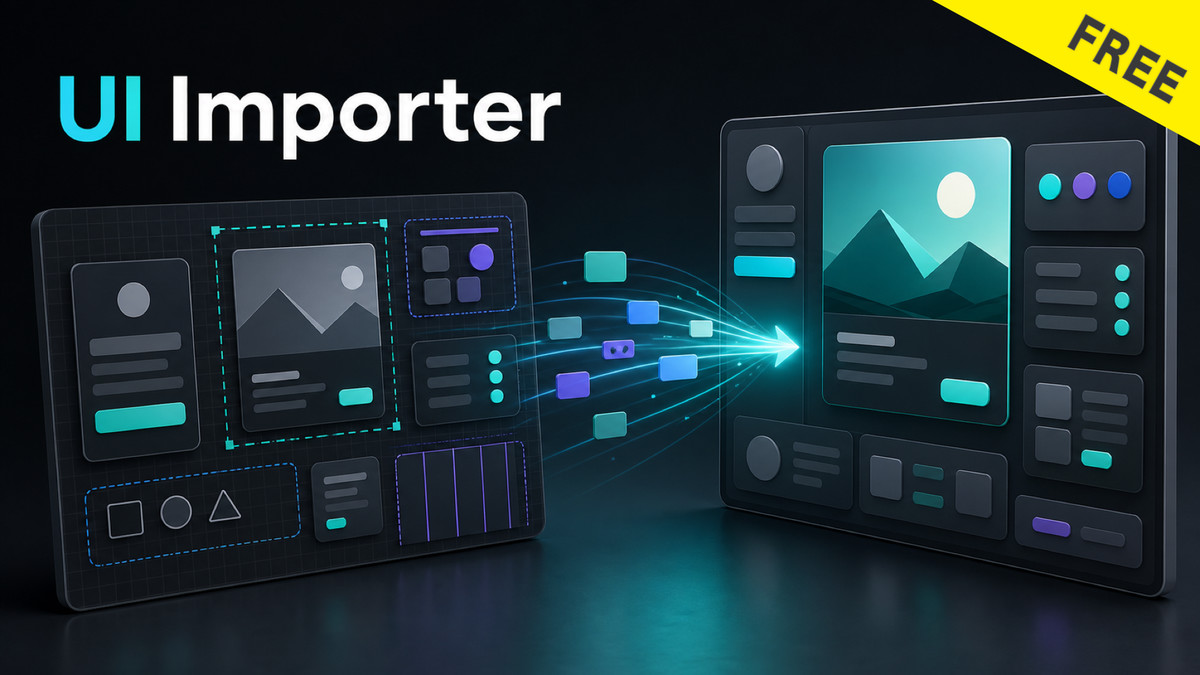
Convert Figma-exported UI JSON into Unity uGUI Prefabs for free. Imports images, text (TextMeshPro), fill colors, opacity, and basic RectTransform. Try the workflow before upgrading to Pro.
Affiliate link · Purchases support this site
Price history
Last 6 months
USDAsset preview
1 / 2
UI Importer Free screenshot 1

About this asset
UI Importer Free (compatible with Figma) is a free Unity Editor extension that converts UI layout JSON exported from Figma into Unity uGUI Prefabs. Try out the design-to-Unity workflow with no commitment, then upgrade to Pro for the full feature set.
▼ FREE EDITION FEATURES
- Image / Export → Image + Sprite (auto sprite lookup by filename)
- Fill Color → Image (solid color background)
- Text → TextMeshProUGUI (font, size, color, alignment, line height, letter spacing, bold/italic, overflow)
- Opacity (with children) → CanvasGroup
- RectTransform basics → Position, size, rotation
- Configurable font mappings → Map source font names to your project's TMP Font Assets
In the Free edition, all child elements are placed flat under the root object (no nested hierarchy). Hierarchy reproduction and other advanced features are available in the Pro edition.
▼ PRO-ONLY FEATURES (NOT INCLUDED IN FREE)
- 9-Slice → Image.Type.Sliced with sprite border
- Auto Layout → HorizontalLayoutGroup / VerticalLayoutGroup
- Mask / ScrollRect → Mask, RectMask2D, ScrollRect
- Hierarchy Reproduction → Parent-child structure preserved
- Constraints → RectTransform anchoring (MIN / CENTER / MAX / STRETCH / SCALE)
- Button Auto-Detection → Button component added by name prefix
▼ REQUIREMENTS
- Unity 6 or later
- TextMeshPro
- Unity UI (uGUI)
- Companion Figma export plugin (free, available on Figma Community)
▼ WORKFLOW
1. Open the companion Figma export plugin in Figma.
2. Select frames and export them as JSON.
3. Place the JSON file and image assets in your Unity project's Assets folder.
4. Right-click the JSON → Assets > UI Importer Free > Create Prefab.
5. Use the generated prefab in your scene.
▼ DOCUMENTATION & SUPPORT
A full PDF documentation is included in the package. For more information, tutorials, and updates:
https://onederappli.jp/figma-to-unity/index.html
────────────────────────────
"Figma" is a trademark of Figma, Inc. This asset is an independent third-party tool and is not affiliated with, endorsed by, or sponsored by Figma, Inc.
From the publisher's Asset Store listing.
Technical details
• Import UI layout data exported from Figma
• Create Unity UI Prefabs from imported layouts
• Preserve layout structure from Figma designs
• Editor tool for generating UI elements inside Unity
• Works with Unity UI (UGUI)
• Includes example layout data and demo scene
• Clean folder structure following Asset Store guidelines
• Fully written in C#
• No external dependencies
• Documentation included
Compatibility
| Unity version | Built-in | URP | HDRP | Custom |
|---|---|---|---|---|
| 6000.3.11f1 | Compatible | Compatible | Compatible | Compatible |
As listed on the Asset Store.