
 View on Asset Store (opens in new tab)
Package details
- Latest version
- 1.0.0
- Last updated
- First released
- Unity version
- 6000.3.8 or later
- Package size
- 41 KB
- Files
- 8
- Favorites
- 6
- Views in the past week
- 6
Price tracking
- Last checked
- Tracked since
- Lowest recorded
- Free on
Keywords

SceneSwift Free
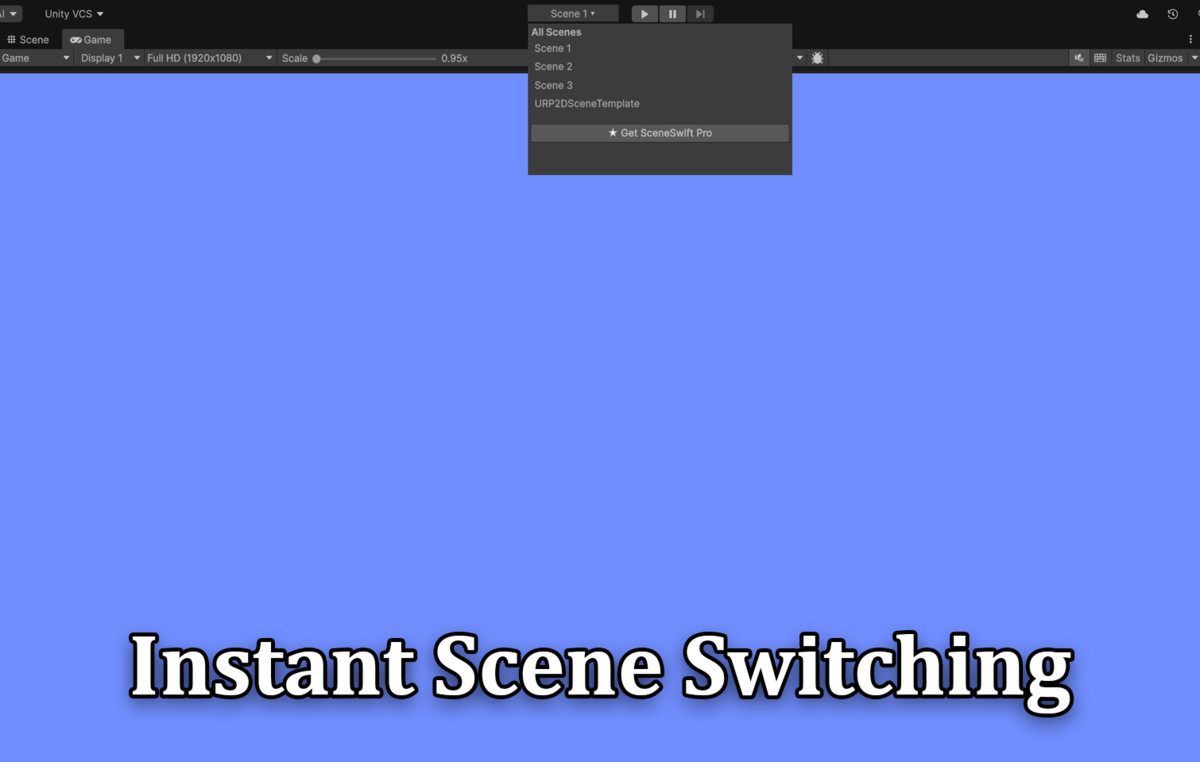
SceneSwift (Free) adds a scene dropdown to the Unity toolbar next to Play. Open Recent and All Scenes faster—no need to search the Project window.
Affiliate link · Purchases support this site
Price history
Last 6 months
USDAsset preview
1 / 4
SceneSwift Free screenshot 1

About this asset
SceneSwift (Free) is a lightweight Unity editor productivity tool that helps you switch scenes faster while building your project.
With this free edition, you get:
- Toolbar scene menu beside Play
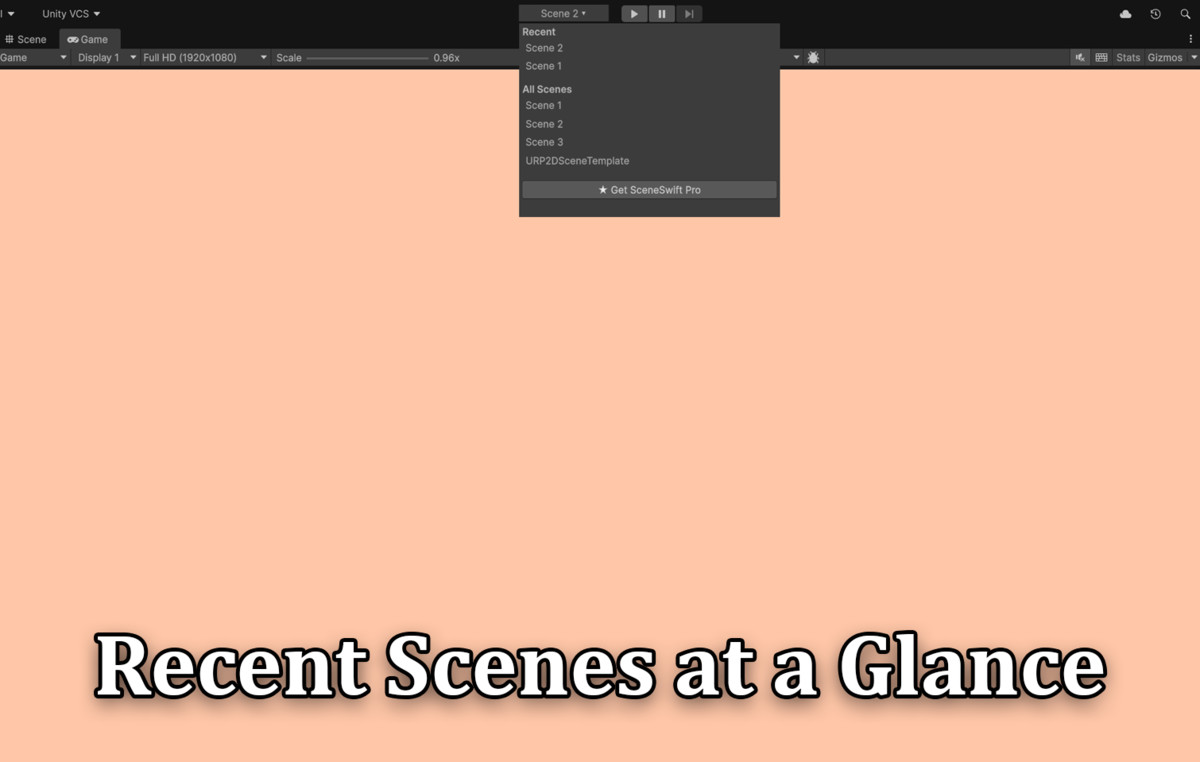
- Recent scenes for one-click reopening
- All project scenes (read-only/package scenes are filtered out)
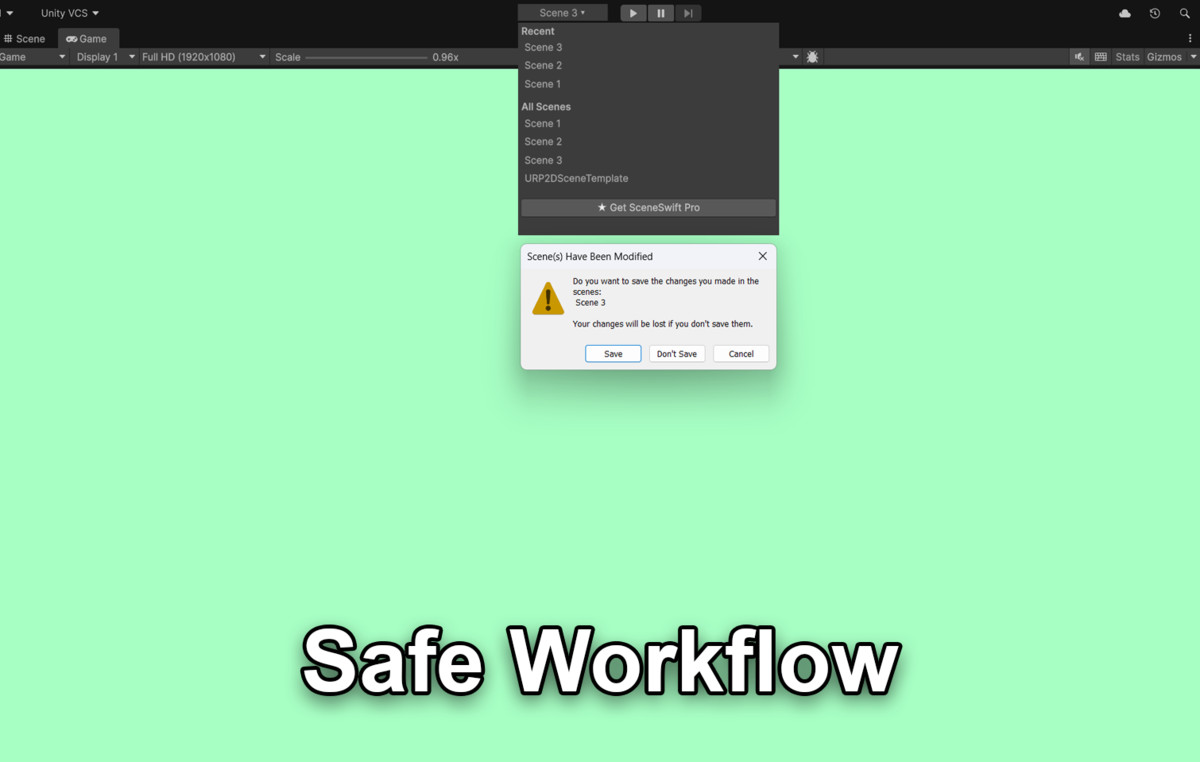
SceneSwift follows Unity’s normal “save modified scenes” workflow, so switching scenes remains safe and predictable.
Free edition includes only the toolbar scene switching experience. The full SceneSwift window with favorites, color tags, scene groups, and startup/play override is available in SceneSwift Pro (separate paid package).
From the publisher's Asset Store listing.
Technical details
- Editor-only tool (no runtime build code)
- Cross-version toolbar support for Unity 2021/2022/2023 and Unity 6
- Filters out package/read-only scenes
- Respects Unity’s standard save/dirty-scene behavior
Compatibility
| Unity version | Built-in | URP | HDRP |
|---|---|---|---|
| 6000.3.8f1 | Compatible | Compatible | Compatible |
As listed on the Asset Store.