
 View on Asset Store (opens in new tab)
Package details
- Latest version
- 1.0
- Last updated
- First released
- Unity version
- 2022.3.62 or later
- Package size
- 729 KB
- Files
- 28
- Favorites
- 6
- Views in the past week
- 11
Price tracking
- Last checked
- Tracked since
- Lowest recorded
- $19.95 on
Keywords

NexusUI – HTML, Tailwind & JavaScript UI for Unity
- Price drop
Build Unity UI instantly using HTML, Tailwind CSS, and JavaScript. NexusUI provides a web-like workflow with zero domain reloads and native UI Toolkit performance.
Lowest recorded price
Buy on Asset Store (opens in new tab)Affiliate link · Purchases support this site
Price history
Last 6 months
USDAsset preview
1 / 3
NexusUI – HTML, Tailwind & JavaScript UI for Unity screenshot 1
About this asset
NexusUI: Modern Web-Like UI Workflow for Unity
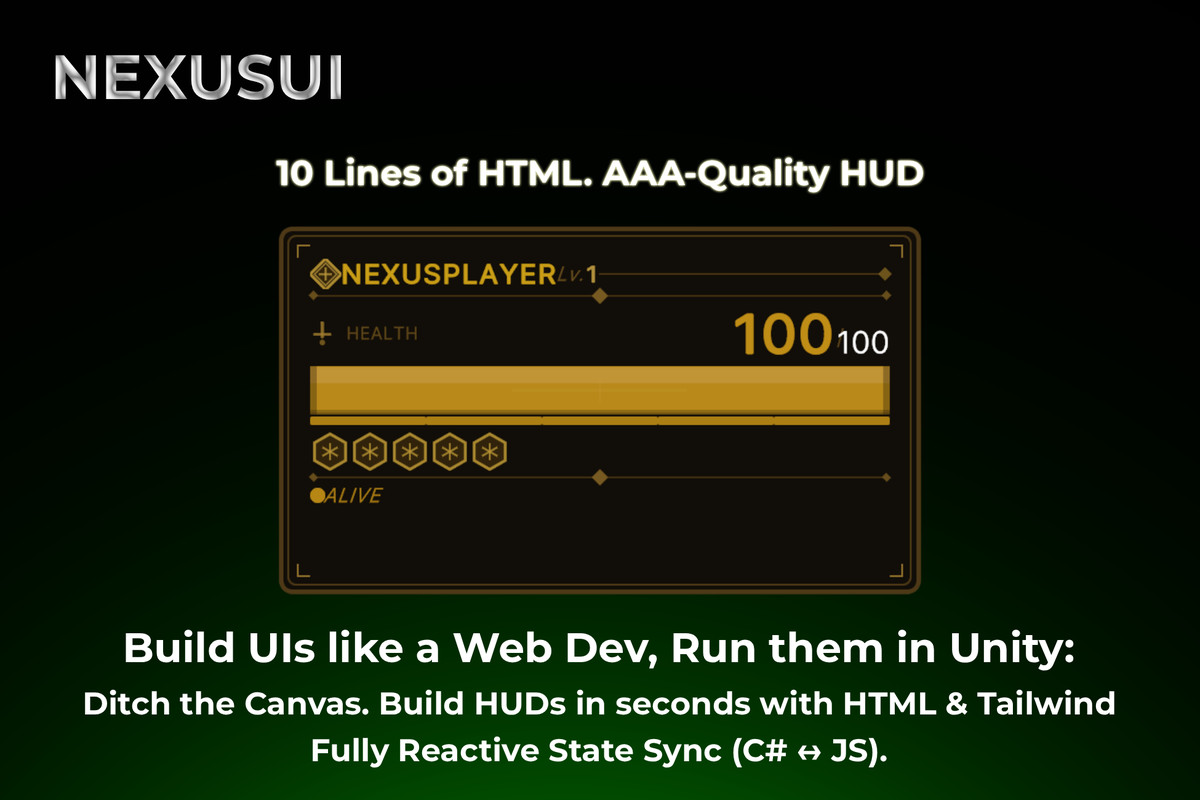
NexusUI brings the speed and simplicity of web development directly into Unity. Build your game's UI using HTML, Tailwind CSS, and JavaScript rendered natively through Unity’s UI Toolkit.
It is completely genre-agnostic. Whether you are building a complex inventory system for an RPG, a dashboard for a Tycoon game, or clean menus for a hyper-casual title, NexusUI makes it fully customizable and lightning-fast.
Why use NexusUI?
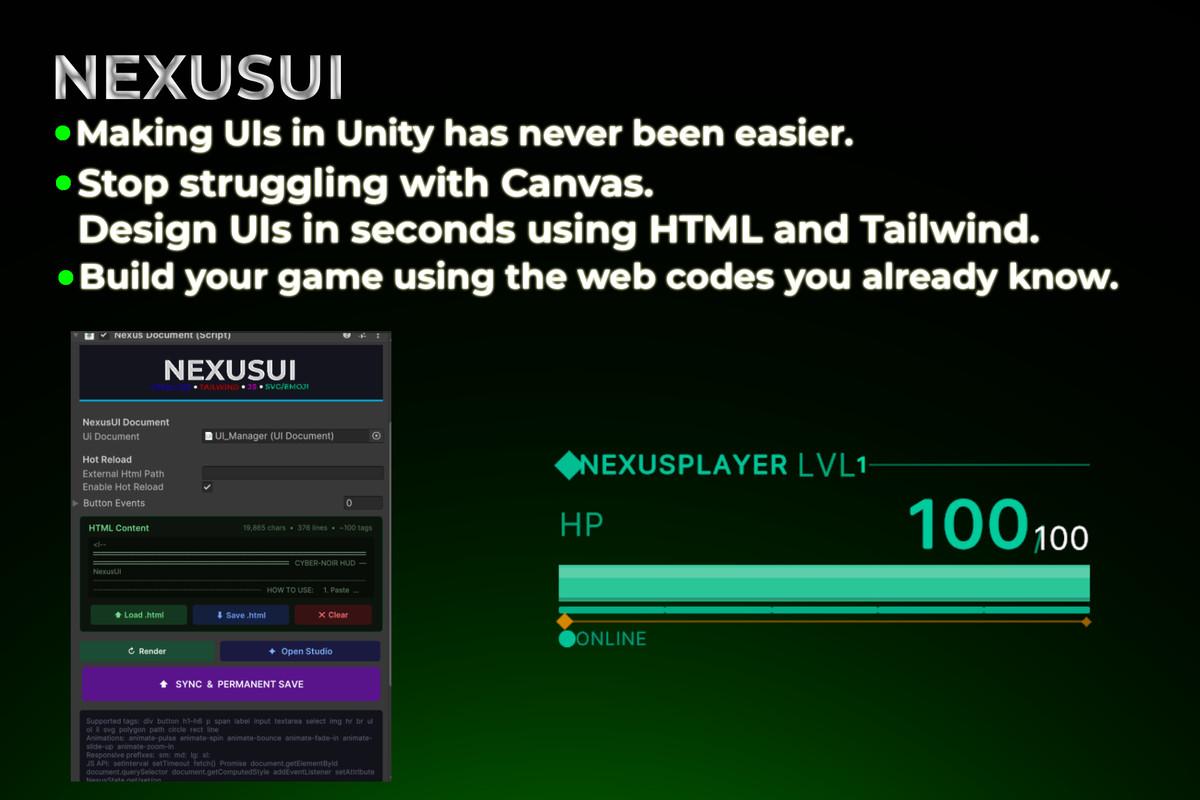
- ⚡ Lightning-Fast Iteration (Hot Reload): Edit your external .html files and see your UI update instantly in Play Mode or Edit Mode. No more waiting for Unity to recompile scripts!
- 🎨 Tailwind CSS Powered: Use familiar Tailwind utility classes (e.g., flex-col, items-center, bg-blue-500) directly in your HTML.
- 🔄 Effortless C# ↔ JS State Binding: Meet NexusState. Just add [NexusSync("player.health")] to any C# variable, and NexusUI will automatically sync it with your frontend.
- 🛠️ Built-in IDE (Nexus Studio): Comes with a dedicated editor window featuring code syntax highlighting and a JS scratchpad.
NexusUI does not use a heavy web browser or WebView. It translates your code directly into Unity's native UI Toolkit (VisualElement). You get the developer experience of the Web, and the native performance of Unity.
📖 DOCUMENTATION & SUPPORT
- Online Documentation: Website
- Support/Contact: Website Contact
From the publisher's Asset Store listing.
Technical details
Key Features:
- High-Performance Virtual DOM with Differential Patching (only updates changed nodes).
- Custom Component System (e.g., <MyButton text="Click" />) with <slot /> support.
- Built-in JavaScript engine (Jint) with fetch() API and async bridge.
- Pre-packaged web polyfills: Lodash, Day.js, Axios, and Preact-style hooks.
- Full support for CSS Pseudo-classes (:hover, :active) and CSS Variables.
Supported OS:Supported on Windows, macOS, iOS, Android, and anywhere UI Toolkit works.
Requirements:
- Unity Version 2021.3 LTS or higher (UI Toolkit required).
⚠️ REQUIREMENTS: This asset strictly requires Unity's "UI Toolkit" package. Please ensure it is installed via the Package Manager before importing.
Compatibility
| Unity version | Built-in | URP | HDRP | Custom |
|---|---|---|---|---|
| 2022.3.62f3 | Compatible | Compatible | Compatible | Compatible |
As listed on the Asset Store.