
 View on Asset Store (opens in new tab)
Package details
- Latest version
- 1.2.0
- Last updated
- First released
- Unity version
- 6000.3.9 or later
- Package size
- 16.8 MB
- Files
- 91
- Favorites
- 138
- Views in the past week
- 207
Price tracking
- Last checked
- Tracked since
- Lowest recorded
- $7.50 on
Keywords

A+ Grass
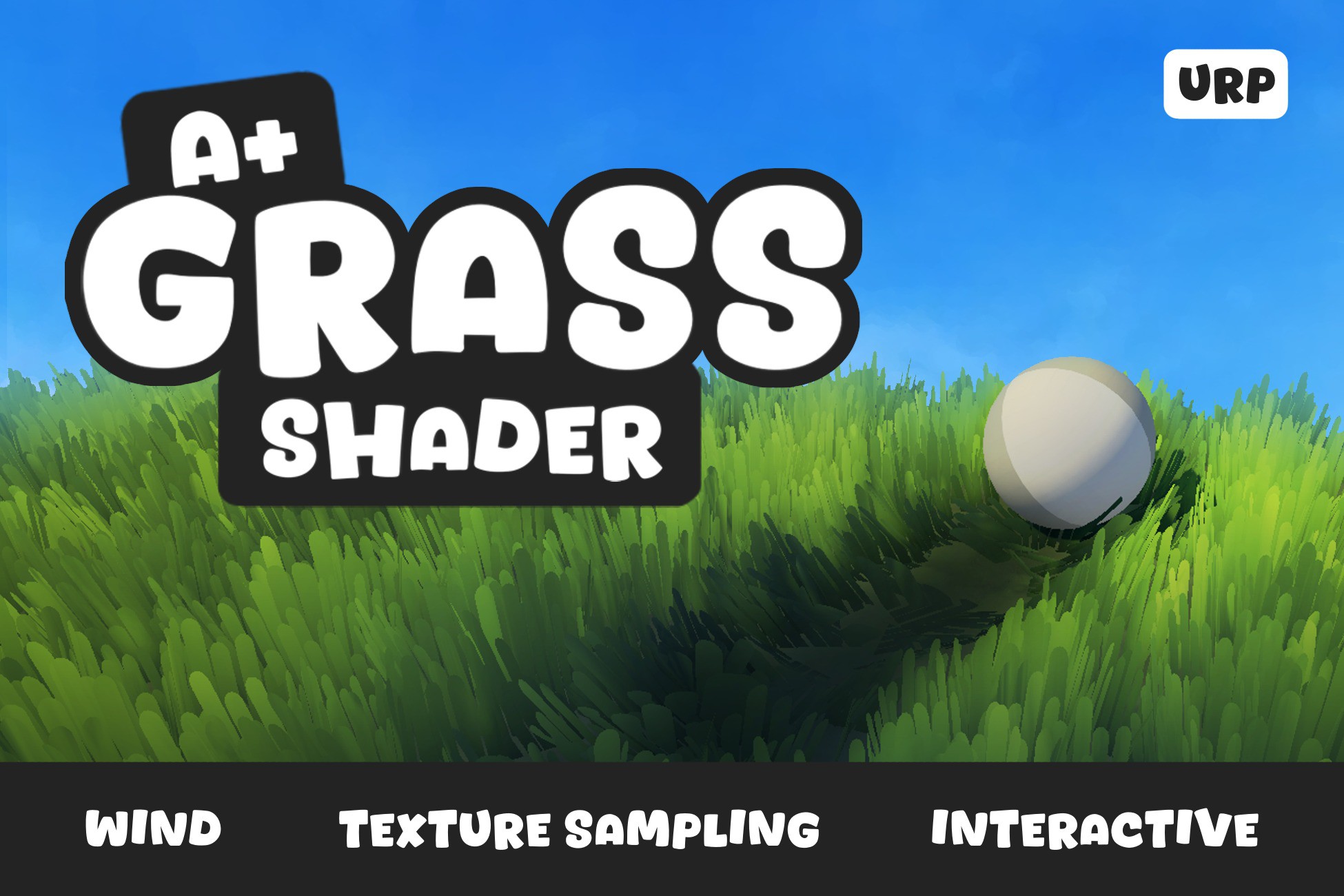
A+ Grass is a highly customizable, interactive stylized grass shader. It uses texture sampling on a mesh, has wind motion and interactive behaviour.
Affiliate link · Purchases support this site
Price history
Last 6 months
USDAsset preview
1 / 15
A+ Grass screenshot 1


About this asset
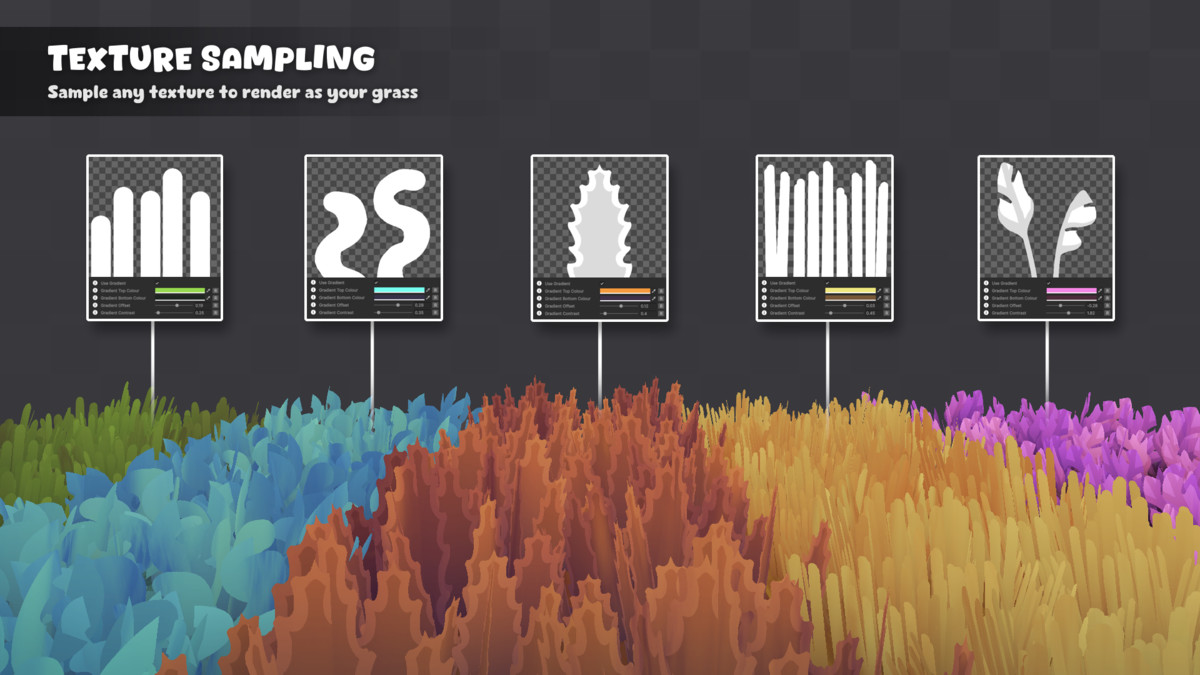
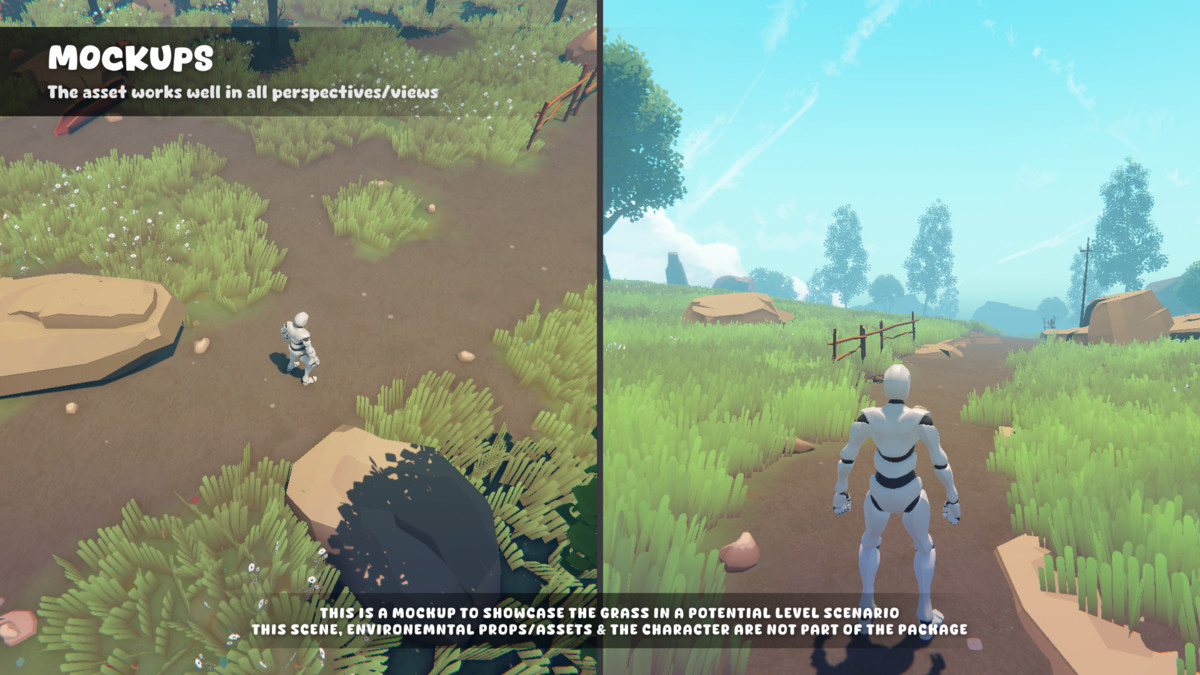
Use A+ Grass to make your games look amazing with interactive stylized grass. It is highly customizable, with endless possiblities. It uses texture sampling, allowing you to input any 2D sprite to render as your grass!
📋 Supported Unity Editor Versions 📋
- ✅ 6000.3 + (Developed in 6000.3.9f1)
- ✅ 6000.0 + (Tested in 6000.0.71f1)
- ✅ 2022 + (Tested in 2022.3.62f3)
🎨 Works In All Rendering Paths 🎨
- ✅ Forward
- ✅ Forward +
- ✅ Deferred
- ✅ Deferred +
📦 The A+ Grass Package Includes: 📦
🌾 A+ Grass Shader
Highly customizable grass shader with a range of features:
- Texture sampling
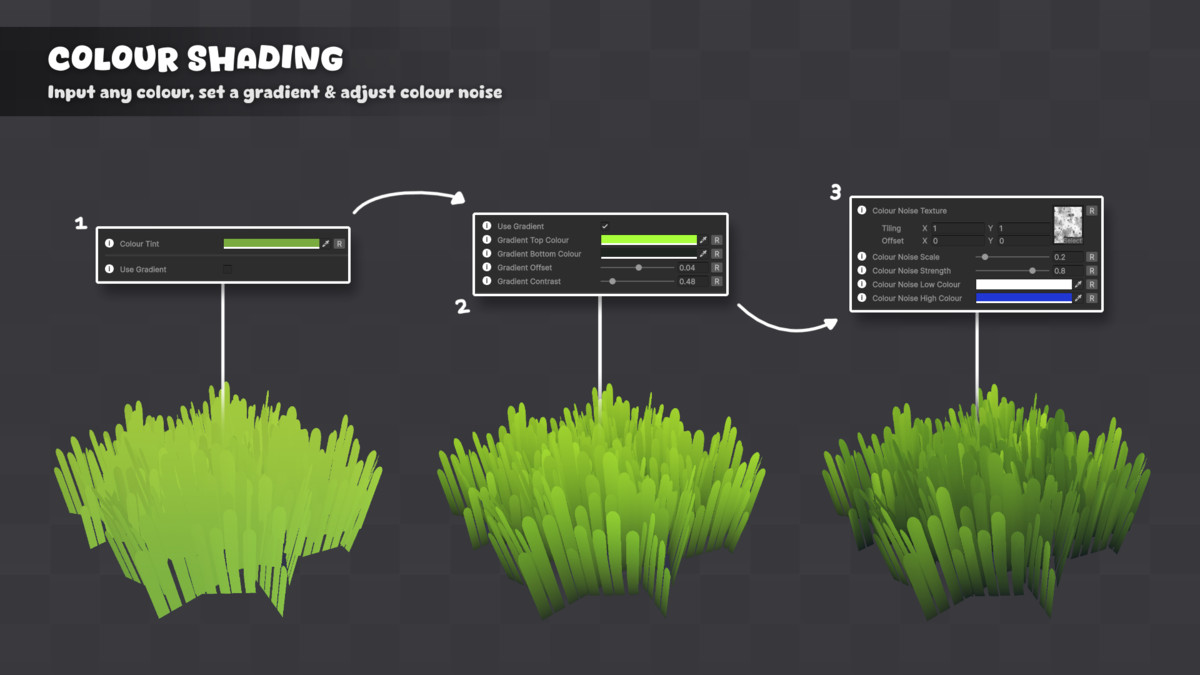
- Colour shading with gradient
- Colour variation noise texture
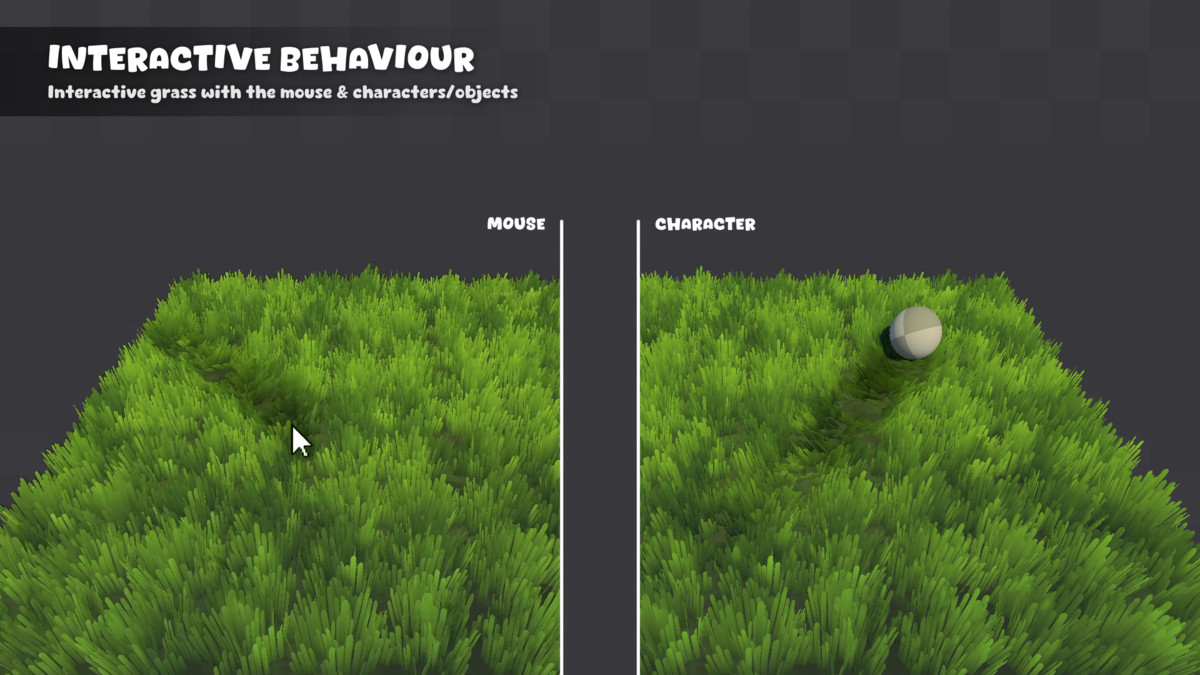
- Interactive with characters and mouse
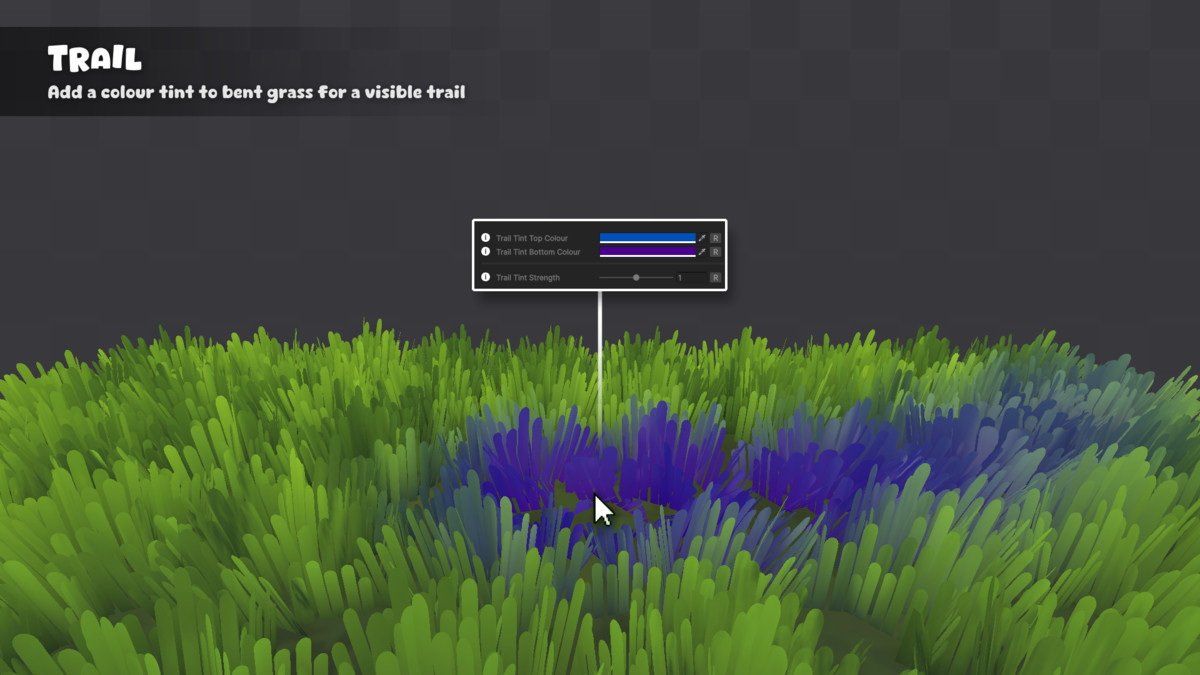
- Trail/Colour tint for bent grass
- Wind settings with 2 noise blend mode
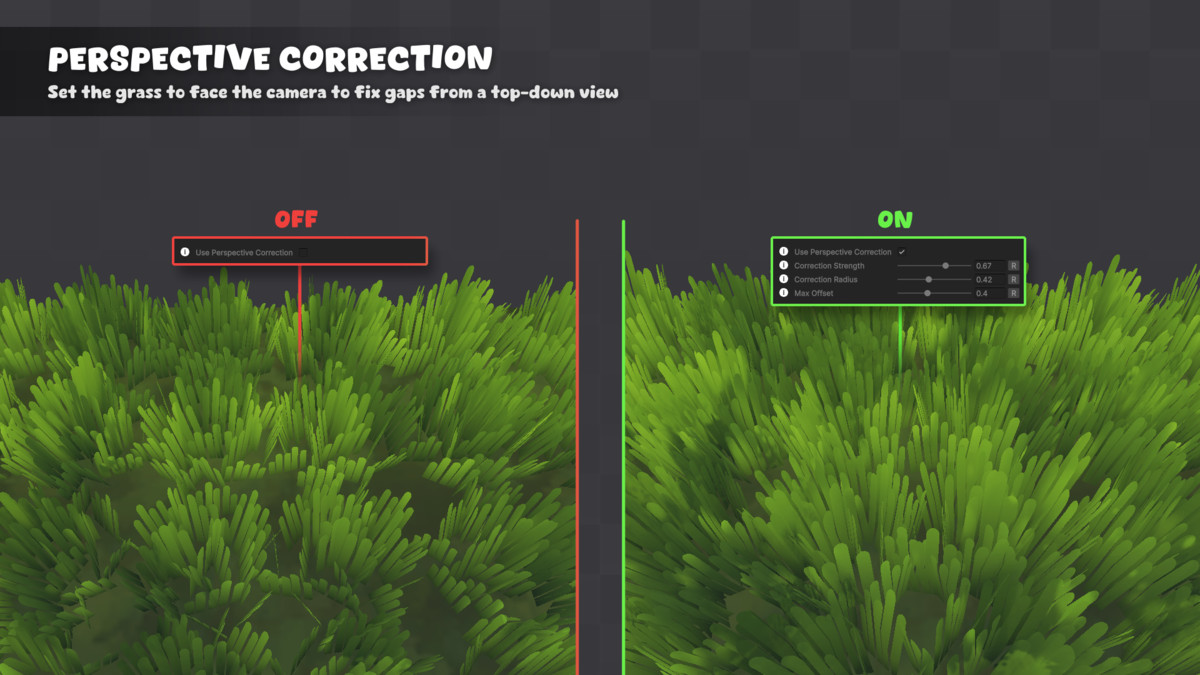
- Perspective correction
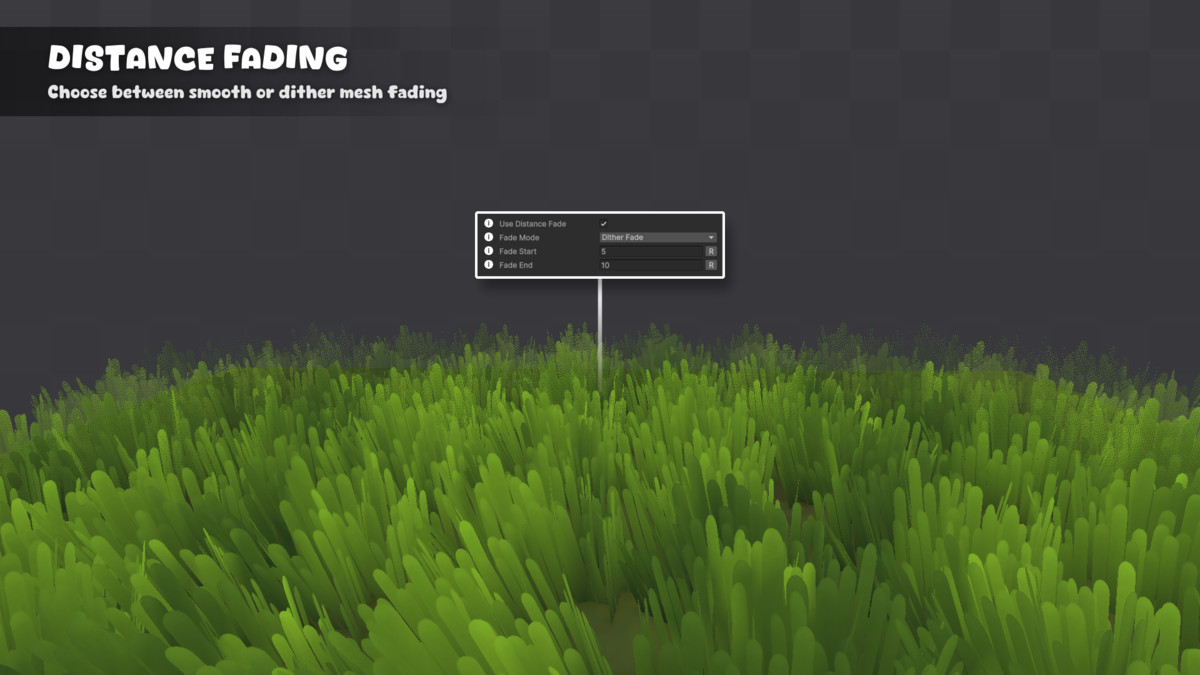
- Distance Fading (Dithering)
- Object Culling (At Distance Fade End)
📑 Core Scripts
- Grass Manager
The Grass Manager is responsible for managing all interactive grass elements in the scene. There is also global settings for the wind and recovery of the grass from interactions.
- Grass Interactor
The Grass Interactor is responsible for handling the interactions between the grass and other objects in the scene. It allows objects to affect the grass, bending and pushing it. You can have as many interactors in the scene, just make sure to add the Grass Interactor component to each.
- Mouse Interaction Handler
The Mouse Grass Interaction Handler provides data from the mouse position off the camera using a ray to allow an interactor to follow the mouse position and interact with the grass.
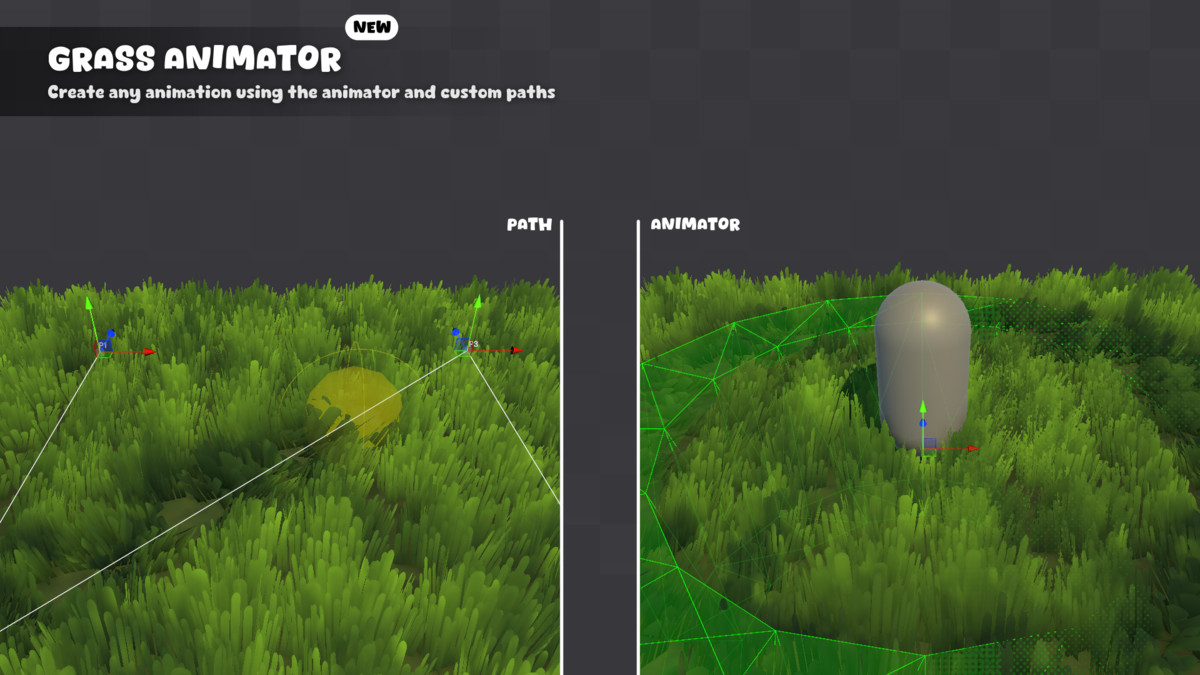
- Grass Animator
The Grass Animator allows for animation of the Grass Interactors set on a customizable path, similar to a spline. You can make it linear or curved, play once, loop or ping pong, set off unity events and more.
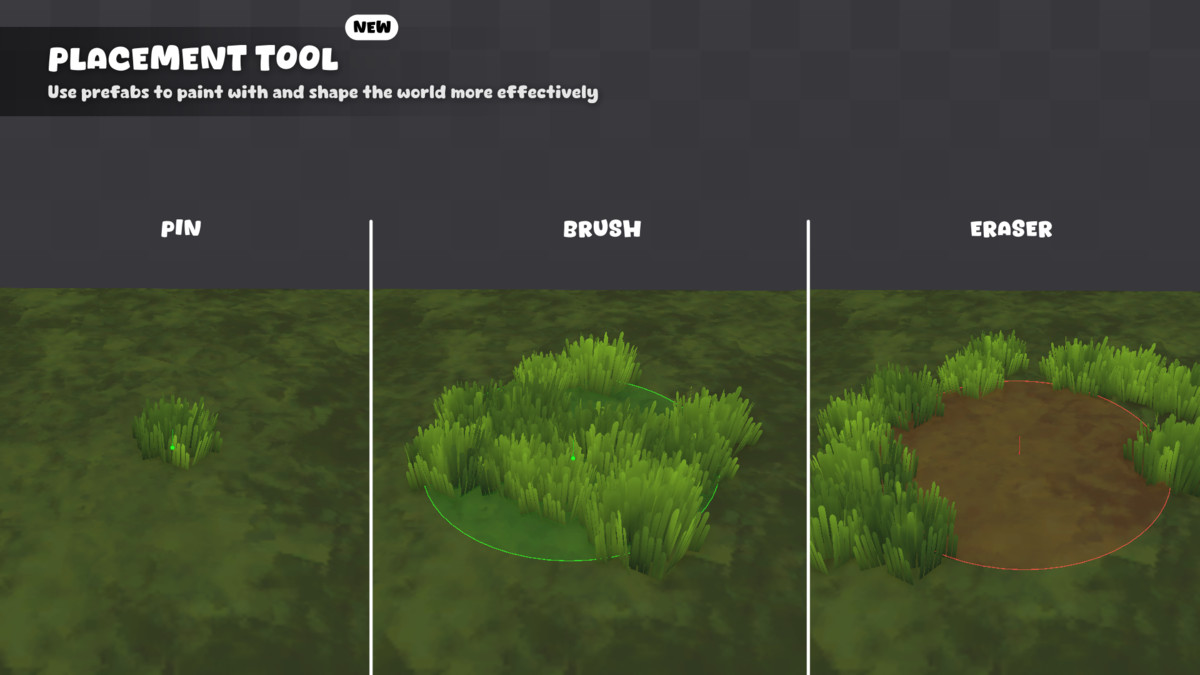
📌 Placement Tool
The asset includes a placement tool that lets you paint prefabs in the scene. Easy to use and effective, making world creating effortless. (Can be used with any prefabs, not just grass)
- Prefab Palettes - Creating presets to choose when painting
- Pin - Click to place single prefab
- Brush - Click and drag to paint multiple with set radius and density
- Eraser - Click and drag to remove painted prefabs
📺 Example Scenes
- Demo 01 - Mouse Interaction
- Demo 02 - Characters & Object Interaction
- Demo 03 - Terrain Example
- Demo 04 - Placement Tool
- Demo 05 - Grass Animator
🧩 Templates
- 6 unique grass presets/prefabs included, ready to go
(That includes 9 unique grass textures & 3 flower textures, 1 colour noise texture, 2 wind noise textures, 1 color ramp texture)
🔍 Documentation
- Each script contains tooltips
- Documentation .pdf file (Inlcuded in the package)
- In depth website breakdown (Link above)
- YouTube/Video tutorials (Included on the website)
From the publisher's Asset Store listing.
Technical details
Shader Features:
- Texture based grass rendering
- Texture ramp
- Adjustable color with gradient settings (offset / contrast)
- Color variation setup with noise map (scale / strength)
- Trail - colour tinit for bent grass
- Wind noise with 2 noise textures and blend settings (scroll / jitter / blend)
- Interactive behavior (mouse / characters / objects)
- Camera perspective correction
- Distance culling
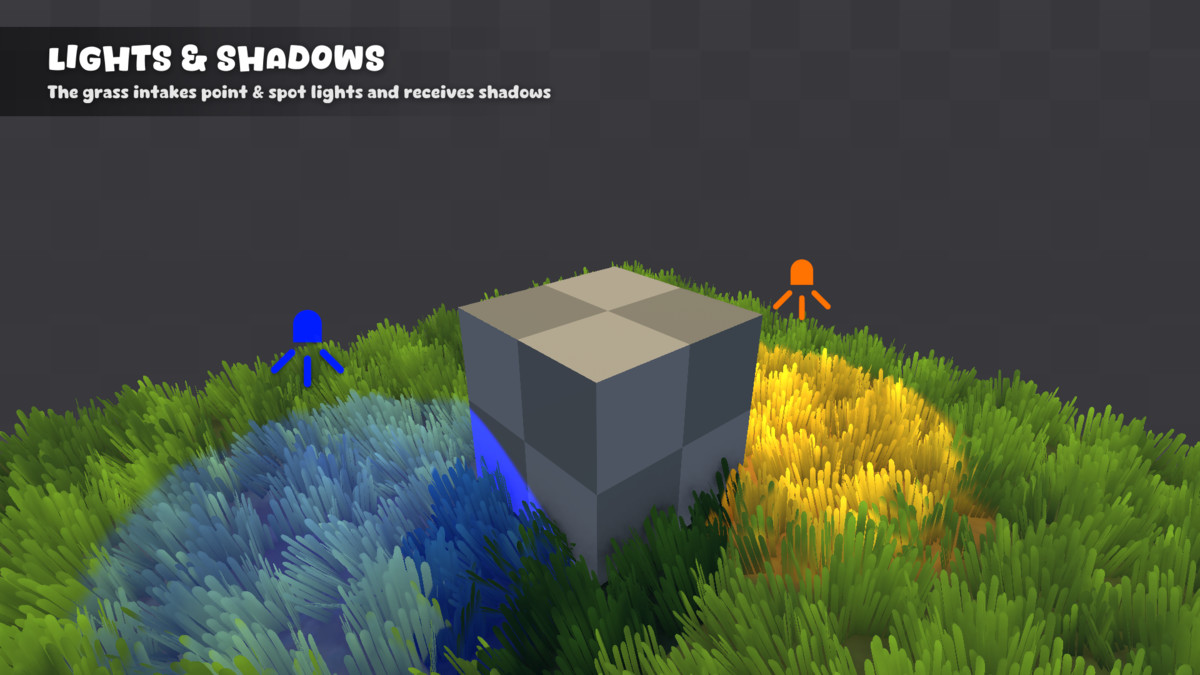
- Shadow recieved strength
Grass Manager Features:
- Winds multiplier
- Wind direction
- Transition speed (when values change at runtime)
- Grass recovery speed & delay
- True culling
Grass Interactor Features:
- Push rate
- Maximum rate
- Movement threshold
- Detection radius & position offset
- Movement unity events
Compatibility
| Unity version | Built-in | URP | HDRP |
|---|---|---|---|
| 6000.3.9f1 | Not listed | Compatible | Not listed |
As listed on the Asset Store.