
 View on Asset Store (opens in new tab)
Package details
- Latest version
- 1.0.1
- Last updated
- First released
- Unity version
- 6000.0.60 or later
- Package size
- 1.1 MB
- Files
- 82
- Favorites
- 1
- Views in the past week
- 15
Price tracking
- Last checked
- Tracked since
- Lowest recorded
- $39.99 on
Keywords

Scene Setup Tool (Batch Static & Rendering) – PRO Edition
Advanced Unity Editor tool to automate scene setup with Static Flags, Lighting, Renderer Overrides, and full pipeline support (Built-in, URP, HDRP). Ideal for environment and technical workflows.
Affiliate link · Purchases support this site
Price history
Last 6 months
USDAsset preview
1 / 13
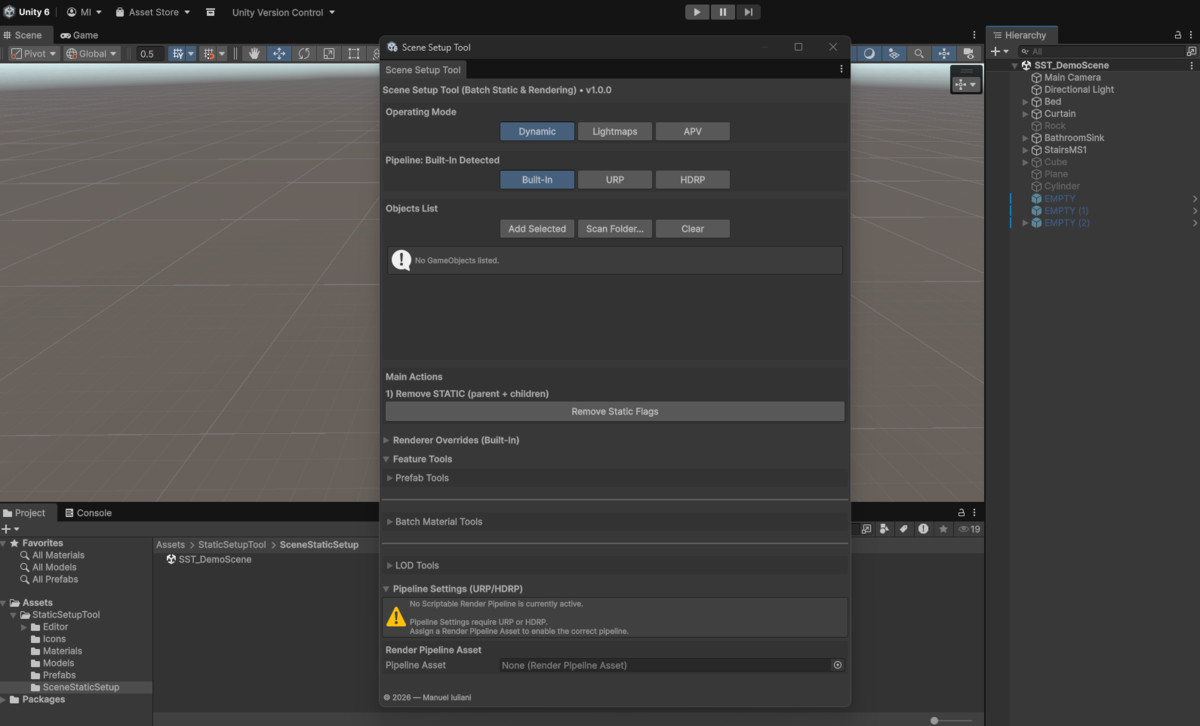
Scene Setup Tool (Batch Static & Rendering) – PRO Edition screenshot 1
About this asset
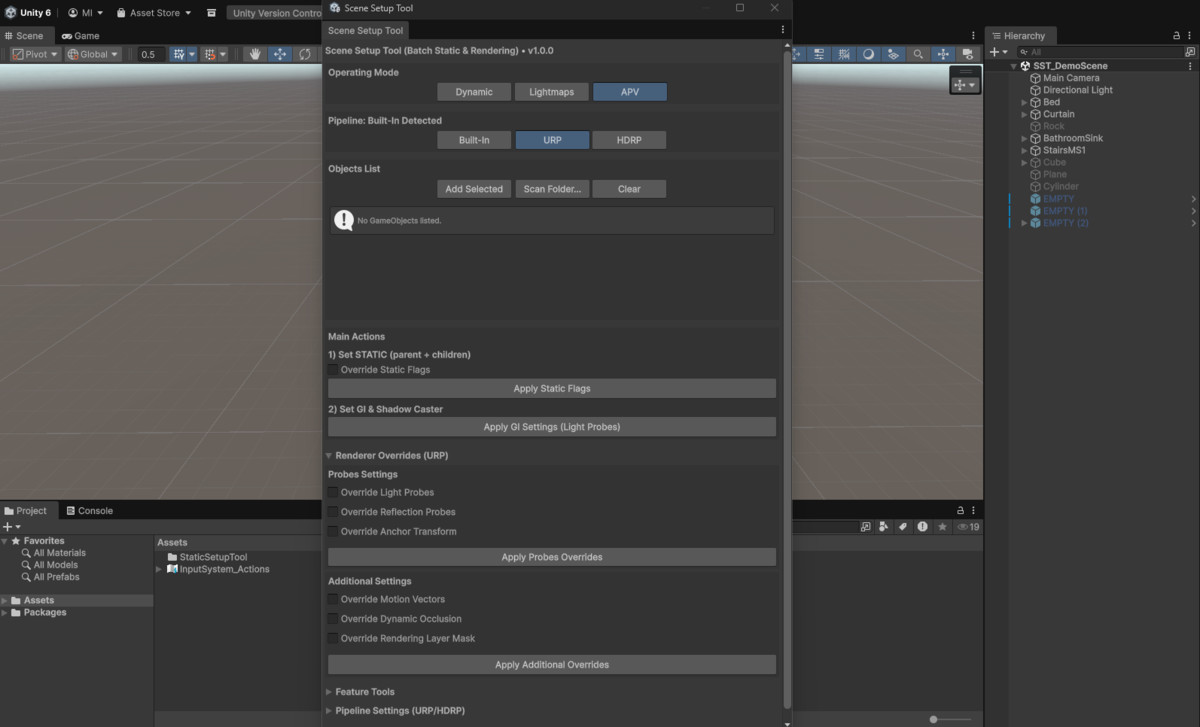
Scene Setup Tool (Batch Static & Rendering) – PRO Edition is a powerful Unity Editor extension designed to streamline and automate scene setup for professional lighting and rendering workflows.
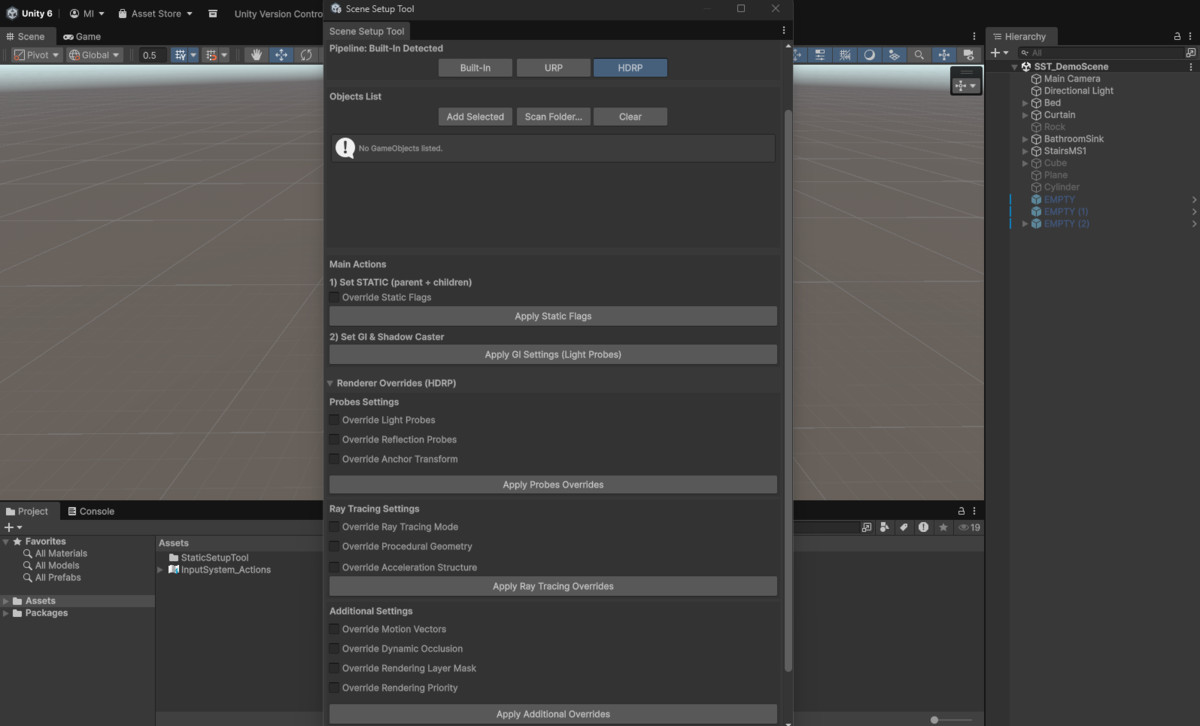
Whether you're working with large environments, modular assets, or complex scenes, this tool enables you to batch-apply Static Flags, configure Lightmaps and APV, manage Renderer Overrides, and control advanced pipeline settings (Built-in, URP, HDRP) with ease.
The PRO version also includes advanced Feature Tools such as Prefab validation and reporting, Batch Material processing, and LOD management—helping you optimize scenes faster, maintain consistency, and improve production efficiency.
Third-party assets used in screenshots are not included.
From the publisher's Asset Store listing.
Technical details
🚀 Key Features
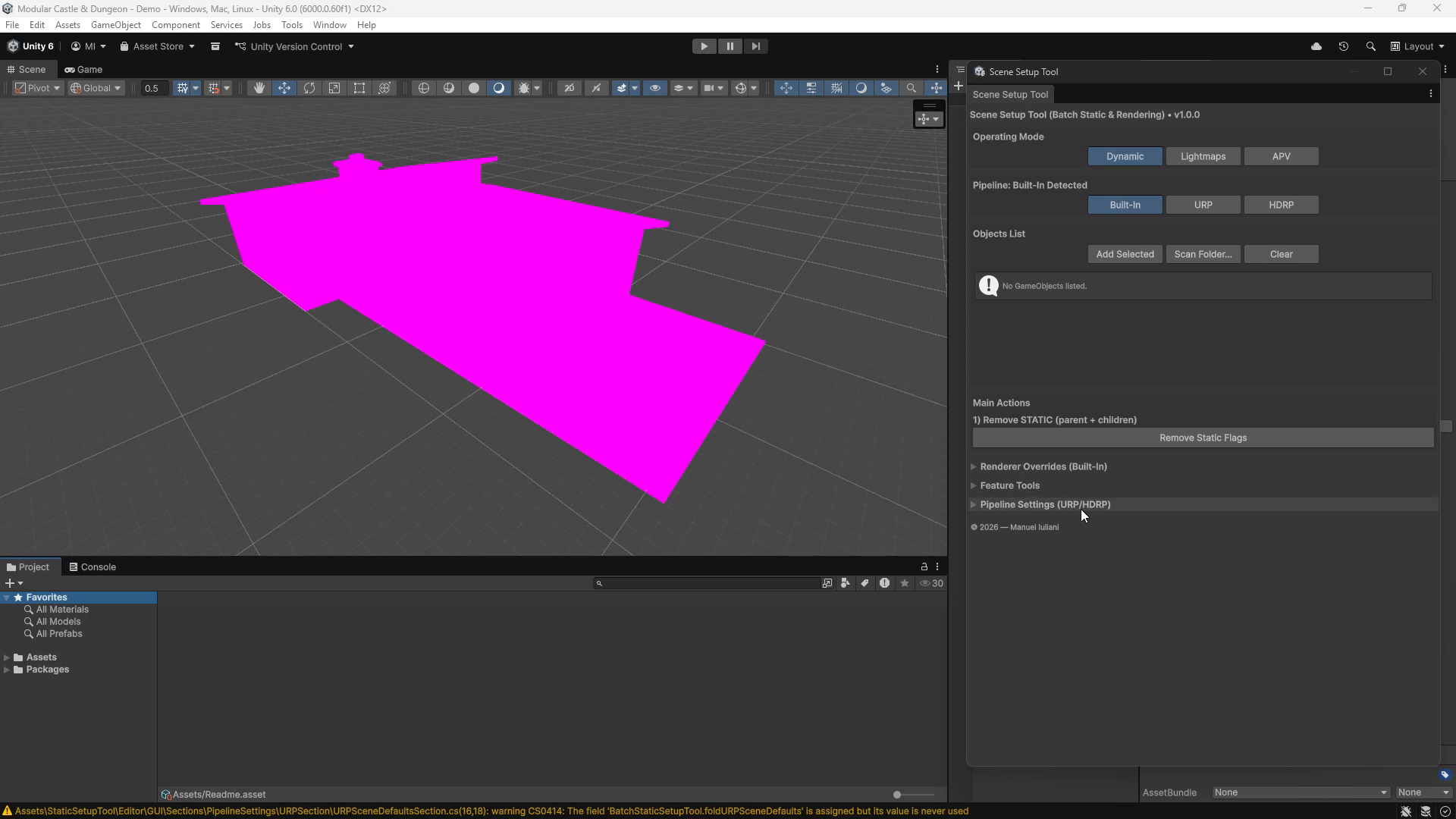
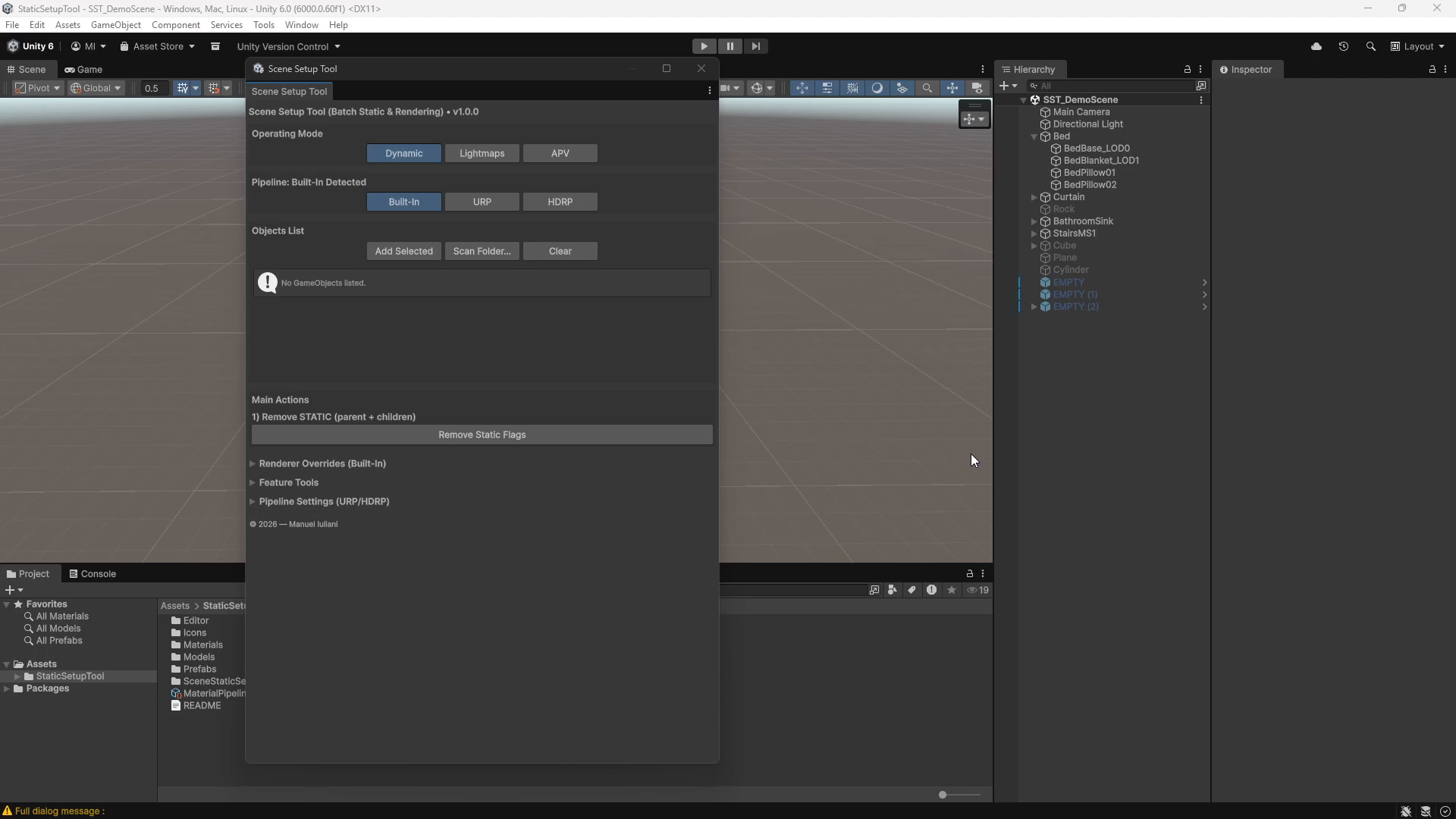
✔ Object Management
- Add selected objects to the processing list
- Scan entire folders for prefabs
- Automatically validate objects (requires MeshRenderer)
- Clean and reorder the object list with ease
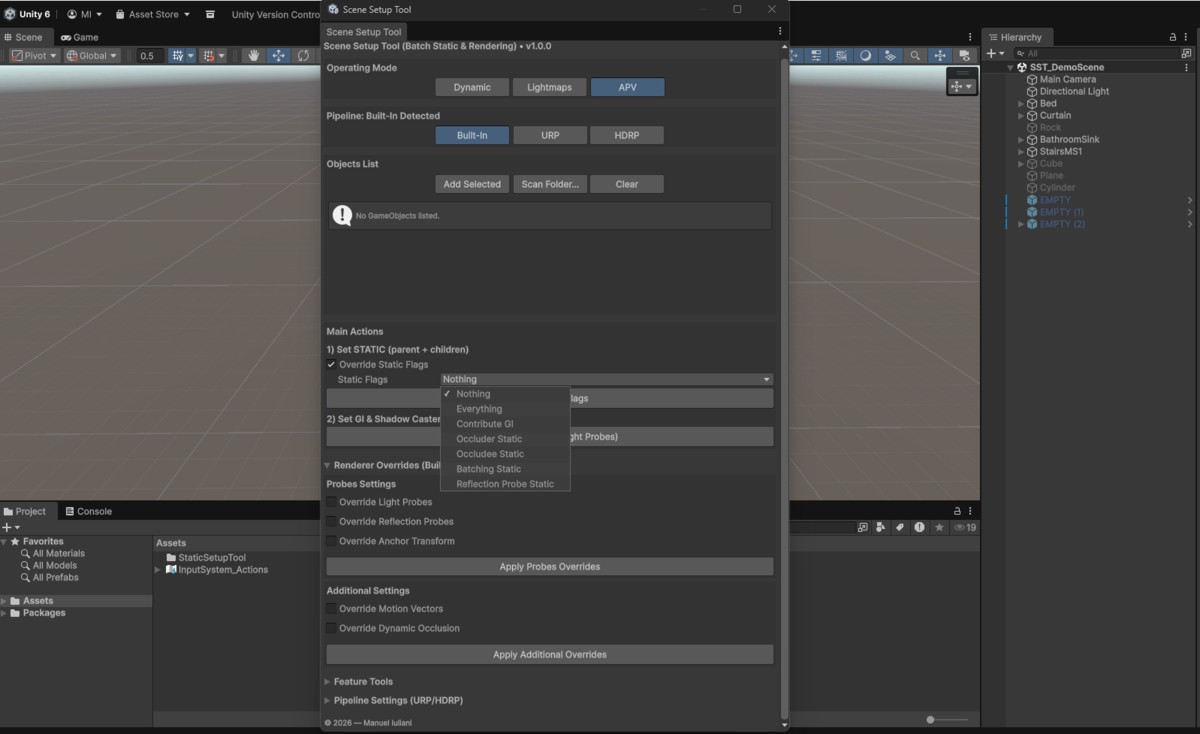
✔ Static Flags Tools
- Apply Static Flags recursively (object + all children)
- Remove all Static Flags instantly (Dynamic reset mode)
- Speed up preparation for environment building and batching
✔ Lightmaps & APV Workflow
- Apply GI-ready settings with one click
- Configure Lightmaps and Adaptive Probe Volumes (APV)
- Warns about missing UV2 on meshes
- Validate objects for lighting workflows
✔ Renderer Overrides (PRO)
- Control MeshRenderer settings across pipelines
- Motion Vectors, Occlusion, Rendering Layers
- HDRP-specific settings (Priority, Ray Tracing support)
✔ HDRP Ray Tracing Tools (PRO)
- Configure Ray Tracing modes in batch
- Acceleration Structure settings support
- Designed for HDRP production workflows
✔ Prefab Tools (PRO)
- Validate prefab integrity and setup
- Detect issues and inconsistencies
- Generate detailed validation reports
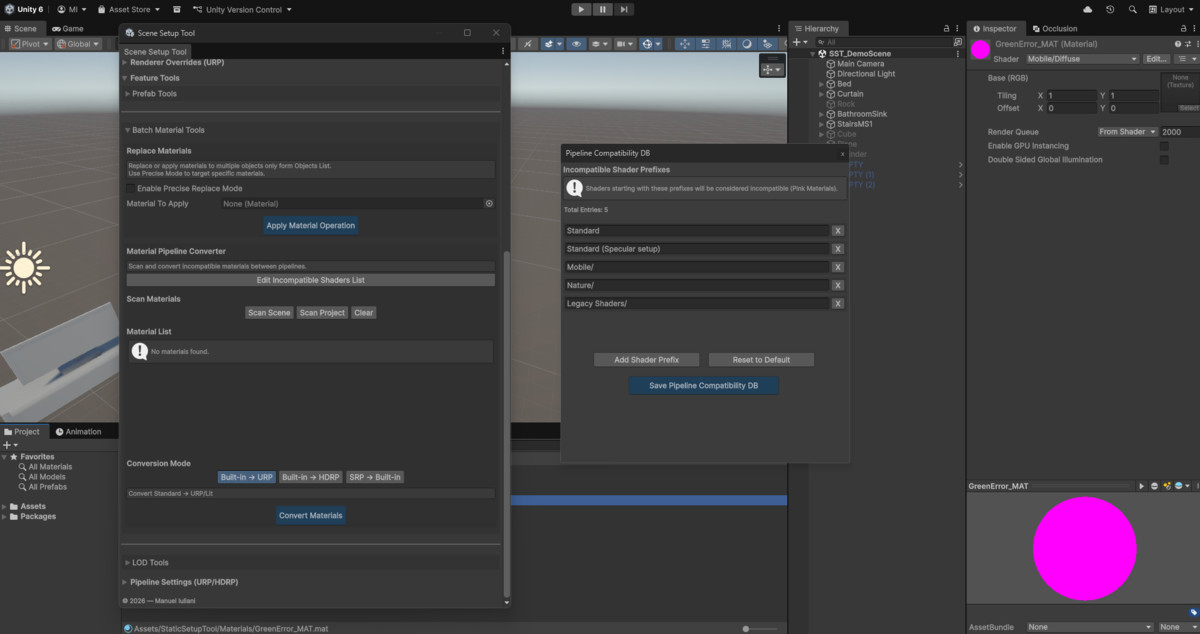
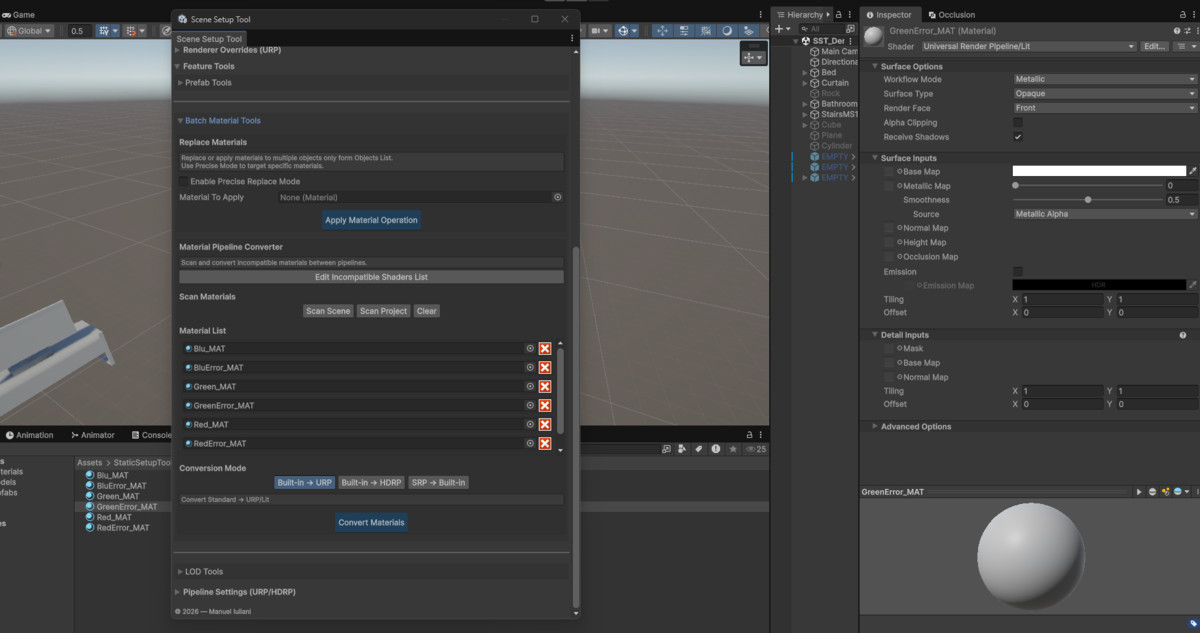
✔ Batch Material Tools (PRO)
- Process and modify materials in batch
- Improve consistency across large environments
- Speed up rendering setup workflows
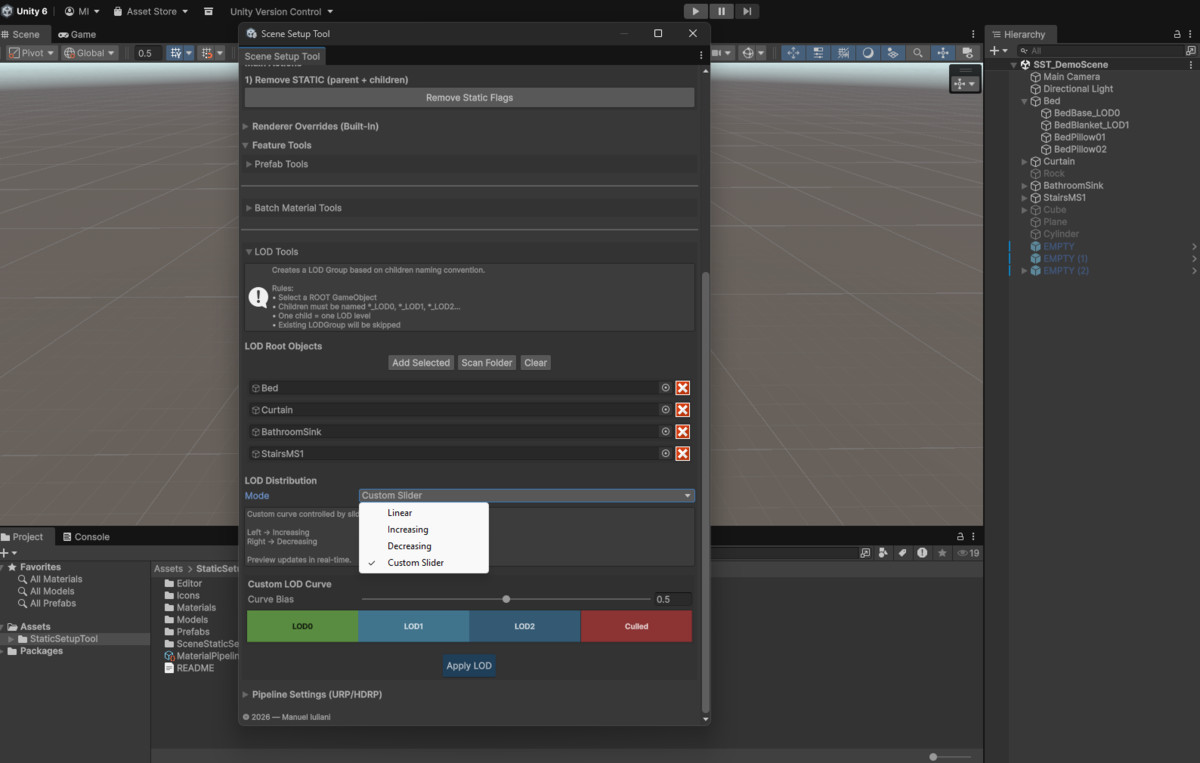
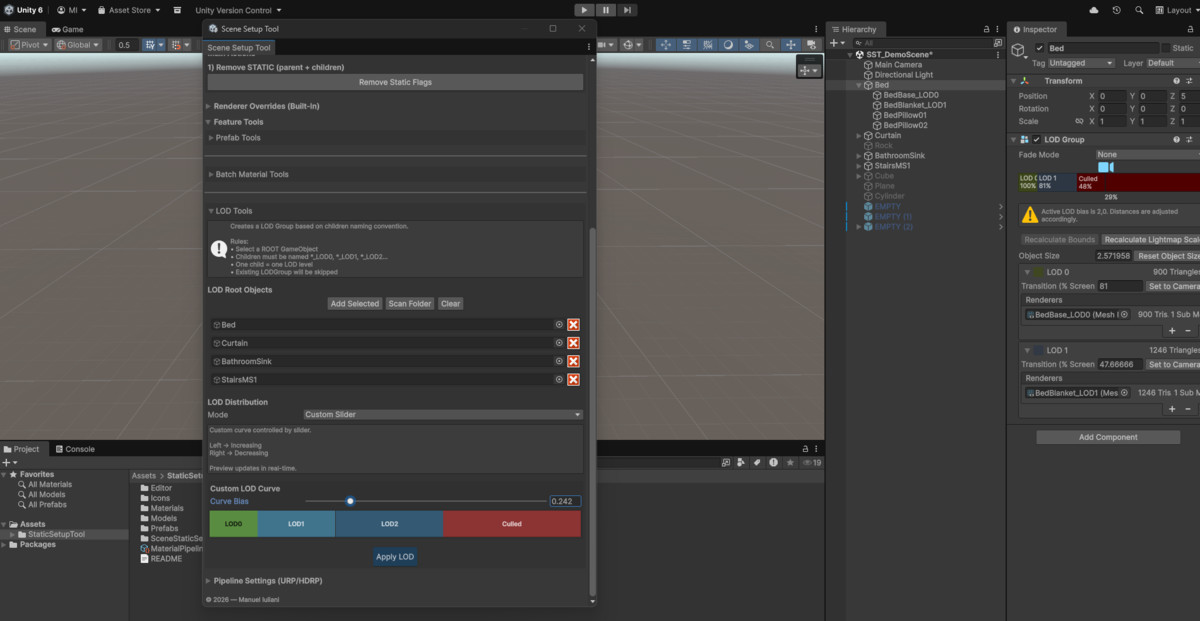
✔ LOD Tools (PRO)
- Create and manage LOD Groups
- Batch assign renderers and transitions
- Optimize scene performance efficiently
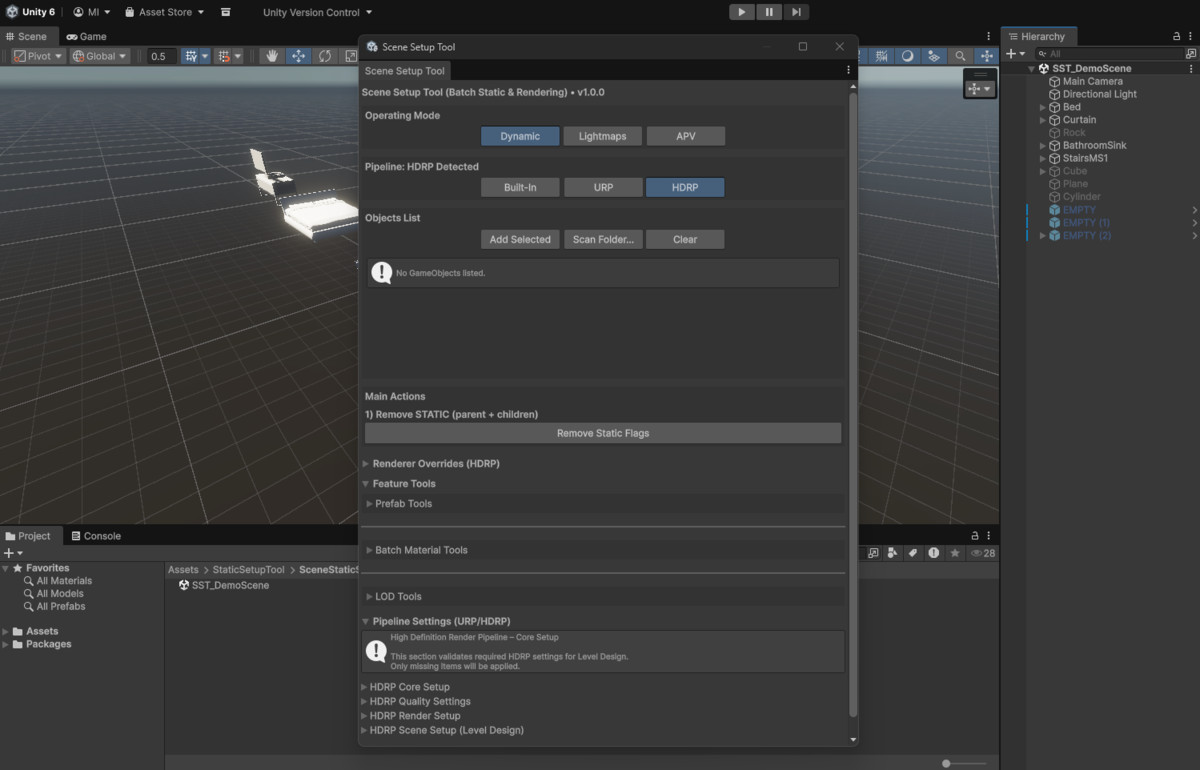
✔ Pipeline Settings (PRO)
- Configure rendering settings for URP and HDRP
- Centralized control for pipeline-specific options
- Improve consistency across projects
✔ Preset Modes
- Dynamic – resets static flags & GI settings
- Lightmaps – configures objects for baked lighting
- APV – fully available in PRO
✔ Pipeline Modes
- Built‑in (fully supported)
- URP (fully supported)
- HDRP (fully supported)
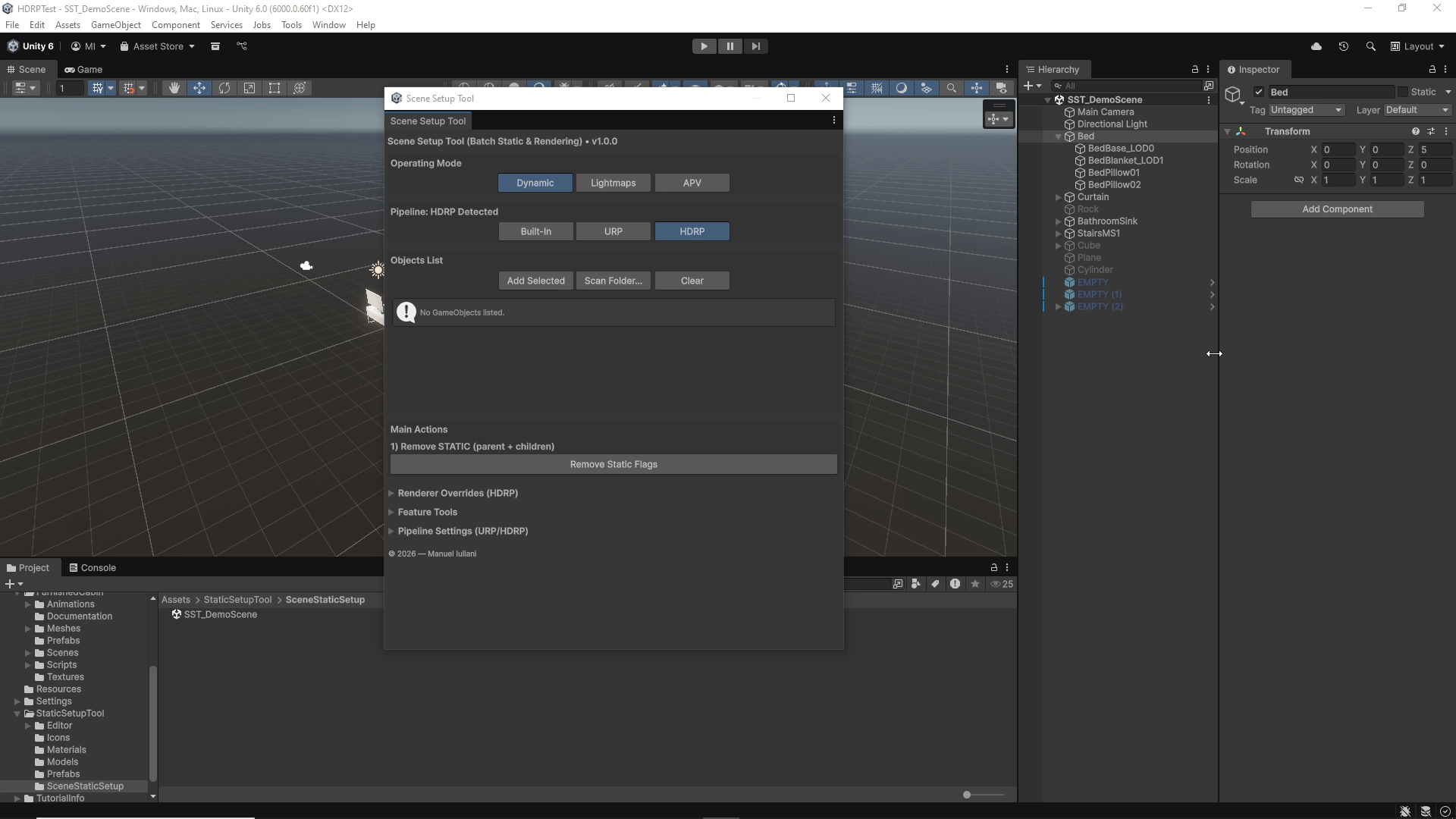
✔ Clean, Intuitive UI
- Organized foldouts for each tool category
- Designed for production workflows
- Fast, responsive EditorWindow
🛠 Requirements
- Unity 6000.0+
- Works with Built-in, URP, HDRP pipelines
- No runtime components – Editor only tool
📦 Installation
- Import the package into your project
- Open the tool via: Tools → Scene Setup Tool
- Add objects or scan folders, then apply actions
Compatibility
| Unity version | Built-in | URP | HDRP |
|---|---|---|---|
| 6000.0.60f1 | Compatible | Compatible | Compatible |
As listed on the Asset Store.