
 View on Asset Store (opens in new tab)
Package details
- Latest version
- 7.5.0
- Last updated
- First released
- Unity version
- 6000.4.0 or later
- Package size
- 496.5 MB
- Files
- 1,500
- Favorites
- 1
- Views in the past week
- 4
Price tracking
- Last checked
- Tracked since
- Lowest recorded
- $84.00 on
Keywords

Logic Blox 7 DeviceSphere
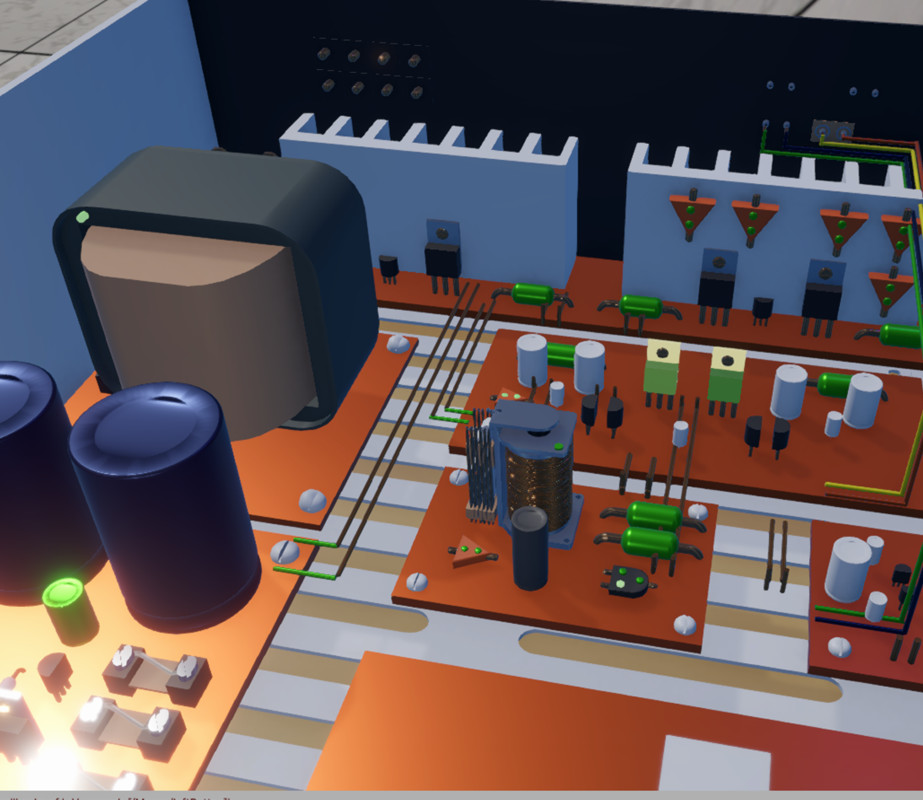
Contains over 150 prefabs/props used to build network enabled interconnected virtual electronic circuits, control panels, mechanical devices, game play state machines, lighting, audio and effects.
Affiliate link · Purchases support this site
Price history
Last 6 months
USDAsset preview
1 / 5
Logic Blox 7 DeviceSphere screenshot 1




About this asset
New features include:
- Over 150 premade props
- Includes all updated models from Logic Blox Deluxe
- Reduced materials
- Embedded Netcode for GameObjects
- New advanced models and effects
- Targeting/faction module to turn objects into battle bots
- Character controller framework for drop in animation models
From the publisher's Asset Store listing.
Technical details
This release (ver 7) includes network ready updated models and scripts for Logic Blox versions including: Logic Blox Primitives, Logic Blox Vintage, Logic Blox Synth and Logic Blox 5 Deluxe. Can be applied overtop of previous Logic Blox packages with Uniity editor ver 2022 or greater
Automatically works with New or Both input system. Props will intewract in both standalone or netwoked envronment (using netcode)
URP is derfault shader but can be changed. (limited HDRP compoatability)
Compatibility
| Unity version | Built-in | URP | HDRP |
|---|---|---|---|
| 6000.4.0f1 | Not listed | Compatible | Not listed |
- Works directly with Unity Editor 2022 or greater
- Requires netcode for gameobjects package installed
- Automaticly works in standalone or networked scenes
- Automaclly works with Both or New input systems
As listed on the Asset Store.