
 View on Asset Store (opens in new tab)
Package details
- Latest version
- 1.0
- Last updated
- First released
- Unity version
- 6000.3.8 or later
- Package size
- 663 KB
- Files
- 5
- Favorites
- 1
- Views in the past week
- 3
Price tracking
- Last checked
- Tracked since
- Lowest recorded
- $19.99 on
Keywords
CameraUVs-Polygonhelpers
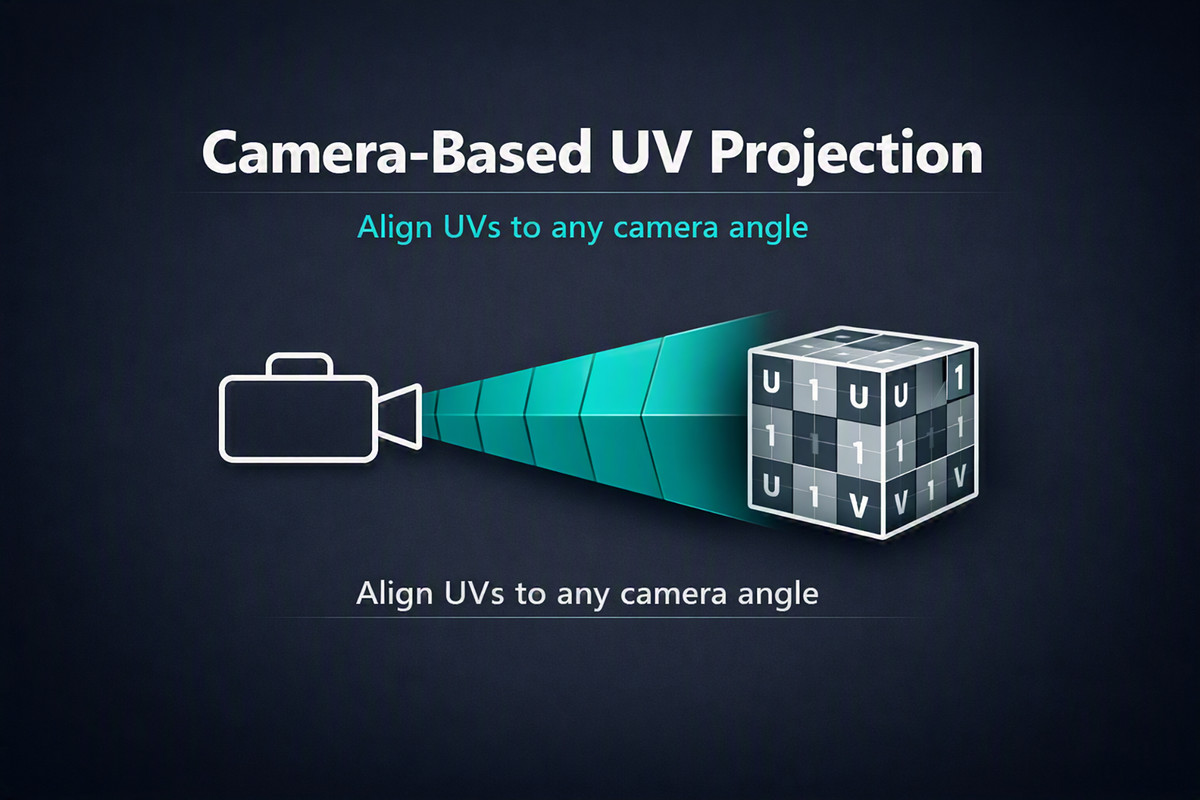
The UV Projector Tool is a custom Unity Editor utility that projects UVs onto MeshFilter or ProBuilder objects using either a specified camera or the active Scene View.
Affiliate link · Purchases support this site
Price history
Last 6 months
USDAsset preview
1 / 5
CameraUVs-Polygonhelpers screenshot 1
About this asset
The UV Projector Tool is a custom Unity Editor utility that projects UVs onto MeshFilter or ProBuilder objects using either a specified camera or the active Scene View. It provides a fast, Project From View workflow directly inside the Unity Editor.
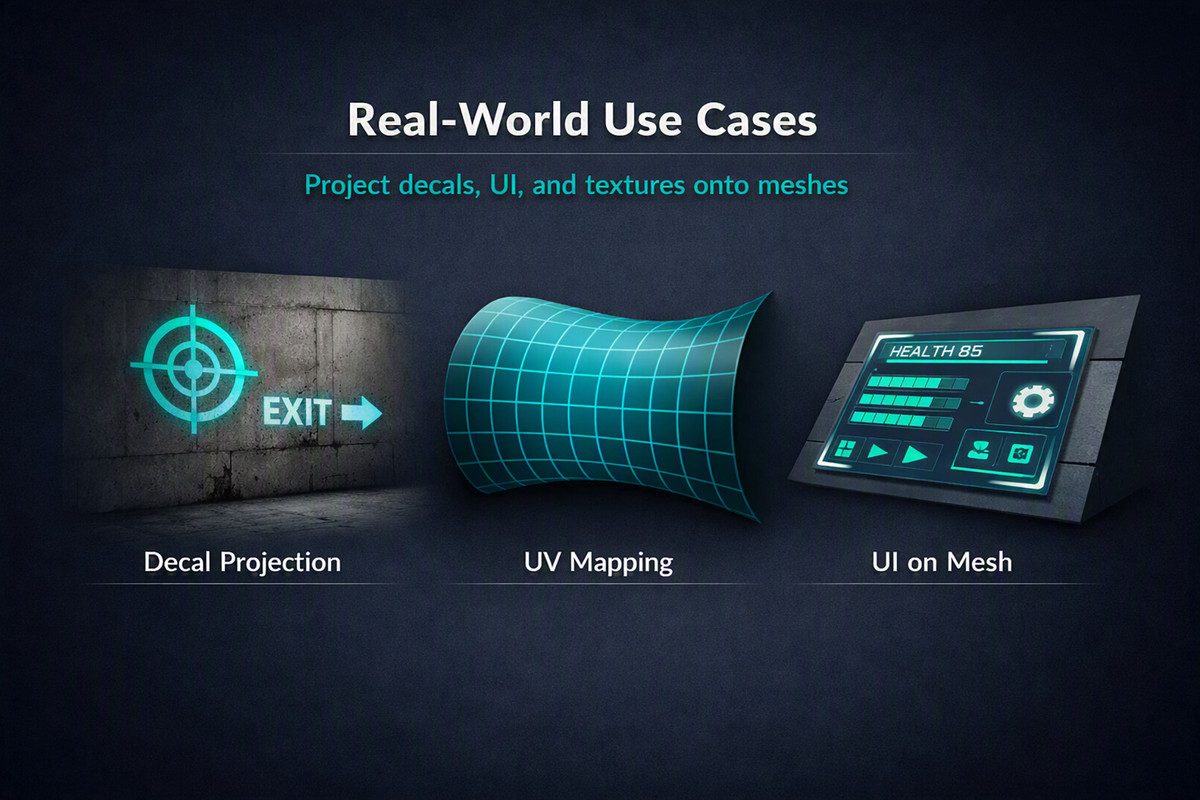
This tool is designed for:
• Trim sheet workflows
• Decal projection
• Quick planar UV mapping
• ProBuilder face-selection UV projection
• SceneView-driven UV alignment
The tool writes UVs to UV1, ensuring full compatibility with the ProBuilder UV Editor.
From the publisher's Asset Store listing.
Technical details
UV Projector Tool — README
Requirements
Unity Editor 2021.3 or newer Fully compatible with Unity 2021 LTS, 2022 LTS, and Unity 6 (6000.x).
• Windows & macOS
## ProBuilder dependency
UV Projector works in two modes:
- **Without ProBuilder (default)**
- Supports standard `MeshFilter` meshes.
- You can project UVs from a camera or Scene view onto any mesh.
- **With ProBuilder installed**
- Enables ProBuilder-specific features:
- Projecting UVs onto **ProBuilderMesh**
- Projecting onto **selected faces only**
Installation notes
- ProBuilder is **optional at compile time**.
- If ProBuilder is not installed:
- The UV Projector window still works for `MeshFilter` meshes.
- If ProBuilder is installed via the Package Manager:
- The tool automatically detects it
- MacOS users dock the UV Projector window first
Features
• Camera-based UV projection Projects UVs using the active SceneView camera or a user-assigned camera.
• ProBuilder support Works with both standard MeshFilters and ProBuilderMesh objects.
• Selected-faces mode Optionally project UVs only onto selected ProBuilder faces.
• Non-destructive workflow Only modifies UVs — geometry remains untouched.
• Clean Editor-only DLL No runtime scripts, no bloat, no build impact.
Overview
The UV Projector Tool is a custom Unity Editor utility that projects UVs onto MeshFilter or ProBuilder objects using either a specified camera or the active Scene View. It provides a fast, Project From View workflow directly inside the Unity Editor.
This tool is designed for:
• Trim sheet workflows
• Decal projection
• Quick planar UV mapping
• ProBuilder face-selection UV projection
• SceneView-driven UV alignment
The tool writes UVs to UV1, ensuring full compatibility with the ProBuilder UV Editor.
3. Open the tool
Once imported, open the tool from the Unity menu:
Tools → ProBuilder → UV Projector Tool
You can dock this window anywhere in the Unity Editor, and MacOS users suggested to do this first.
Using the Tool
1. Assign a target object
You can project UVs onto:
• A MeshFilter
• A ProBuilderMesh
Assign one of these in the tool window:
• MeshFilter — for standard Unity meshes
• ProBuilder Mesh — for ProBuilder geometry
Note: Only one target needs to be assigned at a time.
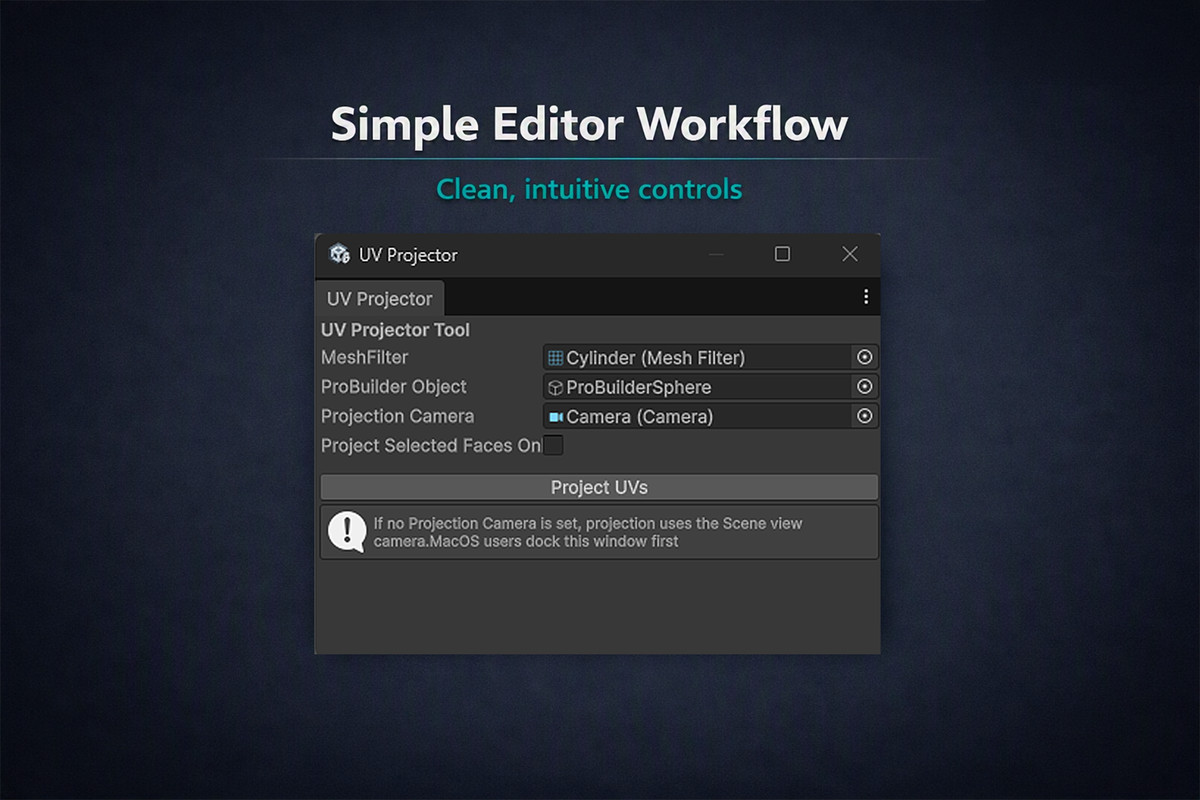
2. (Optional) Assign a Projection Camera
You may assign a camera to control the projection direction.
If you leave this field empty:
The tool will automatically use the active Scene View camera.
This is ideal for “Project From View” workflows.
3. (Optional) Enable Face-Selection-Only
If the target is a ProBuilder mesh, you can enable:
Project Selected Faces Only
This will project UVs only onto the currently selected faces in the ProBuilder editor.
4. Click “Project UVs”
Press the button to apply the projection.
The tool will:
• Convert world positions into clip-space
• Normalize them into UV coordinates
• Write them into UV1
• Refresh the mesh
• Mark it dirty for saving
How Projection Works
Projection Camera
UVs are generated by projecting vertices through the camera’s:
• worldToCameraMatrix
• projectionMatrix
This produces a normalized UV coordinate in the range 0–1.
Scene View Fallback
If no camera is assigned, the tool uses:
SceneView.lastActiveSceneView.camera
This allows intuitive “look at the object → project UVs” workflows.
ProBuilder Compatibility
This tool is fully compatible with ProBuilder 6.0.9.
• UVs are written using SetUVs(1, List<Vector4>)
• UVs are read using GetUVs(1, List<Vector4>)
• All UVs are stored in UV1
• UV2–UV4 are intentionally not used (PB marks them read-only)
Limitations
• Only UV1 is editable in the ProBuilder UV Editor
• UV2–UV4 are not used by this tool
• MeshFilter projection does not support face-selection mode
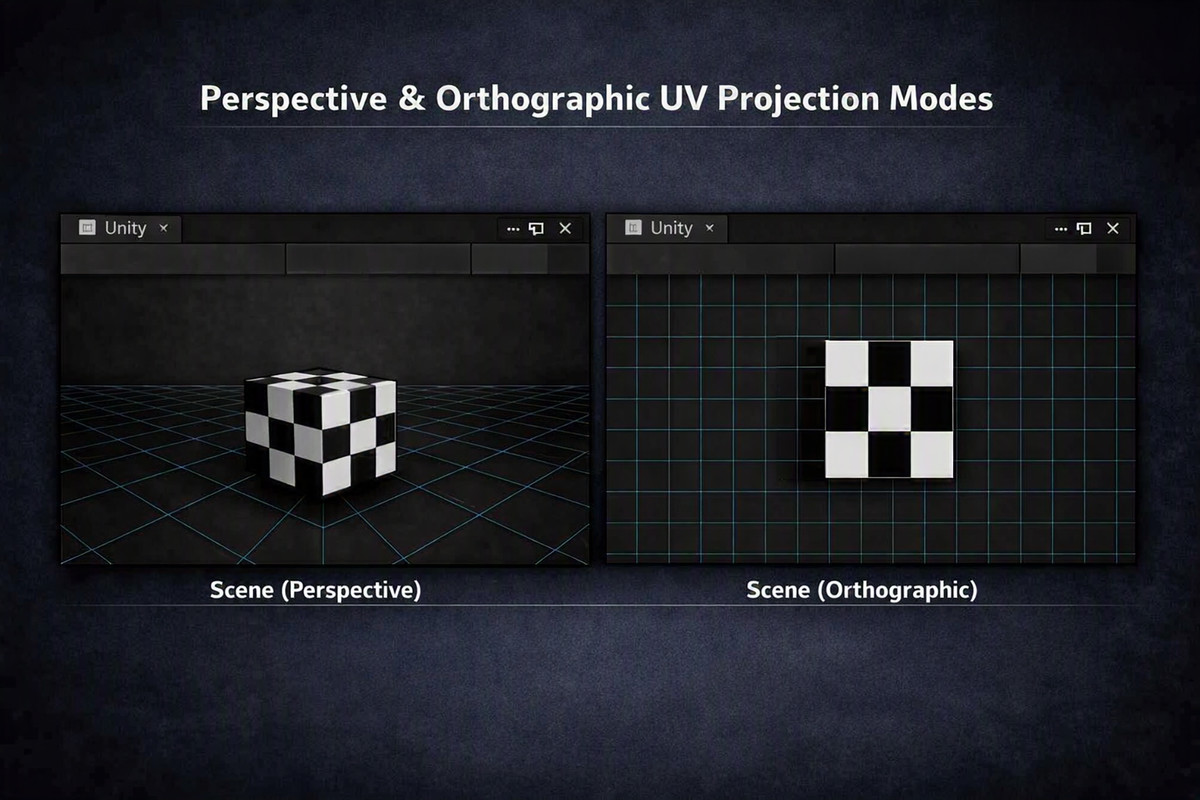
• Orthographic projection depends on the camera’s settings
• Very large meshes may require manual UV scaling
Recommended Workflow
1. Frame your object in the Scene View
2. Select faces (optional, ProBuilder only)
3. Open UV Projector Tool
4. Assign your target mesh
5. Leave Projection Camera empty (Scene View fallback)
6. Click Project UVs
7. Fine-tune in the ProBuilder UV Editor if needed
Compatibility
| Unity version | Built-in | URP | HDRP |
|---|---|---|---|
| 6000.3.8f1 | Compatible | Compatible | Compatible |
As listed on the Asset Store.