
 View on Asset Store (opens in new tab)
Package details
- Latest version
- 1.1.0
- Last updated
- First released
- Unity version
- 6000.2.8 or later
- Package size
- 93 KB
- Files
- 59
- Views in the past week
- 2
Price tracking
- Last checked
- Tracked since
- Lowest recorded
- $19.99 on
Keywords
DevBoard
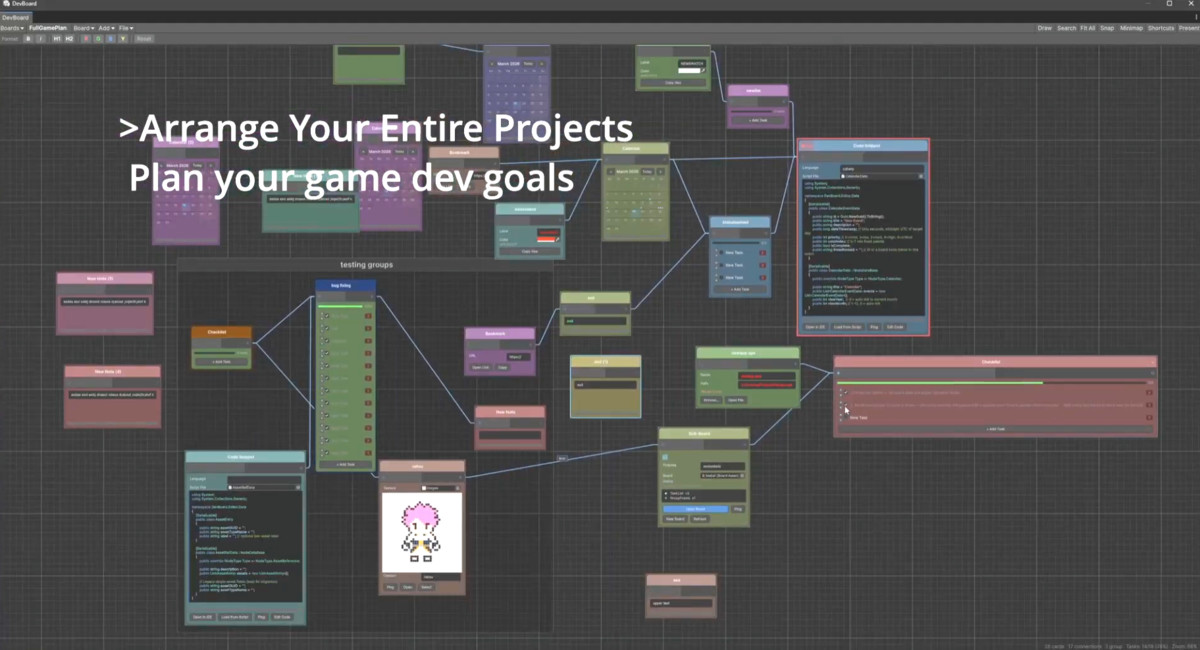
DevBoard plan your game visually, right inside Unity. Sticky note, task lists, calendars,code snippets,sketching, and more on a freeform node canvas. Built for solo devs and teams
Affiliate link · Purchases support this site
Price history
Last 6 months
USDAsset preview
1 / 7
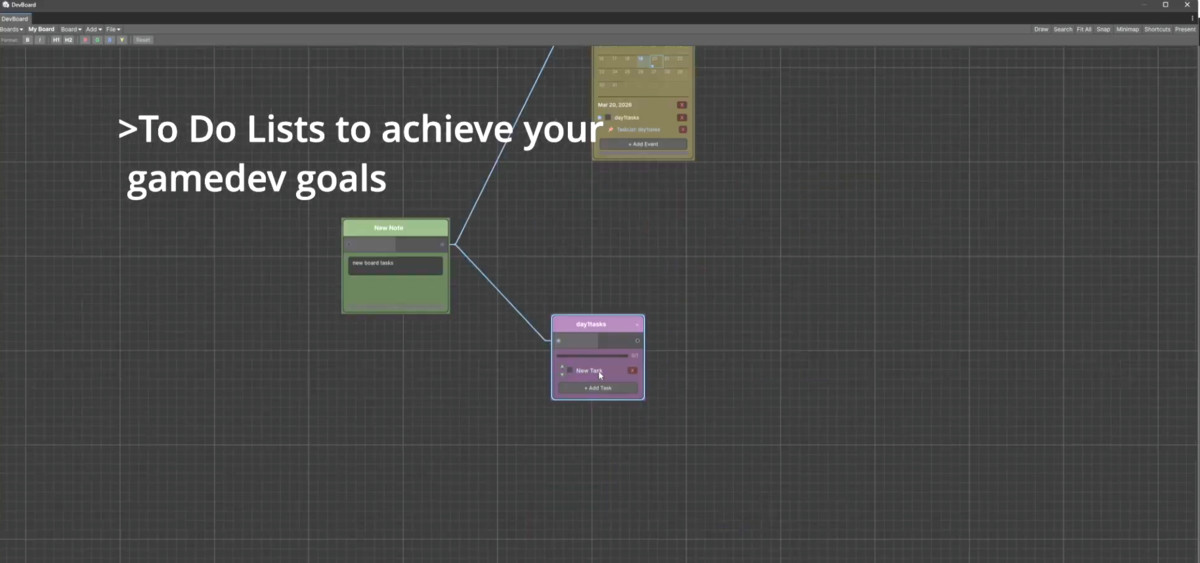
DevBoard screenshot 1
About this asset
● Plan, organize, and brainstorm without ever leaving Unity.
DevBoard is a visual planning tool that lives inside your Editor. Drop nodes on a canvas, connect them, sketch ideas,
and keep everything about your project in one place.
---
What's in the box:
- Sticky notes for quick ideas and reminders
- Task lists with checkboxes, progress bars, and reordering
- Calendar with monthly view, color-coded events, and node linking
- Code snippets with syntax highlighting (VS Dark theme colors)
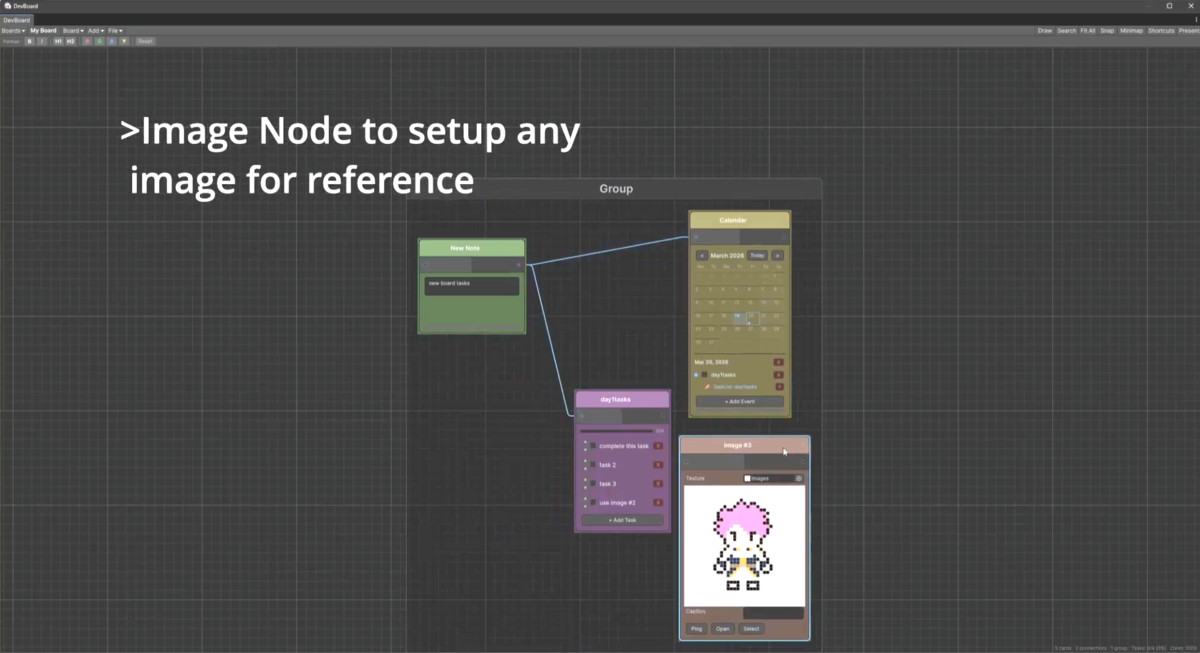
- Image nodes , drag textures/sprites straight from your Project
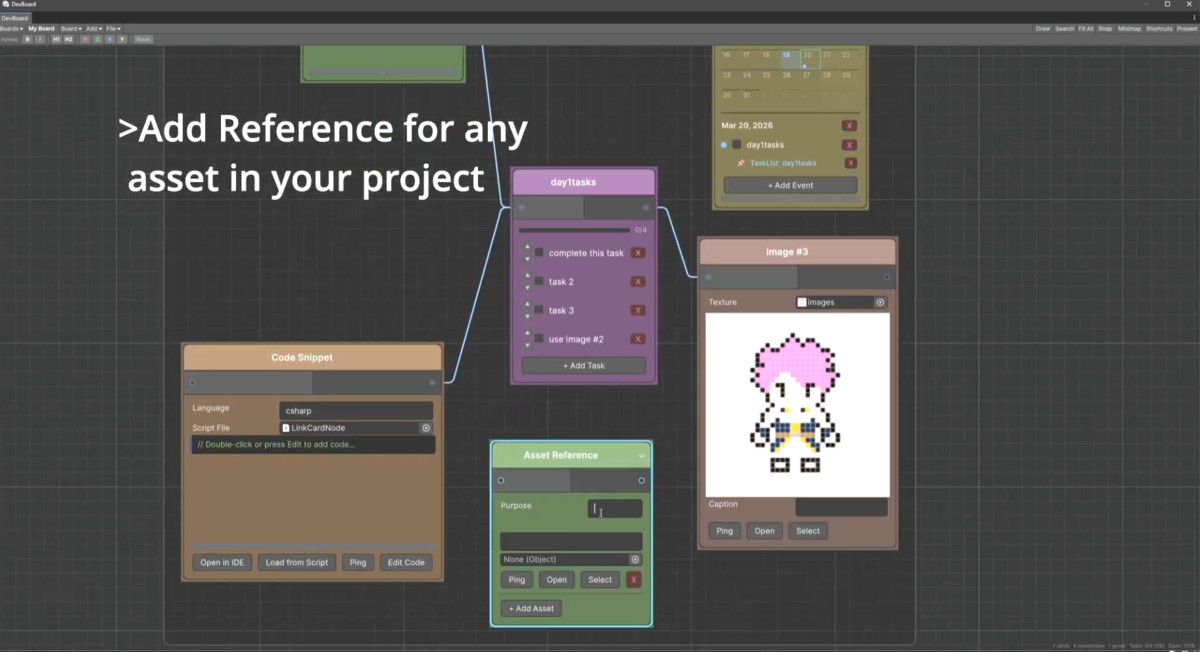
- Asset references , link to any asset, ping it, select it
- Bookmarks for URLs you keep losing
- Color swatches with hex copy
- Shapes and dividers for visual structure
- Sub-boards for nested organization
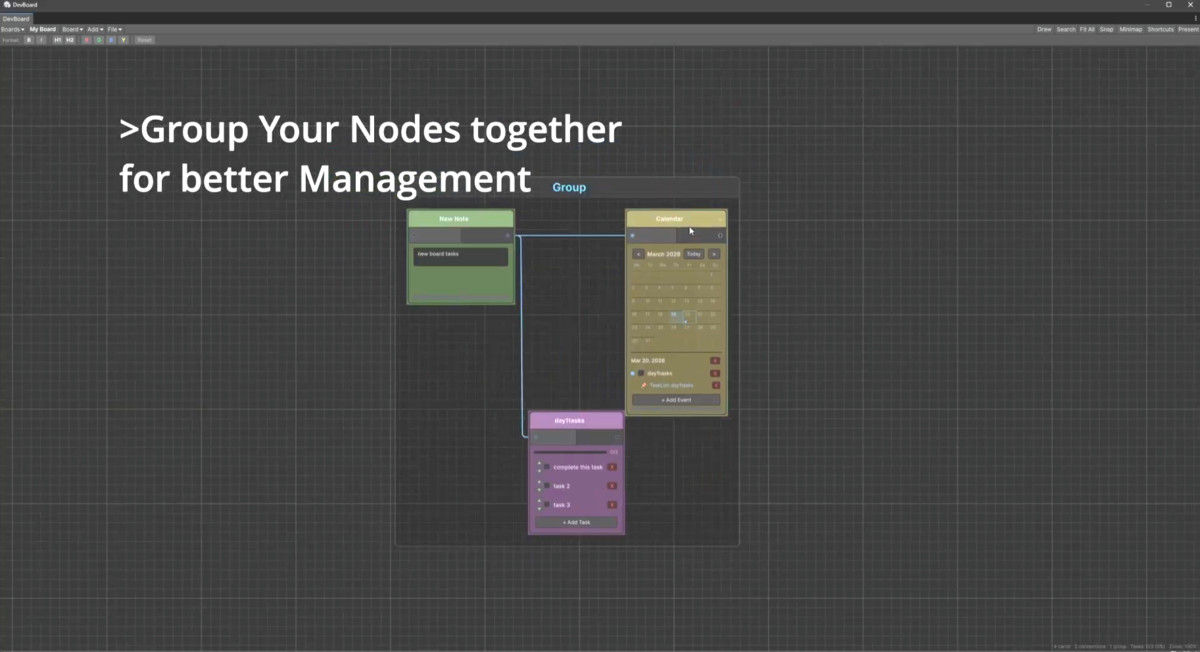
- Group frames to cluster related nodes
Draw on your board:
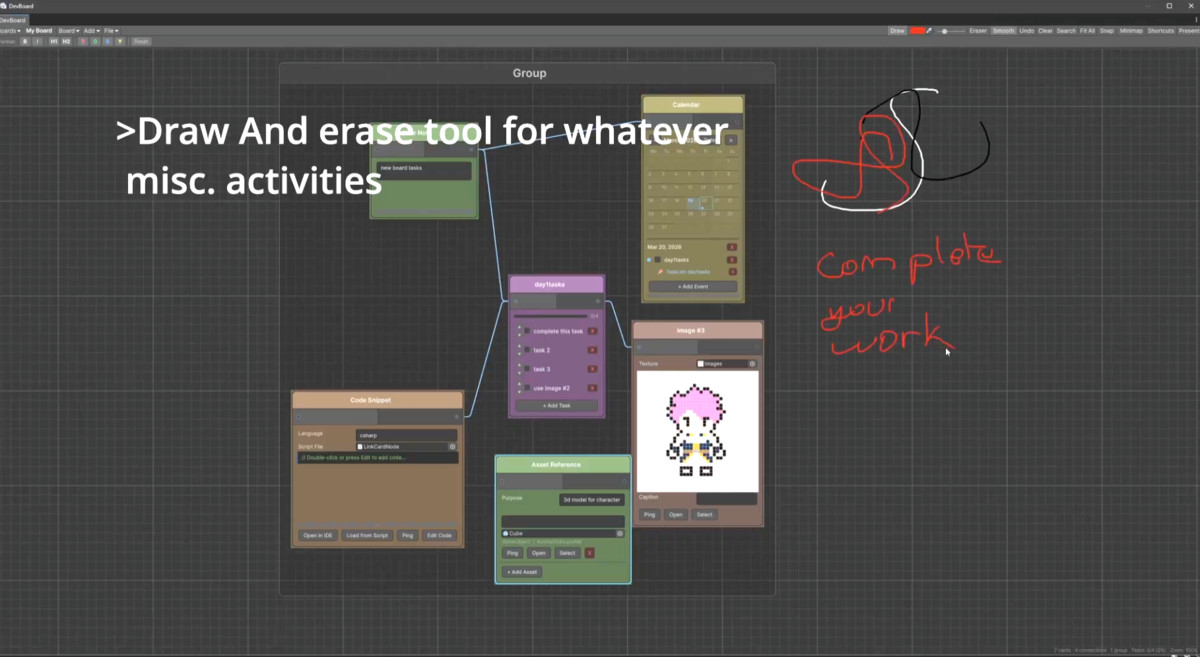
Freehand sketching tool with adjustable brush, color picker, smoothing, and an eraser. Great for wireframes, arrows,
or circling the thing that's broken.
Actually usable shortcuts:
Right-click to create. Double-click to rename. Ctrl+D to duplicate. Alt+drag for quick copies. Tab to walk
connections. All shortcuts are rebindable.
Doesn't fight you:
- Auto-saves every 10 seconds
- Full undo/redo
- Works with dark and light editor themes
- Zoom-dependent detail ,content fades when you zoom out
- Search across all nodes by title, content, or tags
- Minimap for large boards
- Snap-to-grid toggle
- Import/export boards as JSON
- Presentation mode for reviews
Templates to get started fast:
Getting Started, Sprint Planning, Game Design Document, Bug Tracker , or start blank.
4-level priority system:
Tag any node as Low, Medium, or High priority. Colored borders and badges make them impossible to miss.
No runtime overhead:
Editor-only. Zero impact on your builds. Ships as a single folder you can drop anywhere in your project.
---
Tested on Unity 2020.3+. Works on Windows and Mac
From the publisher's Asset Store listing.
Technical details
- Editor-only tool , no runtime scripts, no build impact
- Single folder install, relocatable anywhere under Assets/
- Assembly definition (DevBoard.Editor.asmdef) keeps compilation isolated
- Built on Unity's GraphView API
- Data stored as ScriptableObjects with SerializeReference for polymorphic node serialization
- Auto-save interval: 10 seconds
- Undo/Redo via Unity's built-in Undo system
- USS stylesheets for both dark and light editor skins
- O(1) node lookup via internal dictionary cache
- Sketch strokes rendered with ImmediateModeElement + GL
- Chaikin subdivision smoothing on freehand strokes (2 passes, toggleable)
- Regex-based syntax tokenizer for code highlighting
- JSON import/export with full board serialization
- Dynamic path resolution , no hardcoded asset paths
- EditorPrefs for persisting user settings (shortcuts, last board)
- No third-party dependencies
- No unsafe code
- Compatible with Unity 2020.3 LTS and later
Supported Node Types (11):
StickyNote, TaskList, Calendar, CodeSnippet, Image, AssetReference, LinkBookmark, ColorSwatch, Shape, FileAttachment,
SubBoard
Plus: GroupFrame for visual clustering, labeled edge connections, freehand sketch layer
File size: ~120KB of C# source, 2 USS stylesheets, no textures or binary assets
Compatibility
| Unity version | Built-in | URP | HDRP | Custom |
|---|---|---|---|---|
| 6000.2.8f1 | Compatible | Compatible | Compatible | Compatible |
As listed on the Asset Store.