
 View on Asset Store (opens in new tab)
Package details
- Latest version
- 1.1
- Last updated
- First released
- Unity version
- 6000.3.6 or later
- Package size
- 434 KB
- Files
- 31
- Favorites
- 2
- Views in the past week
- 9
Price tracking
- Last checked
- Tracked since
- Lowest recorded
- $13.99 on
Keywords

Inventory Manager
- Price drop
A powerful, modular inventory solution built with Unity's UI Toolkit and the new Input System. Features drag-and-drop, stack splitting, and custom external storage.
Lowest in 6 months
Get 25% off on Asset Store (opens in new tab)Affiliate link · Purchases support this site
Price history
Last 6 months
USDAsset preview
1 / 4
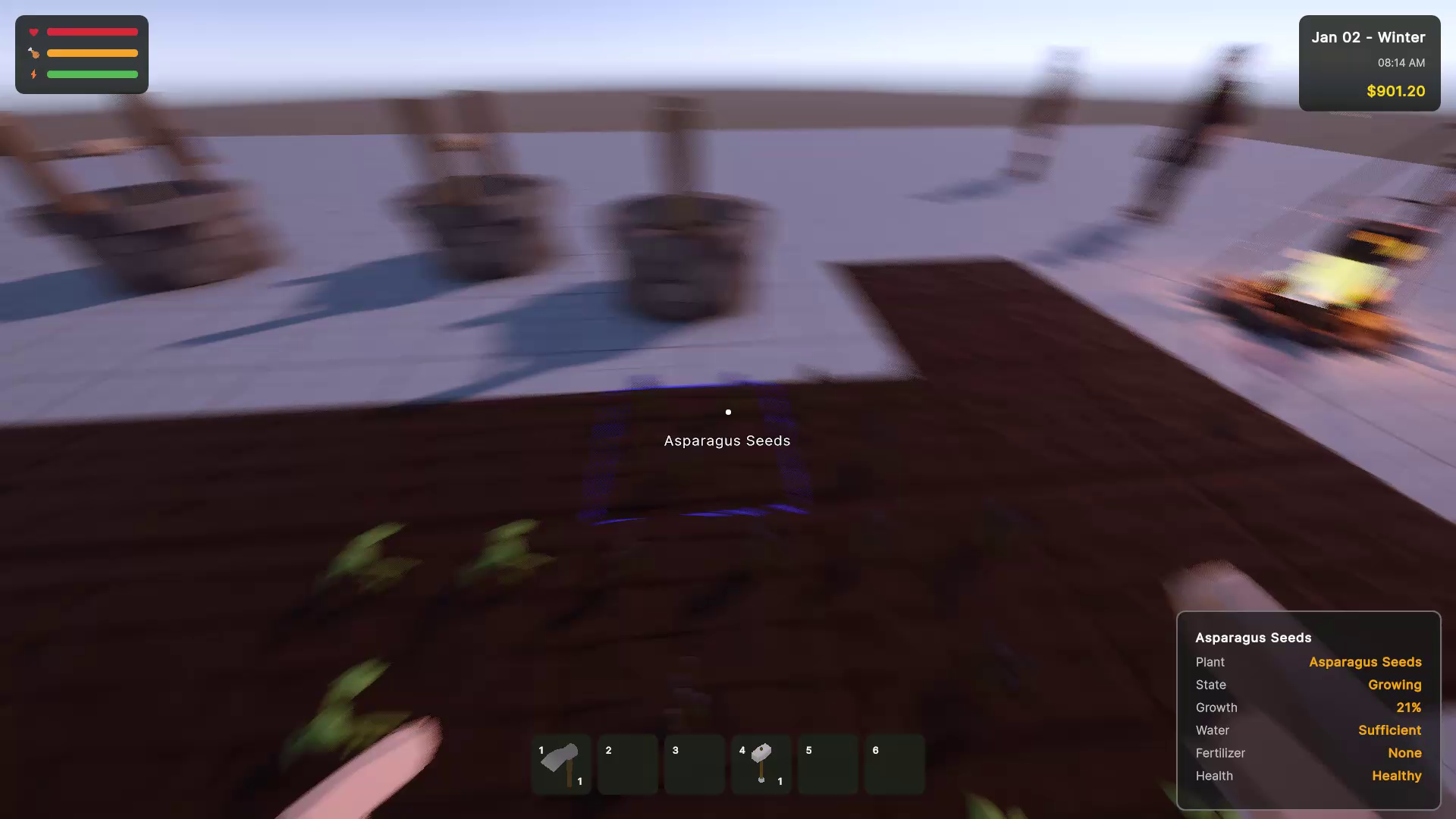
Inventory Manager video 1 (plays on the Asset Store)
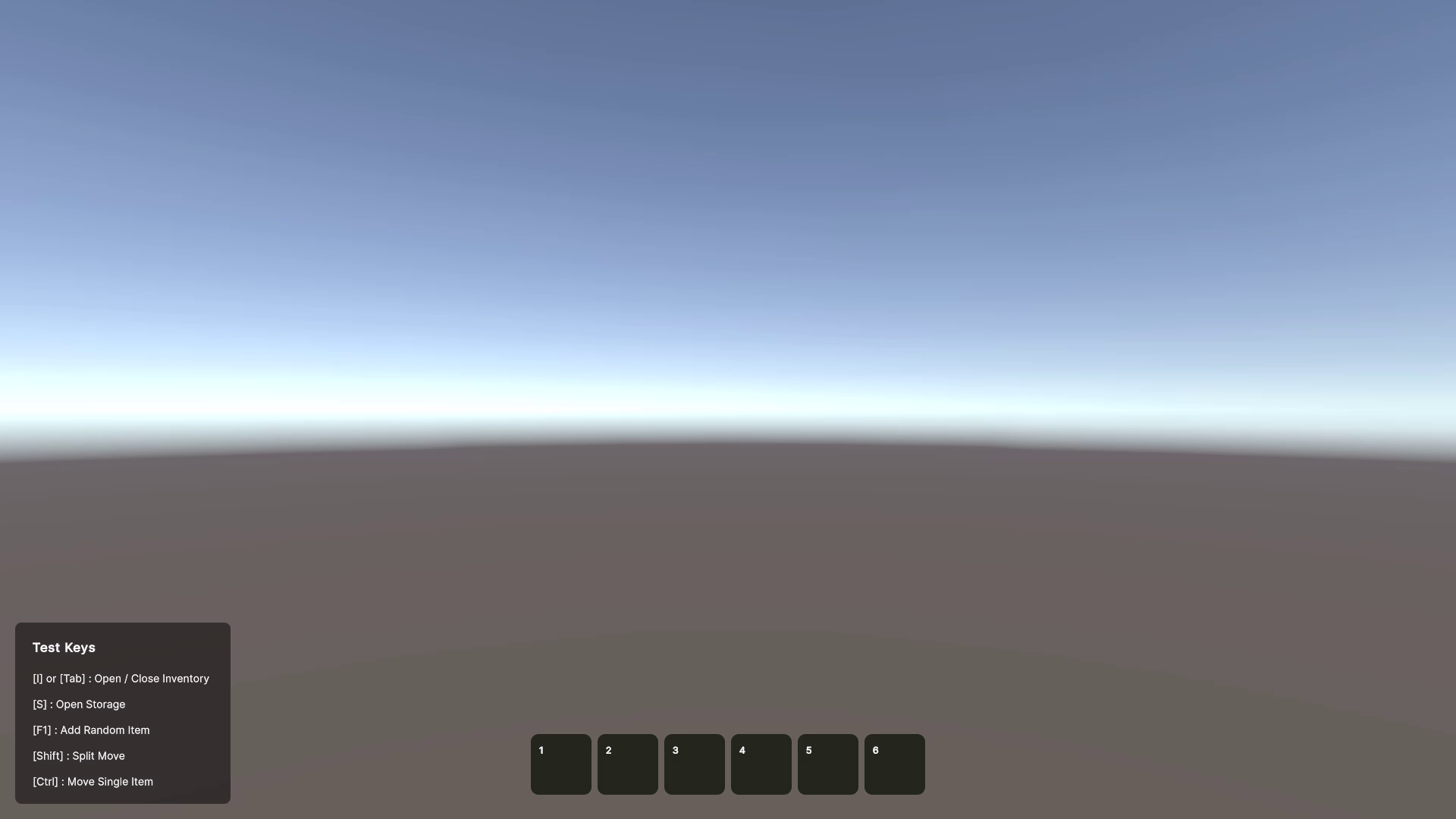
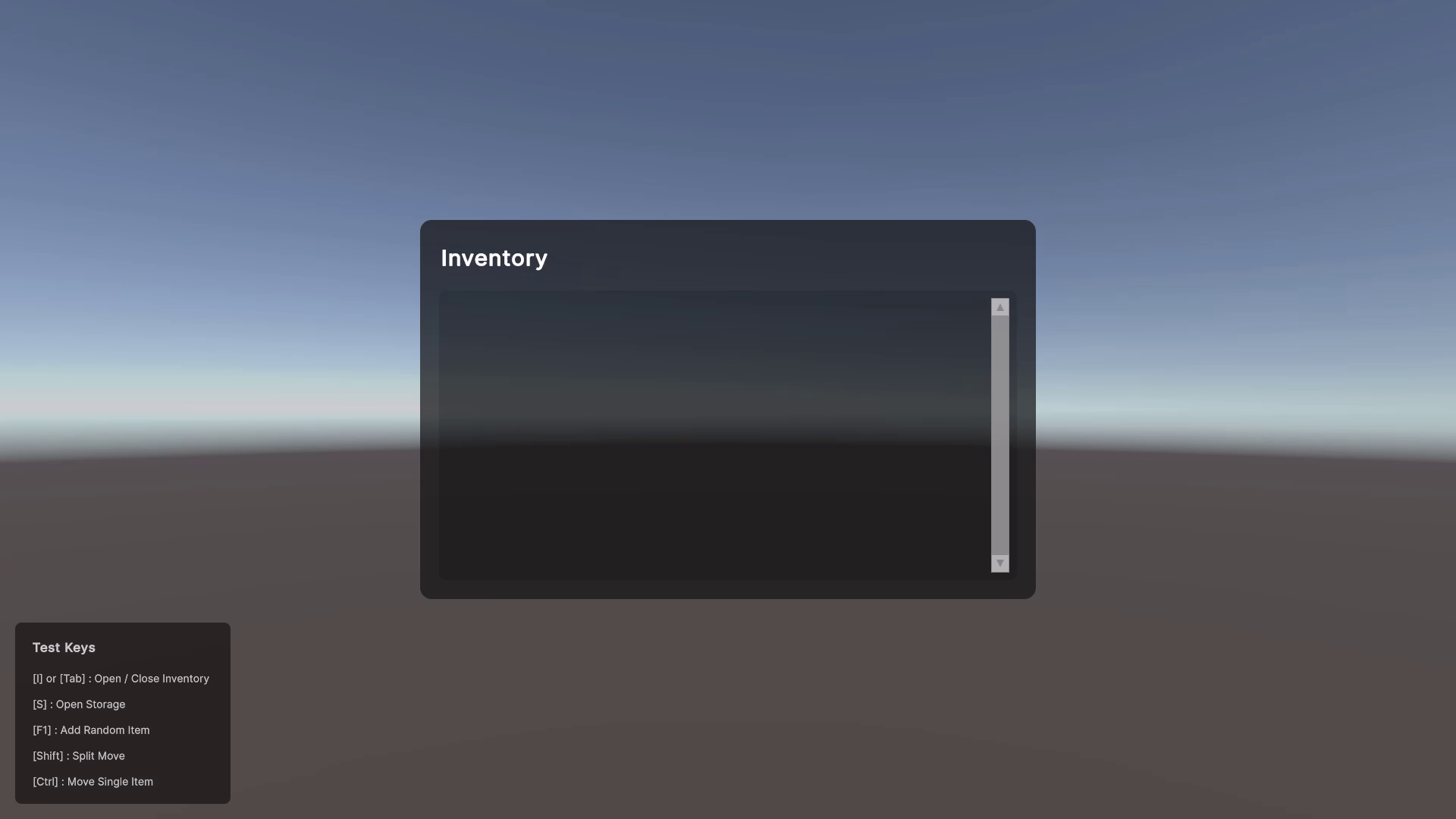
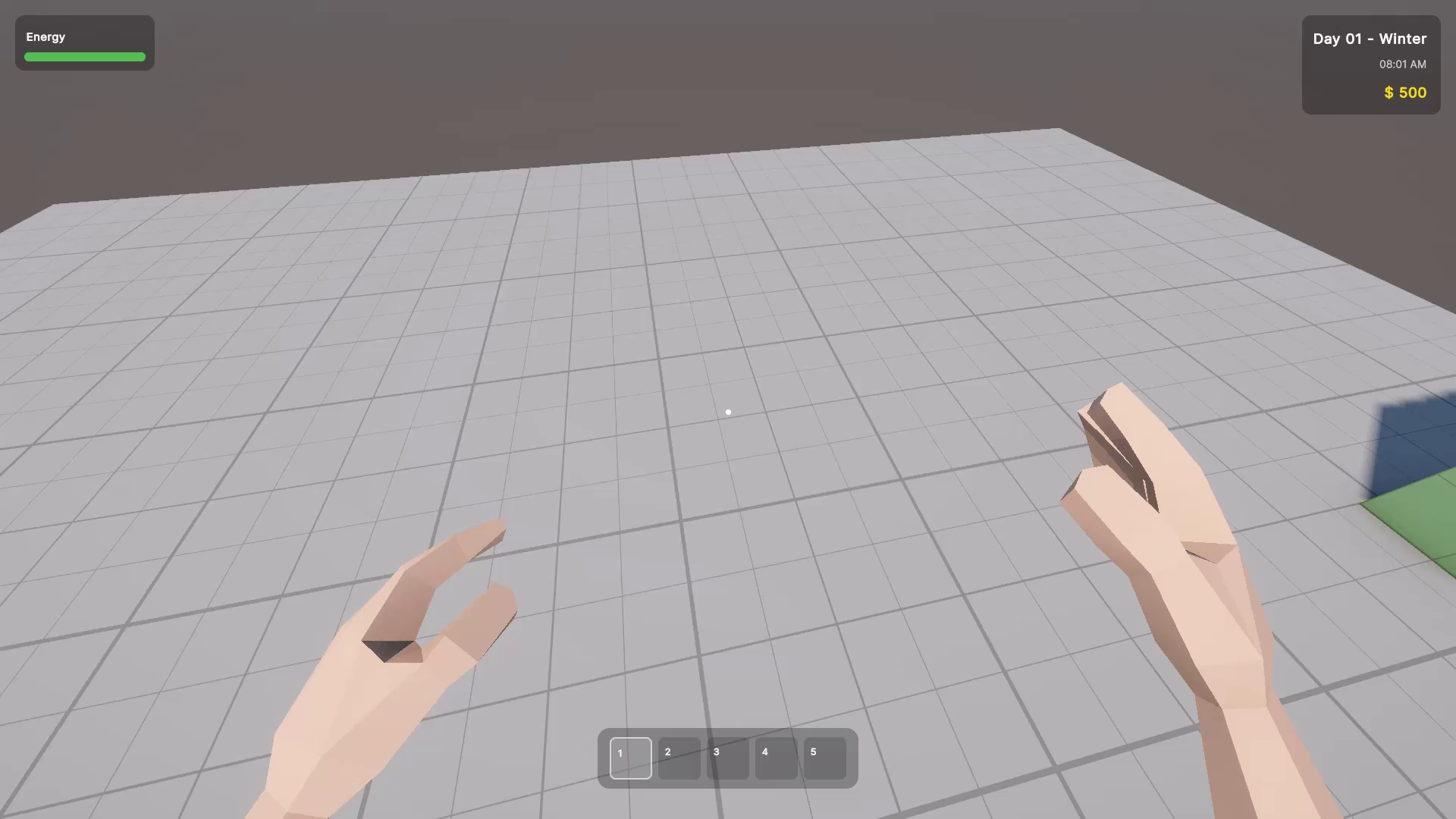
About this asset
Inventory Manager is the ultimate foundation for your game's item management needs. Designed from the ground up utilizing Unity’s modern UI Toolkit, this package offers a clean, performant, and highly customizable UI paired with a robust backend architecture.
Whether you are building an RPG, a survival game, or a cozy farming simulator, this asset gives you the essential inventory mechanics out of the box while remaining completely open for your custom gameplay logic.
Say goodbye to spaghetti UI code. We utilize a decoupled ScriptableObject system for defining items. Creating new items is as simple as right-clicking in the project view! Need to add a chest, loot drop, or vault to your world? Simply inherit from our provided `StorageBase` class, and the system automatically handles transferring items between the player and the container.
Key Features:
Modern UI Toolkit Integration: Clean, flexible, and performant UI built with Unity's latest UI paradigm.
Built on New Unity Input System: Employs the new Input System for responsive controls, inventory toggling, and complex click modifiers.
Intuitive Drag & Drop: Click and drag to effortlessly move items across inventory slots and external containers.
Advanced Stack Management: Drop exactly half a stack with a modifier key, or drop items one-by-one for precise inventory organization.
Quick Slots (Hotbar): Easily assign and access items instantly with dedicated quick slots, directly tied to number keys.
Dynamic Tooltips: Hover over any item to view its name, icon, and dynamic details instantly, utilizing robust tooltip support.
ScriptableObject Driven: Define your items (IDs, names, icons) as data assets. Adding custom stats like `weight` or `rarity` takes just two lines of code!
Seamless External Storage: Built-in support for chests, vaults, and dead drops. Simply attach the `StorageBase` component to any GameObject, and the UI handles the rest.
Developer Friendly API: Clean, well-documented C# singletons (`InventoryManager.Instance.AddItem(...)`) make interacting with the player's stock fully hassle-free.
Get your game's economy and player loadout up and running in minutes, and easily scale it to fit the unique needs of your project.
From the publisher's Asset Store listing.
Technical details
Architecture:
- ScriptableObject-based item database (`ItemSO`).
- Singleton Managers (`InventoryManager`, `DatabaseManager`) for easy global access.
- Fully decoupled logic, data, and presentation layers.
Dependencies / Requirements:
UI Toolkit: Requires Unity 2021.3+ (UI Toolkit is built-in).
New Unity Input System: Requires the `com.unity.inputsystem` package to handle inventory shortcuts, toggling, and drag-and-drop modifiers seamlessly.
What's Included:
100% Open C# Source Code: Fully commented and cleanly formatted.
Complete UI Assets: Pre-built `.uxml` and `.uss` files representing the standard Player Inventory and Storage Grids.
Demo Scene: A fully functional showcase scene with a player inventory, several interactive `StorageBase` chests, and a variety of mock items.
Comprehensive Documentation: Markdown documentation outlining Setup, Item Creation, API references, and architecture overviews.
Platform Compatibility:
Tested and optimized for Windows, Mac, Linux, WebGL, Android, and iOS.
API Highlights:
* `InventoryManager.Instance.AddItem(id, amount)`
* `InventoryManager.Instance.RemoveItem(id, amount)`
* `InventoryManager.Instance.HasAmount(id, amount)`
* `InventoryManager.Instance.OpenInventoryWithStorage(StorageBase container)`
Compatibility
| Unity version | Built-in | URP | HDRP | Custom |
|---|---|---|---|---|
| 6000.3.6f1 | Compatible | Compatible | Compatible | Compatible |
As listed on the Asset Store.