
 View on Asset Store (opens in new tab)
Package details
- Latest version
- 1.2.0
- Last updated
- First released
- Unity version
- 2022.3.62 or later
- Package size
- 4.3 MB
- Files
- 142
- Favorites
- 2
- Views in the past week
- 22
Price tracking
- Last checked
- Tracked since
- Lowest recorded
- $14.99 on
Keywords

Visual FSM Graph Editor – AI State Machine Tool
- Price drop
Design and debug AI state machines visually in Unity. Drag-and-drop ScriptableObject states, then watch them run live in Play mode, no log spam.
Lowest recorded price
Get 50% off on Asset Store (opens in new tab)Affiliate link · Purchases support this site
Price history
Last 6 months
USDAsset preview
1 / 5
Visual FSM Graph Editor – AI State Machine Tool screenshot 1
About this asset
FSM Graph Editor Tool
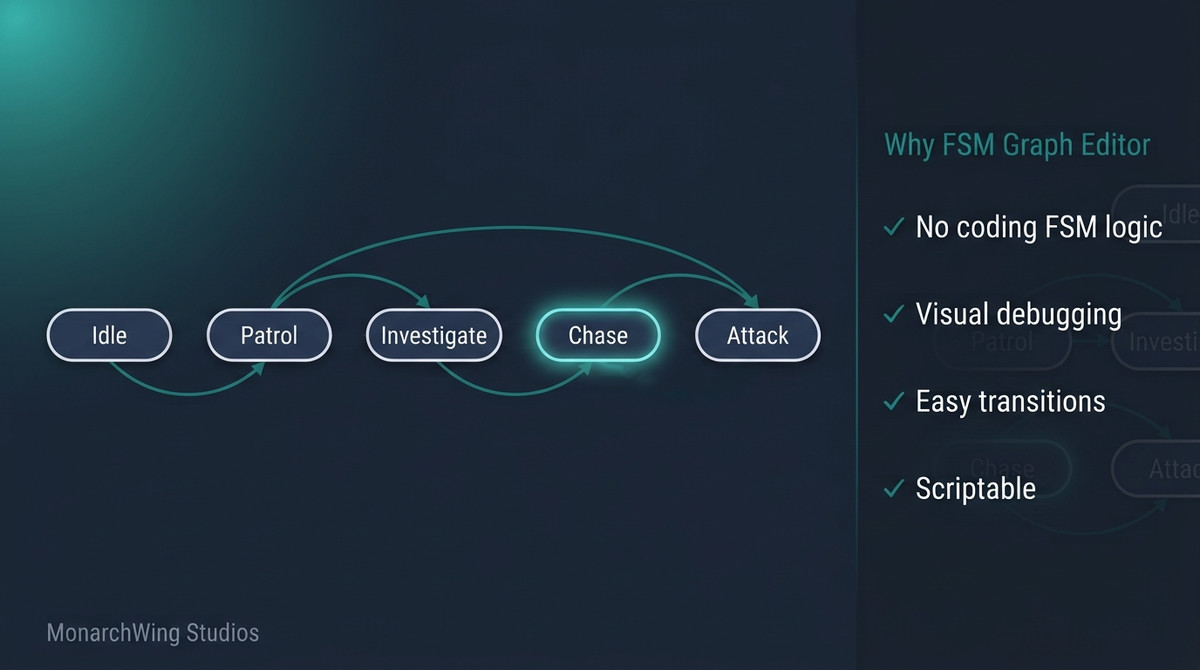
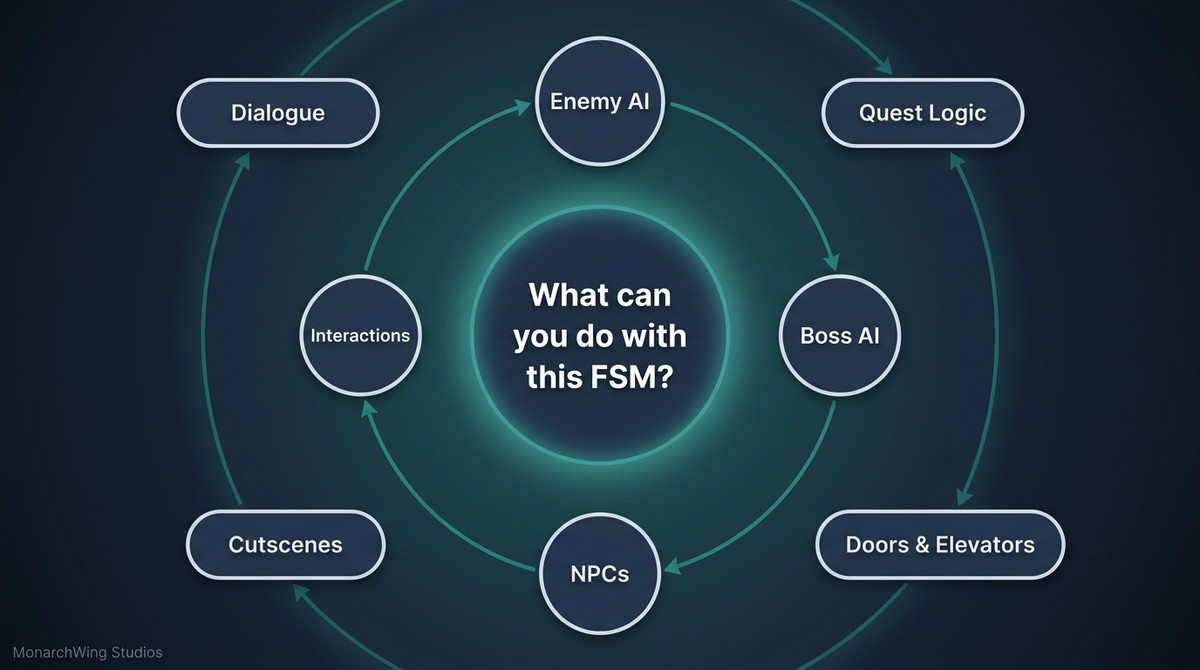
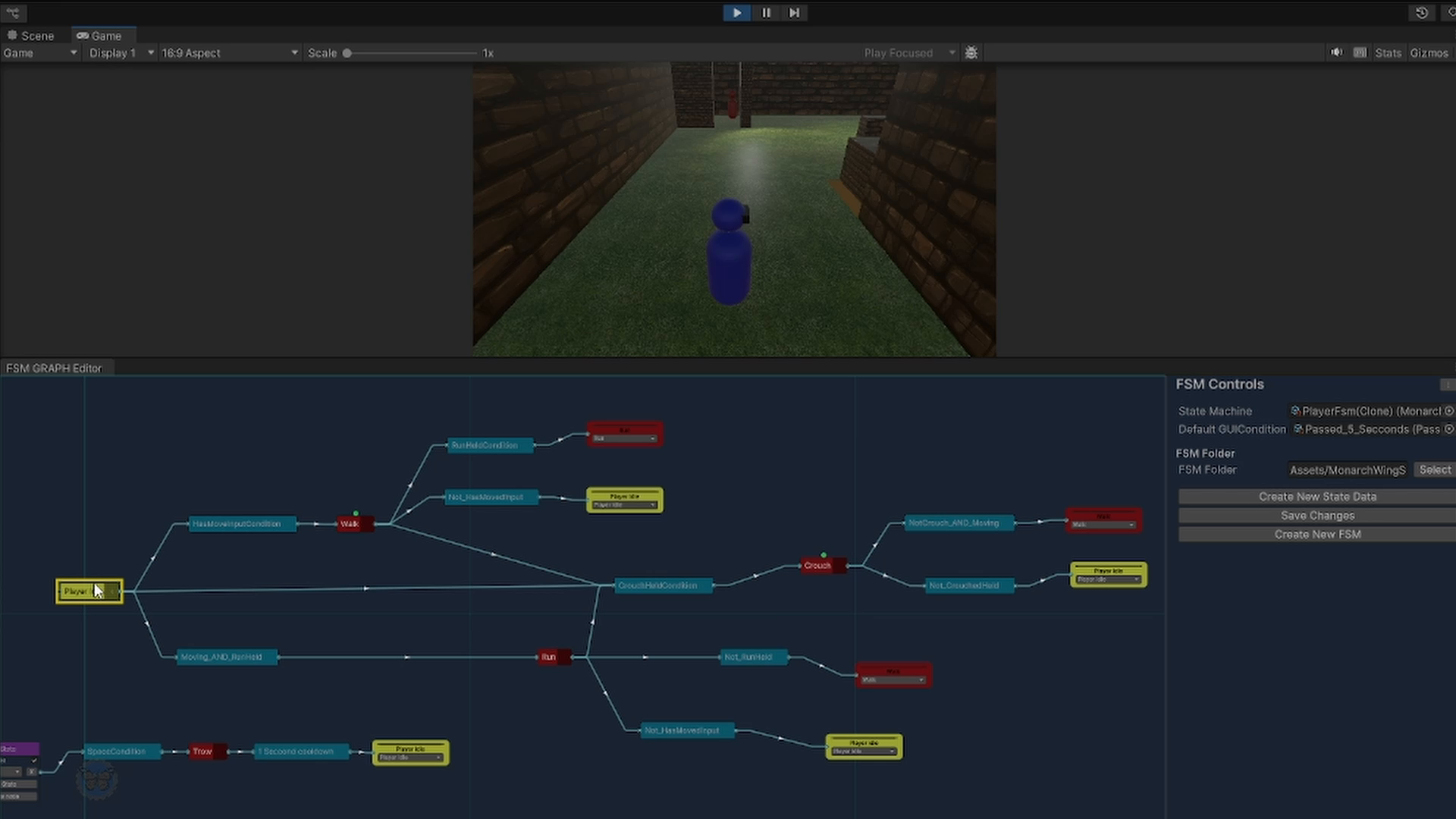
Design and debug AI state machines visually, without leaving Unity's Editor. FSM Graph Editor lets you build patrol, chase, attack, and any other agent behavior as a drag-and-drop graph of ScriptableObject states and conditions, then watch it run live during Play mode.
Key Features
Visual Graph Editor
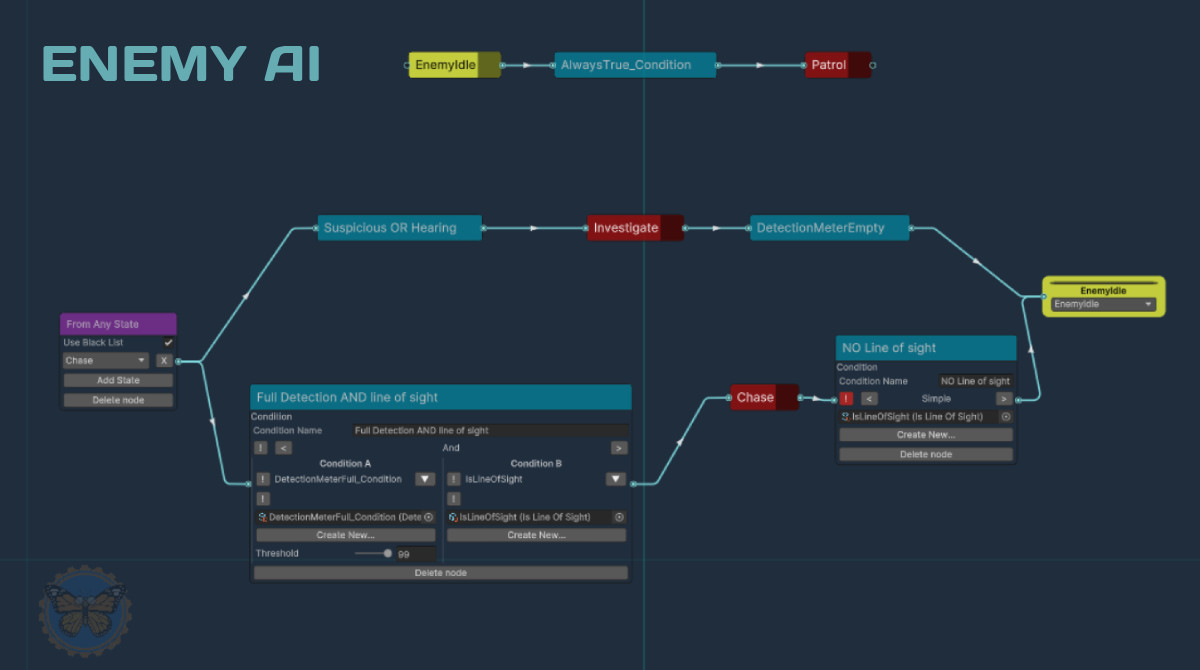
Build state machines by dragging nodes and connections in a dedicated GraphView window (Tools > MonarchWing > FSM Graph Editor). Snap-to-grid, zoom and pan, and reroute nodes keep even large graphs readable.
ScriptableObject Architecture
States and conditions are plain ScriptableObjects with no dependency on the editor, so your AI logic works the same in builds as it does at design time. Multiple entities can safely share one FSM asset: each gets its own running instance under the hood.
Live Play Mode Debugging
Select any entity while your game is running and the graph window instantly shows that entity's actual live state machine, with the active state highlighted and a short trail of its recent transitions. No console log spam required to see what your AI is doing.
Decoupled Condition Logic
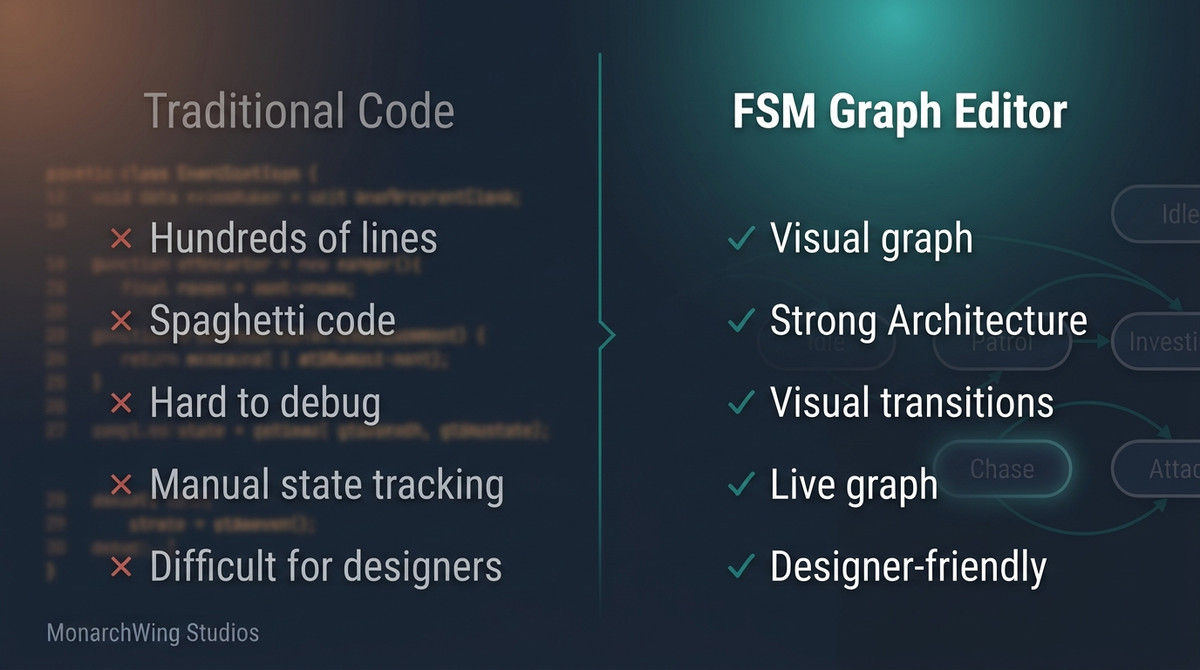
Compose complex transition logic from simple building blocks using included Logic Gate conditions (AND, OR, NEGATE) that wrap your existing conditions, instead of writing a new script for every combination.
Runtime Spawning Support
Configure patrol routes and targets from code, so you can spawn FSM-driven entities procedurally (object pools, crowds) rather than only wiring them by hand in the Inspector.
Custom Inspector Integration
A one-click shortcut on any FSM-driven component jumps straight to its state machine in the graph editor.
Example Content Included
A working Soldier-chases-Target demo scene, plus reference state and condition scripts to copy from when building your own behaviors.
Full Documentation
A combined setup guide and script/API reference (PDF) covers both the no-code visual workflow and writing your own custom states and conditions.
Dependencies:
- Unity 2022.3 LTS or newer
- Unity's Visual Scripting package (com.unity.visualscripting), available via the Unity Registry in Package Manager.
- Compatible with both the Built-in Render Pipeline and the Universal Render Pipeline (URP).
From the publisher's Asset Store listing.
Technical details
- Visual GraphView-based FSM editor, accessible from Tools > MonarchWing > FSM Graph Editor
- ScriptableObject-driven state machine architecture, usable at runtime with no dependency on the editor
- Live Play mode debugging: select any entity to see its running state machine highlighted live in the graph
- Drag-and-drop state and transition creation, with snap-to-grid, zoom, and pan
- Reroute nodes for organizing long or crossing connections in large graphs
- Composable Logic Gate conditions (AND, OR, NEGATE) for building compound transition logic without new scripts
- Runtime API for spawning FSM-driven entities from code, including patrol route and target assignment
- Custom Inspector integration with a one-click shortcut from any FSM-driven component to its graph
- Automatic save on window close, with full native Undo/Redo support
- Included example scene and reference state/condition scripts
- Combined setup guide and script reference documentation (PDF)
- Compatible with both the Built-in Render Pipeline and the Universal Render Pipeline (URP)
Compatibility
| Unity version | Built-in | URP | HDRP | Custom |
|---|---|---|---|---|
| 6000.3.14f1 | Compatible | Compatible | Compatible | Compatible |
| 2022.3.62f3 | Compatible | Compatible | Compatible | Compatible |
As listed on the Asset Store.